MCPEDL
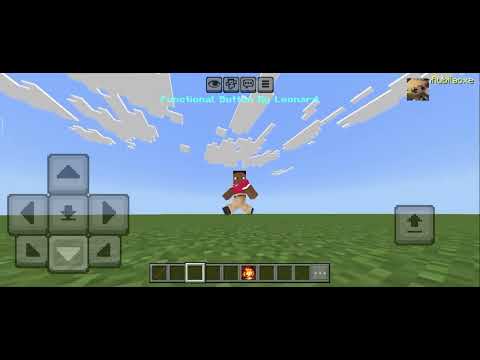
Description
Update Notes – Version 1.5
Optimized & Bug Fixes
What’s New
• Mobile and PC Support
Now fully supports both mobile and computer (mouse and keyboard).
---
• Added: showIf
Shows a button when certain conditions are met.
Examples:
If the player is holding a stick, all buttons will appear.
You can add multiple conditions, such as: holding a stick and the player has sneaked at least once.
Advanced conditions are also possible, like showing the button when the player is in battle, takes damage, or a hostile mob is nearby.
---
• Added: hideIf
Hides a button when certain conditions are met.
Examples:
If the player is holding/using/eating the stick or is sneaking.
Advanced examples: hide the button when the player is no longer in battle or hasn’t taken damage for 5 seconds.
---
• Added: addTitle Property
If you also use the title area to display text, you can now add extra text using this property.
---
• Added: Cancel Button (Mobile Only)
This button cancels certain actions.
It automatically hides when a mouse and keyboard are connected.
---
⚠️ Important Notice
If you are using the actionbar to display text, this addon will not work.
This addon temporarily uses the actionbar to show buttons, so avoid using the actionbar if you plan to use this addon.
Download Link: Functional Button V1.5
Functional Button V1.5 Team

Owner