Chat Tweaks
- By
A small quality of life addon, that adds more features to the minecraft chat system
Chats Tweaks is small addon that adds some additional features to the current minecraft chat system, it mostly add custom commands that let you change your username, join private group chats or display your pronouns alongside your name!
Given Below is a list of commands that is addon adds :
( For reference, I will be referring to mandatory parameters for the commands as <parameter> and optional parameters as [parameter] )
-
Commands that is accessible to everyone
-
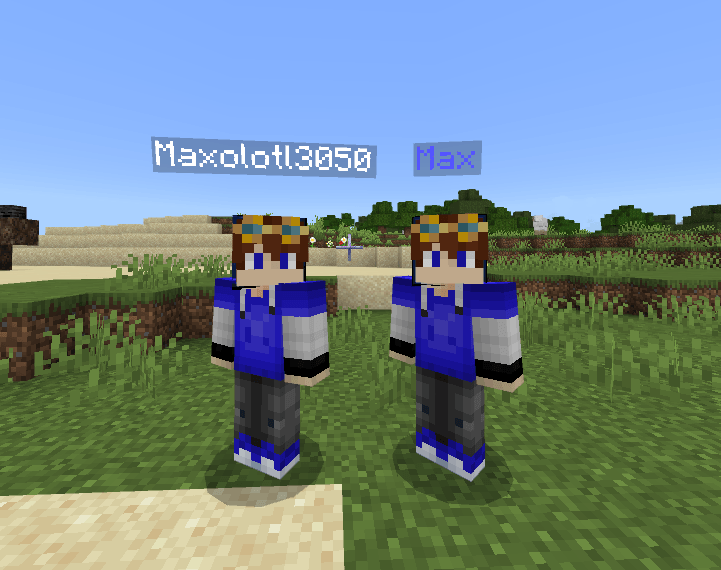
/rename <option> [new name] [format code] [custom format code]
- This command let's you change your ingame name along with the color of your name.
- Explanation for the format code parameters is given below in the 6th point.
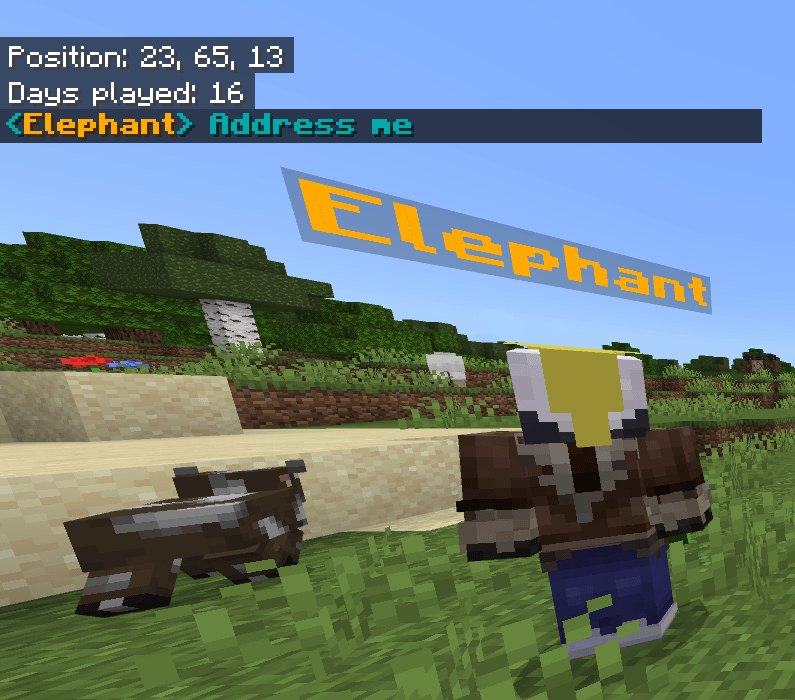
/changechatformat [format code] [custom format code]
- This command let's you change the format of your two your chat message.
- Explanation for the format code parameters is given below in the 6th point.
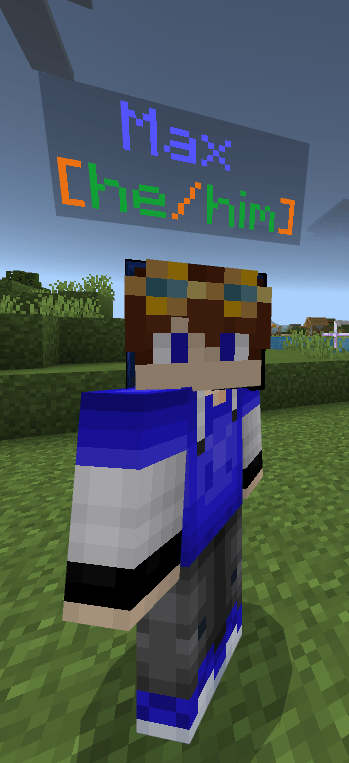
/pronouns <option> [mode] [subject pronoun] object pronoun] [format code] [custom format code]- Let's you display your pronouns in either chat or below your name or both.
- Explanation for the format code parameters is given below in the 6th point.

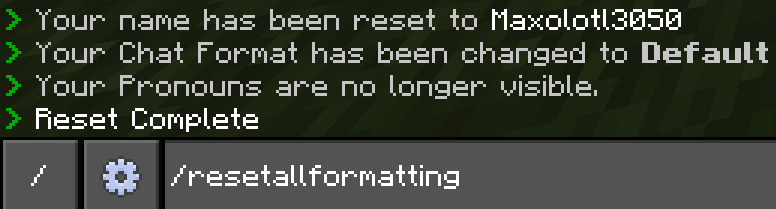
/resetallformatting
- You can reset all of your formatting with this command instead of reseting them one-by-one.
Custom Group System
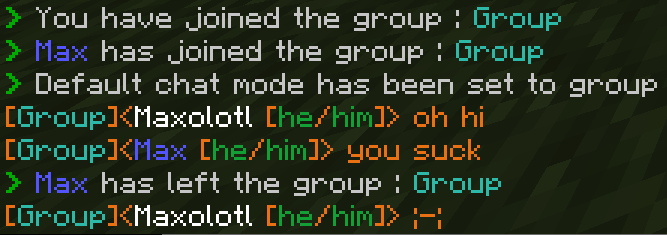
a./group [option] [group_name] [format code] [custom format code]- This command let's join/leave a group, players in the same group can use group chat to only let each other see the messages. You can also use the "list_members" option to check which players are part of your group.
- Explanation for the format code parameters is given below in the 6th point.
b. how to use group chat? (/chatmode [ mode ])
- By default you will use local chat which everyone can see , to use group chat, you can either add "!gc" as a prefix to your messages or do/chatmode [ mode ]to change your default chat so/chatmode groupto use group chat as a default chat , after which you can either add "!lc" as a prefix or do/chatmode localto use the local chat.



- Presets
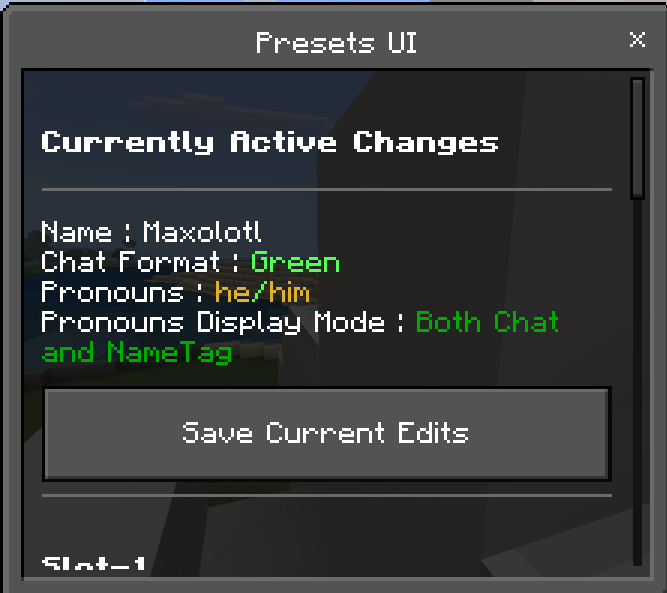
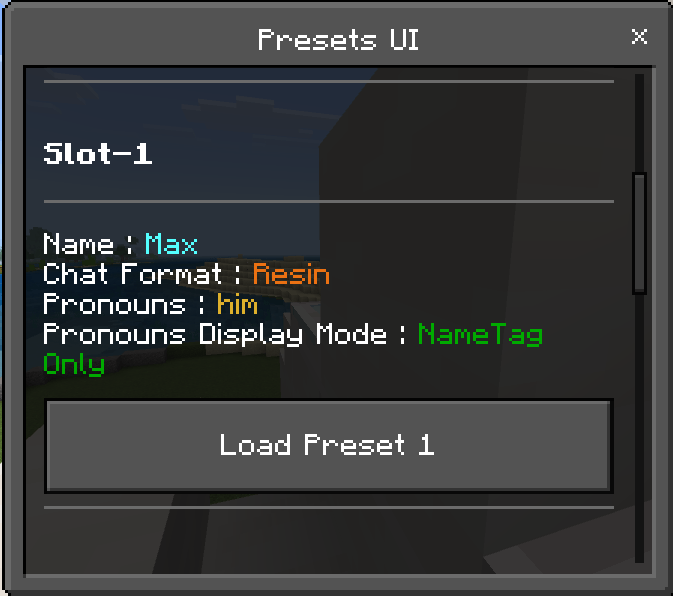
- Presets let's you save your chat modifications like Alias , Chat Format and Pronouns and allows you to easy swap between the them.
- Using/presetsuiyou can access the Presets UI which you can use to either save your currently active preset or load one of the saved presets.
- Formatting and Format Code Parameters
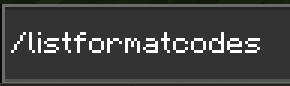
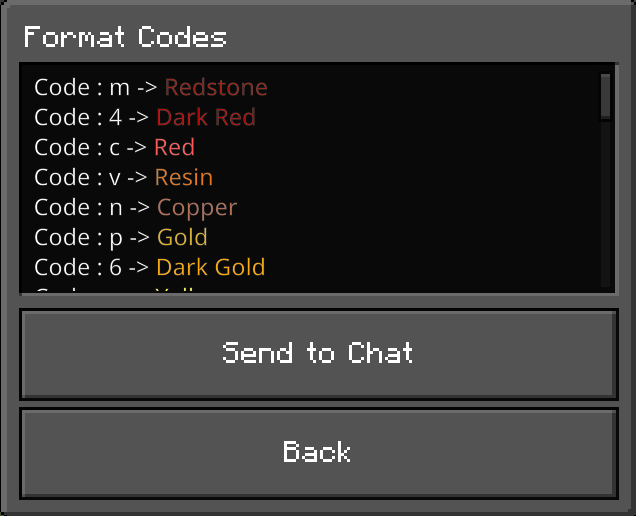
- Now some of the commnds have [format code] and [custom format code] as optional parameters, and if you know about character codes , you can basically use character codes to format your texts as usual , for example , §c Message , will make "Message appear red in color", if you wanna use this method of formatting then you can just ignore these two parameters. But if you don't wanna use character codes then you can use these parameters to help you, but the second one is only useful if [format code] is set to "custom" , in which case you can do "custom cl" where c is code for red and l is for bold letters. Now if you don't remember all the character codes then you can do /listformatcodes to view the entire list of format codes.

B. Commands that is accessible only by players with operator access
-
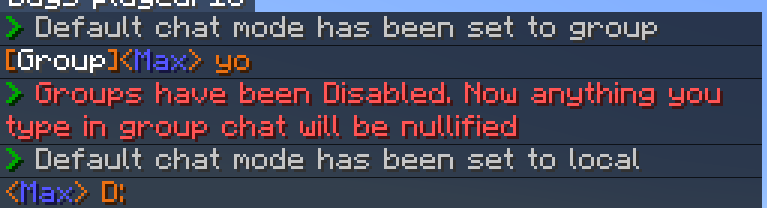
/togglegroups [toggle]
-let's you enable/disable group chats, disabling group chat will force everyone to use local chat.
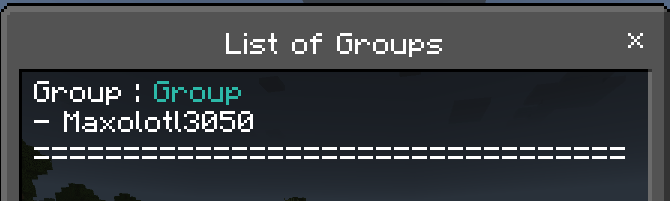
/listgroups
- Lists every single group that's currently active with the members in that group.
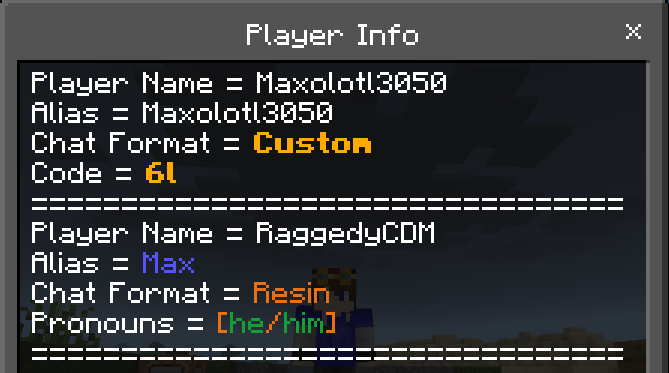
/getplayerinfo [ player name ]
- Shows you all the formatting the player has configured, like their alias, the pronouns they have set and so on.
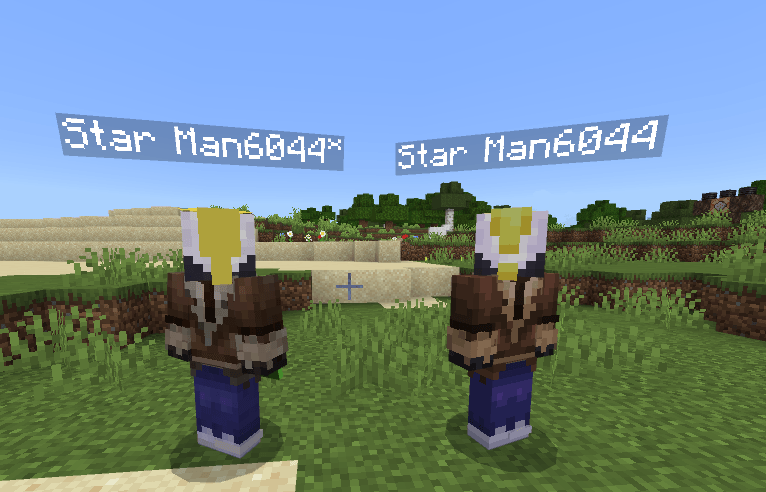
/togglealiasindicator [toggle]
- Just adds a little "*" at the end of the name if someone is using an alias.
-
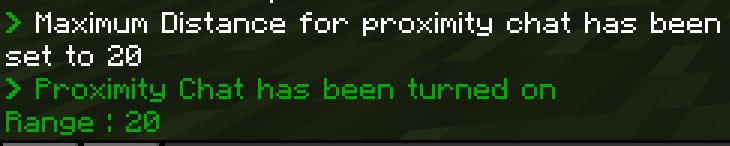
/proximitychat [ options ] [ range ]
- Allows you to toggle proximity chat , or change the range for it. The range is 32 blocks by default.
- Note : Players can bypass proximity chat using group chats. To mitigate this, use/togglegroupsto turn it off.

Important Info :
- Minimum Minecraft Version : 1.26.10
- This addon requires "Beta-API" experimental settings in order to work, so please remember to turn it on.
-> If you have any issues, feel free to write a comment about it or dm me on discord @maxolotl3050
I hope you enjoy this addon! :D
Chat Tweaks Team