Screenshot 2025-12-07 190546.png
Screenshot 2025-12-07 190138.png
Screenshot 2025-12-07 190210.png
Screenshot 2025-12-07 190611.png

MCPEDL.png
Description
B4B1 Core
⚠️ Development Notice All features listed below are currently in active development and strictly experimental. Systems are subject to revamp, significant changes, or removal as the project evolves.
This addon provides a comprehensive set of systems designed to enhance server gameplay, administration, and economy.
🚀 Quick Setup Guide
• You don’t have to enable world coordinates; you can just use /coord if you prefer(optional).
• You don’t need to turn on cheats (optional).
Follow these steps to initialize the server correctly upon first installation.
1. Initial Admin Access
The first player to join the server is granted special access to self-promote.
- Run the command: /getop to toggle your operator status.
2. System Initialization
Once you have OP status, initialize the core systems:
- Run the command: /scheduler
- Select the option: Use Template
- Activate Ticking Area Setup > On Boot (⚠️ Required). This step is mandatory and will not take effect until you restart/reload the server or re-open the world.
- Activate Server Tips > Randomize Execution > Every Minute > Interval 3 (Recommended/Optional)
3. Permission Configuration
Configure the automated permission system for standard players:
- Run the command: /setup_member (⚠️ Required)
- This sets the default member tag to
b4b1.group.member.
Note: Additional admins can be added manually by assigning the b4b1.admin tag, or via the /autopermission command if you prefer not to use the console.
This addon is fully functional without enabling the Beta API.
All core systems work under the standard stable API, …with the exception of Proximity Chat, which is currently disabled because it still relies on the Beta API.
Economy & Commerce
Dual Currency Support The server operates with two distinct currency types: a standard economy for daily transactions and a premium "Shard" currency for special rewards and events.
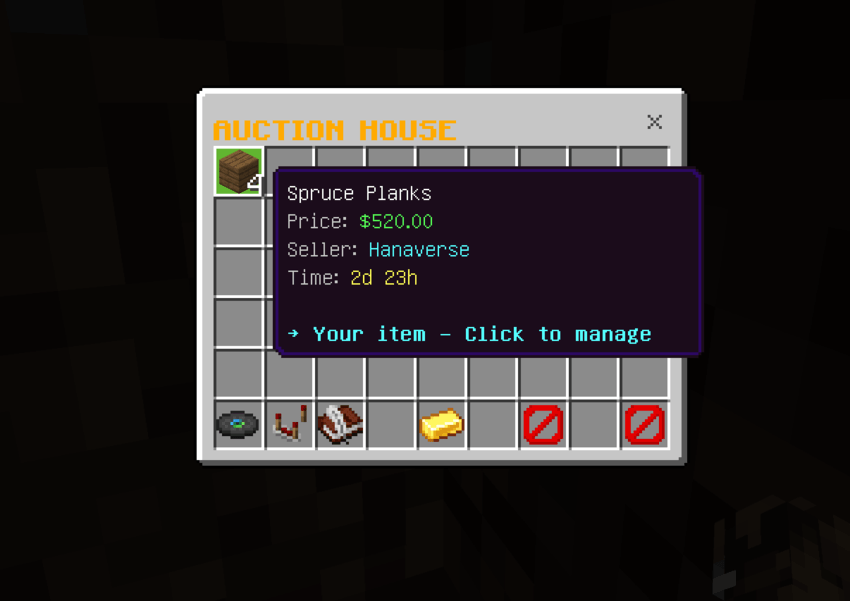
Auction House A secure platform for player-to-player item listings. The system handles listing expiration automatically, ensuring a dynamic market.
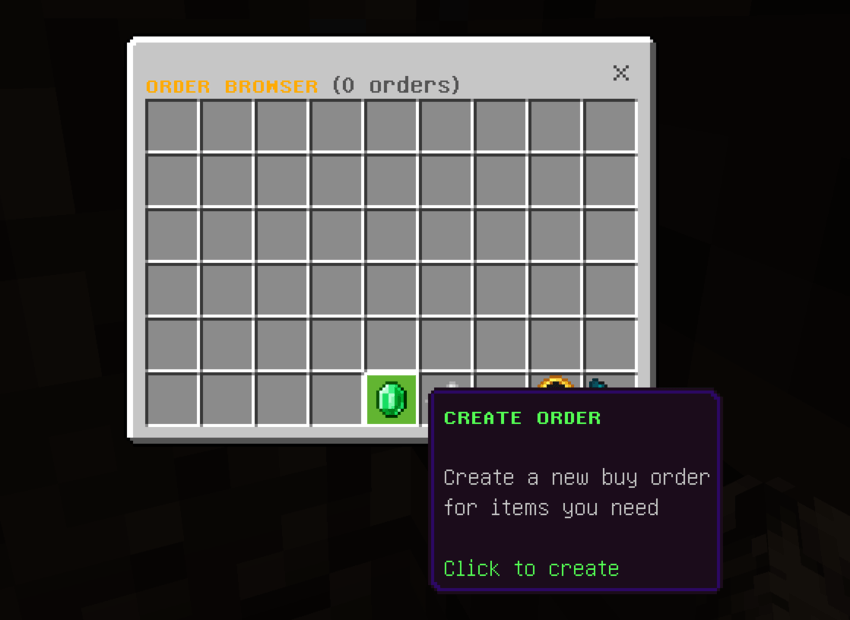
Order System Players can create specific buy orders for items they need. This feature supports partial fulfillment and uses an escrow system to protect resources during transactions.
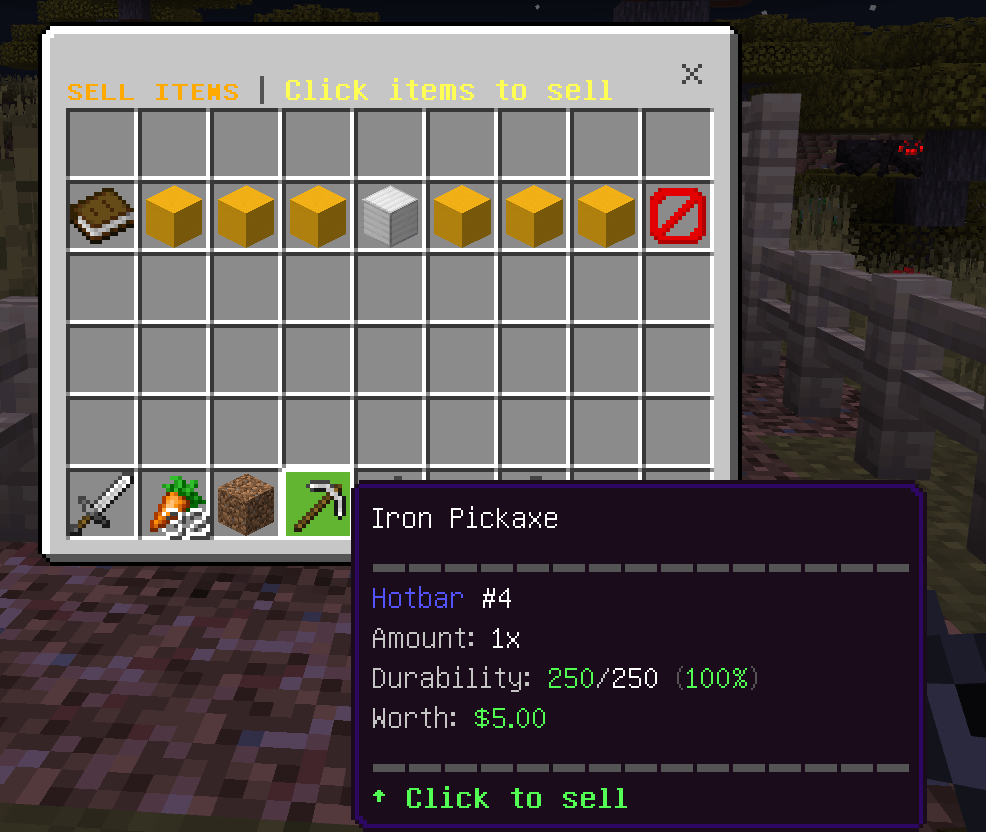
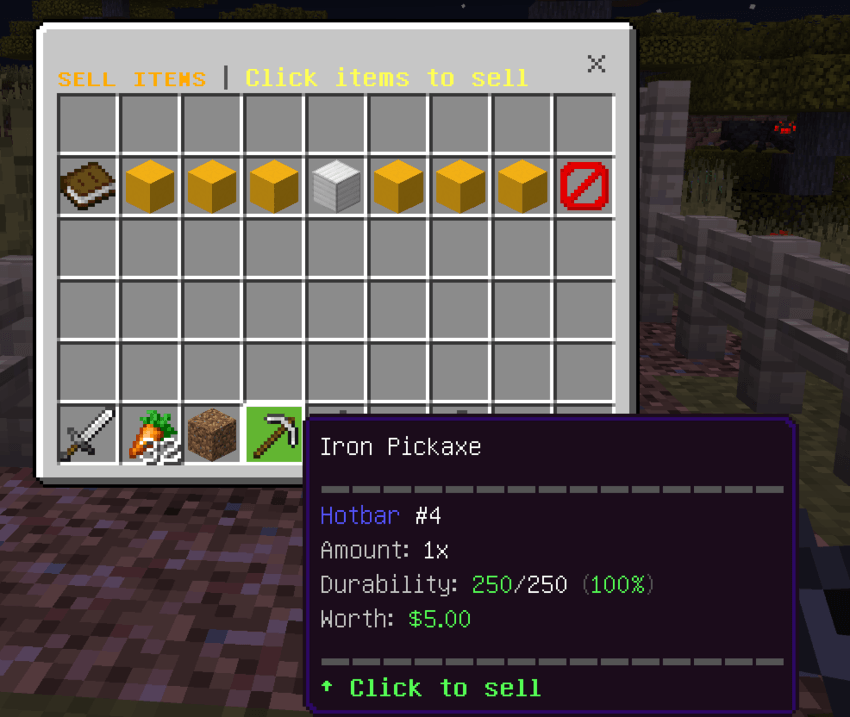
Secure Trading Facilitates safe item sales between players or to the server, with built-in valuation for enchanted items.
Spawn & Protection
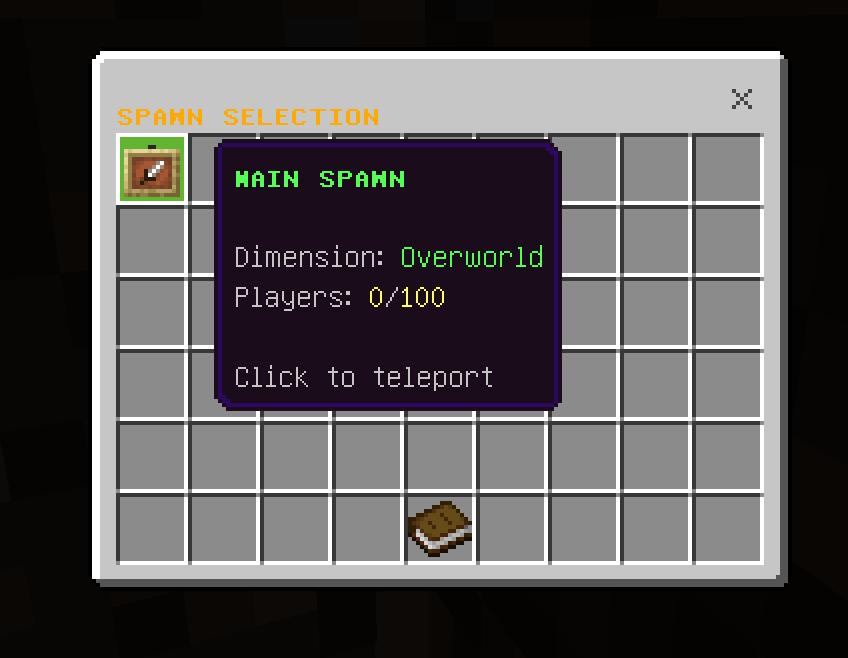
Spawn Area Management Supports multiple spawn points with configurable protection radii. The system automatically enforces Adventure mode within spawn boundaries and Survival mode outside.
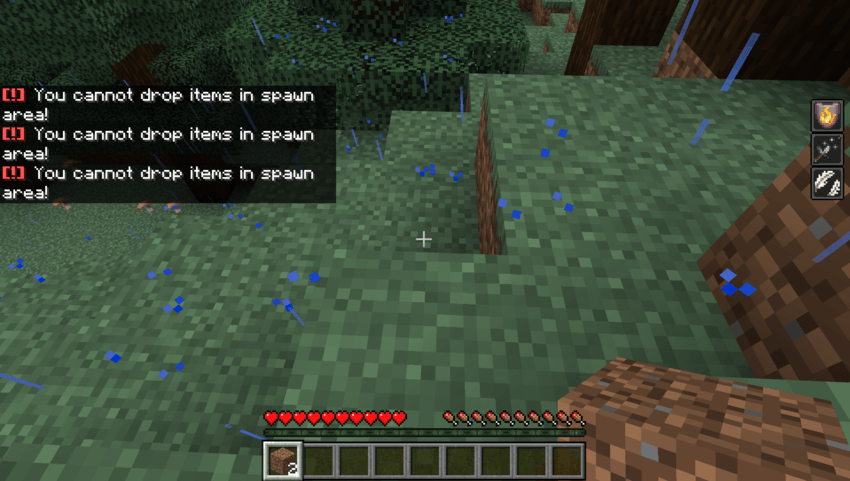
Area Security Protected zones prevent unauthorized block interactions (breaking/placing) and item dropping. Warning zones can be configured to alert and penalize players wandering into restricted areas.
Combat Systems
Combat Logging Prevention To ensure fair PvP, players engaged in combat are restricted from teleporting or logging out until the engagement ends.
Bounty Board A fully integrated bounty system that tracks player rewards using dynamic nametag displays. Rewards are automatically transferred upon a confirmed kill.
Friendly Fire Control Integrated with the team system to mitigate friendly fire incidents. Note: Due to current stable API limitations, some damage events may still register.
Social & Community
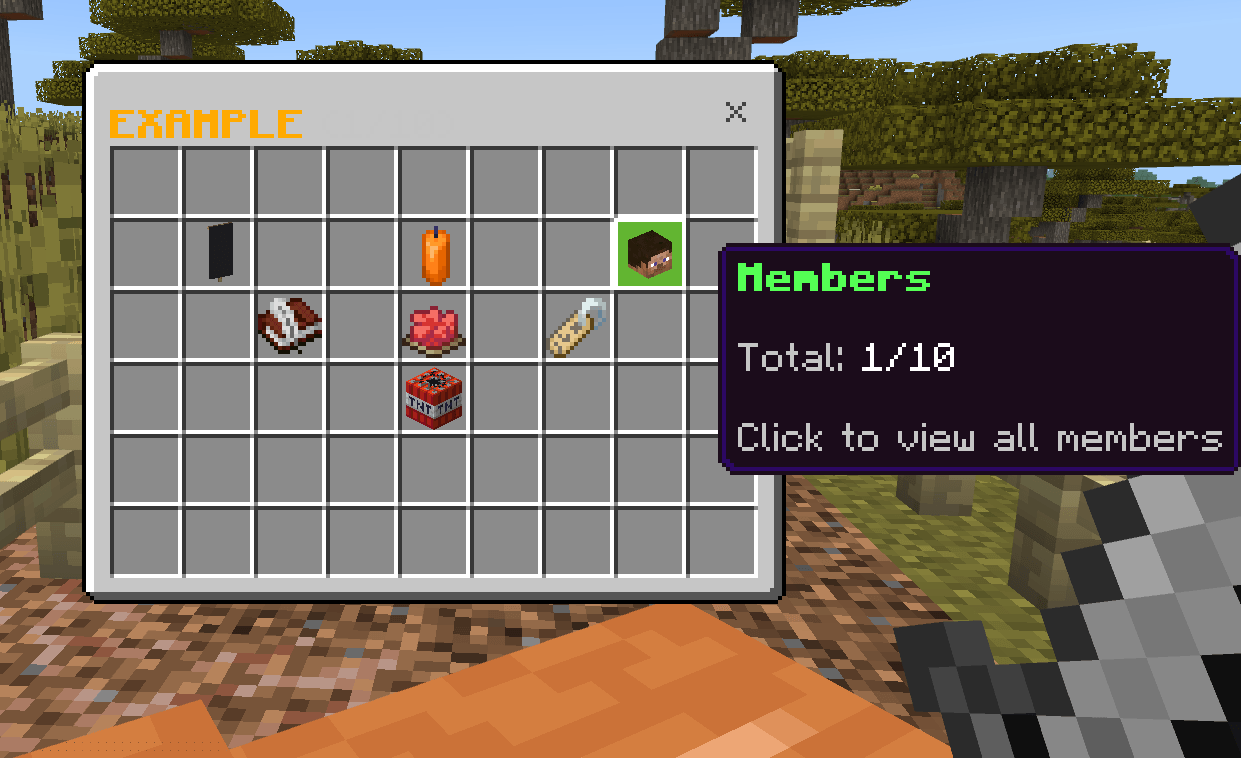
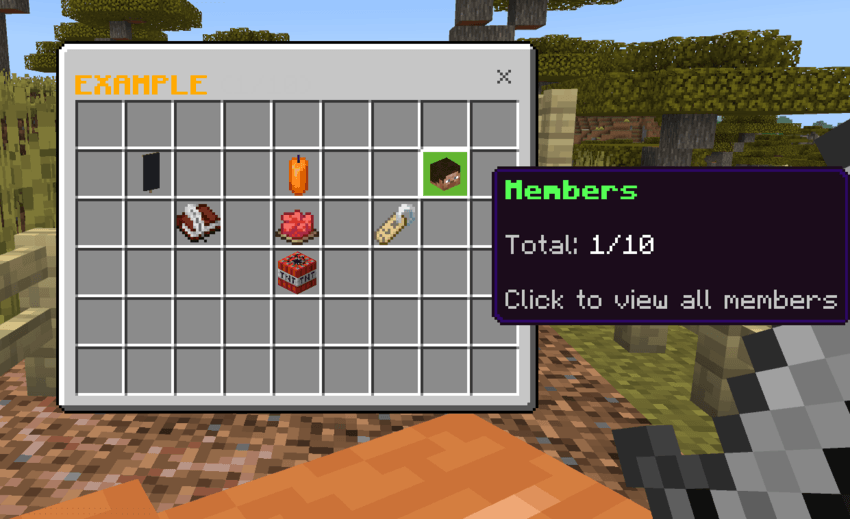
Team Management Comprehensive tools for creating and managing player teams, including invitations and membership controls.
Proximity Chat (Experimental) Immersive chat system featuring Whisper, Normal, and Shout ranges. Requirement: This feature relies on the Beta API and must be enabled in world settings.
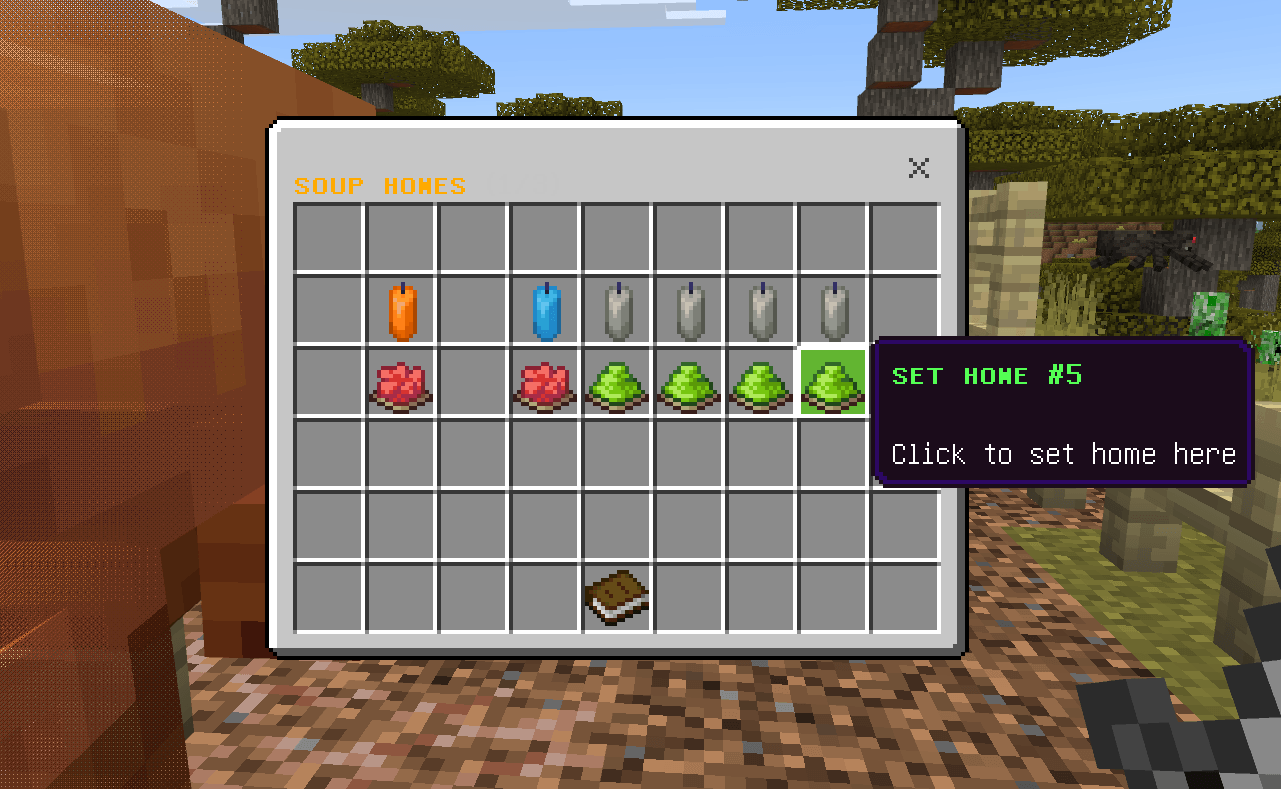
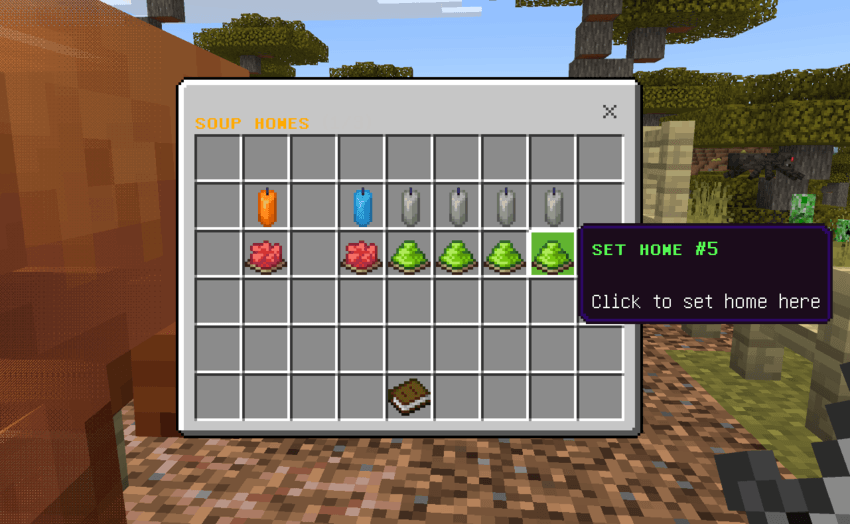
Player Homes Personal teleportation points allowing players to save and return to specific locations, with limits based on player rank.
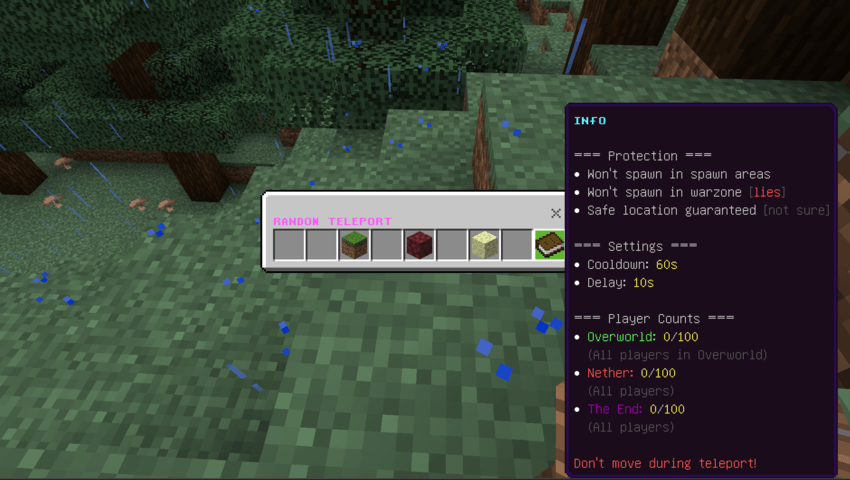
Teleportation Suite Includes TPA (Teleport Request) and RTP (Random Teleport) systems, complete with configurable cooldowns and safety checks.
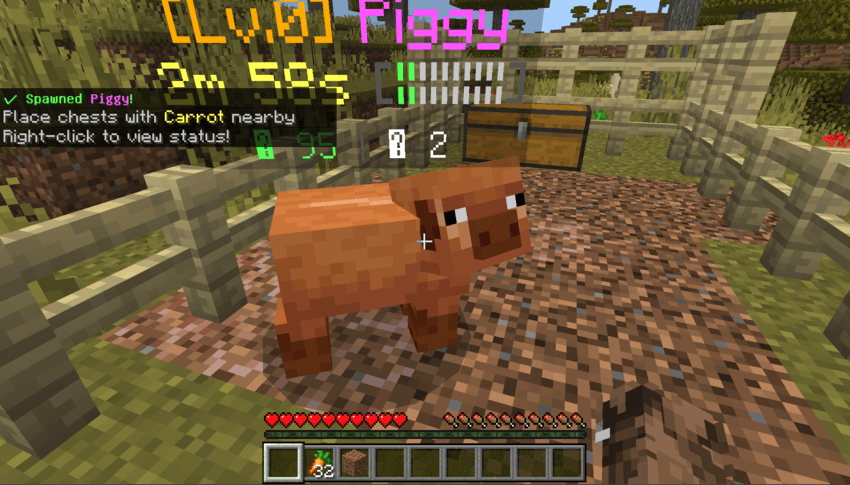
Farming System
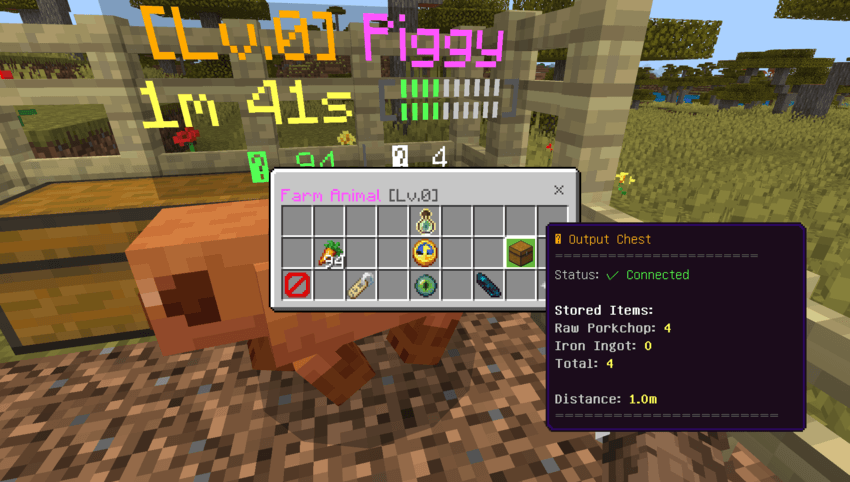
Leveling Farm Animals Farm animals that gain experience over time, unlocking better production rates as they level up.
Auto-Production Animals automatically generate resources and deposit them into nearby chests.
Asset Management Players can convert their leveled animals into tokens, allowing for safe storage or transfer without losing progress.
Utilities
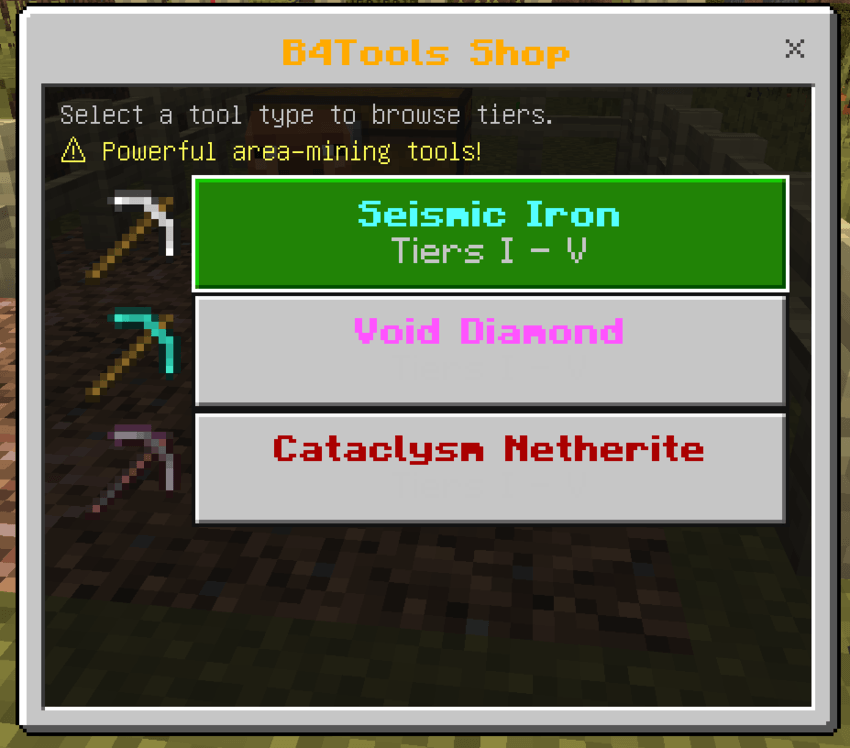
Specialized Tools Access to custom mining tools, such as area-effect pickaxes, designed to streamline resource gathering.
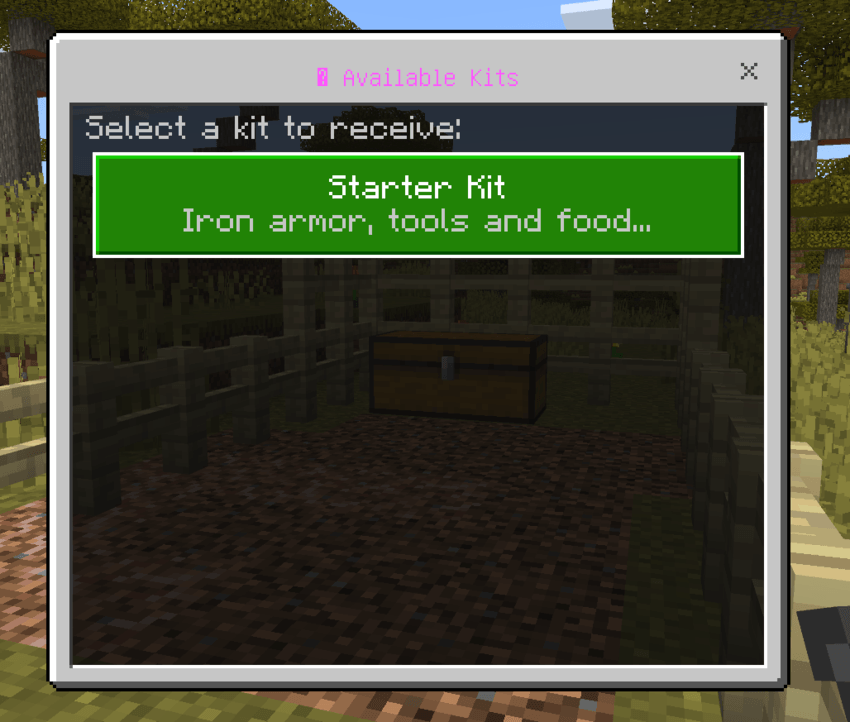
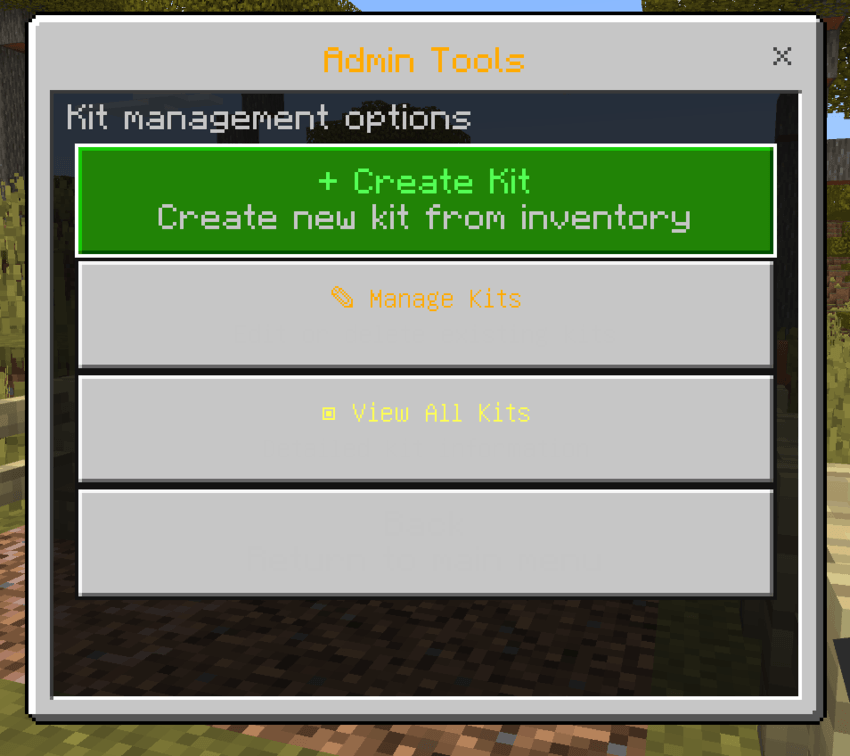
Kit Distribution A snapshot-based system for creating and distributing item kits to players, complete with cooldown tracking.
Command Scheduling Automated system for scheduling server commands and events.
📜 Key Command Reference
The following tables list the primary commands available. Please note that this is not an exhaustive list. Hover over any command to view its full namespace.
Member Commands
🧭 Navigation & Teleportation
| Command | Description |
|---|---|
| /coord | Toggle coordinate display |
| /compass | Toggle HUD compass |
| /tpa | Send teleport request |
| /tpamenu | Open TPA menu |
| /tphere | Request player to teleport to you |
| /tpaccept | Accept teleport request |
| /tpdeny | Deny teleport request |
| /rtp | Random teleport |
| /spawn | Teleport to spawn |
💰 Economy & Trading
| Command | Description |
|---|---|
| /balance, /bal | Check wallet balance |
| /baltop | View richest players |
| /eco | Economy menu |
| /pay | Transfer money |
| /shard | Check shard balance |
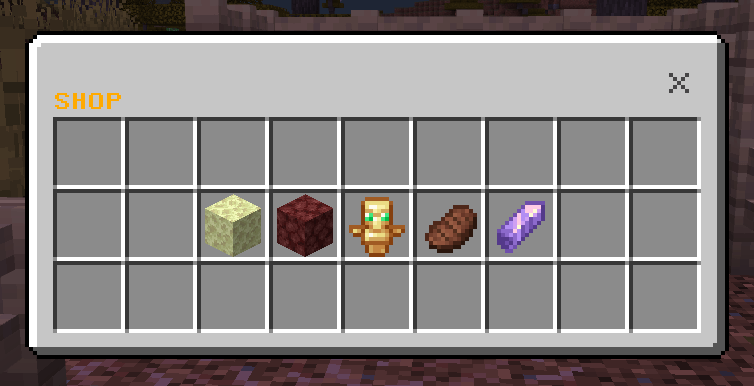
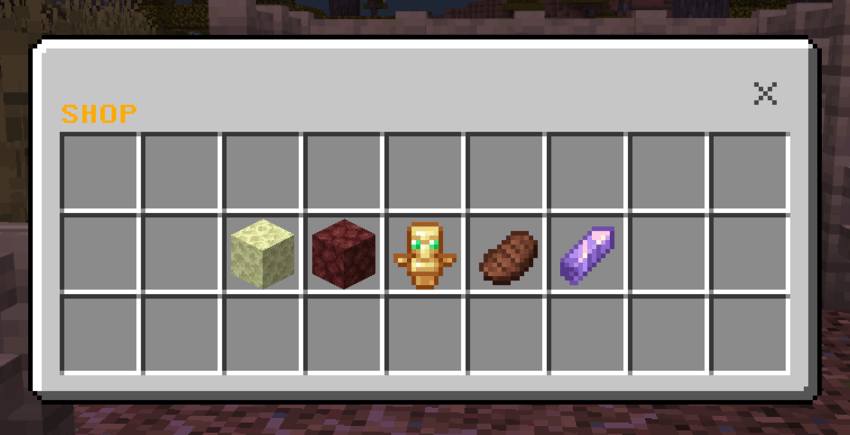
| /shop | Open server shop |
| /auction | Open auction house |
| /lfs, /list | List item on auction |
| /order | Open order menu |
| /co | Quick create order |
| /sell | Open sell menu |
| /selldrop, /sd | Toggle auto-sell |
🛠️ Gameplay & Utility
| Command | Description |
|---|---|
| /farm | Open farm shop |
| /kit | Open kit menu |
| /bounties, /bounty | Open bounty menu |
Admin Commands
⚙️ Server Management
| Command | Description |
|---|---|
| /antimob | Manage mob limits |
| /spawnadmin | Configure spawn settings |
| /autopermission, /ap | Manage permission rules |
| /setup_member | Configure default member permissions |
| /getop | Self-promote (First join only) |
| /scheduler | Manage automated tasks |
🔰 Feature Administration
| Command | Description |
|---|---|
| /bounties_reset | Reset all bounties |
| /auction_admin | Manage auction listings |
| /shard_menu | Manage shard distribution |
📌 Project Focus & Limitations
Please note that this addon is currently focused on building unique Core Systems for your server.
Missing Essentials? You may notice that standard "Admin Essential" commands (such as /gm, /give, or /vanish) are not included. This is intentional, as I am prioritizing the development of complex custom features like the economy, farming, and protection systems first.
📞 Support & Community
Have suggestions, found a bug, or just want to chat? Join our Discord community! Join Discord Server
🗒️ B4B1Dev Note
This is my first solo project, I apologize for any UI imperfections or command naming inconsistencies you may encounter.
I was inspired to create this addon after watching DrDonut's content, and my goal was to bring similar high-quality plugin features to the Bedrock Edition community. Thank you for your support and feedback!
-Stievenw
The B4B1 Core Team