Advanced Economy Shop
- By
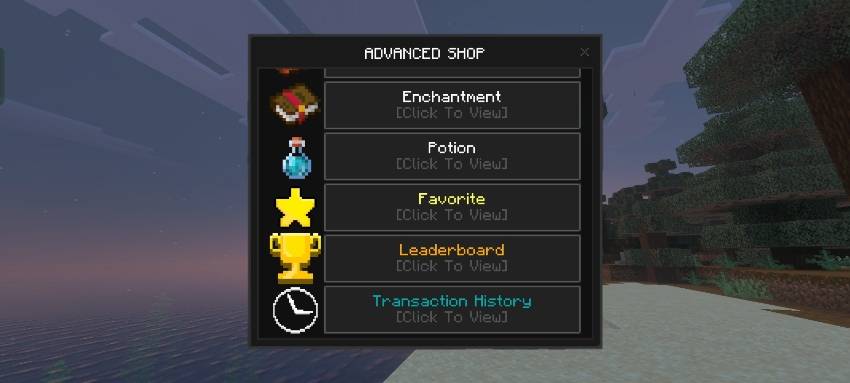
Advanced Economy Shop is a dynamic marketplace add-on for Minecraft Bedrock where item prices fluctuate based on real-time supply and demand.
IMG_20250727_212221.png
Description
Advanced Economy Shop [2.0.3]
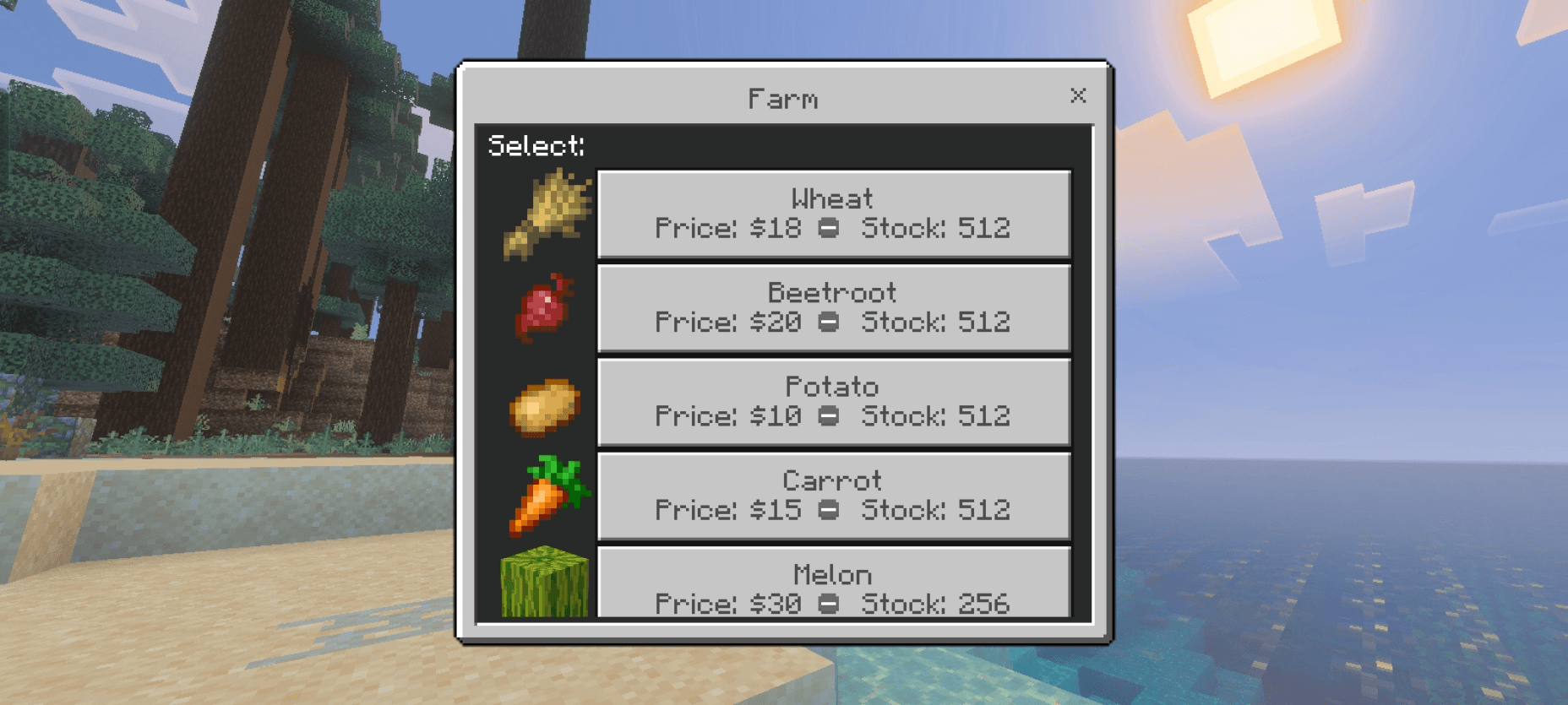
Advanced Economy Shop (AES) brings a more dynamic trading experience to Minecraft Bedrock Edition. Instead of relying on fixed prices, AES introduces a supply-and-demand-based economy where item prices can change over time.
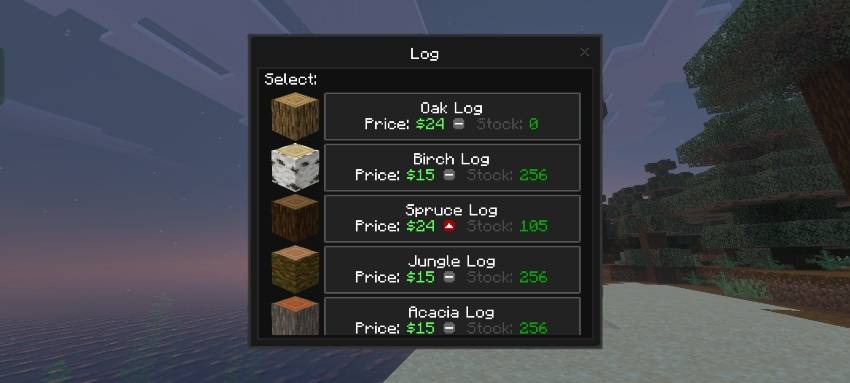
Every item has its own market conditions. Prices can rise or fall depending on available stock, player demand, and other pricing factors. This means the price you see today might not be the same later!
Keep an eye on price movements, check stock levels, and decide when to buy or sell. Some valuable items, such as the Mace, can experience higher prices and greater price fluctuations, making the market even more interesting.

- Download and import the add-on into Minecraft Bedrock Edition
- Create a new world or edit an existing one
- Enable the Beta APIs experiment in the world settings
- Make sure the required add-on packs are activated
- Enter your world and type /shop in the chat
- Send the command to open the shop interface

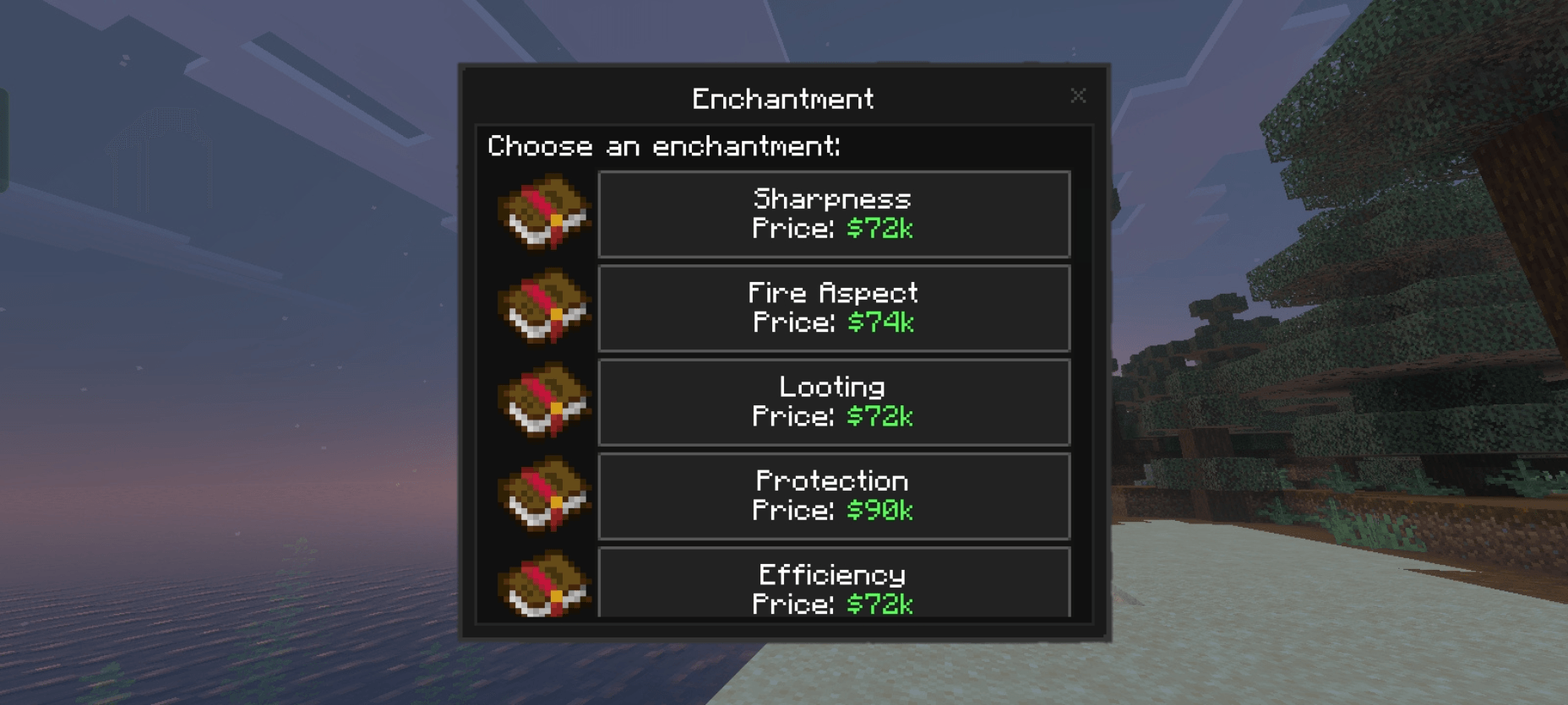
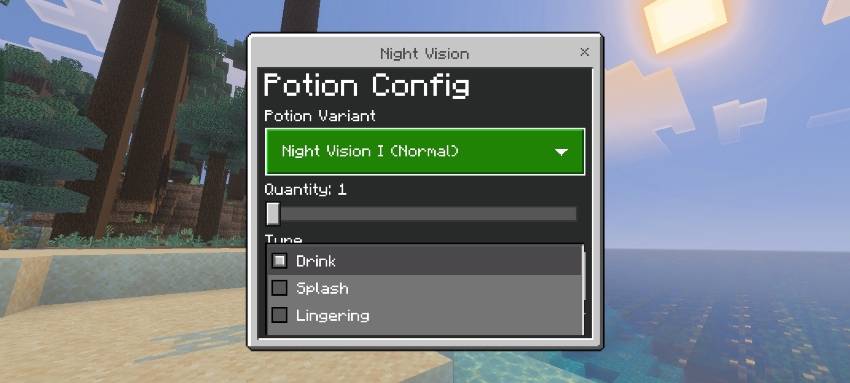
/shop : Open the main shop interface to browse and purchase items
/sellhand : Sell the eligible item currently held in your main hand
/sellall : Sell all eligible items in your inventory
/sellgui : Open the selling interface to select items, adjust quantities, preview your payout, and confirm the sale
/pay <player> <amount>: Send in-game money to another player

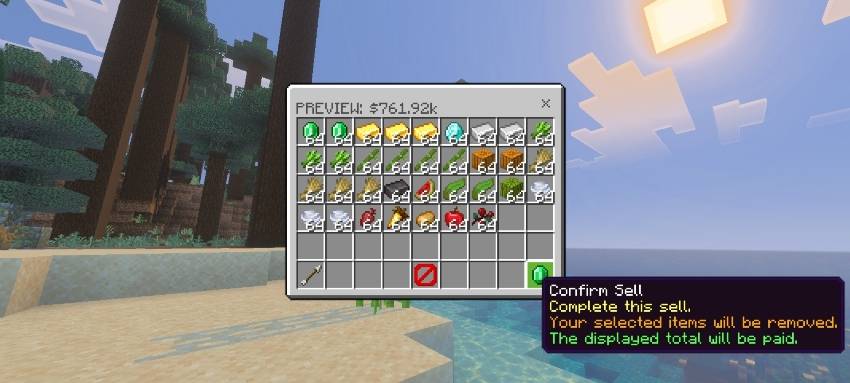

- How do I sell items? You have three options: Use /sellhand to sell the eligible item in your main hand.Use /sellall to sell all eligible items in your inventory. Use /sellgui to select specific items and quantities, review the estimated payout, and confirm the sale. Only items supported by the AES selling system can be sold
- How do I earn money? You can earn in-game money by selling eligible items to the shop. Collect resources, check their current selling prices, and choose a selling method that suits you. Keep an eye on price changes! An item may be worth more or less at a different time
- Why isn't the add-on working? First, check the following: Make sure Beta APIs is enabled in your world settings. Make sure the required behavior pack and resource pack are activated. Verify that your Minecraft version is compatible with your version of AES. Check the Content Log for scripting or resource-loading errors. If the problem persists, report the issue in the community Discord and include your Minecraft version, AES version, and any relevant error messages
- How does item restocking work? You do not need to restock items manually. Wait a few minutes and check the shop again. Each item may have a different restock interval, so some items can become available sooner than others. Restocking also does not mean every item will necessarily be available at its maximum stock immediately
- Why do item prices keep changing? AES uses a dynamic pricing system. Prices can change according to market conditions such as stock availability, demand, and other item-specific pricing factors. Check the current price and its movement indicator before making a purchase or sale
- Why is an item out of stock? The shop has limited stock for its items. If the available stock reaches zero, you may need to wait for the next restock before purchasing that item. You can check again later to see whether it has become available
- How do I send money to another player? Use /pay <player> <amount> to transfer in-game money to another player. Replace <player> with the intended recipient and <amount> with the amount you want to send. Make sure the recipient and amount are correct before sending the command

Have questions, found a bug, or want to share your experience with Advanced Economy Shop?
Join our Discord community to discuss the add-on, get help with common issues, share feedback, and keep up with future improvements. Your feedback helps make AES better!
🌐 Discord Community: Zepai Community
Support Me on Ko-Fi & Patreon
*click on the image for the link!
Advanced Economy Shop Team
Owner