Zombie Apocalypse OneBlock World
- By
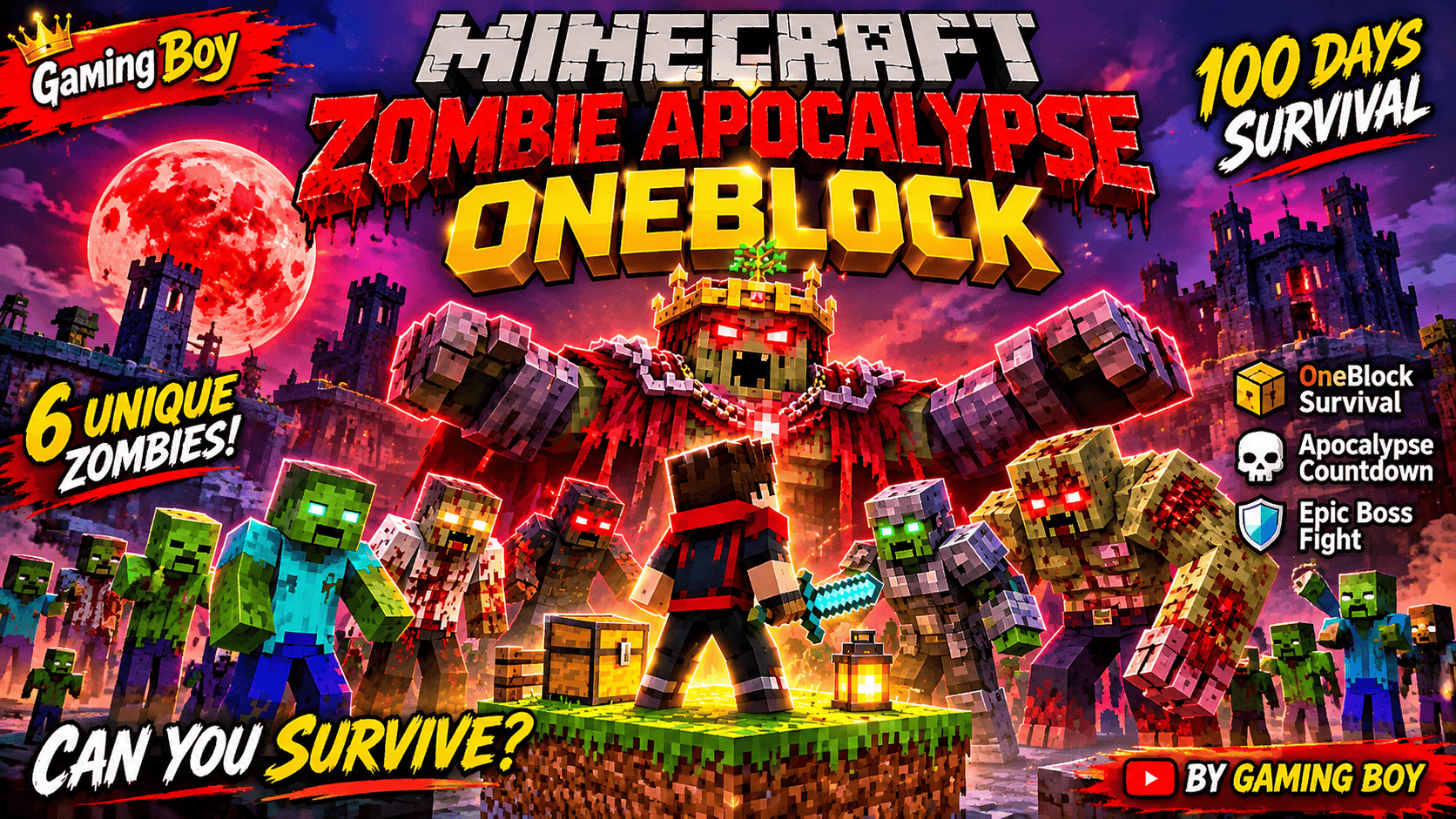
Survive on a single floating block for 10 days of peaceful preparation before an intense Zombie Apocalypse begins!
Description
🧟 ZOMBIE APOCALYPSE ONEBLOCK
A 100 Days Survival Challenge | By Gaming Boy
Welcome to Zombie Apocalypse OneBlock, a custom Minecraft Bedrock survival experience created by Gaming Boy!
Start your adventure on a single floating block above the endless void. Gather resources, expand your island, build your base, and prepare for an approaching disaster.
For the first 10 Minecraft days, you have time to establish your survival base, collect resources, grow crops, breed animals, and progress through different OneBlock phases.
But when Day 11 arrives, everything changes.
The Zombie Apocalypse begins!
Dangerous zombie hordes will threaten your island, and surviving will require proper preparation, powerful equipment, smart building, and combat skills.
Can you survive the outbreak, defeat the powerful Molten Zombie King, and conquer all 10 OneBlock phases?
🌟 KEY FEATURES
-
🧱 OneBlock Survival: Start with a single generator block and build your own floating island from nothing.
-
⏳ 10-Day Preparation Period: Enjoy 10 Minecraft days to gather resources and prepare for the incoming apocalypse.
-
🧟 Zombie Apocalypse – Day 11: Face a dangerous zombie outbreak with dynamic horde spawning.
-
💀 6 Custom Zombie Types: Fight six unique undead enemies with different abilities, health, speed, and attacks.
-
⚔️ Boss Battles: Challenge powerful enemies, including the Molten Zombie King.
-
🌍 10 OneBlock Phases: Progress through different environments, resources, and survival challenges.
-
⏱ 60-Second Phase Cooldown: Every completed phase has a countdown displayed above the OneBlock generator.
-
🛒 Apocalypse Coin Shop: Collect coins and exchange them for useful survival equipment and resources.
-
🐑 Friendly Mob Spawning: Discover animals such as cows, sheep, chickens, and pigs while mining.
-
📱 Mobile-Friendly HUD: A compact scoreboard displays your survival progress and apocalypse information.
-
☠️ Real Void Survival: Falling from your island means death. There is no artificial safety floor protecting you.
⛏️ ONEBLOCK SURVIVAL GAMEPLAY
Your adventure begins with one central generator block.
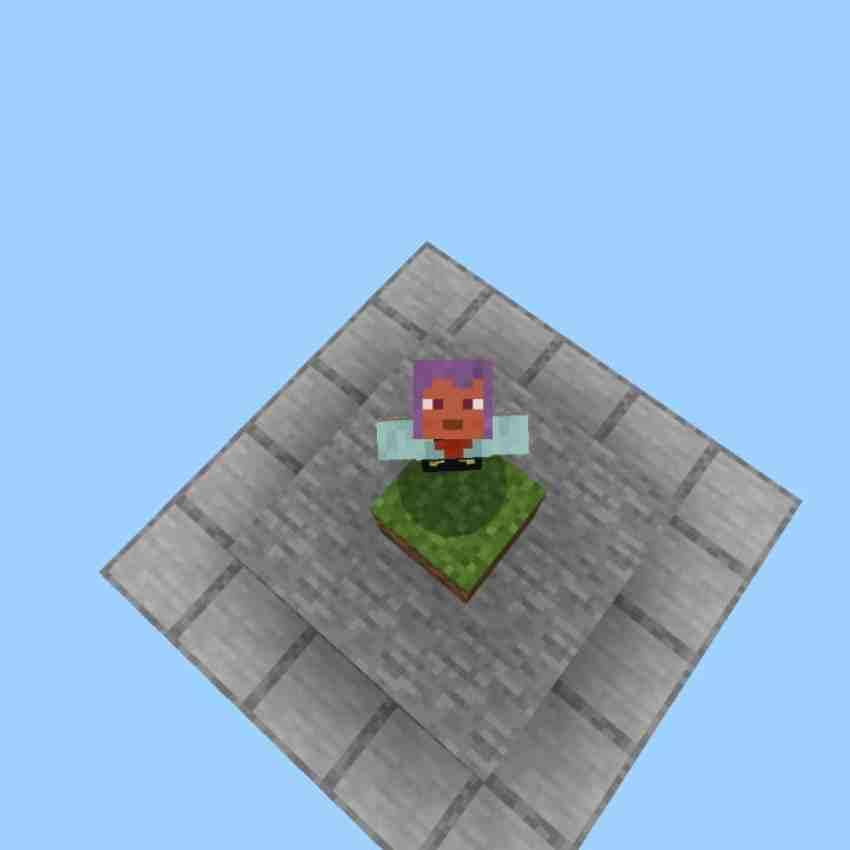
Break the block to obtain resources and gradually expand your island.
Generator Features
-
Central OneBlock Generator at the configured starting location.
-
Automatic block restoration if the generator unexpectedly becomes empty.
-
Phase-based resource generation.
-
Supply chest rewards.
-
Friendly animal spawning opportunities.
🎁 Supply Chest Rewards
There is a chance to receive a special supply chest while mining.
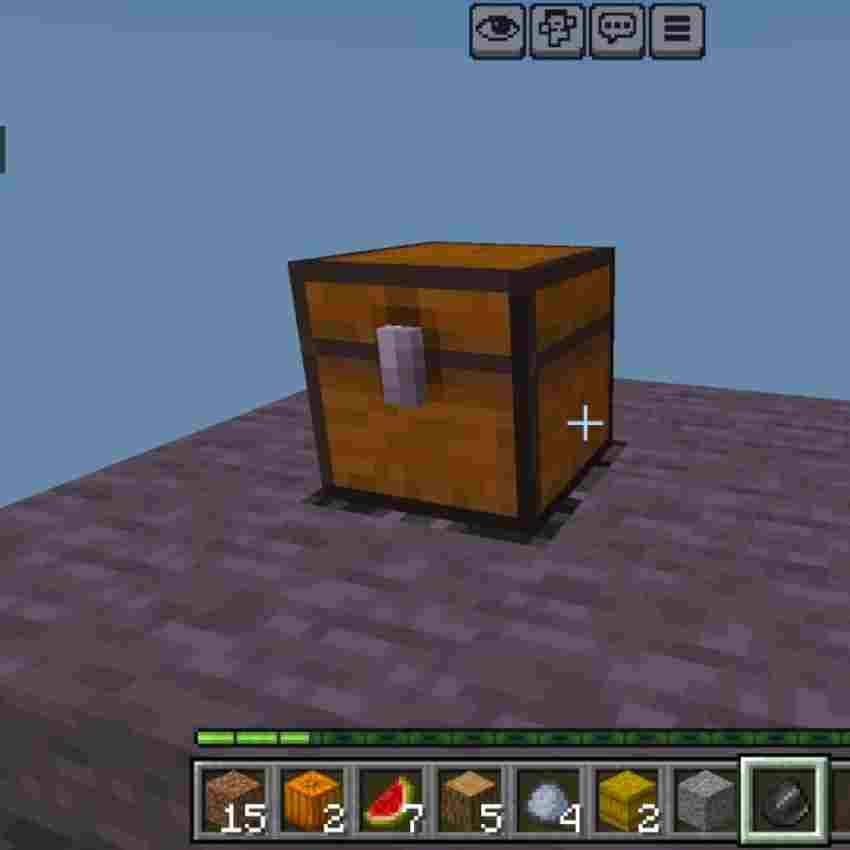
Possible rewards include:
-
Survival tools
-
Food
-
Saplings
-
Useful building materials
-
Phase-appropriate resources
-
Apocalypse Coins
Special Reward Chance: 3.5% per mined block.
🐄 Friendly Animal Spawning
Animals can occasionally appear during your mining adventure.
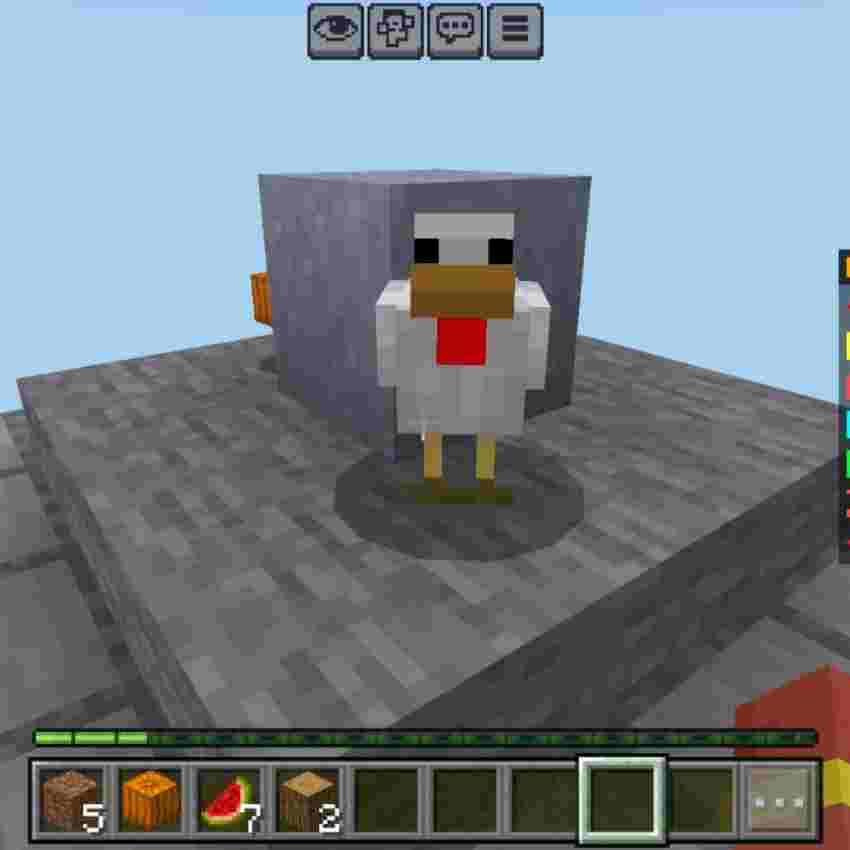
Possible animals include:
-
Cows
-
Sheep
-
Chickens
-
Pigs
Animal Spawn Chance: 5% per mining event.
🗺️ 10 ONEBLOCK PROGRESSION PHASES
Progress through 10 different phases, each introducing new resources and challenges.
Phase 1 – Plains Awakening
100 Blocks
Start your adventure with basic survival resources.
Resources include:
-
Dirt and Grass
-
Wood
-
Seeds
-
Melons
-
Basic food and livestock
Phase 2 – Underground Descent
100 Blocks
Discover underground resources.
Resources include:
-
Stone
-
Cobblestone
-
Coal
-
Iron
-
Copper
Phase 3 – Dripstone Caverns
100 Blocks
Explore deeper underground materials.
Resources include:
-
Deepslate
-
Tuff
-
Pointed Dripstone
-
Gold
-
Additional survival equipment
Phase 4 – Lush & Desert Ruins
120 Blocks
Explore a mixture of lush and desert-themed resources.
Resources include:
-
Moss
-
Sand
-
Terracotta
-
Cactus
-
Archery equipment
Phase 5 – Frozen Peaks & Boss Trial
150 Blocks
Enter a frozen environment and prepare for your first major boss challenge.
Resources include:
-
Blue Ice
-
Spruce Wood
-
Diamonds
-
Special boss rewards
Phase 6 – Nether Incursion
150 Blocks
Enter the dangerous Nether-themed progression phase.
Resources include:
-
Netherrack
-
Quartz
-
Soul Sand
-
Ancient Debris
Phase 7 – Trial Chambers
150 Blocks
Discover advanced materials inspired by Minecraft's Trial Chambers.
Resources include:
-
Tuff Bricks
-
Copper Bulbs
-
Crafters
-
Heavy Cores
Phase 8 – Deep Dark Sanctuary
150 Blocks
Explore mysterious Deep Dark resources.
Resources include:
-
Sculk
-
Sculk Catalysts
-
Sculk Shriekers
-
Echo Shards
Phase 9 – The End Dimension
150 Blocks
Reach the End-themed progression phase.
Resources include:
-
End Stone
-
Purpur Blocks
-
End Rods
-
Special End-themed loot
Phase 10 – Apocalypse Infinite
Endless
The final progression phase has no fixed block limit.
Continue mining, collecting resources, upgrading equipment, and surviving against increasingly dangerous threats.
⏱️ PHASE TRANSITION SYSTEM
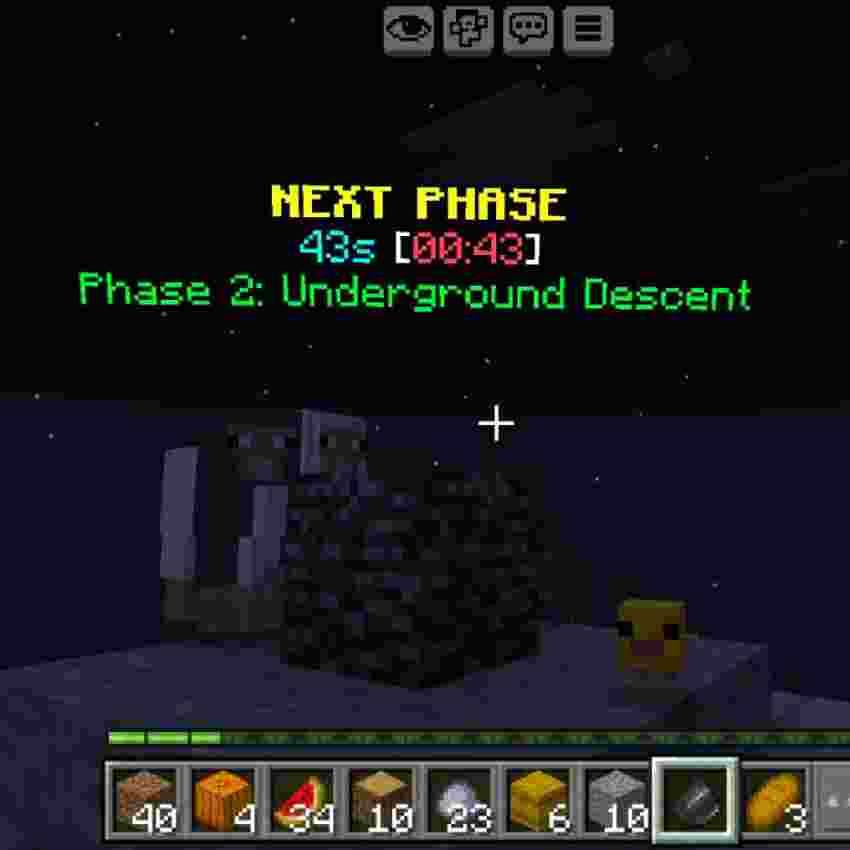
Every phase has a specific mining requirement.
When the required number of blocks is reached:
-
OneBlock progression temporarily stops.
-
The generator changes to Bedrock during the transition.
-
A 60-second countdown appears above the generator.
-
Sound effects play during the final countdown.
-
The next phase begins when the timer reaches zero.
This gives players time to prepare before entering the next phase.
🧟 MEET THE SIX CUSTOM ZOMBIES
The apocalypse introduces six different zombie types with unique combat characteristics.
1. Normal Zombie
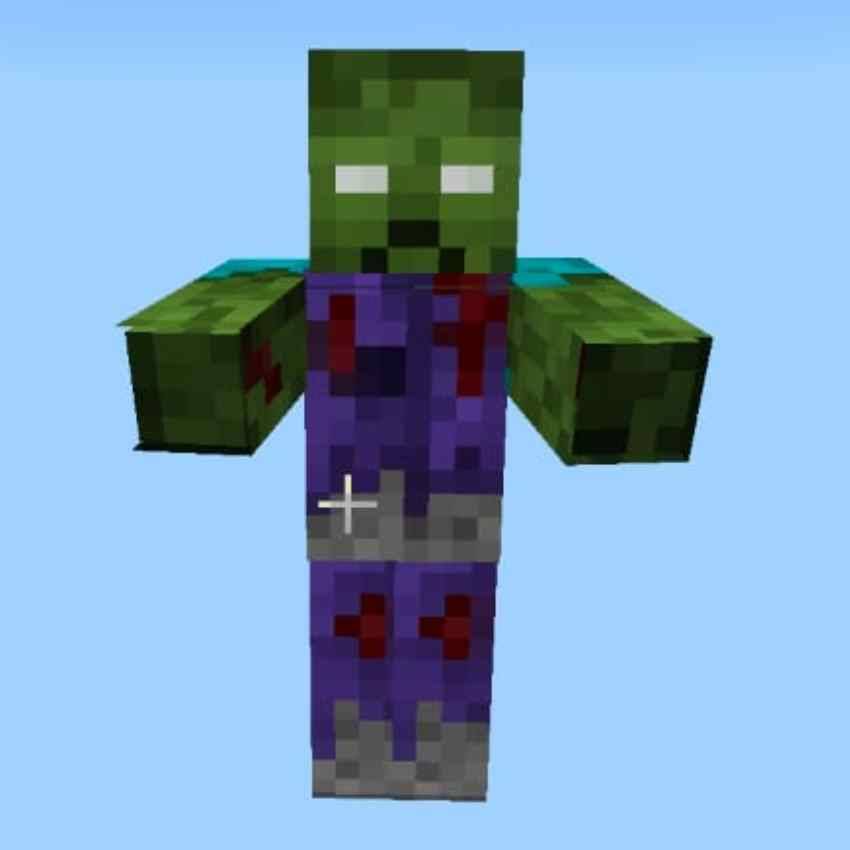
Entity ID: apocalypse:normal_zombie
-
Health: 20 HP
-
Attack Damage: 3
-
Movement Speed: 0.23
The basic infected enemy. Normal Zombies attack players at close range and can overwhelm poorly defended islands when they appear in groups.
2. Infected Zombie
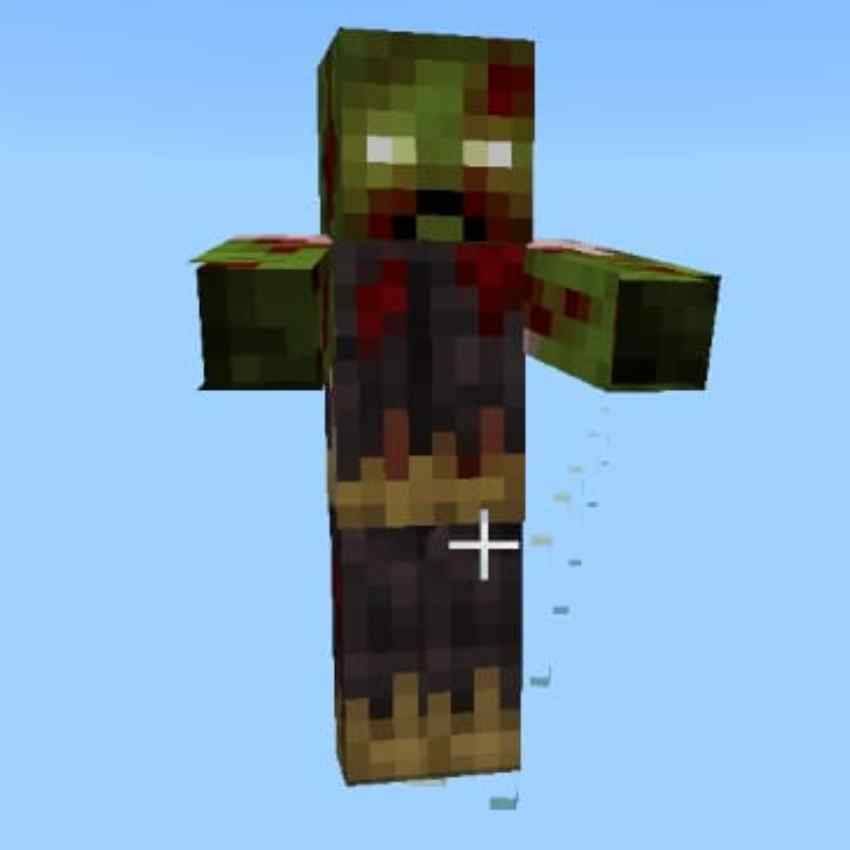
Entity ID: apocalypse:infected_zombie
-
Health: 35 HP
-
Attack Damage: 5
-
Movement Speed: 0.25
A dangerous infected variant with a ranged Acid Spit attack.
Special Abilities:
-
Ranged Acid Spit.
-
15% chance to release a poison gas cloud upon death.
Keep your distance whenever possible!
3. Runner Zombie
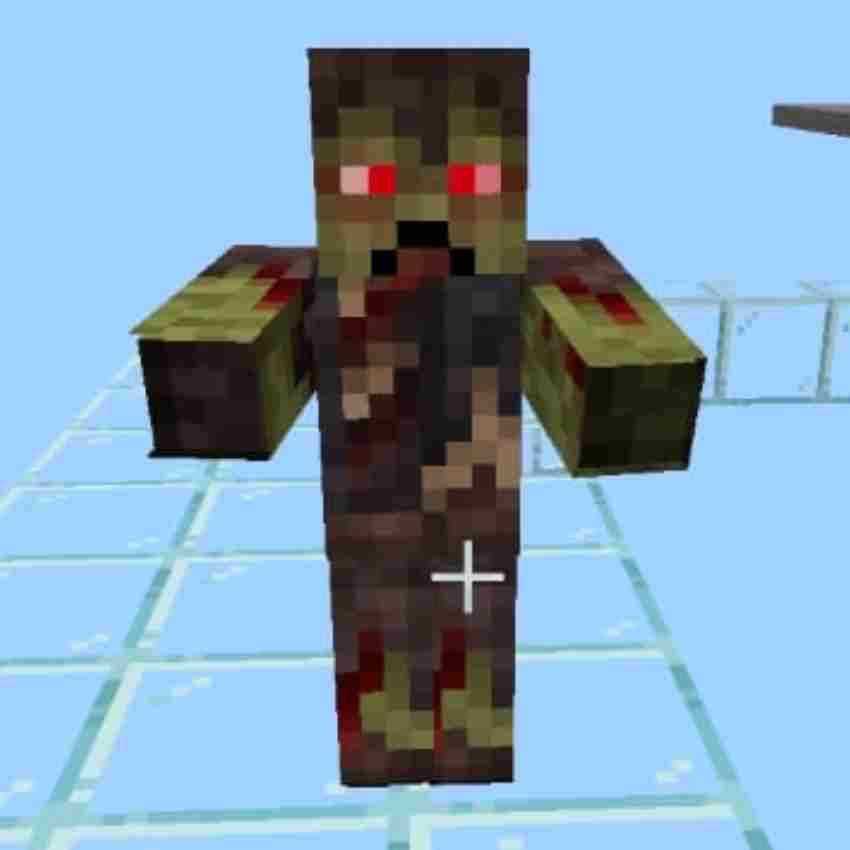
Entity ID: apocalypse:runner_zombie
-
Health: 18 HP
-
Attack Damage: 4
-
Movement Speed: 0.38
A fast and aggressive zombie designed to chase players.
Special Abilities:
-
High movement speed.
-
Lunge attack from approximately 6 blocks away.
-
Rapid close-range attacks.
4. Armored Zombie
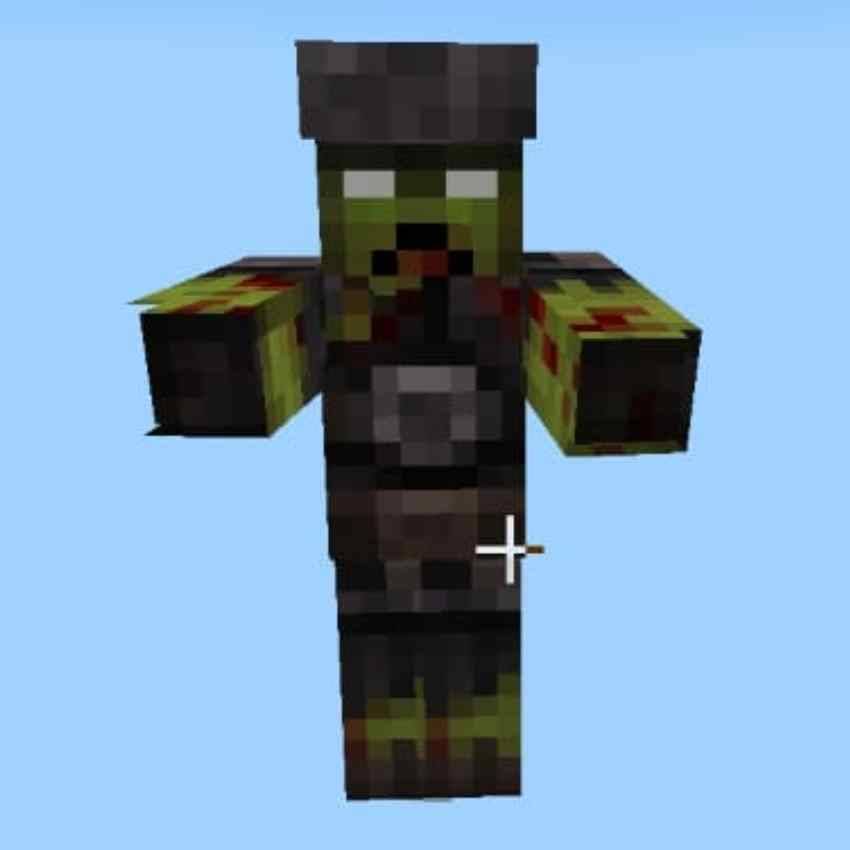
Entity ID: apocalypse:armored_zombie
-
Health: 65 HP
-
Attack Damage: 7
-
Movement Speed: 0.16
A heavily protected undead enemy.
Special Abilities:
-
Heavy armor protection.
-
Reduces incoming physical damage by 35%.
-
Difficult to defeat with ordinary weapons.
5. Mutant Zombie
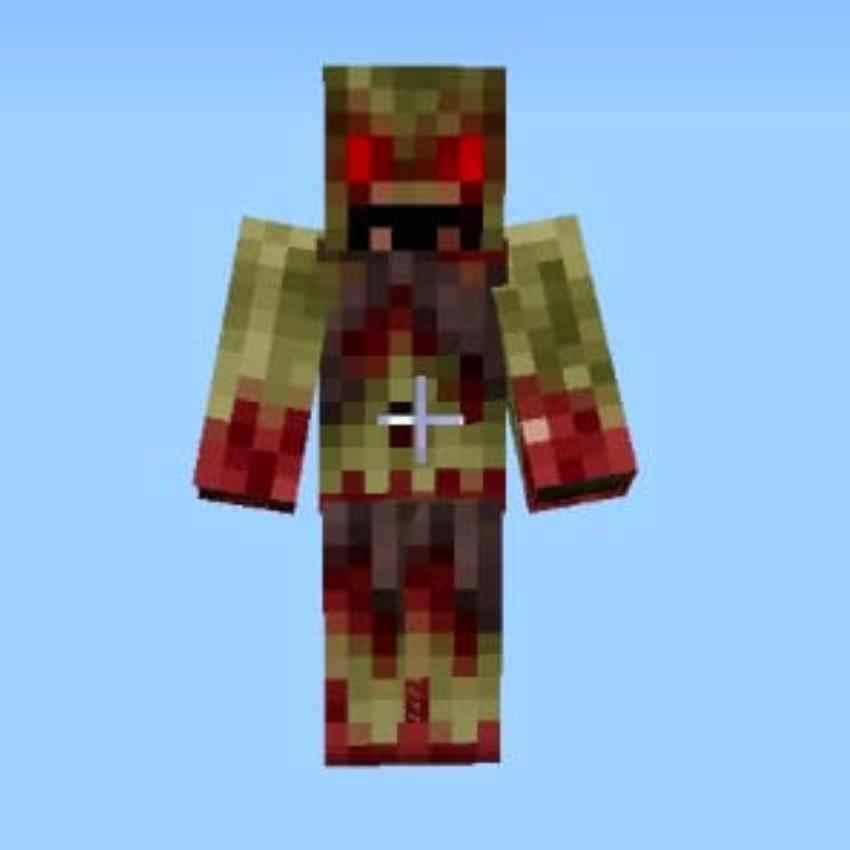
Entity ID: apocalypse:mutant_zombie
-
Health: 150 HP
-
Attack Damage: 12
-
Movement Speed: 0.19
A massive and powerful zombie capable of destroying poorly prepared defenses.
Special Abilities:
-
Powerful Ground Smash.
-
Launches boulders toward players from up to 14 blocks away.
-
Enters an enraged state below 40% health.
-
Gains 20% additional movement speed while enraged.
6. THE MOLTEN ZOMBIE KING
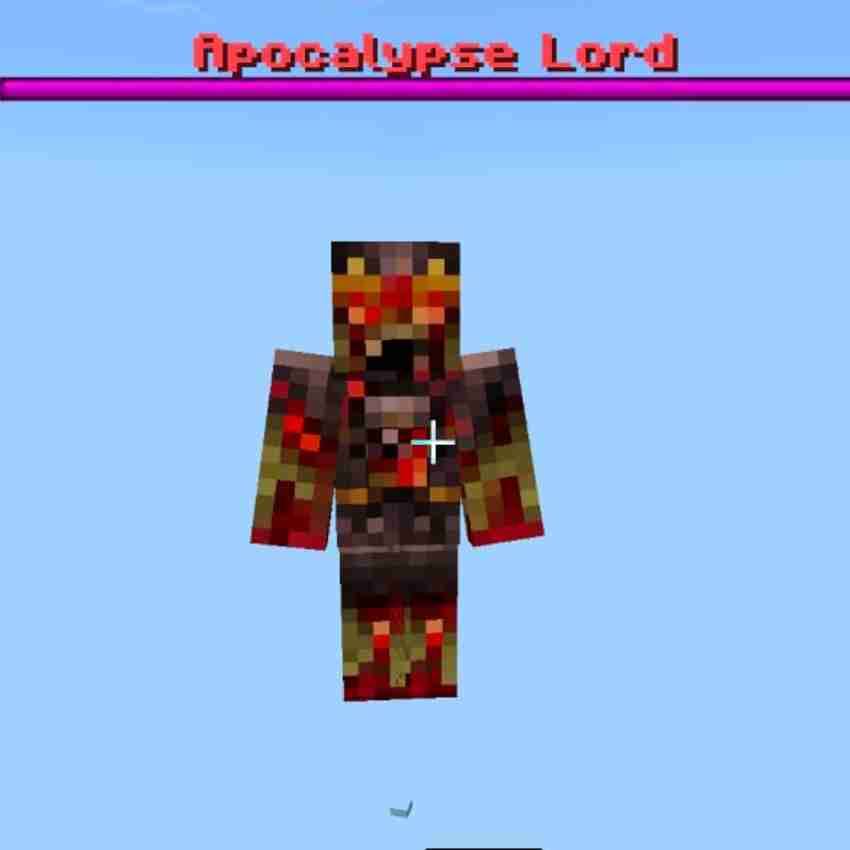
Entity ID: apocalypse:apocalypse_boss
-
Health: 500 HP
-
Attack Damage: 15
-
Movement Speed: 0.22
The ultimate enemy of the Zombie Apocalypse.
This powerful three-stage boss features:
-
Explosive magma claw attacks.
-
Zombie minion summoning.
-
Powerful seismic shockwaves.
-
An enraged final phase.
-
Devastating shockwave attacks dealing up to 18 damage.
Prepare your strongest equipment before facing the Molten Zombie King!
🌑 ZOMBIE APOCALYPSE SYSTEM
The first 10 Minecraft days are your preparation period.
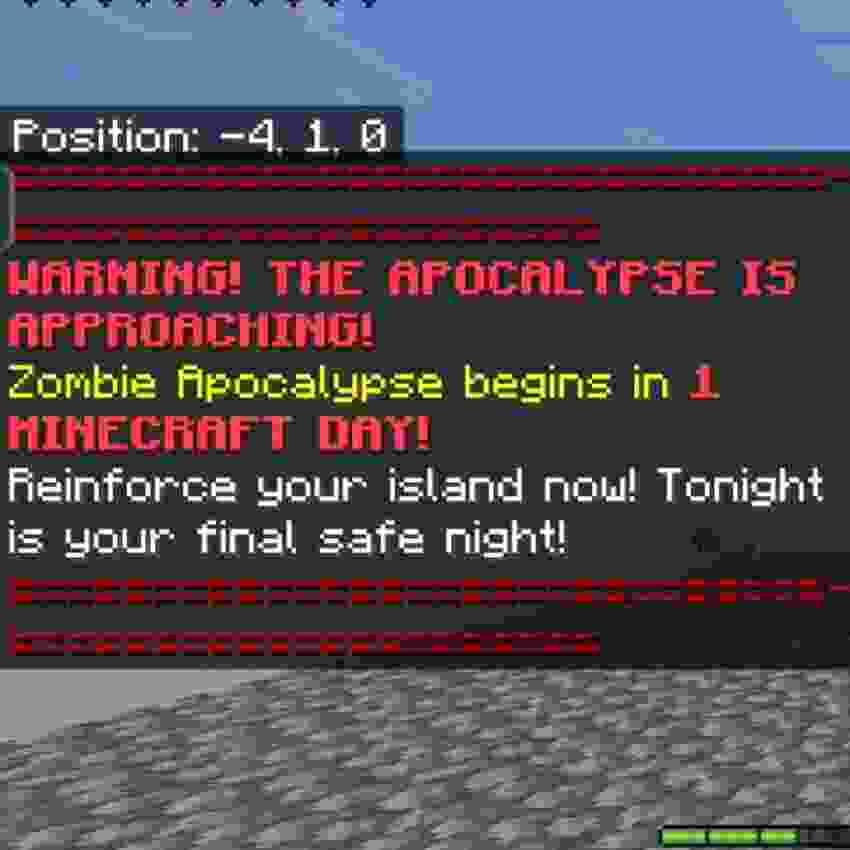
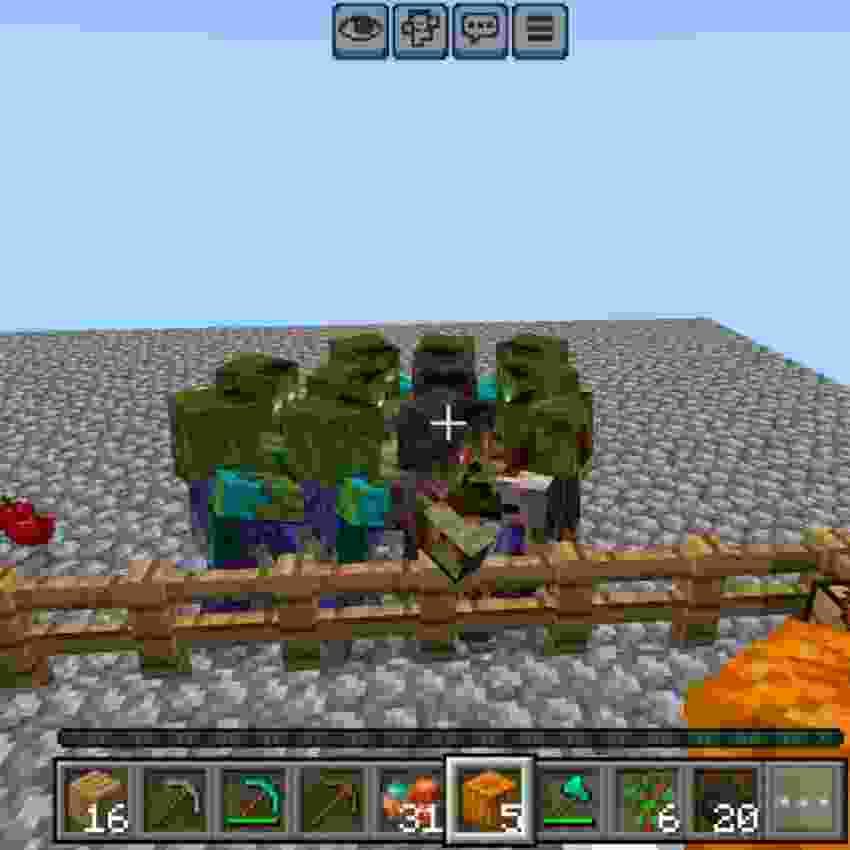
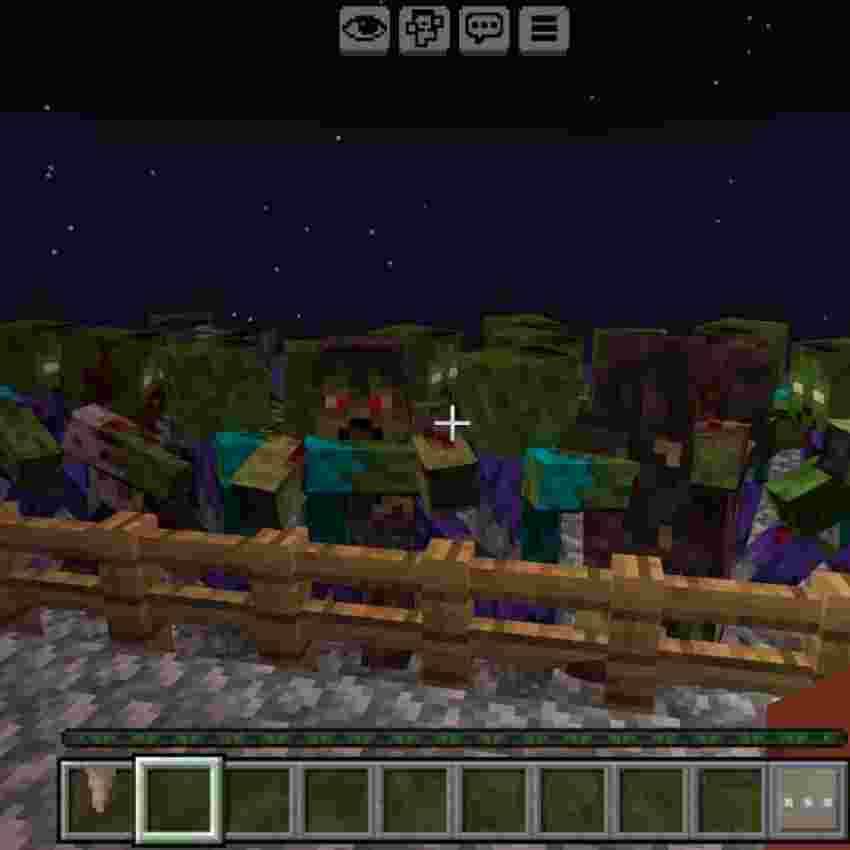
Use this time wisely:
-
Expand your island.
-
Build defensive structures.
-
Collect weapons and armor.
-
Gather food and resources.
-
Prepare for dangerous enemy attacks.
Day 11 – THE APOCALYPSE BEGINS
When the preparation period ends, the Zombie Apocalypse activates.
A dedicated Horde Director manages the spawning of custom zombies around the island.
Unlike ordinary mining-based mob spawning, the apocalypse is designed around dynamic zombie encounters.
Survival becomes significantly more dangerous.
Your island is no longer a peaceful place.
It is your last line of defense.
🛒 APOCALYPSE COIN SHOP
Collect Apocalypse Coins through supply rewards and use them to purchase survival equipment.
The shop offers different categories of items.
⚔️ Weapons & Combat
-
Iron Swords
-
Diamond Swords
-
Combat Shields
-
Bows
-
Arrows
-
Armor
🍖 Survival Supplies
-
Steaks
-
Golden Apples
-
Torches
-
Milk Buckets
-
Water Buckets
-
Lava Buckets
🧱 Building Resources
-
Wood Logs
-
Dirt
-
Iron
-
Diamonds
-
Obsidian
💎 Special Artifacts
-
Totems of Undying
-
Ender Pearls
-
Legendary Scrap
-
Apocalypse Cores
Use your Apocalypse Coins carefully. Every purchase should help you survive the outbreak.
☠️ SURVIVAL RULES
This world is designed around challenging Survival gameplay.
-
Play using legitimate Survival mechanics.
-
Gather your own resources.
-
Build your own defenses.
-
Prepare before the apocalypse.
-
Fight enemies using weapons and equipment.
-
Falling into the void results in death.
No artificial safety floor protects your island.
Your survival depends on your preparation and decisions.
📲 INSTALLATION GUIDE
Option 1 – Complete World (.mcworld)
Recommended for the full OneBlock Zombie Apocalypse experience.
-
Download the
.mcworldfile. -
Open the file using Minecraft Bedrock Edition.
-
Wait for the world import to complete.
-
Open Minecraft and go to Play.
-
Find the imported Zombie Apocalypse OneBlock world.
-
Enter the world and begin your survival adventure.
Option 2 – Add-on Package (.mcaddon)
-
Download the
.mcaddonfile. -
Open it with Minecraft Bedrock Edition.
-
Wait for both packs to import.
-
Create or open a compatible world.
-
Activate the Behavior Pack.
-
Activate the Resource Pack.
-
Enable the required experimental settings if your build requires them.
For the complete preconfigured experience, use the .mcworld package.
📋 REQUIREMENTS & COMPATIBILITY
-
Game: Minecraft Bedrock Edition
-
Platform: Use a compatible Minecraft Bedrock installation.
-
Required Packs: Behavior Pack and Resource Pack.
-
Script API: Required features depend on the included project configuration.
-
Experimental Settings: Enable only the settings required by the included build.
Check the uploaded file's version information before installing.
🏆CREDITS
Creator & Developer: Gaming Boy
Project: Zombie Apocalypse OneBlock
Brand: Gaming Boy
Thank you for supporting the project!
If you enjoy this world, leave a comment, share your experience, and follow Gaming Boy for more Minecraft Bedrock projects and updates.
🔥 CAN YOU SURVIVE THE APOCALYPSE?
10 Days to Prepare.
Day 11 to Fight.
One Block. One Island. Endless Danger.
Welcome to Zombie Apocalypse OneBlock – Gaming Boy.
Zombie Apocalypse OneBlock World Team