Real-World Landmarks at 1:1 Scale (CartoVoxel)
- By
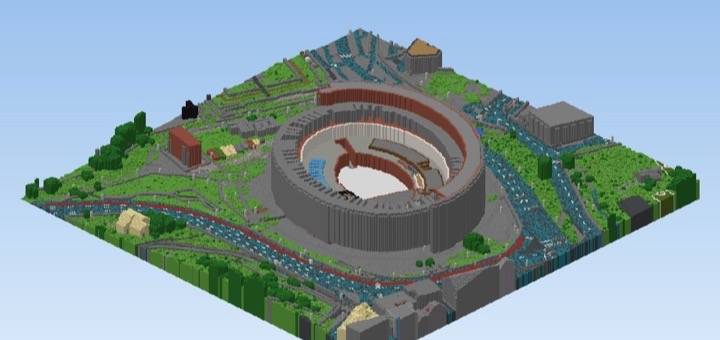
Real-world landmarks at 1:1 scale: the Colosseum, Rome. Isometric render of the world's blocks.
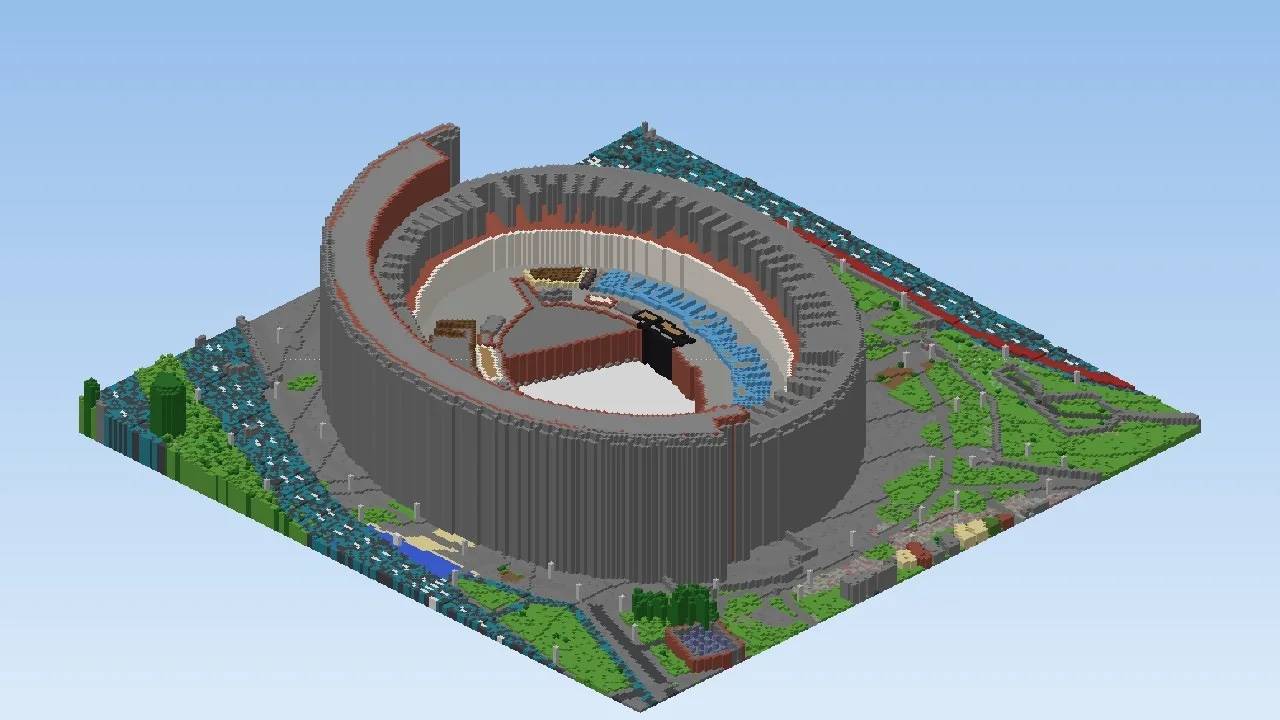
Colosseum from the south. Isometric render of the world's blocks.
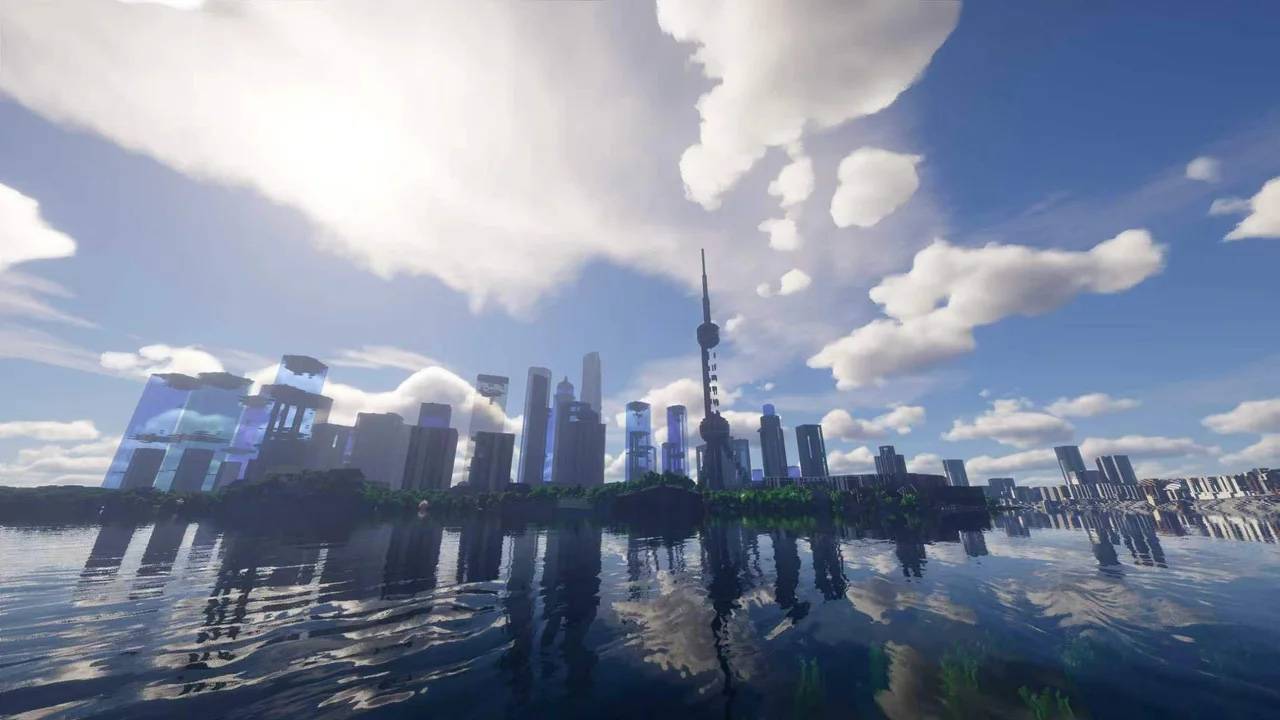
Lujiazui skyline. In-game screenshot with shaders.
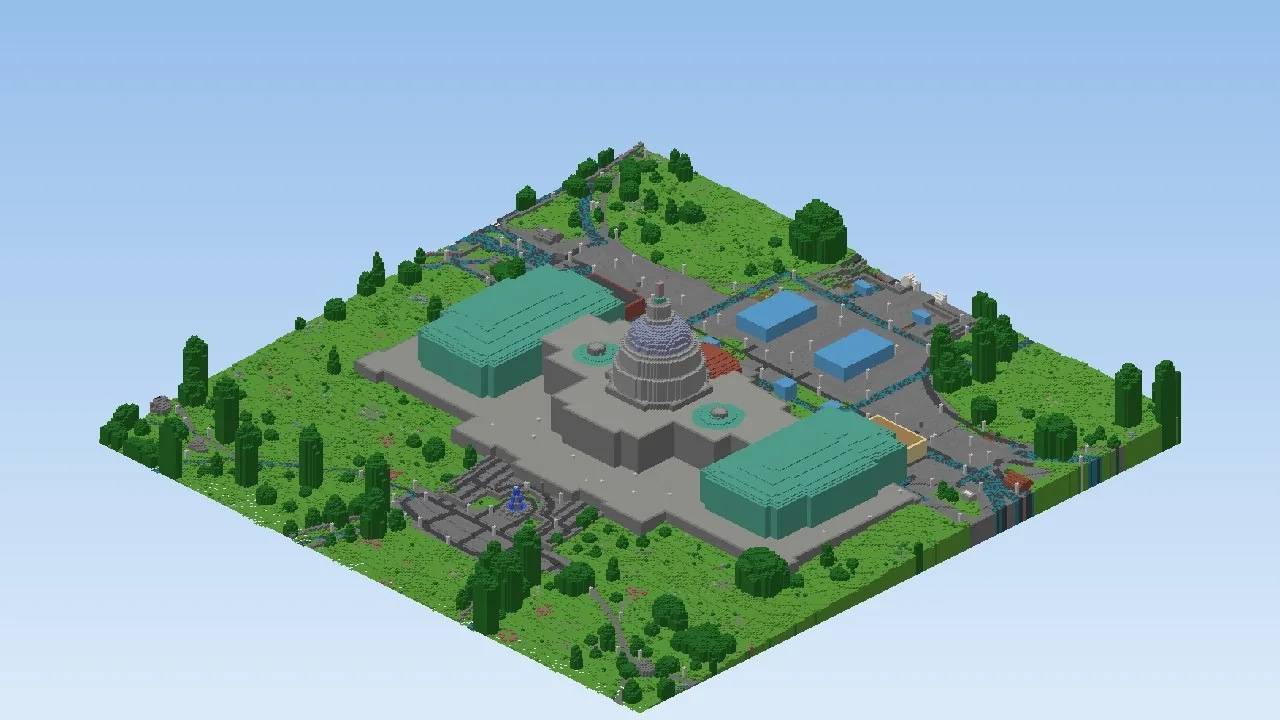
US Capitol dome. In-game screenshot with shaders.
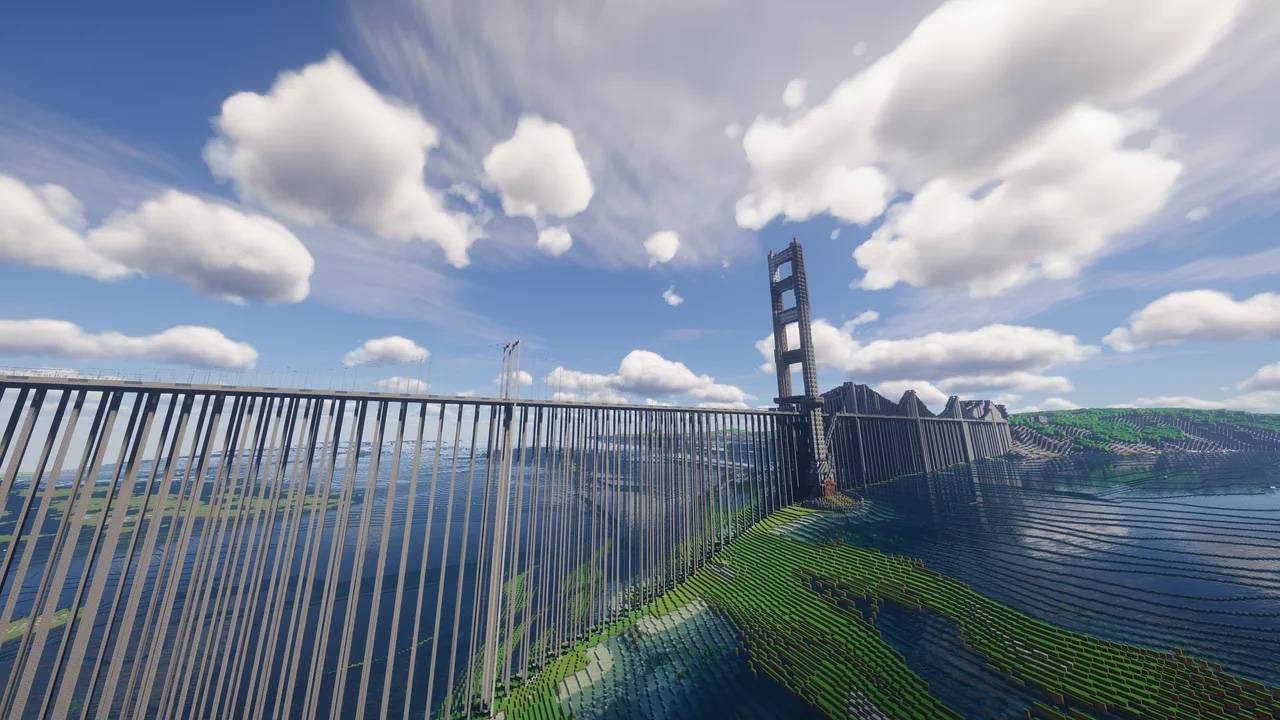
Bridge tower and waterfront approach. In-game screenshot with shaders.
Description
Real-World Landmarks at 1:1 Scale
16 playable worlds of real places, generated block by block from OpenStreetMap data at 1:1 scale (one block per metre), with real terrain heights. Each file on the Files tab is a different place, and each world covers about 10 km² (roughly 3.2 × 3.2 km).
What's inside
- Shanghai Tower, Shanghai: the Lujiazui skyline beside the Huangpu River (exterior-focused)
- Colosseum, Rome: the amphitheatre with the Roman Forum, Circus Maximus and the streets of central Rome
- White House, Washington, D.C.: the National Mall, the Washington Monument grounds and the US Capitol
- San Francisco: the Golden Gate Bridge, the Crissy Field waterfront and the Presidio hills
- Empire State Building, New York: Midtown Manhattan with Times Square and Bryant Park
- Sagrada Família, Barcelona: the basilica in the Eixample grid, with Avinguda de Gaudí and Sant Pau
- Plaza de España, Seville: the semicircular plaza, its parkland and waterways, and the blocks around it
- Seattle: the Space Needle, Seattle Center, the Elliott Bay waterfront and the city's hills
- Chicago: the lakefront skyline, downtown streets, parks, the river approach and the piers
- Las Vegas Strip: casino resort towers along Las Vegas Boulevard and the I-15 corridor
- Brandenburg Gate, Berlin: the Reichstag dome, the Tiergarten, the Spree and Museum Island
- Honolulu: the Waikiki waterfront, Diamond Head terrain and Kapiolani Park
- Pentagon, Arlington: the five-sided building, its road network, parking fields and nearby water
- Edinburgh Castle: the castle rock, the esplanade approach, Old Town streets and the city's slopes
- Venice: the Grand Canal, island blocks, bridges and St Mark's Square
- Taj Mahal, Agra: the complex, its formal garden axis and the Yamuna riverbank
Good to know
- These worlds are generated, not hand-built. Buildings use mapped footprints and heights, so they follow the real street plan rather than being detailed replicas. Interiors and fine details are yours to add.
- Vanilla Bedrock Edition worlds (.mcworld) for Minecraft 1.21.0 or newer, on Windows, Android and iOS. No add-ons needed.
- Each world has its own name, so you can import several side by side. Large worlds can take a minute to import on phones.
- Gallery images are in-game screenshots (with shaders) and isometric renders of each world's blocks.
How to install
- Download a world (.mcworld) from the Files tab.
- Open the file. Minecraft starts and imports it (on Android and iOS, choose Minecraft when asked which app to open it with).
- The world appears in your Worlds list. Open it and explore.
Credits
Map data © OpenStreetMap contributors, available under the Open Database License (ODbL). Elevation data: Mapterhorn and AWS Terrain Tiles. Generated with the CartoVoxel engine, which is built on the open-source Arnis project (Apache-2.0). Each download includes a CREDITS.txt.
Not an official Minecraft product. Not approved by or associated with Mojang or Microsoft.
Made with CartoVoxel, where the same maps are listed with more screenshots.
Real-World Landmarks at 1:1 Scale (CartoVoxel) Team