Verse One Block Deluxe
Begin with one block, build an entire island, survive 10 evolving phases,
and unlock Infinite Mode.
About the Map
Verse One Block Deluxe is a complete One Block survival
experience created for Minecraft Bedrock by VersePlayzXD.
Expand your island, collect resources, complete every phase, purchase useful
items, unlock permanent upgrades, and prepare for increasingly dangerous
challenges.
Deluxe Features
-
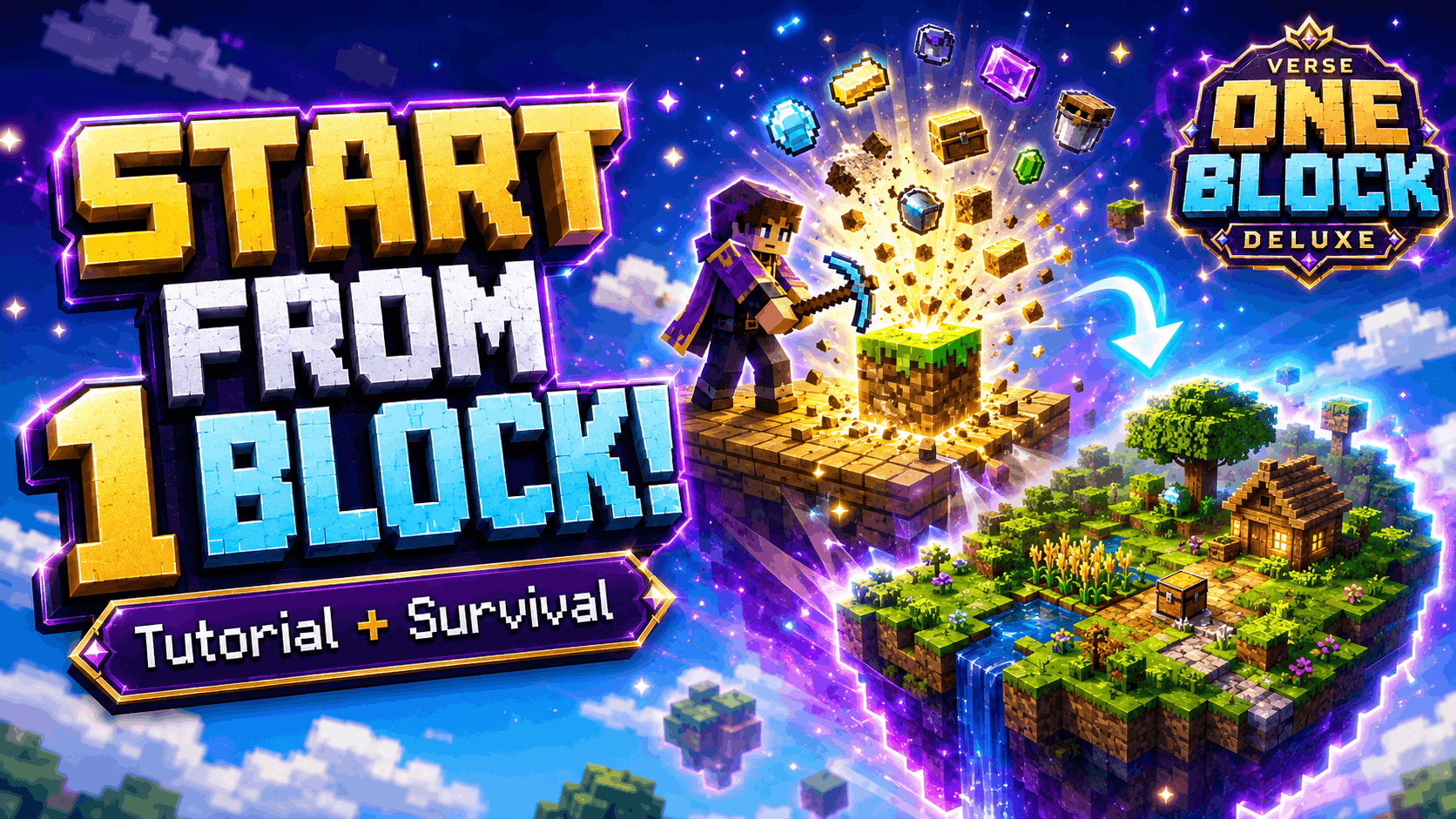
Classic One Block Survival:
Break one regenerating block and slowly transform your tiny platform into
a complete survival island.
-
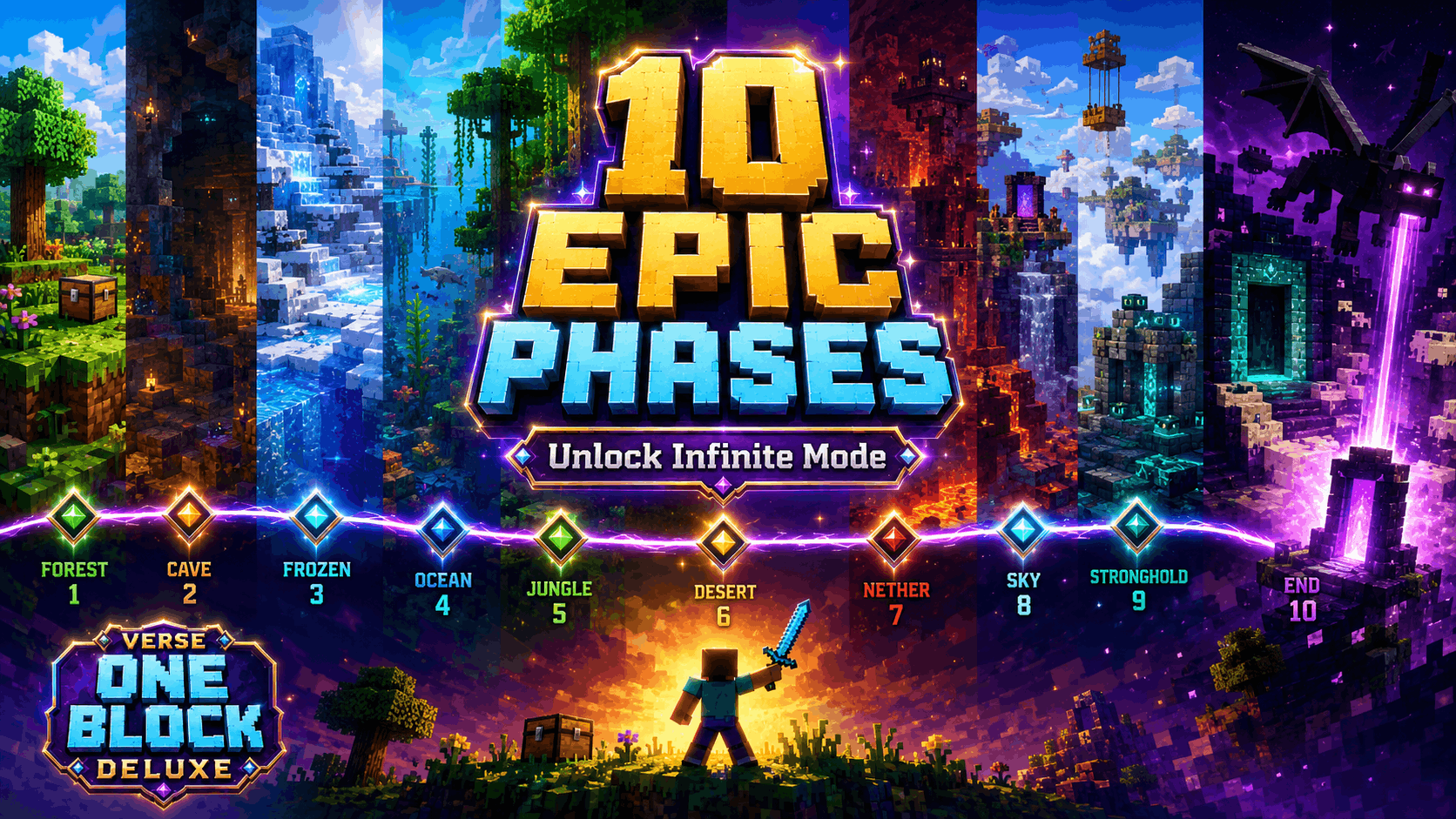
10 Unique Phases:
Progress through environments ranging from peaceful forests and frozen
lands to the Nether and End.
-
Infinite Mode:
Complete all 10 phases to unlock endless One Block progression.
-
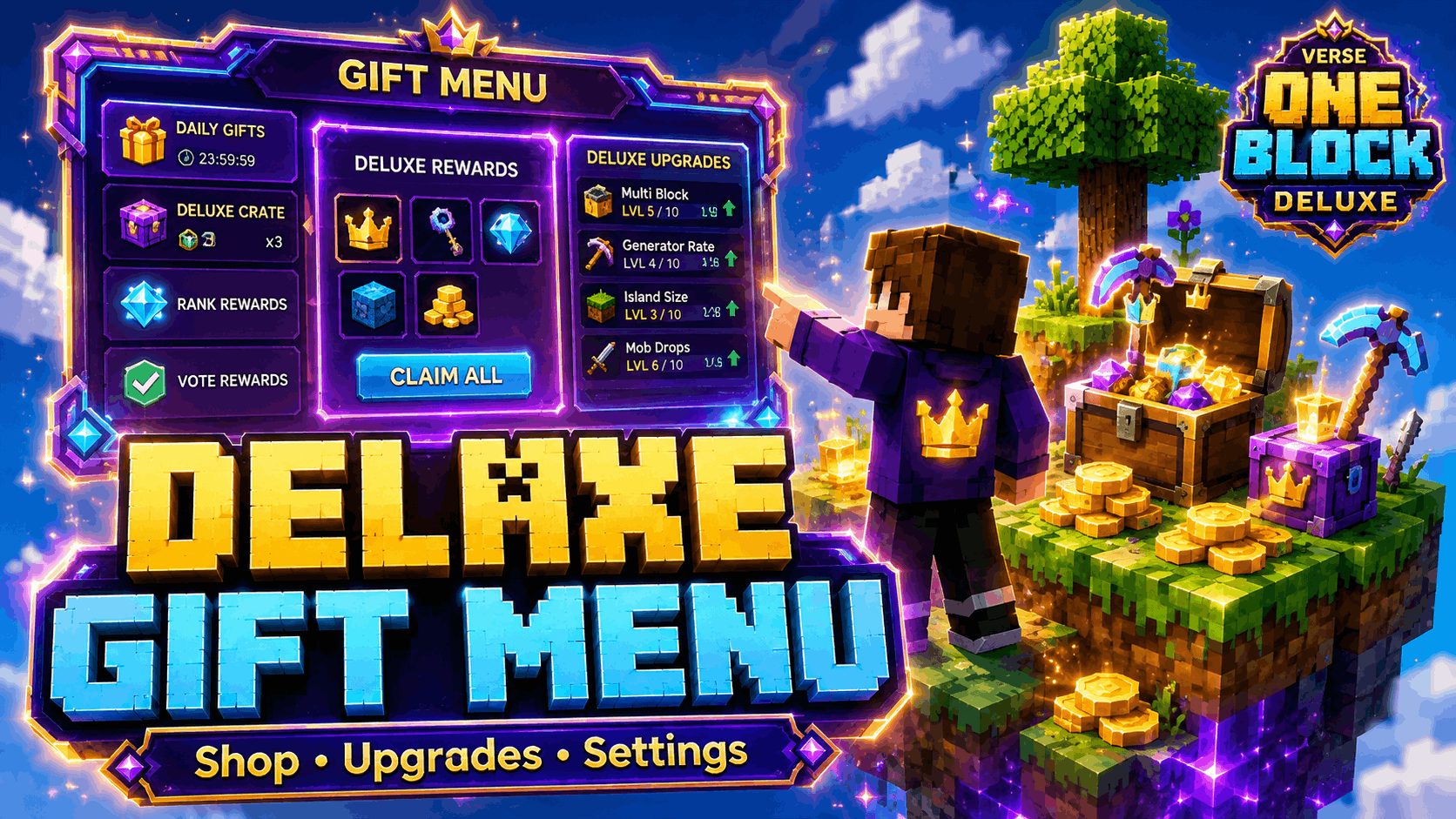
Deluxe Gift Menu:
Access information, upgrades, shops, player statistics, and world settings
from a redesigned purple-and-cyan menu.
-
Buy and Sell Shop:
Purchase useful survival supplies and sell collected resources.
-
Permanent Upgrades:
Spend resources on useful improvements such as Fortune progression and
Keep Inventory.
-
Player Profile:
View your balance, blocks broken, deaths, earnings, and expenses.
-
Interactive Tutorial:
New players receive clear, color-coded instructions before beginning the
main adventure.
-
Redesigned Boss Bar:
The boss bar displays the tutorial, current phase, progression, and
Infinite Mode status.
-
Phase Roadmap:
The complete 10-phase journey is displayed in chat after finishing the
tutorial.
The 10 Phases
- Forest Awakening
- Deep Caves
- Frostlands
- Ocean Depths
- Wild Jungle
- Red Desert
- Nether Inferno
- Sky Isles
- Ancient Stronghold
- The End Realm
Complete every phase to unlock Infinite Mode.
Gift Menu
Interact with the Gift Menu at the island or use the
Gift Menu • Right Click item to access:
- Information and gameplay guide
- Permanent upgrades
- Buy and sell shops
- Player profile and statistics
- Coordinates settings
- Gift Menu visibility
- Boss-bar visibility
Installation
- Download the
.mcworld file.
- Open the downloaded file with Minecraft.
- Wait for the world import to finish.
- Open Play → Worlds.
- Select Verse One Block Deluxe.
For the best experience, import the map as a new world rather than replacing
an older One Block installation.
Important Notes
- Designed for Minecraft Bedrock.
- Do not remove the included behavior or resource packs.
- Do not disable commands required by the map's progression systems.
- Create a backup before testing major Minecraft updates.
Creator
Created and published by VersePlayzXD.


Terms of Use
You may play this map in personal worlds, compatible multiplayer sessions,
videos, livestreams, reviews, and showcases with visible credit to
VersePlayzXD.
Re-uploading, redistributing, reselling, publicly sharing modified copies,
using paid or monetized download links, or claiming this project as your own
is not allowed.