Midnight Cabin Horror Map
- By
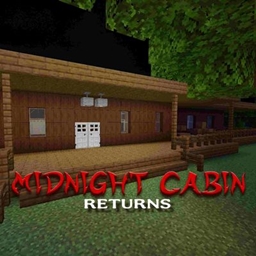
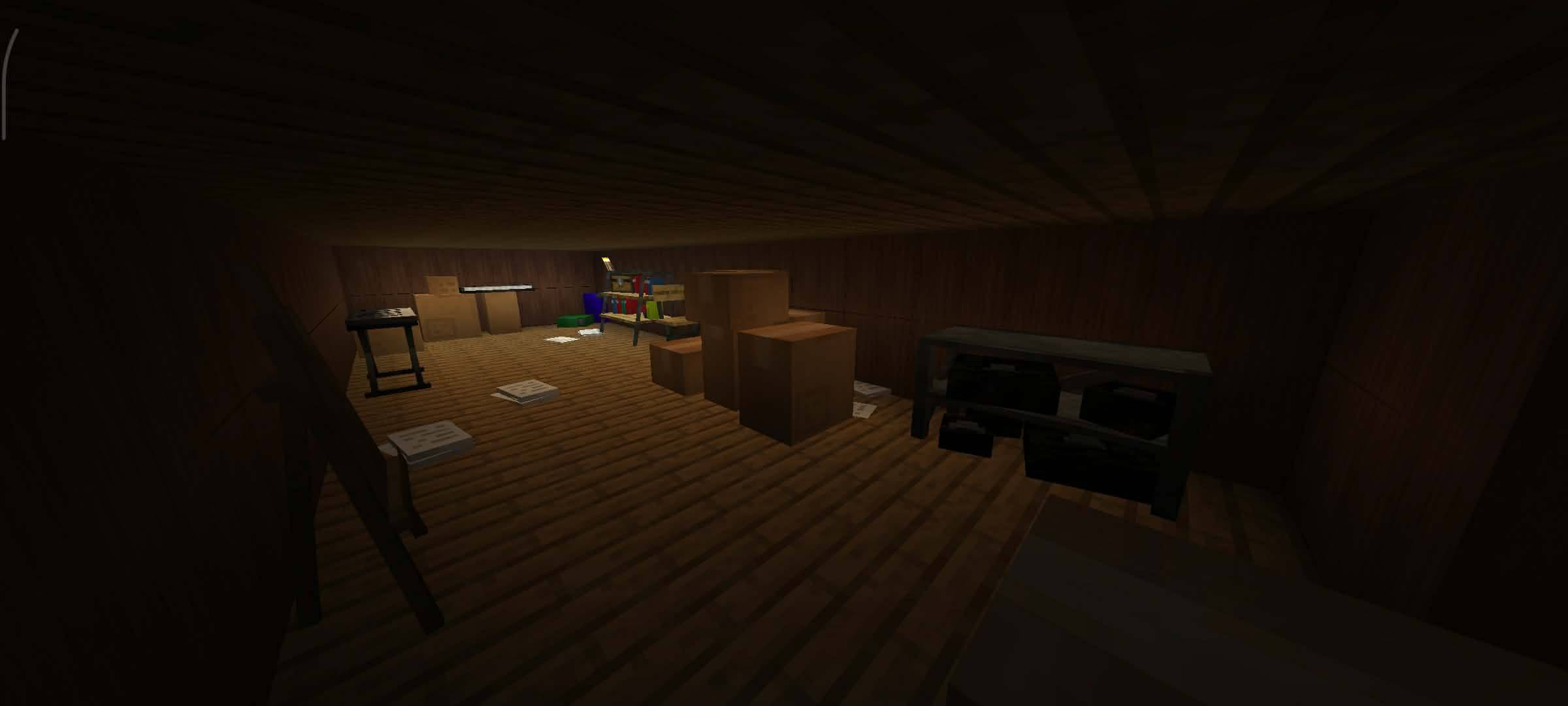
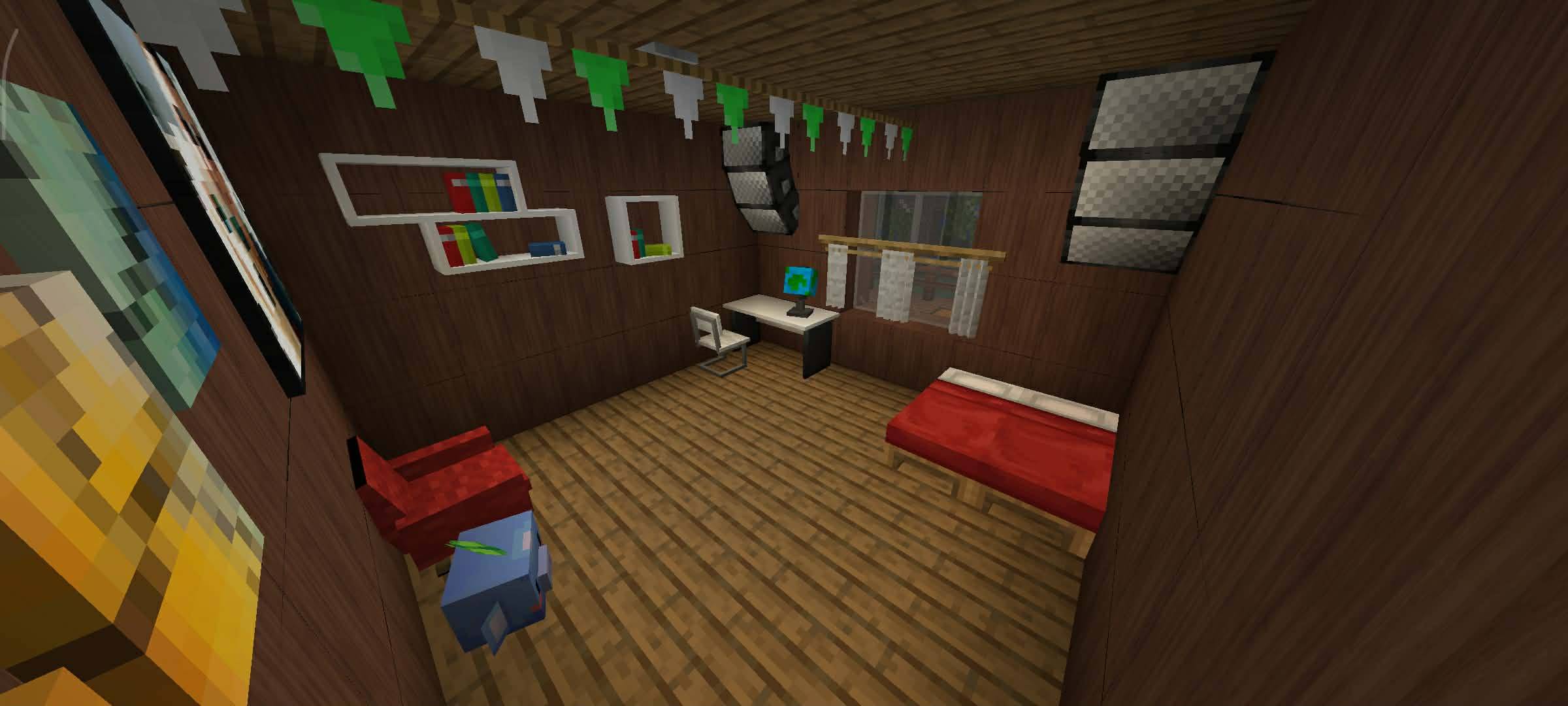
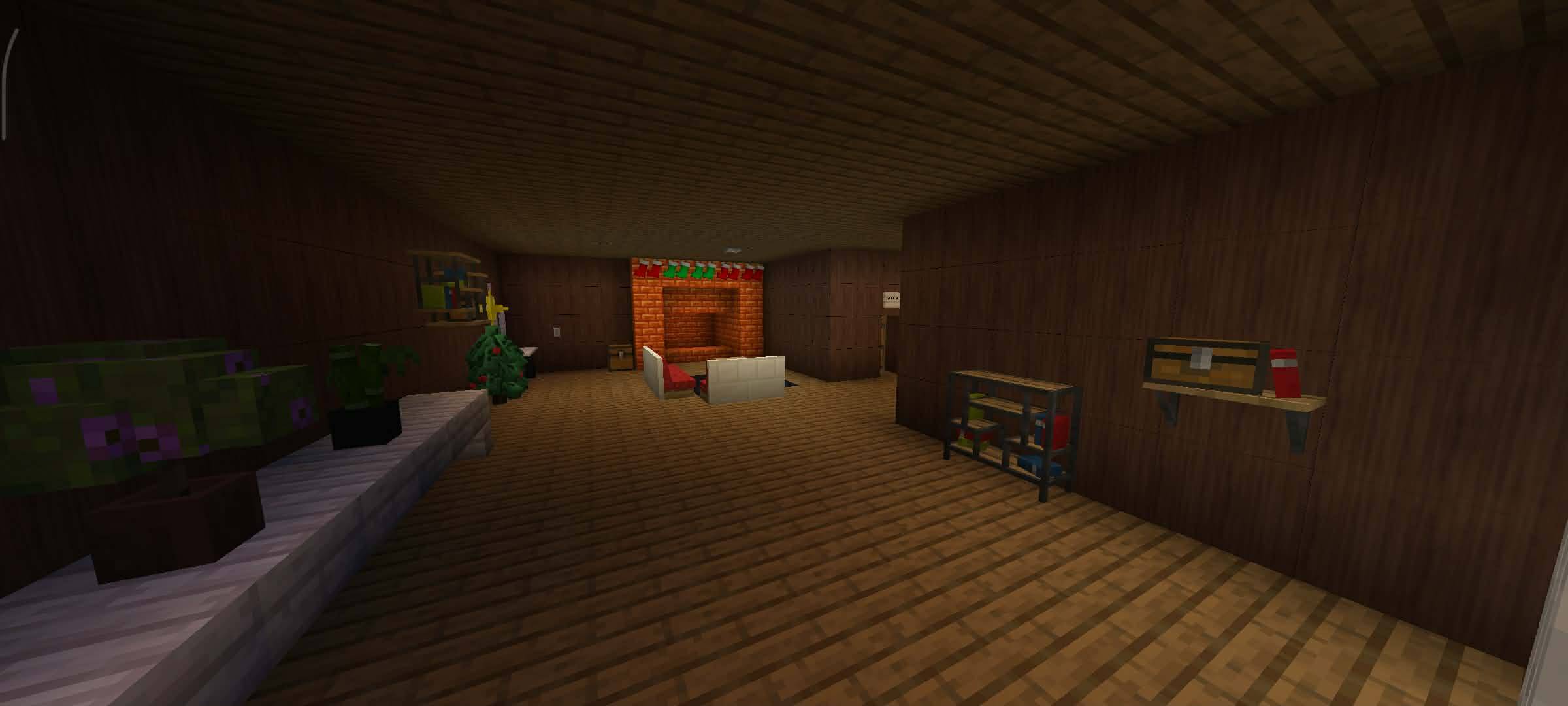
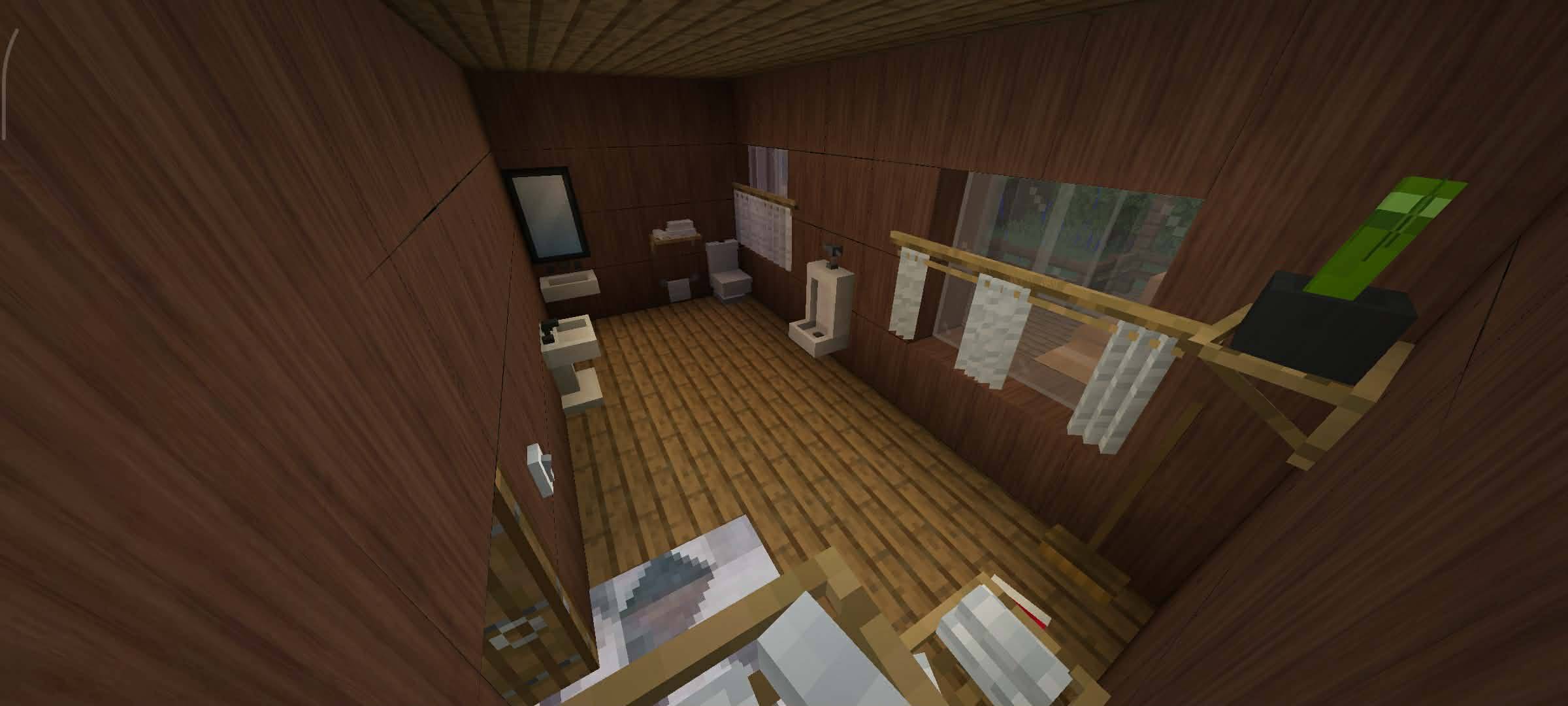
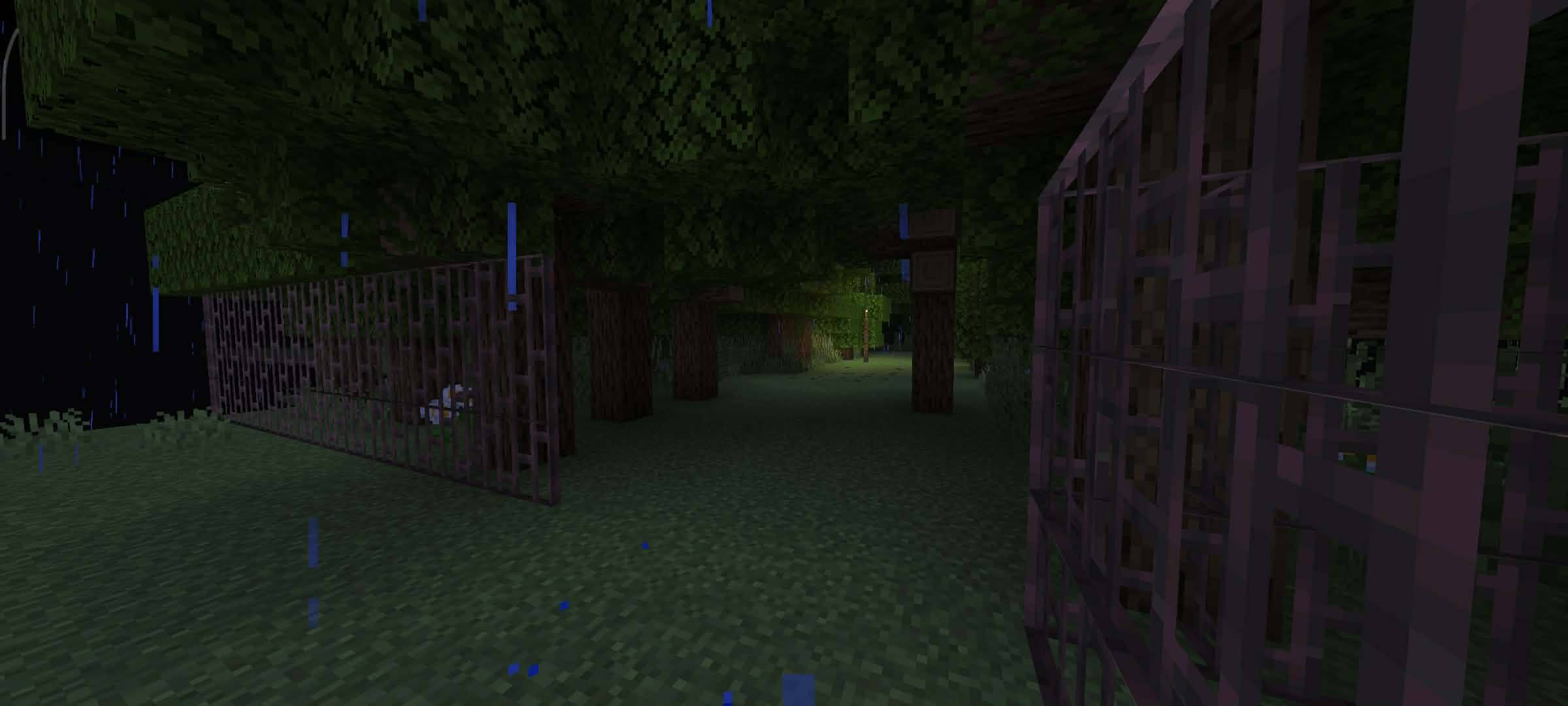
Lost in a storm, you seek shelter in an old forest cabin. But you're not alone. With no phone signal, can you escape the entity lurking inside or become its next victim?
063e0e40-8024-41fd-9556-057cbd3e409f.jpg
096a2f01-4ee4-4318-b581-e177b9e94921.jpg
31af5838-502f-415c-b447-74bb5af4c7e8.jpg
f77a9d4f-e58a-47c6-9dce-66ca563a35f2.jpg
1c717851-4aa8-453b-9bb4-4c431bcc1f3d.jpg
Description
This Map Required Addon & Resources / Dependency
This map utilizes custom furniture assets to build its horror atmosphere. To play this map correctly, you must have the matching addon active.
- If you are using the CurseForge App: The app will automatically download and install the required addon files alongside this map. You don't need to do anything extra!
- If you are downloading manually (.mcworld / .zip): You must download the required addon separately and activate it in your world settings
(LINK FOR REQUIRED DEPENDENCY)
only for using mcpedl
Modern Furniture Survival Addon by trotamundos872
SUBSCRIBE TO MY YOUTUBE CHANNEL TO SUPPORT ME! THANK YOU SO MUCH EVERYONE
https://www.youtube.com/@Bert_official2026
📦 Resources & Behavior Pack Required
This horror map uses a custom resource pack for models, sounds, textures, and visual effects. Because of this, Minecraft may not automatically activate the resource pack on some devices or versions.
If the map looks broken or you see missing textures, please follow these steps:
-
Open the world settings.
-
Go to Resource Packs.
-
Select Available.
-
Activate Midnight Cabin Horror Map Resources.
-
Return to the game and enjoy!
Why does this happen?
This is not a bug with the map.
Minecraft Bedrock sometimes doesn't automatically enable imported resource packs after downloading or updating a map. This can happen because of:
- Minecraft version differences
- Device compatibility
- Resource pack import issues
- Minecraft Bedrock's own loading behavior
Since this is controlled by Minecraft itself, the resource pack may need to be activated manually.
Thank you for your understanding, and I hope you enjoy the horror experience! ❤️
WARNING and BEFORE PLAYING:
This game and its map are works of fiction. Any names, locations, characters, events, organizations, or similarities to real persons, places, businesses, or events are purely coincidental and are not intended to represent any real-world entity. This map was created for entertainment purposes only.
All external resources used in this game including assets, audio, and visual elements were sourced from public domains such as Google and YouTube, utilizing exclusively copyright-free material and content cleared for free commercial/public use. All other content is either original or used with proper authorization. No copyright infringement is intended.
HOW TO ACTIVATE THE RESOURCES AND BEHAVIOR PACKS TUTORIAL;
INFORMATION:
You were completely hopelessly lost in the woods when a massive thunderstorm hit out of nowhere. Just when you thought you were doomed to freeze in the rain, you spotted an old dirt path leading straight to a lonely, creepy cabin. Thinking you're saved, you run inside to escape the storm. Big mistake. The place is dead quiet, the atmosphere is heavy, and you immediately get the sinking feeling that something horrible happened between these wooden walls. You pull out your phone to call for backup, but there's absolutely no signal just an eerie dial tone and the sound of thunder shaking the roof. You aren't alone in here. An entity is lurking in the dark, and it doesn't want you leaving. Can you find a way to contact the outside world and escape, or will you become just another ghost story trapped in the woods?
MAP RULES:
To ensure the best and most terrifying experience, please follow these rules strictly:
-
Do Not Break Blocks: Unless explicitly told to do so by the map.
-
No Cheating or Commands: Keep cheats turned off. Do not switch to Creative or Spectator mode unless a glitch occurs.
-
Stay in Adventure Mode: All players must use /gamemode adventure at all times.
-
Do Not Skip Dialogue: Stick together and read the text; you might miss vital clues on how to escape the entity.
-
Stick Together: Splitting up might make you an easy target for the entity, and some triggers require all players to be present.
🎧 HEADPHONES RECOMMENDED
For the ultimate creepy atmosphere and to hear every terrifying sound effect, make sure to plug in your headphones before starting!
REQUIRED SETTINGS
Adjust your video and audio settings before pressing start to ensure the map functions and looks exactly as intended.
VIDEO SETTINGS
- Brightness: Moody (0%) to 25% (Keeps the house dark and atmospheric)
- Render Distance: 8 to 12 Chunks (Prevents server lag while keeping command blocks working)
- Simulation Distance: 8 Chunks (Ensures the entity's AI and triggers work properly for everyone)
- Particles: All (Important for seeing jumpscare and supernatural effects)
AUDIO SETTINGS
- Master Volume: 100% (Adjust your headphones to a comfortable level)
- Music: OFF (Turns off default Minecraft music so it doesn't ruin the horror mood)
Thank you so much for downloading and playing this map! A lot of time and effort went into creating this horror experience for you and your friends. We hope you enjoy the scares, the mystery, and the tension of trying to escape the house!
REPORT BUGS & FEEDBACK
Since this is a multiplayer map with complex triggers and entity AI, bugs can sometimes happen. If you encounter any glitches, broken triggers, or issues during your playthrough, please let us know!
Leave a comment on the download page with:
- A description of the bug or what broke.
- How many players were in the game when it happened.
-
Any specific steps you took right before the glitch occurred.
Midnight Cabin Horror Map Team
Owner