Jumptober Studios Smooth Camera Machine
- By
A machine you can sue to get cool shots and can put it in your own world!
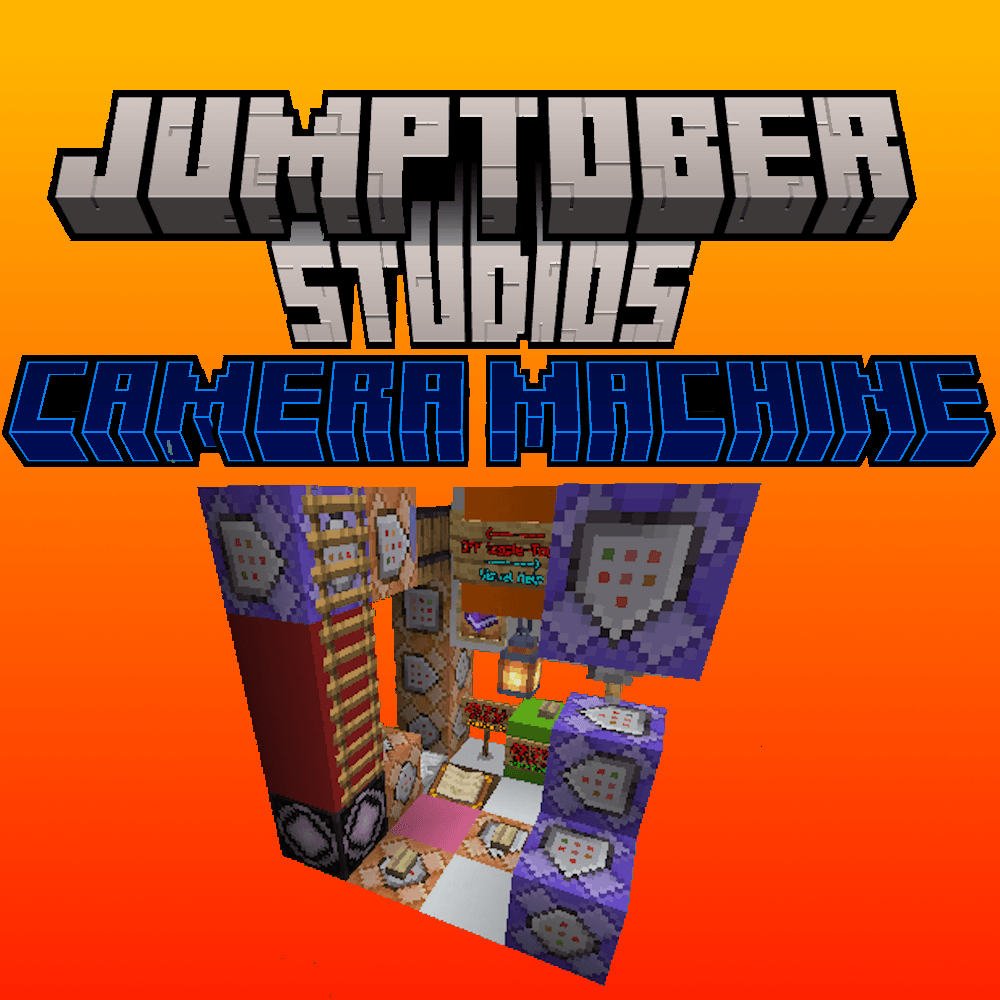
Camera Machinepic png.png
thumbnail 1 machine.jpg
cam angle.png
small cam.png
Description
This is a cool little machine you can use to get views for videos and clips for your own content!
Get some cool videos of your worlds or maps for videos or trailers!
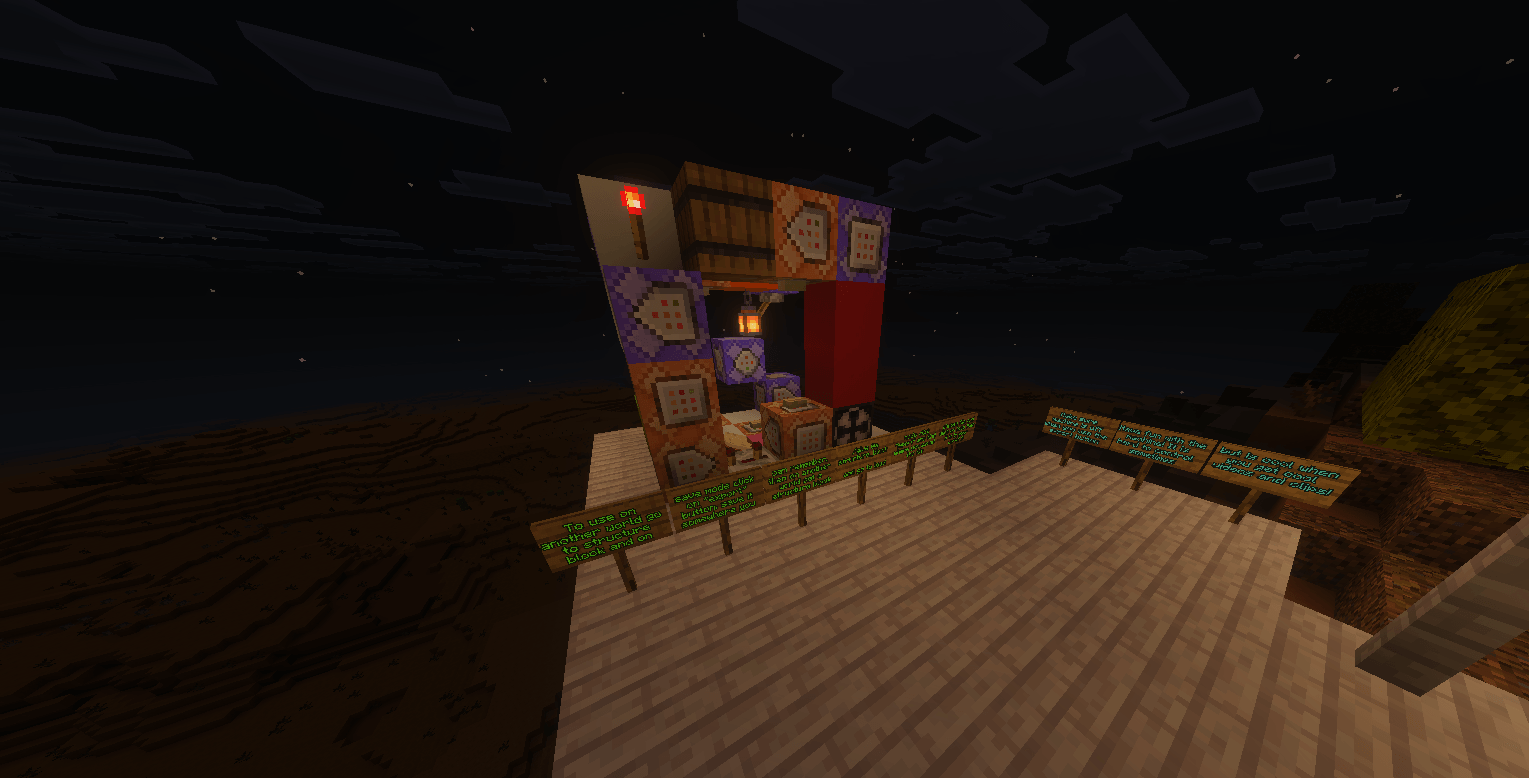
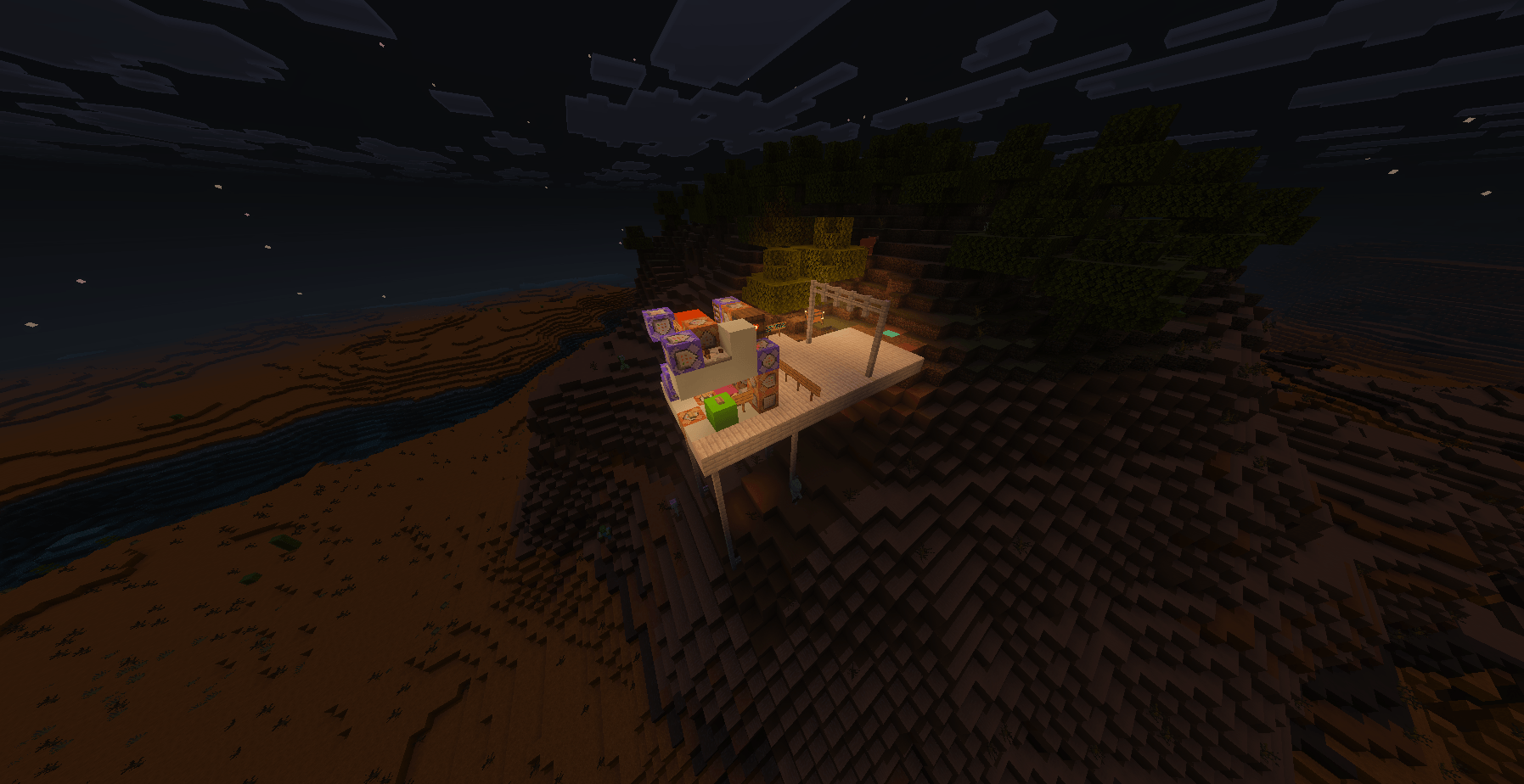
DO NOT LEAVE AREA Unless you click on the Always Active Button Located on floor. This chunk will ALWAYS BE ACTIVE
Use the Set Player (Click Twice) to set a Player (above pink concrete)
How to Turn OFF - Climb the RED Concrete Tower to turn off.
- Reccomended to click the "Command-ChatFix" Button behind to clean the chat up. There is also a "Disable-ChatFix" Button too. (Both in floor)
- Reccomended F1 and Full Screen for Coolest Views.
- Reccomended Do not hold or wear items while using for best effect.
- Recommendation
Try using an elytra! Only you will see the elytra... But maybe if people ask for it we can make a texturepack that makes it so you cna not see it! Or you can make it yourself... :)
EXPORT INFO
To use on another world go to structure block and on save mode click on "export" button. save it somewhere you can can remember. then on another world get a structure block /give @a structure_block and go to load mode. click "import" and find where you saved the file choose file and click on load then it is in your world! :) Make sure machine is off when you use the export button Have fun with the machine! It is hard to control sometimes but is cool when you get cool looking videos.
Settings
- To change the "Ease" find the purple "Camera Itself" Command Block on the floor and change the "1" to something like "2" or "3." Probably not any higher but I won't judge... (WARNING)
It may be hard to use if you put it too high. - To change the range of the "Visual Help" §r look at the purple command block named it and change the "25" to a larger or smaller number based on how many blocks. For example "10" if you are more than 10 blocks away from the machine the visual help disapear
More Info
- There is a Remove Tag called "remove s-player" button above to remove tag from everyoneVisual Help On Top can help you see where you are
- The "No-LongerAlw Ac" Does not work and IDK why... Sorry.
- Credit
If you use this for a video you do not have to credit it becasue you don't see any of the commands anyways. But it would be appreciated
HELP!
If this breaks your world and you can not use your world anymore use /gamerule commandblocksenabled false then /camera @a clear Then DESTROY THE MACHINE...
Then use /gamerule commandblocksenabled true and re-import the machine if you want.
By Jumptober Studios
Jumptober Studios Smooth Camera Machine Team