Glide Mini Game
- By
Use your Elytra wings to glide through a track full of secrets and shortcuts. Originally developed for Minecraft's now-discontinued console editions, and now fully ported to the Bedrock edition of Minecraft.
A brief guide on how to play
Upon joining, you will spawn in the lobby
The lobby contains tons of easter eggs, and is definitely worth exploring while you're waiting for the game to start
In the lobby, you can vote for a map to play. Interact with the map in your hotbar, and a map voting menu will open. By default, you can select between Cavern, Temple and Canyon.
You can also download more track packs on the downloads page - each track pack will add 3 maps to this menu
Once you've selected the map, use the item in your 8th slot to start the game.
Gameplay Mechanics
Look out for thermals!
Thermals will lift you upwards if you fly over them. Static thermals will lift you to a certain height, whilst natural thermals will lift you for as long as you're in their hitbox
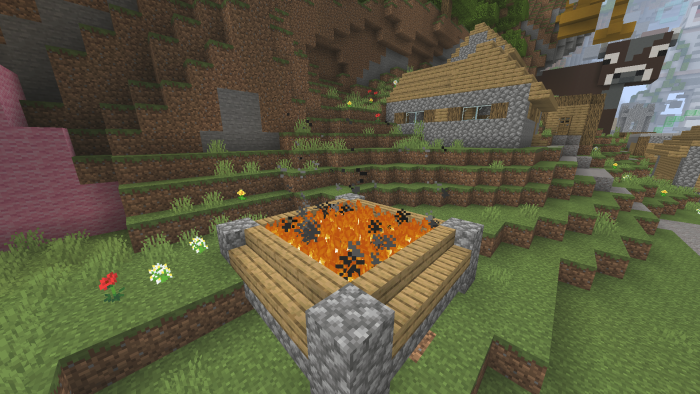
Look out for boosts!
Orange boosts will boost you in whatever direction you're facing, and yellow boosts will boost you if you're facing the same direction
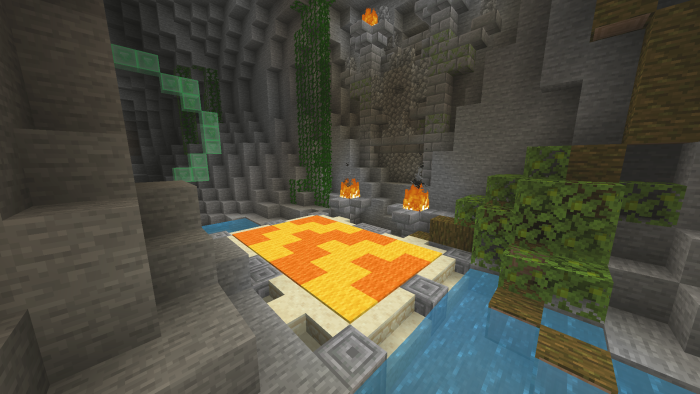
And finally, checkpoints. Upon reaching a checkpoint, points you've gained since the last checkpoint are now "secured". These points will now remain, even after crashing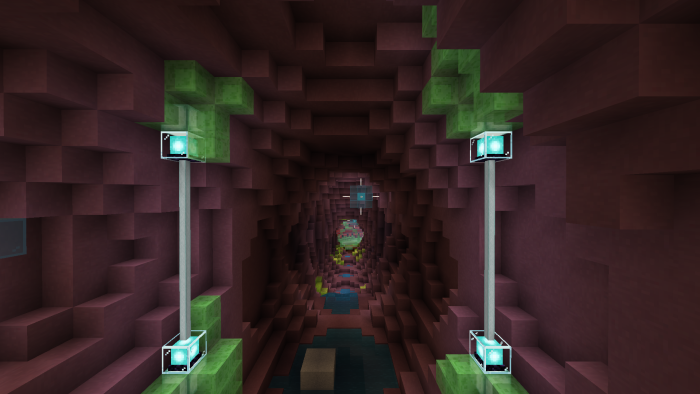
Glide can also be played in two different game types, Time Attack and Score Attack.
Time Attack
The world is, by default, set to the Time Attack game type.
The goal of Time Attack is to reach the end as fast as possible.
Time Attack
To switch to Score Attack, go into the Behaviour Packs menu, disable the Score Attack behaviour pack & enable the Time Attack behaviour pack
In Score Attack, you need to gain as many points as possible
Green rings will give you 3 points for flying through, yellow rings will give 5 points, and blue rings will give 7 points, and are the most difficult to get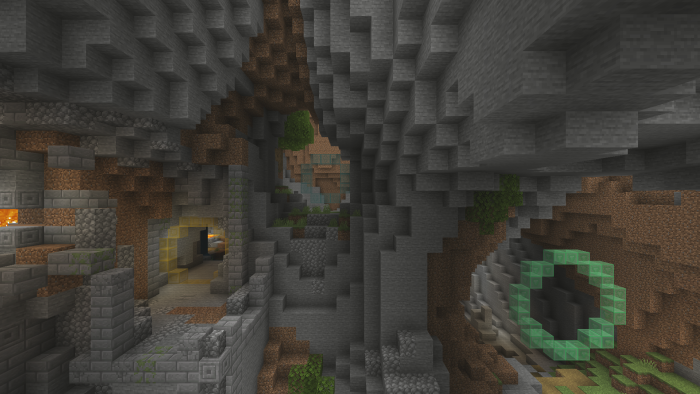
You must reach the end, though, otherwise your score will not count.
Only your best round (highest time/score) will be counted.
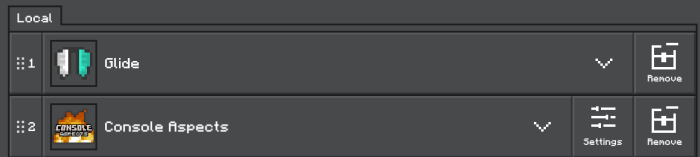
This remake also includes support for Console Aspects - put Console Aspects below Glide in resource pack priority, as shown below:
Join the Discord server for development news, support and realm hosting resources - https://discord.gg/bcWVkwm5fY
Glide Mini Game Team

Owner