FNaF: The New Layout
- By
MCPEDL
MCPEDL
MCPEDL
MCPEDL
Description
🍕FNaF 1: The New Layout
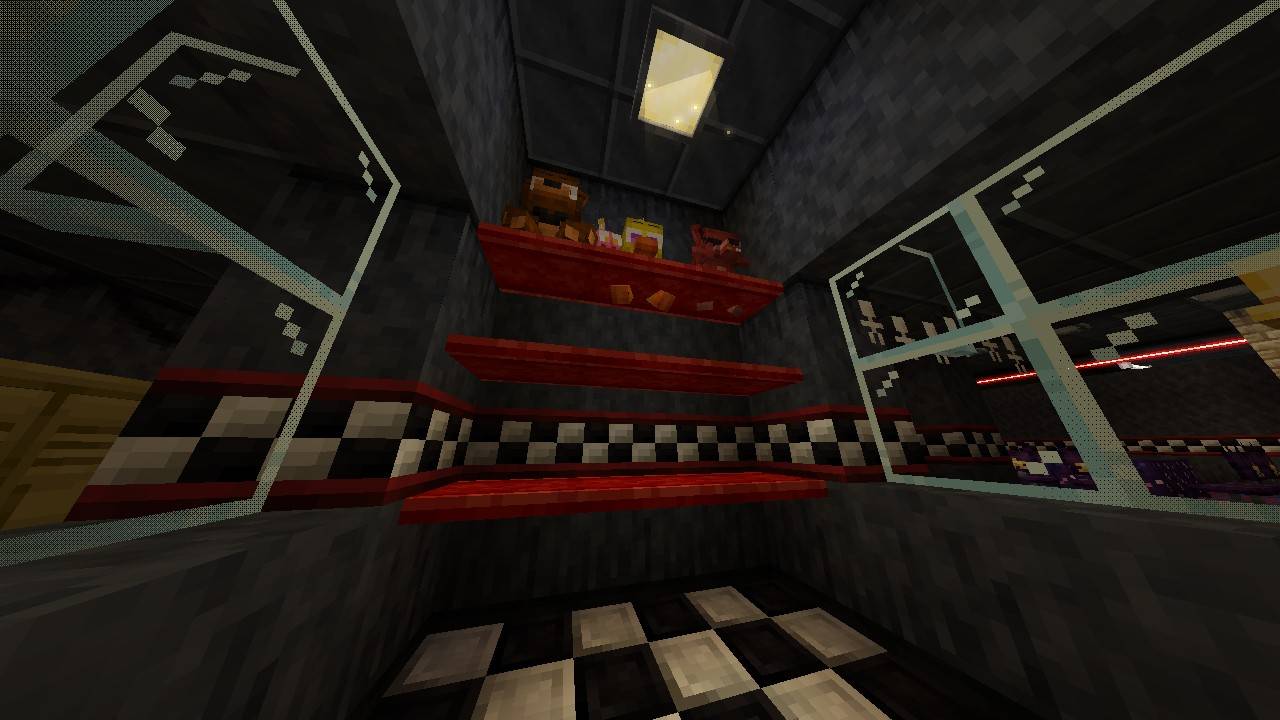
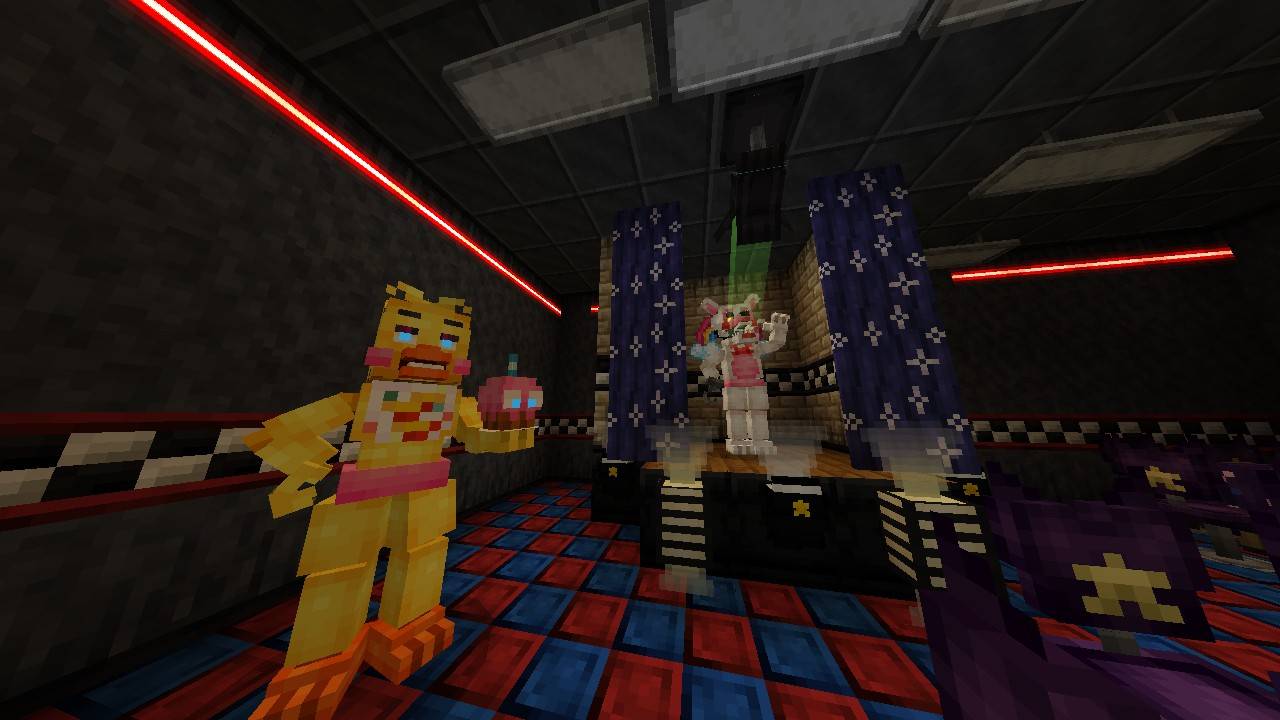
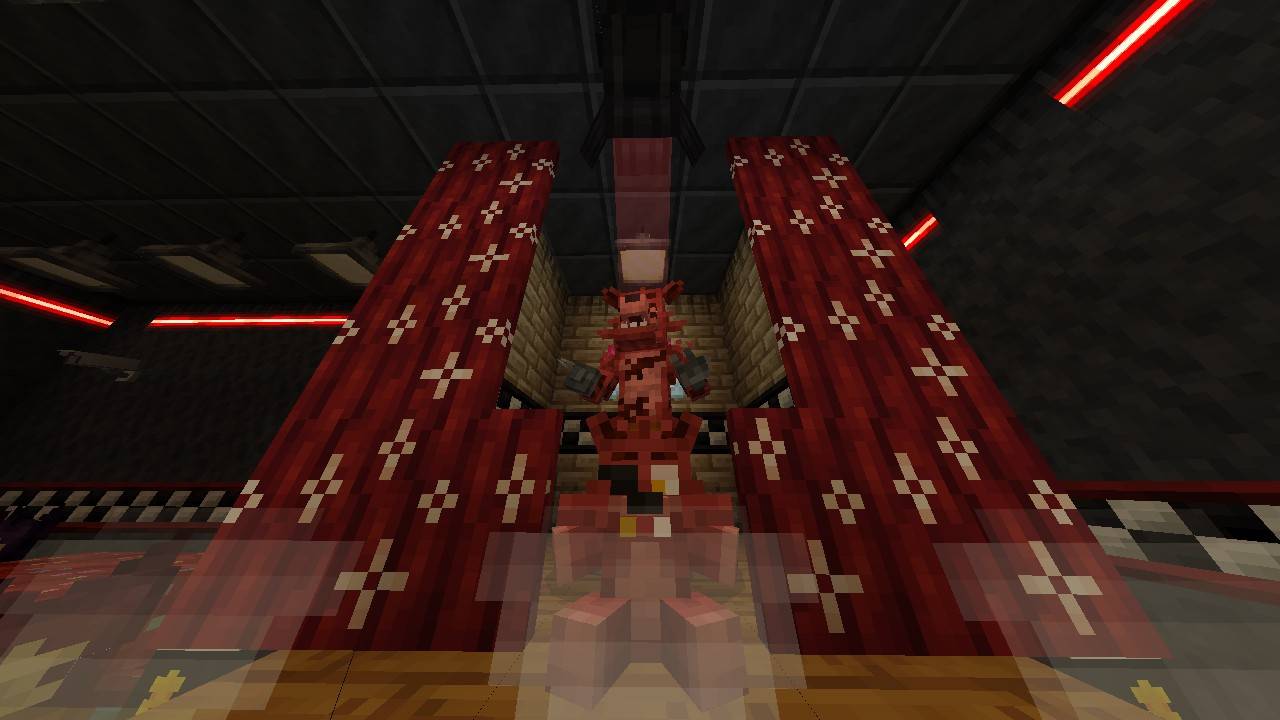
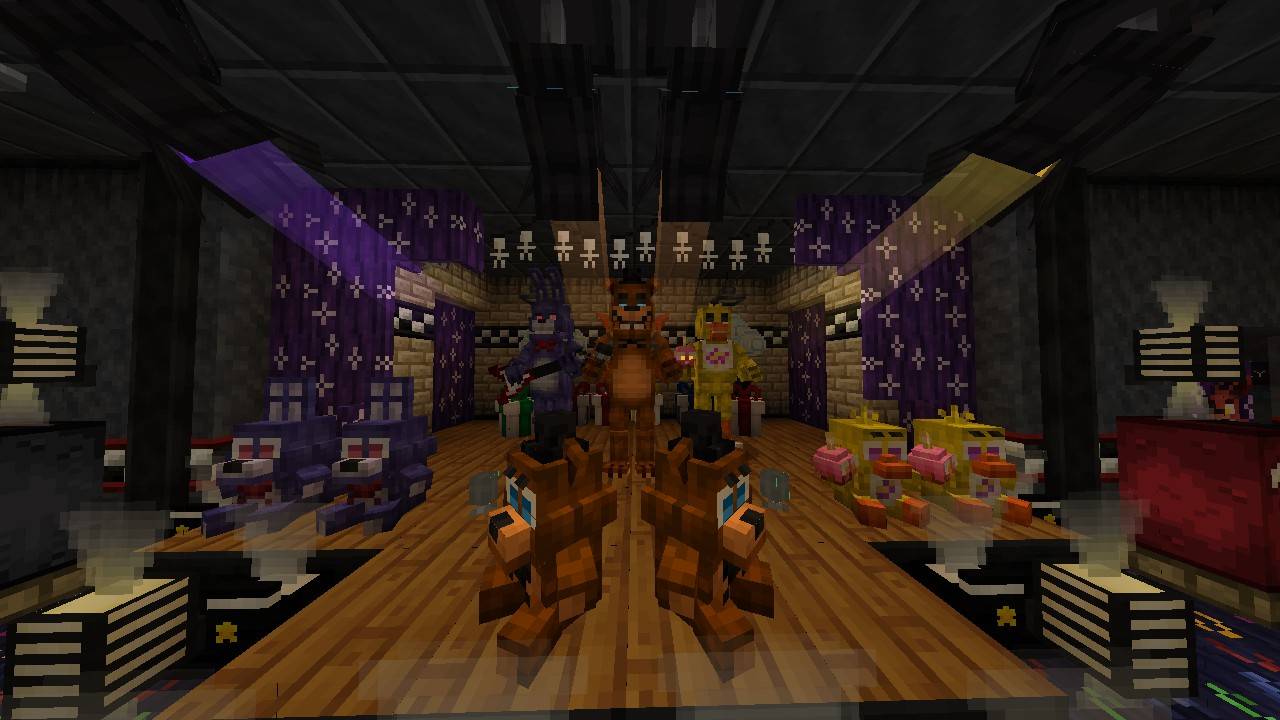
Welcome to The New Layout, a complete structural and atmospheric reimagining of the iconic Five Nights at Freddy's pizzeria! Built specifically for Minecraft Bedrock, this map shifts away from the traditional, cramped halls to offer a completely fresh architectural perspective. Whether you want to explore every dark corner, use it as a roleplay hub, or treat it as a sandbox for your own mechanics, this world is yours to command.
Best of all? It is fully customizable. You are free to break blocks, add your own redstone contraptions, rewrite commands, or completely overhaul the design to match your personal vision of Freddy Fazbear’s Pizza.
---
🔍 Featured Easter Egg: The Safe Room
Keep your eyes peeled during your exploration! Hidden away in the building is a *not-so-secret Safe Room
⚠️Performance and Device Warning! (Important)
Please note that this map is highly detailed and extremely resource-heavy. It pushes Bedrock engine limits to deliver an immersive atmosphere.
- Low-End Devices (e.g., Oppo F11 or older): Expect heavy lag, low framerates, and potential crashes. Play at your own risk.
- Mid-to-High-End Devices (e.g., Vivo Y29 and newer): Runs smoothly overall, though you may experience brief, minor stuttering/pauses near custom non-entity doors.
- Optimization Tip: If you experience lag, lower your **Render Distance** and turn off **Beautiful Skies** or **Fancy Graphics** in your Minecraft video settings.
---
📋 Map Details
- Map Name:FNaF 1: The New Layout
- File Format:`.mcworld`
- Minimum Version Required: Minecraft Bedrock **v1.21.90+** (or newer)
- Game Mode: Creative / Exploration / Sandbox
📥 How to Install `.mcworld` on Minecraft Bedrock
Follow these simple steps to load the map directly into your game depending on your device.
📱 For Android / iOS
- Download the `.mcworld` file to your phone's storage.
2. Open a File Manager app (like ZArchiver or your device's default files app).
3. Locate the downloaded file. If it ends in `.mcworld.zip`, rename it to remove the `.zip` so it only ends in `.mcworld`.
4. Tap the file and select "Open with...", then choose Minecraft.
5. Minecraft will launch automatically and display a message saying "World import started" followed by "World import finished successfully."
💻For Windows 10/11
- Download the `.mcworld` file to your PC.
2. Double-click the file.
3. Minecraft Bedrock Edition will boot up automatically and import the world into your single-player worlds list
🌍 Required Addons & Credits
This world map utilizes several amazing addons to function properly. Please support the original creators by checking out their work!
- Security Cameras by BONY162 - [Official Release on MCPEDL] https://mcpedl.com/security-cameras/
- FB&D (FNaF Build & Decor) by Hirx/CaveCraft - [Official Release on MCPEDL] https://mcpedl.com/fnaf-blocks/
Note: All credit belongs entirely to the talented creators above for their individual addon files!
FNaF: The New Layout Team