Fiori map (pvp) with Project Walker
- By
Fiore map (pvp), is a pvp and pve map for Minecraft Bedrock
f147d240-57cc-4c02-a623-3821dfb09cb8.jpeg
screenshot_icon_1.jpeg
133d0fa0-ab4b-4111-946b-ef2ff11a712e.jpeg
528fb5e6-59c3-4bd9-b2b7-b1620f7bee5a.jpeg
fc69620a-b667-41db-8df7-4f691828eea9.jpeg
Description


ABOUT THE MAP
Current map version: 0.0.2
Updated in: 27/09/2025
Fiori Map is a PvP map for Minecraft Bedrock that features weapons and several PvP gamemodes designed for playing with friends — or solo, thanks to the PvE mechanics. The map includes a number of optimizations so players get the best possible experience.
At the moment, the map focuses on PvP-oriented gamemodes, but I plan to add improvements and new features over time.
The map depends on the Project Walker addon (by Gabriel Aplok), plus a few native map addons that alter Project Walker (these modifications were permitted by the author — see the add-ons section).
IMPORTANT: To make the map work correctly, read the installation section!
IMPORTANT: The map includes translations for English (US), Portuguese (BR) and Spanish (ES). To change the language, open your Minecraft settings and switch to one of the supported languages.
Creator Discord: iamorimm_
THE MAP
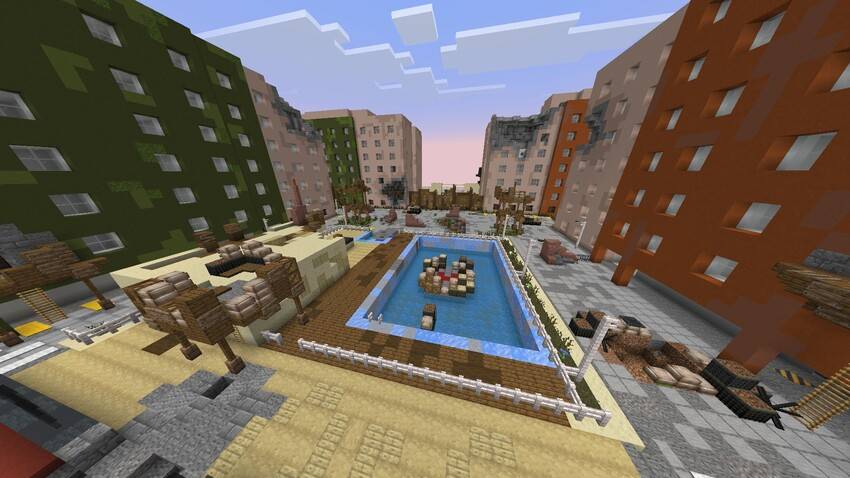
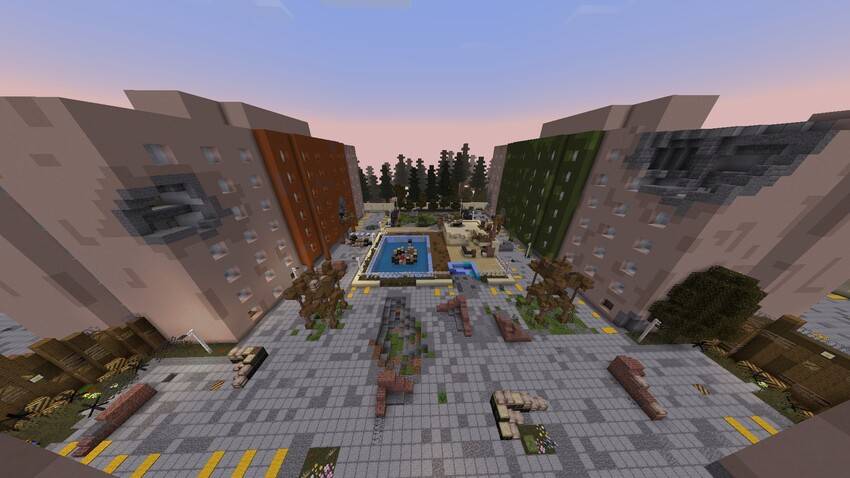
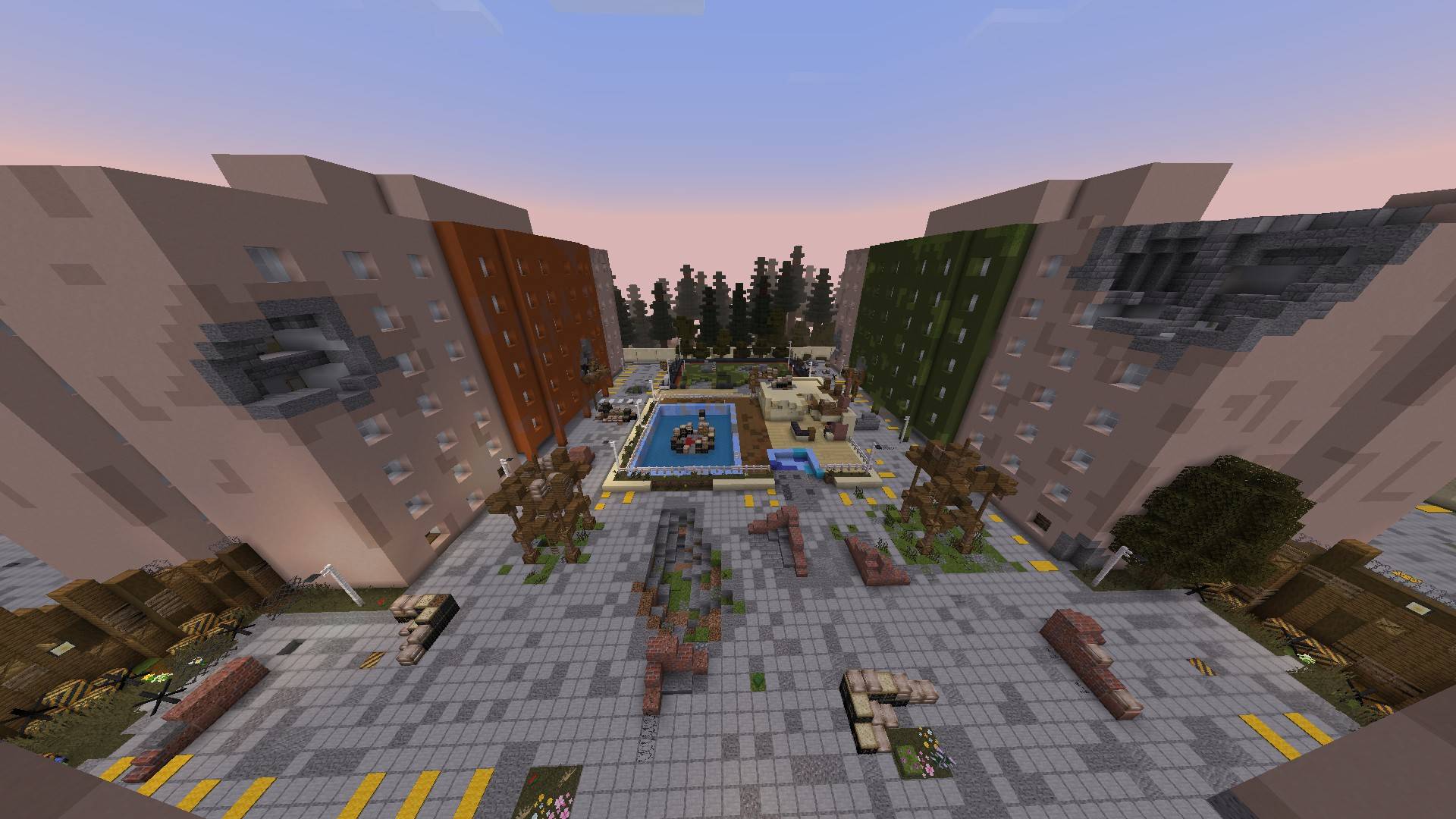
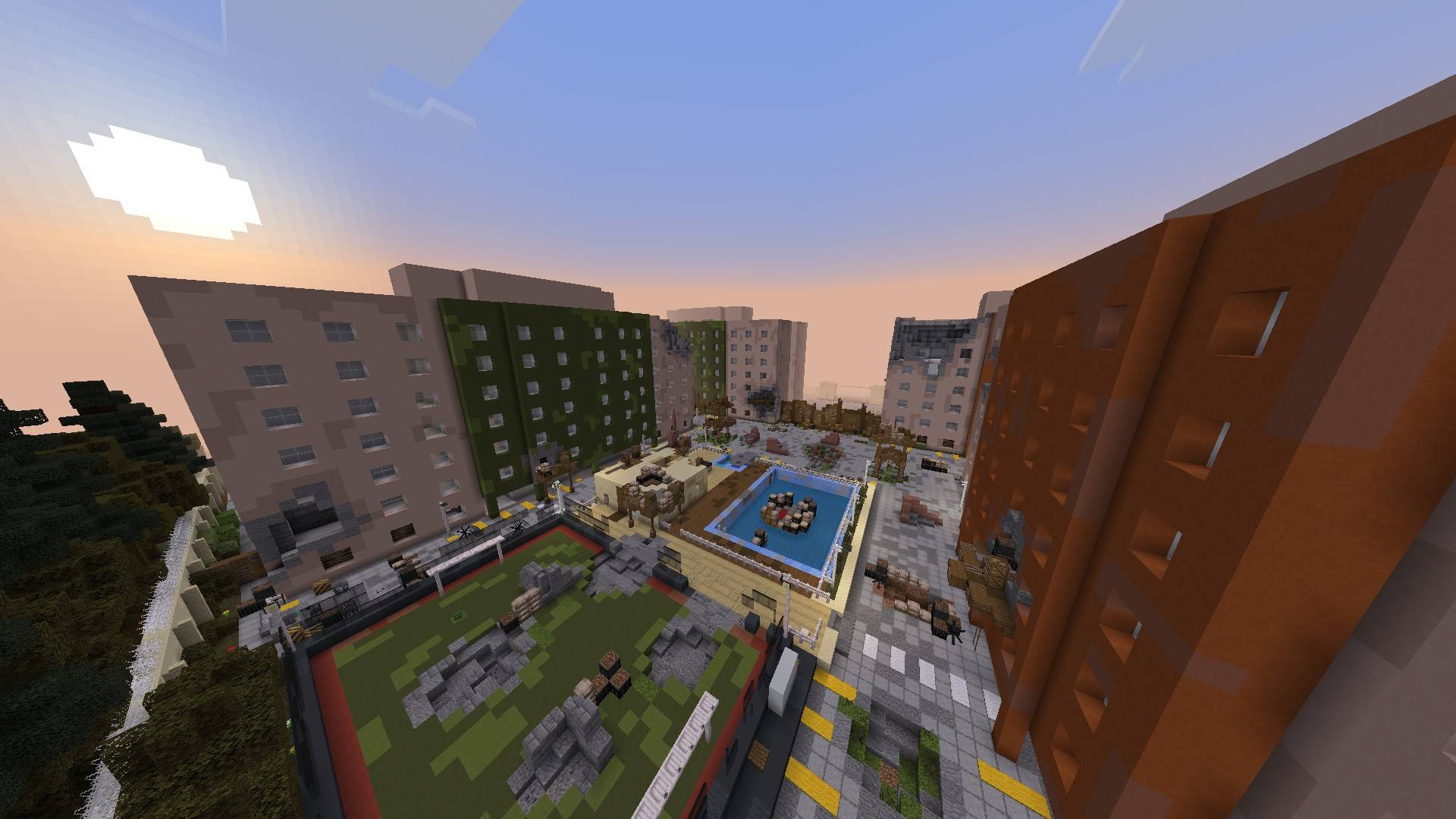
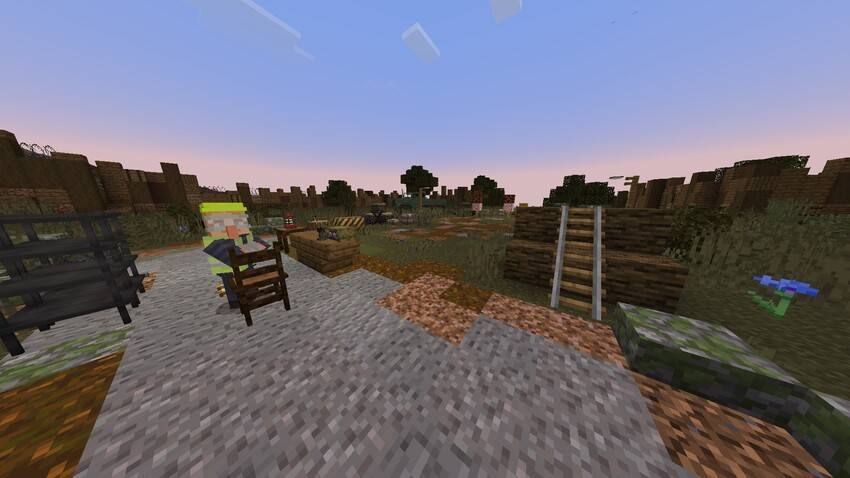
The condominium featured in the map is inspired by a real-life residential complex. Currently only a portion of the condominium is used for PvP. Several barrier techniques were applied to limit the playable area and improve gameplay balance.
THE LOBBY
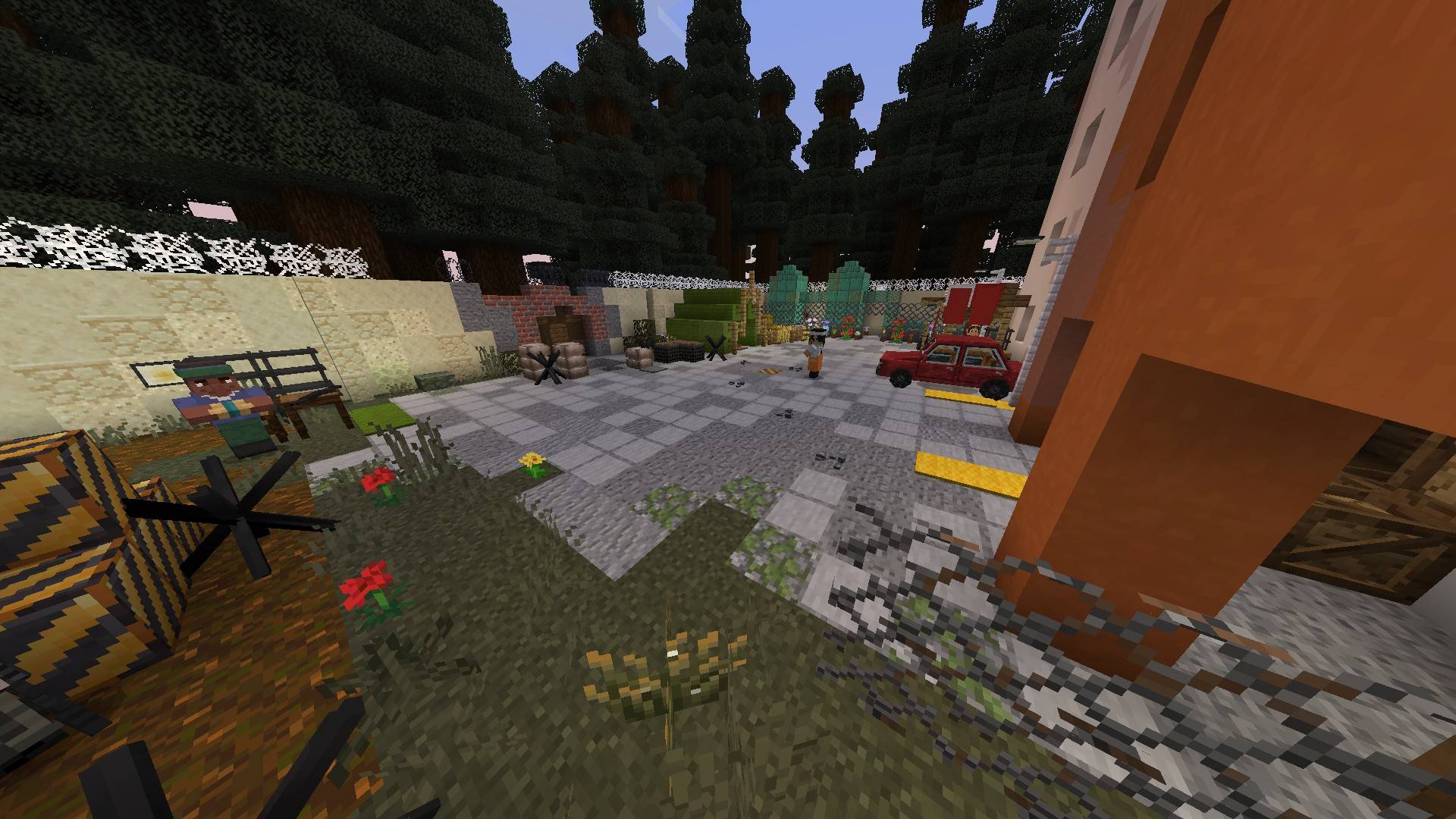
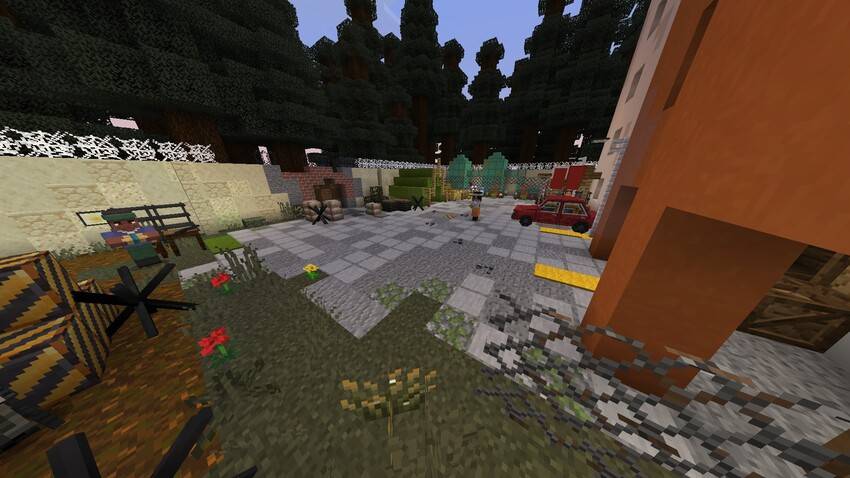
In the map lobby you will find several NPCs that provide information about gamemodes, items and even weapon tutorials!
THE SHOOTING RANGE
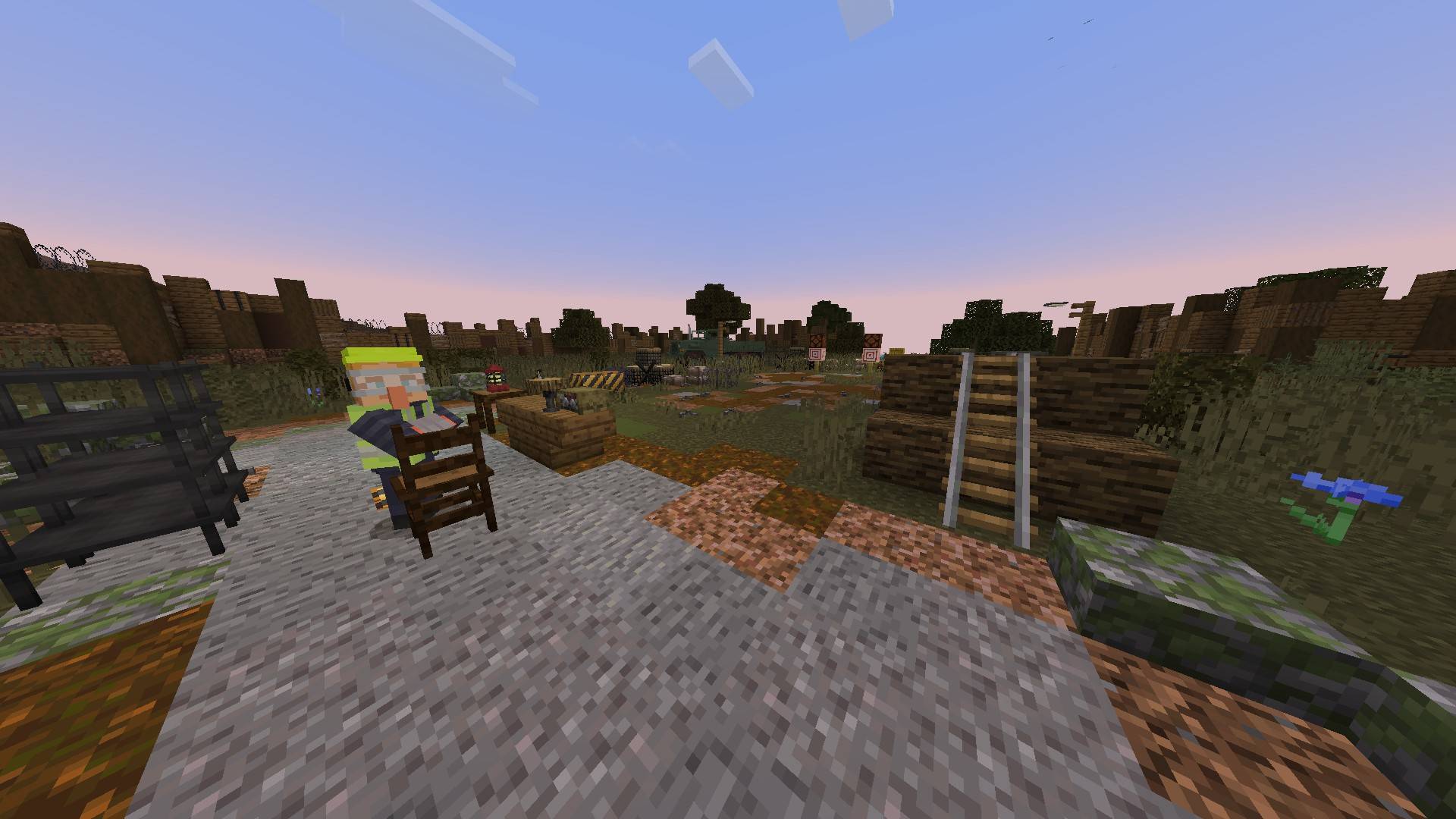
The shooting range is a tutorial area where players learn how to use the weapon mechanics provided by the Project Walker addon (including the Reworked version). In this area players will practice shooting, aiming and reloading — with controls adapted for both PC and mobile.
GAMEMODES
Players with the Admin role can manage the active gamemode on the map. To open the admin room use the command /function admin.
To become an admin you must either have started the world (see the World Initialization section) or be granted the admin tag by an existing admin.
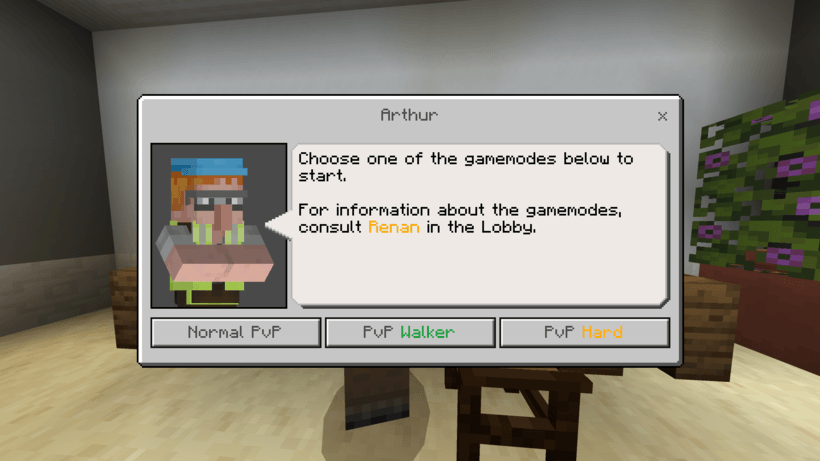
The NPC Arthur lets you choose which gamemode to start on the map.
- Normal PvP: player vs player only. Systems active: Gabriel, Bunker.
- PvP Walker: players vs players vs entities (Walkers). Systems active: Gabriel, Bunker.
- PvP Hard: players vs players plus entities (Walkers and Bandits). Systems active: Gabriel, Bunker.
If you encounter any issues with the map, see the bug fixing section.
MAP MECHANICS
Random Spawn
The Random Spawn system changes the spawn points of players who are in combat among four different positions at set intervals. This helps prevent spawn-killing.
Gabriel NPC
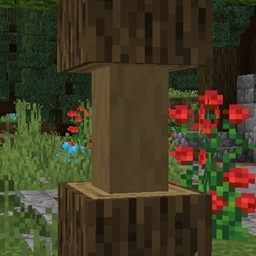
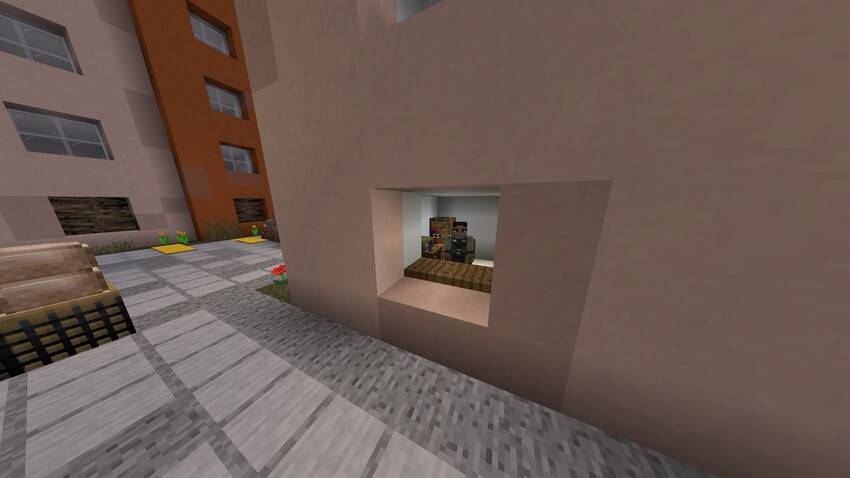
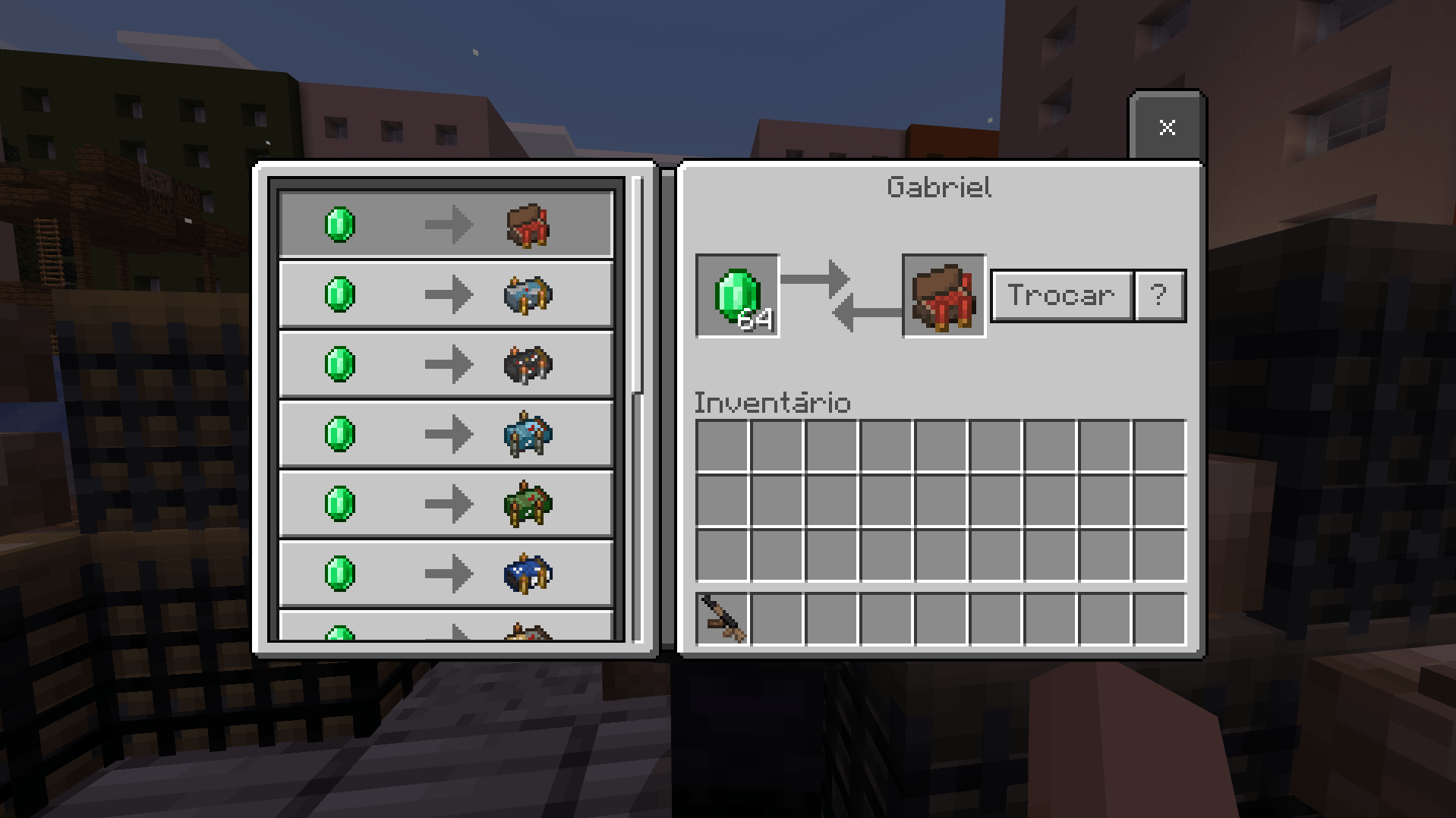
Gabriel is an NPC merchant who trades items with players. Through him, players can purchase ammunition, weapons, and medkits. You can find him near a wooden tower inside an apartment.
Bunker
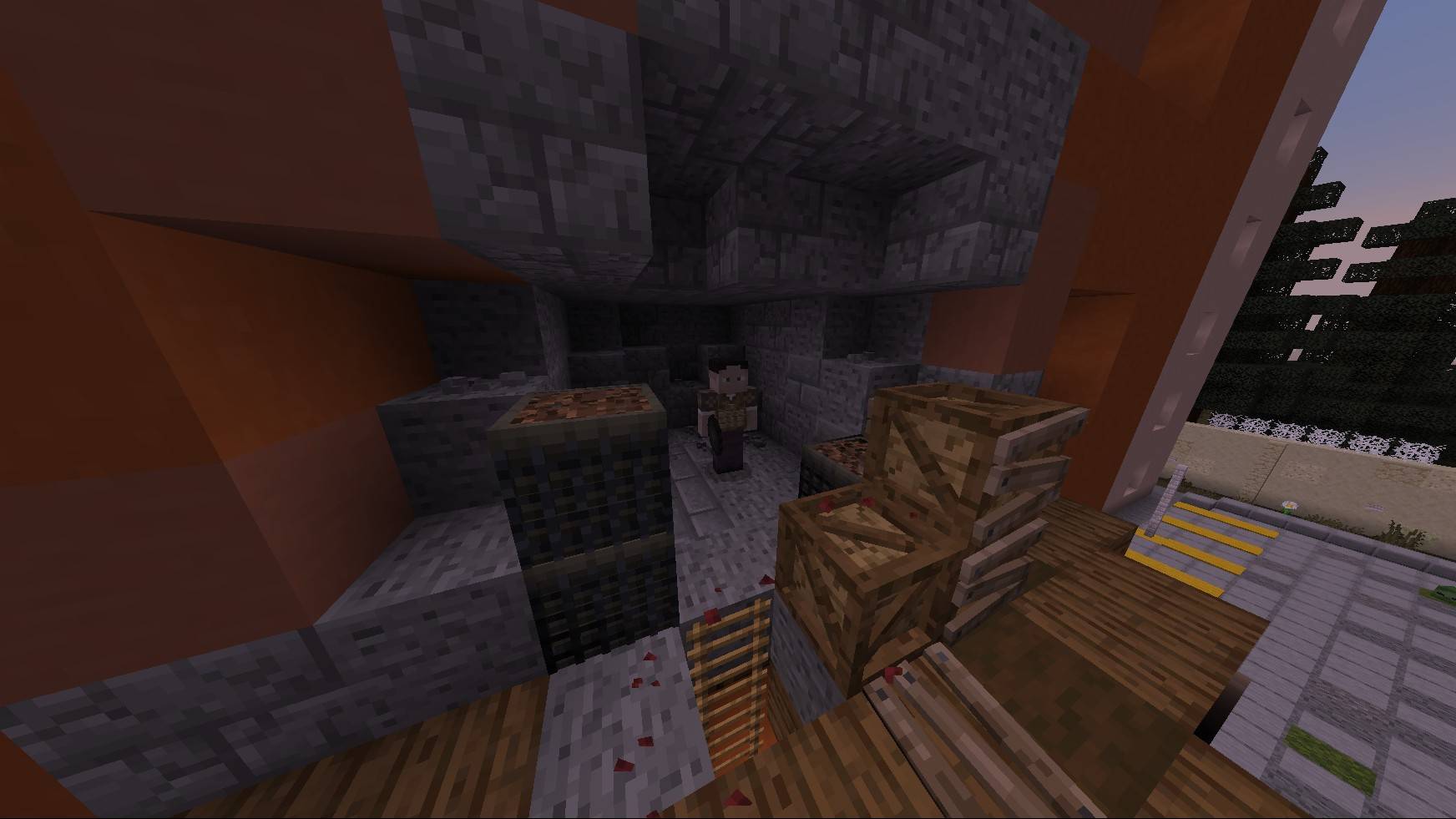
At certain times the Bunker opens, allowing players in combat to enter and obtain special weapons or equipment (such as grenades and landmines). However, players who remain inside the Bunker after the time limit will be purified (removed) from the area.
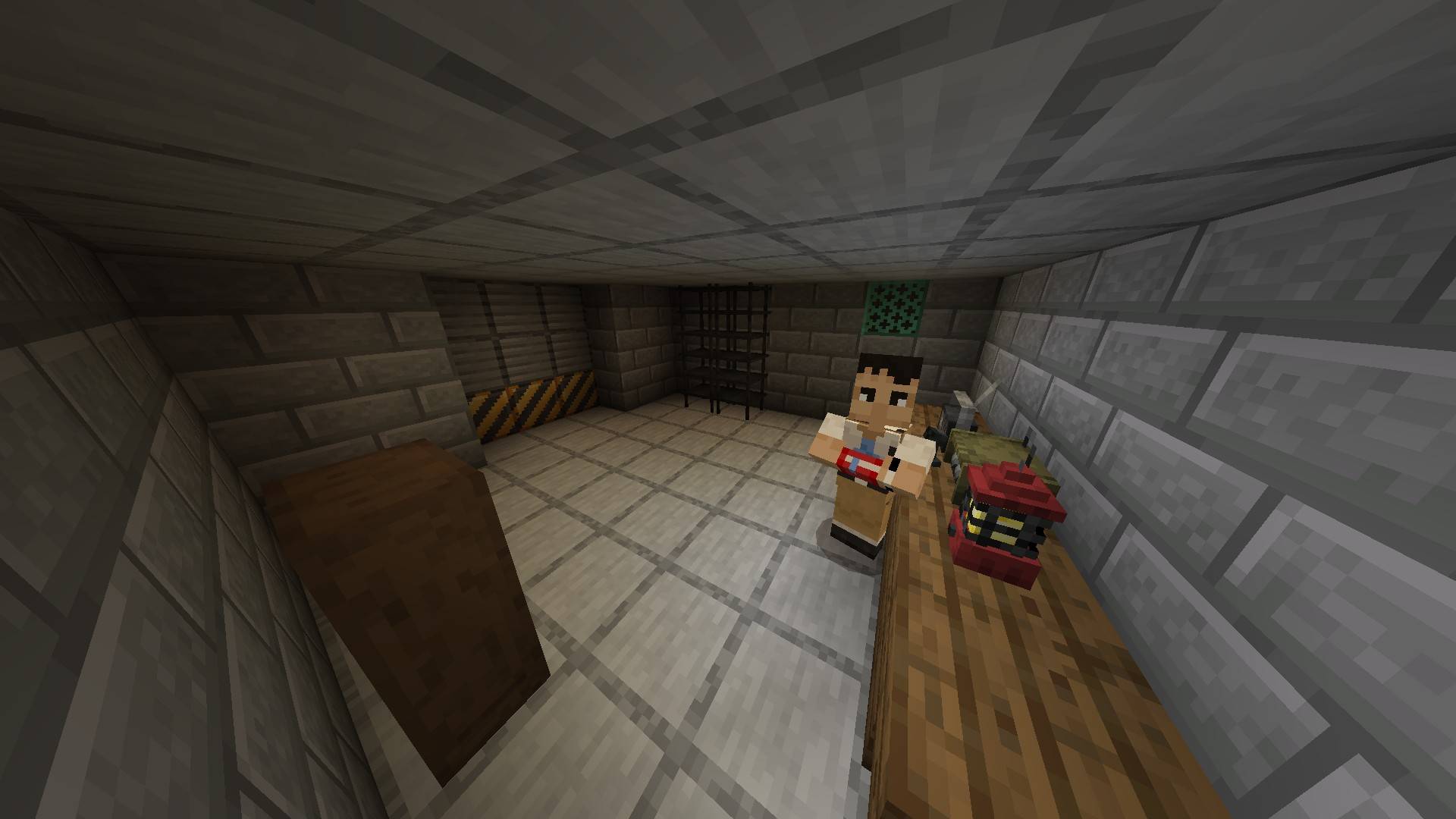
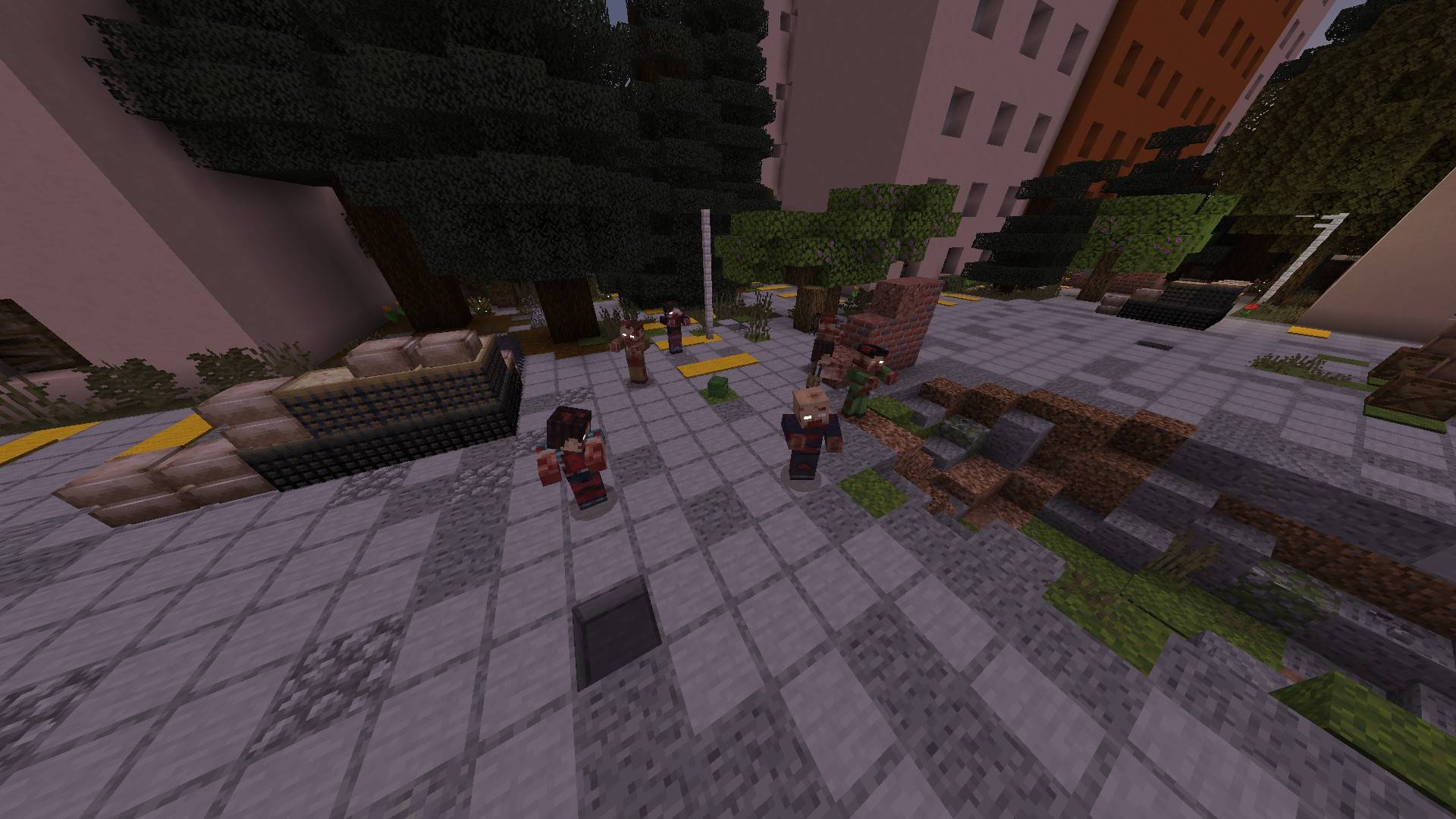
Walker Invasions
In some gamemodes waves of Walkers can spawn in specific areas. These waves range from normal hordes to super hordes and add an extra challenge in PvP or provide a solo PvE challenge.
Bandit Raids
In certain gamemodes bandits may raid specific areas of the map, such as towers and hideouts.
BUG FIXING / RESTARTING THE MAP
If you encounter any bug — whether affecting you or other players — you must restart the map systems. To do this go to the admin room using the command /function admin and interact with the NPC Cecília.
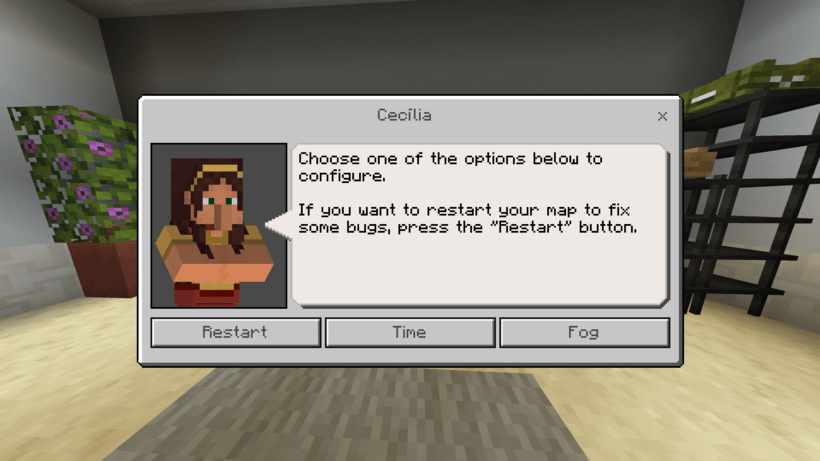
Click the Restart button to reset all map systems.
INSTALLATION
When you download the map (.mcworld file) it will include two built-in add-on packages:
- Fiori [Complement]: a complementary add-on that expands the gameplay experience by adding NPC dialogues, translations, new entities, and blocks originally from Aplok Guns (by Gabriel Aplok).
It also includes a reworked version of Project Walker, optimized for PvP and featuring several bug fixes — improvements that will also be present in future official updates of Project Walker.
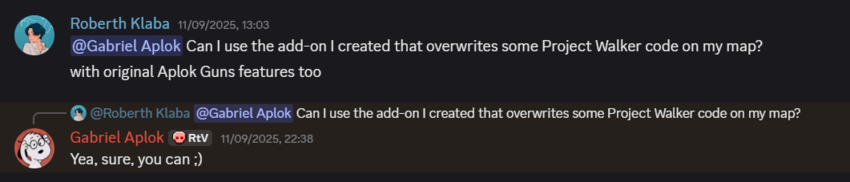
Note: These modifications and additions were authorized by the creator (Gabriel Aplok) via his official Discord server (see credits).
On PC, double-click the .mcworld file to install it; on mobile use "Open with..." and choose Minecraft. This will import the map automatically into Minecraft Bedrock (minimum version: 1.21.70). However, you still need to add the original Project Walker add-on. Download the original Project Walker from the creator's pinned downloads page and import it into Minecraft.
IMPORTANT:
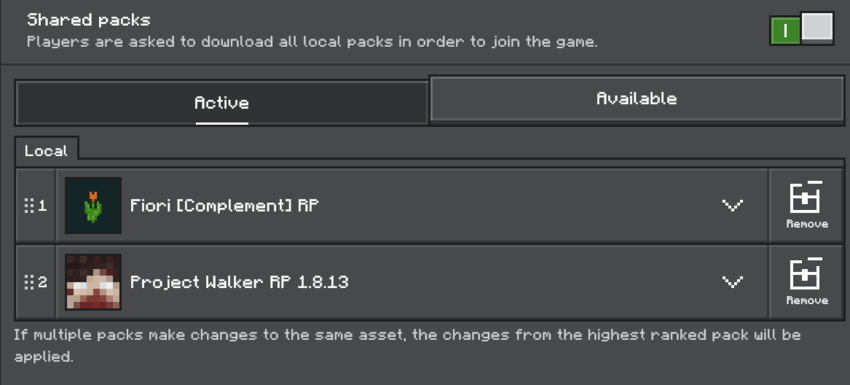
Before starting the world, open the world's Resource Packs and Behavior Packs and add Project Walker (version 1.8.13) to both the resource and behavior packs.
Then verify the pack priority order. The packs must be set EXACTLY as shown below:
Resource Packs:
Behavior Packs
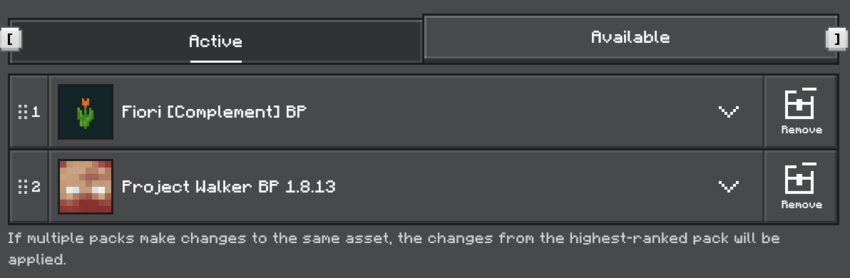
If the addon priority order is different, your world may load incorrectly.
CREDITS
- Project Walker 1.8.13: Gabriel Aplok
- Aplok Guns 1.1.7: Gabriel Aplok
The Project Walker addon is the foundation for nearly all map systems.
*Some items and blocks taken from Aplok Guns were migrated into the native Fiori [Complement] packs.
*The Fiori [Complement] addon overrides some original Project Walker scripts. It was created to optimize PvP performance and to fix several small issues in version 1.8.13; those fixes will be included in a future official update.
*All Project Walker modifications and Aplok Guns assets used in this map were authorized by the addon creator Gabriel Aplok on his official Discord (see image below). For more information about the author, visit: trenbankai.com
Thanks to Gabriel Aplok for his generosity and support.
Atention, download the Project Walker (Requerided): Project Walker - Zombie Apocalypse | Minecraft PE Addons
The Fiori map (pvp) with Project Walker Team


Owner