DeadWire
- By
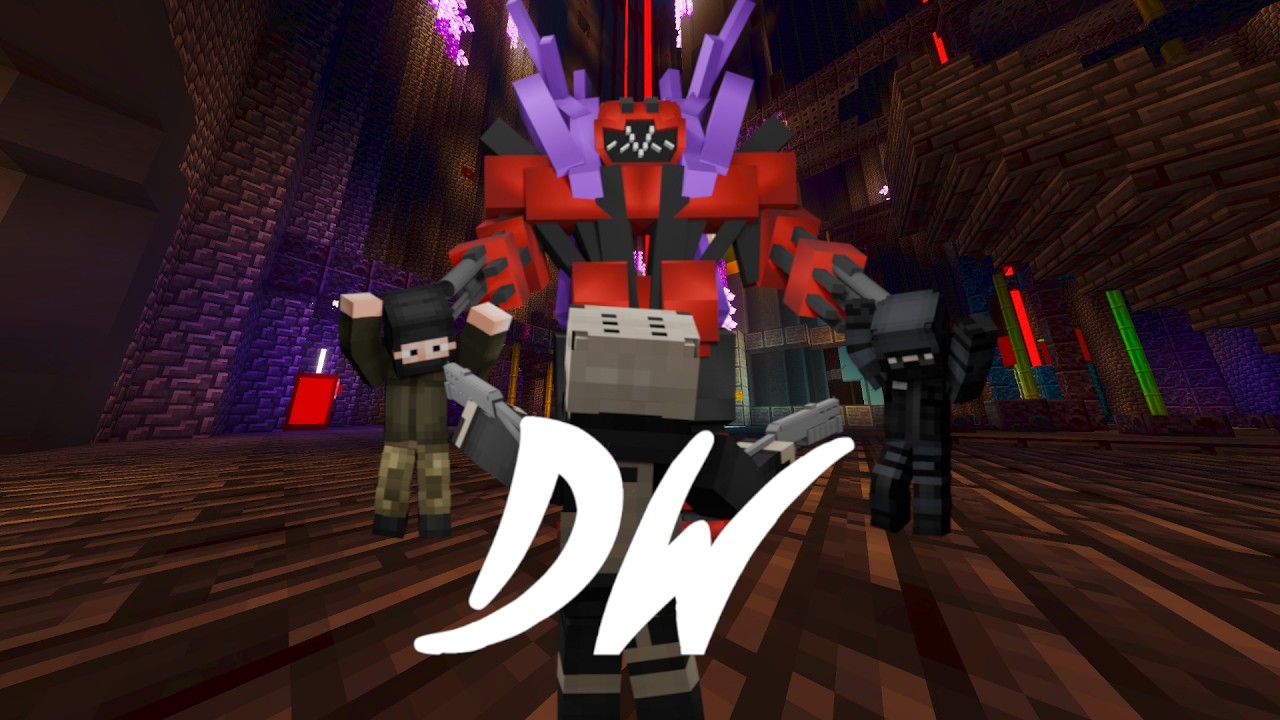
4 maps, 1-4 Players. Custom Music + SFX // Shoot Guns, Exfil, Evade, Escape, Survive Zombies

Screenshot 2026-06-16 16-38-49.png
Screenshot 2026-06-16 16-38-09.png
Description
Sneak peek the next project The ARC beneath us, report bugs, see speedruns, ask questions.
Welcome to the community
https://discord.gg/aU55ZT3DSg
/Discord_(software)-Logo.wine.svg)
This game supports 1-4 Players and has Custom music and SFX.
THANK YOU FOR PLAYING DEADWIRE
To give a star rating, visit the link here MCPEDL
, It allows me to know how your experience is, leave a comment, The discord is a easy place to contact me and get a quick response. You can even play the map with the Authors just ask!
LINKS
You have to have these downloads to play
https://github.com/ATLIIN
Donations go to towards only the projects
https://ko-fi.com/atliin
DeadWire Original Soundtrack
https://www.youtube.com/playlist?list=PLDbWK2Kw7PIm5pUNtGt_NkfsRscjHcrH0
DeadWire is a game that has 4 areas each with different themes. This is a shooting game with multiple styles
Mission 1 : ARRAY
This is the first mission in DeadWire. The goal is to retrieve a Data drive from the Black spire group and Exfil back to base. You are given a M16, Grenades, EMP's. Spyglass, Healing devices. Try not to get spotted by the sensors.
Mission 2 : HIDEOUT
This is a Evasion mission. Do not let the Bloodshade group capture you until you have investigated all of the map.
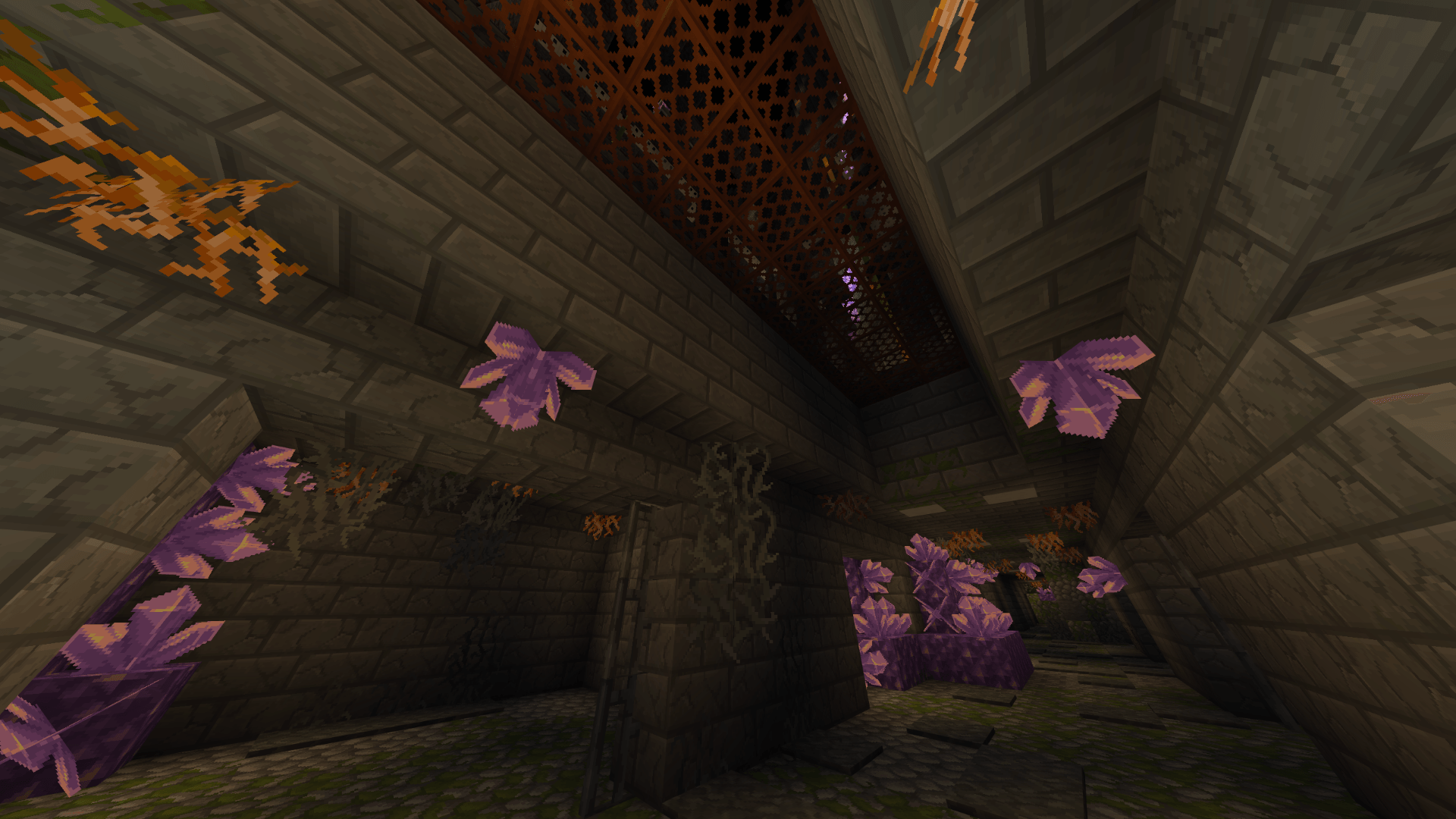
Mission 3 : LAIR
Think of this as an escape room
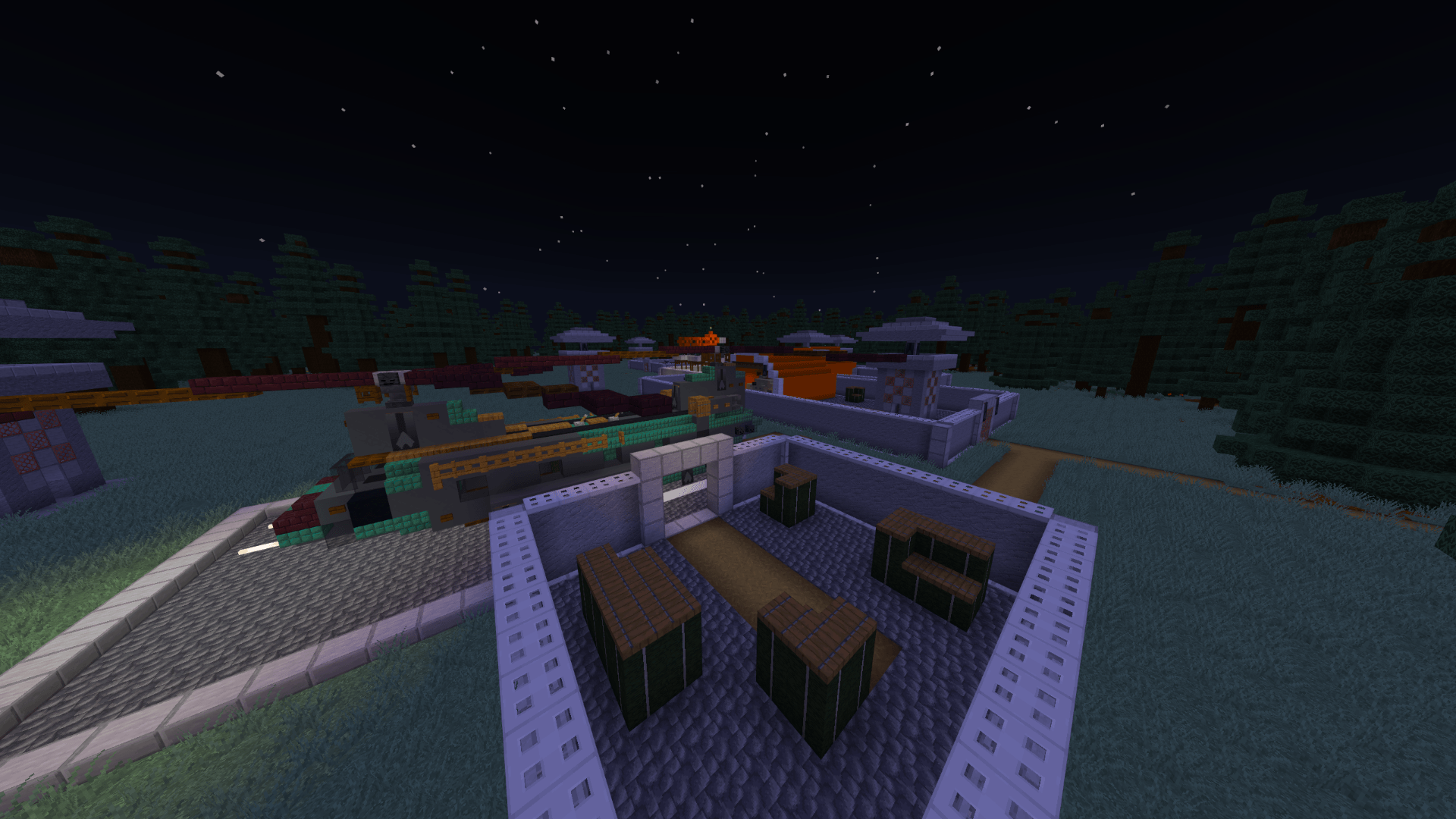
Mission 4 : THE SILO
This is essentially call of duty zombies
DeadWire Team