Chef Simulator
- By
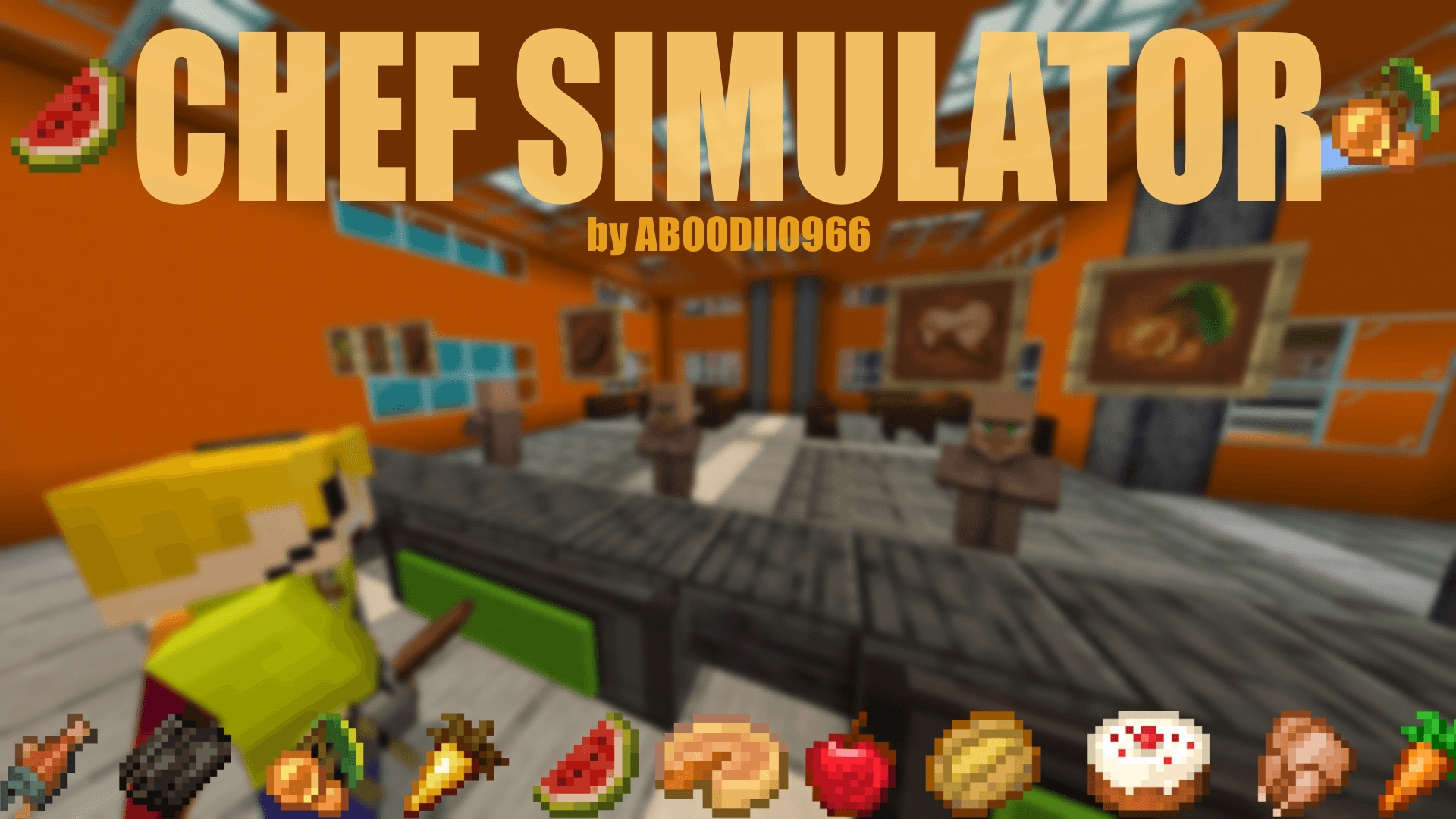
Chef Simulator - A Minecraft map where you play as a chef, cook meals, and serve customers.
MCPEDL
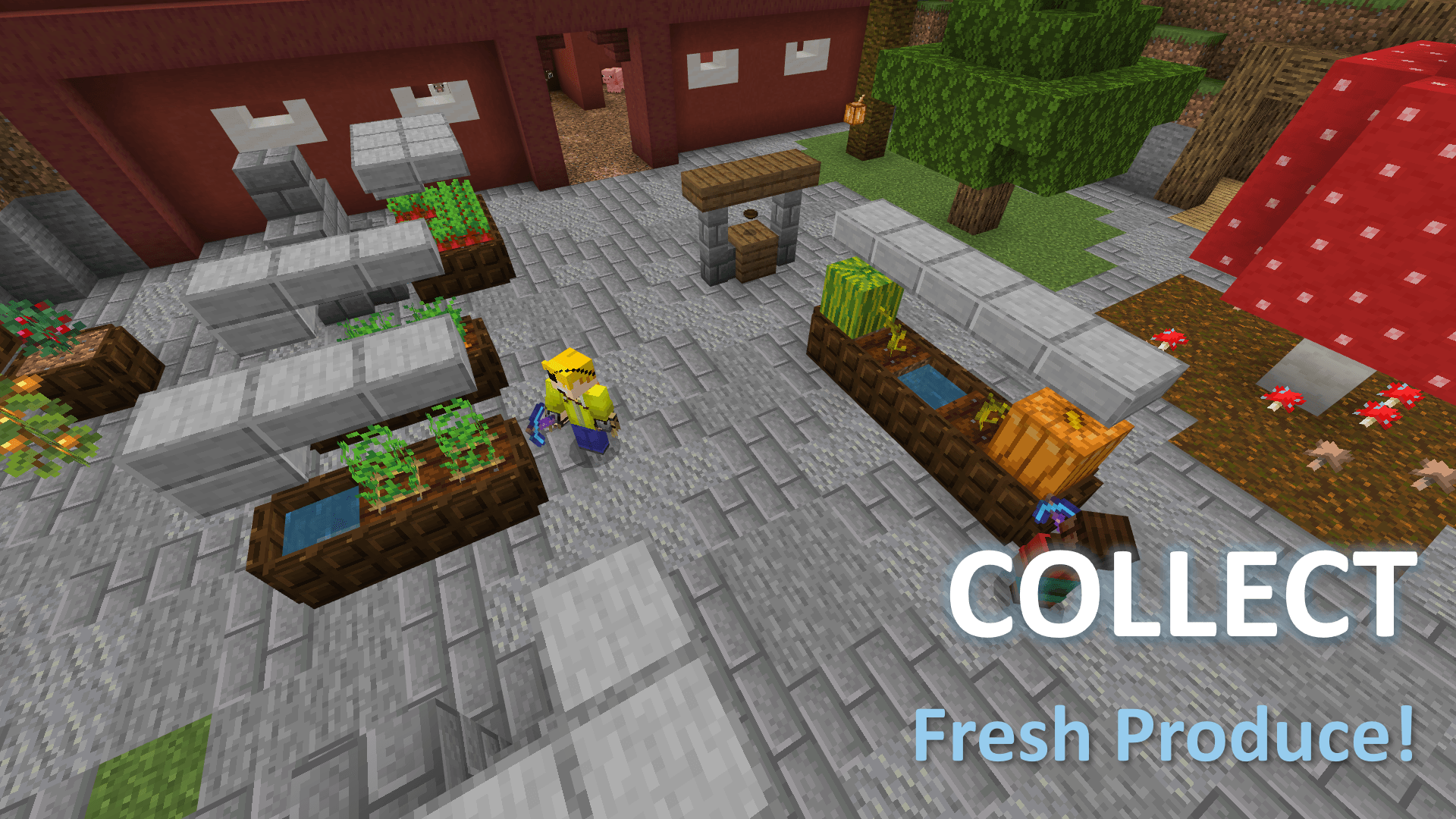
Collect Fresh Produce!
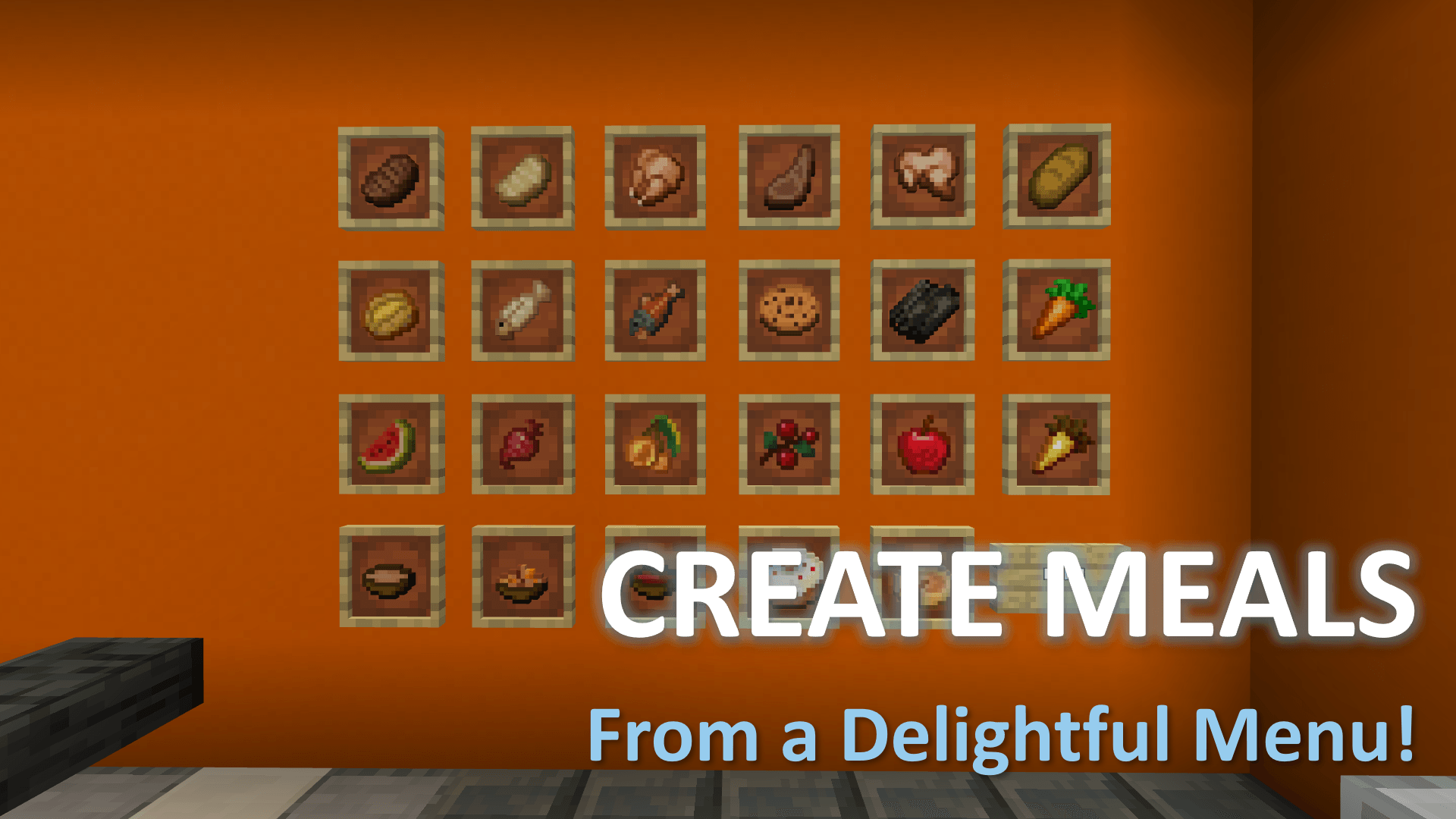
Create Meals from a Delightful Menu!
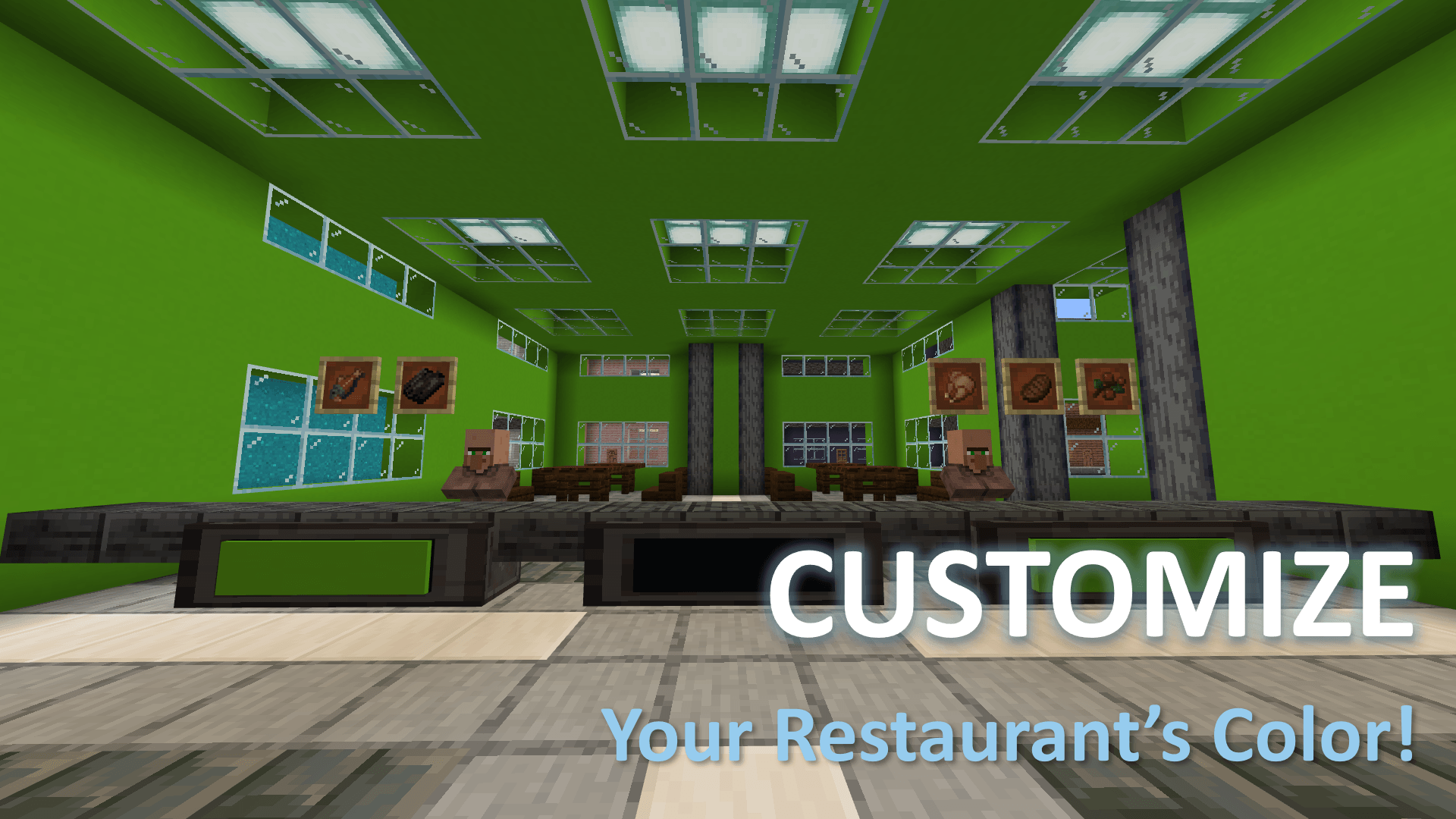
Customize Your Restaurant's Color!
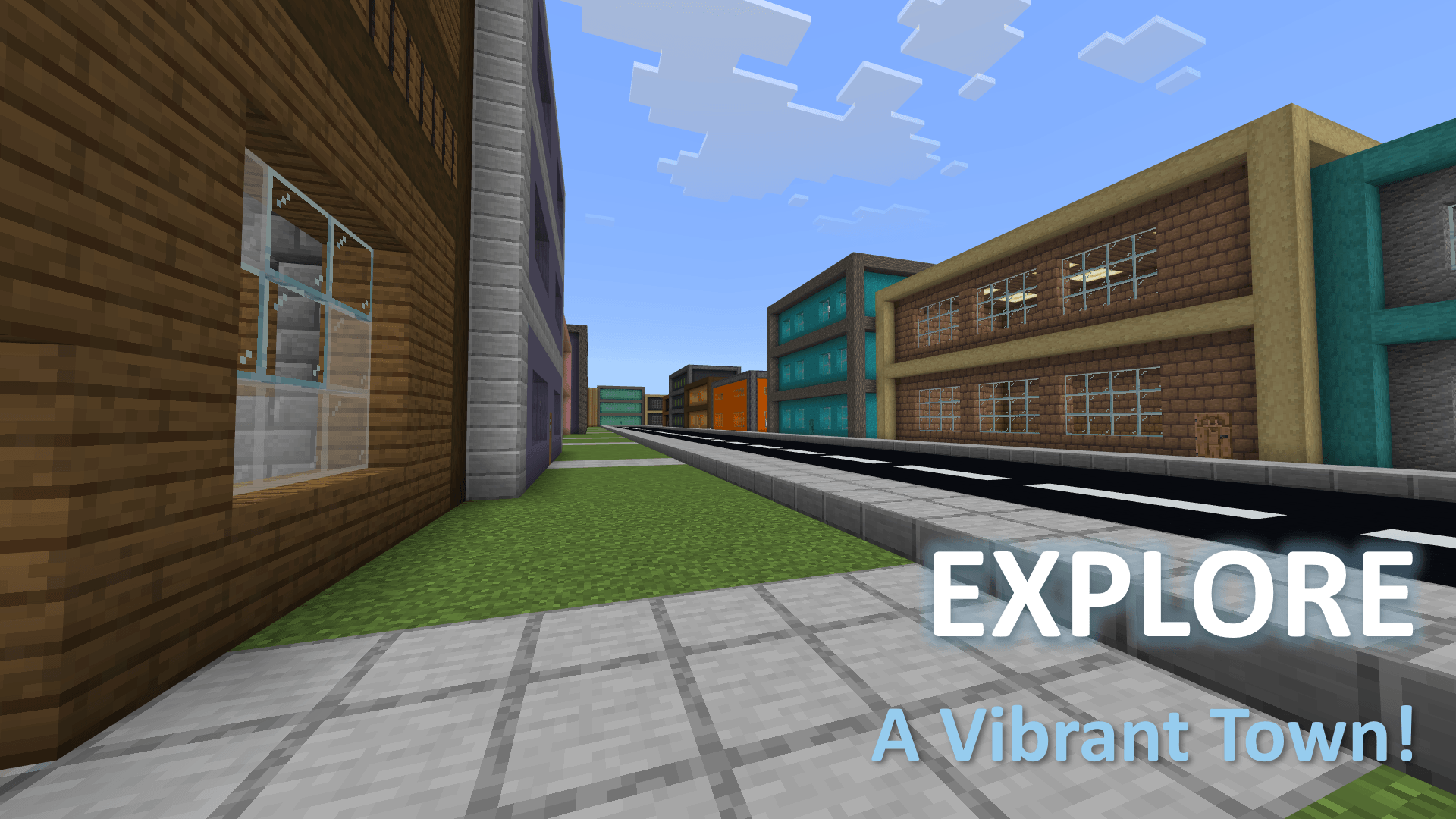
Explore a Vibrant Town!
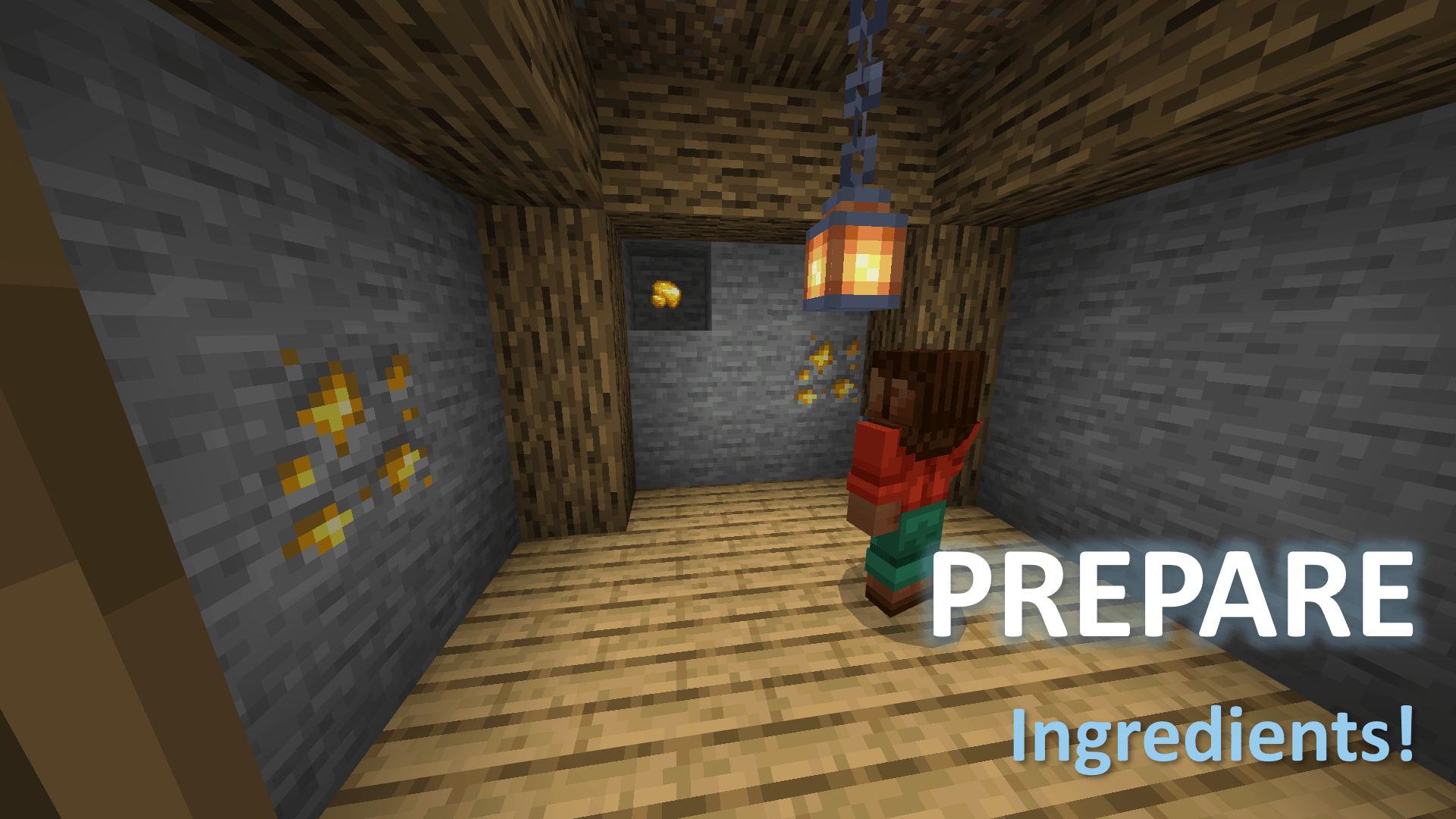
Prepare Ingredients!
Description
Welcome to Chef Simulator!
Take on the role of a Chef. You need to prepare and serve tasty dishes to your loyal customers!
FEATURES
- Fun and engaging gameplay!
- A helpful Employee Manual with all the information you need!
- Beautiful Town to explore around!
- Forage Ingredients from a beautiful backyard!
- A fully functional kitchen suitable for preparing food!
- Several fun Gamemodes to choose from!
- Multiple Difficulties to choose from. Ranging from Easy to Hardcore!
- Extra chances! you get 3 Lives each round, unless you're on Hardcore difficulty!
- A functional Trash bin for throwing away unwanted food!
- Fully Compatible with Multiplayer!
HOW TO START
You start in the LOBBY, where you can customize your gamemode, game length and level of difficulty
Before pressing play, it is STRONGLY RECOMMENDED to press the Explore Restaurant button on your right in order to get familiar with the Restaurant's layour before the game begins. Once you're done exploring the restaurant, press the Exit Restaurant button located on the left side of the kitchen counter.
You may also ascend the stairs on the left of the Lobby in order to Choose a Restaurant Color. this is purely cosmetic and does not affect the game
Gamemodes
- STANDARD: Work against the clock to serve as many customers as possible!
- ZEN: Relax and Serve food at your own pace. There is no time limit, Customers won't leave if you take too long!
- ENDLESS: No time limit. Survive as long as possible!
Difficulties
This Map features several difficulties to choose from. higher difficulties give significantly more points, but customers are less patient and you get may get less lives.
- Easy: You get 3 lives, Customers have a high amount of patience. A fun and easy experience
- Normal: You get 3 lives, Customers have a medium amount of patience. This is the standard difficulty for most players
- Hard: You get 3 lives, Customers have a low amount of patience. This difficulty is for more experienced players who have found Normal mode too forgiving.
- Hardcore: 1 life. Low patience. this difficulty is FOR THE WORTHY!
Times
- 5 Minutes: A short bite-sized round, Great for trying out a difficulty.
- 10 Minutes: A round of Normal length. This is the standard.
- 15 Minutes: A longer, more involved round.
- 20 Minutes: A very long round, a test of a Chef's Perseverance
HOW TO PLAY
Whenever you're ready, press the Start button on the right side of the lobby. This will throw everyone straight into the game. Once the intro sequence is over the game can truly begin.
Everyone will be given a Harvest Tool pickaxe which is used to collect ingredients and the first customer will come in. you must run into the backyard and fetch the required items in order to prepare and serve the meal!
A meal is served by holding in your hand one of the items that show up on top of the Customer's head(In the item frames!), once you get closer it should play a sound and create some particles. and you'll receive points!
You'll notice a Patience Bar below the Customer. This decreases over time. if you let it hit Zero, the Customer will leave angry and you'll lose a life!
The faster you serve, the more points you receive. Strive to break your Highscore!
if you are unsure how to get a specific ingredient or dont know the recipe for a dish, The Employee Handbook in the lobby has your answer!
PLEASE NOTE
- This map is 100% Multiplayer Compatible. So you can enjoy it with all your friends! However the game GETS SLIGHTLY HARDER with more players. This has been done for balance to prevent the game from being too easy
- If you would like to make a video on this map, Feel free to do so, but please Post the map Link in the description. We love watching videos of people playing our maps, This is so we can find it easier!
- If you have any feedback, or if you've encountered any bugs or glitches, and none of the fixes mentioned in the Employee Handbook are working, please contact us through our socials mentioned in that very same book!
INSTALLATION INSTRUCTIONS
- Just like any .mcworld file, find it in your File Explorer and Open the file with Minecraft. It should then open the game window and start importing the Map.
The Chef Simulator Team