Ultimate Storage Network[Achievement Friendly]
- By
Tired of opening every chest to find your items? Connect your storage and manage everything from one easy menu. Search, store, collect, and craft without checking each chest separately.
Check this video
(for better better understand )
https://youtu.be/t2FVReSlSbY
⚙️ How to Setup:
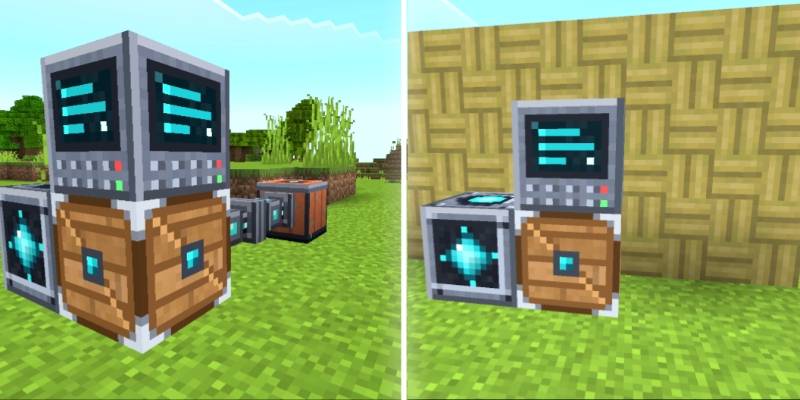
Step 1: Place Cargo Box
Step 2: Place Storage Terminal on Cargo Box
Step 3: Place Storage core Side Of Cargo Box
Step 4: Use Storage Cable Or Cable Connect blocks to attach any containers/ Simple Storage Chest.
Step 5: Link Remote/Direct access.
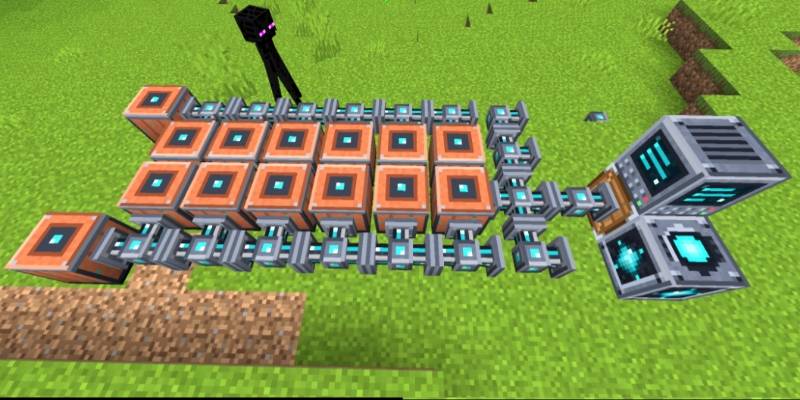
📦 Bigger Storage. Simple Storage Chests give you 260 slots for your items.
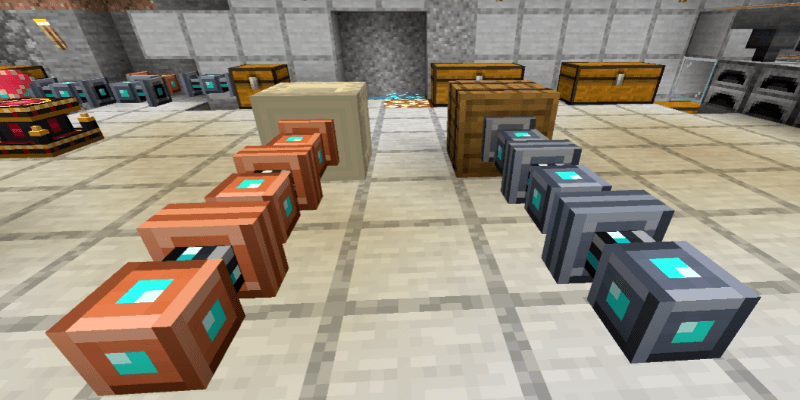
🔗 Connected Chests. Use Storage Cables and Cable Connect blocks to link chests, barrels, and shulker boxes.
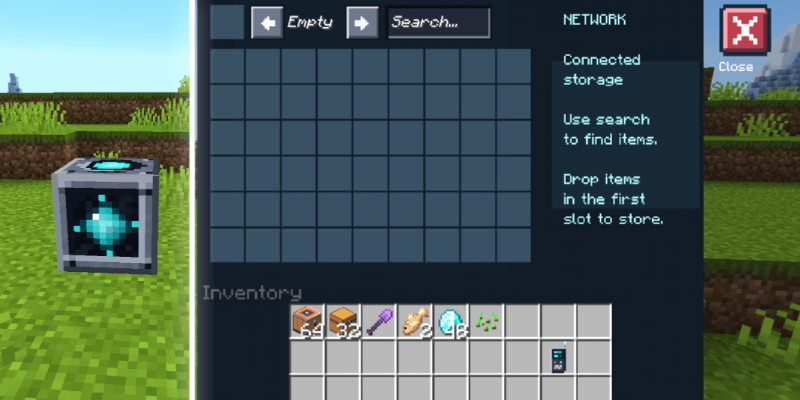
🖥️ Storage Menu. Open your connected storage through a Storage Core. Search for items and easily deposit or collect them.
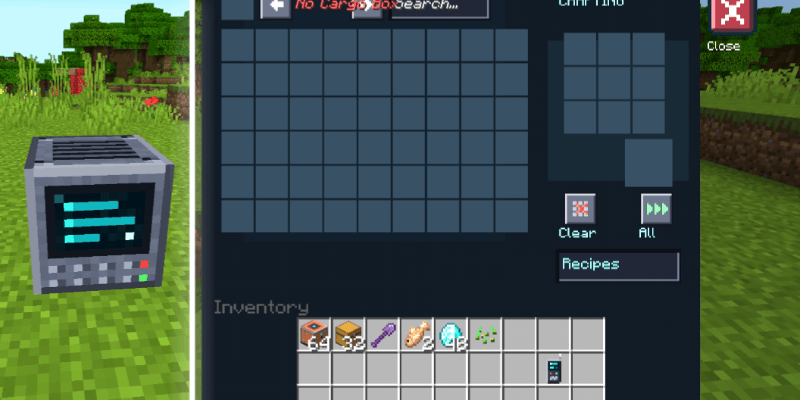
🛠️ Crafting Terminal. Craft using materials from your connected storage.
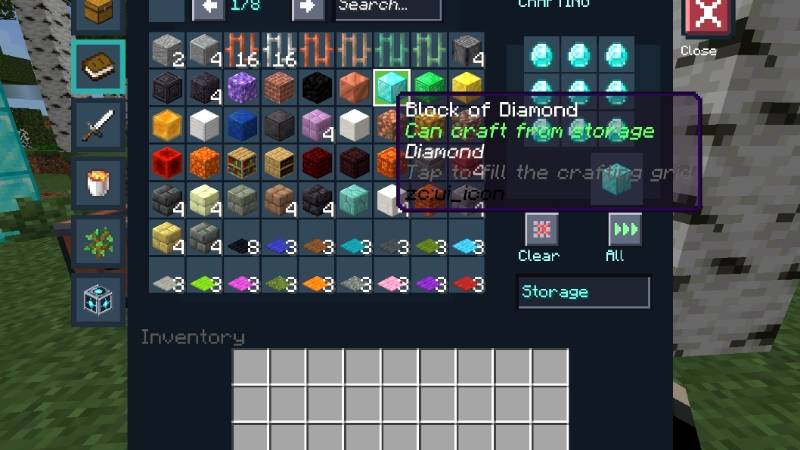
📖 Quick Craft. Browse and search recipes. Select a recipe to automatically fill the crafting grid with available materials. Missing ingredients appear as red slots.
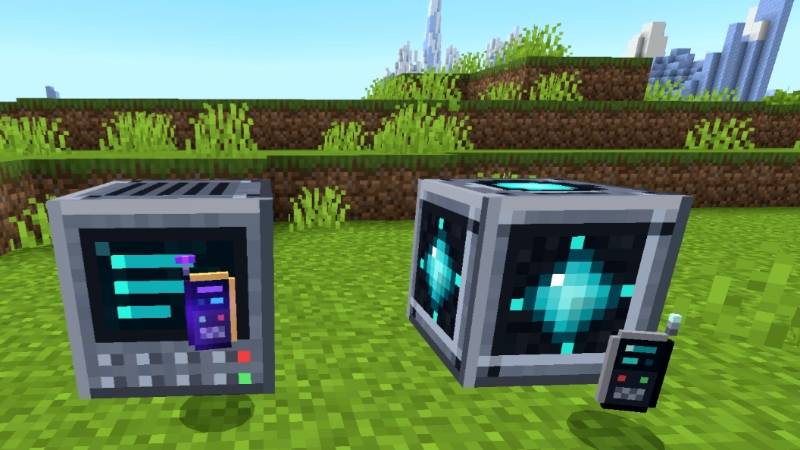
📡 Storage Remotes. Access your network without returning to your storage room. The basic remote works within 128 blocks in the Overworld.
The advanced remote supports access across dimensions when the linked terminal is loaded.
Ultimate Storage Network[Achievement Friendly] Team

Owner