y17H Ranks
- By
Description
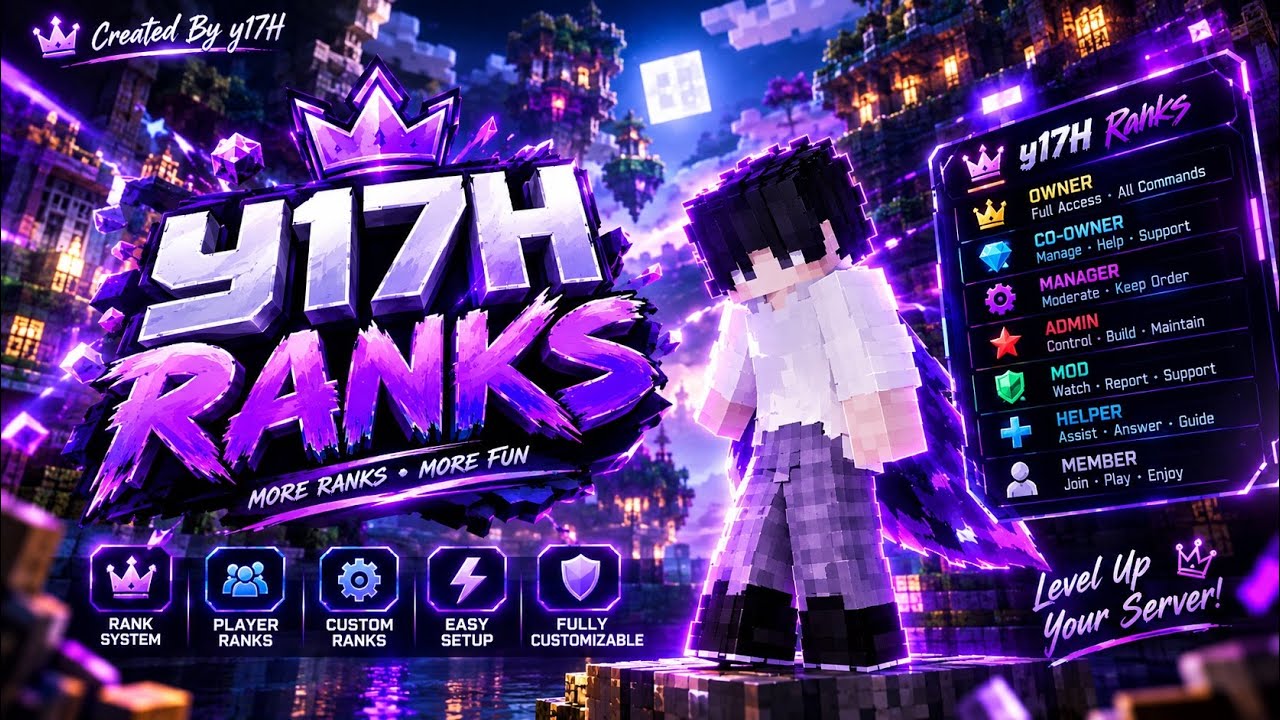
👑 y17H Ranks
✨ Take Control of Your Ranks!
Welcome to y17H Ranks, a Minecraft Bedrock addon designed to make rank management easier and more customizable.
Create your own rank system, customize rank appearances, and manage ranks with an easy-to-use menu.
🎬 VIDEO SHOWCASE & TUTORIAL
Want to see how the addon works?
▶️ Watch the official showcase and installation tutorial below!
[ https://youtu.be/H2lx3ptahxI?is=AMY03HyVcqYyhYVY ]
✨ FEATURES
👑 Custom Rank Management
- Create custom ranks for your world or server.
- Organize and manage your available ranks.
- Customize rank names.
🎨 Rank Customization
- Choose colors for your ranks.
- Select an icon or symbol where supported.
- Give your rank system its own style.
🛠️ Rank Administration
- Access rank management through the menu.
- Edit existing ranks where supported.
- Delete ranks where supported.
- Configure the default rank for new players if enabled in your version.
📋 Easy-to-Use Menu
- Access the main menu using /ranks.
- Navigate the available rank-management options.
- Manage supported features through the menu.
📖 HOW TO USE
1. Install the Addon
- Download the .mcaddon file.
- Open it with Minecraft Bedrock Edition.
- Wait for the import to finish.
- Open your world settings.
- Activate the required Behavior Pack and Resource Pack.
2. Enable Required Features
If this version requires Beta APIs or experimental features, enable the required options in your world settings.
3. Open the Rank Menu
Enter the following command in Minecraft chat:
/ranks
The menu should open if the addon is installed correctly and its requirements are satisfied.
4. Manage Your Ranks
Choose from the options available in your installed version, such as viewing ranks, creating ranks, editing ranks, or deleting ranks.
Follow the prompts displayed by the addon to complete each action.
5. Administrator Permissions
Rank-management actions may require administrator permissions.
If your server uses the admin tag, an authorized operator can use:
/tag @s add admin
Only grant administrative permissions to trusted people.
⚙️ REQUIREMENTS
- Minecraft Bedrock Edition
- Behavior Pack and its required Resource Pack
- Beta APIs or experimental features, if required by this release
- Appropriate permissions for administrative actions
Compatibility may depend on your Minecraft version and server configuration.
❓ TROUBLESHOOTING
The /ranks menu does not open
- Check that the Behavior Pack is active.
- Confirm that the required Resource Pack is active.
- Check the world settings for required experimental features.
- Review the Minecraft content log for errors.
The menu or icons are missing
- Verify that the Resource Pack is enabled.
- Check that the pack dependencies and versions match.
Rank-management options are unavailable
- Check whether your account has the required administrator permissions.
💜 THANK YOU!
Thank you for checking out y17H Ranks!
If you enjoy the addon, consider leaving feedback and sharing it with your friends.
y17H Ranks — Your World. Your Ranks. Your Style.
y17H Ranks Team