World Shaper
- By
banner_3840x2160.png
thumbnail_sculpt_3840x2160.png
thumbnail_paint_zones_3840x2160.png
thumbnail_shapes_3840x2160.png
Description
🧰 World Shaper
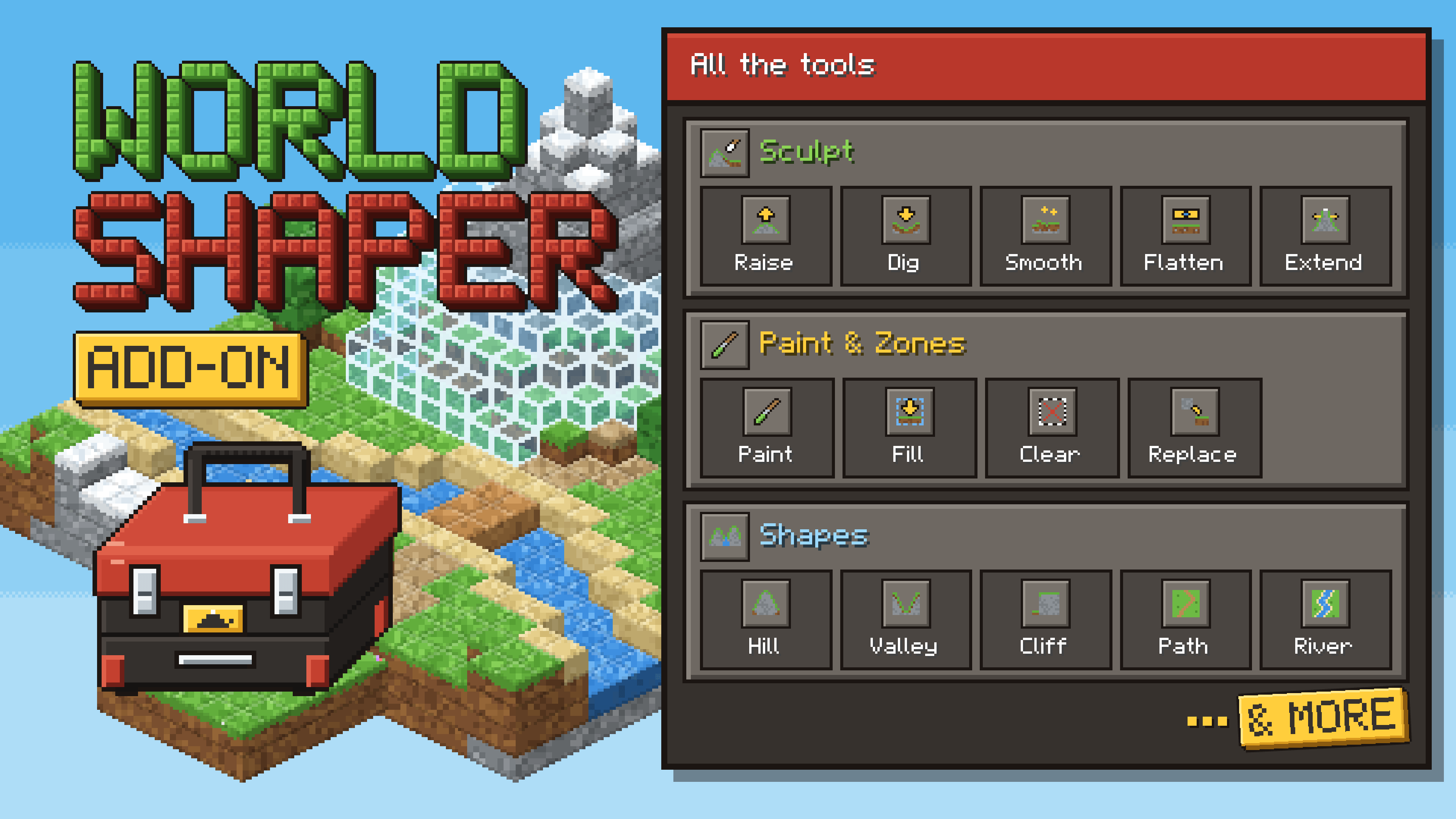
Shape your world, one click at a time. World Shaper is a toolbox for Minecraft Bedrock: raise hills, carve valleys, draw rivers, dig lakes, plant whole forests or copy your buildings, with a transparent preview before every change and an Undo button when you change your mind.
Everything is in one item: right-click with the toolbox and the menu opens. No commands to learn.
✨ Highlights
- See before you build — a transparent preview shows exactly what will change. Nothing touches the world until you confirm.
- Undo — up to 20 actions back, and your last 5 actions are still there after you leave and reload the world.
- Your buildings are safe — the terrain tools never touch houses, chests or blocks from other add-ons.
- Natural results — slopes stay smooth, layers follow (grass, dirt, stone), ores are never duplicated.
- Survival friendly — some tools work in survival with the blocks from your inventory; the big ones are creative only (shown with a padlock).
- English and French — switch anytime with the flag at the top of the menu.
- Controller friendly — everything works with right-click and sneak + click.
🛠️ The tools
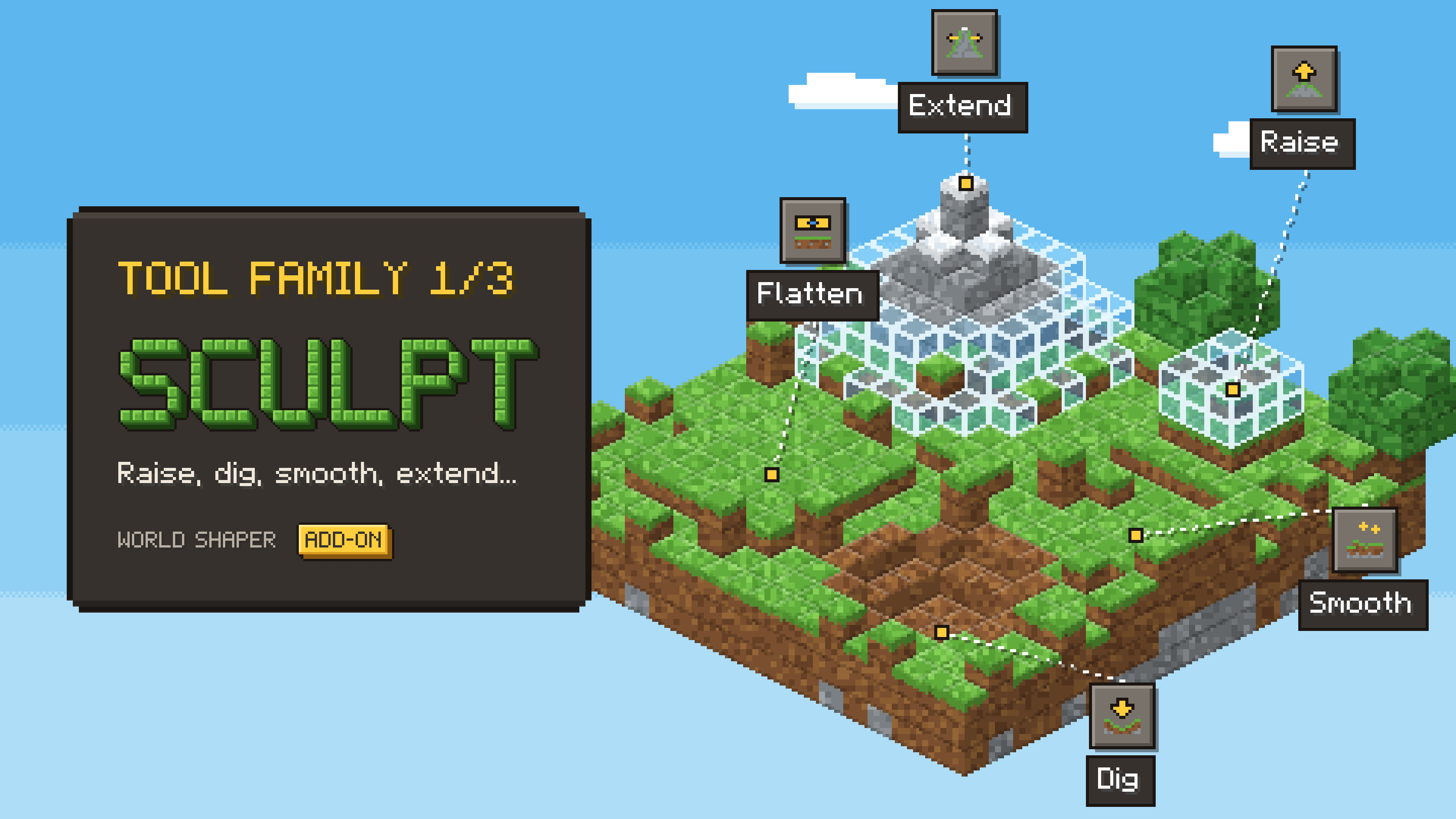
Sculpt (creative)
- Raise the terrain — gently raises the ground like a hill.
- Dig — removes earth in a smooth bowl, no square holes.
- Smooth — softens bumps and steps that are too steep.
- Flatten — levels the ground at the height you aim at.
- Extend a mountain — widens it toward you, keeping its slope.
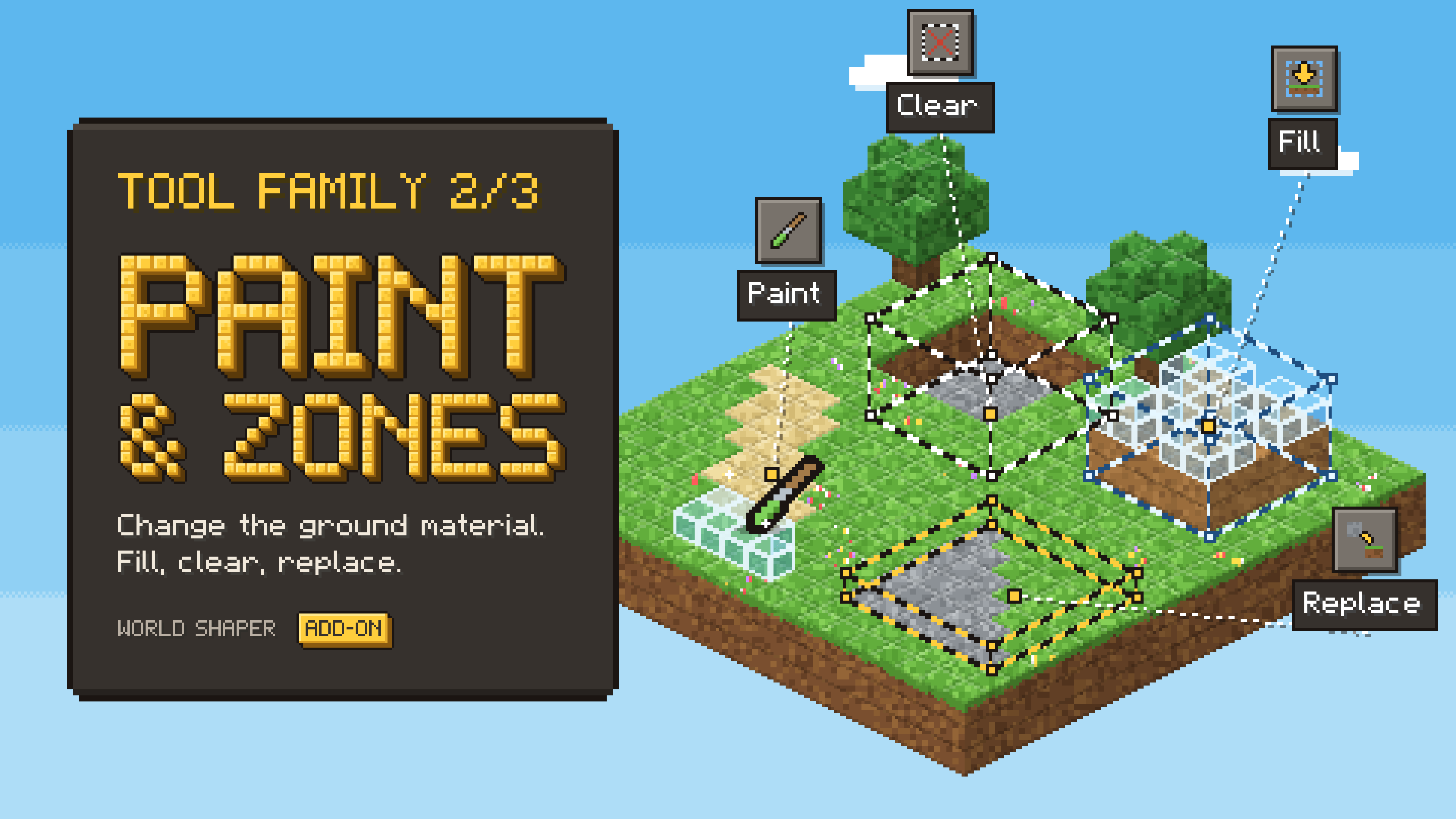
Paint
- Paint the ground — changes the surface material with the block you hold (survival OK).
- Vegetation (creative) — plants a natural patch of grass, flowers, bushes and real game trees. 10 styles: Auto (from the biome), flower meadow, oak, birch and spruce forests, dreamy cherry forest, jungle, savanna, swamp, desert.
- Clear plants (creative) — removes trees (whole, trunk and leaves), bushes, grass and flowers, without touching the ground or your buildings.
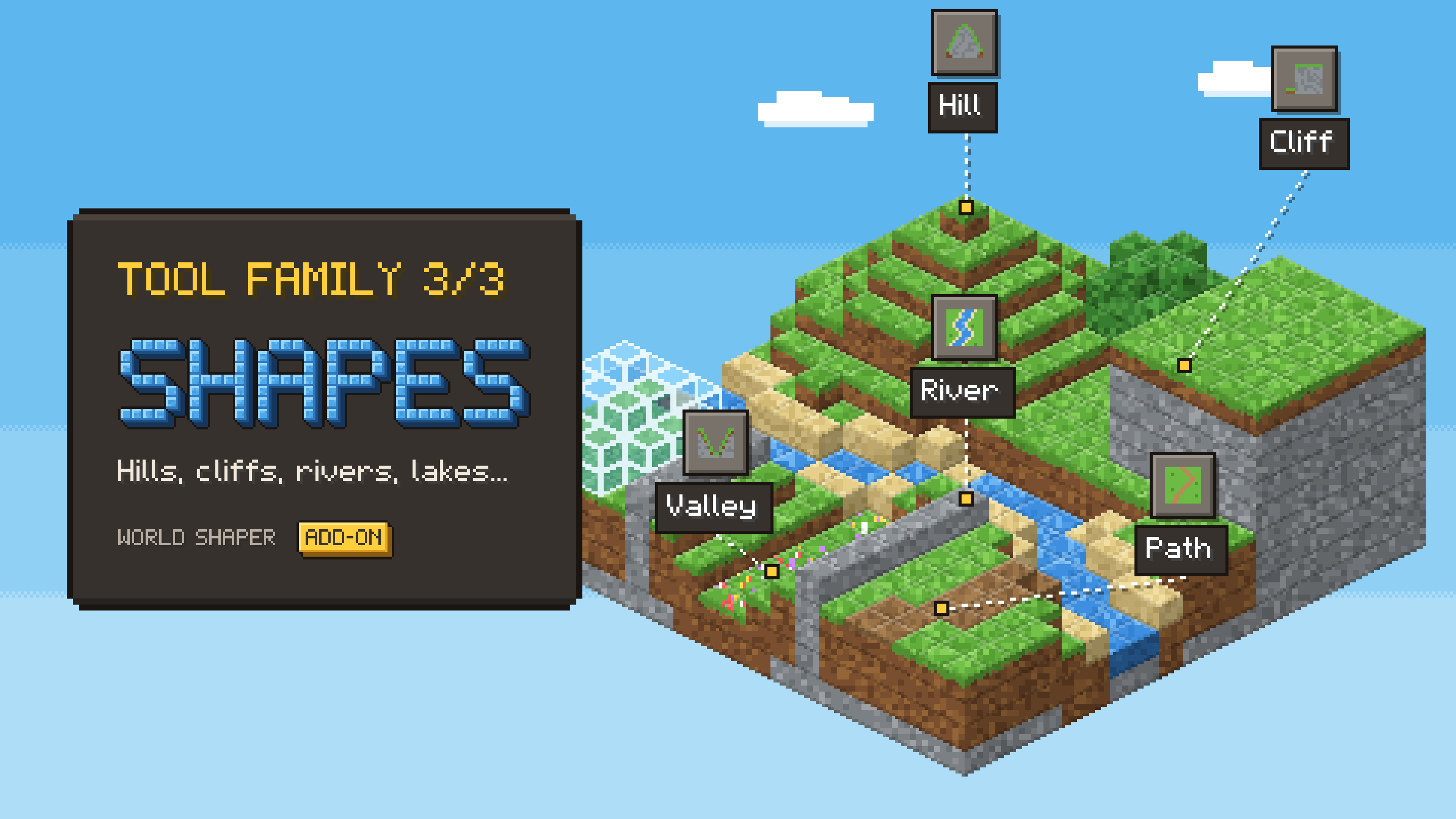
Shapes (creative)
- Hill — a ready-made natural hill in one click.
- Valley — between two points, rounded or flat.
- Cliff — a rock wall with a plateau behind it (stone, sandstone or colored terracotta).
- Path — follows your points, with gentle slopes and an optional stone border.
- River — follows the terrain with small falls; banks never overflow.
- Lake — dig a lake and fill it, or fill an existing hollow up to the rim.
Areas
- Fill, Clear and Replace an area (survival OK, with your inventory).
- Copy / Paste (creative) — copy an area or a building and paste it anywhere, rotated as you like. Stairs, doors and logs turn with it.
📦 Getting started
- Install the
.mcaddon(double-click it) and turn on World Shaper Add-On in your world's Behavior Packs (the resources are added with it). - When you arrive: in creative you get the toolbox and the guide; in survival you get the guide, which shows how to craft the toolbox.
- Right-click with the toolbox: choose a family, then a tool. Sneak + click with a tool opens its settings.
Recipes (crafting table)
- Toolbox: 5 iron ingots + 1 red dye.
- Guide: 1 book + 1 iron ingot.
Tip: sneak + click on the ground with the toolbox to place it. Right-click it to open it with a little animation, hit it to pick it up again.
⚙️ Requirements
- Minecraft Bedrock Edition 1.21.90 or later.
- Works in single player and multiplayer.
📜 License
All rights reserved. Please don't re-upload or redistribute this add-on; share the link to this page instead. Thank you!
World Shaper Team