✨ White Aura Effect
Give your Minecraft character a beautiful magical appearance with White Aura Effect!
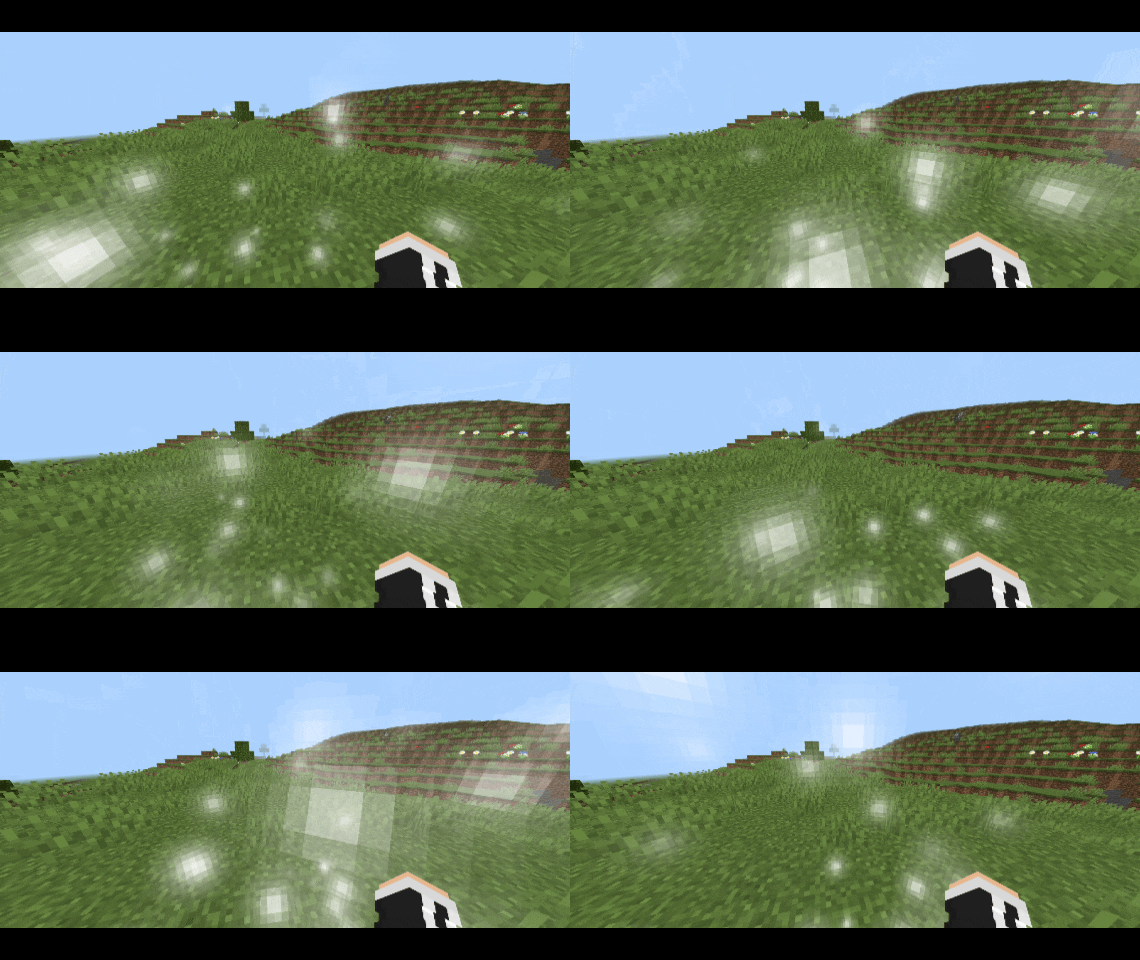
This addon adds a glowing white energy aura that automatically surrounds players with floating particles, soft swirling movement, and occasional bright sparks. Enjoy a clean, elegant visual effect that makes your Minecraft gameplay more atmospheric.
🌟 Features
- White Magical Aura: A beautiful glowing white energy effect surrounding players.
- Automatic Application: Automatically applies the aura to every player without requiring commands.
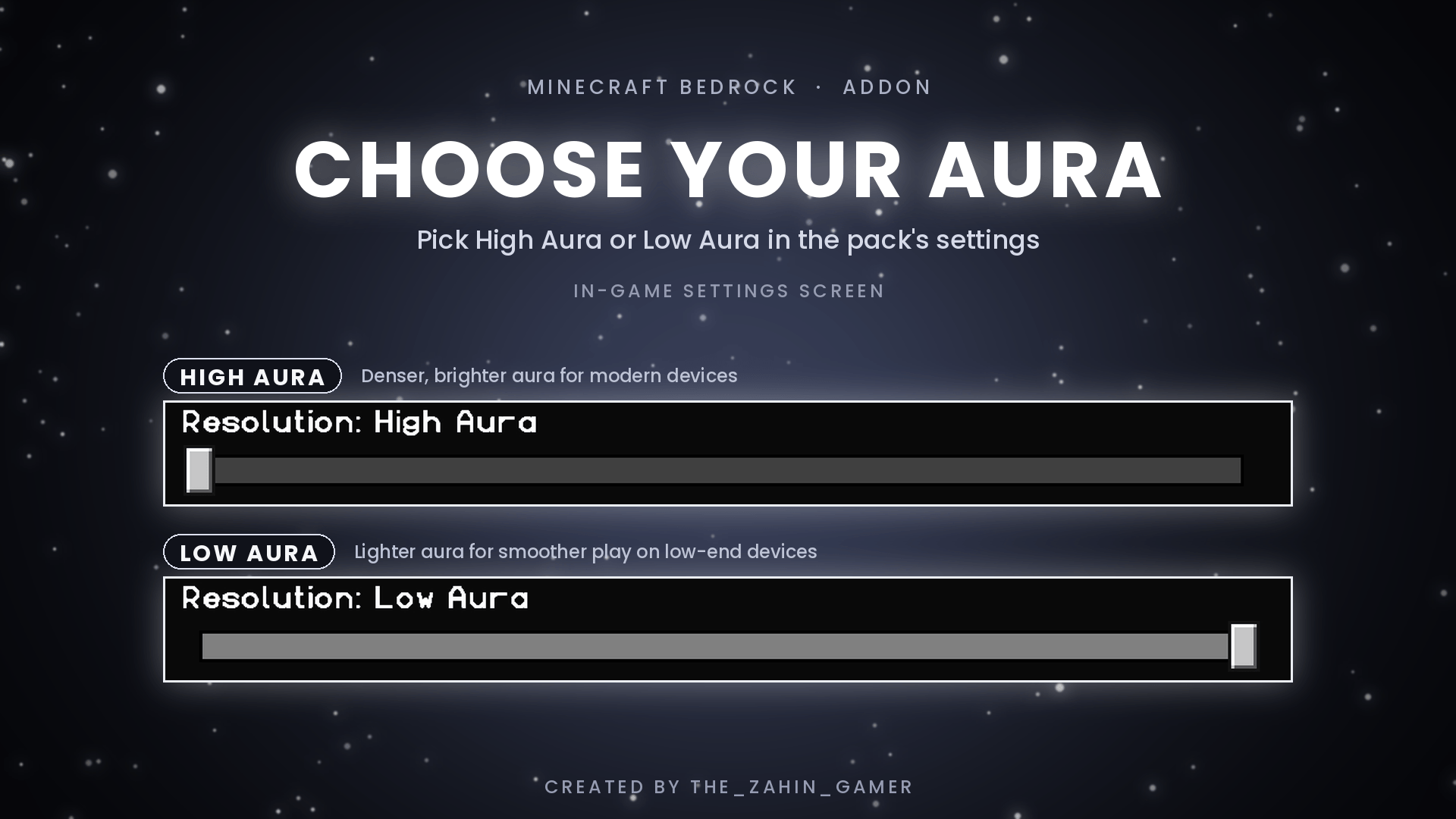
- High Aura: A brighter, denser particle effect for a more noticeable appearance.
- Low Aura: A lighter particle effect for a cleaner experience.
- Floating Particles: Smoothly rising particles with randomized movement.
- Magical Sparks: Occasional brighter particles add extra detail.
- Multiplayer Support: Automatically applies the effect to players in multiplayer worlds.
- Invisibility Support: Hides the aura when a player has the Invisibility effect.
- Player Opt-Out: Players can disable their own aura using a tag.
⚙️ Aura Modes
High Aura
- 8 particles per burst.
- Larger particle radius.
- More visible particles.
- Brighter appearance.
Low Aura
- 4 particles per burst.
- Smaller particle radius.
- Reduced particle density.
- Lighter visual effect.
Choose your preferred mode through the Resource Pack settings.
📦 Installation
1. Download the ".mcaddon" file.
2. Open it with Minecraft Bedrock Edition.
3. Wait for both packs to import successfully.
4. Create a new world or edit an existing one.
5. Activate both White Aura Effect and White Aura Effect - Auto Apply.
6. Enter your world and enjoy your glowing white aura!
Important: Both the Resource Pack and Behavior Pack must be activated for the automatic aura system to work.
🛠️ Requirements
- Minecraft Bedrock Edition.
- Minimum recommended version: 1.21.90.
- Both Resource Pack and Behavior Pack enabled.
👨💻 Credits
Creator: The_Zahin_GAMER
Thank you for downloading White Aura Effect! Enjoy the magical white energy surrounding your Minecraft character. ✨