WEI is a Recipe, Loot, and Trade viewer for Minecraft Bedrock, providing information on how to obtain items and what they are used for. Start by searching for an item to see how to obtain it and what it can be used for.
Getting Started
The first step is to obtain the Crafting Index item, crafted with a Book + Glass.
From there, you're ready to look up anything you need!
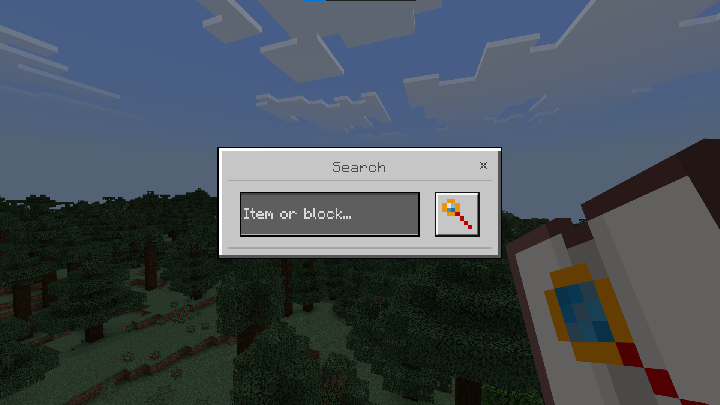
Navigation
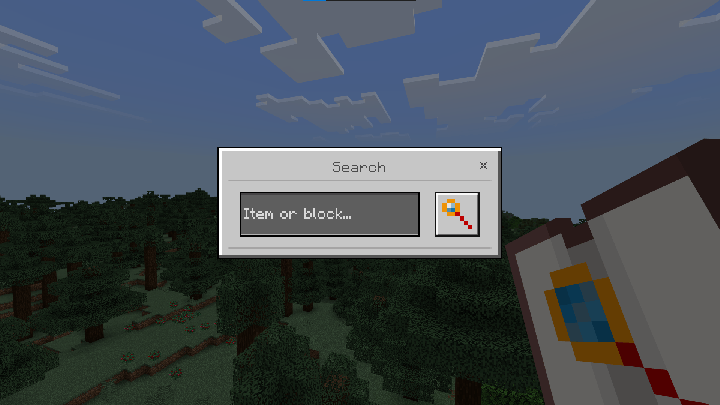
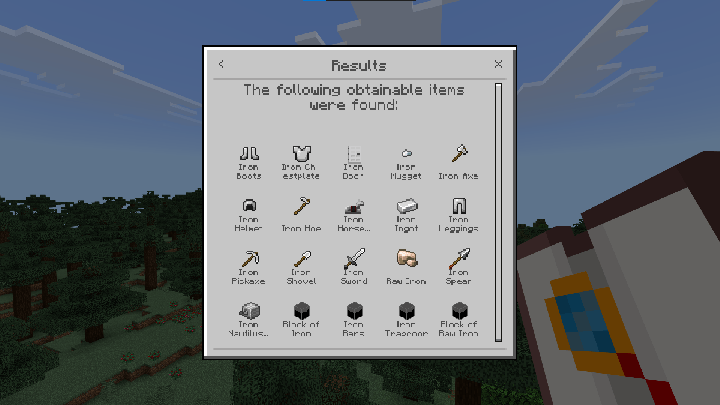
The interface is divided into the search menu, results menu, details menu, and obtaining menu.
Search Menu
Results Menu
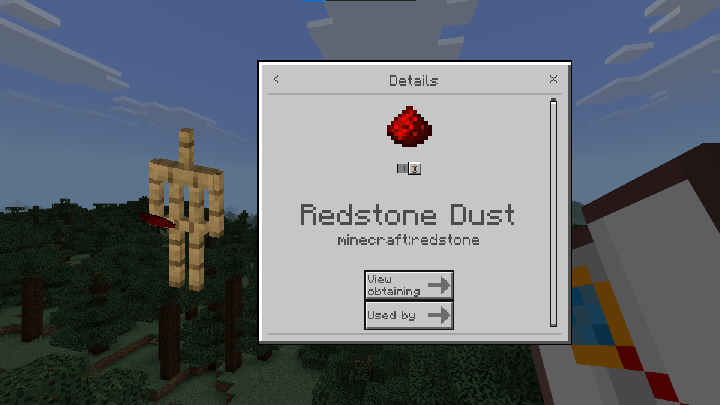
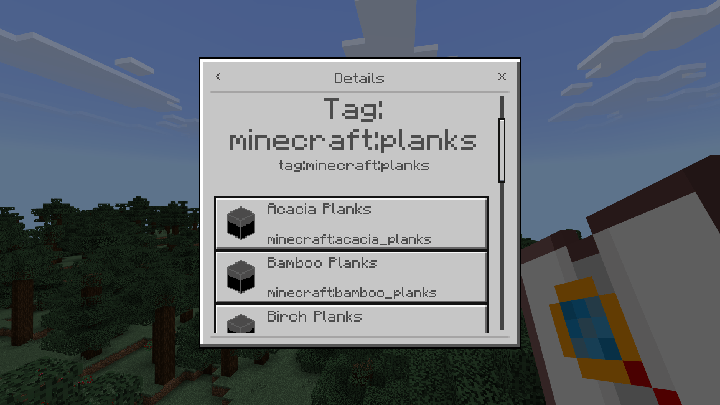
Details Menu
Shows the item's texture, name, and ID. Below that is a toggle to enable/disable the armor stand preview. At the bottom are the View Obtaining and Used By buttons.
If the menu is showing an item tag (minecraft:logs,
minecraft:is_pickaxe, etc.), buttons for each item in that tag
will also appear.
Obtaining Menu
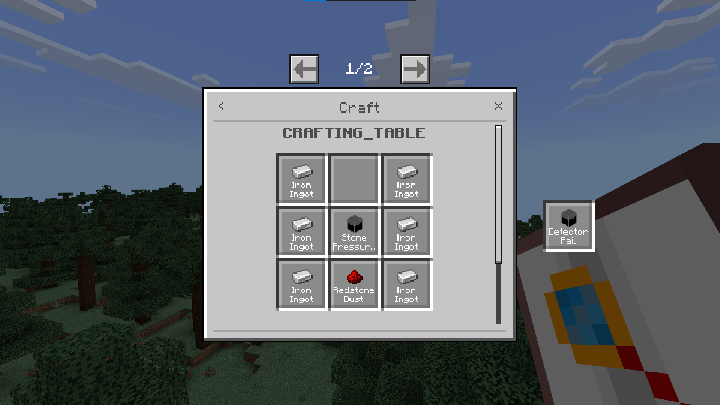
Shows the ways to obtain an item. It has different layouts for grid recipes, furnace, stonecutter, smithing table, brewing stand, loot, and trades.
Using WEI With Other Addons
One of the best parts of Minecraft Bedrock is the ability to use addons.
Because of limitations in the addon API, WEI can't automatically detect information from your addons. But don't worry, that's exactly why I made the WEI Customizer: an out-of-game addon reader that generates a customized version of WEI with the information detected from your addons already included!
How to Use
First, upload your world or addons as a zip,
mcaddon or mcpack file in the first upload field.
Then upload the Vanilla version of WEI in the second upload field.
Scroll down the page and reorder the addons in the same order they are (or will be) in your world. Also select the subpacks/configuration for each addon the same way you're using them in your world.
Finally, click Download, import the generated addon into Minecraft and enable it in your world (Only the behavior pack is modified; the resource pack remains the same as Vanilla WEI.)
Limitations
It's important to know this tool isn't magic. It will detect every item, block and entity present, but it will only detect recipes, loot and trades in simpler or more basic cases (recipes on vanilla tables, loot generated when an entity dies, trades using the same system used by villagers). More complex cases (like 9x9 recipes, loot given over turns, trades using another mechanism) will require the addon creator to add manual compatibility through the Registry API.
Technical Info
| Type | How it's detected |
|---|---|
| Recipes |
Registered inside the recipes/ folder, in a vanilla
station/tag or in a custom station built through a block's
minecraft:crafting_table component (also checked inside
block permutations).
|
| Loot |
Registered inside the loot_tables/ folder, detected on
blocks and entities that use the
minecraft:loot component (inside components, block
permutations or entity component groups). The tool also resolves
nested loot tables — loot tables that reference other loot tables.
|
| Trades |
Registered inside the trading/ folder, detected on
entities that use the minecraft:trade_table or
minecraft:economy_trade_table component (inside
components or entity component groups) — the same mechanism used by
villagers.
|
Registry API (for creators)
Is a recipe, loot table, or trade from your addon not recognized by the WEI Customizer? Register compatibility manually using the Registry API!
It lets you register 9x9 recipes, loot generated by commands or the Script API, trades handled by external mechanisms, and much more!
If your addon has full compatibility with WEI, add this badge to your addon's description.

Do not manually register features that are already detected by the WEI Customizer.
In HUD WEI
Want to open WEI without having to use the Crafting Index item? In HUD WEI 🔗 is an optional extension for WEI that allows you to open the WEI search menu directly from the HUD.
Notes
WEI does not support enchanted items due to their unique and closed internal structure. Enchantments are ignored.
WEI also does not fully handle items with different variants or dynamic data, such as banners and potions. These items are represented by a generic version without information such as patterns, effects, duration, or other variant-specific data.
WEI (Without Enough Items) Team