Weather's Rumble
- By
Weather’s Rumble is a full regional weather simulation for Minecraft Bedrock featuring living 3D cloud systems, exact wind-speed tornado damage, hurricanes, floods, wildfires, Doppler radar, forecasts, storm drones, and persistent severe weather.

velocity

radar

cloud

TORNADO
Storm
Description
Weather’s Rumble v1.5 [BETA]
Weather’s Rumble brings developing clouds, severe thunderstorms, tornadoes, hurricanes, and storm-chasing equipment to Minecraft Bedrock Edition. Watch the sky change, follow storms on radar, collect weather observations, and prepare your world for powerful winds and flying debris.
The addon combines a weather simulation with tools for observing and controlling it. Let weather develop naturally, adjust local atmospheric conditions, or create storms for testing and storm-chasing scenarios.
Developing clouds and changing weather
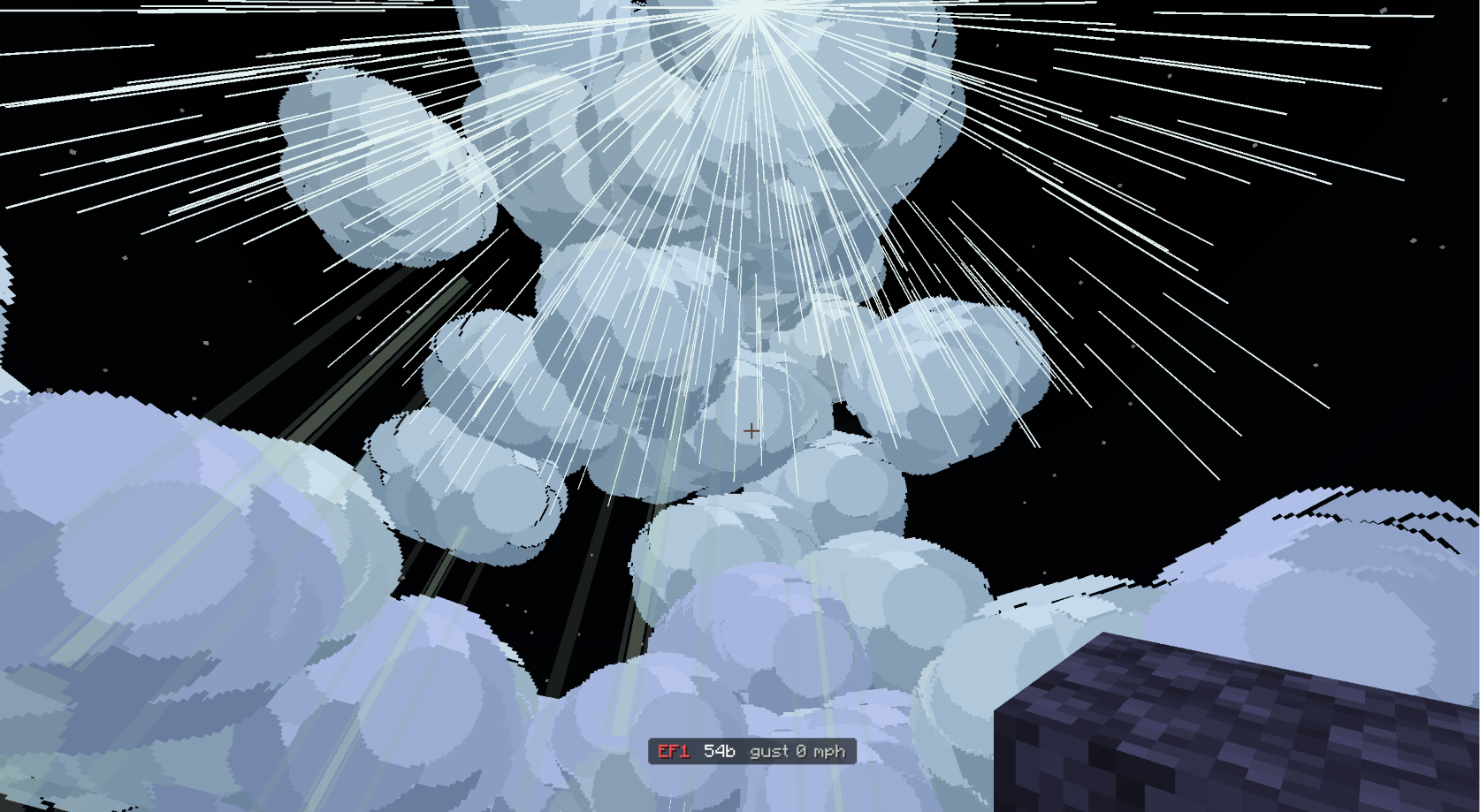
The sky includes cumulus, towering cumulus, cumulonimbus, cirrus, and layered cloud systems. Growing convection can develop from smaller clouds into taller storm structures with broad bases, rising towers, and spreading anvils. Storm clouds have a lifecycle rather than staying at their strongest stage forever.
Atmospheric values such as temperature, humidity, instability, and wind shear influence weather development. CAPE, CIN, and other thermodynamic information are available through the addon’s weather tools, helping you understand the conditions around a developing storm.
Precipitation is associated with tracked weather systems. Rain, hail, and storm activity can vary between locations, giving radar and field observations a useful role when following a storm.
Thunderstorms, supercells, and organized storms
Weather’s Rumble includes ordinary thunderstorms, rotating supercells, and organized storm structures such as squall lines, bow echoes, and derechos. Developing rotation can produce a mesocyclone beneath a parent storm, with the circulation connected to the tornado system.
Storms can produce rain, hail, lightning, thunder, and damaging winds. Lightning targets, precipitation areas, and storm motion are part of the weather systems that the addon tracks. Conditions and storm development influence the hazards you encounter.
Tornadoes and flying debris
Tornadoes range from EF0 to EF5 and support different funnel shape settings, including rope, needle, cone, stovepipe, wedge, drill-bit, and multiple-vortex styles. Funnel development, movement, bending, and retraction give storms different appearances as their lifecycle changes.
Strong winds can affect entities and lift eligible blocks into flying debris. Debris moves through the tornado’s wind field and can be released as the storm changes or ends. Block damage and ground effects make severe storms a threat to exposed builds.
Storm controls also allow custom tornado scenarios, including changes to supported wind, width, and shape settings. These tools are useful for testing structures, comparing tornado behavior, and setting up a storm chase.
Hurricanes
Tropical systems include tropical depressions, tropical storms, and categorized hurricanes. Large systems feature an eye, an eyewall, and surrounding rainbands, creating a different storm-chasing experience from a single thunderstorm.
Use the Hurricane Forecast Center to inspect tracked tropical systems. Hurricane wind and precipitation effects bring broad areas of hazardous weather to the world.
Doppler radar and storm tracking
The radar system helps you follow storms and compare several weather products:
-
Reflectivity: View the simulated precipitation return and follow precipitation areas.
-
Velocity: Examine the radar’s motion product when investigating storm circulation.
-
Correlation coefficient: Compare the addon’s simulated correlation product alongside reflectivity and velocity.
-
Additional information: Use supported warning overlays, scan history, and other products to follow changing conditions.
Radar products represent the addon’s simulation. They are designed for Minecraft storm chasing and observing the weather systems active in your world.
Weather stations, instruments, and equipment
Build a weather-monitoring setup using the addon’s equipment:
-
Field Weather Station: Inspect current conditions, forecasts, and detailed weather values.
-
Spinning Anemometer: Observe local wind conditions.
-
Doppler Radar and radar components: Build a station for monitoring nearby weather.
-
Storm Observation Drone: Use a controllable observation tool during storm exploration.
-
Severe Weather Siren: Add an audible warning system to your weather setup.
-
Thermodynamics Controller: Adjust local atmospheric conditions for weather experiments and custom scenarios.
-
Local Season Controller: Change supported local seasonal conditions.
-
Storm Mission Terminal: Access weather-related missions, research, and progression features.
Structural tools and protective building options include a damage scanner, a repair tool, reinforced glass, rebar-related equipment, and sandbags.
Wildfires and environmental effects
The addon also includes wildfire systems with spreading fire, smoke, scorched ground, ash, and charred materials. A Wildfire Tracer and a fire-size/burn-area radar product provide ways to monitor tracked fires.
These systems expand the addon beyond tornadoes, giving you more environmental activity to observe and manage.
Graphics and optional volumetric clouds
Graphics settings provide Potato, Low, Medium, High, and Extra High presets. Renderer and volume-quality controls let you adjust the visual setup for your device.
The main addon includes its normal particle renderer. Shader-based volumetric clouds require the separate Volume Engine companion and a compatible BetterRenderDragon/MaterialBinLoader setup. The main .mcaddon does not include the compiled native shader companion.
Volumetric compatibility depends on the Minecraft version, loader, and companion build. Use the addon’s renderer settings to select the appropriate rendering path for your setup.
Performance improvements in v1.5
This release reduces repeated renderer work and excessive particle overlap:
-
Cached settings migrations avoid repeated saved-property reads during rendering.
-
Cloud rendering skips unchanged native shader-variable writes.
-
Tornado and mesocyclone visuals use fewer overlapping particle generations while retaining their per-generation spatial fill.
-
Cloud particle lifetimes have been adjusted to reduce stacking.
-
Cloud queues advance past sleeping or failed cards so one card cannot hold up later work.
-
Cloud-save serialization processes each record once while preserving the existing save format.
-
The graphics menu no longer references an undefined preset.
Storm physics, debris pickup, and player wind retain their existing simulation cadence. Large storms, many active systems, high graphics settings, and optional volumetric rendering can still be demanding. Start with Low or Potato if performance is limited, then increase quality as your device allows.
Installation and updating
-
Download and import the Weather’s Rumble v1.5
.mcaddoninto Minecraft Bedrock Edition. -
Activate both its behavior pack and resource pack in your world.
-
Open the addon’s weather and graphics settings to configure your experience.
-
For optional shader-based volumetric clouds, install the compatible Volume Engine companion and follow its loader setup instructions.
When updating an existing world, replace earlier copies and keep one main Weather’s Rumble behavior/resource pack pair active. Use a Minecraft Bedrock build compatible with the APIs required by the download.
Weather’s Rumble is in beta. Bugs, visual issues, and performance differences between devices are possible. Destructive weather can damage builds, so make a backup before adding it to a world you want to preserve.
Weather's Rumble Team