Wayfinder: Homes, TPA & Warps
- By
thumbnail.png
1_menu.png
2_homes.png
3_tpa.png
4_rtp.png
Description
Wayfinder
Homes, TPA, warps, /spawn, /back and random teleport for Minecraft Bedrock. Works on Realms, worlds and servers, with no experiments to turn on.
Every Bedrock world ends up with the same problem: your friends' bases are 3,000 blocks away, you just died in a cave and can't find your stuff, and the only way to teleport is to turn on cheats for everyone. Wayfinder adds the teleport commands survival servers have always had, with a menu for players who'd rather tap than type.
🏠 Homes
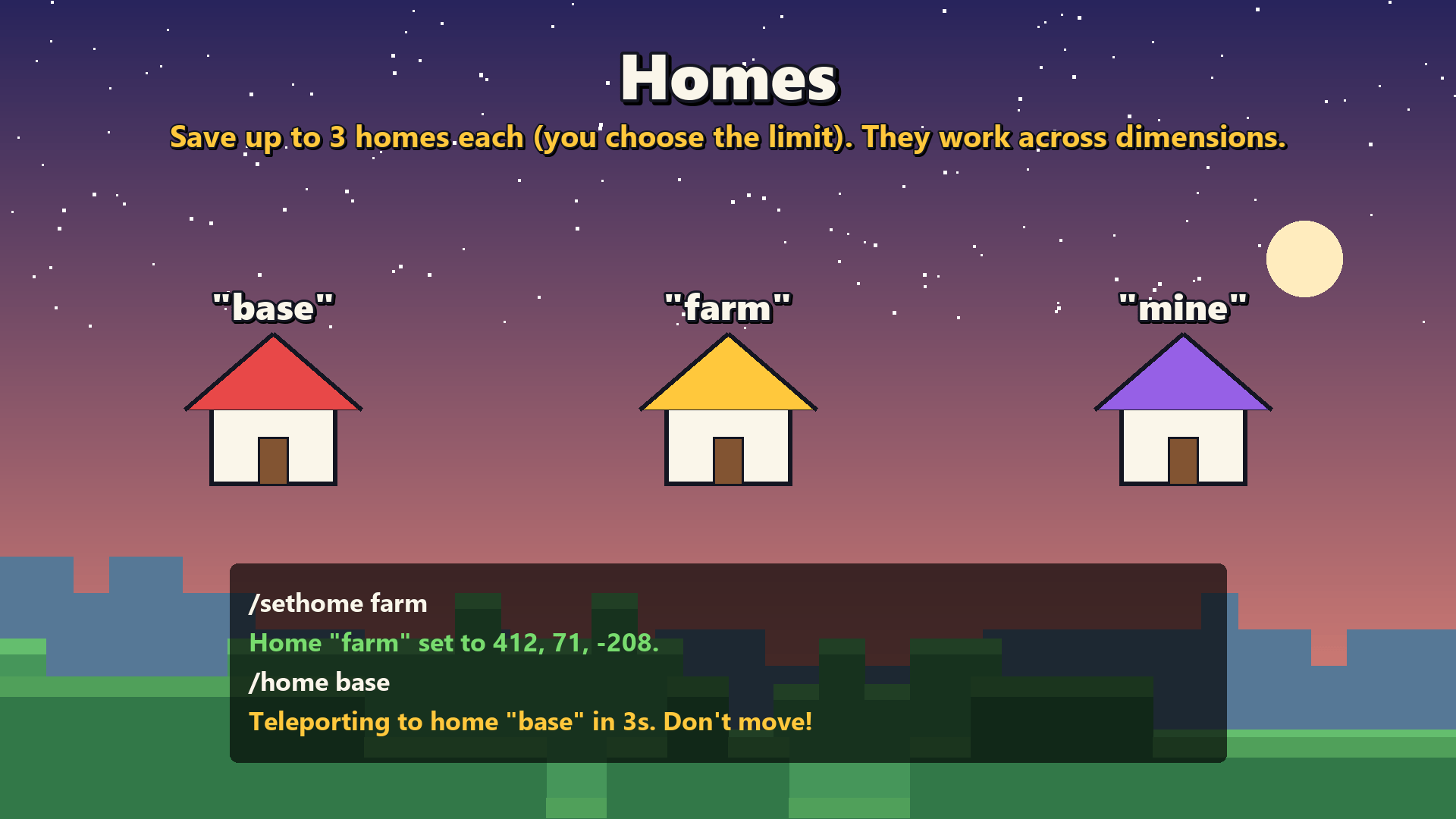
/sethomesaves a home where you stand, and/hometakes you back.- Name your homes:
/sethome farm,/home farm. Each player gets 3 homes by default, and operators can change the limit. - Homes work across dimensions: set one in the Nether and go straight there from the Overworld.
🤝 Teleport requests (TPA)
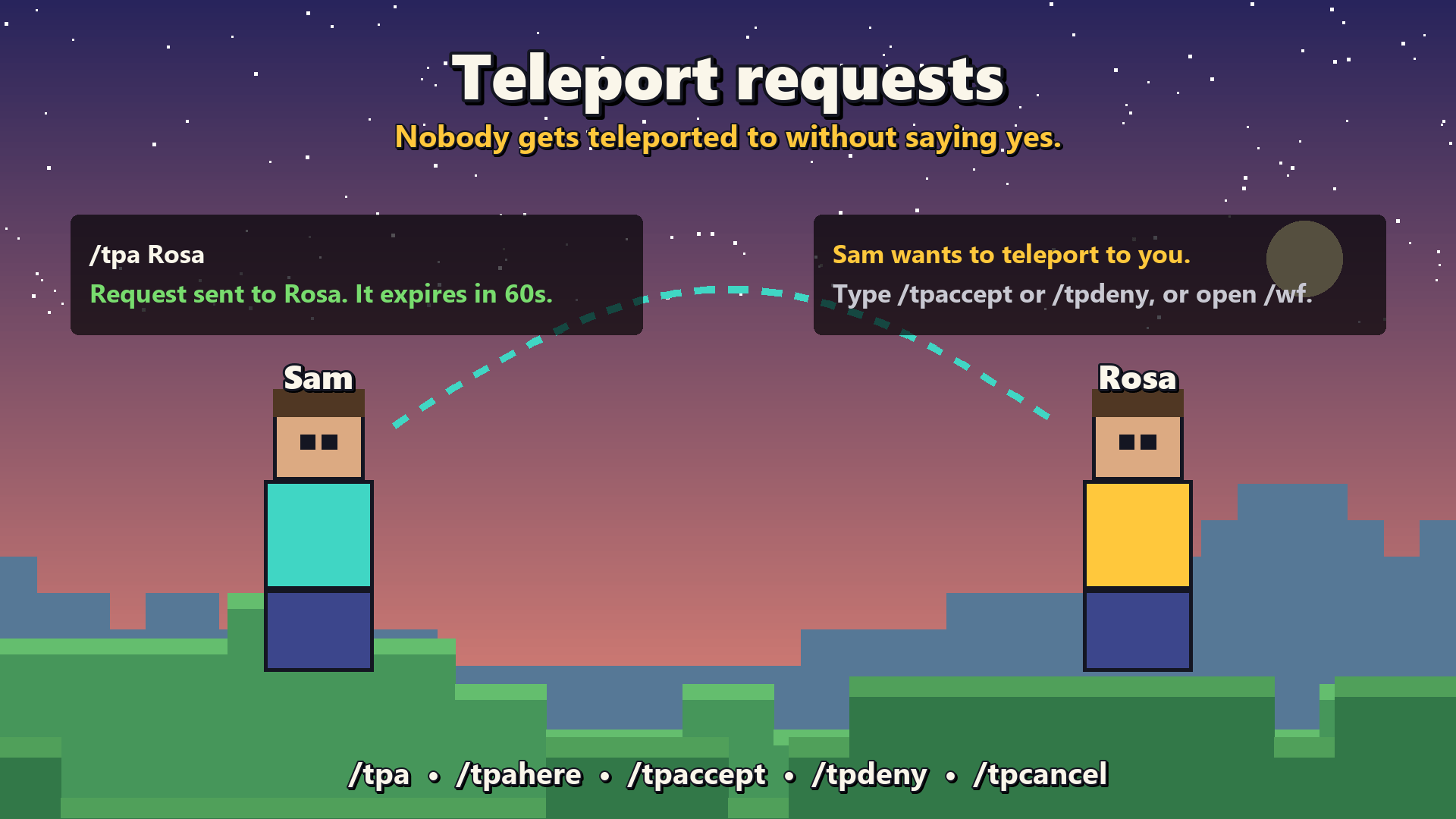
/tpa Rosaasks to teleport to Rosa./tpahere Rosaasks Rosa to come to you.- Rosa answers with
/tpacceptor/tpdeny. Nobody gets teleported to without saying yes. - You arrive where the player is when the teleport happens, even if they walked off during the countdown.
- Requests expire after 60 seconds, and
/tpcanceltakes yours back.
🪧 Warps
Operators create named warps for everyone, like /setwarp shops or /setwarp arena. Players use /warp shops or pick a warp from the menu.
⭐ /spawn and ↩️ /back
/spawntakes you to the world spawn. Operators can move it with/setspawn./backreturns you to where you died, or to wherever you were before your last teleport.
🗺️ Random teleport
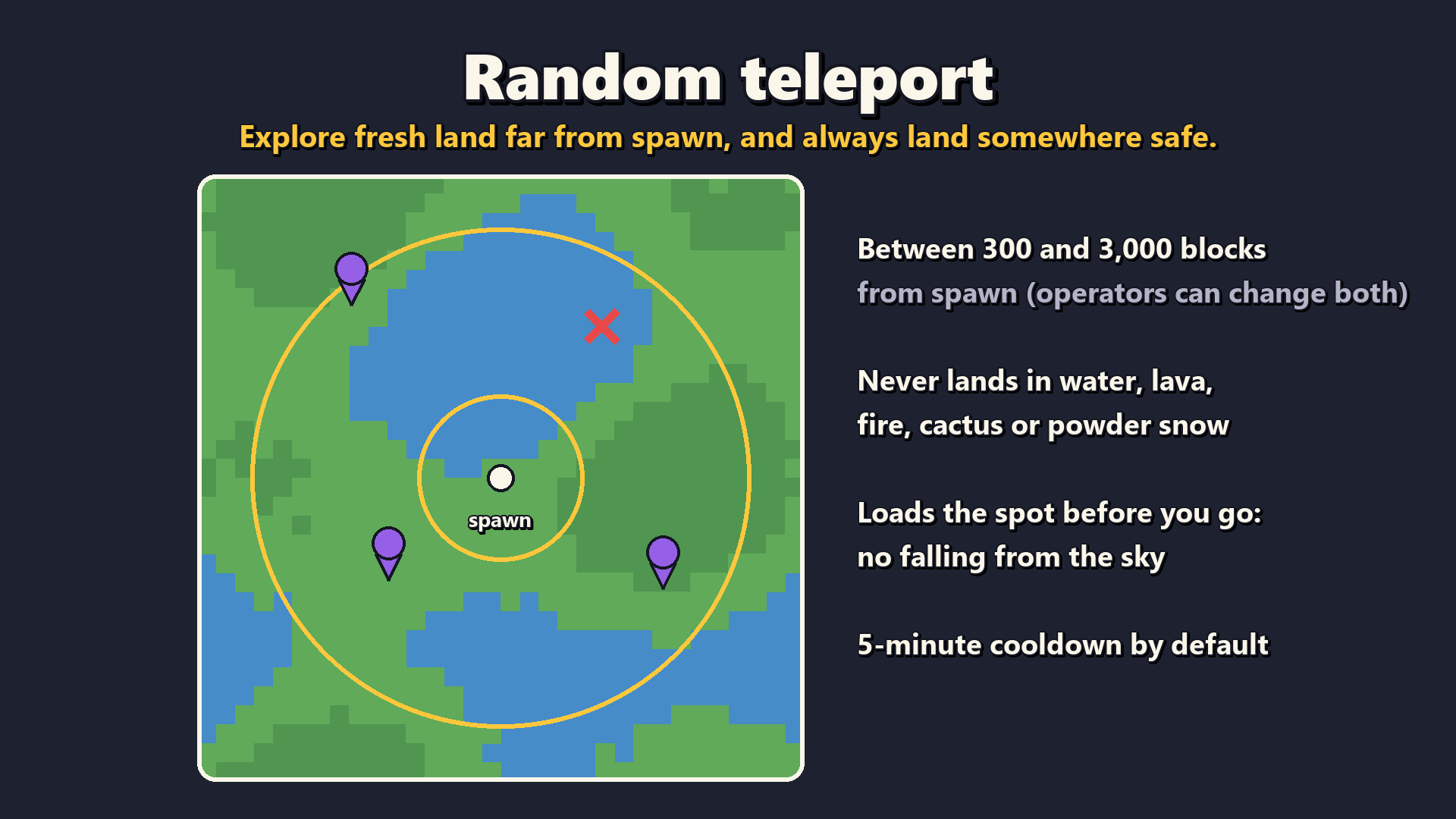
/rtp sends you somewhere new, between 300 and 3,000 blocks from spawn by default.
- It never lands you in water, lava, fire, cactus or powder snow.
- It loads the spot before you go, so you don't fall from the sky.
- There's a 5-minute cooldown, so the map isn't explored in an afternoon.
📱 One menu for everything
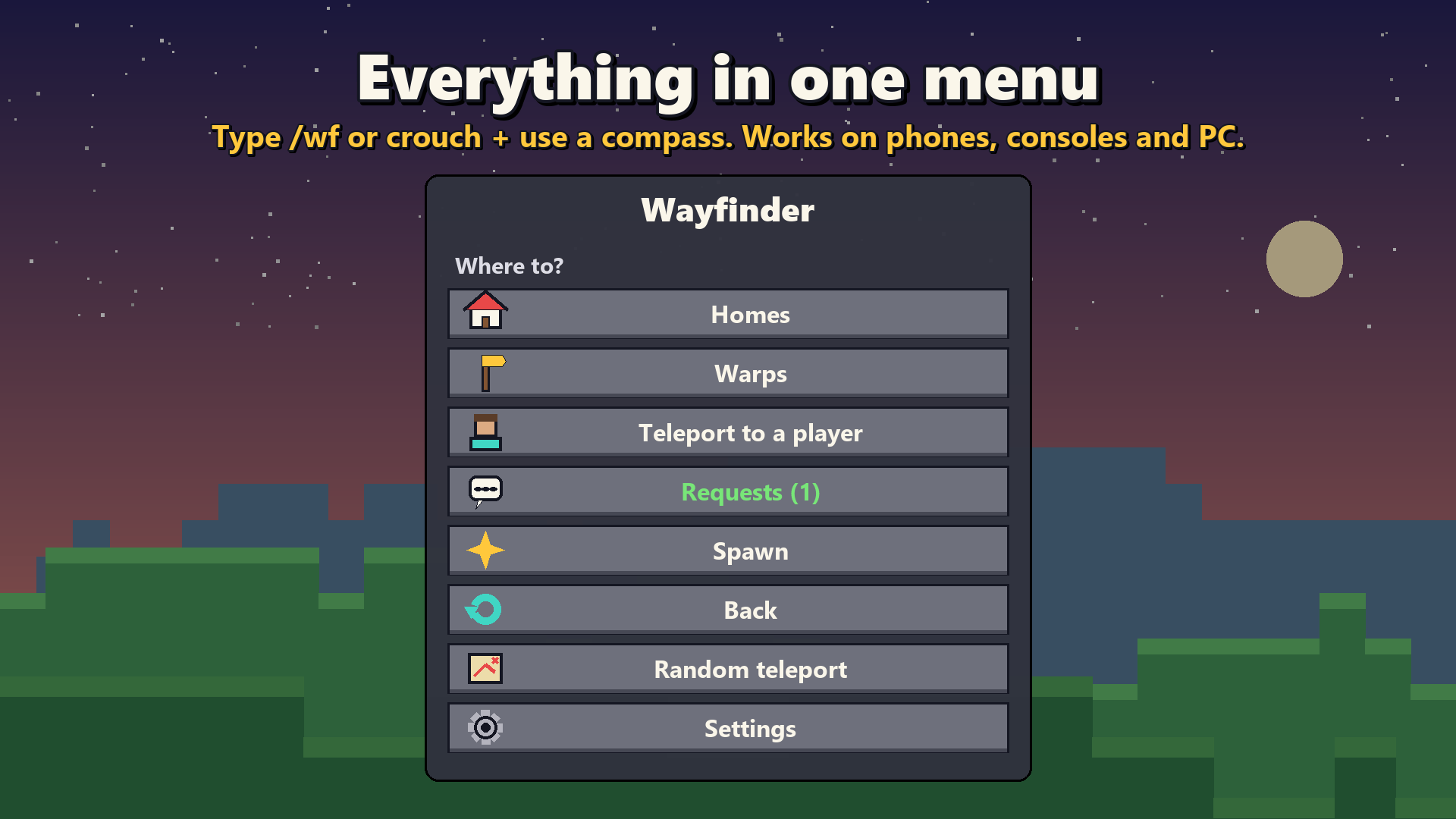
Type /wf (or crouch and use a compass) to open the Wayfinder menu. It has buttons for:
- your homes, the warps, and teleporting to a player
- incoming requests, spawn, back and random teleport
- settings, for operators
It's perfect for phones, tablets and consoles.
⚖️ Fair on survival servers
- Warm-up: teleports start after 3 seconds standing still. Moving or taking damage cancels them, so nobody escapes a fight with
/home. - Cooldown: 5 seconds between teleports.
- Everything is adjustable: every feature can be switched off and every number changed, in the menu or with
/wfconfig.
Commands
You don't need to type wayfinder:. /home works as is.
| Command | Who | |
|---|---|---|
/wf |
Everyone | Open the menu |
/sethome [name] · /home [name] · /homes · /delhome <name> |
Everyone | Homes |
/tpa <player> · /tpahere <player> |
Everyone | Send a teleport request |
/tpaccept [player] · /tpdeny [player] · /tpcancel |
Everyone | Answer or cancel requests |
/warp <name> · /warps |
Everyone | Warps |
/spawn · /back · /rtp |
Everyone | Spawn, back, random teleport |
/setwarp <name> · /delwarp <name> |
Operators | Manage warps |
/setspawn |
Operators | Set the /spawn point |
/wfconfig [setting] [value] |
Operators | Show or change settings (1 = on, 0 = off) |
Settings
Operators change these in the Settings button of /wf, or with /wfconfig <setting> <value>:
| Setting | Default | |
|---|---|---|
homesEnabled · tpaEnabled · warpsEnabled · spawnEnabled · backEnabled · rtpEnabled |
on | Turn each feature on or off |
maxHomes |
3 | Homes per player |
tpaTimeout |
60 | Seconds before a request expires |
warmup |
3 | Seconds to stand still before teleporting (0 = instant) |
cooldown |
5 | Seconds between teleports |
rtpMin / rtpMax |
300 / 3000 | Random teleport distance from spawn |
rtpCooldown |
300 | Seconds between random teleports |
opsBypass |
off | Operators skip warm-ups, cooldowns and the home limit |
compassMenu |
on | Crouch + use a compass to open the menu |
Installation
- Download the
.mcaddonfile and open it; Minecraft imports it. - In your world's settings, go to Behavior Packs and activate Wayfinder.
- That's it. No experimental toggles are needed. It works on Realms, in single-player worlds and on dedicated servers.
Requires Minecraft Bedrock 1.26.50 or newer.
Good to know
- Home and warp names need at least one letter (
base2works,2on its own doesn't). - Random teleport works in the Overworld only.
- Homes are saved with each player, and warps and settings with the world, so they survive restarts and moving the world to a Realm.
Licensed CC0 1.0: use it on any world, server or Realm, no permission needed.
Wayfinder: Homes, TPA & Warps Team