Vortex Scoreboard
- By
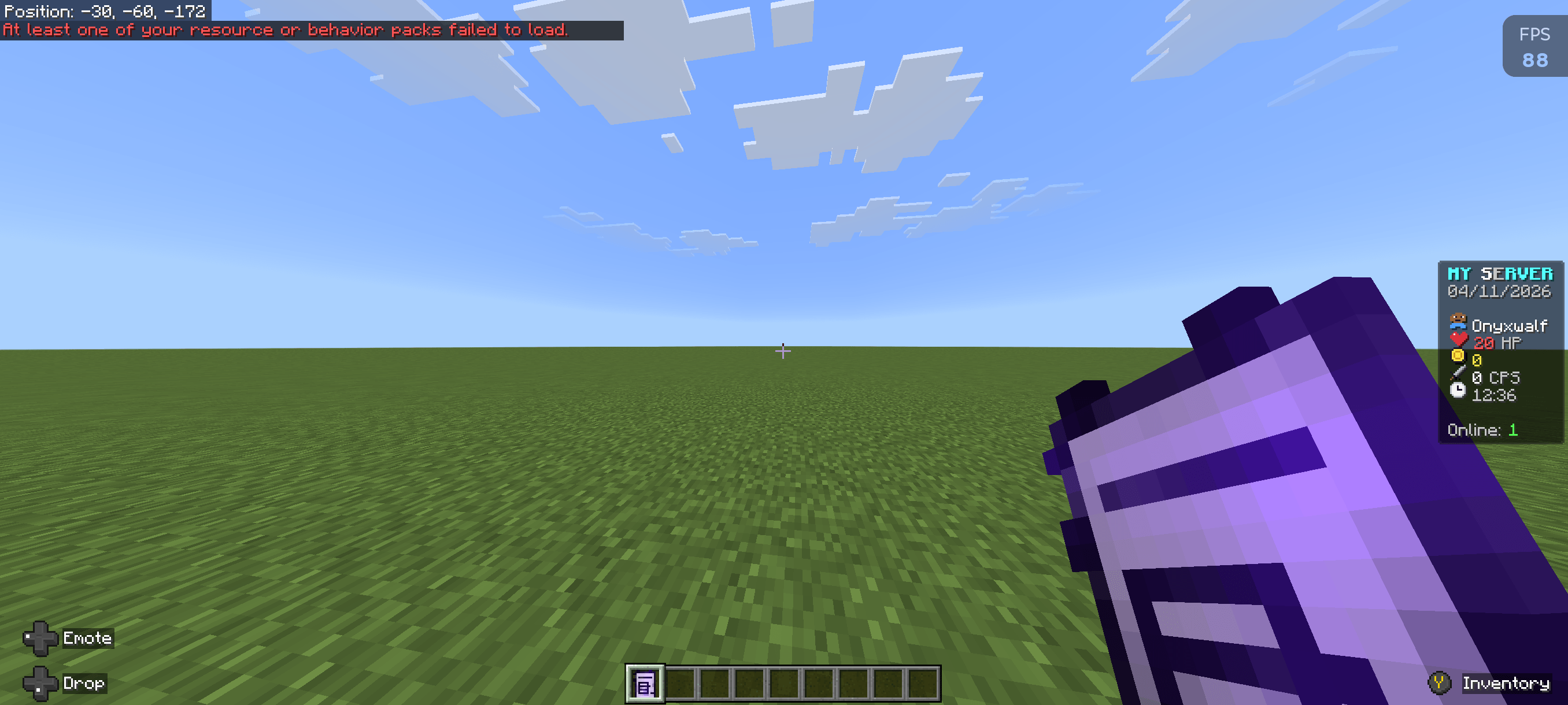
Build custom sidebar scoreboards with simple in-game menus. Animated titles, live player stats, glyph icons, and tag-based boards for different players. No coding needed.
1000084313.png
1000084314.png
1000084315.png
1000084316.png
1000084317.png
Description
Vortex Scoreboard
Build custom sidebar scoreboards for your world, realm or server using simple in-game menus. No code editing needed. Create multiple boards, animate the title, show live player stats, and show different boards to different players using tags.
Features
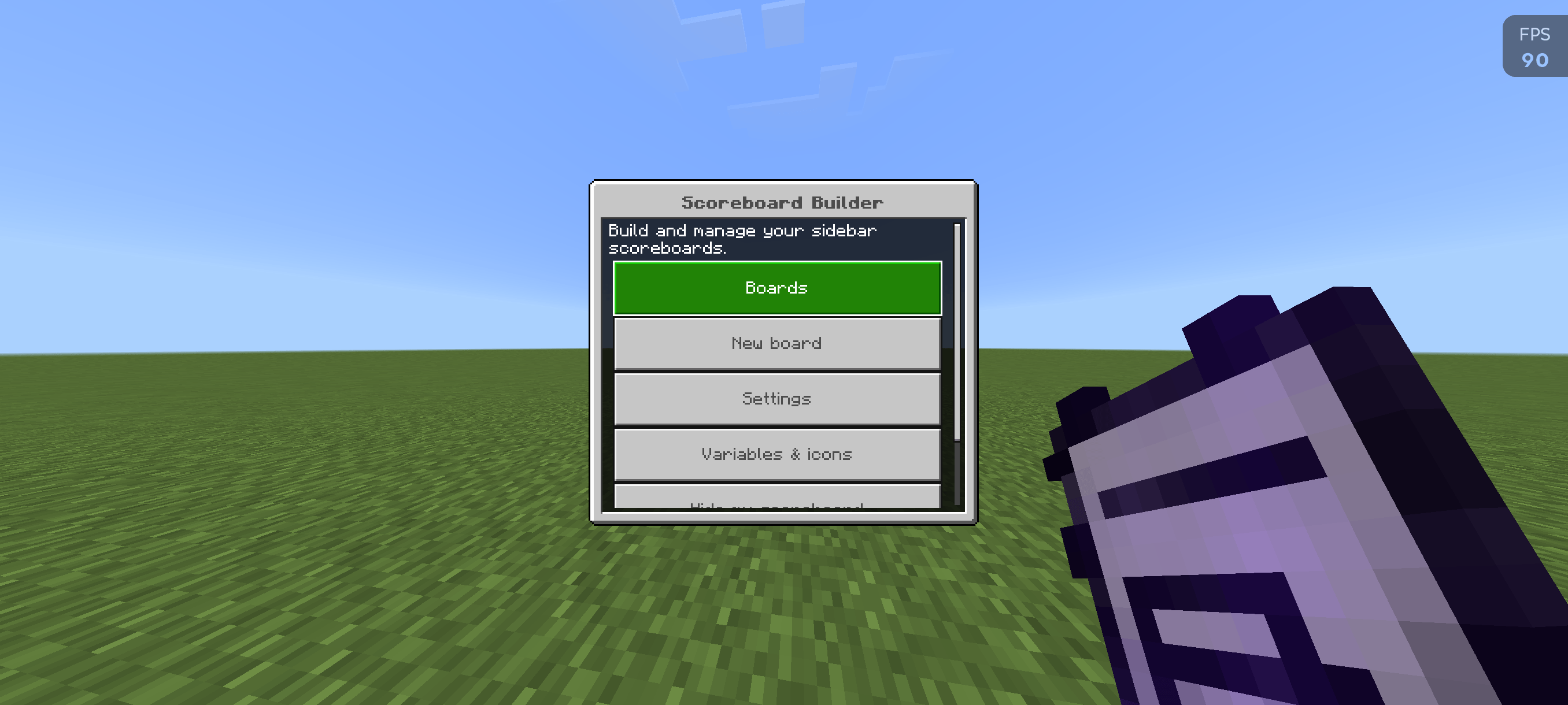
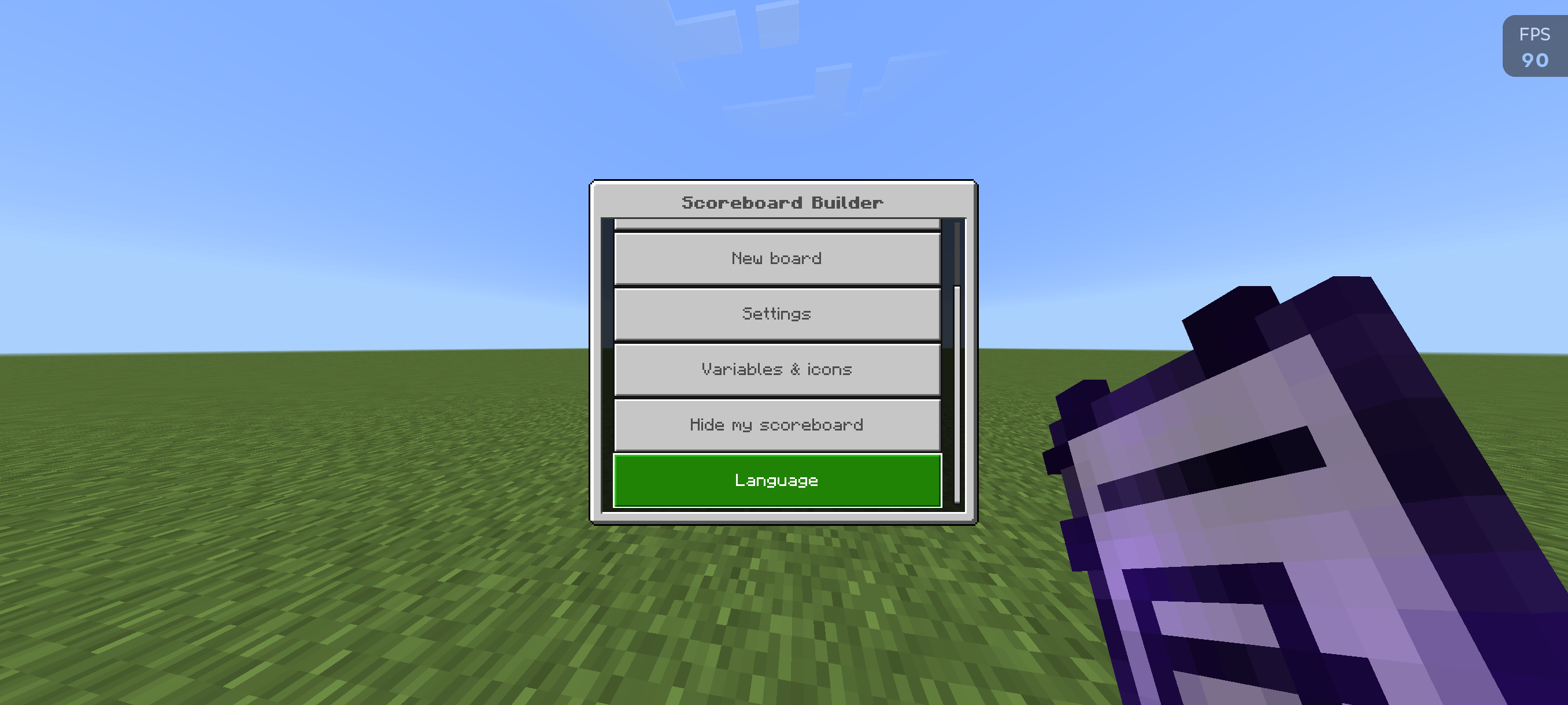
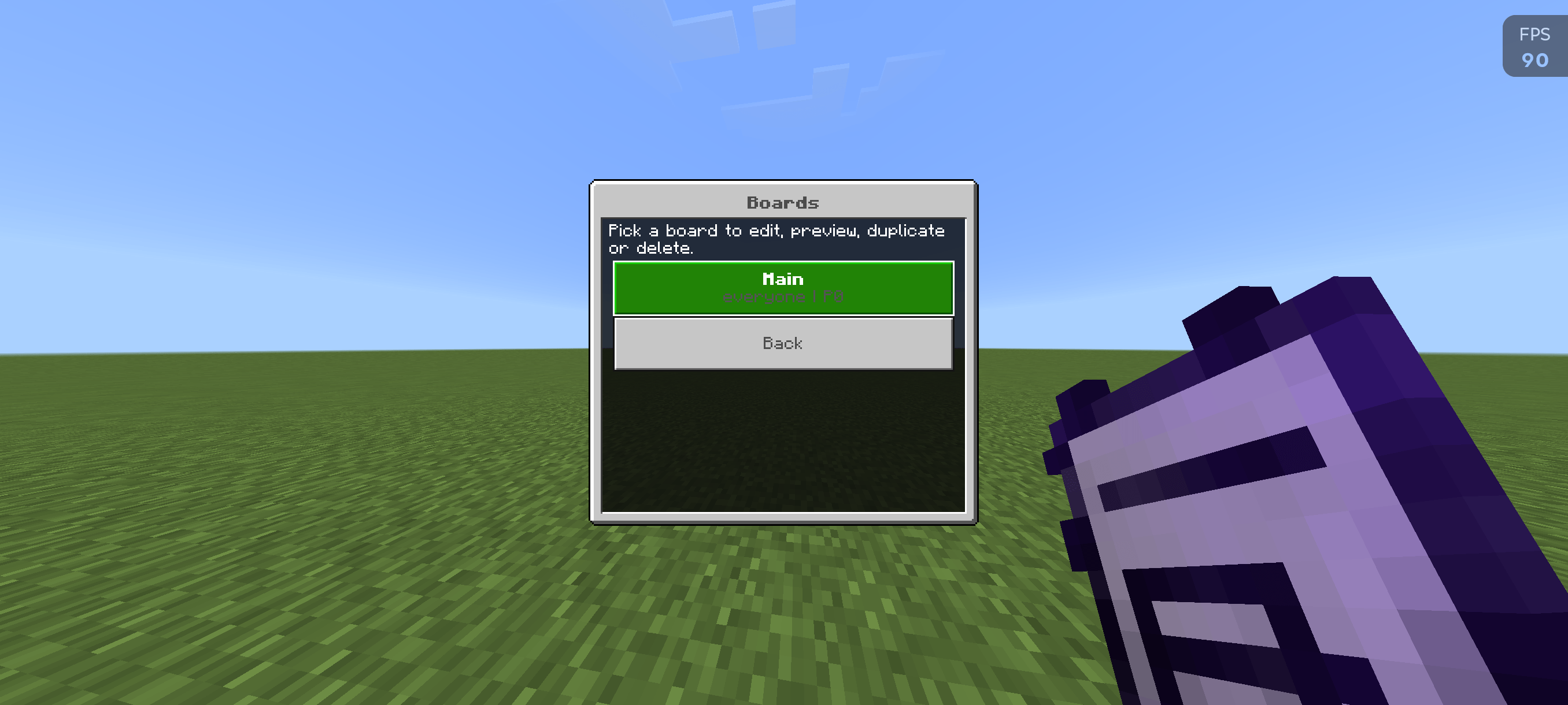
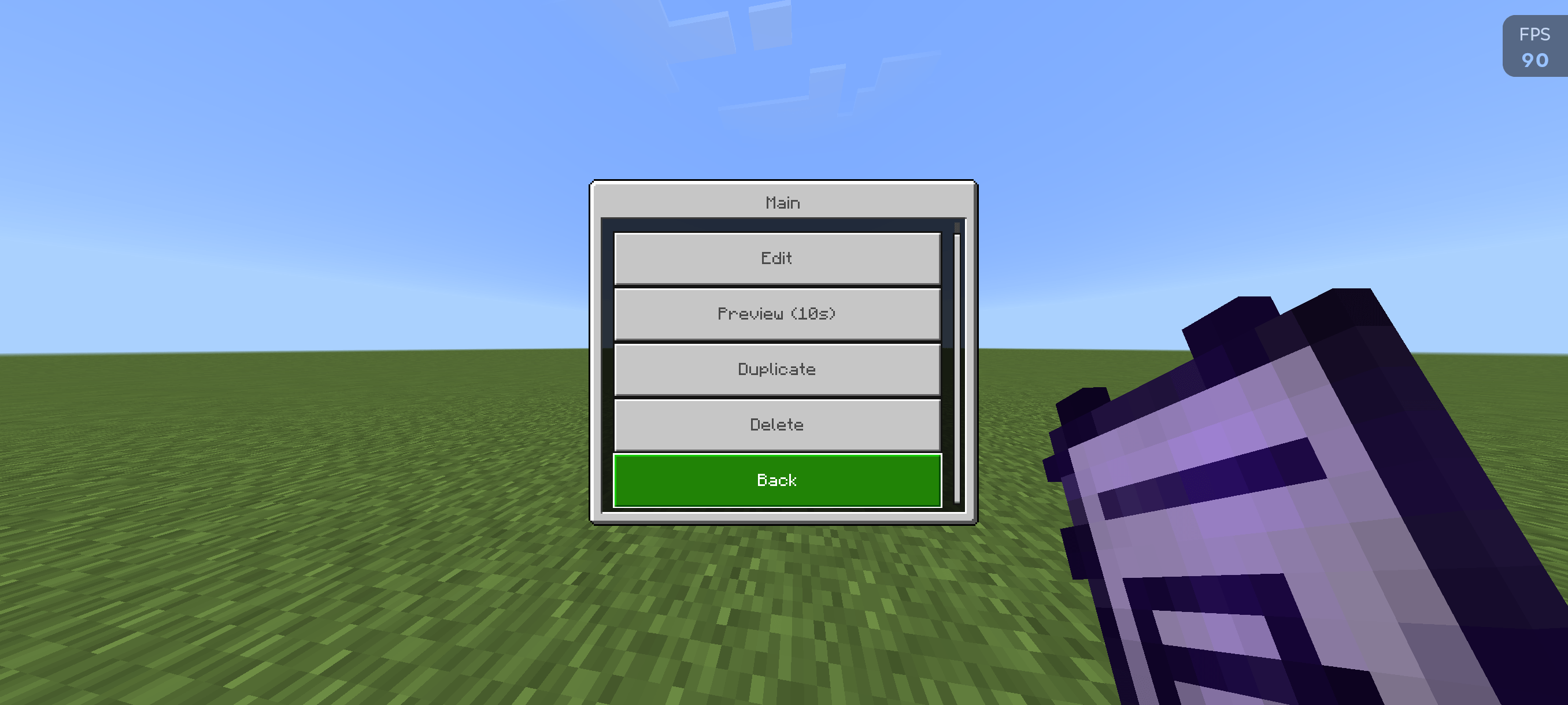
- Create, edit, duplicate, delete and preview boards from an in-game menu
- Live variables: health, CPS, TPS, coordinates, time, scores and more
- Animated titles: Shimmer, Rainbow and Pulse
- Tag-based boards: show different sidebars to different players
- Built-in glyph icons for your lines
- Per-player show/hide toggle
- English and Spanish
How to Use
1. Give yourself permission
/tag @s add admin2. Open the menu
/sb:menuOr get the menu item:
/give @s sb:menu3. Create a board, add your lines and save. Each line can use variables (see below).
Tip: type - as a line to add an empty spacer.
Requirements
- Enable the Beta APIs experiment in your world
- Enable both the behavior pack and the resource pack
Commands
| Command | Description |
|---|---|
/sb:menu |
Open the scoreboard builder |
/sb:toggle |
Show or hide your own scoreboard |
/sb:lang |
Change the language |
Variables & Placeholders
Use these inside your scoreboard lines to show live information.
Player Variables
| Variable | Description |
|---|---|
{player} |
Player name |
{health} |
Current health |
{x} {y} {z} |
Coordinates |
{dim} |
Current dimension |
{cps} |
Clicks per second |
Server & Time Variables
| Variable | Description |
|---|---|
{online} |
Online player count |
{tps} |
Server TPS |
{time} |
Current time (HH:MM) |
{date} |
Current date |
{day} |
World day |
Time variables use the UTC offset set in Settings.
Scoreboard & Tag Variables
| Variable | Description |
|---|---|
{score:money} |
Value from the money objective |
{score:kills} |
Value from the kills objective |
{fmt:money} |
Format numbers into K, M, B |
{bar:health_pct:100} |
Progress bar (objective and max value) |
{tag:rank_} |
Tag value starting with a prefix (a tag rank_VIP shows VIP) |
Replace money, kills or rank_ with your own objective or tag prefix.
Icons
Add an icon with {icon:name}, for example {icon:heart} {health}.
| Icons |
|---|
heart star coin sword shield skull clock player pickaxe diamond crown flame check cross arrow bolt |
Title Animations
| Animation | Description |
|---|---|
| Shimmer | A highlight sweeps across the title |
| Rainbow | Colors cycle through the title |
| Pulse | The title pulses between shades |
Tag-Based Multiple Scoreboards
Create multiple boards and choose who sees each one with Minecraft tags.
- Board Name: VIP Scoreboard
- Show only to players with tag:
vip - Priority: 5
Give a player the tag:
/tag @s add vipPlayers with the vip tag will see the VIP scoreboard. When several boards match a player, the board with the highest priority is shown. A board with an empty tag field is shown to everyone.
Notes
- Only players with the
admintag (or game director permission) can edit boards. Everyone else can hide/show their own scoreboard and change their language. - The sidebar is drawn from the action bar, so other action bar messages may appear in it.
Join the Discord
Report bugs, suggest ideas and get support.

Created by @_d43m0n
Vortex Scoreboard Team