WIP WATTS VIRTUAL SPAWNER
Turn multiple spawners into virtual item generators! Any amount of spawners can be stacked and stored as one block. Your loot and XP will be stored neatly in a chest inventory, so no mob farms, lag or entities!
Created by WATTS | Version 1.5.9 | Minecraft Bedrock 1.26.5+
Features
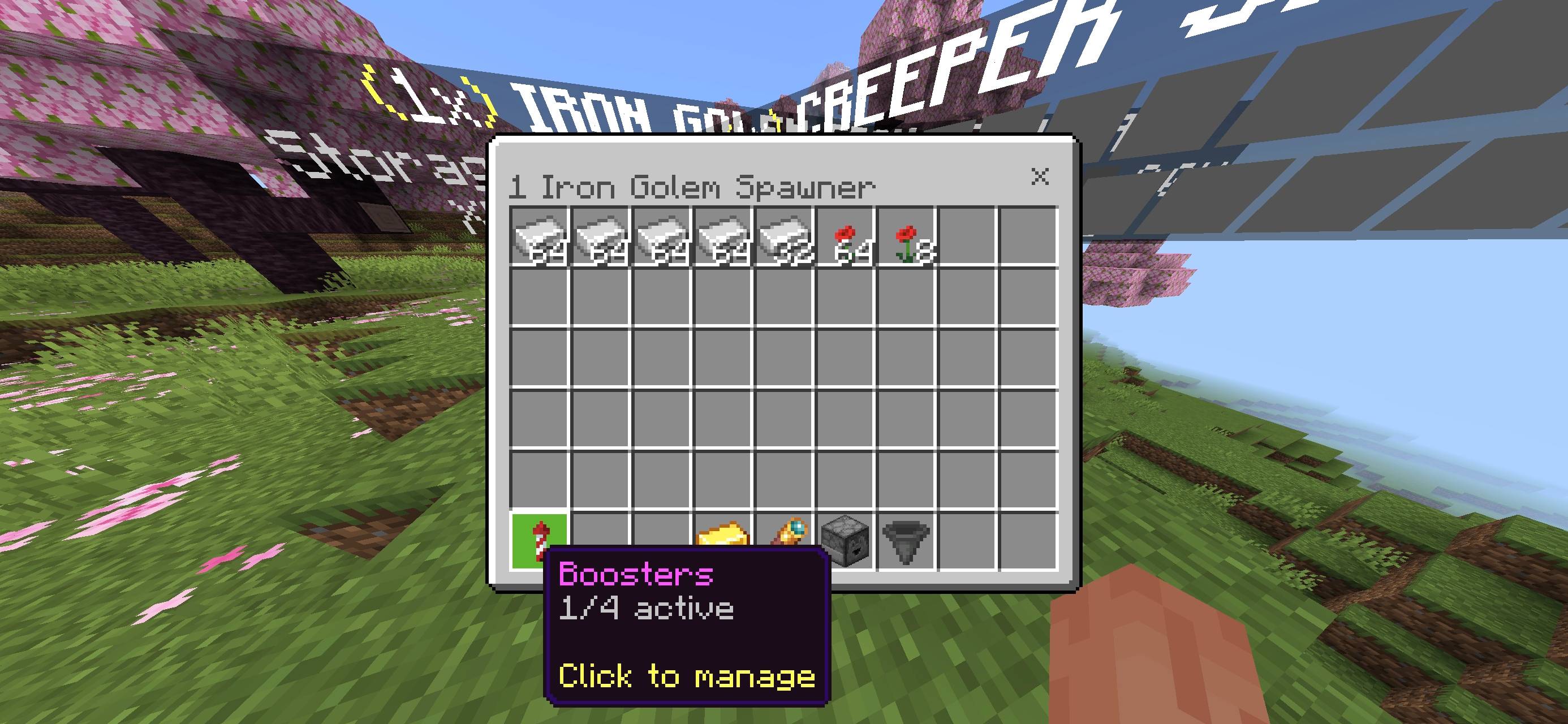
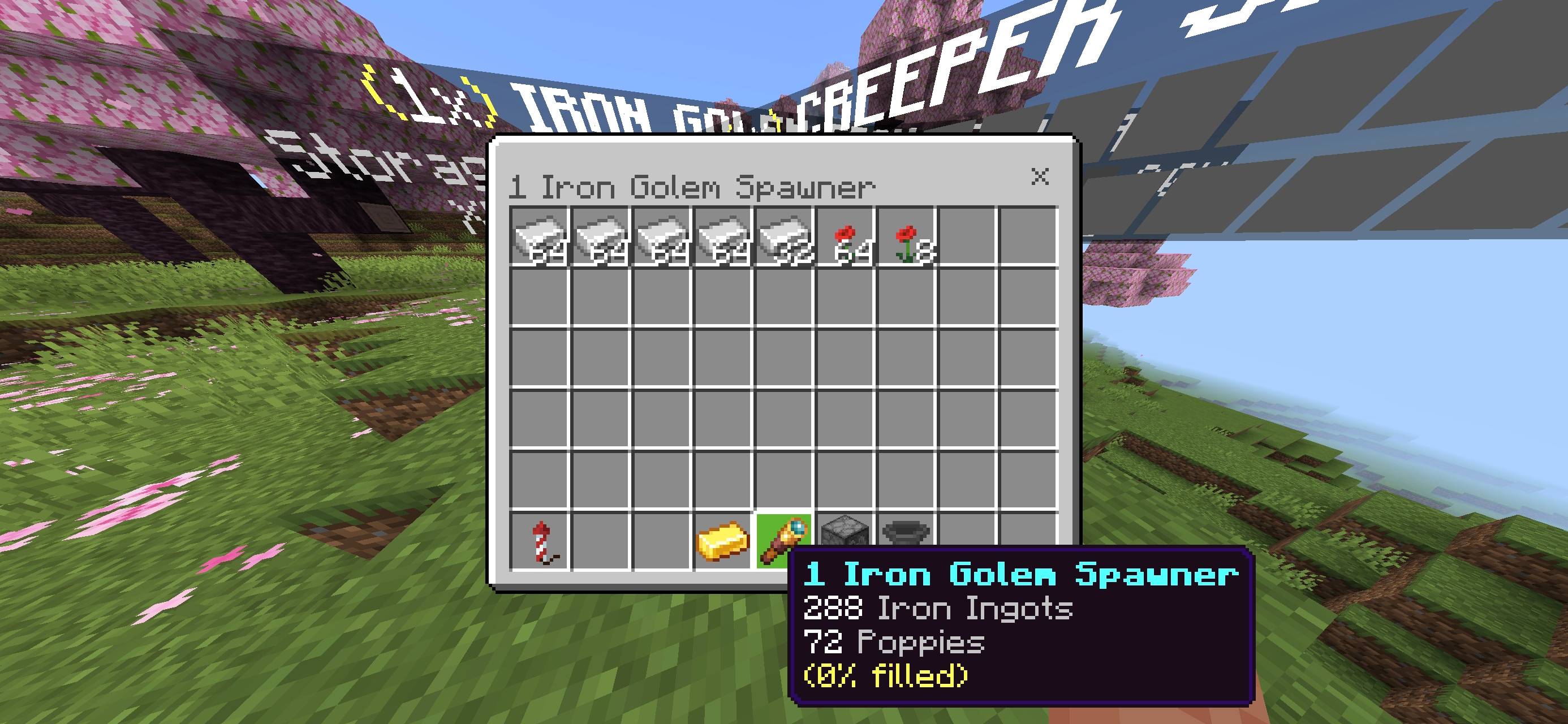
Stack any number of spawners as one block, with a hologram displaying how many are stacked, how much loot and XP.
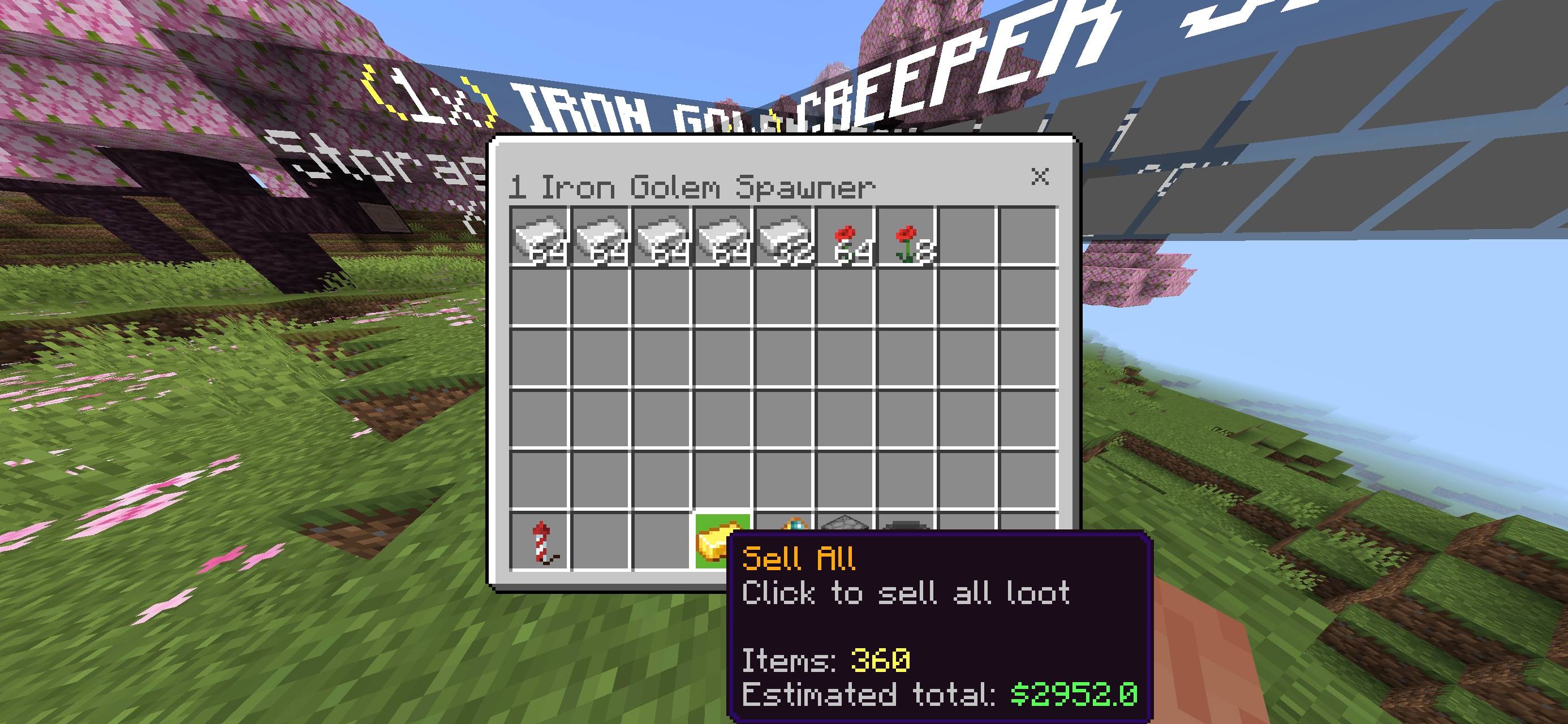
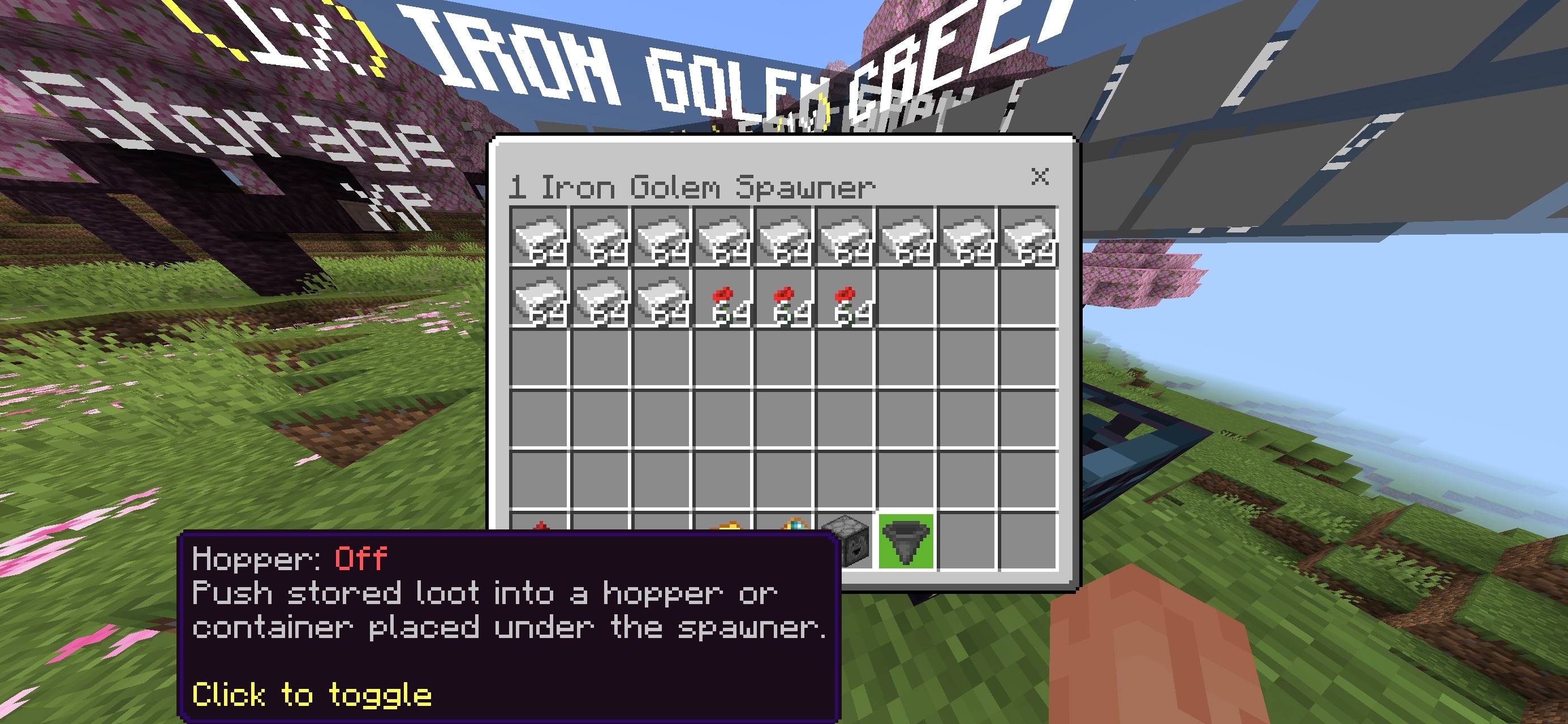
Withdraw, sell and manage your loot using chest inventories.
Sell All will payout to players via scoreboard, making it compatible with other economy packs.
Boosters that increase your loot, speed and XP.
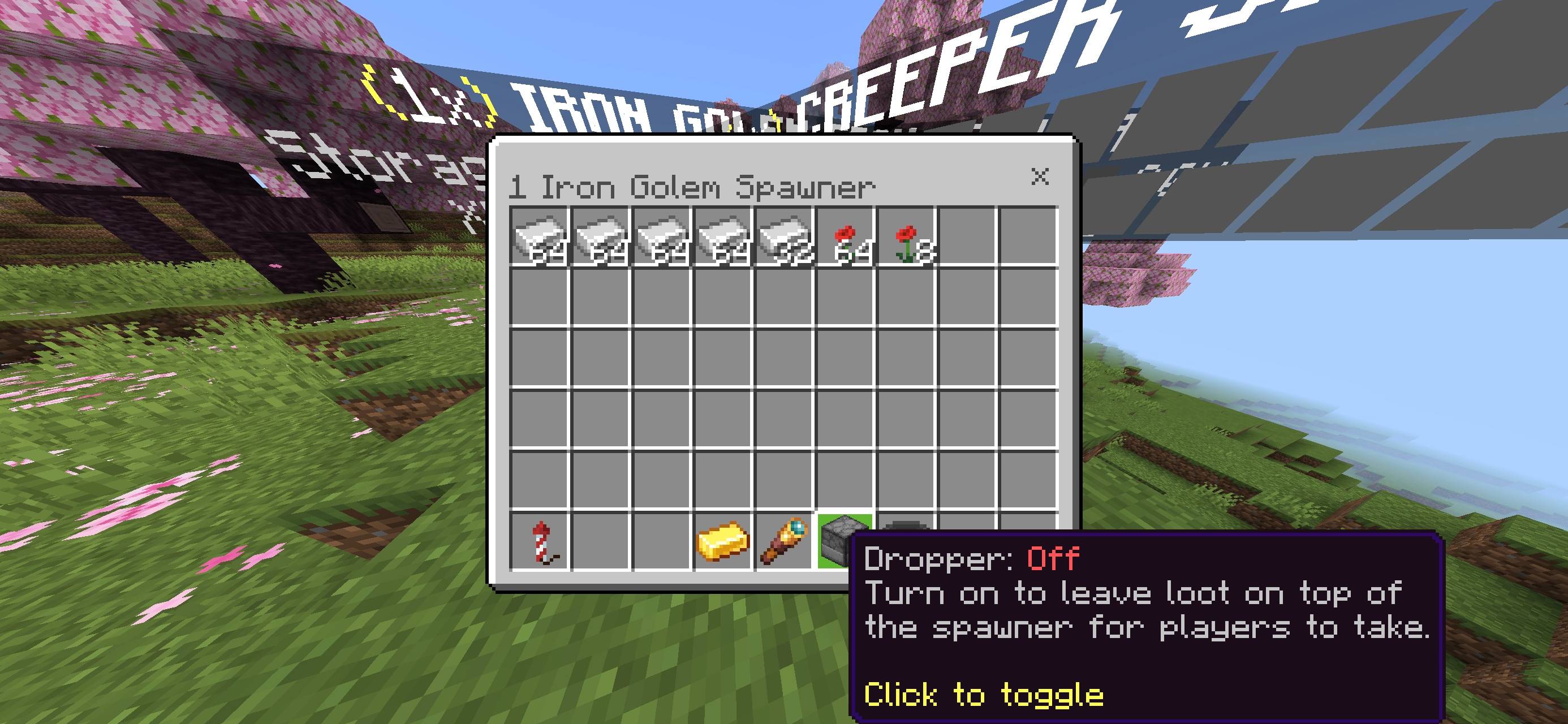
Loot can be dropped on top of the spawner.
Loot can be shoved into a hopper or chest below.
Use the operator interface to change your sell price, mob loot and production settings.
Owner and Silk Touch protection (Both can be toggled).
Installation
Open the .mcaddon file.
Enable both behaviour and resource packs within your world settings.
If commands or menus aren’t working, ensure Beta APIs is enabled within Experiments.
Usage
Acquire spawners (Operators), type /wattsvs:menu and click what you need. Click the Amount button to toggle between 1 / 16 / 64 spawners.
Using Commands: /scriptevent watts:give [spawner / loot / speed / xp / all] [amount] [mob].
Place spawners. Place like any block. Right click with extra spawners to stack.
Open spawners. Right click spawners. Click stacks to withdraw or click Sell All and confirm.
Boosters. Right click spawners while holding boosters. Or click the Boosters button. Recipes are 4 Diamond Blocks (Loot), 4 Redstone Blocks (Speed) and 4 Lapis Blocks (XP).
Retrieve spawners. Mine your spawner with a Silk Touch Pickaxe. Once empty, mine with sneak to get 64 spawners.
Integration with Economy Packs
Open the game and type /scoreboard objectives list. Find your economy pack’s money objective. This is case sensitive.
Open WATTS_BP/scripts/config.js. Add
money: { objective: "Money", displayName: "Money" }
Re-import or type /reload. Then sell something and check your balance.
This works with any packs that store their money in an objective.
Settings
The config has been made readable. You can change the rotation speed, max storage, owner only, Silk Touch, hologram text, boosters multipliers, mob loot, default prices and all messages.
There is a full manual included (MANUAL.md).
Credits & Licence
Created by WATTS. Licensed under the WATTS Licence (See LICENSE.txt). Please do not re-upload or distribute.
Chest UI created by LeGend077, Herobrine64 & Aex66. Licensed under CC BY 4.0. GitHub: https://github.com/Herobrine643928/Chest-UI