Utility Questbook
- By
Unofficial quest book for UtilityCraft and companion addons, with 556 quests across 17 chapters, from vanilla basics to endgame machines
1000005315.jpg
1000005316.jpg
1000005317.jpg
1000005319.jpg
1000005320.jpg
Description
Utility Questbook
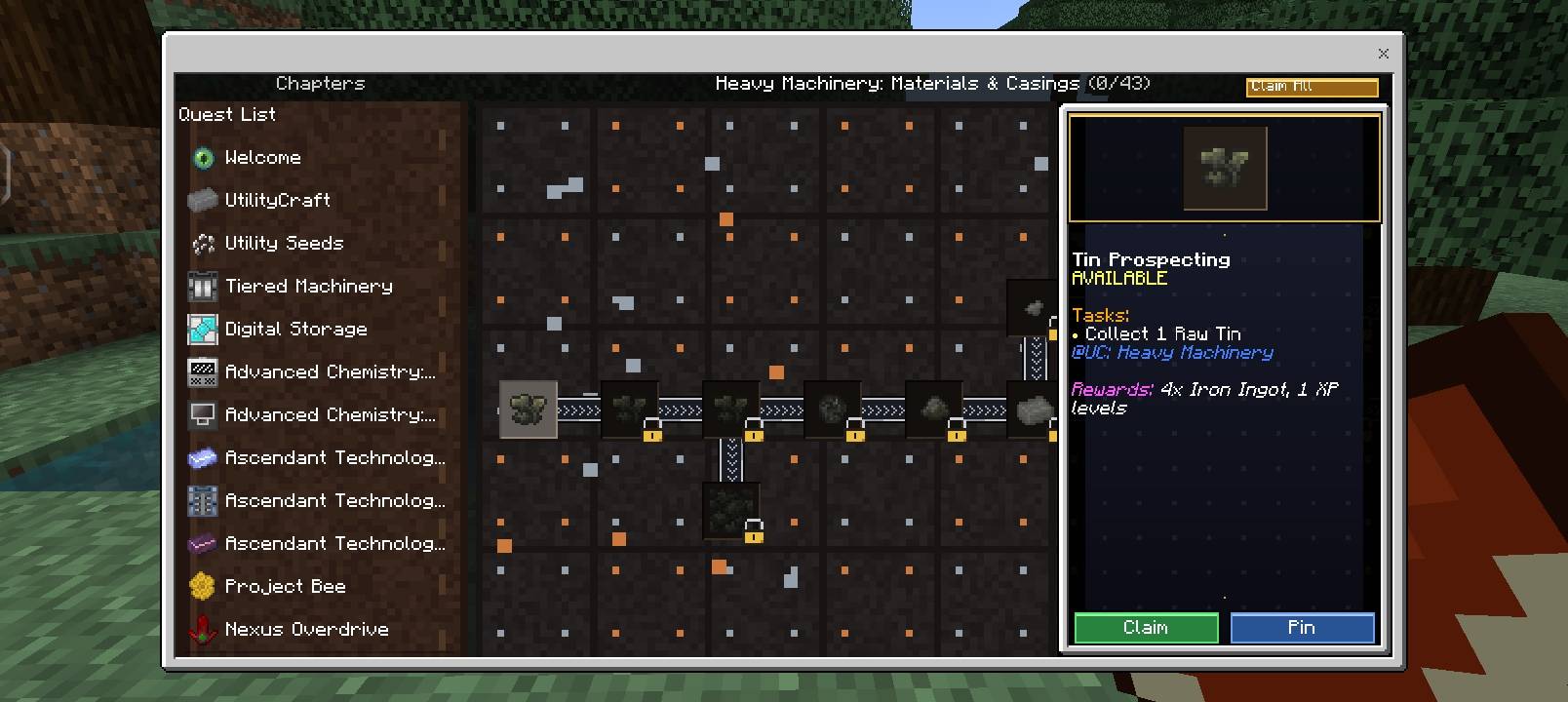
A quest book for Minecraft Bedrock built around UtilityCraft and its companion addons. It guides you step by step from your very first log to endgame machines, with 556 quests across 17 chapters. Every quest is ordered from easiest to hardest, so you always know what to do next.
Unofficial fan-made addon. Not affiliated with or endorsed by the authors of the addons listed below.
Chapters
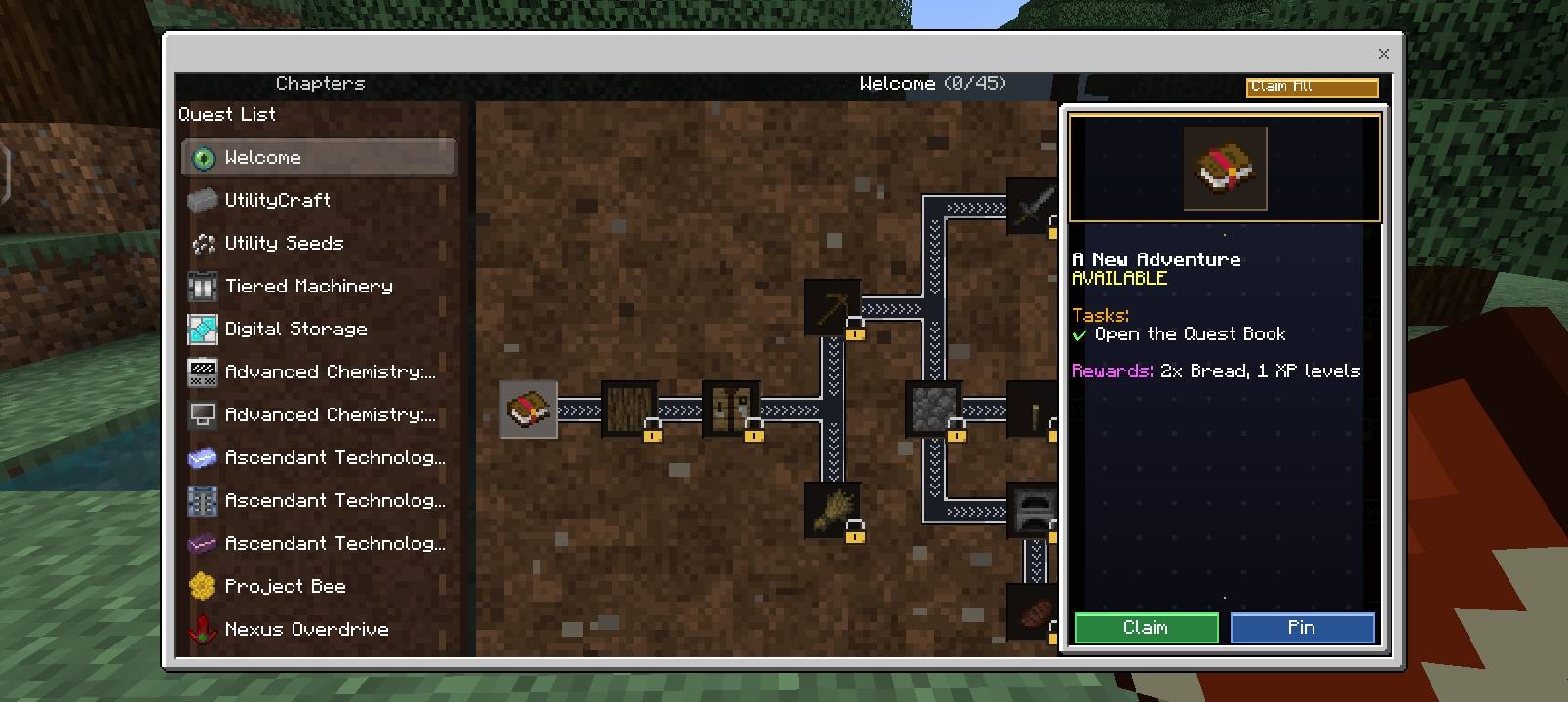
- Welcome: a full vanilla Minecraft questline, from wood and stone to iron, diamonds, the Nether, the End and the Ender Dragon
- UtilityCraft
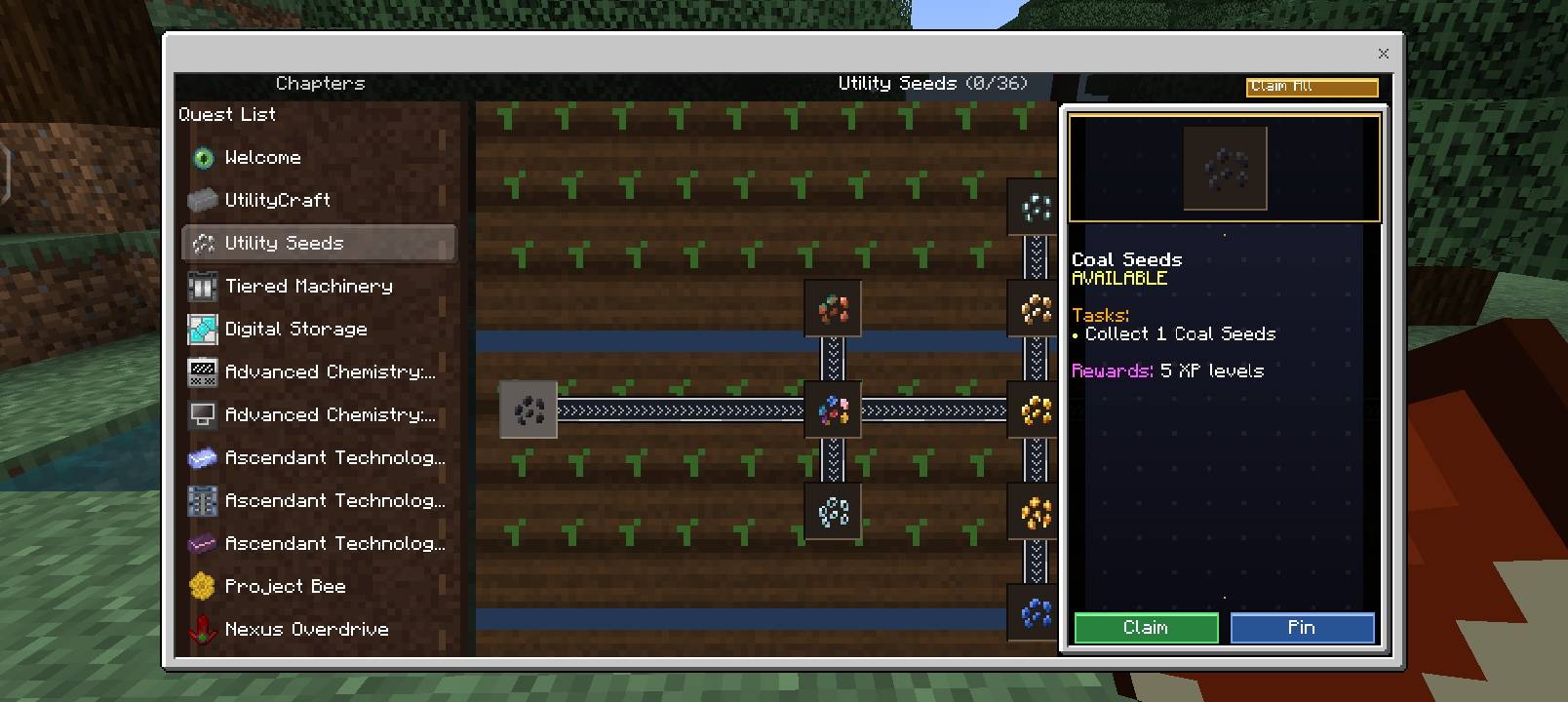
- Utility Seeds
- Utility Machinery
- Tiered Machinery
- Digital Storage
- Advanced Chemistry: Basics
- Advanced Chemistry: Industry
- Ascendant Technology: Basics
- Ascendant Technology: Machines
- Ascendant Technology: Endgame
- Project Bee
- Nexus Overdrive
- Heavy Machinery
- Better Container
- Better Smelter
- Dorios' Backpack
No other addon is required. The Welcome chapter works on its own, and a chapter for an addon only appears when that addon is in your world, so you never see quests you can't do.
Features
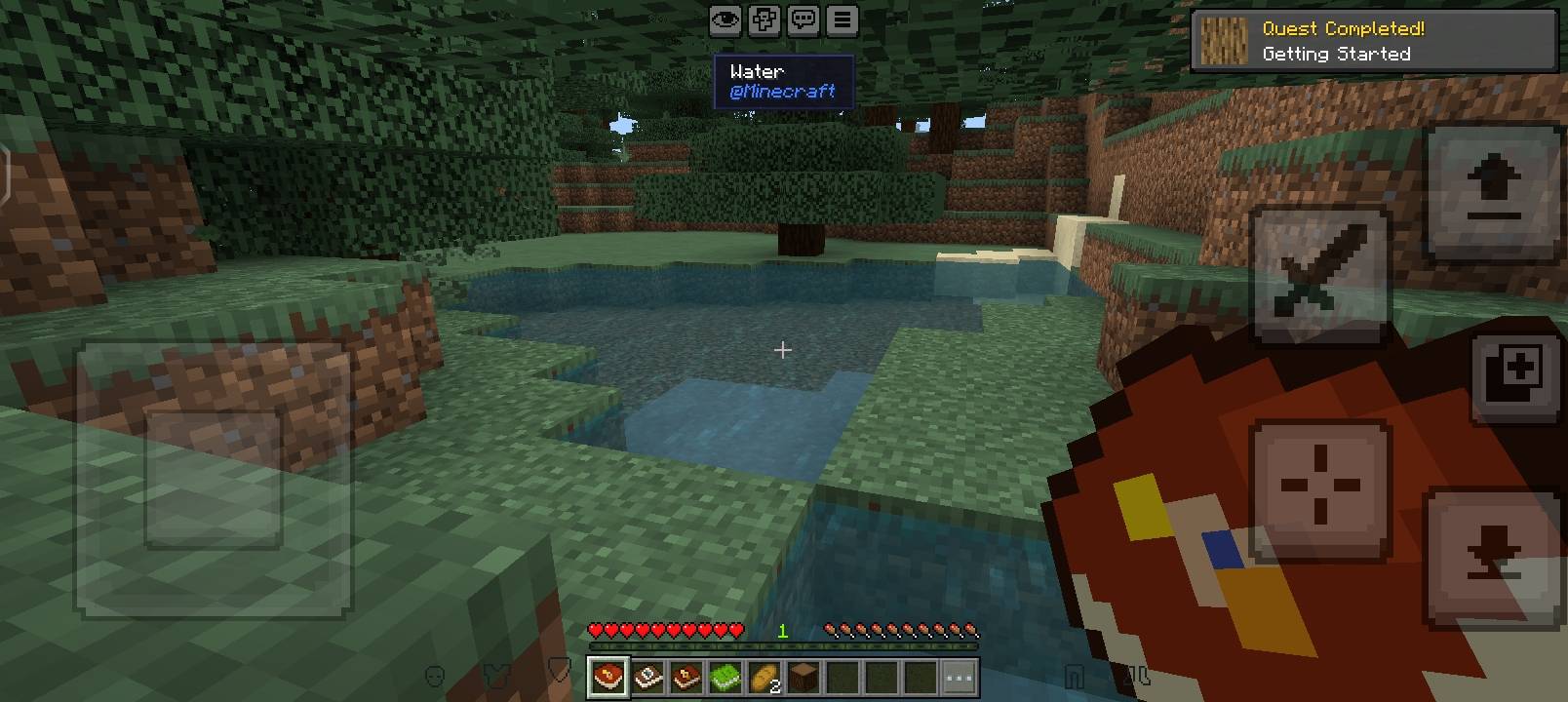
- Automatic quest detection. Quests complete the moment you meet the requirements, with a popup when you finish one.
- Ordered by recipe difficulty. Basic materials come first, and the items made from them come after.
- Rewards. Every quest gives items and XP levels.
- Pin a quest. Press Pin in the Rewards area of a quest and its progress stays on your screen (top right) until you finish or unpin it. The pin stays after you respawn or rejoin.
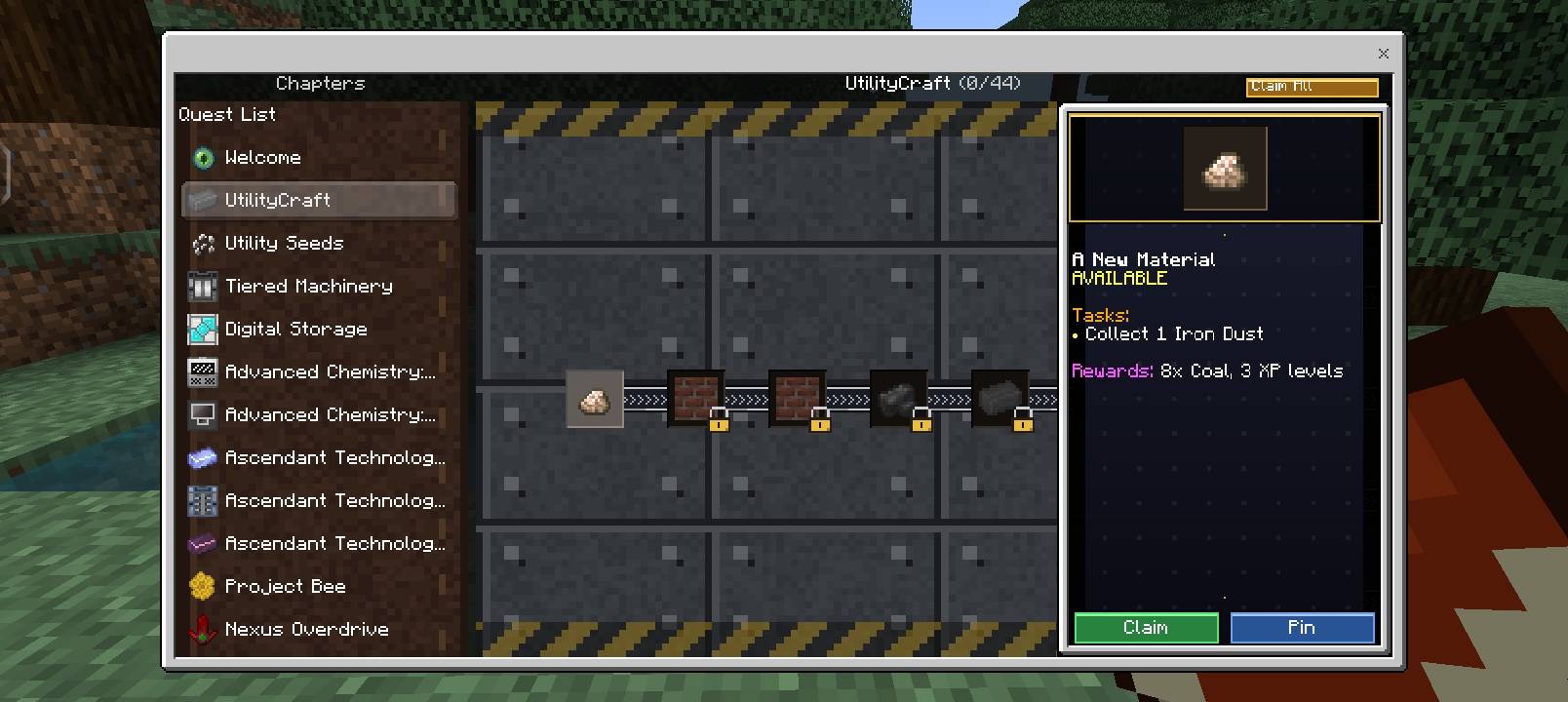
- Map-style quest view. Each chapter has its own background, and connector lines show which quests lead to which.
- Hundreds of icons. Items and blocks from all the supported addons have their own icons, so every task is easy to recognise.
- Two UI sizes. Large and Medium. Medium fits Pocket UI. Sneak and tap the book to switch.
- Fast opening. The book is optimised to open quickly, even with every addon installed.
How to get the book
Craft it with 1 Book and 2 Sticks (shapeless). You also get a copy automatically the first time you join a world. Use the item to open it.
Installation
- Open the .mcaddon file with Minecraft.
- Create or edit a world and enable both the Behavior Pack and the Resource Pack.
- Add the addons whose quests you want to see.
Requirements
- Minecraft Bedrock 1.26.52 or newer
- No other addon required
Credits
All quests and icons reference items from UtilityCraft, Better Smelter, Better Container, Dorios' Backpack, Advanced Chemistry, Ascendant Technology, Project Bee, Nexus Overdrive and the other addons listed above. Those addons and everything in them belong to their authors. Utility Questbook only adds a quest book on top of them.
Utility Questbook Team