MCPEDL.png
Description
This add-on allows you to destroy various blocks in one go, just like "Mineall" and "Tree Harvest". In addition to destruction, it can also automatically place blocks, making it easy to create bridges, stairs, etc.
1.Breaking
How to use
You can destroy blocks at once by sneaking while destroying them.
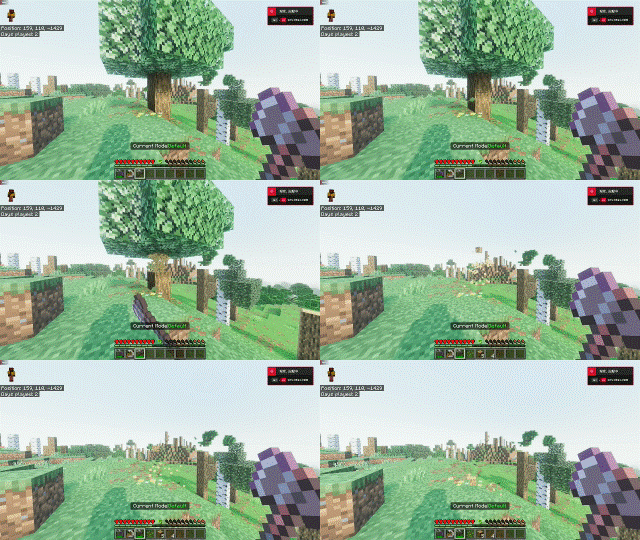
Support for fortune and silk touch enchantment
Items dropped by blocks will automatically be added to your inventory.
When you destroy a block, durability is consumed equal to the number of blocks destroyed.
Hold a tool such as an pickaxe and press the use button( right click ) to select a profile with sneaking( shift key ).
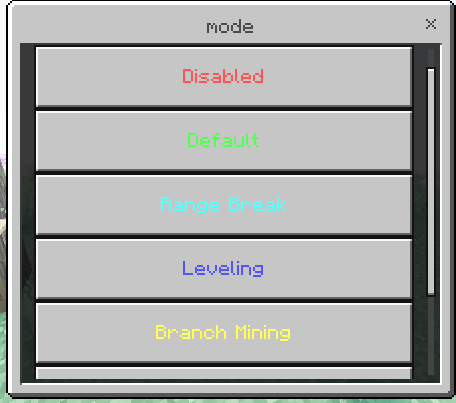
To increase the visibility of this profile,
use the "Useful addon settings" item, press "break setting" and click "Enable Profile".
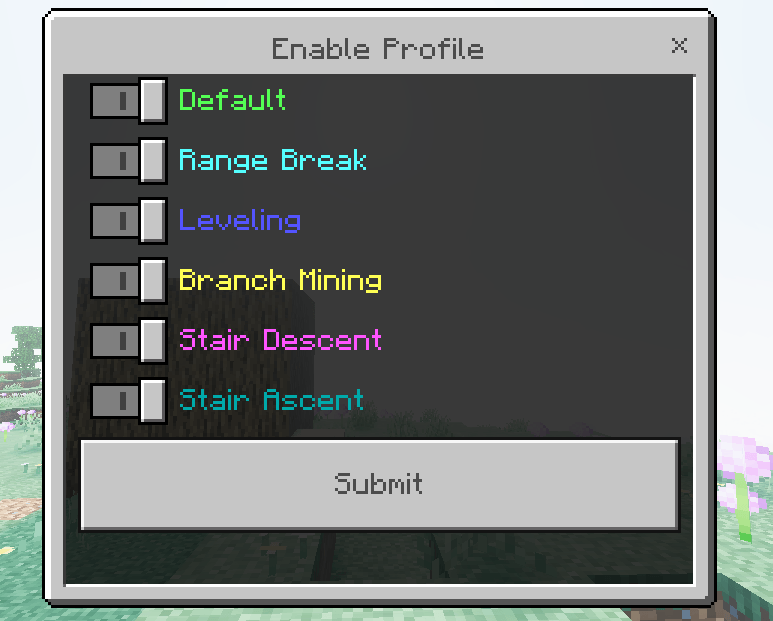
To set up a profile,
use the "Useful addon settings" item, press "break setting", and click "Profile List".
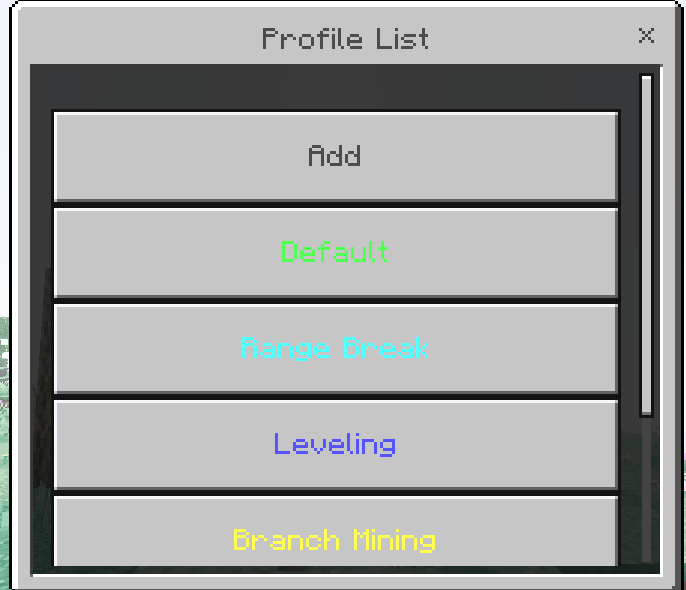
You can configure the profile in detail.
See the tooltip for details.
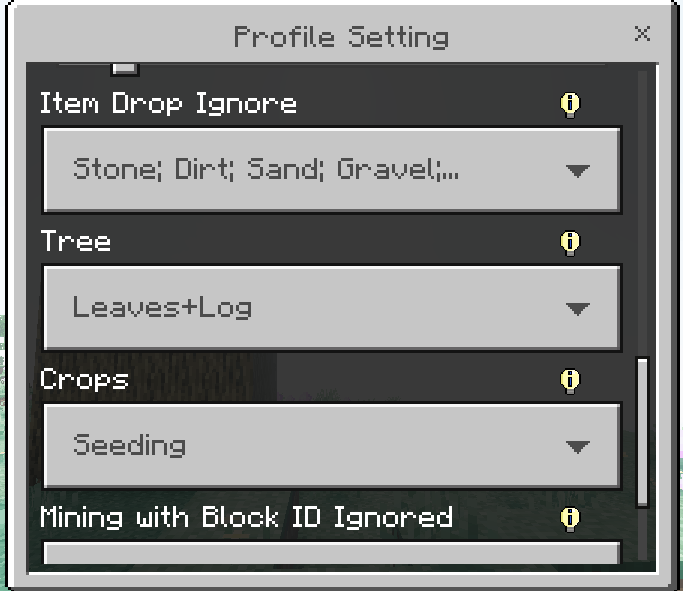
Profiles
1. Default
Destroys all adjacent blocks of the same type.
Default is 64 blocks.
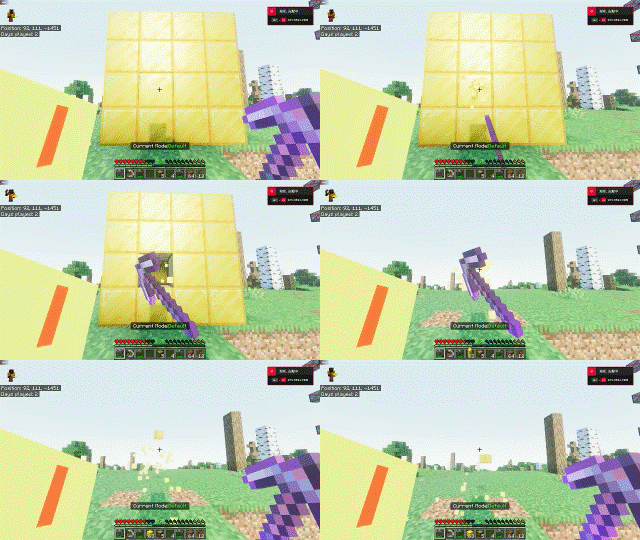
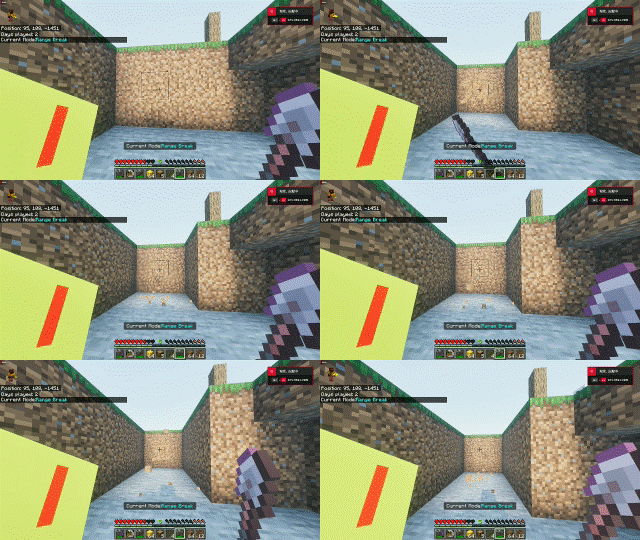
2. Range Break
This will destroy blocks within an area.
Default is 3x3x3.
3. Leveling
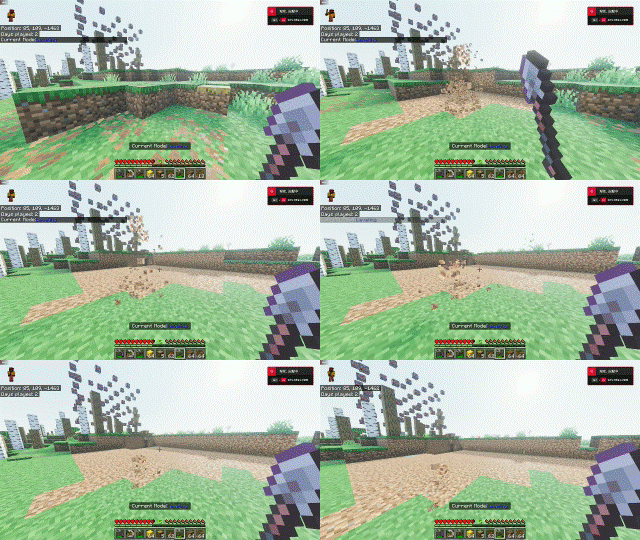
It will destroy the blocks above the destroyed block.
Can be used to level the terrain.
4. Branch Mining
Mines in a straight line.
Can be used to search for ores.

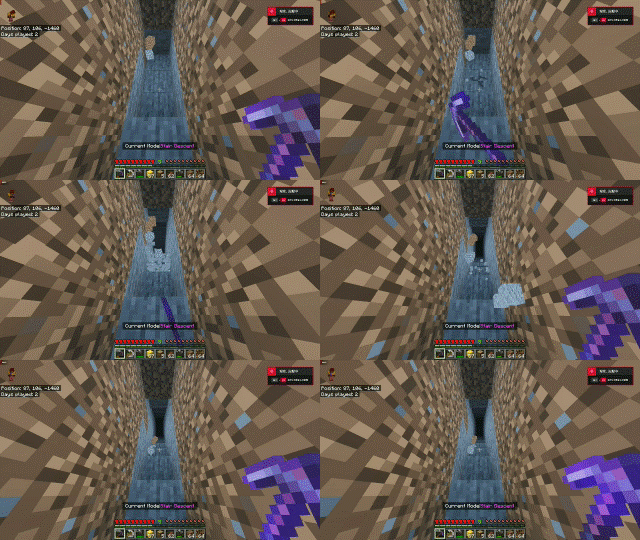
5. Stair Descent
Automatically mines the downward stairs.
Drop Setting
Craft a "Drop Setting Block" and stack the blocks you want to disable drops on top of it.
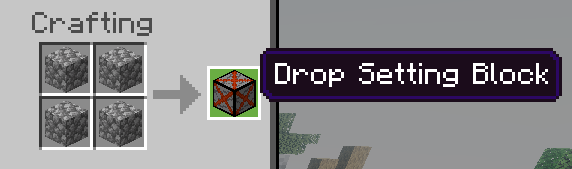
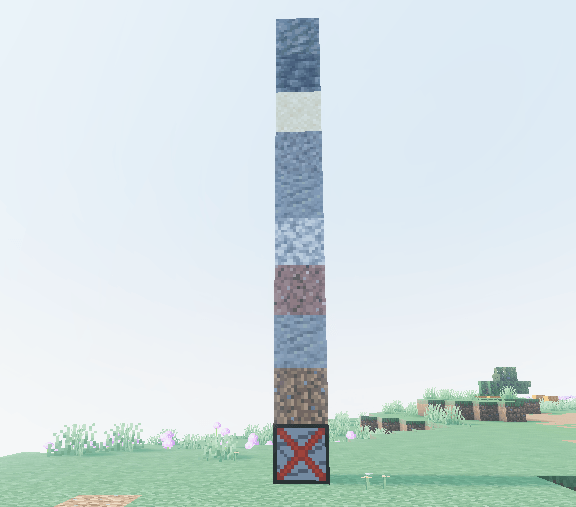
You can set presets for drop items by using the "Drop Setting Block".
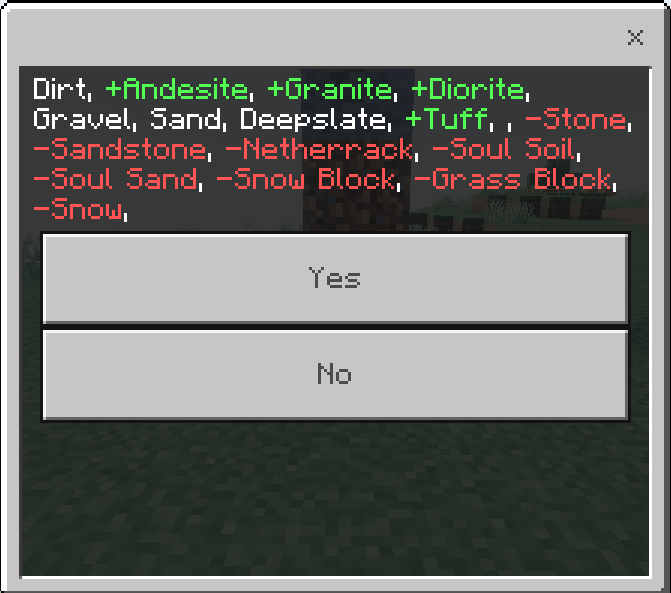
This preset is used with the "Item Drop Ignore" block destruction profile.
2.Placing
How to use
To use auto-placement, you will need an item in your off-hand,
which you can craft using cobblestone.
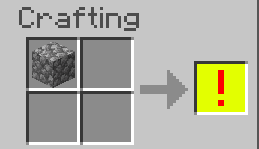
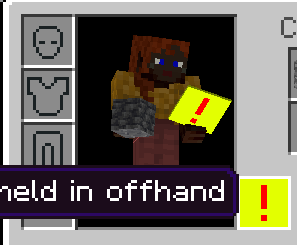
You can place blocks at once by sneaking and placing them.
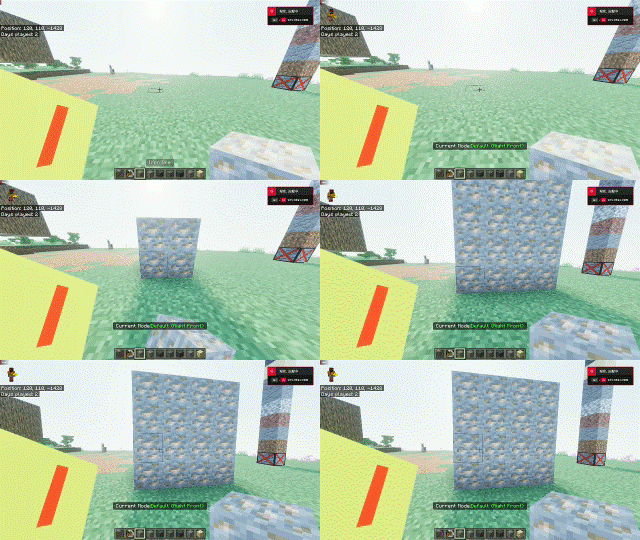
The number of blocks placed will consume blocks.
To select a profile, line up your eyes on any block, with sneaking( shift key ), and press the attack button ( left click ).
In creative mode, it destroys blocks.
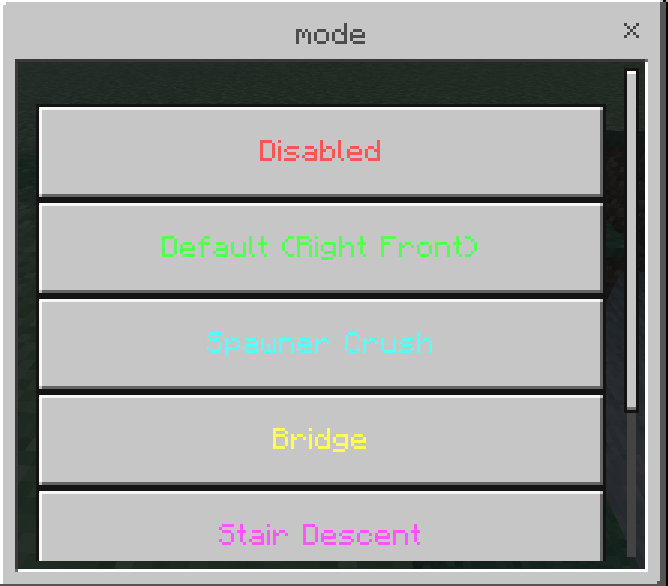
Profiles are configured and enabled in the same way as Break profiles.
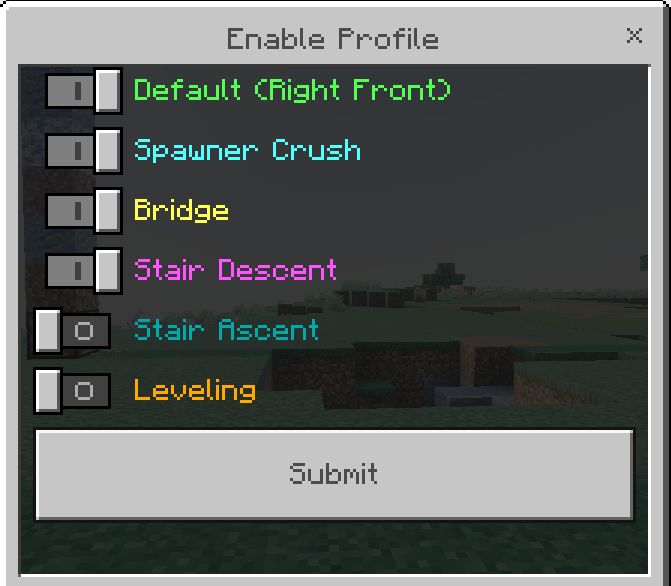
Profiles
1. Default
Places blocks to the right, forward, and upwards.
Default is 4x4x4.
2. Spawner Crush
Covers surrounding blocks.
Used to place half blocks over a wide area to prevent monsters from spawning.
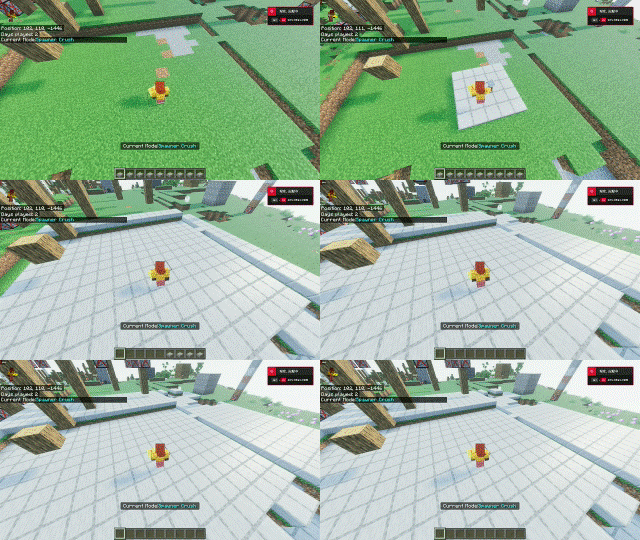
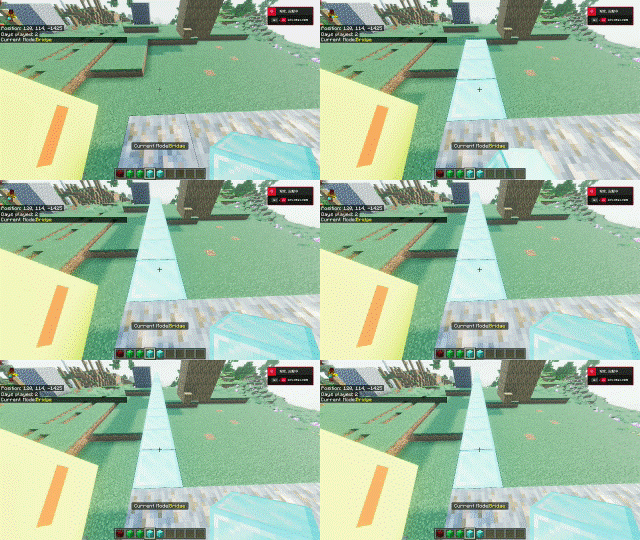
3. Bridge
Build a one-block bridge
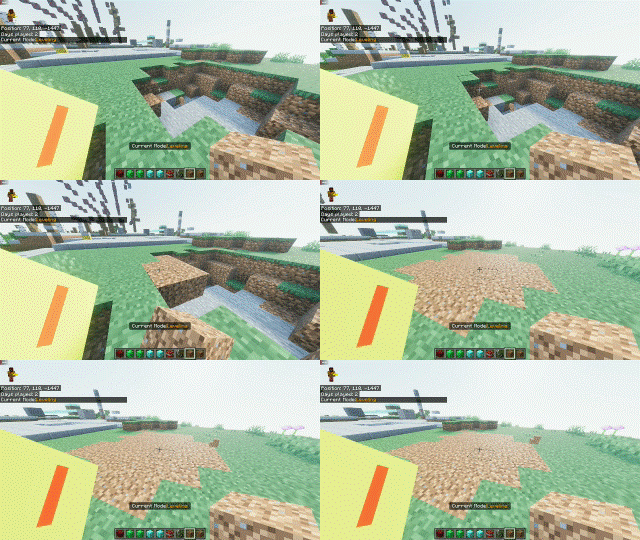
4. Leveling
Fill blocks of the same height
The Usefull addon Team