UpRanks+ V2 (chat rank system)
- By
UpRanks Addon enhances the Minecraft experience by providing administrators with powerful tools to manage player ranks and name colors
Description
# Introduction
UpRanks Addon enhances the Minecraft experience by providing administrators with powerful tools to manage player ranks and name colors. With this addon, you can easily add, edit, and clear ranks for players, customize name and message colors, and apply various formatting styles such as bold, italic, and underline. The addon supports a wide range of colors and formatting codes, allowing for detailed customization to suit your server's needs
# Credits
This addon is made by @Mannooma_0
If you wish to record about this addon pls mention my channel and put this addon link
# Add-On Showcase
# Experiments
Before adding the addon make sure to enable beta-api to run the addon smoothly

# How To Use
Main Menu
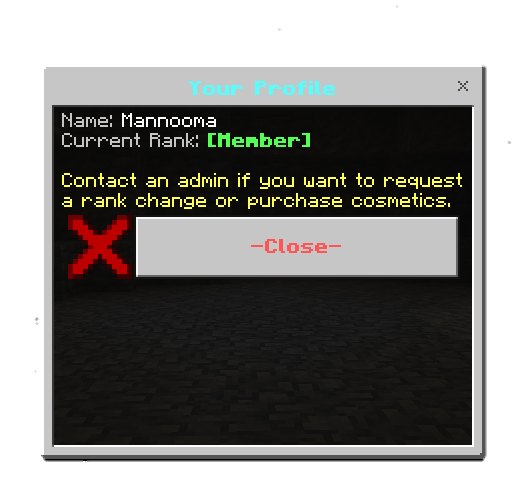
If you try to open menu with no admin tag it will open player statistics menu
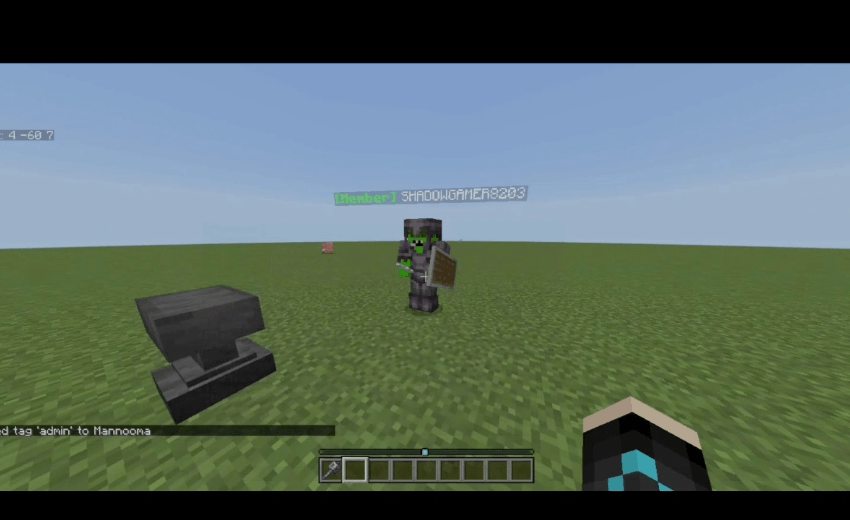
Add an admin tag to be able to open up ranks menu
/tag @s add admin
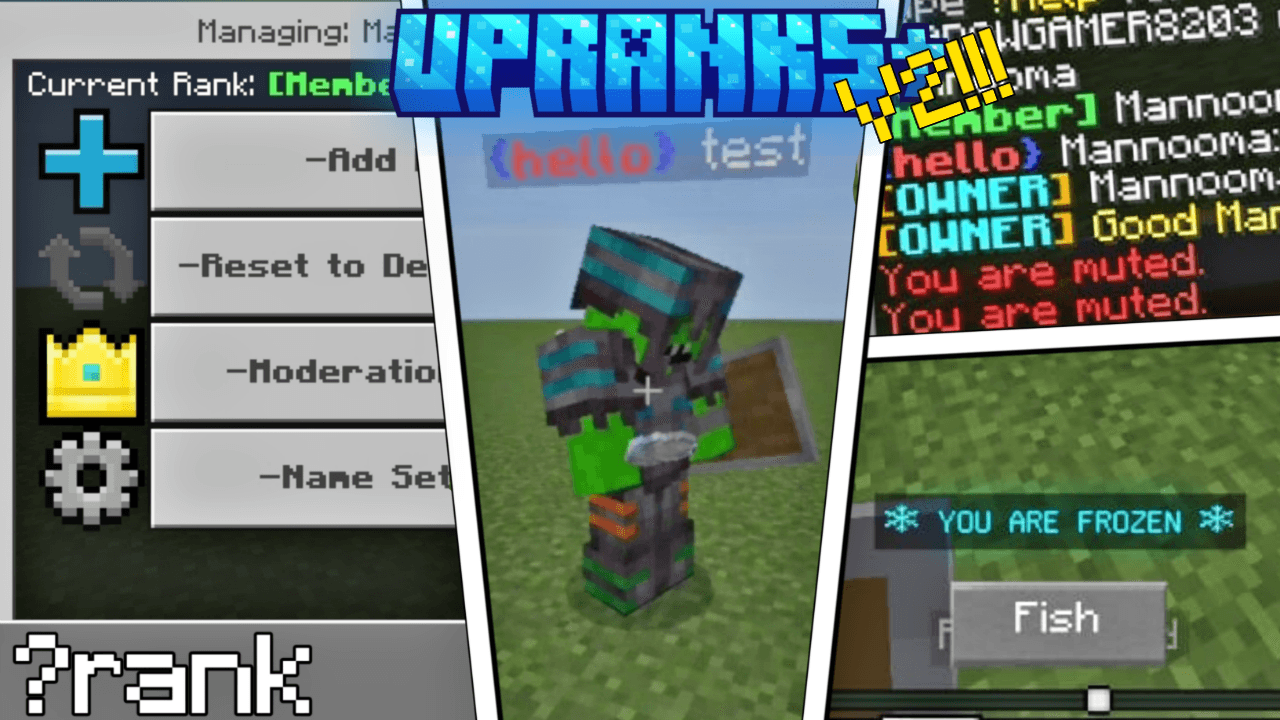
then type ?rank in chat in order to open the menu
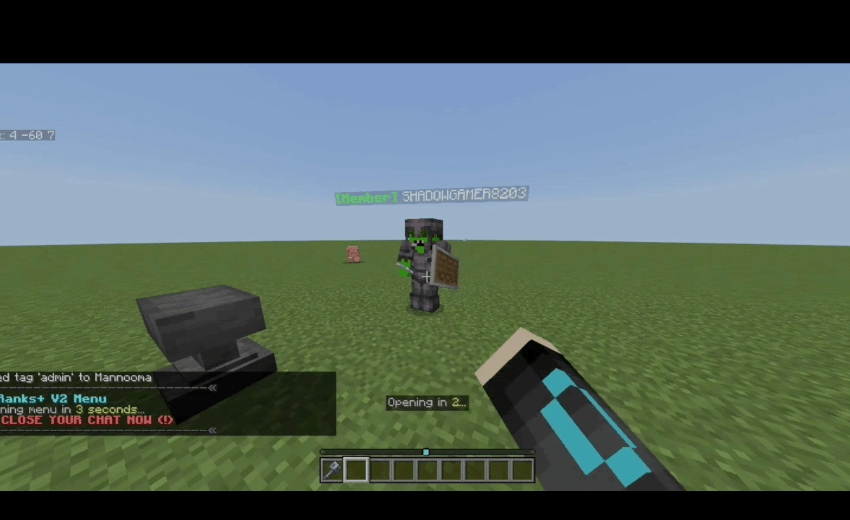
exit the chat and wait 3 seconds and menu will open
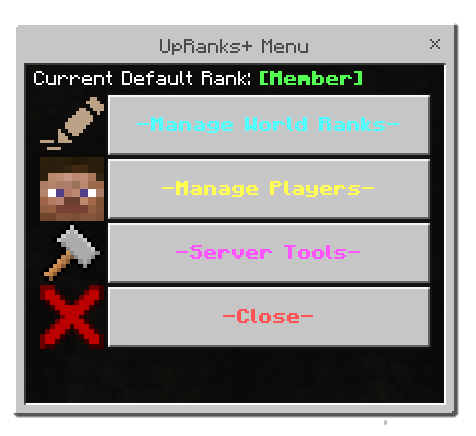
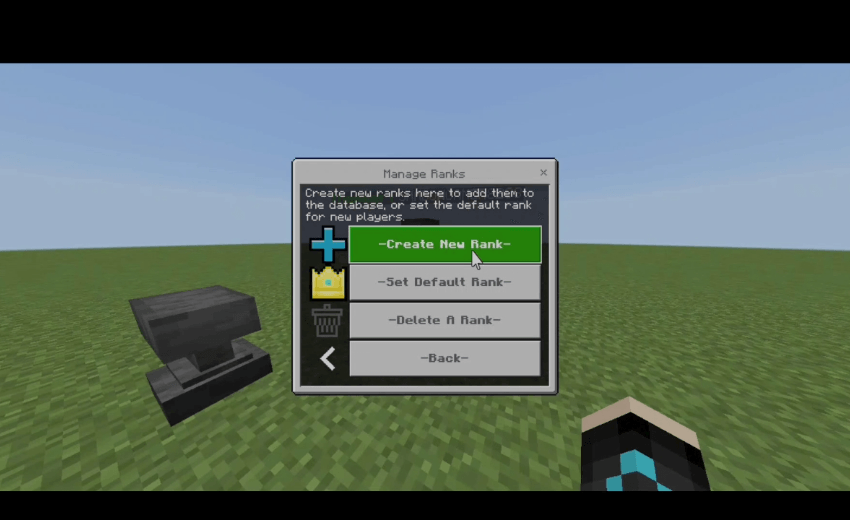
Manage Ranks
You can create/delete ranks and be able to change defualt rank
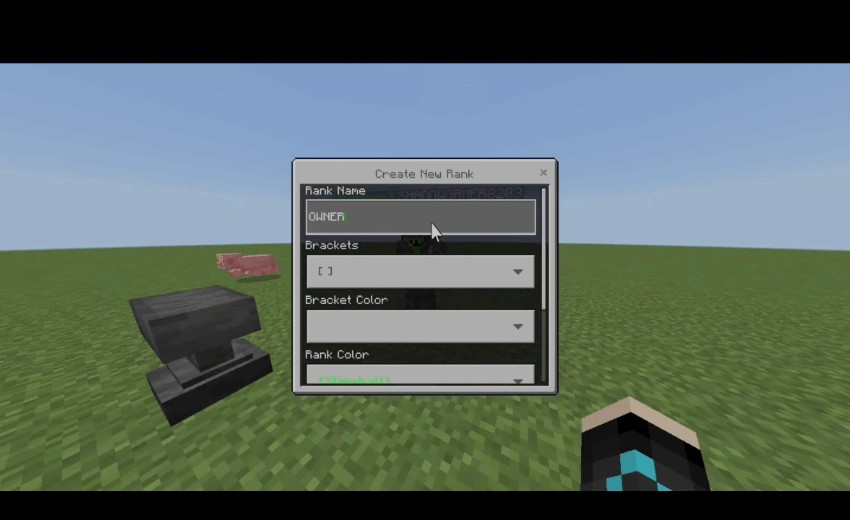
Creating New Rank
you can type name and style of the rank and brackets
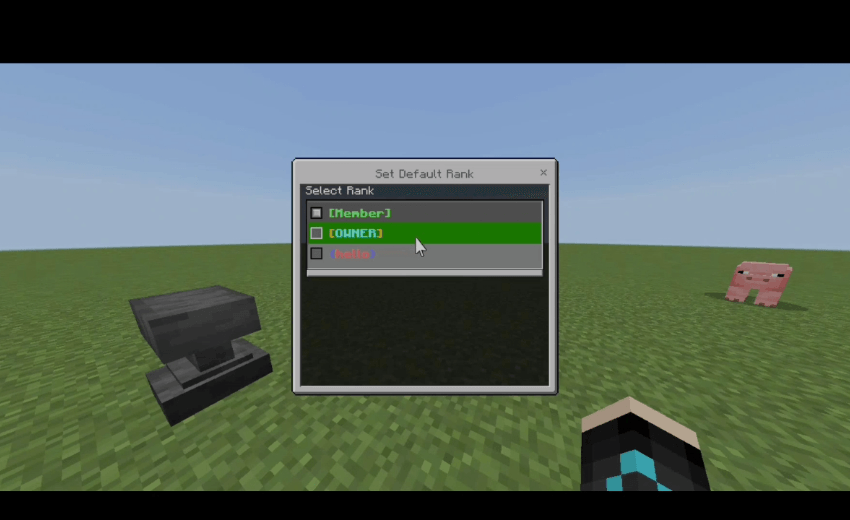
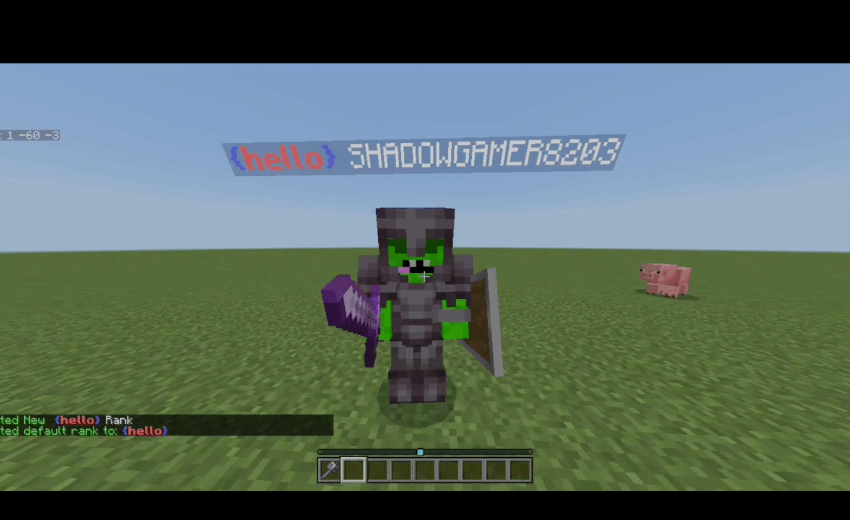
Changing Defualt Rank
choose from the dropdown the rank you want it to be the defualt (it means if any player joins without a rank defualt you choose will be with him)
Delete Rank
just select rank from dropdawn you want to delete it
Managing Players
all players in the world/server will be shown with their current rank
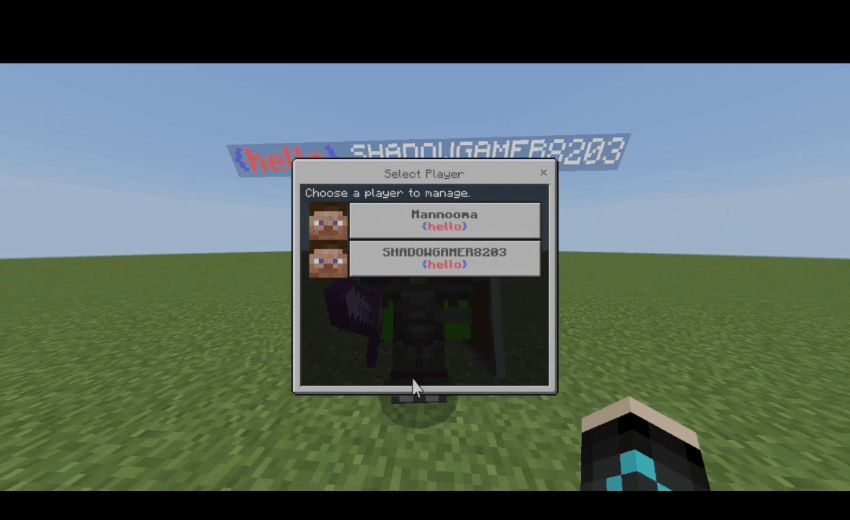
you can control the player you select through this menu
Add Rank
all ranks you made will be shown choose whatever you want
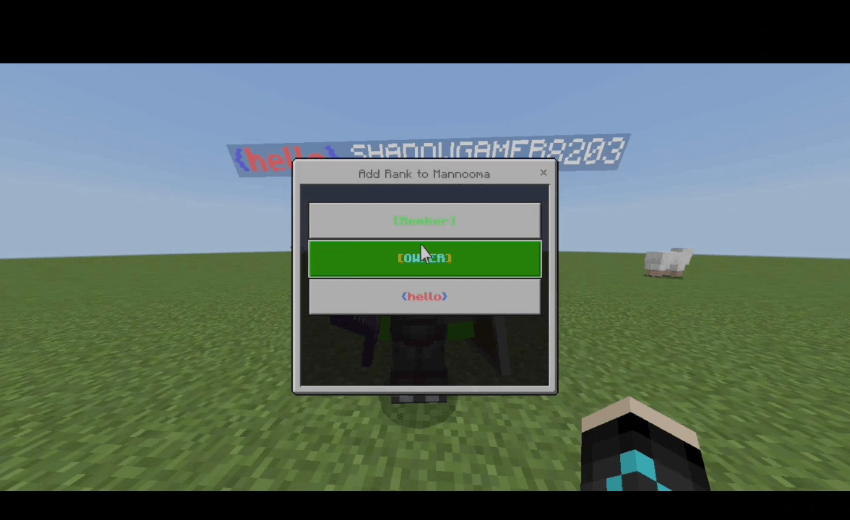
This is what it looks like
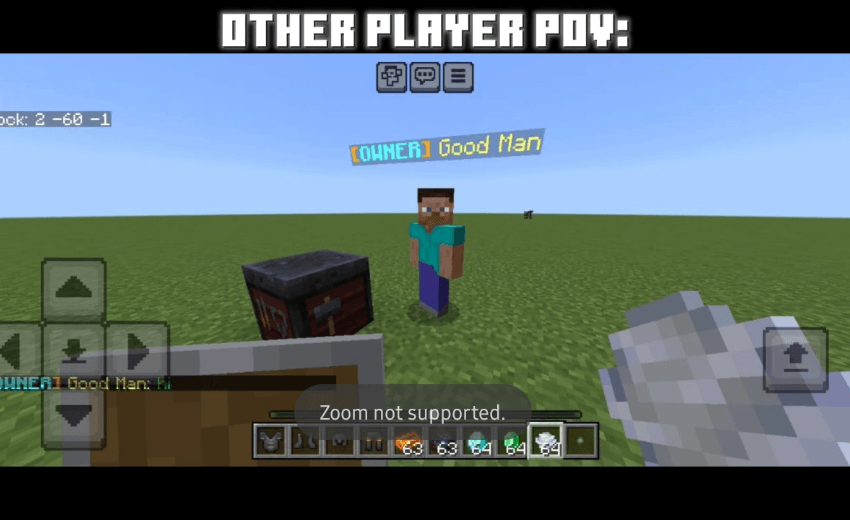
Reset to defualt Rank
it just remove all your ranks
Moderation
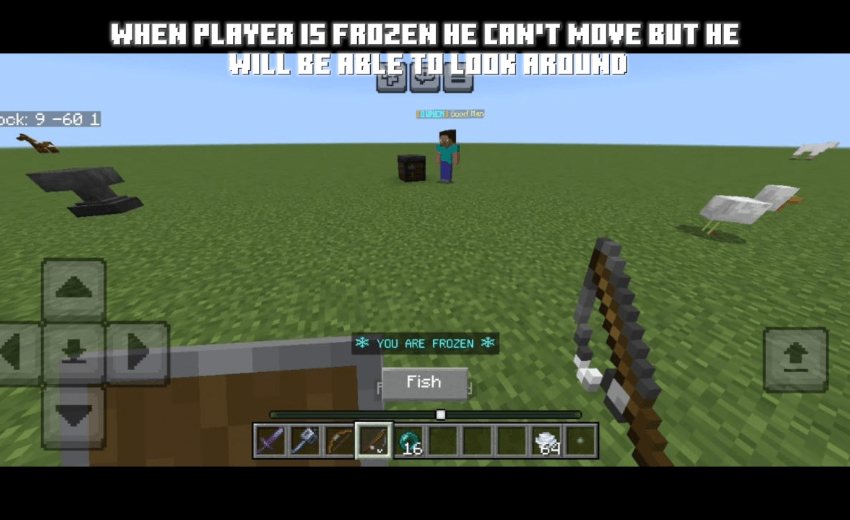
you can mute/freeze players if you want to
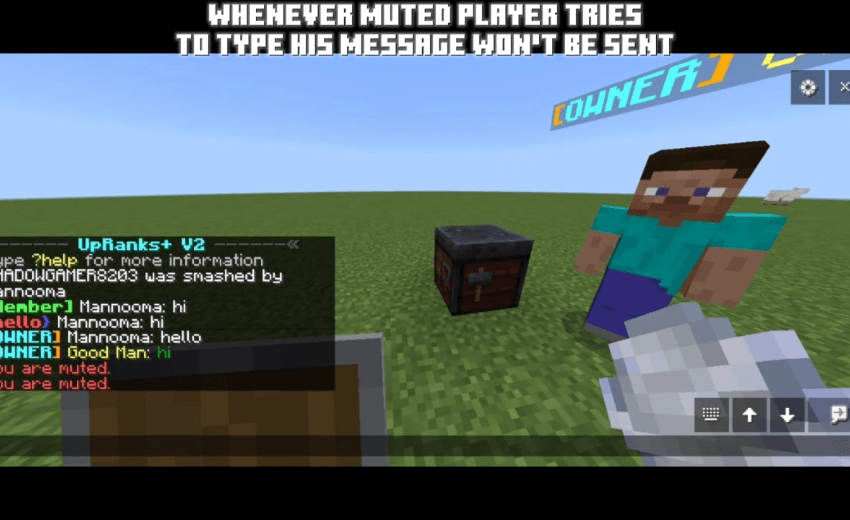
Remember you can't mute/freeze yourself and anyone has tag admin
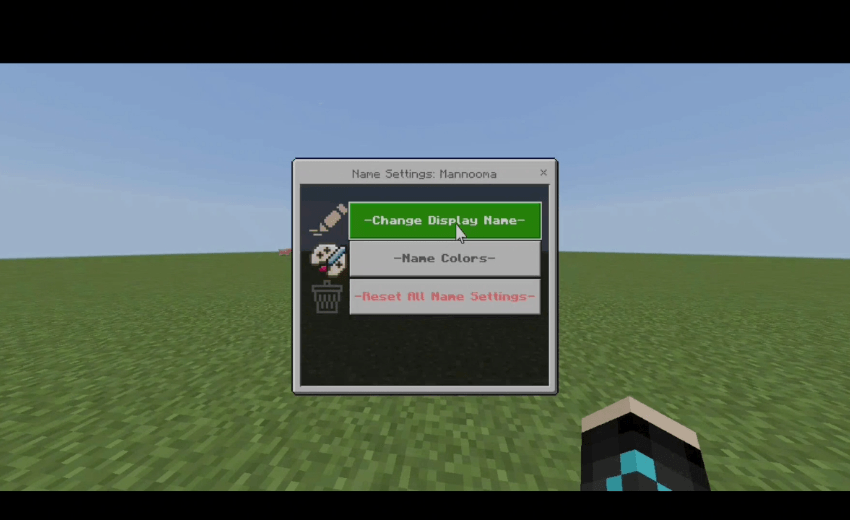
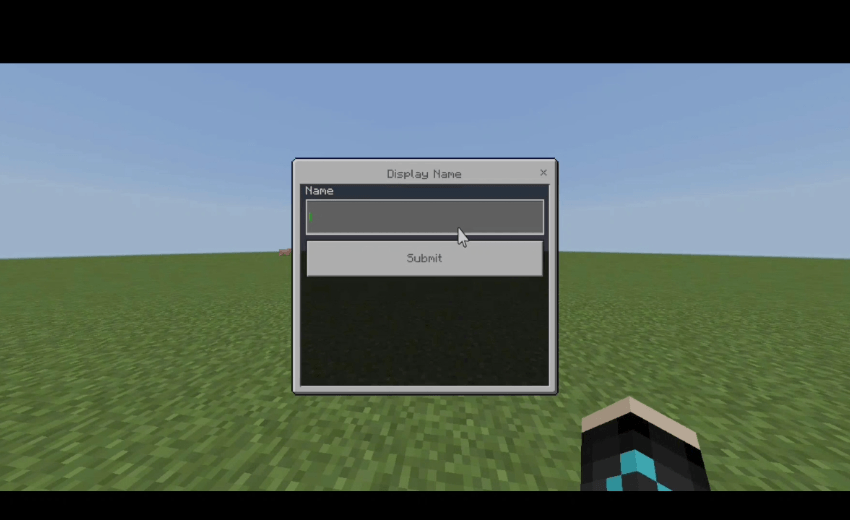
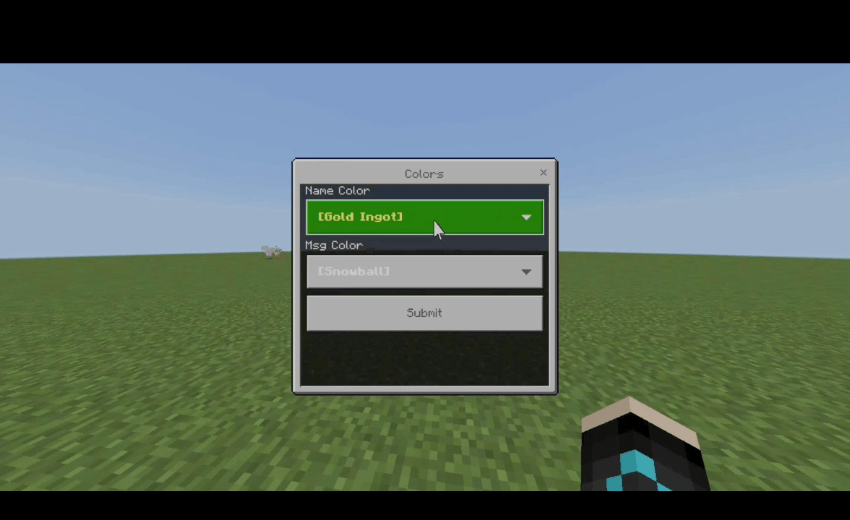
Name Settings
you can edit player's name and change its color throught this menu
You are allowed to:
- Showcase this addon WITH CREDITING
- Use this addon in your worlds/servers/realms
- Modify this addon (Without removing the credits)
You are NOT allowed to:
- Repost this addon to other sites (This includes apps)
- Create your own download link
- Claim this addon as your own
Support
If you have any proplem with the addon and want to Report it or want to Ask a question here is my discord server, Feel free to support me if you'd like!
UpRanks+ V2 (chat rank system) Team
Owner