mcpedl.jpg
Screenshot_20260620-184049_Minecraft.jpg
Screenshot_20260620-183633_Minecraft.jpg
Screenshot_20260620-184201_Minecraft.jpg
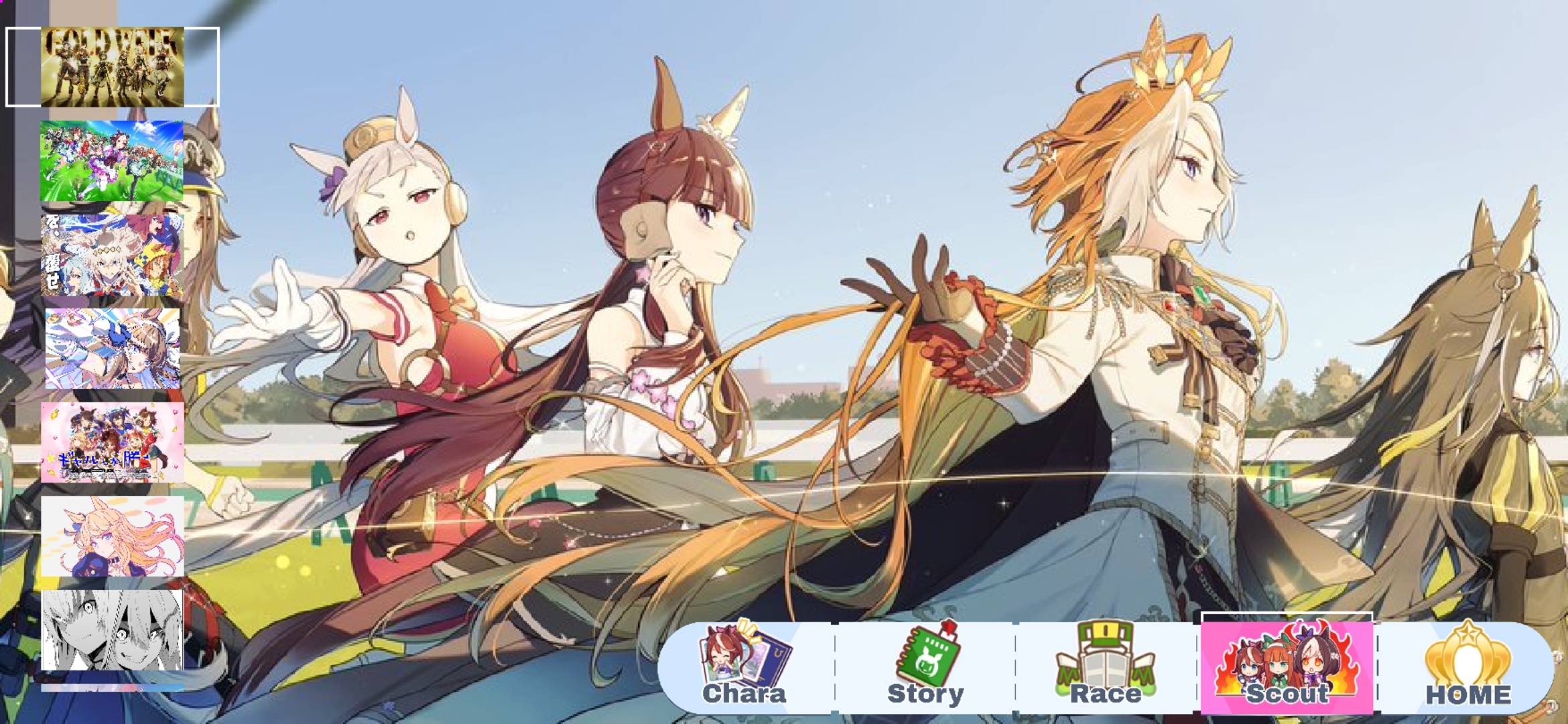
Screenshot_20260620-183650_Minecraft.jpg
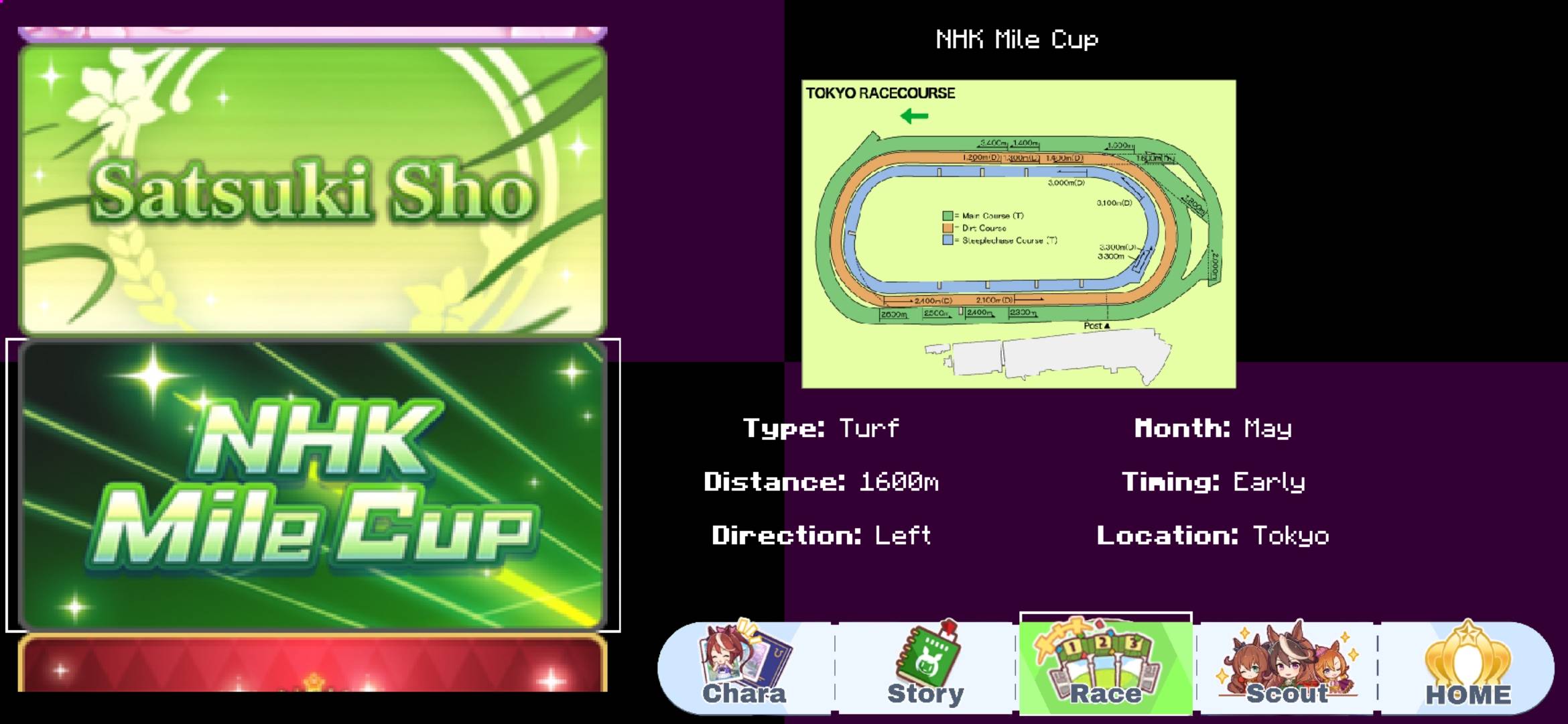
Screenshot_20260620-183709_Minecraft.jpg
Description
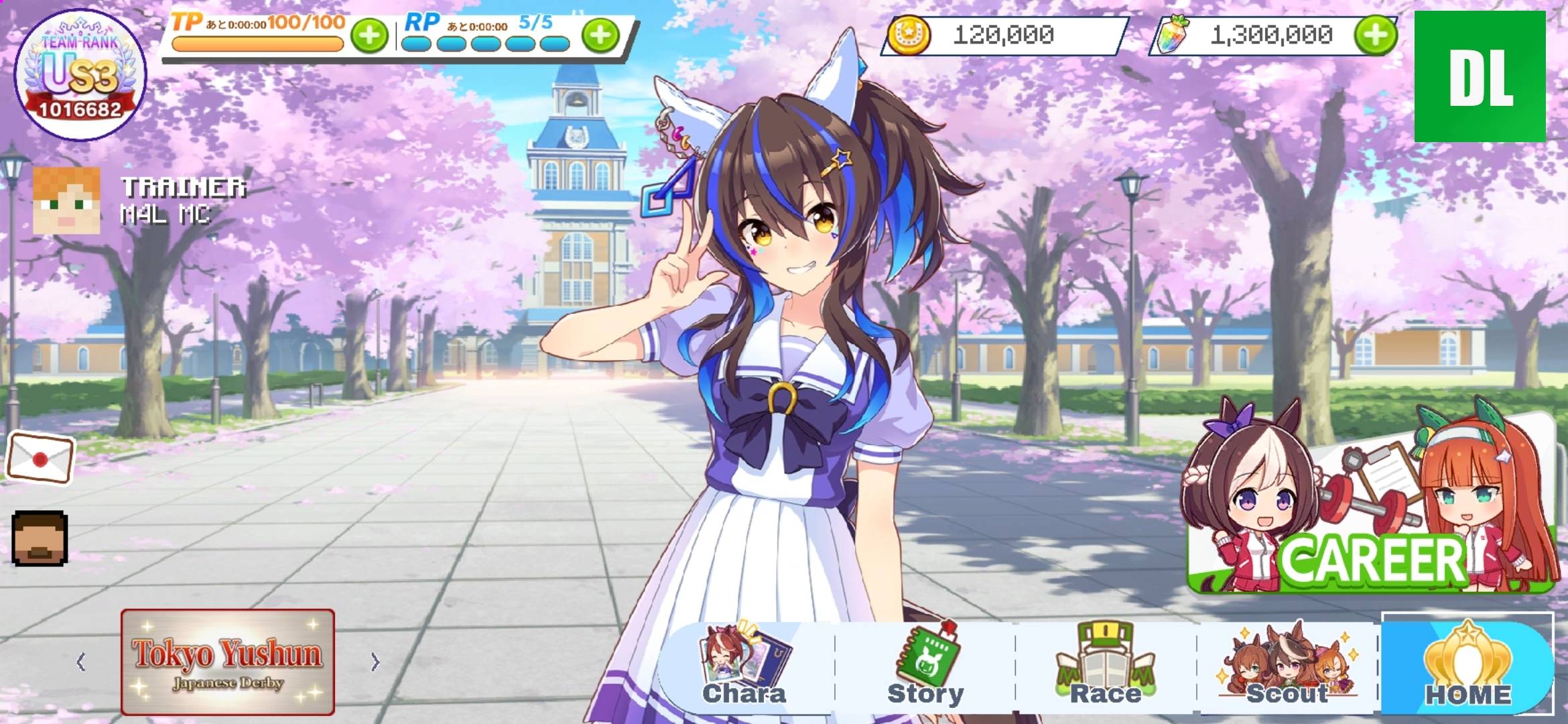
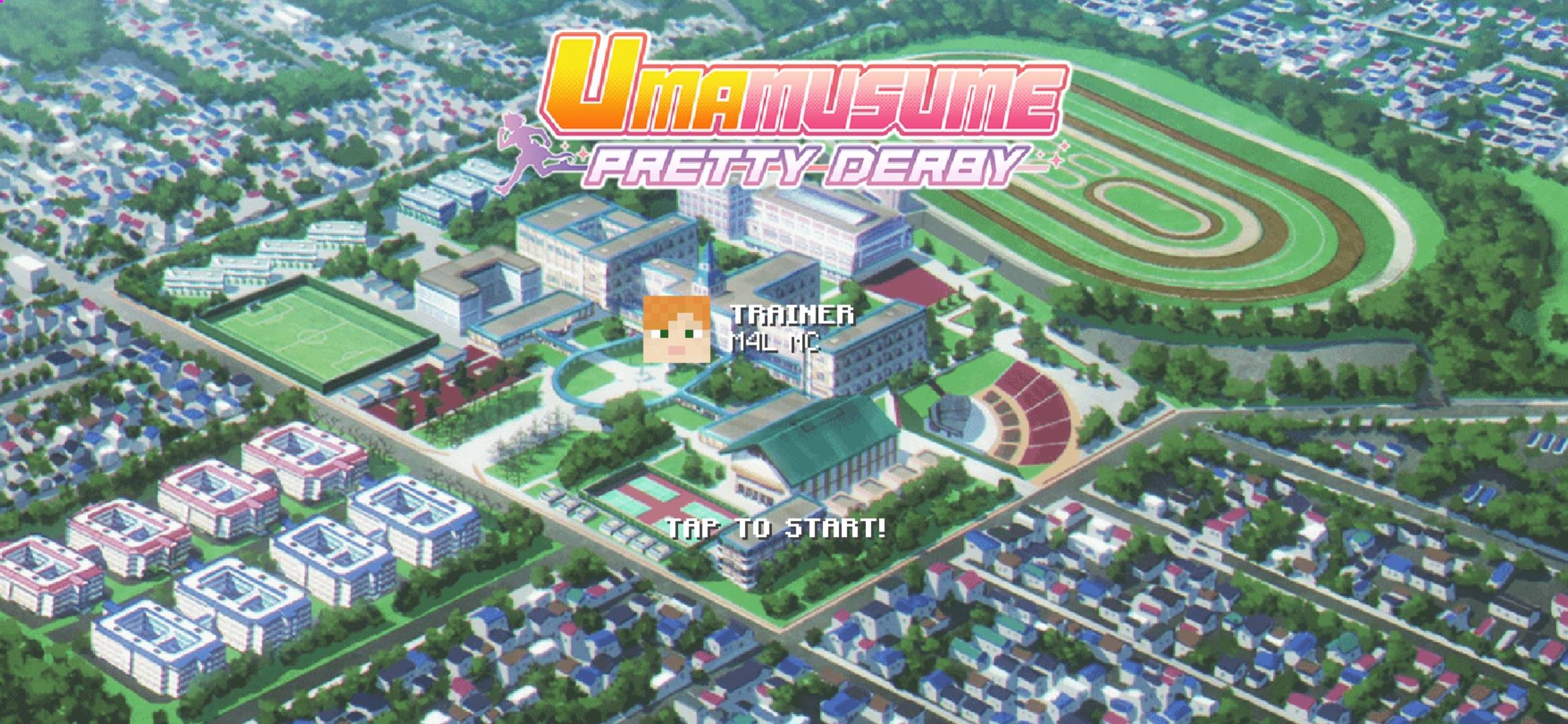
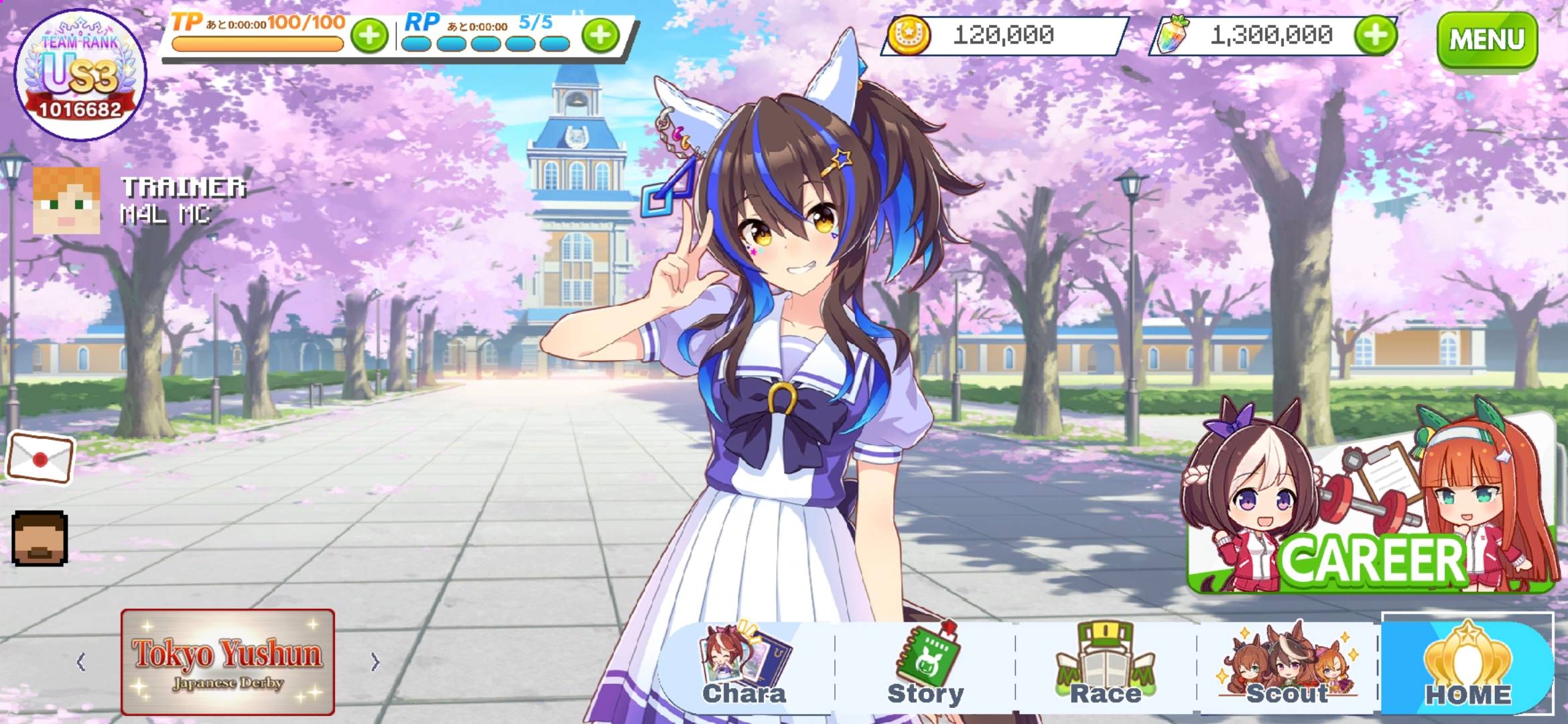
Welcome to UMA-Serie: Golden Era, an advanced Minecraft Bedrock Edition addon project designed to bring the competitive spirit, high-speed racing, and training mechanics of Uma Musume: Pretty Derby into a multiplayer environment.
This addon leverages the cutting-edge power of the Bedrock JavaScript Scripting API and custom JSON layouts to deliver a highly optimized, modern visual experience.
1. Current State: The UI Evolution (v1.3.0-beta)
Please note that this project is currently in its Beta testing phase. The primary objective of version 1.3.0-beta is a complete visual and structural overhaul of the user interface to ensure the smoothest navigation possible before full gameplay systems roll out.
2. Key Features in this Build:
SUBM Long-Form UI Structures: Say goodbye to clunky, basic menus. This version introduces beautifully organized, responsive, and sleek custom layouts for effortless menu navigation.
3. Technical Details & Requirements
Platform: Minecraft Bedrock Edition
📌 INFORMATION📌 :
[ you need 2 files to make it working ]
1. "UMA-Serie State holder": this resourcepack for change 2 type of home screen that is, the default and the animated.
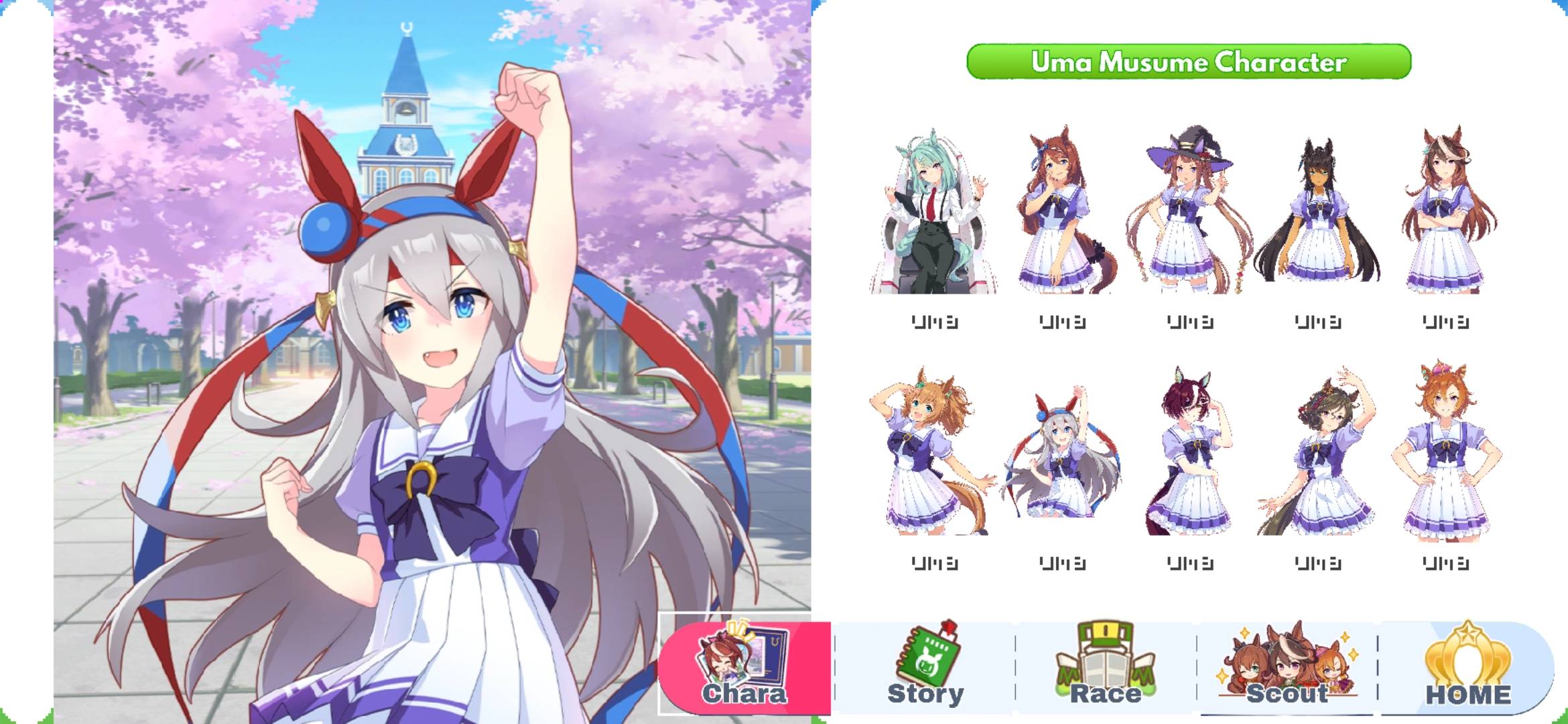
2. "UMA-Serie: Golden Era - v1.3.0-Beta": this resourcepack use for the main resources for UMA-Serie. In subpacks there's a 147 of uma character, but i just put 66 of them, you need to add manually.
[ How to add uma character? ]
- Open UMA-Serie/subpacks/ folder then duplicate one of the uma characters folder and rename it to the characters you want to add, example: "agnes_digital(copy)" rename to "winning_ticket".
- After rename it open the "winning_ticket" folder then go to modpack/config.json, open the config.json file and change the uma_texture, example: "textures/ui/uma/models/agnes_digital" edit it to "textures/ui/uma/models/winning_ticket", then save the config.json and back to "UMA-Serie" folder.
- There's 2 option:
- 1. Compress the "UMA-Serie" folder to ".zip" and rename it to ".mcpack" then open the mcpack with minecraft.
- 2. Manually cut/copy the "UMA-Serie" folder to "android/data/com.mojang.minecraftpe/files/games/com.mojang/resource_pack/" then paste/put in there.
- Open the minecraft and go to settings/global_resources and active the "UMA-Serie" first and the "UMA-Serie State" second.
- Now click the "state" first and there's a gear icon, click that. Then you will see a slider with a resolution (default and animated) choose the one you like to use. If your done just close it.
- After that, do the same thing like "state" but with uma characters on resolution, because we add the winning_ticket then slide the resolution to "Winning Ticket". If your done just close it.
- Now back to main menu and there you go, A UmaMusume UI on MCBE. That's it!
[ But how to add animated version? ]
- Just do the same thing like the before one but you open the "textures/ui/BACKGROUND/screen/" folder and paste/put the 200 of frame.
The UMA-Serie: Golden Era Team