Ultimate Weapon
- By
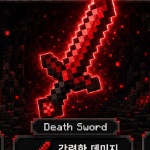
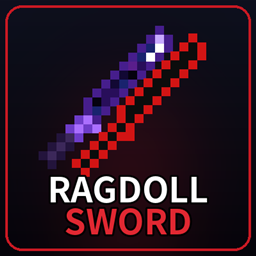
A very plain sword and armor set that kills anything in one hit, with armor that blocks all damage.
# Plain Sword
A very plain sword and a matching set of armor. They look ordinary and carry no recipe-based progression; they are found in the Equipment tab of the Creative inventory.
## What it adds
**Plain Sword**
- Deals damage equal to the target's maximum health, so every hit is lethal.
- Removes all status effects from the target.
- If the target is a player who is not wearing any armor, their inventory and equipment are cleared and they are switched to Survival mode before the hit lands.
- Mobs that fall to the sword are removed from the world.
- Tooltip shows its damage and kill effect.
**Plain Armor (Helmet, Chestplate, Leggings, Boots)**
- A player wearing at least one piece takes no damage, including damage from other weapons, commands, void and falling.
- Health is always kept full while worn.
- If another source clears the wearer's inventory or armor, it is put back.
- Armor tooltip shows its defense as "."
## Commands
- `/scriptevent pb:block <mob id>` blocks a mob type from spawning and removes existing ones
- `/scriptevent pb:unblock <mob id>` lifts the block
- `/scriptevent pb:blocklist` shows the block list
The add-on may also block a mob type automatically if that mob cannot be removed.
## Requirements
- Minecraft Bedrock Edition 1.26.60 or newer
- **Beta APIs** must be enabled in the world's Experiments, because the script uses @minecraft/server 2.12.0-beta
- Both the behavior pack and the resource pack must be active (the .mcaddon installs both)
## Installation
1. Download the .mcaddon file and open it; Minecraft imports both packs.
2. Create or edit a world, then add the Plain Sword behavior pack and resource pack.
3. Turn on Beta APIs under Experiments.
4. Find the items in the Equipment tab of the Creative inventory, or use `/give @s pb:plain_sword`.
## Languages
English and Korean (en_US, ko_KR).
## Note for servers and multiplayer
The sword clears the inventory of unarmored players and ignores game mode. Use it only where everyone agrees.
## Changelog
- v20: English release.
Ultimate Weapon Team