Toit Challenge: World Corruption
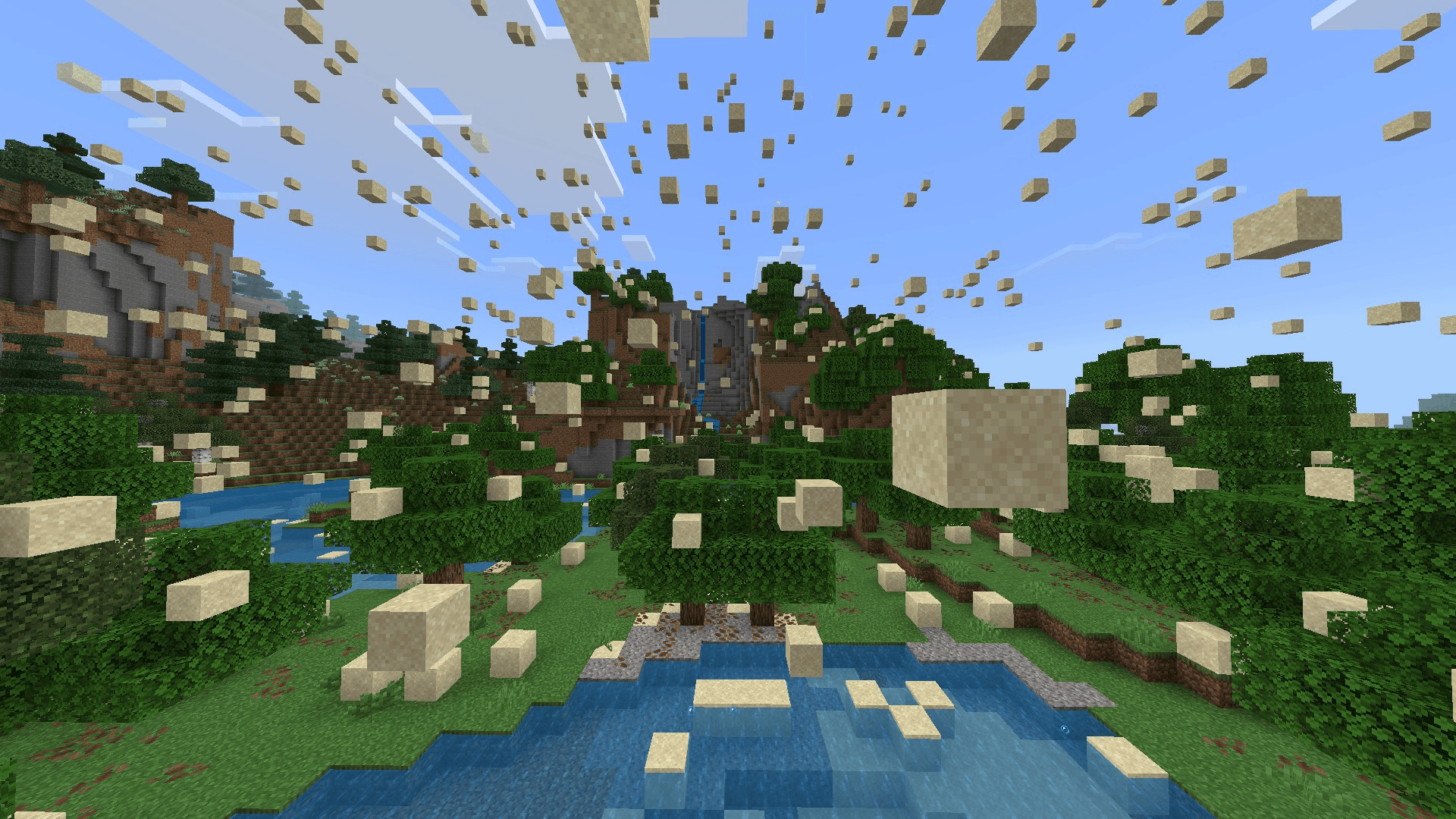
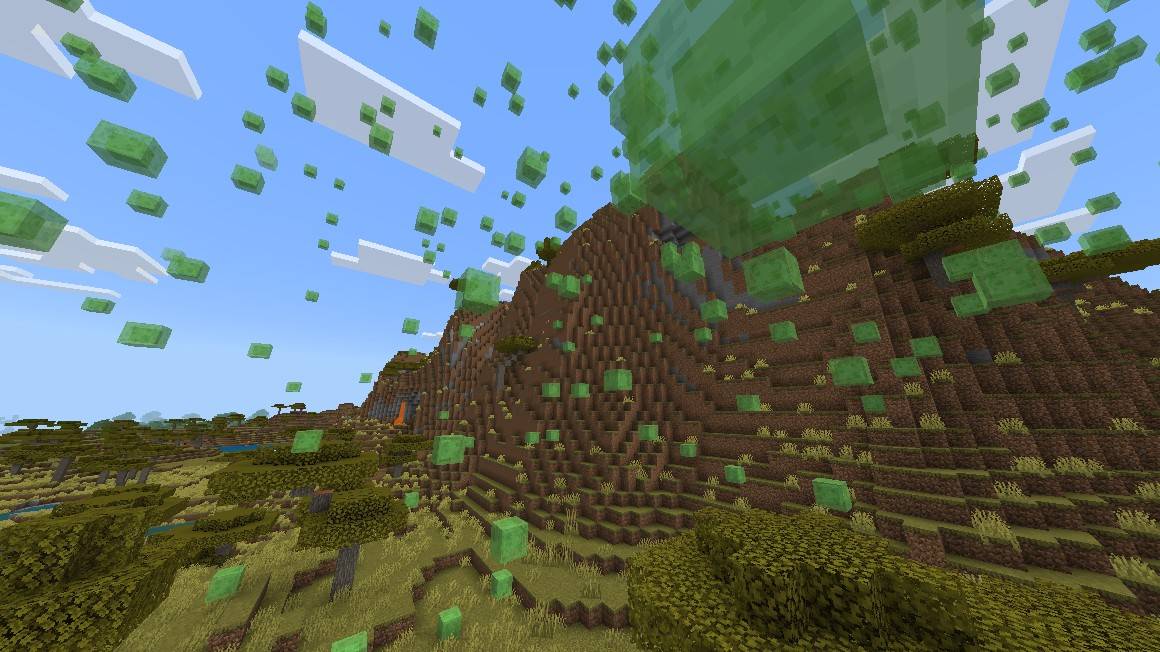
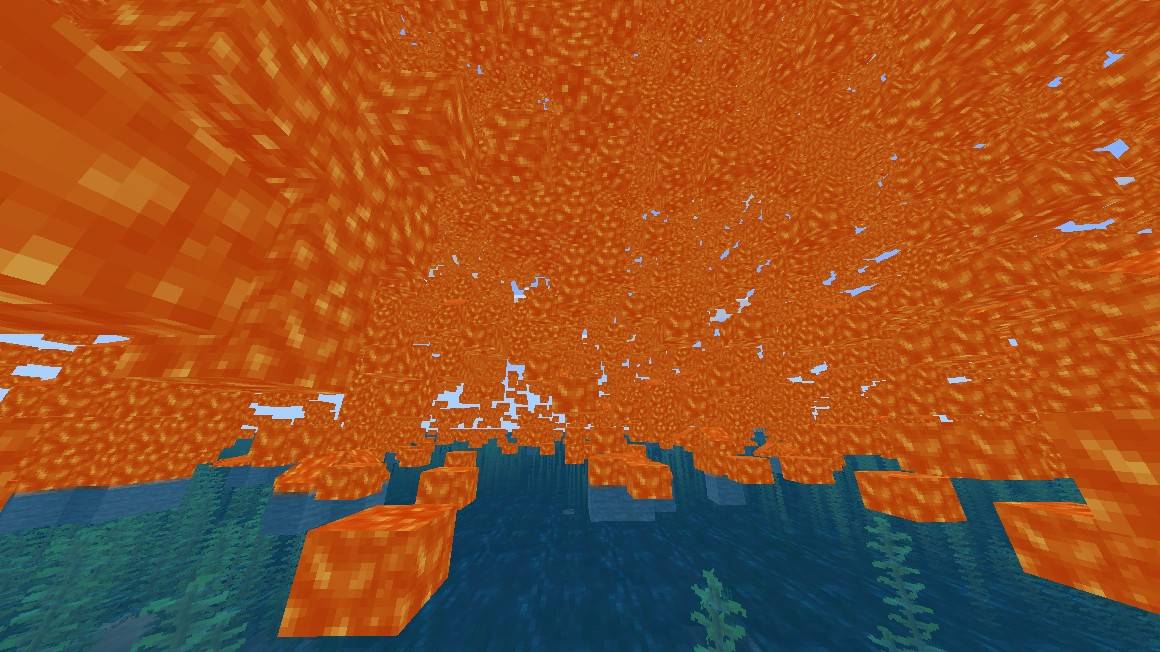
Corruption follows you across the world, randomly filling empty space with the block of your choice. Outrun it, outbuild it, or survive it with friends.
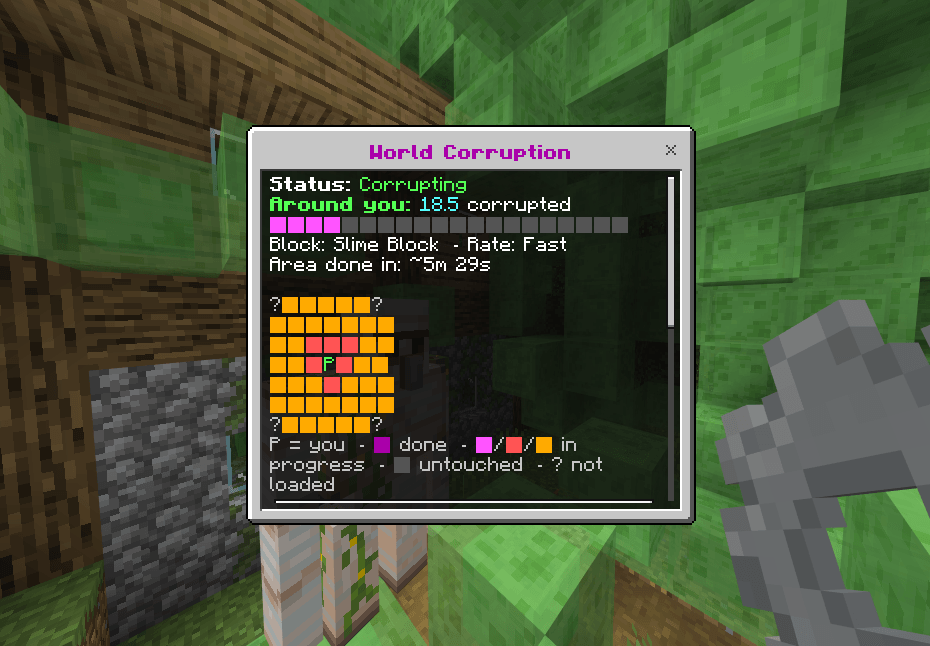
All screenshots were taken with Toit PvP.
Setup (2 minutes)
- Import the
.mcaddon and enable both packs (the behavior pack and the RES resource pack) in your world.
- Turn Cheats ON.
- Run
/tag @s add admin
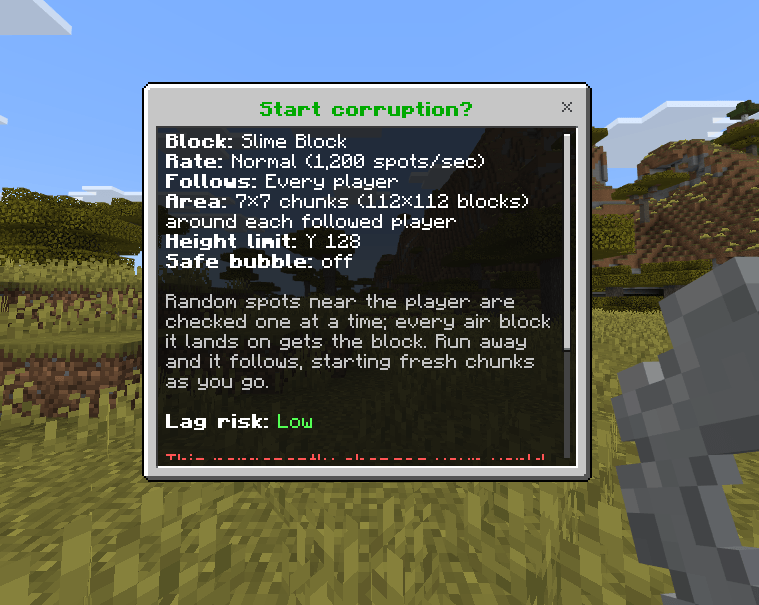
- Right-click the Settings Gear, pick your settings, and press Start.
If the gear is missing, run /scriptevent corrupt:gear. To open the menu without the gear, run /scriptevent corrupt:menu
Features
- Choose your corruption: Sand, Gravel, Water, Lava, Cobweb, Obsidian, Powder Snow, Slime, Glass, Chaos Mix, or any custom block ID.
- Five speeds: Trickle, Slow, Normal, Fast, and Chaos.
- Adjustable area: pick how many chunks around each player get corrupted.
- Safe bubble: set a clear zone around you so it doesn't instantly bury you.
- Quick presets: Chill, Challenge, and Nightmare.
- Who it follows: every player, only the starter, or only players with the
runner tag.
- Height limit: from sea level up to the top of the world.
- Live settings: change speed and options while it's running.
- Progress tracking: action bar display and announcements at 25, 50, 75, and 100%, with sound effects you can turn off.
- Lag guard: slows itself down automatically if the game starts to stutter.
- Saves progress: your run continues after you quit and reload.
Tips
- High speeds, big areas, and water or lava can lag phones and consoles. The menu shows a lag-risk rating, so check it before you press Start.
- Back up your world first. Corruption permanently changes terrain.
- Lava is deadly. You've been warned.
Requirements
Minecraft Bedrock 26.60 or newer. Both packs enabled. Cheats on. No experimental toggles needed.
License
Copyright (c) _Toit. All rights reserved. No redistribution, reuploading, or modification of this pack without written permission from the author.
Credits
Designed and made by _Toit. Check out Toit PvP for more.