Texture Debugging Browser
- By
For Bedrock JSON UI Add-On developers who need to see what runtime IDs are mapped to each item (for use with @beacon.item_renderer)
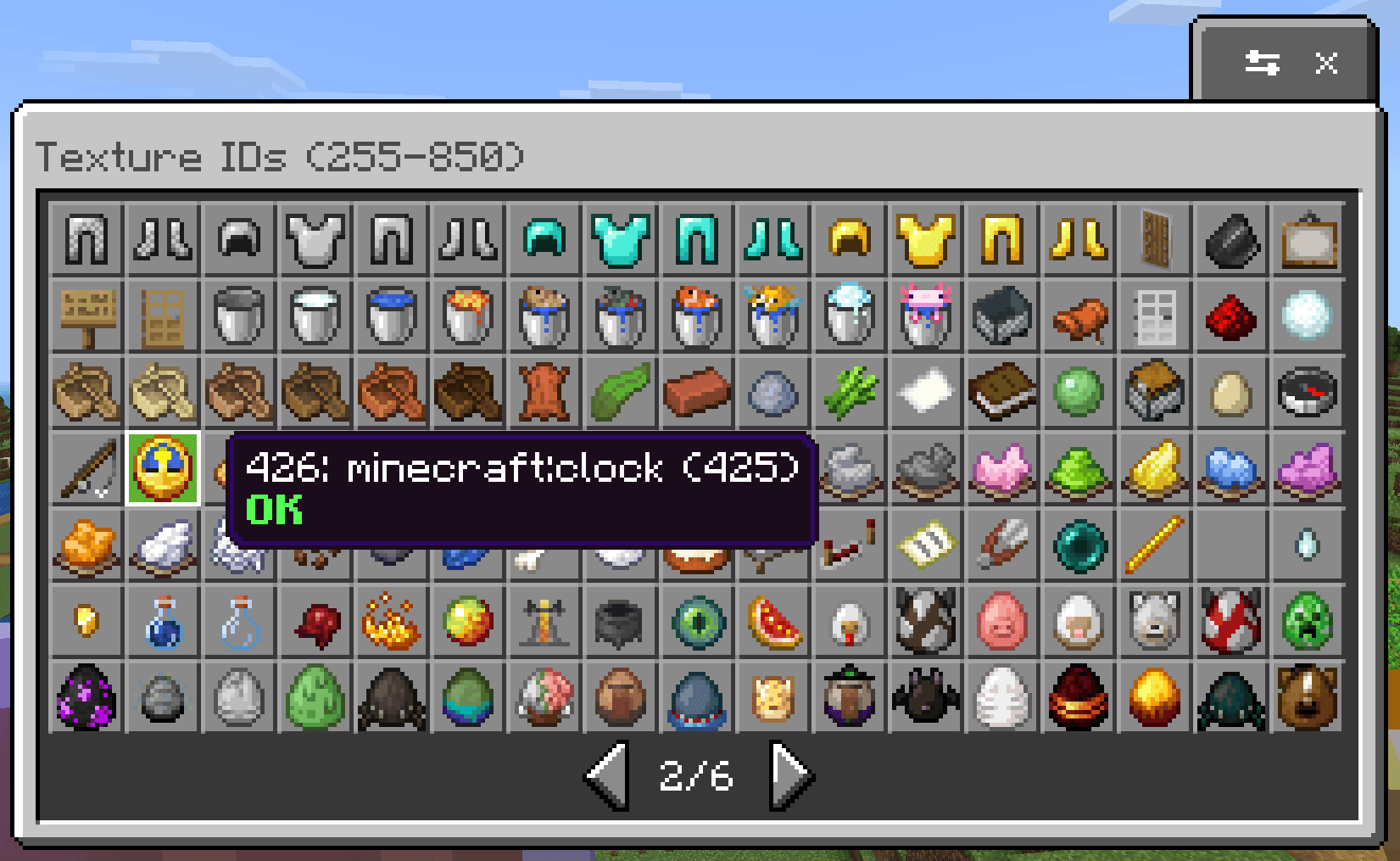
texture_debug.png
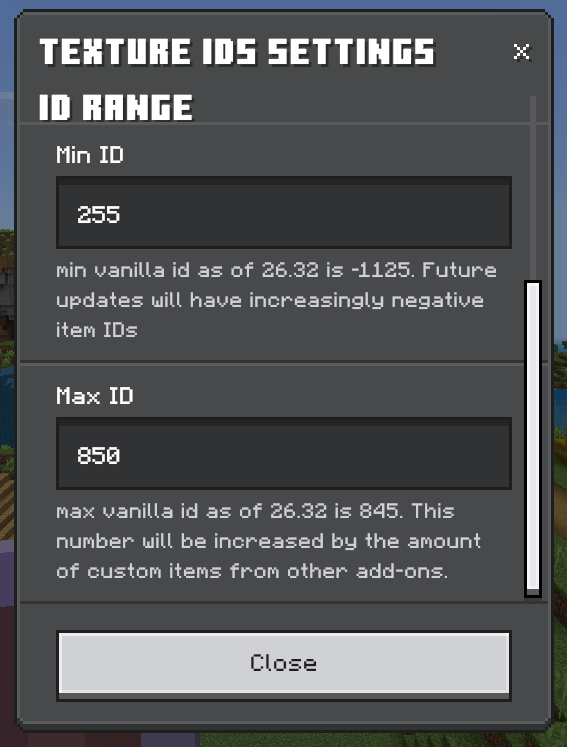
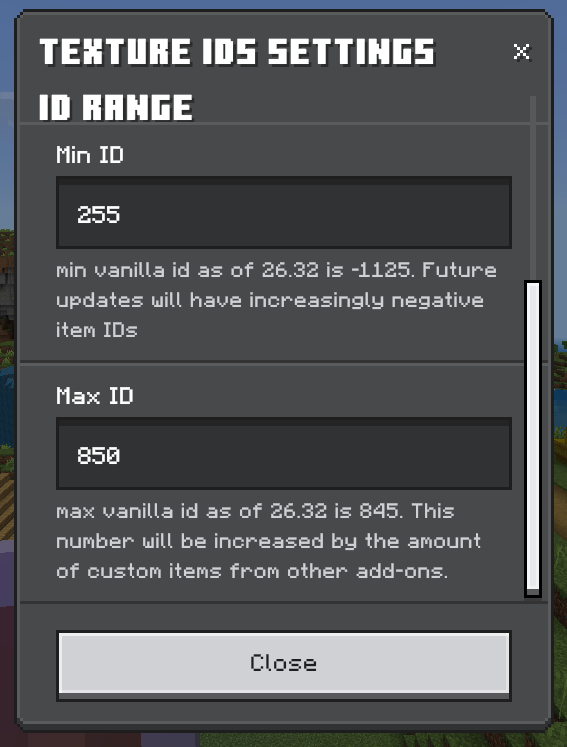
settings_range.png
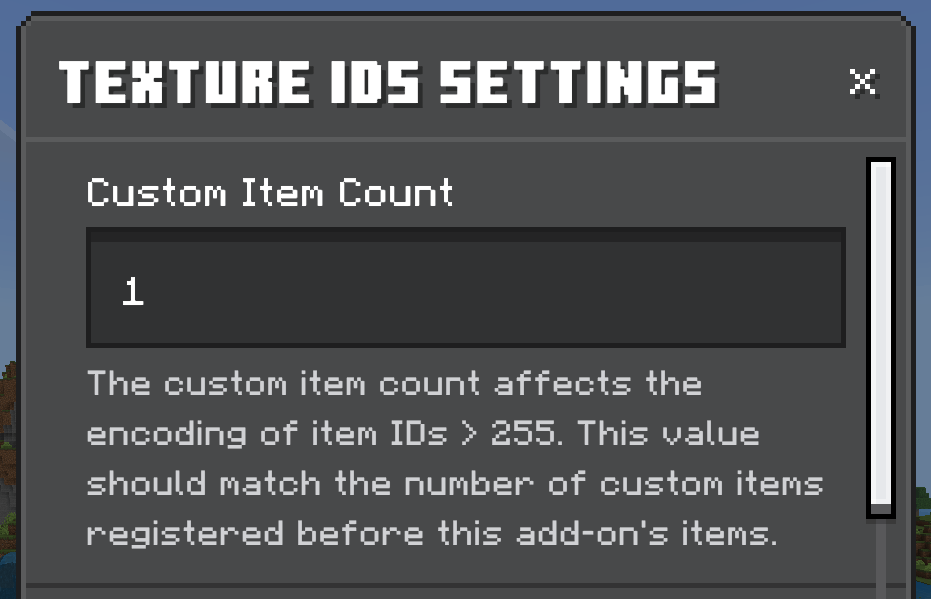
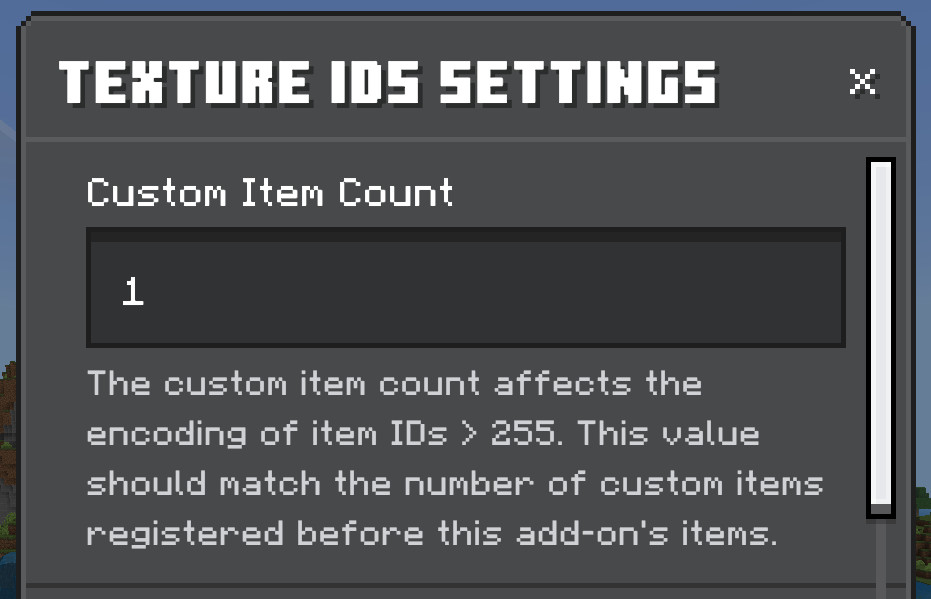
settings_count.png
Description
Texture Debug
A Minecraft Bedrock add-on for debugging textures.
Why This Add-On Exists
When creating add-ons that display item textures (like custom UIs, collection browsers, or inventory mods), you need to know the runtime texture ID for each item. The problem? These IDs shift constantly based on which add-ons you have enabled.
Minecraft assigns runtime IDs to items dynamically, and when multiple add-ons are active:
- Custom items get interleaved into the ID list, pushing vanilla item IDs around
- IDs above 256 get displaced by custom items
- Some vanilla items have stable negative IDs (like sulfur blocks at about -1125), but vanilla IDs above 256 get pushed around by custom items
- There's no reliable API to calculate the offset or interleaving pattern - you have to experimentally determine it
On top of this, existing documentation is incomplete and unreliable:
- Official Microsoft documentation is missing items (colored bundles, spears, and some other items don't appear anywhere)
- Third-party listings quickly become outdated with each Minecraft update
- There's no way to predict how IDs will change when Mojang adds new items
- This is a very bad developer experience (which I'm really surprised that a project under Microsoft wouldn't be given more developer UX love. After all, it was Ballmer that said "Developers, Developers, Developers!")
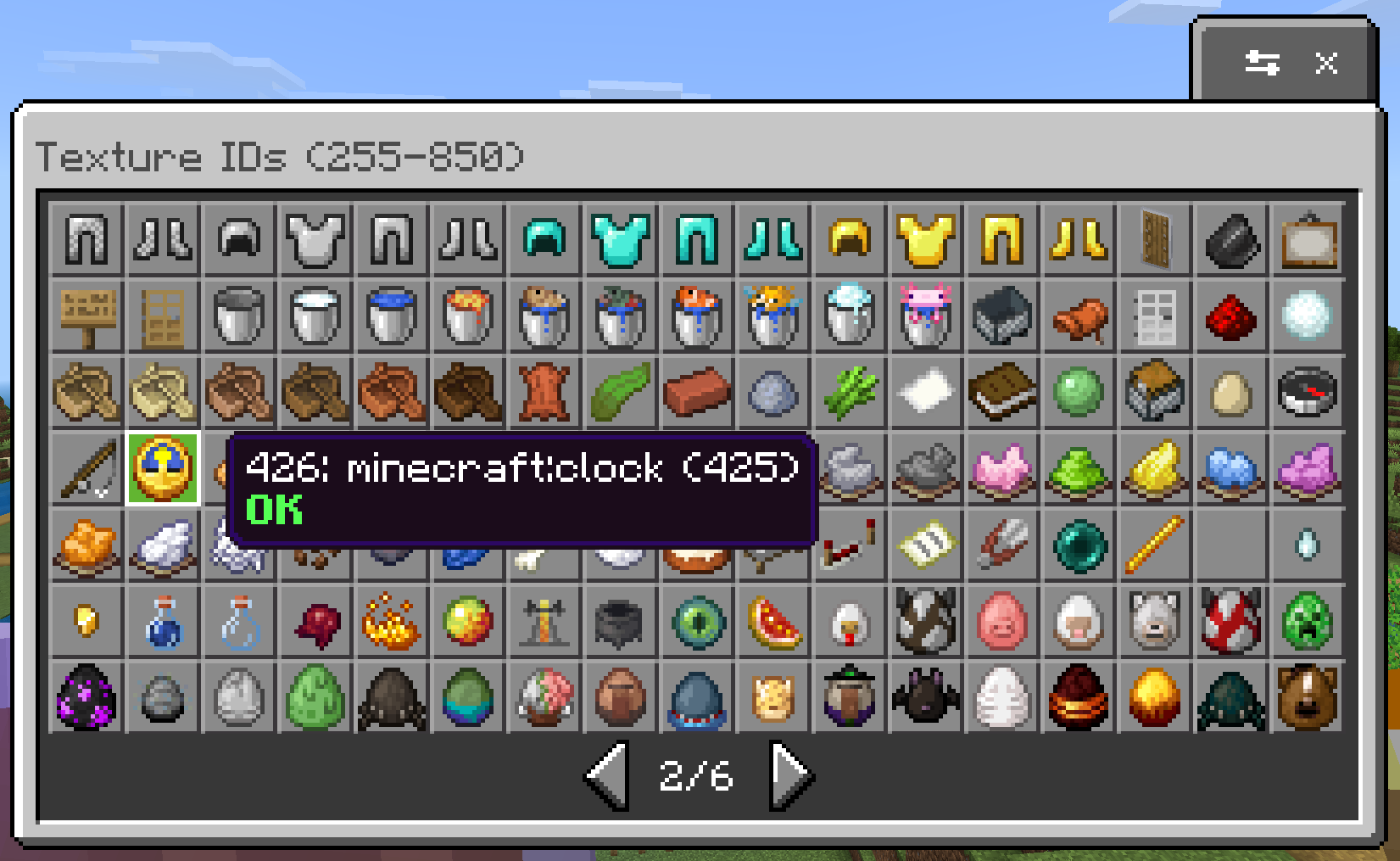
This add-on lets you see the actual runtime texture ID mappings in your specific world with your specific add-ons enabled, so you can correctly map namespaced item IDs to the textures the game actually renders.
Even if this add-on's hardcoded item ID list becomes outdated with a new Minecraft update, you can still use it to discover what's assigned to any integer you need. This helps:
- Add-on developers who need to render vanilla item textures in their custom UIs
- Server/world maintainers who need accurate texture mappings for add-on compatibility
- Users of add-ons like Collect Everything! who need settings to tweak ID assumptions so everything lines up correctly
Features
- Texture ID Browser: Browse and inspect texture IDs with visual feedback
- Debug Settings: Configurable debug options including logging levels
Requirements
- Minecraft Bedrock Edition (version 1.26.30 or higher)
Installation
- Download the
.mcaddonfile from CurseForge, MCPEDL, or clone and build source - Open it with Minecraft Bedrock or extract and install packs in your installation folder
- Create or edit a world
- Enable the add-on's resource pack either at the world level or the global level (enabling the resource pack should automatically enable the behavior pack, but double check just to make sure).
Usage
Texture Browser
Use the /__debug_texture_ids command in-game to access the texture browser. Requires admin privileges on the world.
Browse available textures and view their IDs for reference when creating add-ons.
Texture Debug Settings
You can configure the range of integers rendered, as well as the custom add-on items count to make the item descriptions line up. Use the settings button at the top of the texture browser to configure them.
Troubleshooting
Command not found: Make sure the add-on is properly enabled in your world settings, and that you are at least Game Director permission level.
Support
If you encounter issues, please report them on the CurseForge or GitHub page.
License
MIT License
Texture Debugging Browser Team