Survival Kits
- By
Gives players a starter kit when they spawn for the first time or respawn — but only if their inventory is completely empty.
MCPEDL
Description
Kits Behavior Pack
Gives players a starter kit when they spawn for the first time or respawn — but only if their inventory is completely empty.
Commands (operator only — all three require op privileges)
| Command | What it does |
|---|---|
/scriptevent kits:set |
Saves whatever you're carrying as the new kit. |
/scriptevent kits:give |
Gives you the kit right away — skips the cooldown. |
/scriptevent kits:timer <seconds> |
Changes the cooldown between spawn-kit grants (default: 120). |
All /scriptevent commands require operator status. Regular players do not need to run any commands — the kit is handed out automatically on spawn.
How it works
- First join / respawn — Kit is automatically given if your inventory is empty and the cooldown has expired.
- Cooldown — After receiving the kit on spawn, you must wait before getting it again from respawning. If you respawn during the cooldown, a red message tells you how much time is left.
- Empty inventory check — Only gives the kit if every slot is empty. If you have any items, the kit is skipped.
Default kit
- Wooden sword
- Wooden pickaxe
- Wooden axe
- Leather helmet
- Leather boots
- 16 carrots
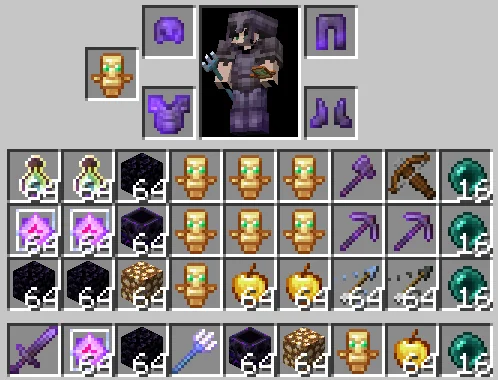
Have an operator run /scriptevent kits:set while holding the items you want to change the kit.
Installing
- Place the
kitsfolder in yourdevelopment_behavior_packsfolder. - Enable the pack in your world's Behavior Packs settings.
- Make sure the world has Beta APIs enabled (Settings → Experiments).
Survival Kits Team