Spend less time switching tools and more time playing
-Smart Tools brings automatic tool selection, durability protection, and convenient stack refilling to Minecraft Bedrock. It works with the tools and items you already own, keeping your Survival experience familiar.
Automatic Tool Switching
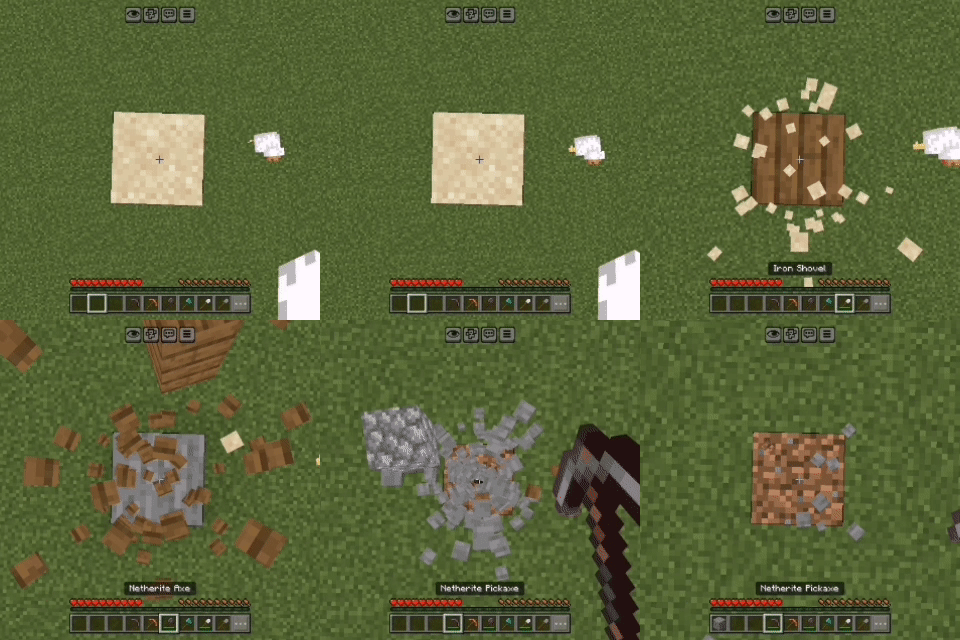
-Hit a supported block and Smart Tools selects a suitable tool from your hotbar or main inventory. Switch between mining stone, chopping wood, and digging dirt with less inventory management.
-Tool selection considers harvest requirements, enchantments, and remaining durability. Pickaxes, axes, shovels, hoes, and shears are supported for the relevant block types.
Tool Saver
-Help protect your favorite tools before they break. Set a durability threshold from 1% to 50%, and Smart Tools will avoid selecting tools below that limit.
-During supported mining and use actions, it can block further wear and switch to a safe replacement when one is available.
Fortune & Silk Touch Preferences
-Choose whether to prioritize Fortune or Silk Touch for supported ores. A separate option lets you prefer Silk Touch for supported blocks such as glass and ice.
Automatic Stack Refill
-Keep building and eating with fewer interruptions. After supported block placement or completed food consumption empties your active slot, Smart Tools moves a matching reserve stack from your main inventory into it.
Your Settings, Your Playstyle
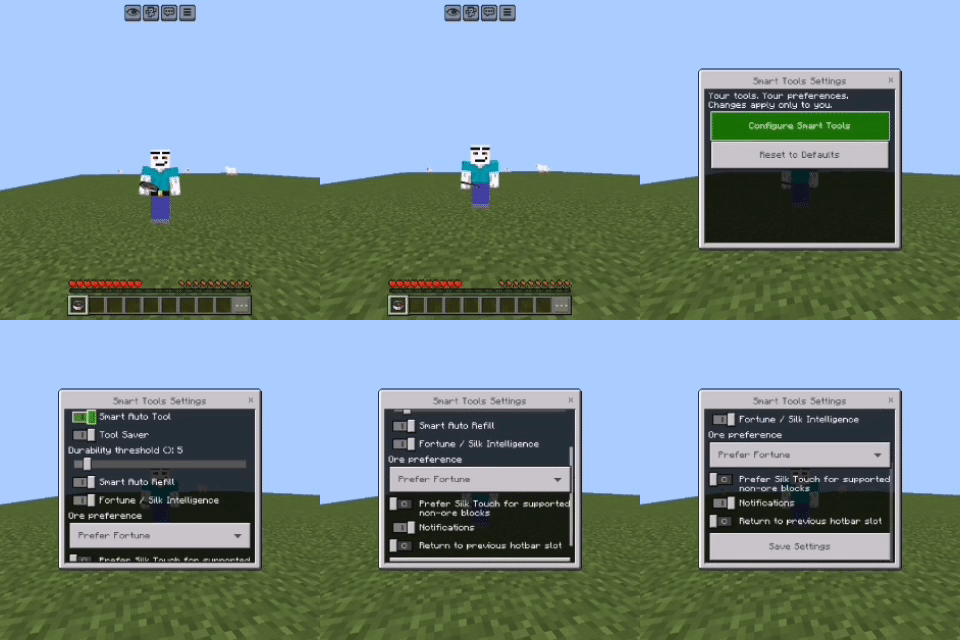
-Each player has their own saved preferences. Toggle individual features, adjust durability protection, choose enchantment preferences, and control notifications.
-Open settings with /smarttools:settings, or sneak and use a compass on a block.
A Familiar Minecraft Experience
- Uses your existing tools and items.
- No custom recipes or Resource Pack require.
- Gameplay assistance runs in Survival mode.
Good to Know
Some tool changes may require you to release and restart mining. Tool Saver covers supported cancellable actions, not every source of durability loss, including combat. Refill requires matching reserves and does not refill arrows. On 1.21.130, optional hotbar return happens after a completed block break rather than simply stopping mining.