Smart-Ai-Players
- By
1000001811.jpg
1000001387.jpg
1000001382.jpg
1000001812.jpg
Description
AI Players v1.2 for Minecraft Bedrock 26.30–26.52
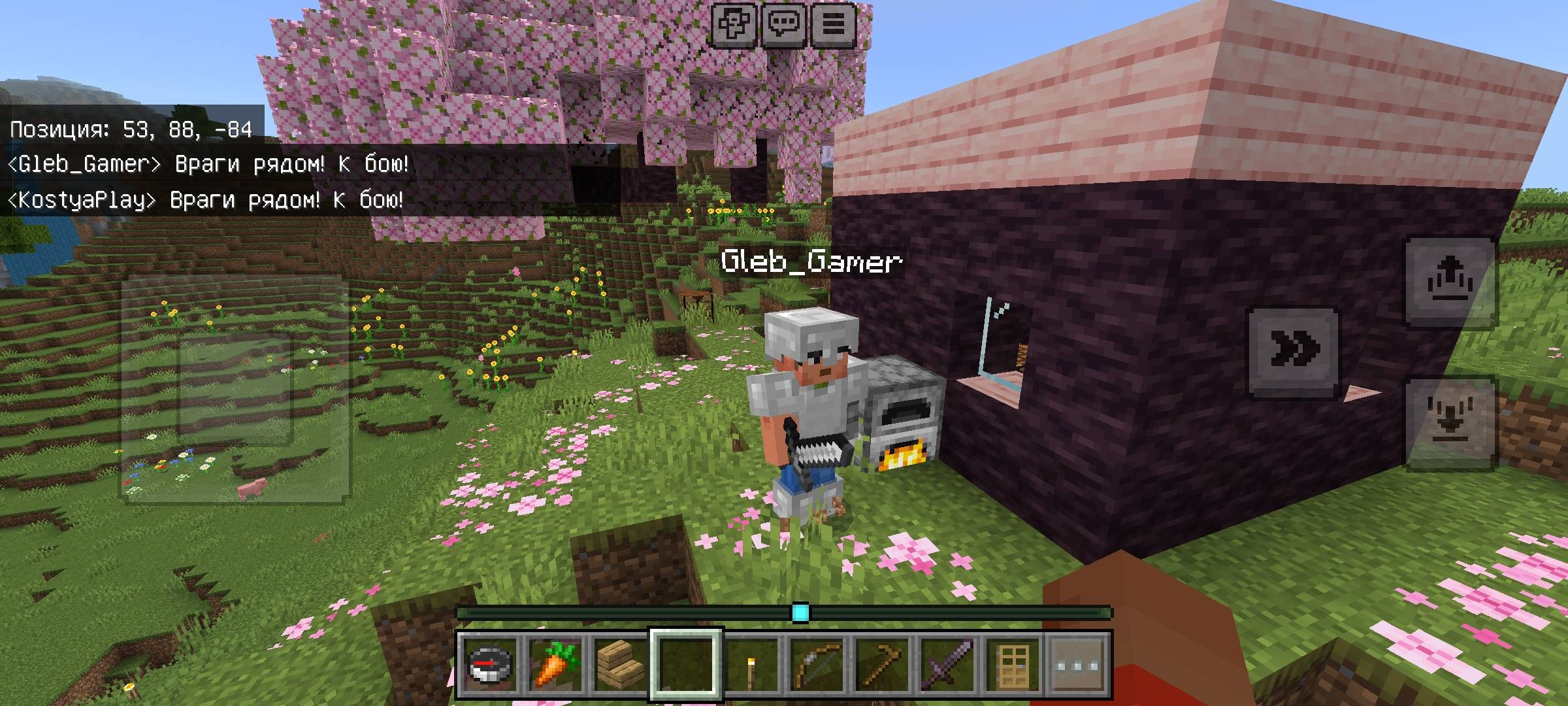
AI Players are realistic Minecraft companions powered by SimulatedPlayer. They have nicknames, inventories, armor, player-list and locator support, survival behavior and an in-game chat system.
Compatibility
- Minecraft Bedrock 26.30–26.39
- Minecraft Bedrock 26.40–26.49
- Minecraft Bedrock 26.50–26.52
Use the addon version that matches your Minecraft version.
What's New in v1.2
AI Players
- Up to 10 AI players
- AI players can leave and return to the game
- Unique nicknames and appearances
- Inventories and equipment are preserved
- AI players can communicate with each other
- AI players can share food, coal, iron and torches
Building
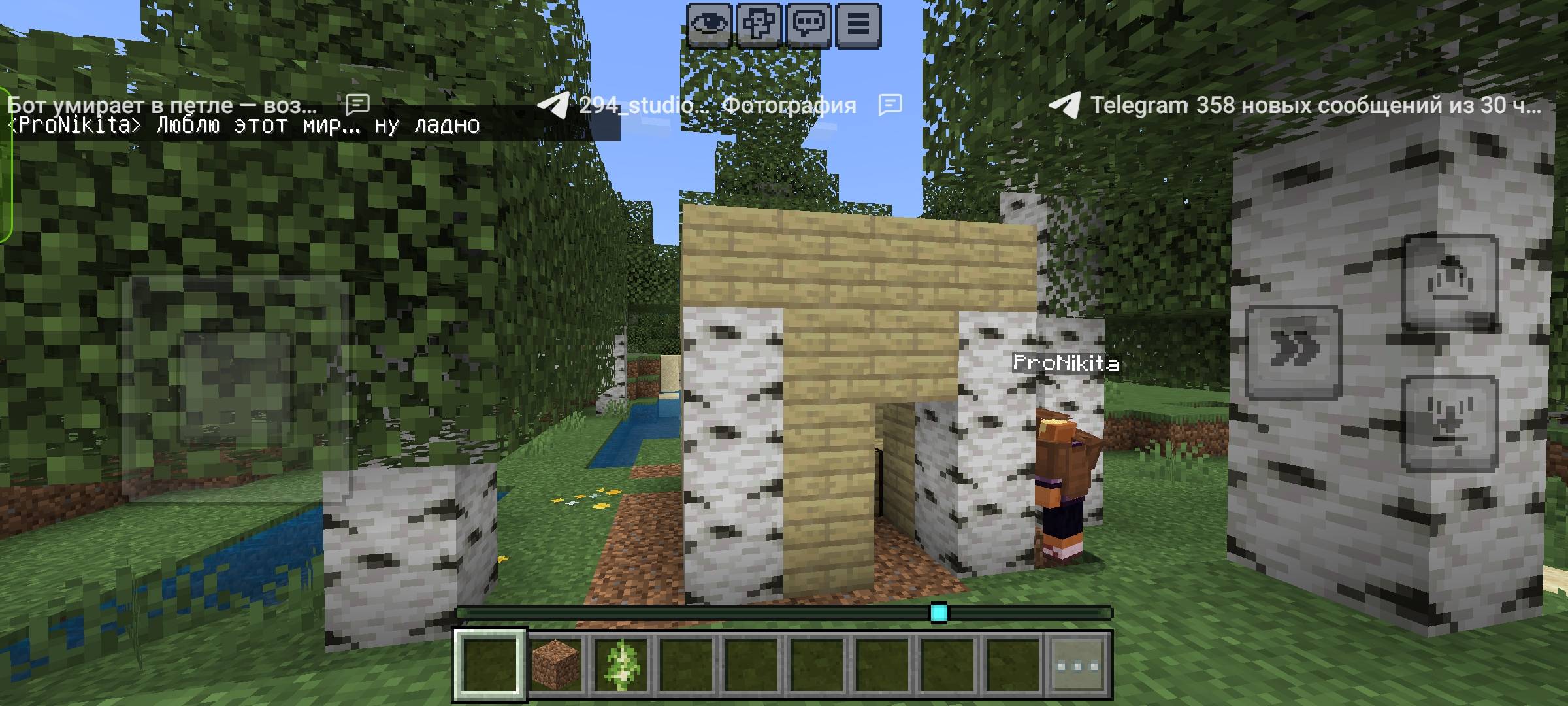
AI players can build houses of different sizes, including large multi-floor houses and castles.
They can build:
- Floors and stairs
- Windows and doors
- Beds
- Chests
- Crafting tables
- Furnaces
- Torches
- Sloped roofs
You can give commands such as:
- "Build a house"
- "Build a huge house"
- "Build a 15x12 three-story house"
- "Build a castle"
Beds & Lighting
AI players can hunt sheep for wool, craft beds and place them in their houses.
They can also craft and place torches using coal or charcoal and sticks. Torches can be placed in mines, around houses and when darkness approaches.
Item Recovery
After dying, AI players can try to recover their dropped items.
They avoid dangerous routes such as:
- Lava
- Deep water
- Dangerous drops
They also prevent endless loops by limiting attempts for unreachable items.
Improved Movement
AI players are less likely to get stuck or jump unnecessarily.
The movement system includes:
- Smarter jumping
- Sideways movement when blocked
- Unreachable-target blacklist
- Ladders instead of vertical drops
- Water escape behavior
- Suffocation protection
- Stuck watchdog
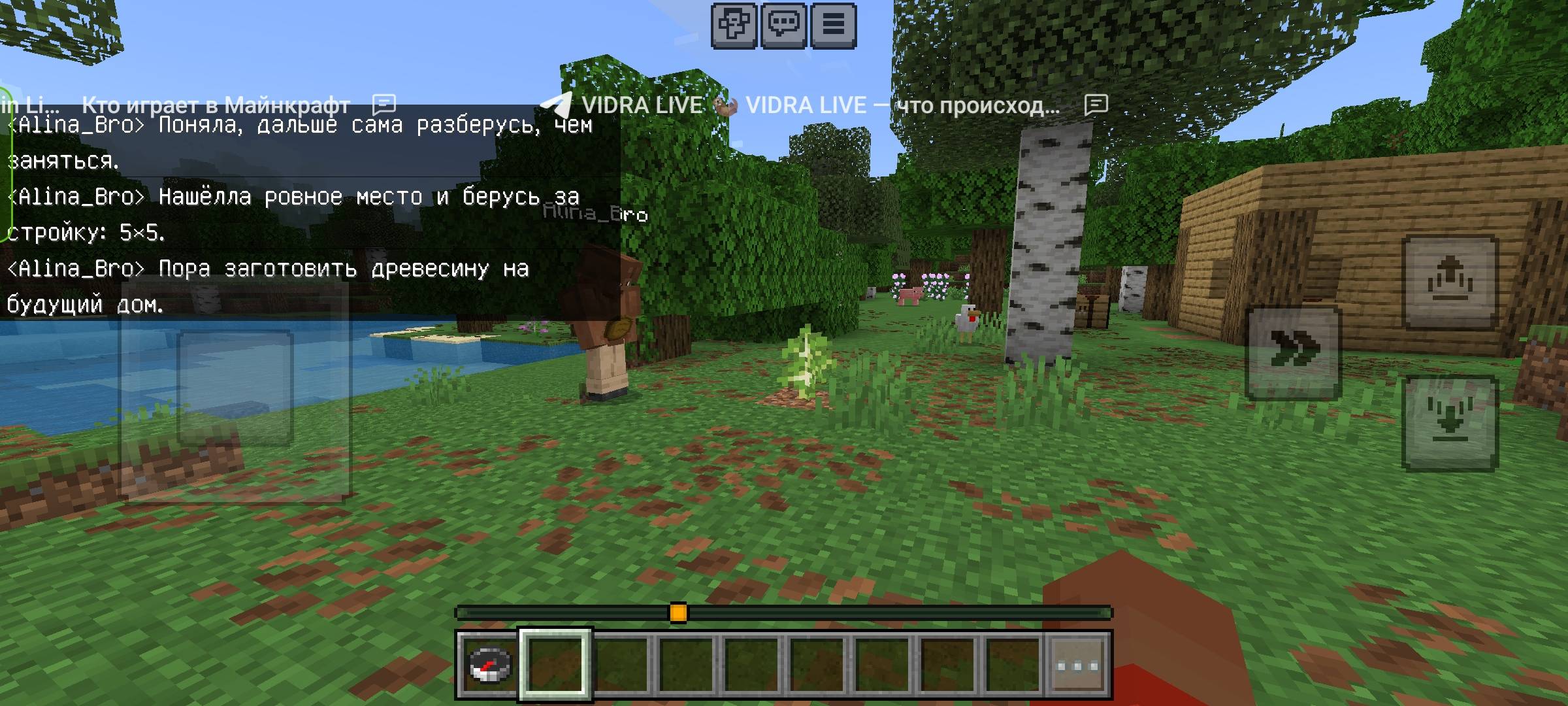
Dynamic AI Chat
AI messages are generated from the actual game state.
AI players can talk about:
- What they are doing
- Their inventory
- Health and hunger
- Time and weather
- Nearby threats
- Their location
- Missing resources
- Mining and exploration
- Houses and equipment
AI players can also communicate with each other about survival and exchange useful resources.
Commands
Talk to AI players through normal Minecraft chat:
- "Dima, chop some trees"
- "Guys, follow me"
- "Build a huge house"
- "Make a bed"
- "Place torches"
- "Get 10 iron"
- "Go hunting"
- "Tame a wolf"
- "Craft iron armor"
- "Put it in the chest"
- "What are you doing?"
- "What do you have?"
- "What do you need?"
- "Where are you?"
- "Take a rest"
AI Controller
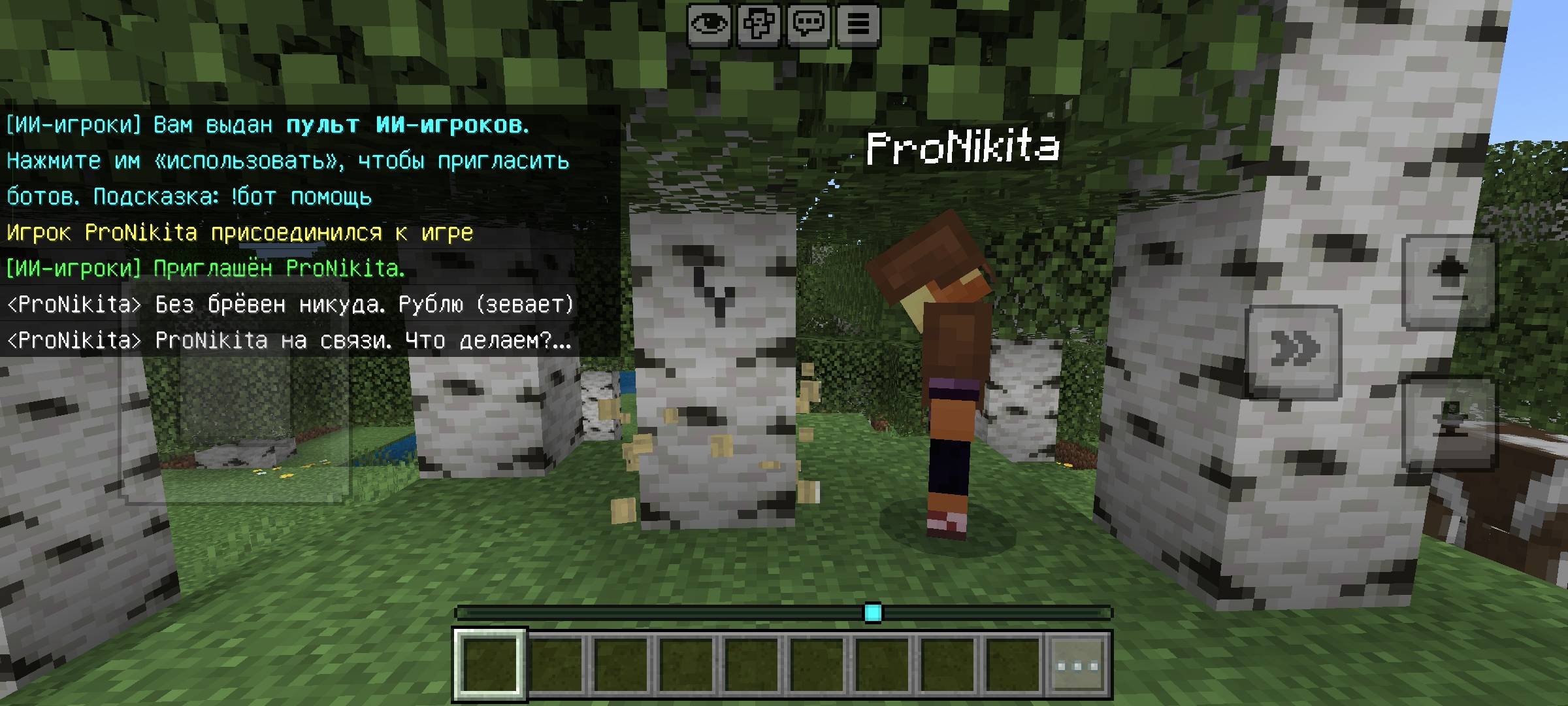
Use the AI Players Controller to open the main menu.
The controller allows you to:
- Invite AI players
- View your AI players
- Give commands to everyone
- Remove AI players
- Configure settings
Use the controller on an AI player to open their individual menu.
Commands
"!controller"
"!bots"
"!bot help"
"!bot invite [name]"
"!bot remove <name>"
"!bot tp"
"!bot locator"
"!bot skin-info"
"!bot errors"
"!bot diagnostics"
"!bot debug"
Important Notes
AI player appearances are created using the available Minecraft persona system. Custom PNG skins are not supported by the API.
The chat system is rule-based and uses templates combined with real game information. It is not a neural network.
Some optional "magic" systems can be disabled, including terrain leveling, automatic farmland water, free building materials and backup block interaction.
The addon has been tested against the simulated API, but some Minecraft actions may behave differently in the actual game. Backup systems are used automatically where possible.
If you encounter a problem, use:
"!bot errors"
or
"!bot diagnostics"
and provide the output when reporting the issue.
AI Players v1.2
Build. Mine. Explore. Survive together.
Smart-Ai-Players Team