Skins Reworked
- By
This addon adds many varied aspects to the Pokemon in the addon [SERP Pokédrock (by ZacekElSerpentin)].

86962.png
Description

This Minecraft Bedrock add-on is a complement to the SERP Pokedrock add-on that will add a wide variety of skins to give more personality to our Pokémon teams.
These skins work by renaming name tags with specific names and giving that exact name to the Pokémon that contains the skin, respecting uppercase and lowercase letters.
When starting a new world or adding this addon to a pre-existing world, the first thing that will appear is a menu to select the language in which the skin guide book will be displayed:
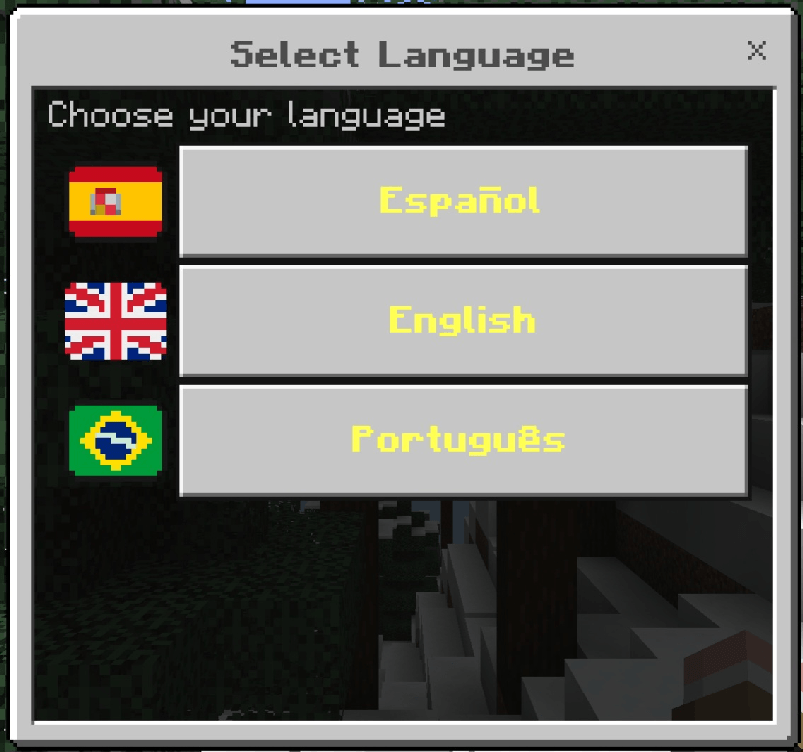 Upon selecting a language, the player will be given the guidebook for that language. (The language can be changed at any time by pressing the language button in the guidebook menu.)
Having already chosen the language, by holding down the screen, right-clicking, or pressing R2 on a controller, while holding the skin guide book, a menu with 5 buttons will appear:
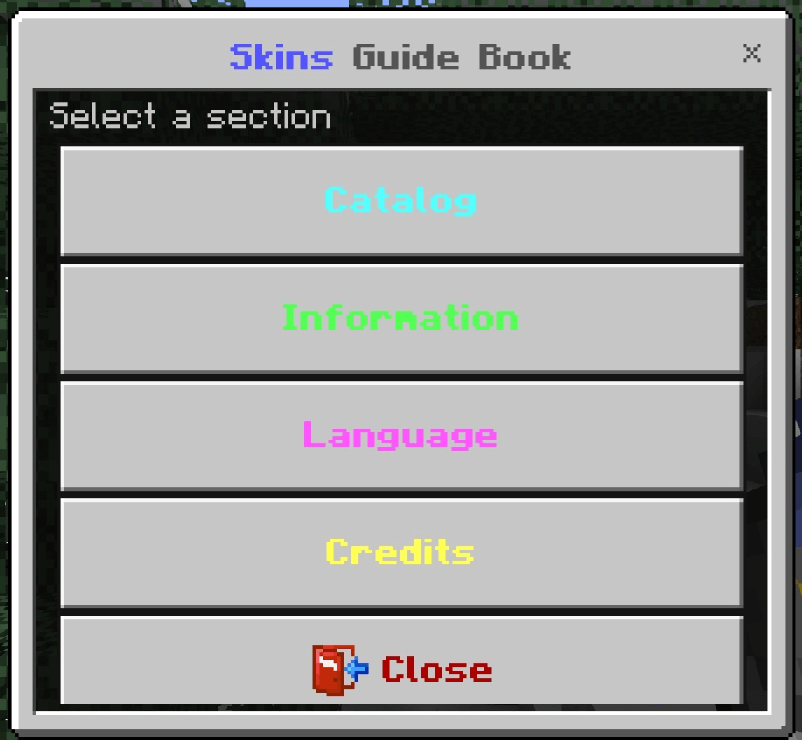
The first button starting from the bottom is the close button, which, as its name indicates, is used to close the menu.
The second button, which says "credits," will open a page with the creator's name, the version, the source of the textures and models used, and a link to our Discord server where you can see progress and updates.
The third button, which says "Language," will open a menu where you can change the language of the skin guide book at any time to one of the languages available in the add-on.
The fourth button, which says "information," will open a page showing information about how the menu works, as well as the ways to obtain skins for Pokémon. (I recommend opening this menu before doing anything)
And finally, the fifth button, which says "catalog," will display the menu where it will be much easier to obtain the name tags with the specific names for each skin of each Pokémon that contains one. (The catalog modes and how they work can be found in the information menu.)
SKINS:
Here I'll show you how some of the skins included in this add-on would look on certain Pokémon. Discover them all! :






All the skins in the add-on use specific names, like minecraft with "jeb_" or "Dinnerbone", and each and every one has its shiny version.
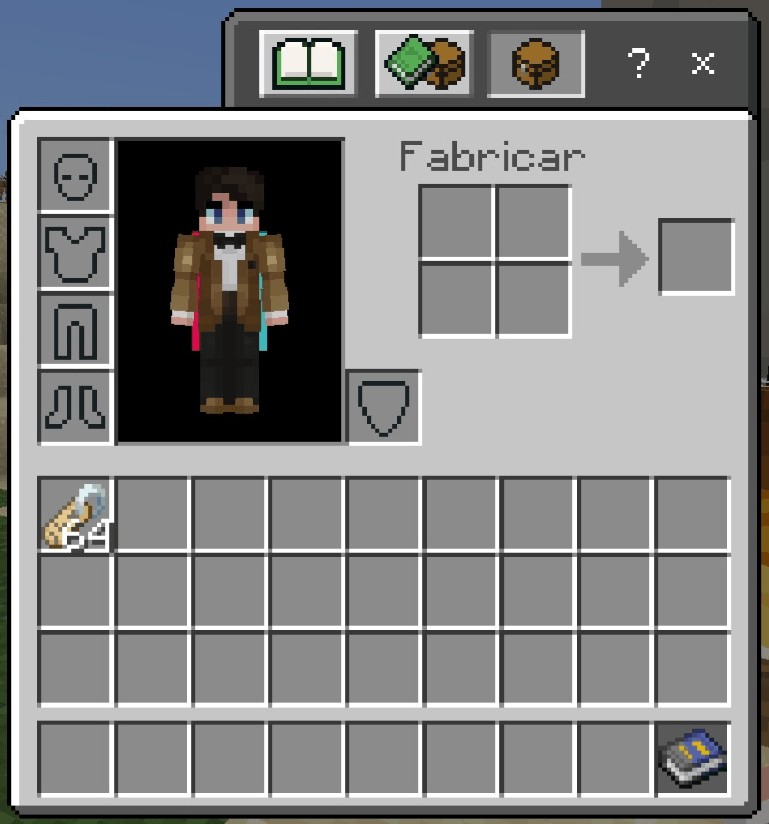
(Name Tags must be placed in this location in the inventory to avoid errors)
Classic Inventroy:
Pocket Inventory:
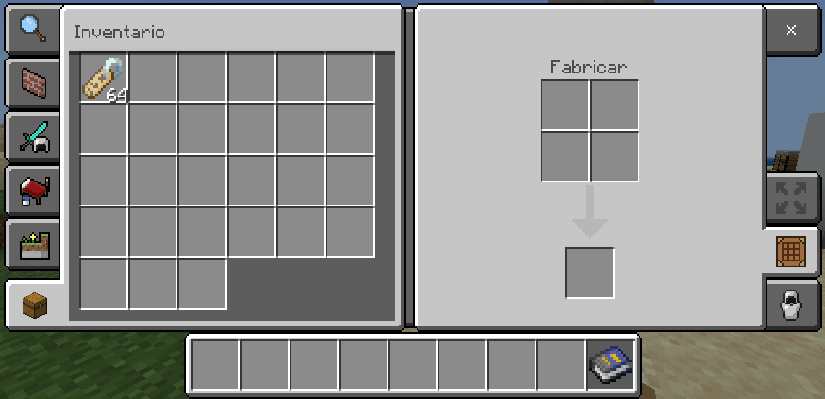
(Each skin's name can be seen in the catalog in the skin guide book menu.)
Credits:
This add-on requires the SERP Pokedrock add-on to function, as it is only an add-on for the aforementioned add-on.
SERP Pokedrock Link: https://www.curseforge.com/members/zacekelserpentin/projects
The order in which the add-ons should be placed is found on our Discord server, specifically in this channel:
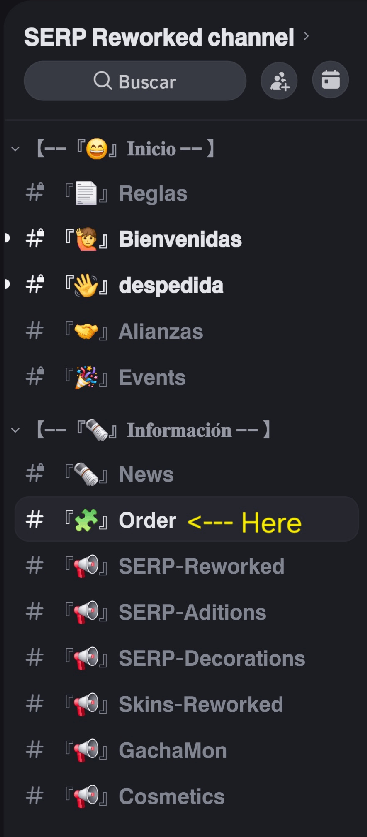
My Discord Channel: https://discord.gg/yJ2mYMHVuW
Skins Reworked Team

Owner