


Sitworks
- By
A variety of functional chairs, stools, and benches for Minecraft! Available in every wood type, as well as stone and iron, these furniture pieces are perfect for decorating your home, sitting down, or even lying down to relax during your free time.
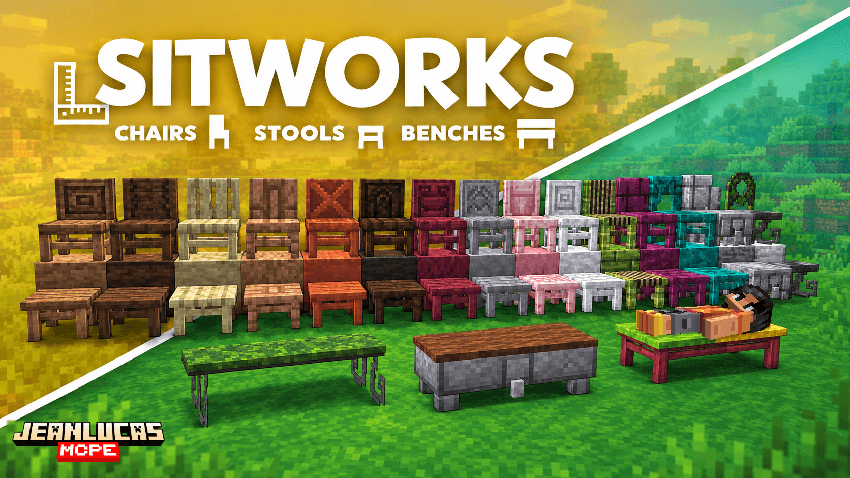
Chairs & Stools
All chairs and stools are craftable and feature color palettes that match vanilla Minecraft blocks, allowing them to blend naturally into any build.
Featuring beautifully crafted textures by @Eggsplort — a special thank-you to him for the care and creativity he put into this work. His contribution is truly appreciated!
Crafting Recipes
All furnitures can be crafted using the recipes shown below.
Chairs
Oak Chair
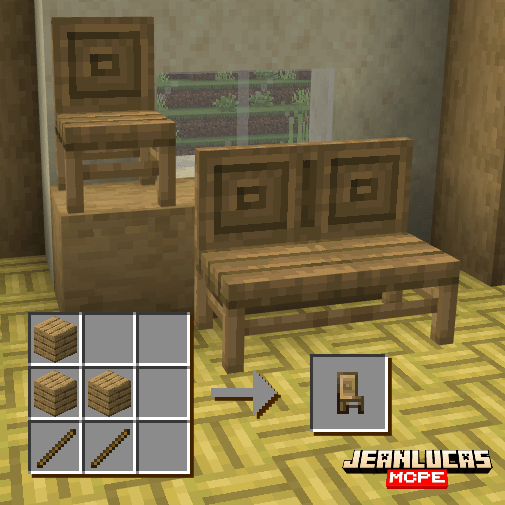
Spruce Chair
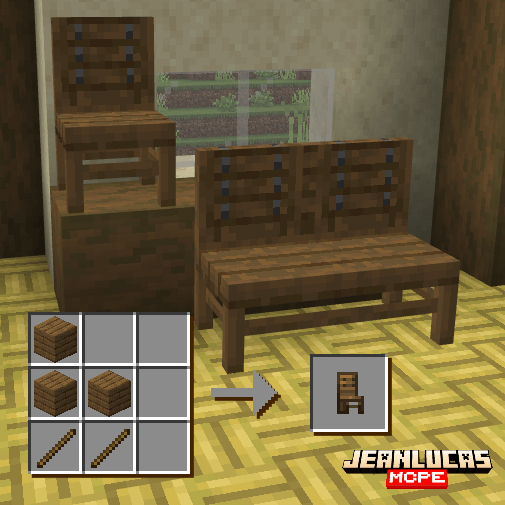
Birch Chair
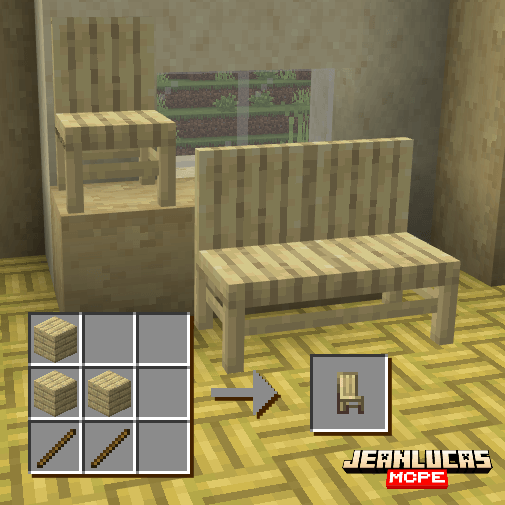
Jungle Chair
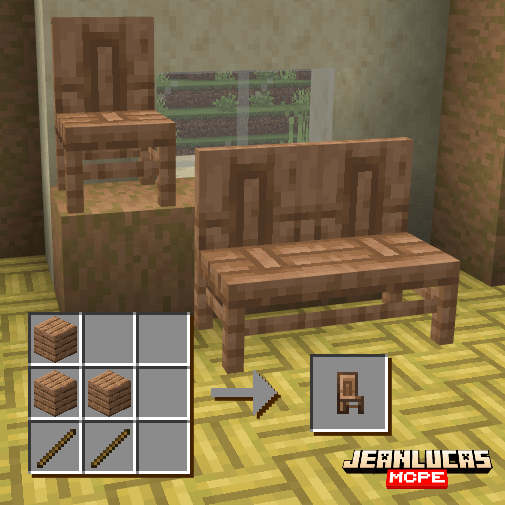
Acacia Chair
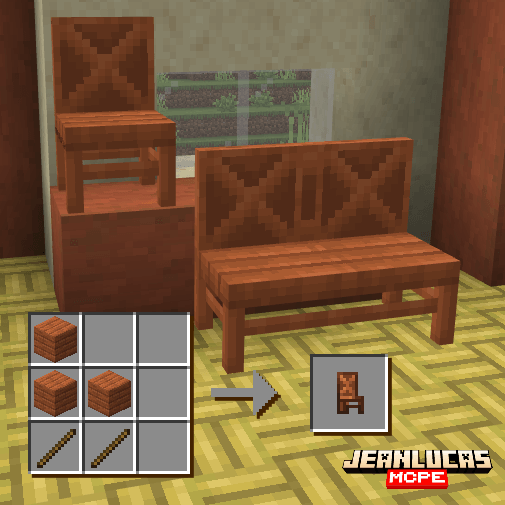
Dark Oak Chair
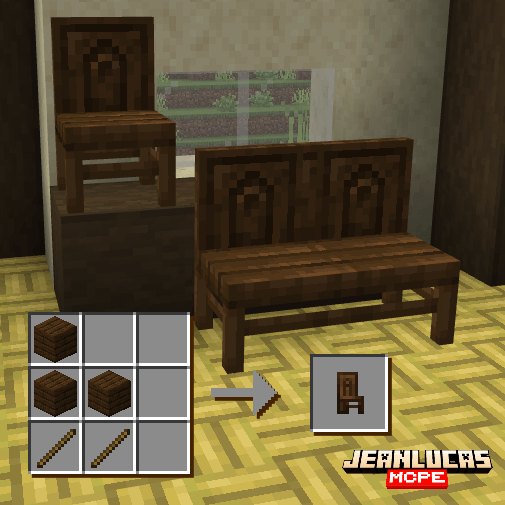
Mangrove Chair
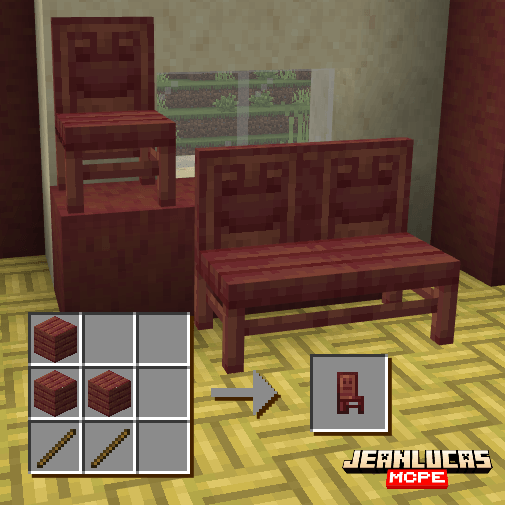
Poplar Chair
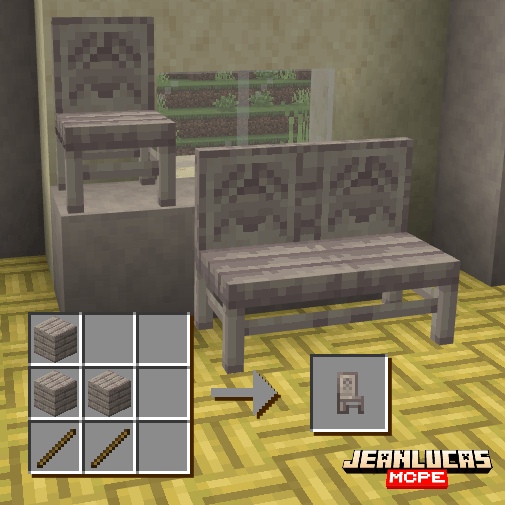
Cherry Chair
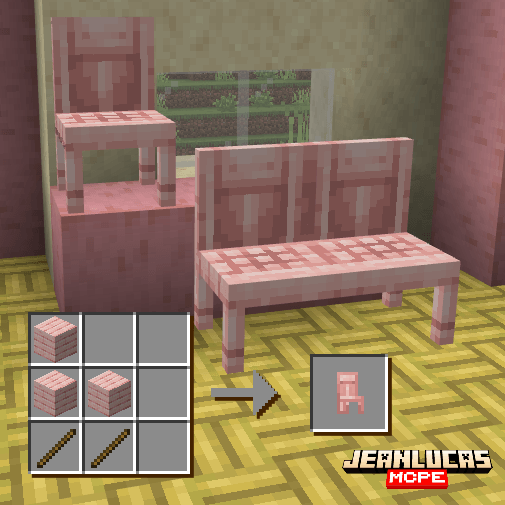
Pale Oak Chair
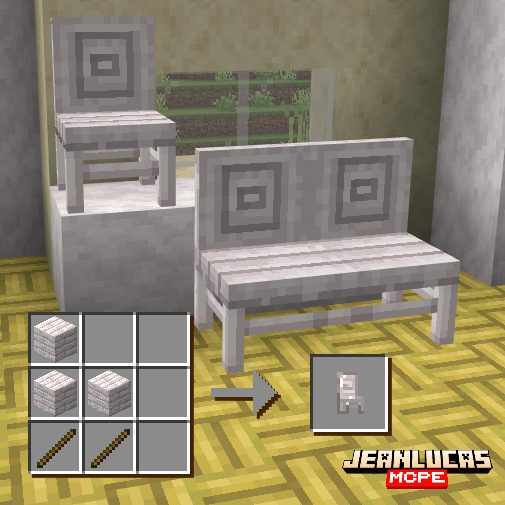
Bamboo Chair
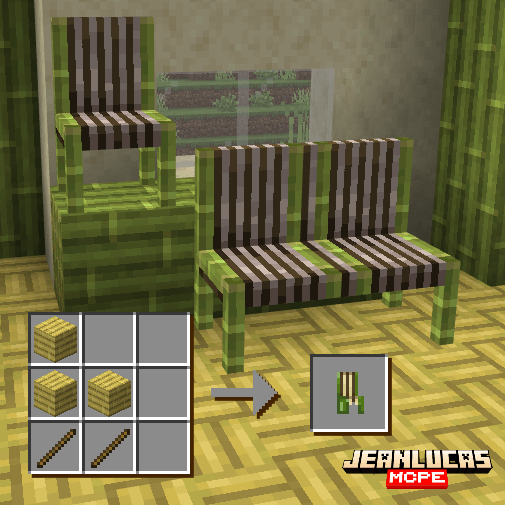
Crimson Chair
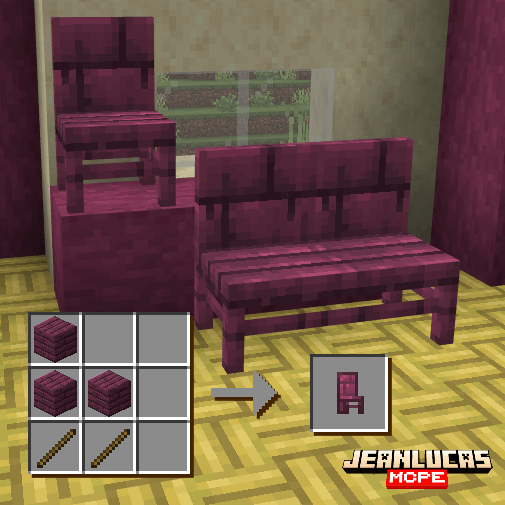
Warped Chair
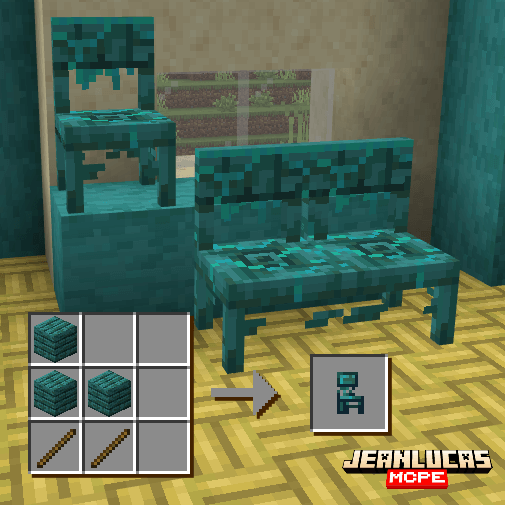
Stone Chair
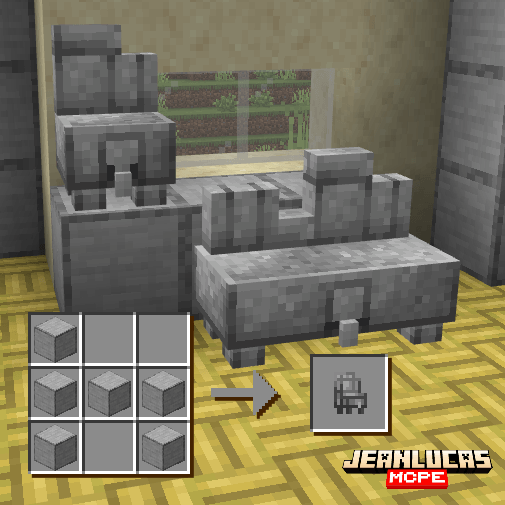
Iron Chair
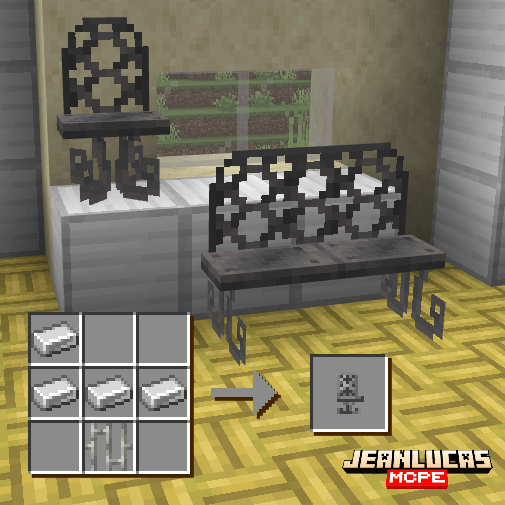
Stools
Oak Stool
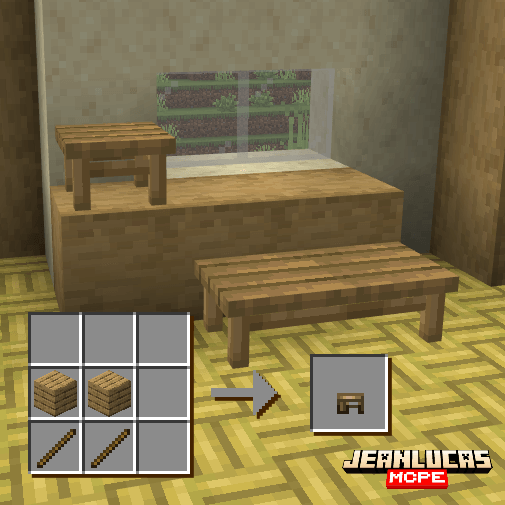
Spruce Stool
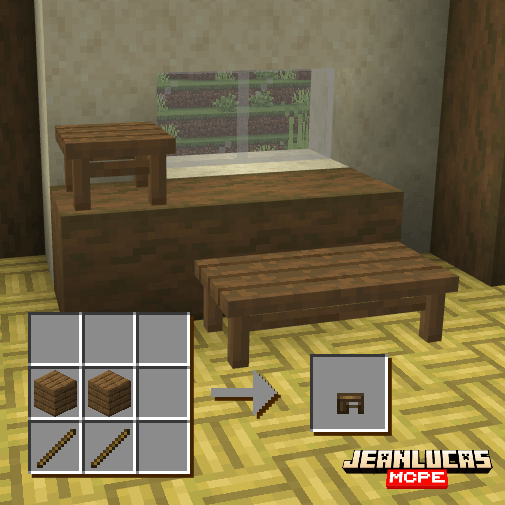
Birch Stool
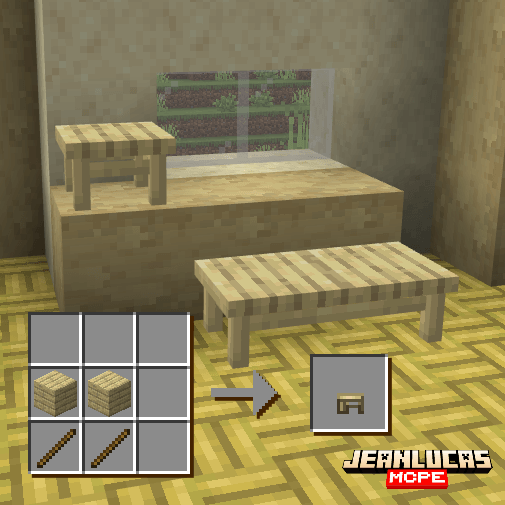
Jungle Stool
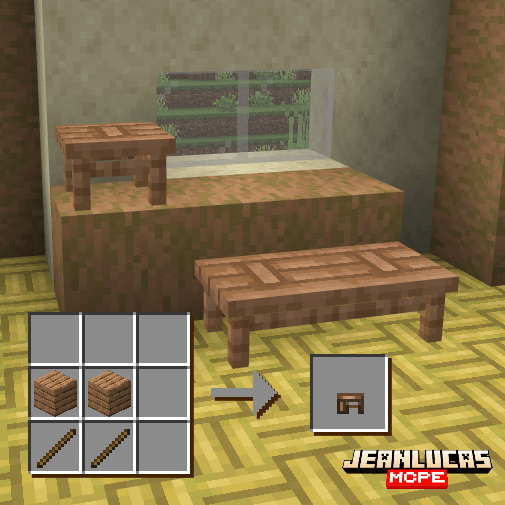
Acacia Stool
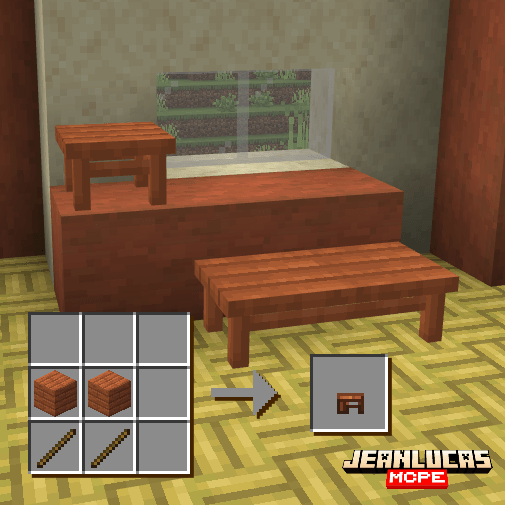
Dark Oak Stool
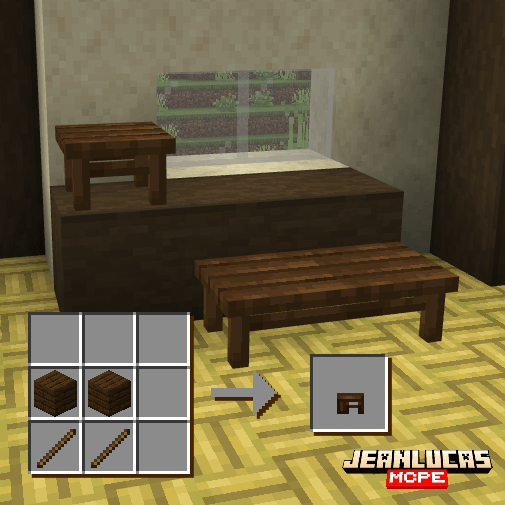
Mangrove Stool
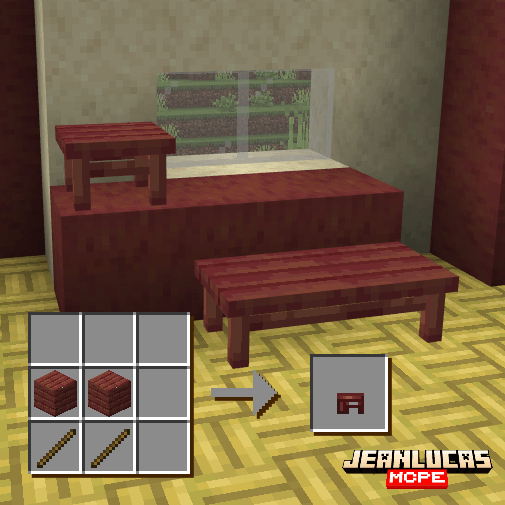
Poplar Stool
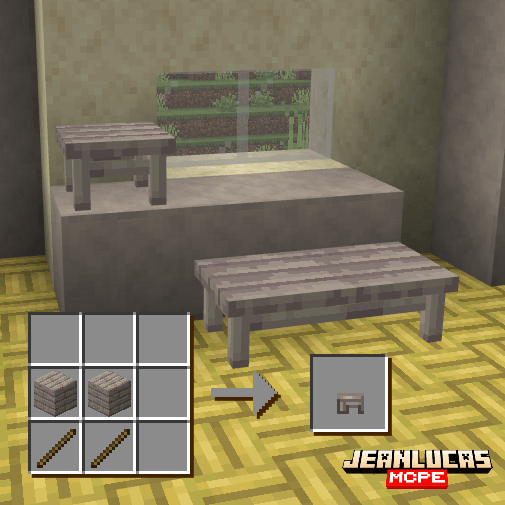
Cherry Stool
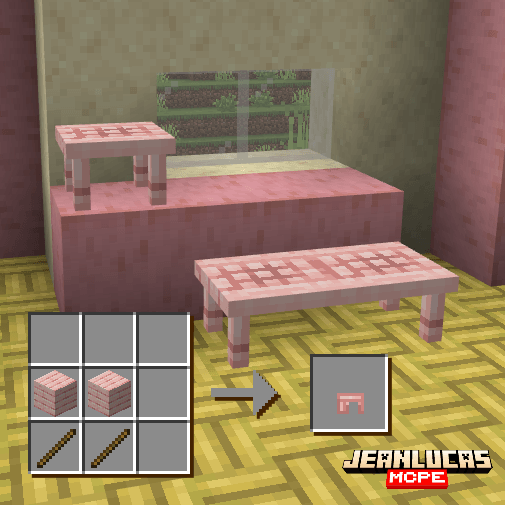
Pale Oak Stool
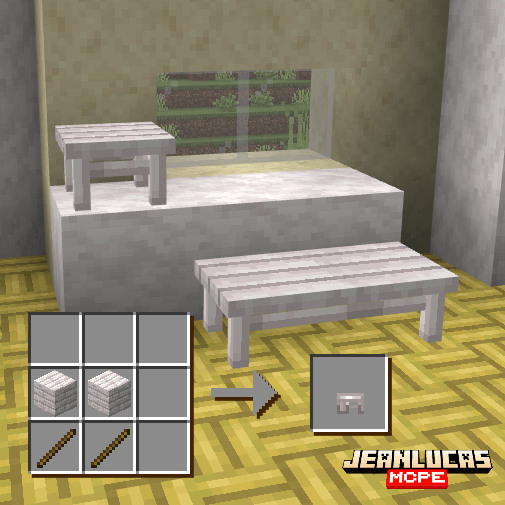
Bamboo Stool
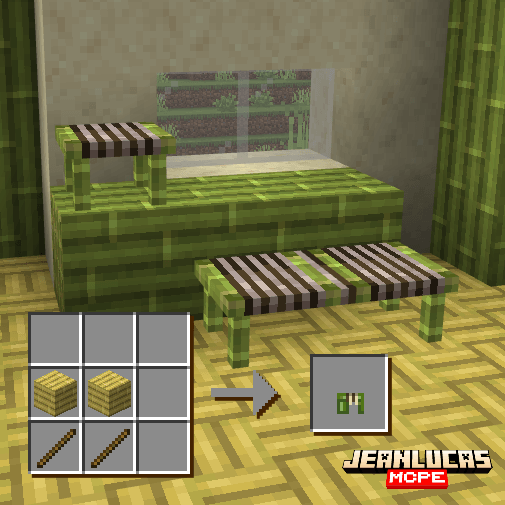
Crimson Stool
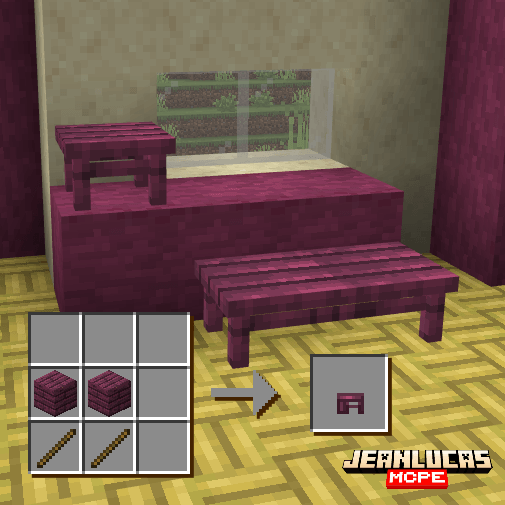
Warped Stool
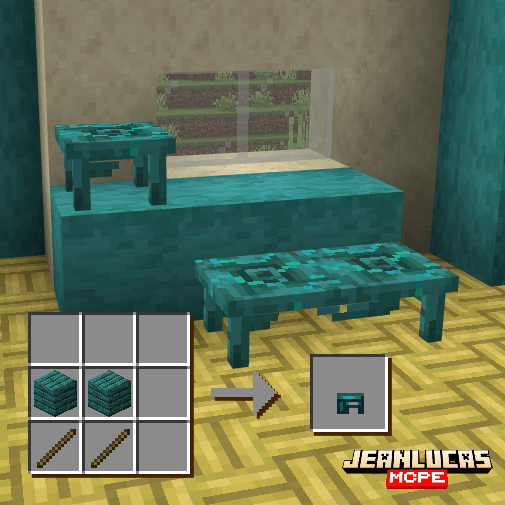
Stone Stool
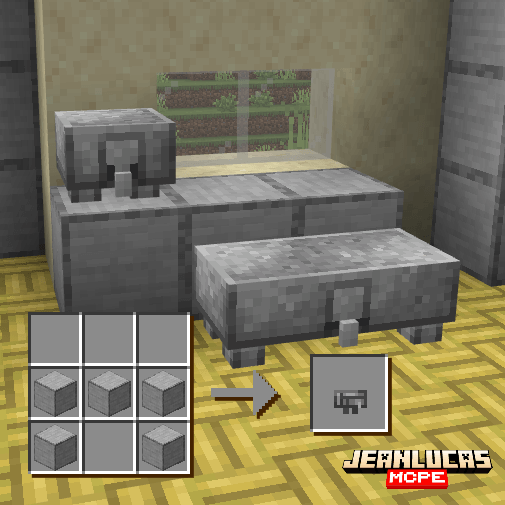
Iron Stool
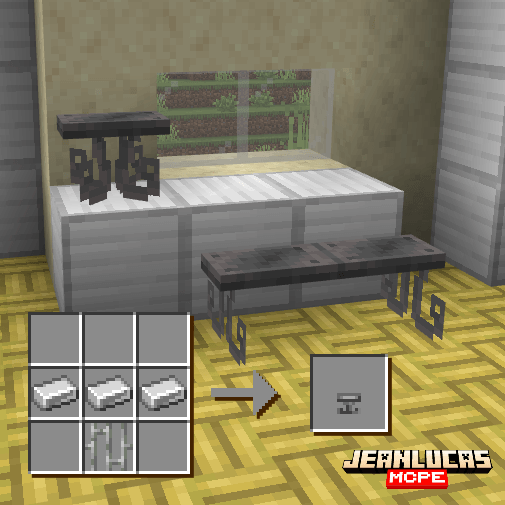
How to Use
Sitworks blocks come with a few features worth knowing about!
Building Benches
To create a bench, sneak while holding a matching chair or stool, then interact with one of the two lateral sides of an already placed one (perpendicular to its facing direction; stools are also assigned a facing direction based on the player's orientation when placed). Two chairs form a bench with a backrest, while two stools form a backless bench.
Sitting
Interact with any chair, stool, or bench to sit down.
The player must be close enough to the seat to sit down. If the player is within interaction range but still too far away to sit, the message "Chair is too far away" appears.
If the player tries to sit on a bench while another player is lying on it, the message "You may not lie now, there is another player sharing the bench" appears.
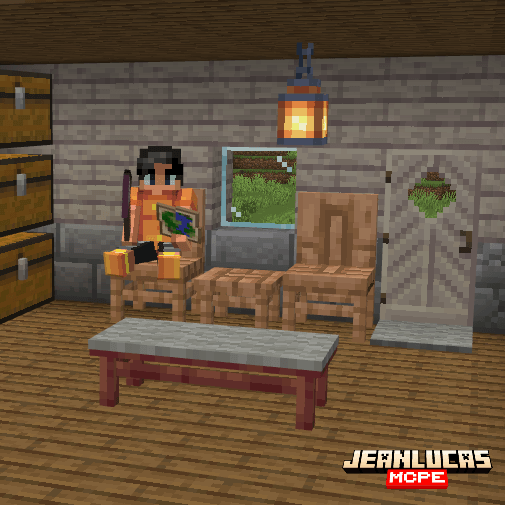
Lying Down
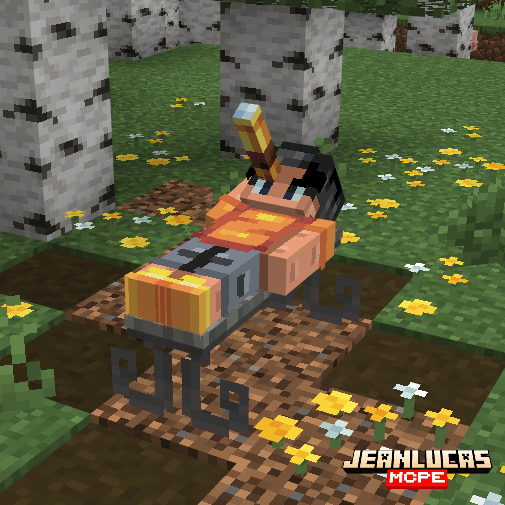
Backless benches made from stools also allow you to lie down, as long as no other player is sitting on the bench! While sitting on one, interact with the same bench again to lie down. To sit back up, simply interact with it once more.
Cushioning
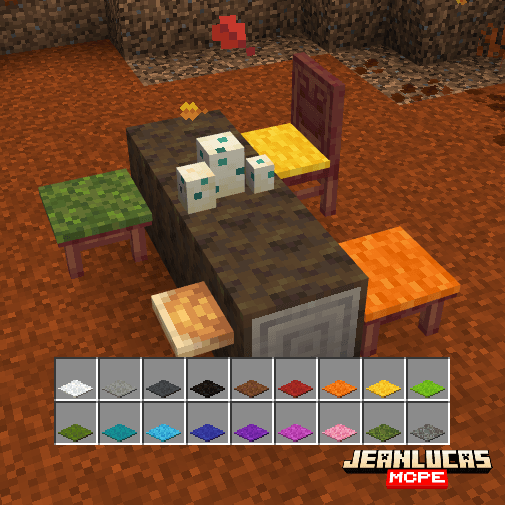
Any carpet (including wool, moss, and pale moss carpets) can be placed on top of a chair or stool as a cushion. Use Shears to remove the carpet and retrieve it. The carpet will also drop when the bench is broken.
Installation:
- Click the Download button, somewhere on this page. After a few seconds, a file called “Sitworks Add-On.mcaddon” will appear in your download history. Click this file and open it with Minecraft Bedrock, and both the resource and behavior packs will be installed automatically!
- After a notification saying both packs were imported appears, activate the behavior or resource pack in your world settings, and both will be applied automatically.
- This Add-On is fully compatible with all other Add-Ons!
- No Experiments are required to use this Add-On!
- Achievements are allowed in survival worlds while using this Add-On!
- This Add-On is licensed under the CC BY-NC-ND 4.0 license. You are free to create content (such as videos or reviews) using this Add-On, as long as you use this page as the official download link and do not use your own direct download links. You are still allowed to shorten the official link, since it redirects to this page — the official page. Any other commercial use is not permitted. For more details, please read this!

© Since 2019 crafting Minecraft Bedrock ideas into code! 🦊
Sitworks Team

Owner


