Description
An advanced, simple, and fully configurable sitting system for Minecraft Bedrock Edition.
Easily define which blocks players can sit on — complete with permutation or block state logic, exclusion rules, and a full in-game editor UI for configuration.
Main Features
Sit Command
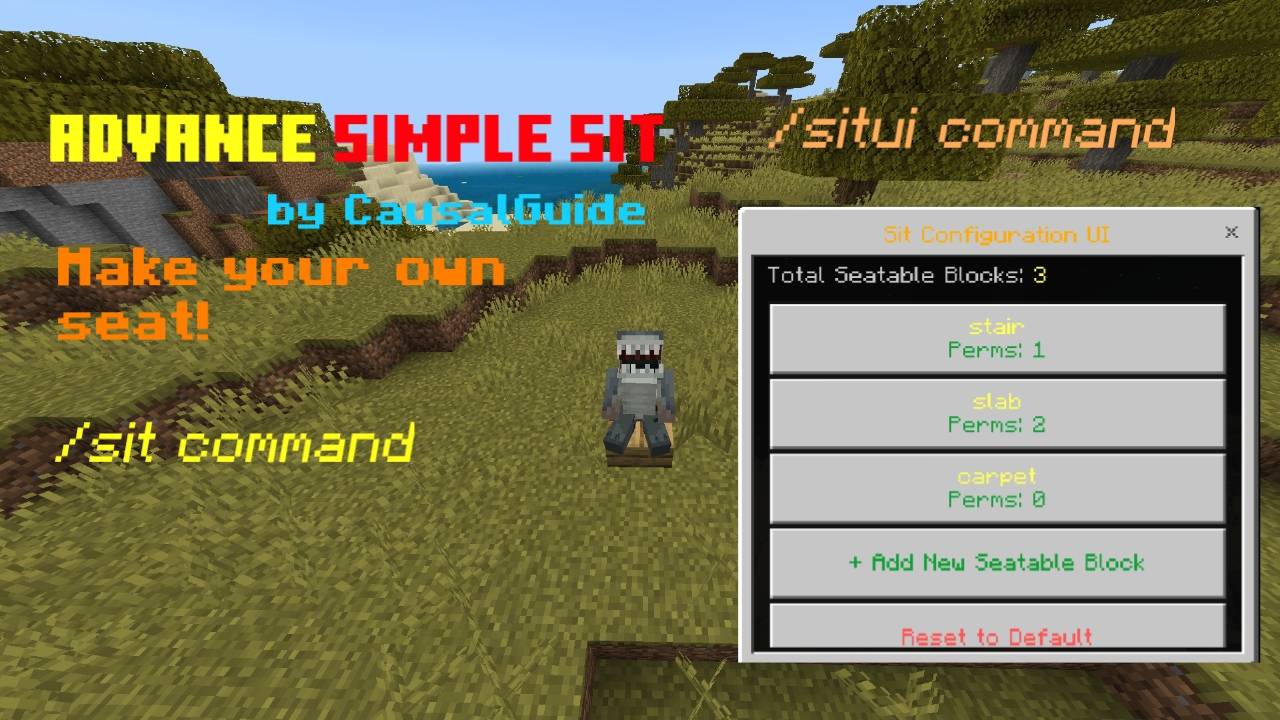
Use /sit to make your character sit instantly on the block beneath you. Works on any solid block — cannot be used while in the air or already sitting.
Customizable Seatable Blocks
With the /situi command, administrators can open the Sit Configuration UI (SitUI). Here, you can add, edit, or remove seatable blocks directly in-game without editing files. Each block can include:
- Block type (e.g., stair, fence, slab)
- Excluded block types to ignore specific variants
- Permutation / Block State logic for block states (e.g., upside_down_bit=false && open_bit=true)
Create complex seat rules using block states. For example:
- Sit only on stairs that are not upside-down.
- Allow sitting on doors only when closed.
- Combine multiple state checks using && (AND) and || (OR).
Exclusion System
Prevent sitting on specific block variants by adding them to the exclusion list. Useful for avoiding bugged or undesired blocks.
Reset to Default
Easily restore the entire configuration to default with one button inside the SitUI.
Automatic Seat Handling
If a supporting block is destroyed, the seat is automatically removed and the player is ejected safely.
Persistent Configuration
All seat settings are stored using dynamic world properties, so your setup remains saved even after reloading or restarting the world.
Full Tutorial Video
How to Use the In-Game UI
Ensure you have operator (OP) privileges.
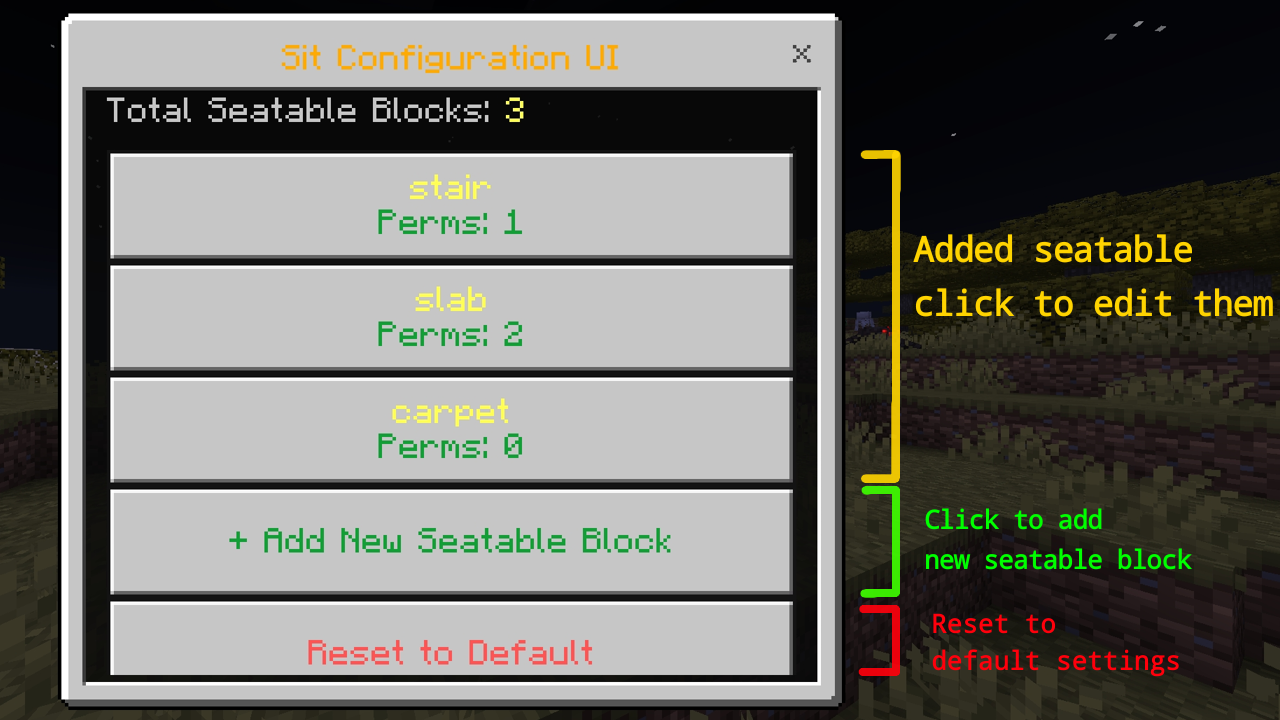
Use the /situi command to open the configuration menu.
You’ll see a list of all registered seatable blocks and their permutation counts.
Select “+ Add New Seatable Block” to add one.
Enter the following details:
- Block Type: The block that can be sat on.
- Excluded Block Type (optional): Blocks that should not be sitable.
- Permutation or Block State (optional): Block state conditions using AND/OR logic.
- Block State List click here
Save the new configuration. It will apply immediately.
To edit or delete, select an existing seatable block from the list.
Choose “Reset to Default” to return everything to the original setup.
Notes
- You cannot switch seats or sit on another block while already sitting.
- Always exit your current seat first (by jumping or sneaking).
- Only OP players can access /situi.
- Work with all blocks except fluid.
Credits
Created by: CausalGuide Designed to provide creators, server owners, and map makers with a reliable and smooth sitting mechanic — Simple, and fully customizable in-game.
The Simple Sit | Achievement Friendly! Team