Simple Script Editor Addon
- By
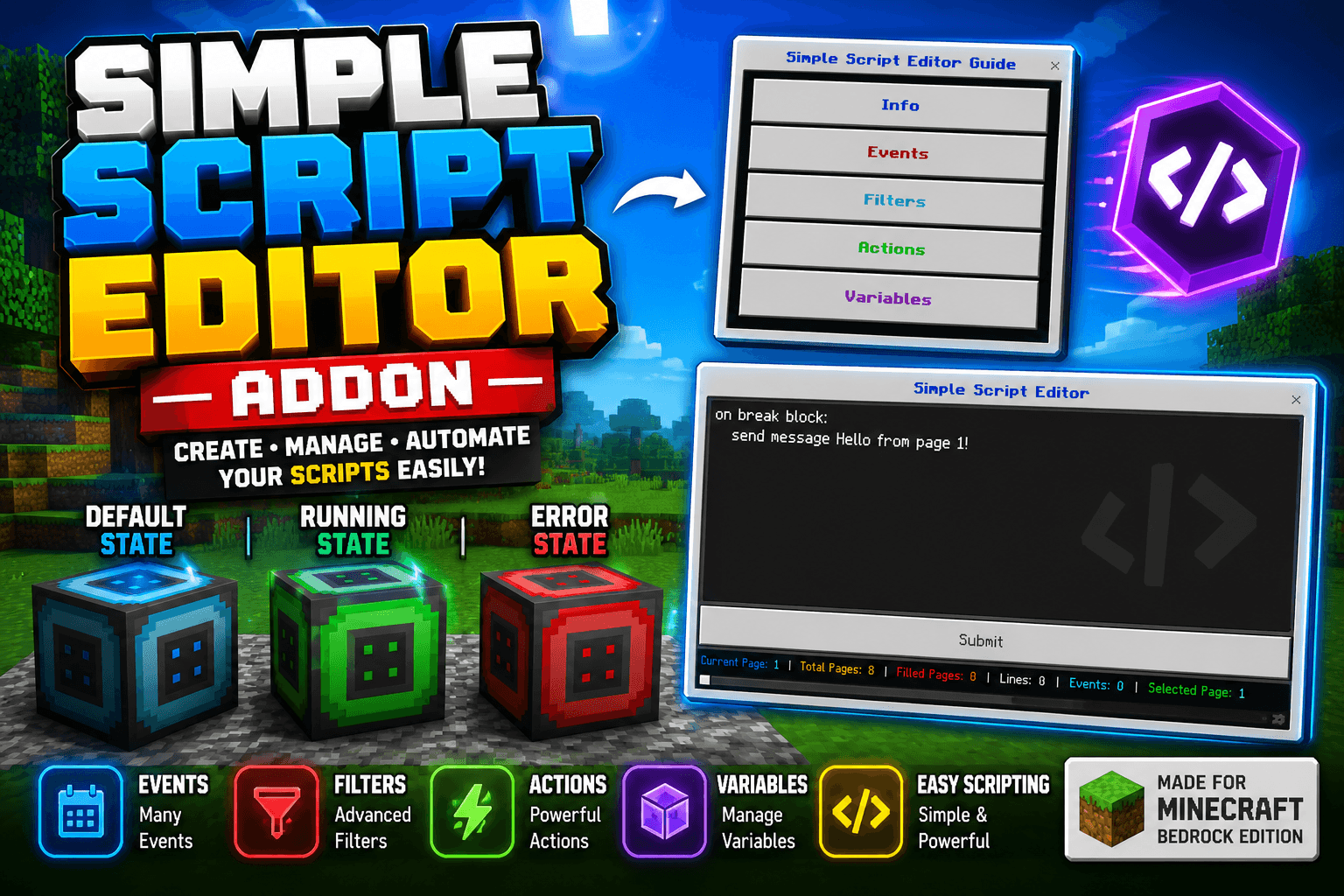
Simple Script Editor Block with multi-page editor (8 pages × 100 lines)- 30+ built-in Events- Filters, Actions, Variables, and Conditions support- Live editor stats (Pages, Lines, Event) Wright Simple Script make your function.
MCPEDL
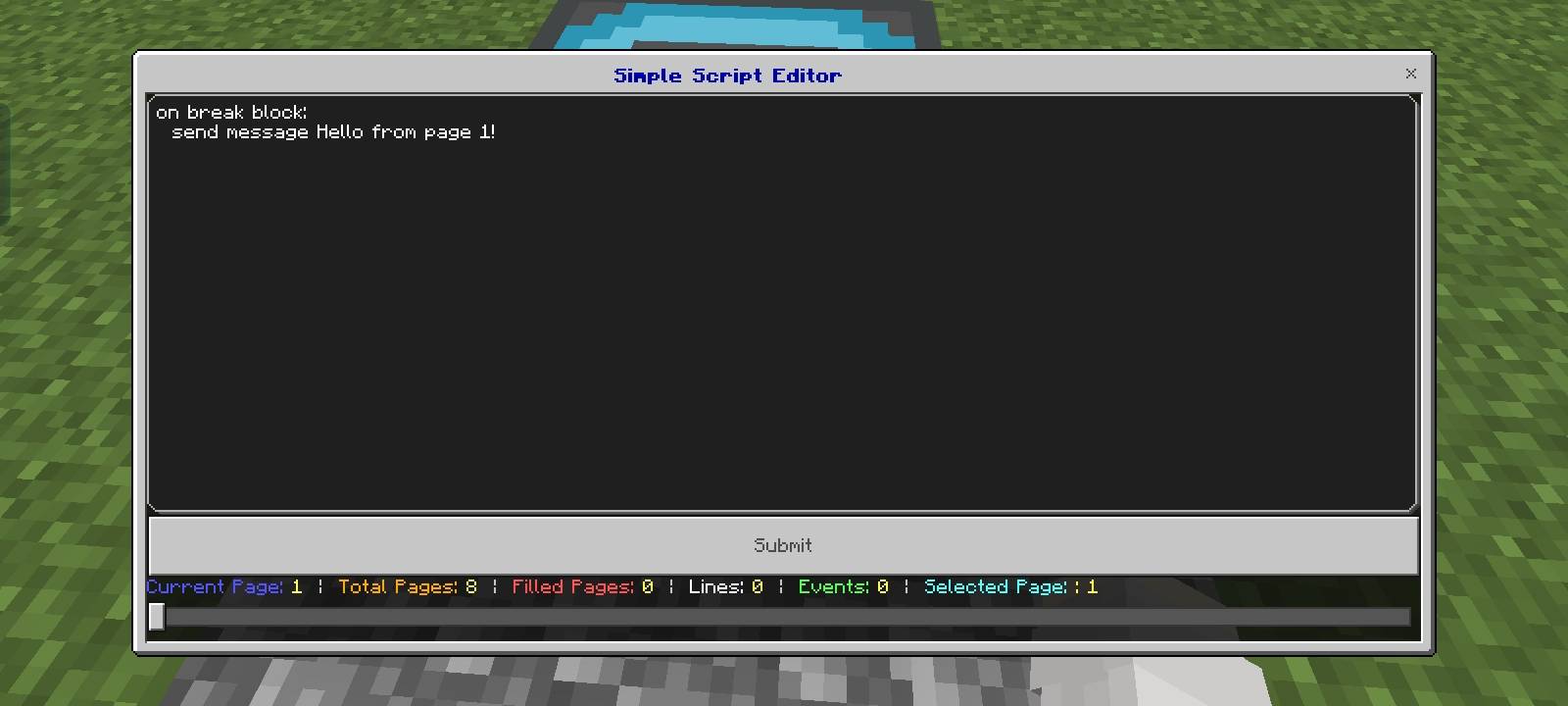
simple script editor.jpg
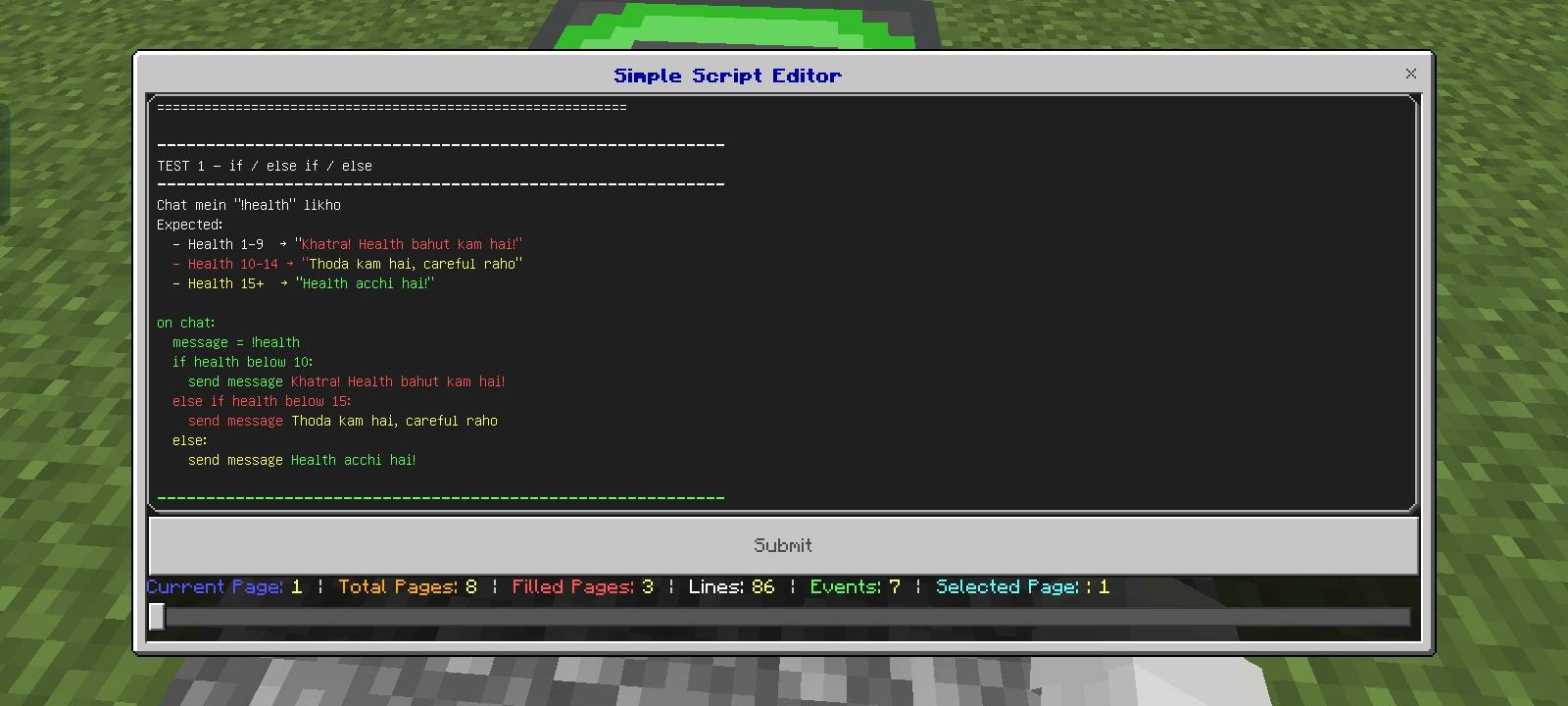
simple Script Editor with code.jpg
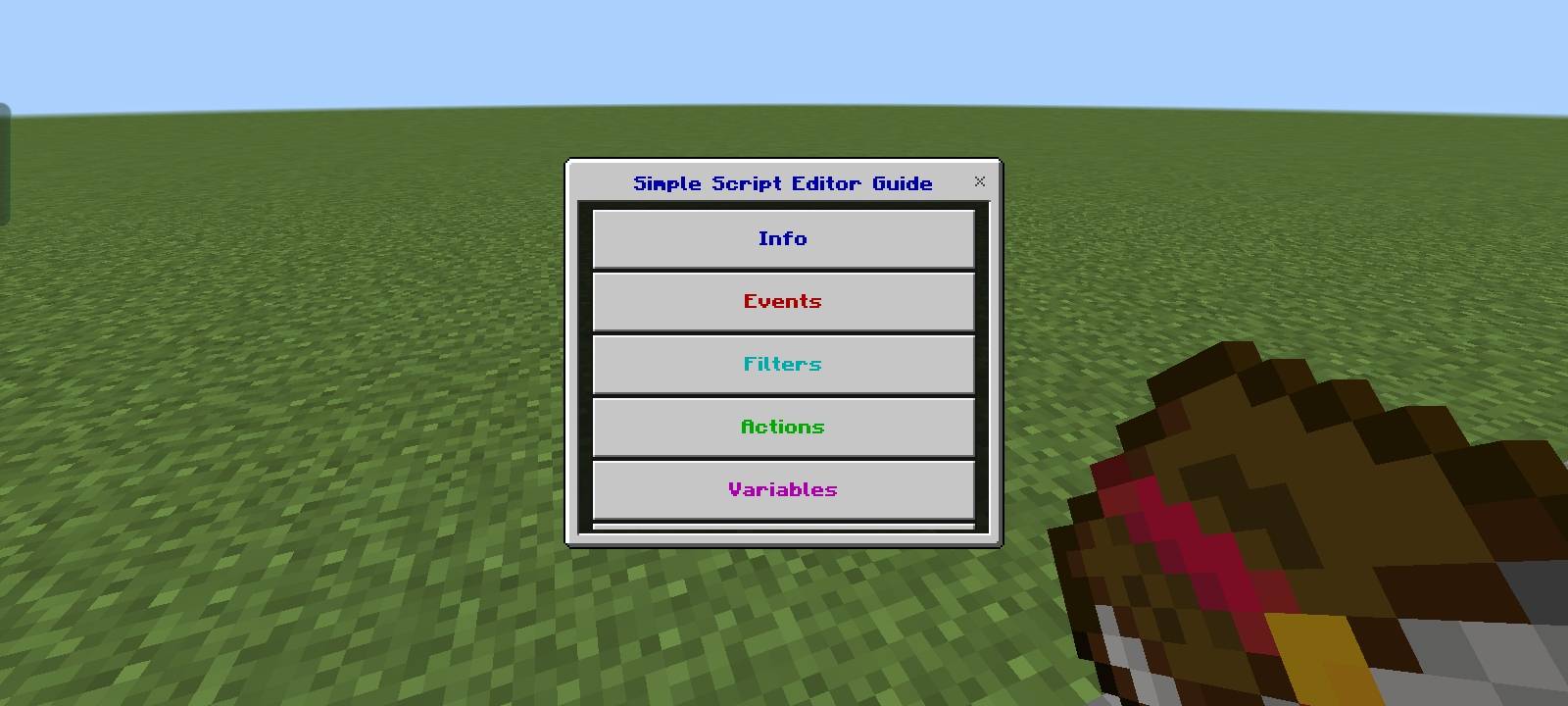
guide book home page.jpg
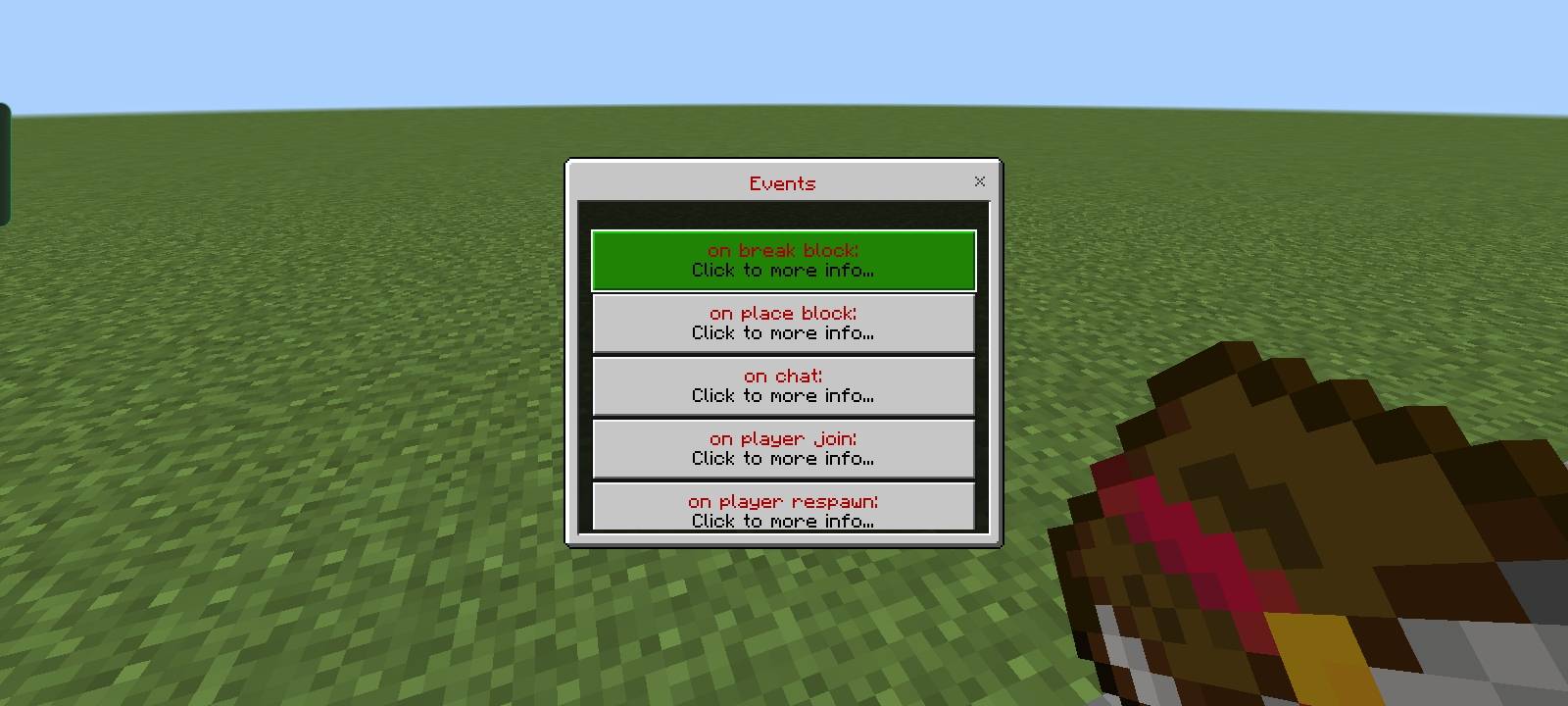
events.jpg
Description
Simple Script Editor Addon 1.0.0
Add custom logic to your Minecraft world — no need more commands, no need more mods, just simple scripts and make your function.
## What is Simple Script Editor?
Simple Script Editor is a Bedrock Edition behavior pack that lets you program your own custom logic directly inside your Minecraft world using a special **Script Block**. Place the block, open the editor, write your script — and watch your world come alive.
No external tools. No complicated setup. Just place, write, and run.
## How It Works
1. Get a Script Block using `/scriptevent simplescript:give`
2. Place it anywhere in your world
3. Right-click to open the editor
4. Write your script using simple readable syntax
5. Submit — your script runs instantly
The block changes color to show its current state:
- **Default** — no script loaded
- **Green (Running)** — script is active
- **Red (Error)** — something went wrong in your script
## The 5 Core Concepts
### ⚡ Events
Events are **triggers** — they tell the script *when* to run. Every script starts with an event. Think of it as "listen for this moment."
Examples: when a player breaks a block, joins the world, sends a chat message, dies, jumps, picks up an item, and 30+ more.
on break block:
on player join:
on chat:
on player die:
### 🔍 Filters
Filters are **conditions that must be true** before actions run. They narrow down *who* or *what* triggers the script.
Think of filters as "but only if..." — they sit right below the event line and check things like block type, player gamemode, health level, tags, items in hand, and more.
on break block:
type = minecraft:diamond_ore
gamemode = survival
send message You found a diamond!
### 🎬 Actions
Actions are **what actually happens** when the event fires and all filters pass. They are the effect — the thing your script *does*.
Actions can send messages, run commands, teleport players, give items, apply effects, play sounds, set scores, change weather, summon entities, and much more.
on player join:
send message Welcome {player}!
effect give speed 30 2
play sound random.levelup
### 📦 Variables
Variables are **temporary memory slots** that store values during a session. You can create, update, read, and delete them on the fly.
Use them for counters, flags, combo trackers, or any value you want to remember and reuse. Variables are player-specific and reset on world reload.
on hit entity:
variable add combo 1
send message Combo: {combo}
### 🧠 Conditions
Conditions are **logic control structures** that let you build smarter scripts. They control the *flow* of your script — branching, looping, waiting, and randomizing.
Available structures: `if / else if / else`, `repeat`, `while`, `for each player`, `delay`, `cooldown`, `chance`, `switch / case`, `math set`, `random set`, `break`, `continue`.
on chat:
message = !heal
if health below 10:
set health 20
send message Healed!
else:
send message You are already healthy.
## Variables & Placeholders
Use `{placeholders}` anywhere in messages, commands, or action values:
| Placeholder | Description |
|---|---|
| `{player}` | Player's name |
| `{x} {y} {z}` | Player's coordinates |
| `{health}` | Current HP |
| `{level}` | XP level |
| `{gamemode}` | Current gamemode |
| `{block}` | Block involved in event |
| `{entity}` | Entity involved in event |
| `{item}` | Item involved in event |
| `{cause}` | Damage / death cause |
| `{score:objective}` | Live scoreboard value |
## Multi-Page Editor
Scripts are split across **8 pages** of 100 lines each — giving you up to **800 lines** of script per block. Use the slider at the bottom of the editor to navigate between pages.
The editor shows live stats:
Current Page: 1 | Total Pages: 8 | Filled Pages: 2 | Lines: 34 | Events: 5 | Selected Page: 1
## Commands
| Command | Description |
/scriptevent simplescript:give` | Get a Script Block |
/scriptevent simplescript:guide` | Get the Guide Book |
## Guide Book
A full in-game **Guide Book** is included. It covers every Event, Filter, Action, Variable, and Condition with descriptions and examples — no need to leave the game to look things up.
## ⚠️ Warnings
> **Do NOT replace the Script Block using `/setblock` or `/fill` commands.**
> The block may still be running silently in the background even after being replaced this way. Its script data will NOT be cleared automatically.
> **Always break the block by hand** — only a manual break properly stops the script and clears all stored data.
> **Screen goes transparent while editing on mobile / phone?**
> This is a known Bedrock UI quirk when the on-screen keyboard pushes the background.
> **Use the floating keyboard** (the keyboard icon in the corner) while editing scripts on phones — this keeps the editor fully visible and prevents the transparent background issue.
## Requirements
- Minecraft Bedrock Edition **1.26+**
- Beta APIs must be enabled in world settings
## Credits
🧑💻 Made by RJ Studio-- Do not Republish without credit.
Discord : https://discord.gg/yzHGpdKCAD
## 🔬 Beta API Notice
This addon uses Minecraft's **Beta Script API**
Beta APIs are still under active development by Mojang — this means some features may behave differently or change in future Minecraft updates.
To use this addon, you **must enable** the following in your world settings:
World ---> Setting ---> Experiments ---> Beta Api ---> On
Without these enabled, the addon will not function at all.
## 🐛 Bug Reports
If you encounter any bug or unexpected behavior in any **Event, Filter, Action, Variable, or Condition** — please report it on our Discord server so we can investigate and fix the issue as soon as possible.
Your feedback helps make this addon better for everyone. Thank you!
⭐ More events, filters , Action, variables are coming sooon...
Simple Script Editor Addon Team


![Vertical Slabs addon [ Achivement friendly ] project image](https://media.forgecdn.net/avatars/thumbnails/1992/32/256/256/639226568092421242.png)
![Information Debug Ui Addon Mcpe [ Achivement friendly ] project image](https://media.forgecdn.net/avatars/thumbnails/2030/38/256/256/639242658371454968.png)