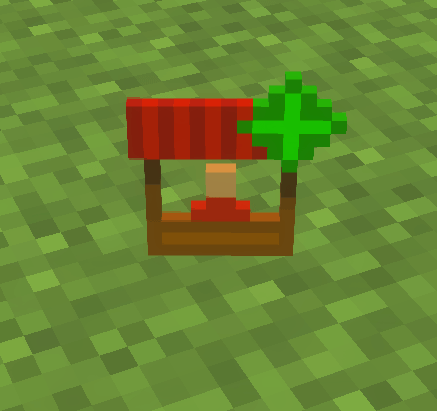
Screenshot 2026-08-28 113028.png
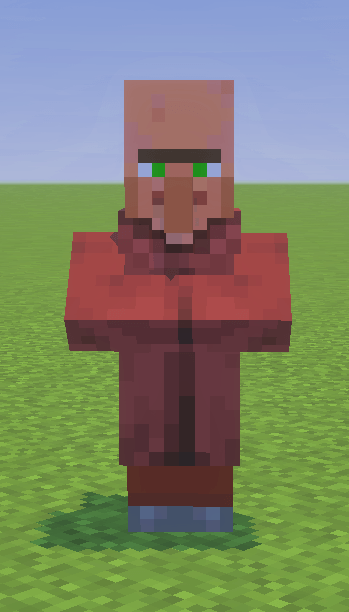
Screenshot 2026-08-28 113351.png
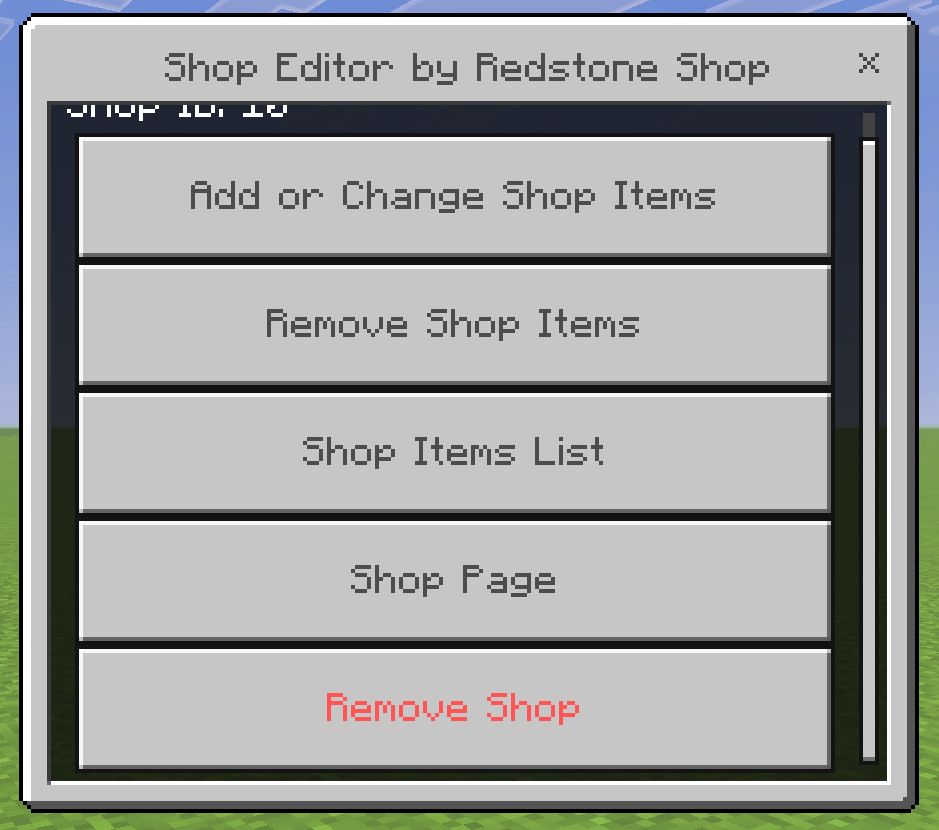
Screenshot 2026-08-28 113440.png
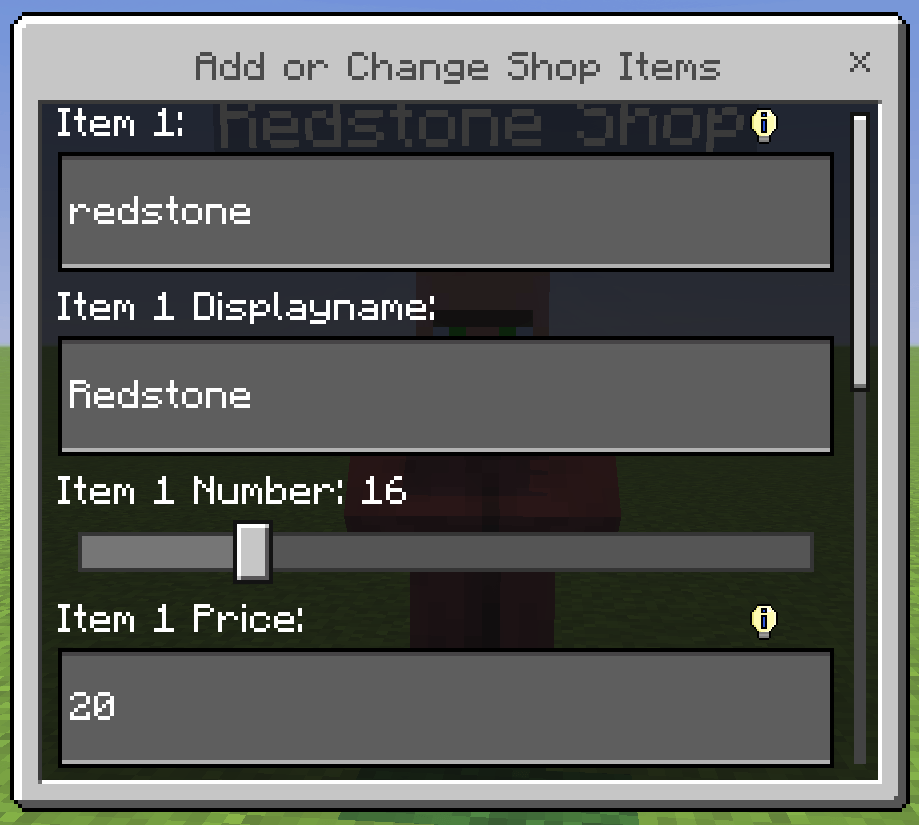
Screenshot 2026-08-28 203501.png
Screenshot 2026-08-28 113626.png
Description
⚠️ THE SHOP EDITOR CAN ONLY BE USED BY OPERATORS! ⚠️
If you've changed your permission settings but still get the message “You have no permission to use that!”, then rejoin the world.
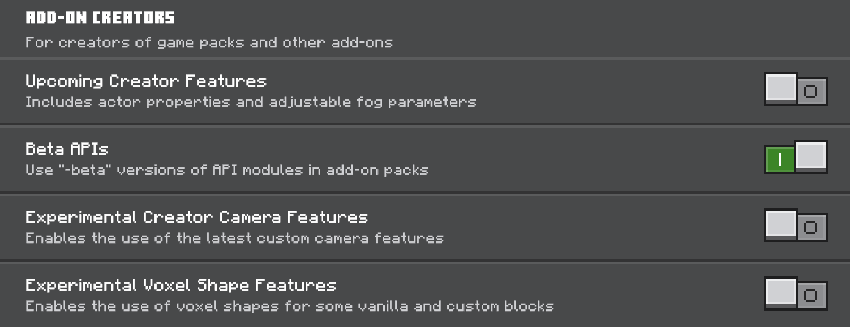
You must activate:
How to Use This Addon?
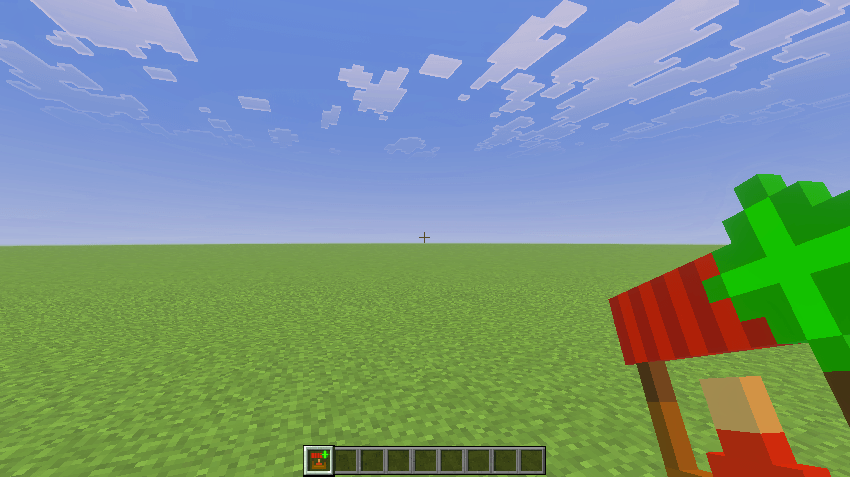
- Open the Shop Tool:
- When you first open the addon, please open the Settings menu:
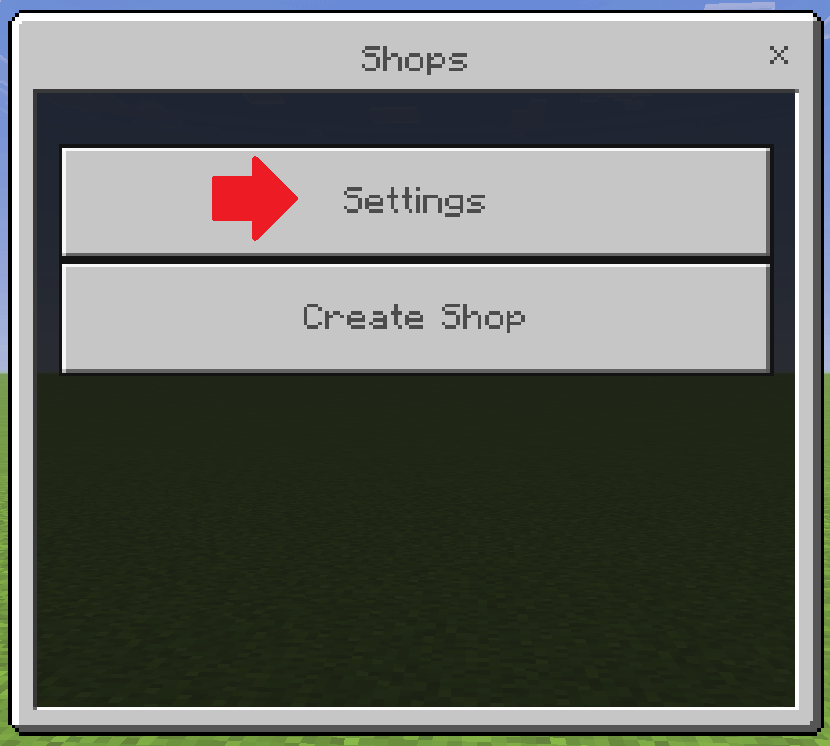
- When you have opened the Settings menu, enter the name of your scoreboard in the text field. If you haven't created a scoreboard yet, use the first command from the Useful Commands list. Please set the score with the third Command to 0 for any player who doesn't have a score yet!
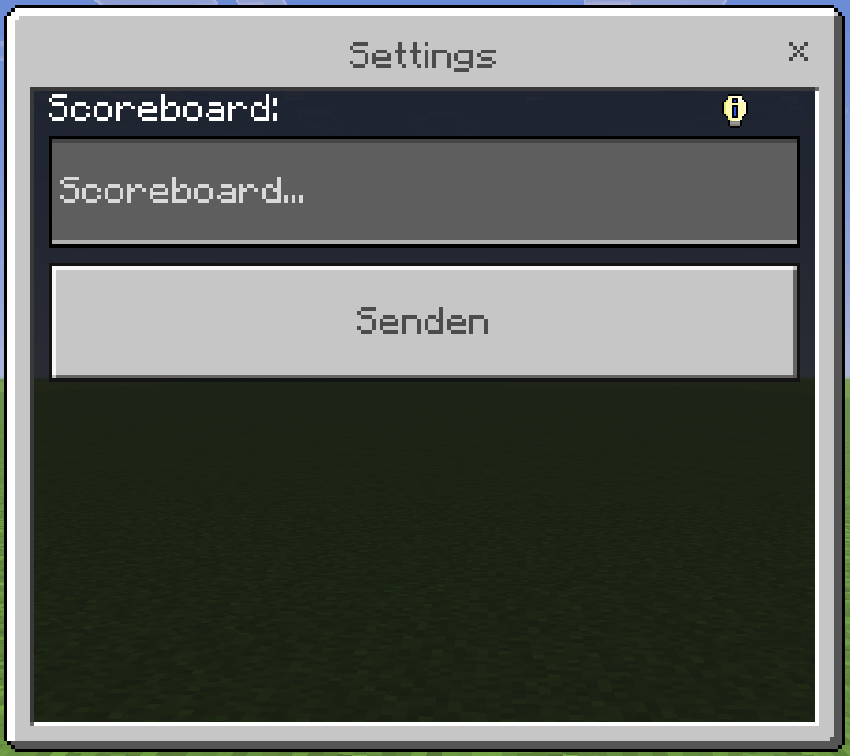
- Now close the Settings menu and create a new shop:
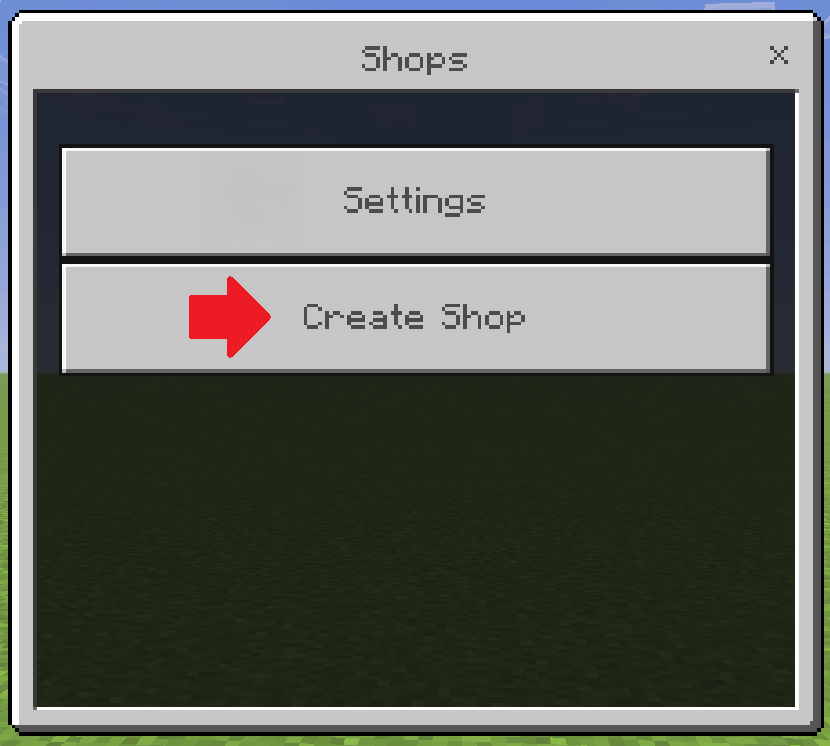
- Here, you can enter a name for the shop in the text field and choose whether the shop's name should be displayed above the shop:
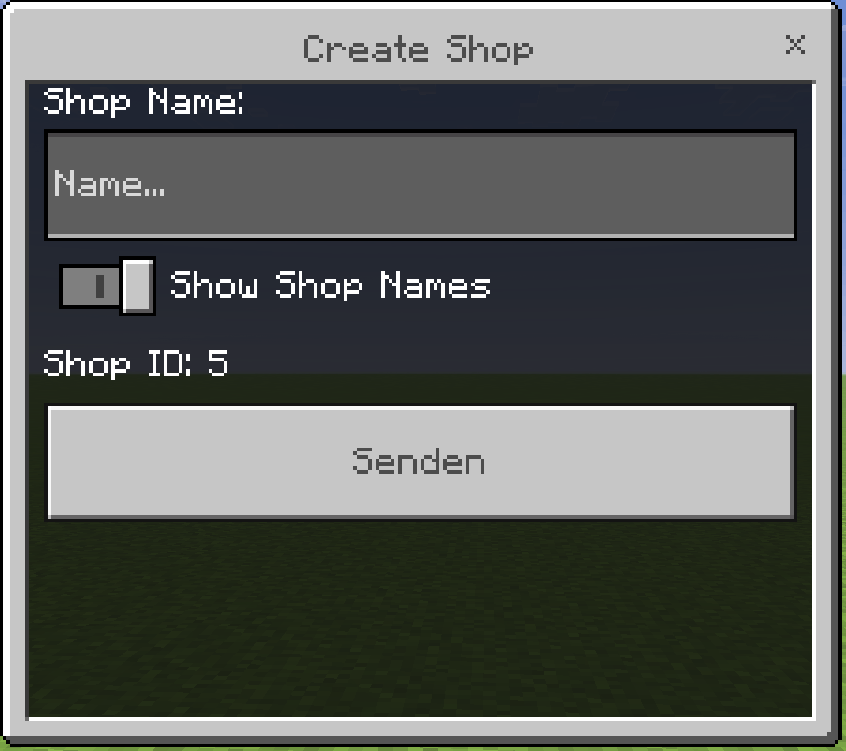
- Now a shopworker has been appeared and you are back at the Shops menu. Here you can select the shop you just created
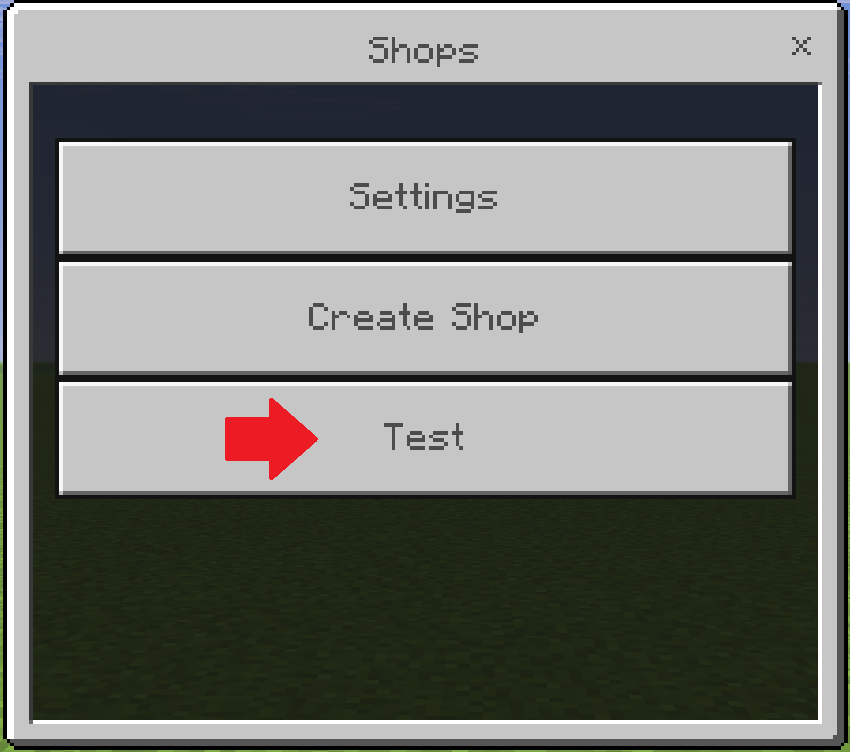
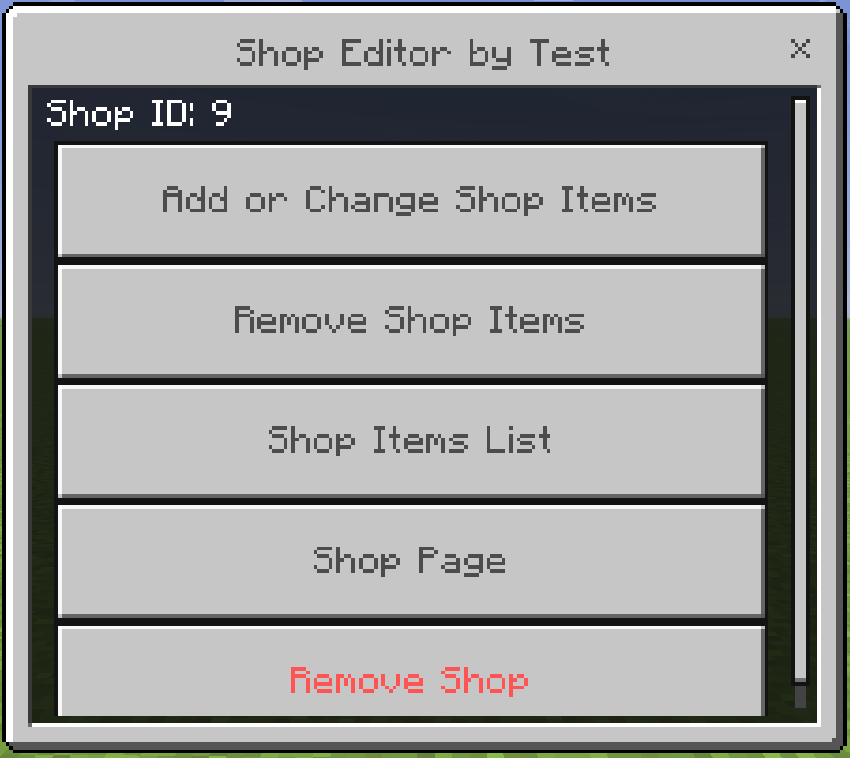
- Here you are in the Shop Editor. Here, you can select from the following options: Add or Change Shop Items, Remove Shop Items, Shop Items List, Shop Page, and Remove Shop. All of these tools are self-explanatory.
Tips:
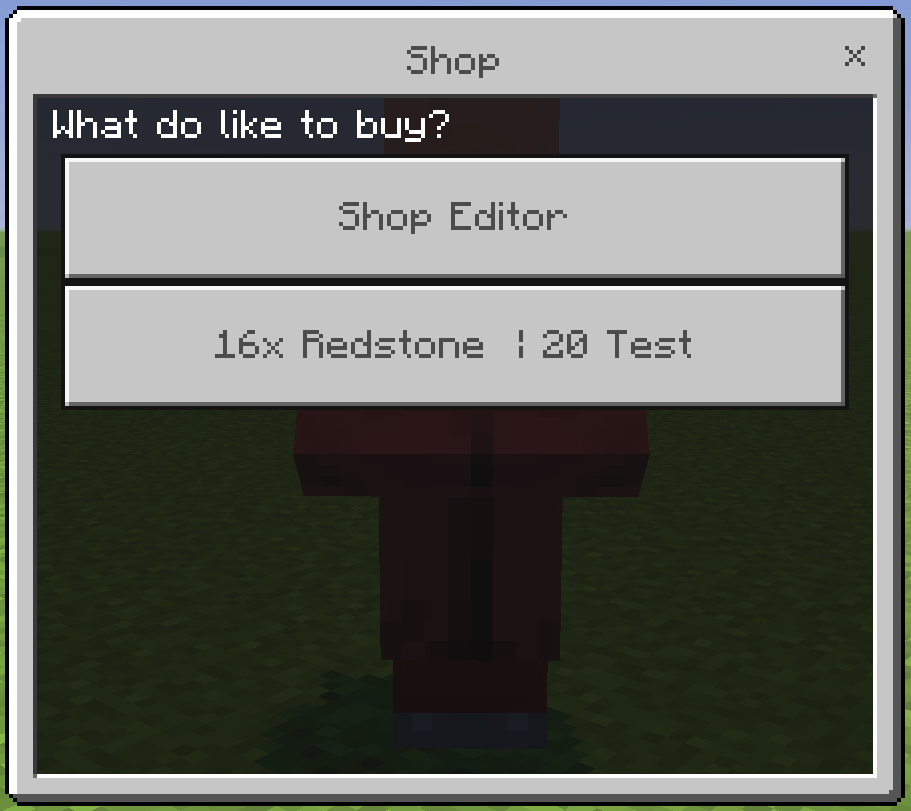
- Press the right mouse button to open a shop at the spawned shop worker.
- You can also open shops if you are not an operator, but you cannot edit them.
At the moment you can only create 2 items per shop
At the moment, the addon is fully translated into English, with some parts also available in German and Spanish.
More translations may be added in the future!
Useful Commands:
/scoreboard objectives add (the name of the scoreboard) dummy (the name of the scoreboard)- This Command adds the scoreboard (your currency)
/scoreboard objectives setdisplay sidebar (the name of the scoreboard)- This Command shows the values of your scoreboard
/scoreboard players set (the playername) (the name of the scoreboard) 0- This Command sets the value of a player to 0 | Note: Please set the score with this Command to 0 for any player who has no score!
.reset_shop_data⚠️ Note: Use this command only if the shops are broken. This command resets all shop data and deletes all shops!
Shop Maker Team