Shooting Star: Alien Invasion
- By
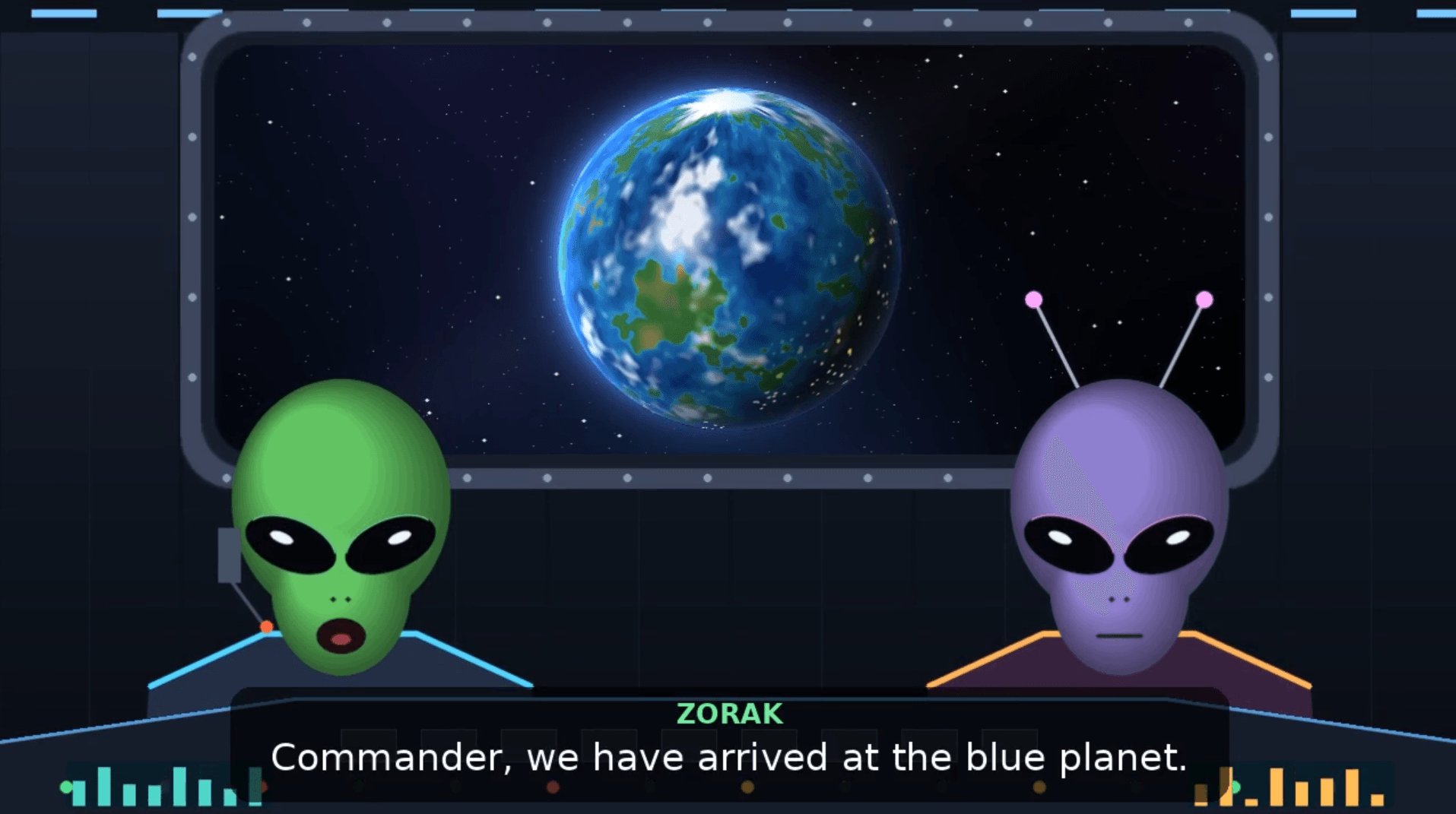
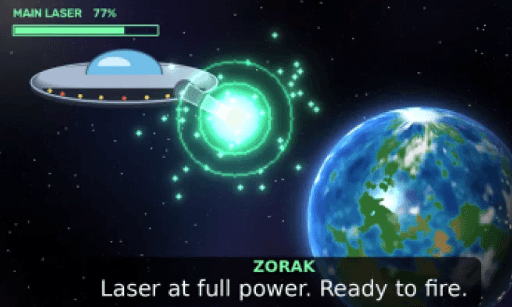
Craft the Celestial Remote and watch the full-screen "Alien Attack" cutscene: aliens spot Earth, charge their laser and fire. Then a sky laser and a massive explosion hit the spot you aimed at
Description
# Celestial Remote
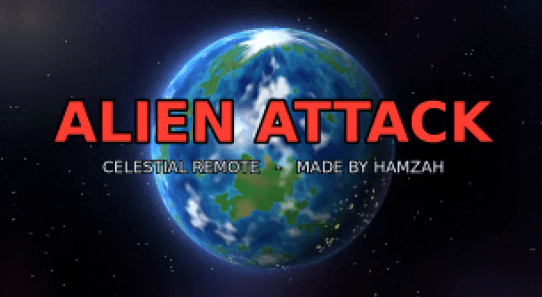
Hold the **Celestial Remote**, right-click, and the screen turns into a cinematic: **ALIEN ATTACK**.
## The cutscene
A full-screen, voiced cutscene (about 55 seconds) plays right in your world:
- Two aliens, Zorak and Commander Vexa, arrive at Earth in their ship
- They talk in English, with subtitles
- A red light appears on Earth and the aliens react
- They charge the main laser and fire
## Then it happens in your world
When the cutscene ends, the attack hits the spot you were aiming at:
- A warning ring closes in on the target
- A thick laser beam comes down from the sky
- Three explosions, each bigger than the last
- A fireball, shockwave rings, a rising smoke column, falling embers and screen shake
- Nearby mobs are knocked back
## Features
- Full-screen cutscene with sound and subtitles
- Crafting recipe for the remote
- 30 second cooldown, with a countdown shown if you use it too soon
- Sneak during the cutscene to skip it
- Sneak + right-click the remote to turn explosion block damage on or off
- You take no damage from the explosion, and the cutscene doesn't lock your movement
Crafting
[ Ender Eye ]
[Diamond][Nether Star][Diamond]
[ Redstone Block ]
(The remote is also in the creative inventory, under Equipment.)
## Installation
1. Download the .mcaddon file and open it with Minecraft. Both packs import automatically.
2. When creating or editing a world, turn on **Beta APIs** in Experiments.
3. Enable both the behavior pack and the resource pack for the world.
## Notes
- Needs Minecraft Bedrock 1.21.60 or newer.
- Explosions break blocks by default. Turn that off with sneak + right-click before you use it in a build you care about.
- The file is about 23 MB because the cutscene is stored as video frames.
- If you have an older Celestial Remote addon installed, remove it first so you don't end up with two remotes.
don't reupload ,reuse or modify this addon
Shooting Star: Alien Invasion Team
Owner