🛡️ Shield Plus+ — Dynamic Light Shield
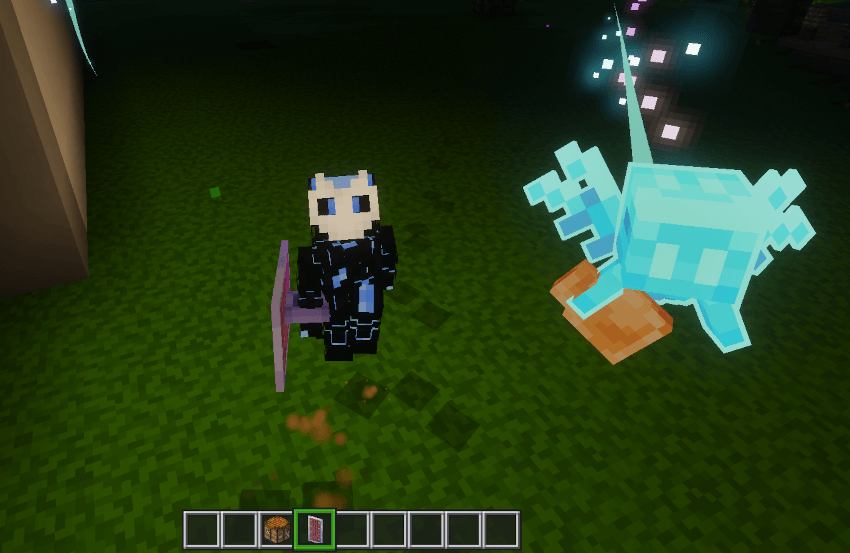
Shield Plus+ seamlessly adds a built-in torch compartment to the vanilla Minecraft shield. Enjoy smooth, lag-free dynamic lighting while exploring dark caves and fighting mobs without needing to carry an offhand torch or sacrifice your shield protection!
✨ Key Features
- 💡 Vanilla Shield Integration: Works directly with the standard vanilla shield. No custom items, no resource packs required.
- 🎨 100% Pack Compatibility: Fully compatible with custom UI packs (VDX UI), animation mods (Actions & Others), and custom texture packs.
📖 How to Use
1. How to Equip the Torch
- Squeeze 1 regular Torch in your inventory.
- Hold your Shield in your Main Hand.
- Crouch (Sneak / Shift) and Right-Click (interact with) any Crafting Table.
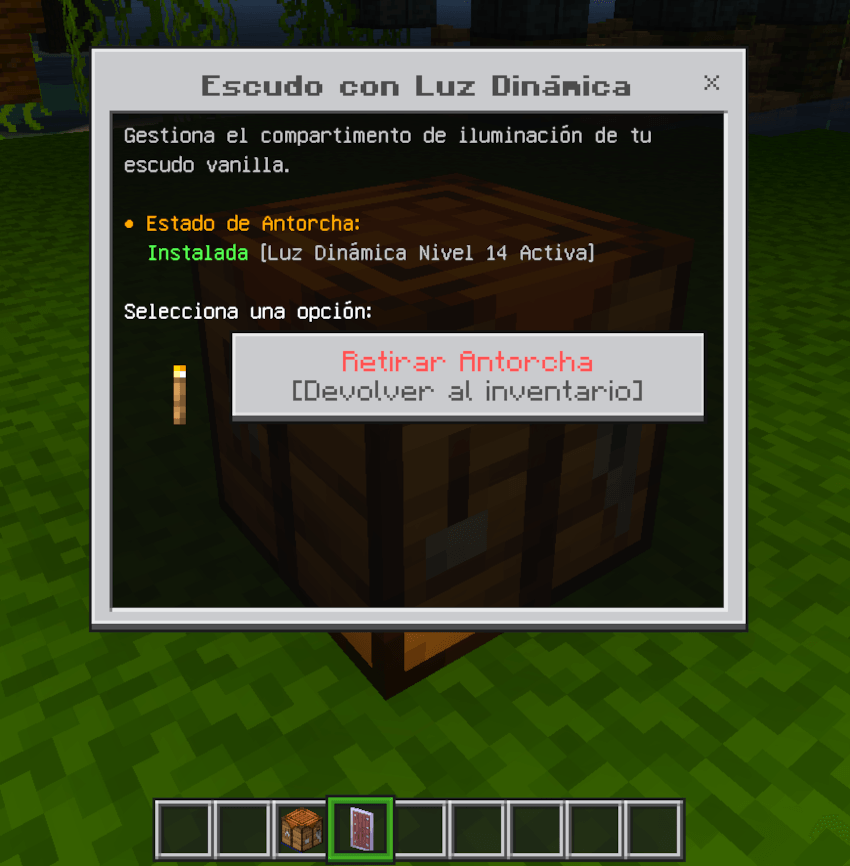
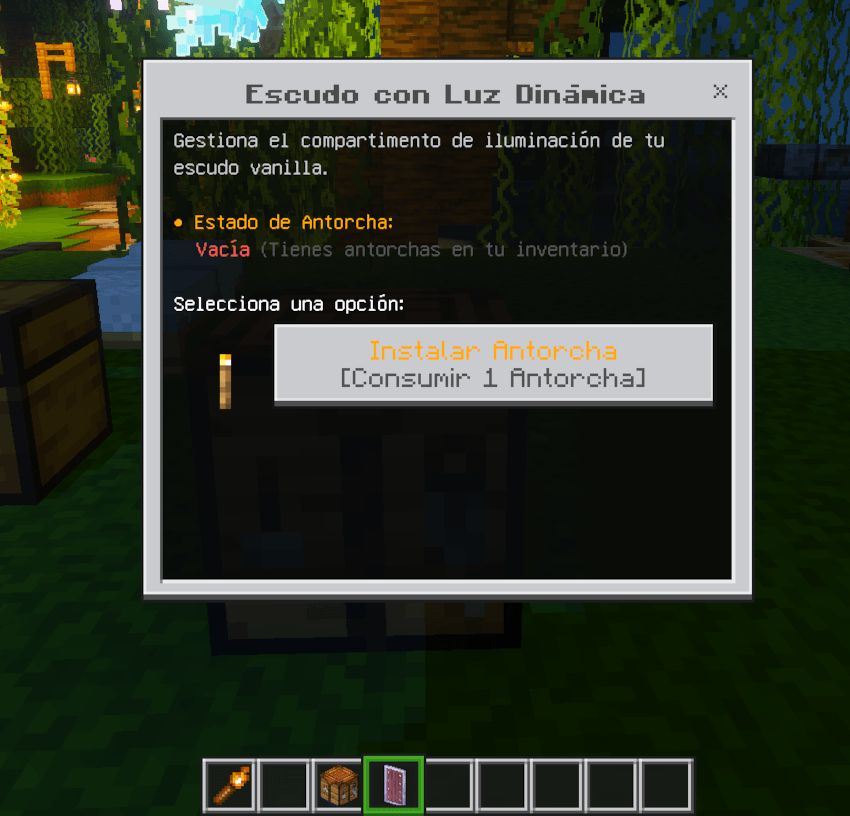
- An interactive menu will open. Click "Install Torch".
- Done! Your shield now has the
[Active] torch upgrade.
2. Enjoying Dynamic Light
- Equip the shield in your Main Hand or your Offhand.
- Bright dynamic light will follow your every step as you walk, jump, and explore caves!
3. How to Remove the Torch
- Hold the shield in your Main Hand while crouched.
- Right-Click the Crafting Table.
- Click "Remove Torch". The torch will be returned directly to your inventory and the light will turn off.
⚙️ Requirements
- Minecraft Bedrock Edition:
1.20 / 1.21+/1.26+
- Pack Type: Behavior Pack (BP).
🛡️ Shield Plus+ — Escudo con Luz Dinámica
Shield Plus+ integra un compartimento para antorcha directamente en el escudo vanilla de Minecraft. ¡Disfruta de luz dinámica fluida y sin lag mientras exploras cuevas oscuras y combates criaturas, sin tener que sacrificar la protección de tu escudo!
✨ Características Principales
- 💡 Integrado en el Escudo Vanilla: Funciona directamente sobre el escudo estándar . Sin ítems personalizados ni paquetes de recursos obligatorios.
- 🎨 100% Compatible: Funciona a la perfección con paquetes de texturas, mods de animaciones (Actions & Others) y paquetes de interfaz (VDX UI).
📖 Cómo Usar
1. Cómo Instalar la Antorcha
- Ten al menos 1 Antorcha normal (
minecraft:torch) en tu inventario.
- Sostén tu Escudo en la Mano Principal.
- Agáchate (Shift / Sneak) y haz clic derecho / interactúa con una Mesa de Crafteo.
- Se abrirá un menú interactivo. Presiona "Instalar Antorcha".
- ¡Listo! Tu escudo ahora tendrá la mejora
[Activa].
2. Uso en Juego
- Equipa el escudo en tu Mano Principal o en tu Mano Secundaria (Offhand).
- La luz dinámica te seguirá con fluidez a donde sea que camines, saltes o explores.
3. Cómo Retirar la Antorcha
- Sostén el escudo en la Mano Principal mientras estás agachado.
- Haz clic derecho en una Mesa de Crafteo.
- Presiona "Retirar Antorcha". La antorcha volverá a tu inventario y la luz se apagará al instante.
⚙️ Requisitos
- Minecraft Bedrock Edition:
1.20 / 1.21+/1.26+
- Tipo de Paquete: Behavior Pack (BP).