SHARD SMP
Lives. Shards. Bosses. One server-ready SMP addon for Minecraft Bedrock.
Every player starts with a Random Shard and a limited number of lives. Open your shard, watch it roll, and learn a new set of powers. Kill other players to steal lives, hunt bosses for the rarest shards, and don't run out of lives, or you're out of the game until someone revives you.
LIFE SYSTEM
- Everyone has up to 5 lives.
- Kill a player and you gain a life (or get a Life Item if you're already full).
- Die and you lose a life; a Life Item drops where you fell.
- 0 lives = eliminated. You're held in spectator mode near spawn until a teammate uses a Revive Crystal.
- Craftable Life Item, Revive Crystal, Random Shard and Tier Upgrader.
SHARDS
Each shard gives right-click, crouch + right-click and on-hit abilities, and some give passive effects while held (either hand). Cooldowns show live on your HUD.
How to get them: use your starting Random Shard (gives a random Tier 1 shard), or hunt the matching mob (5% drop chance by default, adjustable by admins). Upgrade any Tier 1 to Tier 2 with a Tier Upgrader.
All cooldowns, damage values and ranges below are defaults and can be changed by admins in-game.
TIERED SHARDS (TIER 1 TO TIER 2)
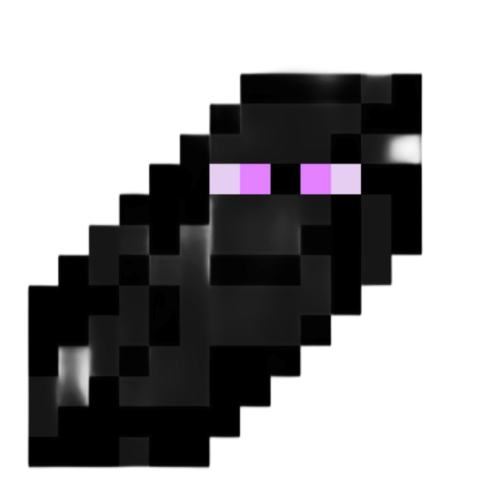
ENDERMAN SHARD
Tier 1: Right-click to teleport 3 blocks forward. Hit an enemy to randomly teleport them up to 5 blocks away.
Tier 2: Right-click for a safe teleport to where you're looking. Crouch + right-click opens a menu: Teleport To Anyone, Player To Player, Pearl Crafter. Hit an enemy to teleport them 1-25 blocks away.
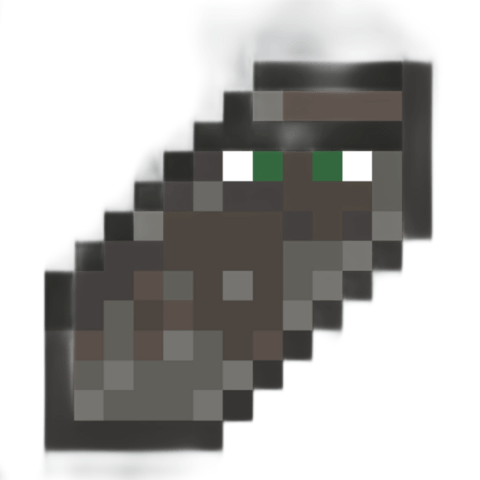
RAVAGER SHARD
Tier 1: Right-click to dash forward, dealing 1 heart to anyone in your path.
Tier 2: Stronger dash (3 hearts). Crouch + right-click to launch everyone within 10 blocks into the air. Shard in offhand gives your sword or spear Knockback II. Hit an enemy for random knockback of 2-20 blocks.
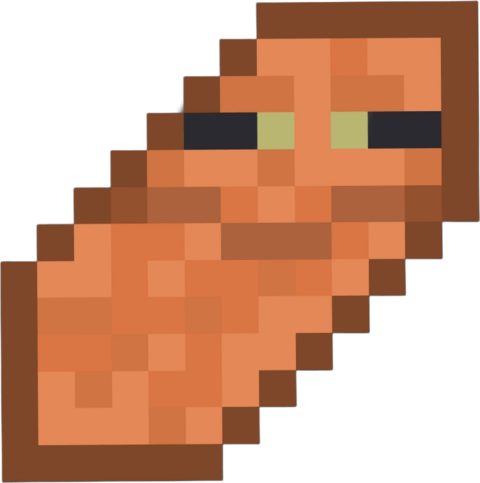
FROG SHARD
Tier 1: Passive Jump Boost I. Right-click for Jump Boost II for 10s.
Tier 2: Passive Jump Boost II. Right-click for Jump Boost III for 10s. Hit an enemy to disable their jump for 3s.
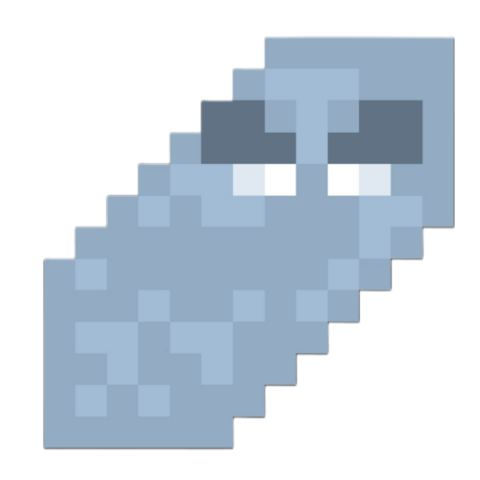
VEX SHARD
Tier 1: Passive Resistance I.
Tier 2: Right-click for spectator mode for 30s, then you return to Survival wherever you are.
MAGMA SHARD
Tier 1: Passive Fire Resistance. Hit an enemy to ignite them.
Tier 2: Fire Resistance, plus Fire Aspect II on your weapon (shard in offhand). Right-click to shoot a fireball. Crouch + right-click for a 10x10 lava field plus a fireball barrage.
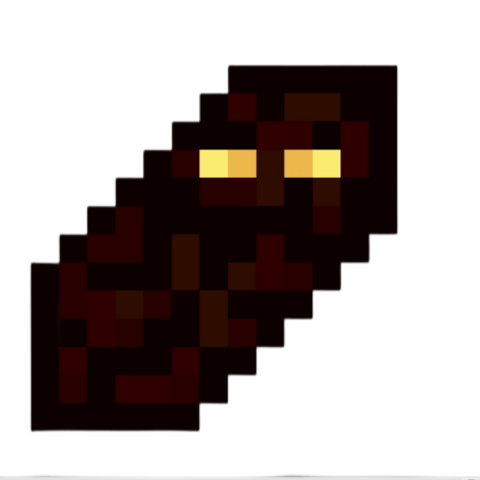
BREEZE SHARD
Tier 1: Right-click to shoot a Wind Charge. Hit an enemy for a brief Jump Boost debuff.
Tier 2: Right-click for a faster Wind Charge. Crouch + right-click for an AOE wind burst that launches everyone within 15 blocks. Hit an enemy to knock them up.
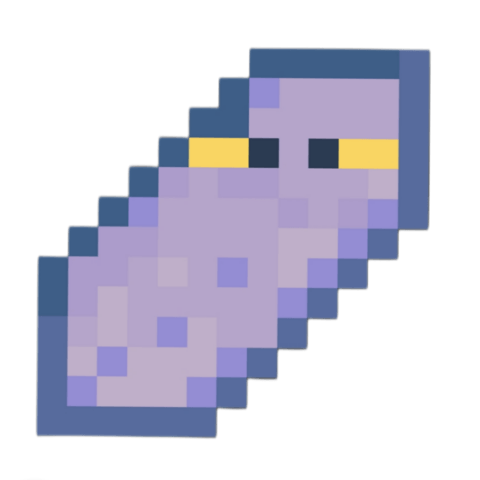
GHAST SHARD
Tier 1: Passive Fire Resistance. Right-click to shoot a small fireball (breaks 2-3 blocks). Hit an enemy for Levitation I.
Tier 2: Fire Resistance, plus Fire Aspect II (shard in offhand). Right-click to shoot a destructive fireball. Crouch + right-click for the Cannon (3 fireballs every 2s for 10s). Hit an enemy for Levitation II for 10s.
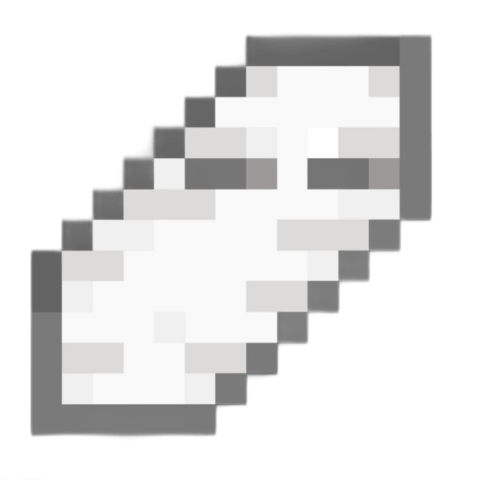
CREEPER SHARD
Tier 1: Right-click for a self-centred explosion that never hurts you. Hit an enemy for a small explosion on them.
Tier 2: Right-click for MEGA BOOM. Crouch + right-click for Rocket Launch (chained explosions that launch you up). Hit an enemy for a bigger explosion on them.
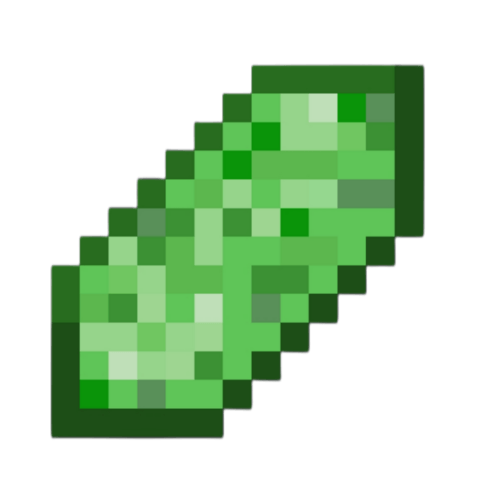
WITCH SHARD
Tier 1: Right-click to shoot a Poison Dart. Hit an enemy for a random debuff.
Tier 2: Right-click to heal 3 hearts. Crouch + right-click for an AOE Slowness + Poison burst within 5 blocks. Hit an enemy for Poison II.
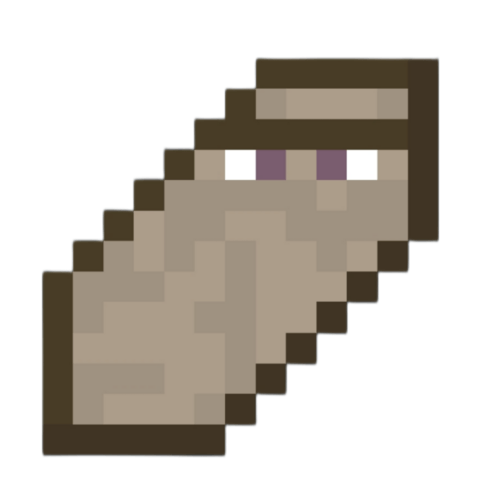
BLAZE SHARD
Tier 1: Passive Fire Resistance. Right-click to shoot a small fireball (breaks 2-3 blocks).
Tier 2: Fire Resistance, plus Fire Aspect II (shard in offhand). Hit an enemy to ignite them. Right-click for Blaze Volley (4 fireballs). Crouch + right-click for Inferno Ring (18 fireballs in a 360 degree burst).
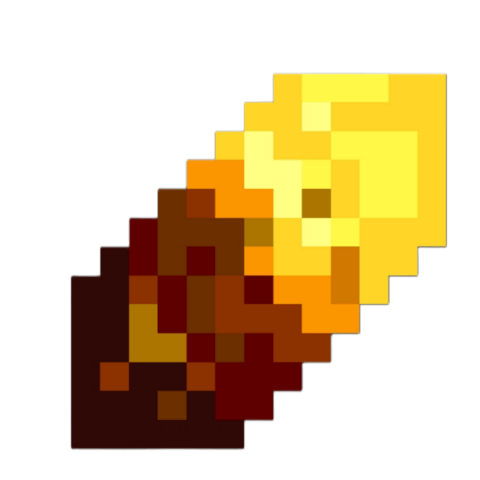
GOAT SHARD
Tier 1: Right-click for Headbutt Dash, a short forward-and-up leap. Hit an enemy to knock them sideways.
Tier 2: Right-click for Ram Charge (damage, slowness and knockback within 5 blocks). Crouch + right-click for Jump Boost XII with Slow Falling for 60s. Hit an enemy to knock them forward and up.
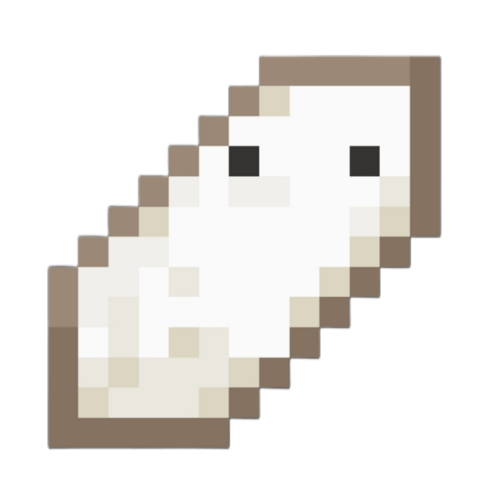
DOLPHIN SHARD
Tier 1: Passive Water Breathing. Hit an enemy for Nausea.
Tier 2: Water Breathing, plus Dolphin's Grace and Speed while swimming. Crouch + right-click to summon dolphins and a speed buff in water, or a temporary pool on land. Hit an enemy to trap them in a temporary water block.
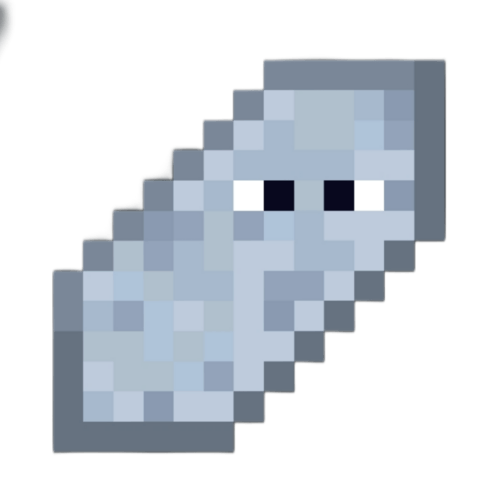
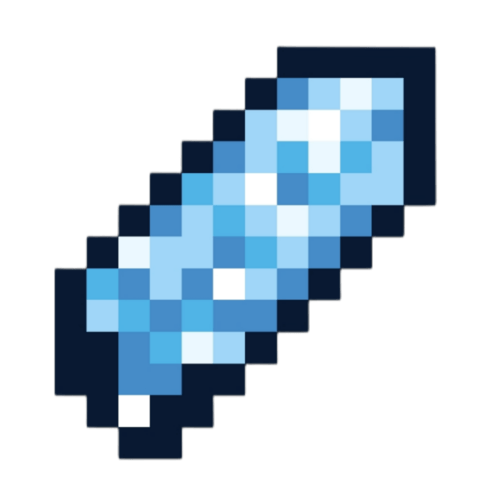
STRAY SHARD
Tier 1: Hit an enemy for Slowness I for 20s.
Tier 2: Shard in offhand gives your bow Infinity. Right-click to freeze a target in ice for 10s. Crouch + right-click for AOE Freeze within 5 blocks. Hit an enemy for Slowness II + Levitation.
BOSS SHARDS (SINGLE TIER, OVERPOWERED)
Boss shards only come from killing the boss: Wither (30% by default), Ender Dragon and Warden (100% by default). They are not available from a Random Shard.
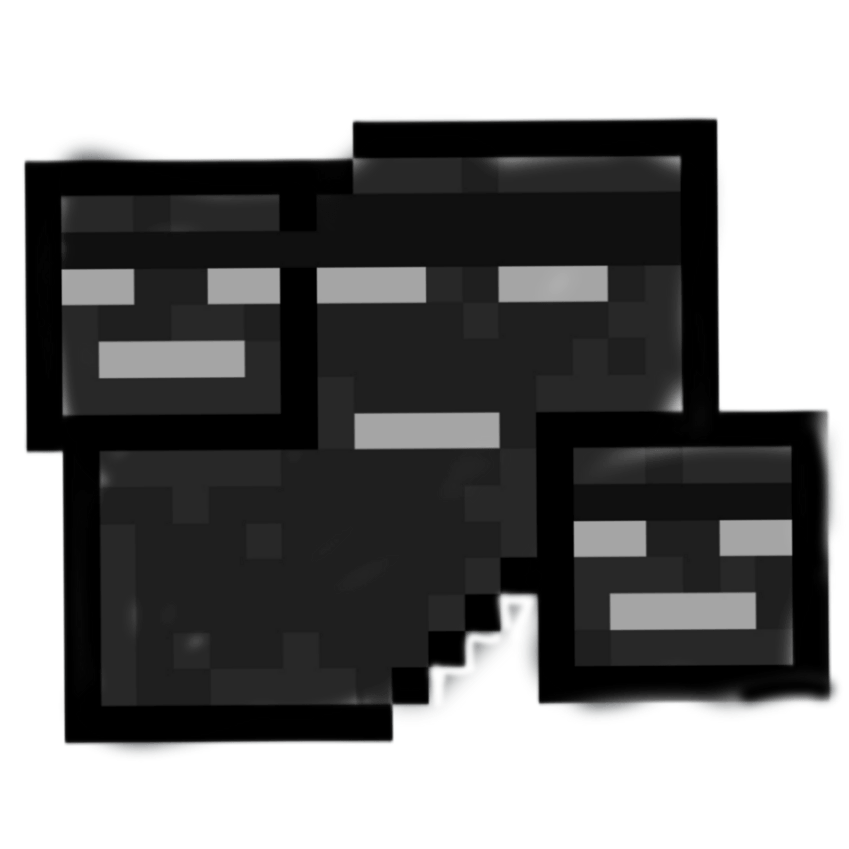
WITHER SHARD
Passives (while held): immune to Wither, Resistance I.
Right-click: fire a fan of 3 Wither Skulls (4 hearts each + Wither II).
Hit: Wither II on the enemy and you heal 2 hearts.
Crouch + right-click: Wither Cannon, a ring of skulls every 1.5s for 30s.
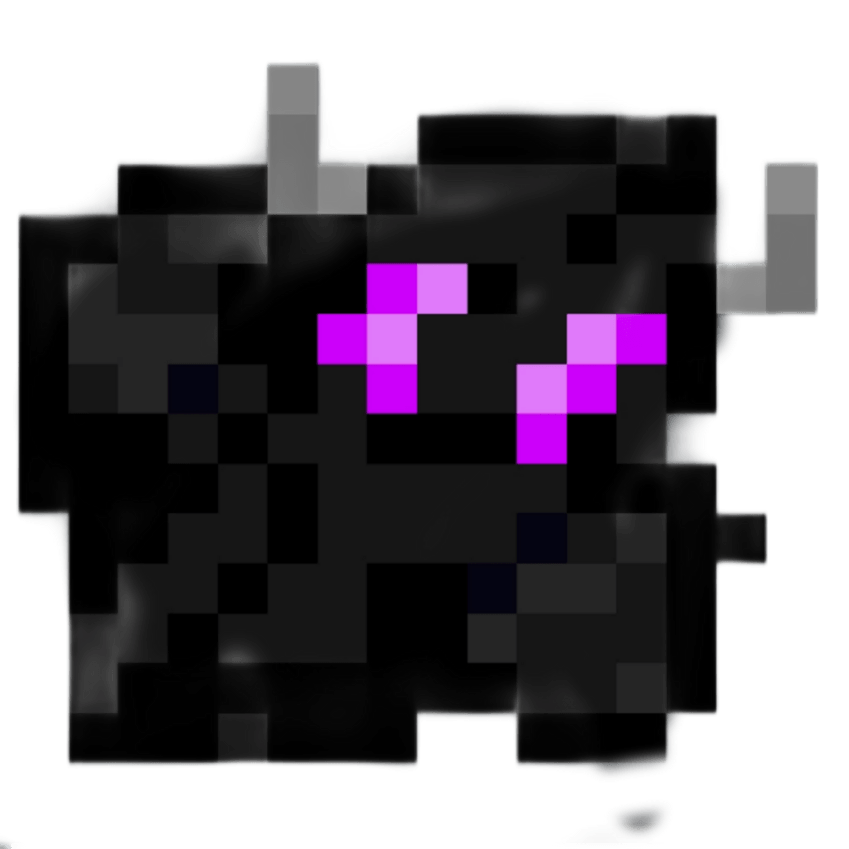
DRAGON SHARD
Passives (while held): Resistance I, Regeneration I, Slow Falling.
Right-click: Dragon Breath, a lingering 8-block cloud that damages and slows enemies (never you).
Crouch + right-click: a breath aura around you for 45s.
Hit: purple bursts of true damage that ignore armor.
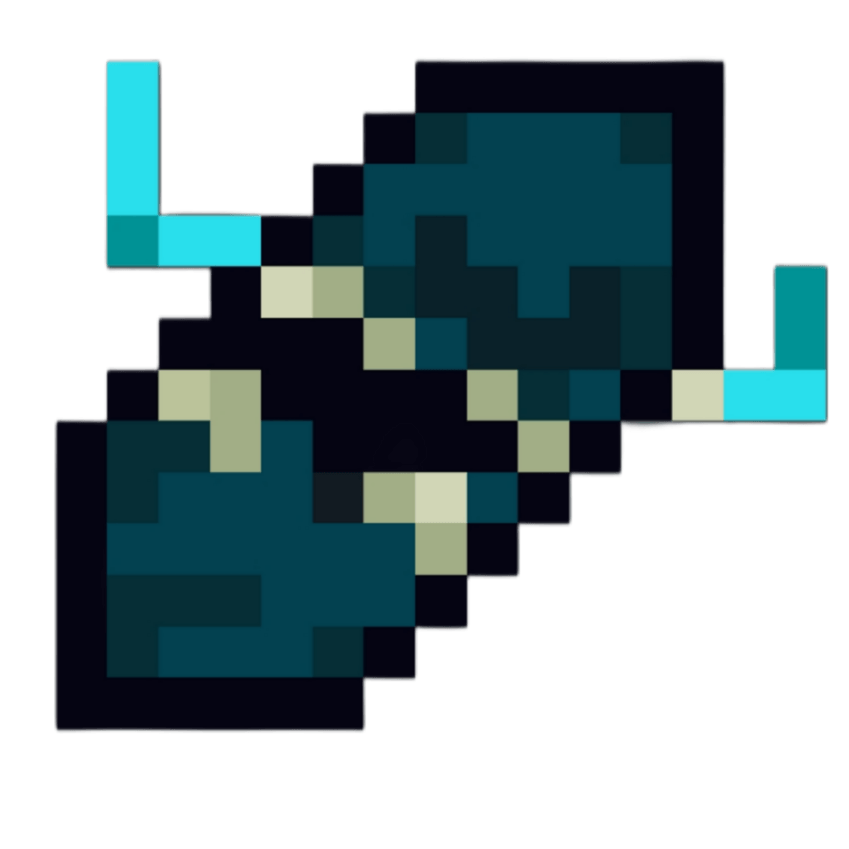
WARDEN SHARD
Passives (while held): Resistance I, Strength I, Night Vision, Darkness immunity.
Right-click: Sonic Boom, piercing everything in a 30-block line (10 hearts + Darkness).
Crouch + right-click: 360 degree Sonic Boom within 10 blocks (8 hearts, Slowness II, Darkness).
Hit: Darkness + Slowness.
RANDOM SHARD REVEAL ANIMATION
Using a Random Shard plays a reveal, fully customizable by admins:
- Direct: instant result
- Scroll: shard names scroll past, slow down and land on your shard
- Countdown: a timer, then the reveal
- Adjustable reveal time, scroll speed, "suspense finish", result display time and sounds
- If you disconnect mid-roll, the result is saved and resumes when you rejoin
ADMIN SHARD CONTROL PANEL
The Admin Shard opens an icon-based control panel (also available through /shardsmp:menu):
- Shard Settings: tune cooldowns, damage and ranges
- Enable / Disable Shards: switch any shard off
- Single Abilities: disable one ability without touching the rest
- Tier 2 Toggle: turn all T2 powers on or off
- Shard Lock: inventory lock + keep-on-death (Bliss-style), toggleable
- Mob Drops: enable/disable per mob, plus a drop chance % you can edit in-game
- Shard Limit: cap how many shards a player can carry (unlimited by default)
- Player Shards: see which shard every player got, even if they're offline
- Player Tools: give or take shards, reset cooldowns
- Shard Log: history of rolls, drops, upgrades and admin actions
- Roll Animation: customize and test the reveal
COMMANDS
All commands start with /shardsmp: and show up in chat autocomplete. Player commands work for everyone. Admin commands need operator permission.
PLAYER COMMANDS
/shardsmp:playerlifecheck
Shows every player's current lives (for example 3/5) and marks banned players.
/shardsmp:playtime
Shows the recorded playtime of every player.
/shardsmp:withdraw <amount>
Turns some of your own lives into Life Items you can hold or give away. Careful: if you withdraw all your lives you are eliminated.
/shardsmp:team
Opens the team menu (create a team, invite players, accept or decline invites, see your team).
/shardsmp:lifepreview <hearts|numbering>
Chooses how your life counter is shown on the HUD: as hearts or as numbers (like 4/5).
/shardsmp:announcementset <chat|screen>
Chooses whether server announcements appear in chat or on your screen.
/shardsmp:maceowner
Shows which online players are currently holding a Mace.
ADMIN COMMANDS
/shardsmp:menu
Opens the admin menu. Its last button, Shard Control Panel, opens the icon-based panel (shard on/off, abilities, drops, drop rates, limit, player tools, log, roll animation).
/shardsmp:admintag <player> <add|remove>
Gives or removes a player's access to the Admin Shard. The player must be online. (Giving the tag "admin" with the normal /tag command works too.)
/shardsmp:ban <player>
Eliminates a player from the SMP: they are locked into spectator mode and an elimination is announced.
/shardsmp:unban <player>
Brings an eliminated player back in place, no Revive Crystal needed.
/shardsmp:playerlife <player> <amount>
Sets one player's current number of lives.
/shardsmp:lifeamount <amount>
Sets the maximum lives for every player (minimum 1). Anyone above the new maximum is lowered to it.
/shardsmp:macelimit <amount>
Sets how many Maces can be held by players at the same time. Extra Maces are removed from inventories straight away. Use 0 to allow none.
/shardsmp:armorban <material> and /shardsmp:armorsunban <material>
Bans or unbans an armor material. Banned armor is removed from inventories on sight.
/shardsmp:toolsban <material> and /shardsmp:toolsunban <material>
Bans or unbans every tool and weapon of a material tier (pickaxe, axe, shovel, hoe, sword, spear).
/shardsmp:toolban <material> <type> and /shardsmp:toolunban <material> <type>
Bans or unbans exactly one tool, for example diamond pickaxe.
/shardsmp:endersettings <setting> <value>
/shardsmp:ravagersettings <setting> <value>
/shardsmp:frogsettings <setting> <value>
/shardsmp:vexsettings <setting> <value>
/shardsmp:magmasettings <setting> <value>
Change a cooldown, duration, range or power value of that shard. Pick the setting from the dropdown list and type the number. The settings of all other shards are changed from the Admin Shard control panel.
/shardsmp:gmc, /shardsmp:gms, /shardsmp:gmss
Quickly sets your own gamemode to Creative, Survival or Spectator.
/shardsmp:announcement
Opens the announcement composer to s
end a message to everyone. Only players with the tag "Owner" can use it.
EXTRAS
- Team menu (GUI)
- HUD with live ability cooldowns
- Cooldowns are saved, so restarts and relogs don't reset them
- Banned items / armor / tools support and a mace limit
- Chat emojis, playtime tracking and kill lightning effect
REQUIREMENTS
- Minecraft Bedrock Edition 1.26.30 or newer
- Works on servers and realms-style worlds that support Script API add-ons
- Install both the Behavior Pack and the Resource Pack (the .mcaddon includes both)
INSTALLATION
1. Download the .mcaddon file and open it; Minecraft imports both packs.
2. Create or edit a world and activate the Shard SMP behavior pack and
resource pack.
3. Join the world, use your Random Shard, and enjoy.
FEEDBACK
Found a bug or have a suggestion? Leave a comment on the project page.