Shadow Link - ADI7811
- By
Automatic inventory refilling from chests, barrels, and shulker boxes using redstone and item frames.
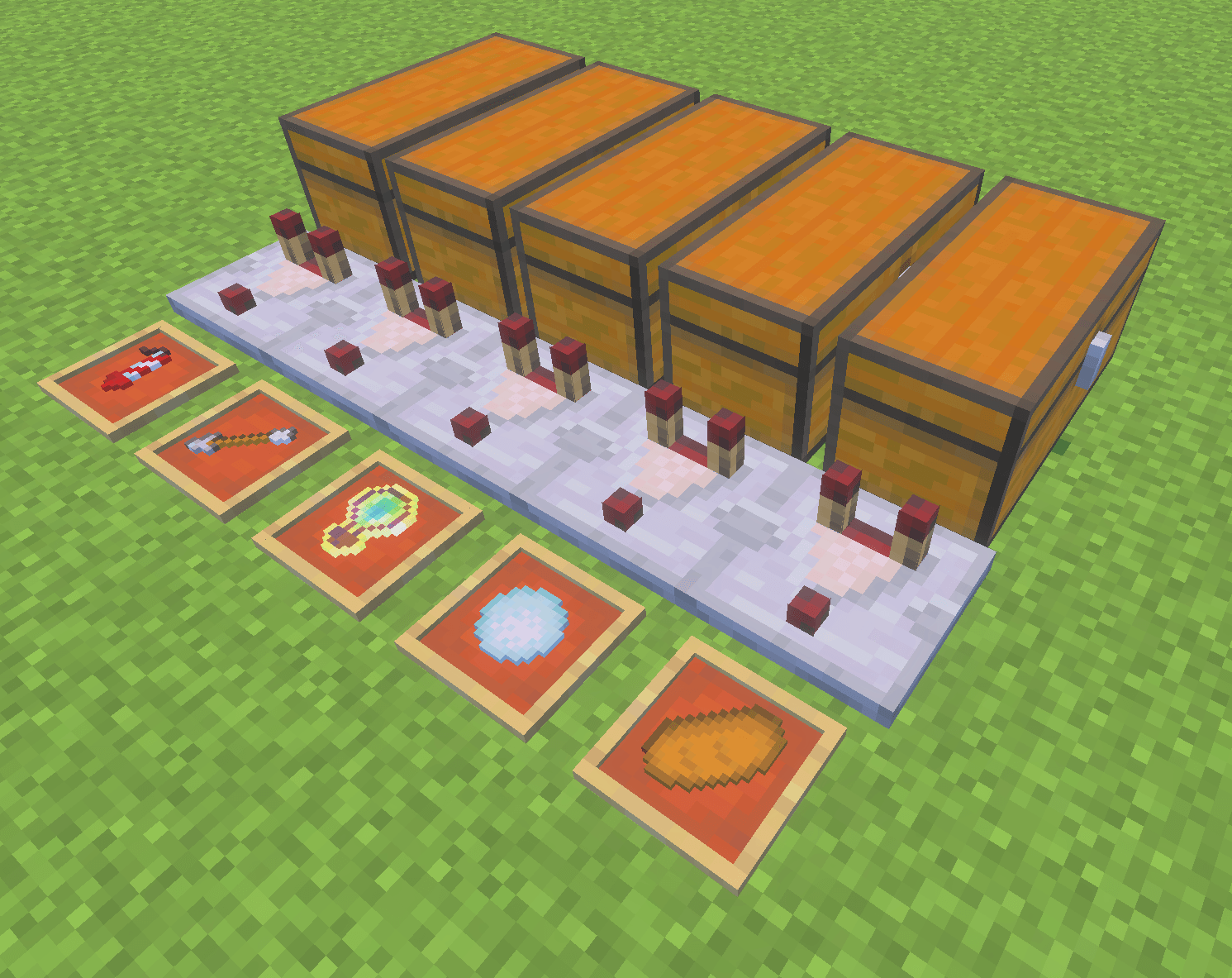
Five example Shadow Link setups. The addon supports a wide variety of stackable items, not just those shown. Each machine uses a chest, comparator and item frame to automatically replenish items from real storage.
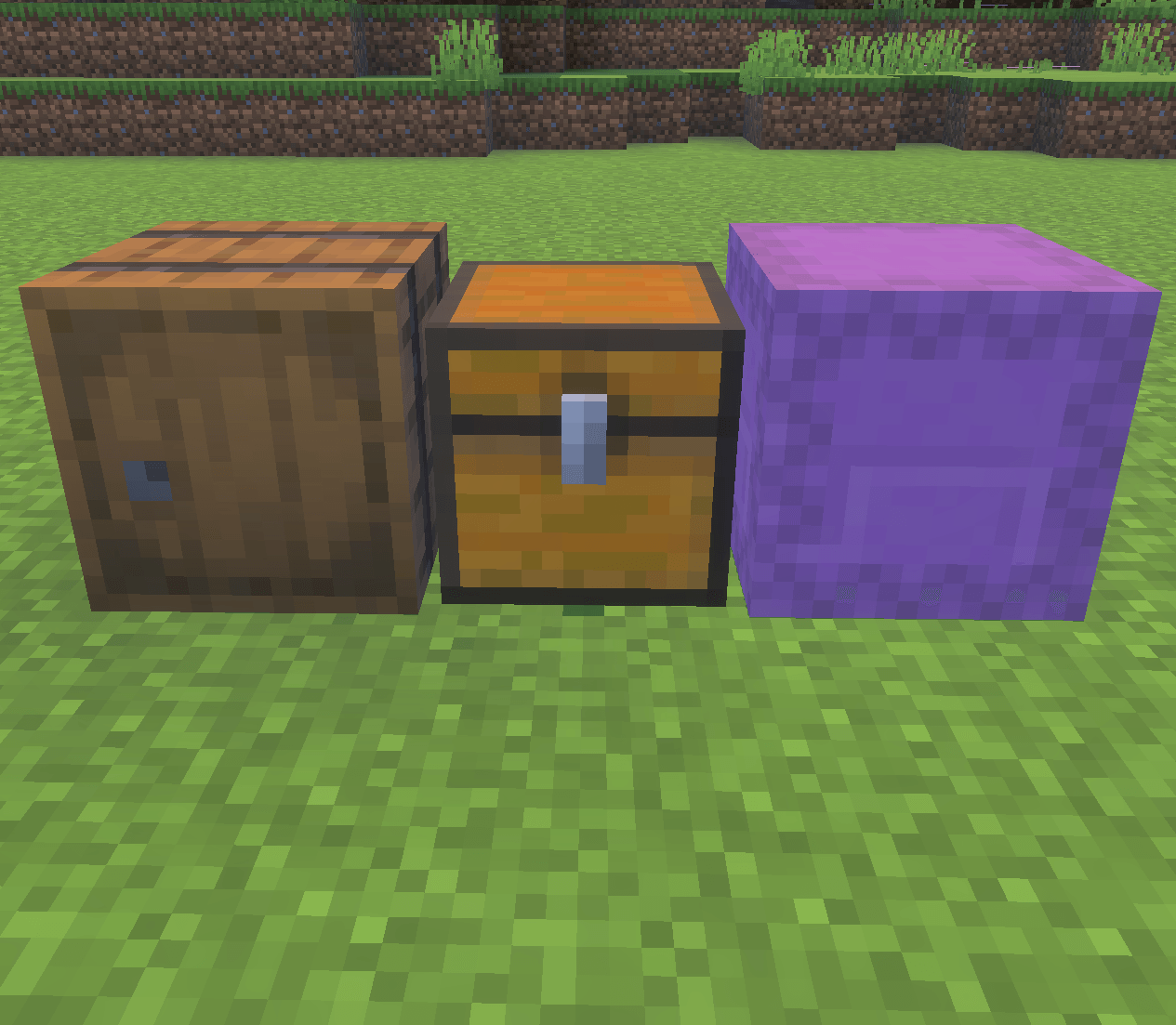
Shadow Link supports barrels, chests and shulker boxes. Choose your preferred storage container to build an automatic item refilling system.
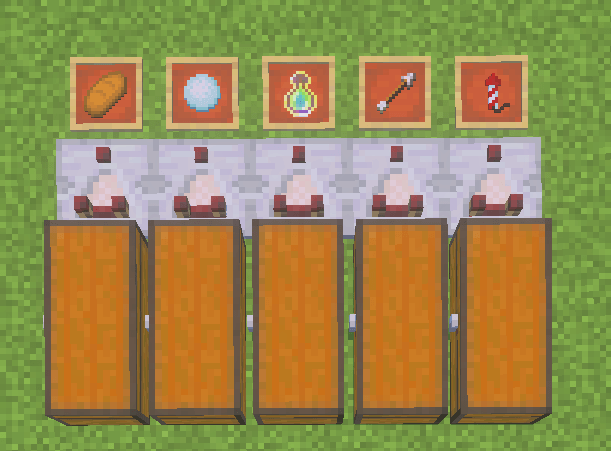
Automatically refill food, snowballs, experience bottles, arrows and rockets from connected storage containers. Each item frame identifies the resource to replenish.
Description
SHADOW LINK – ADI7811
Automatic Inventory Refilling for Minecraft Bedrock Edition
Never run out of essential items while building, exploring, or working on technical Minecraft projects!
Shadow Link is a survival-friendly addon inspired by the Item Shadowing concept from Minecraft Java Edition. It allows players to automatically replenish supported items directly from a connected storage container using a simple redstone-based structure.
No creative-mode item generation. No intentional item duplication. Resources are taken from real storage.
FEATURES
-
Automatic Refilling: Replenishes supported stackable items in your inventory.
-
Multiple Storage Types: Supports chests, trapped chests, barrels, and shulker boxes.
-
Personal Connections: Each machine is linked to the player who activates it.
-
Redstone Integration: Uses a comparator and an item frame to establish the connection.
-
Real Resource Consumption: Items are removed from storage when transferred.
-
Easy Activation: Place an item in the frame to link it.
-
Easy Deactivation: Remove the framed item to disable the machine.
-
Survival-Focused: Designed to work without enabling cheats.
-
Lightweight Design: Uses event-driven inventory monitoring to reduce unnecessary processing.
HOW TO USE
-
Place a chest, barrel, or shulker box.
-
Place a redstone comparator next to the container.
-
Place an item frame at the end of the structure.
-
Insert the item you want to replenish into the frame.
-
Store matching items inside the connected container.
-
Use your items normally. Shadow Link will replenish supported stacks when the corresponding inventory changes are detected.
Important: The system transfers existing resources; it does not intentionally generate new ones. Non-stackable equipment, such as elytra and totems, is not supported.
Shadow Link - ADI7811 Team