Server Manager
- By
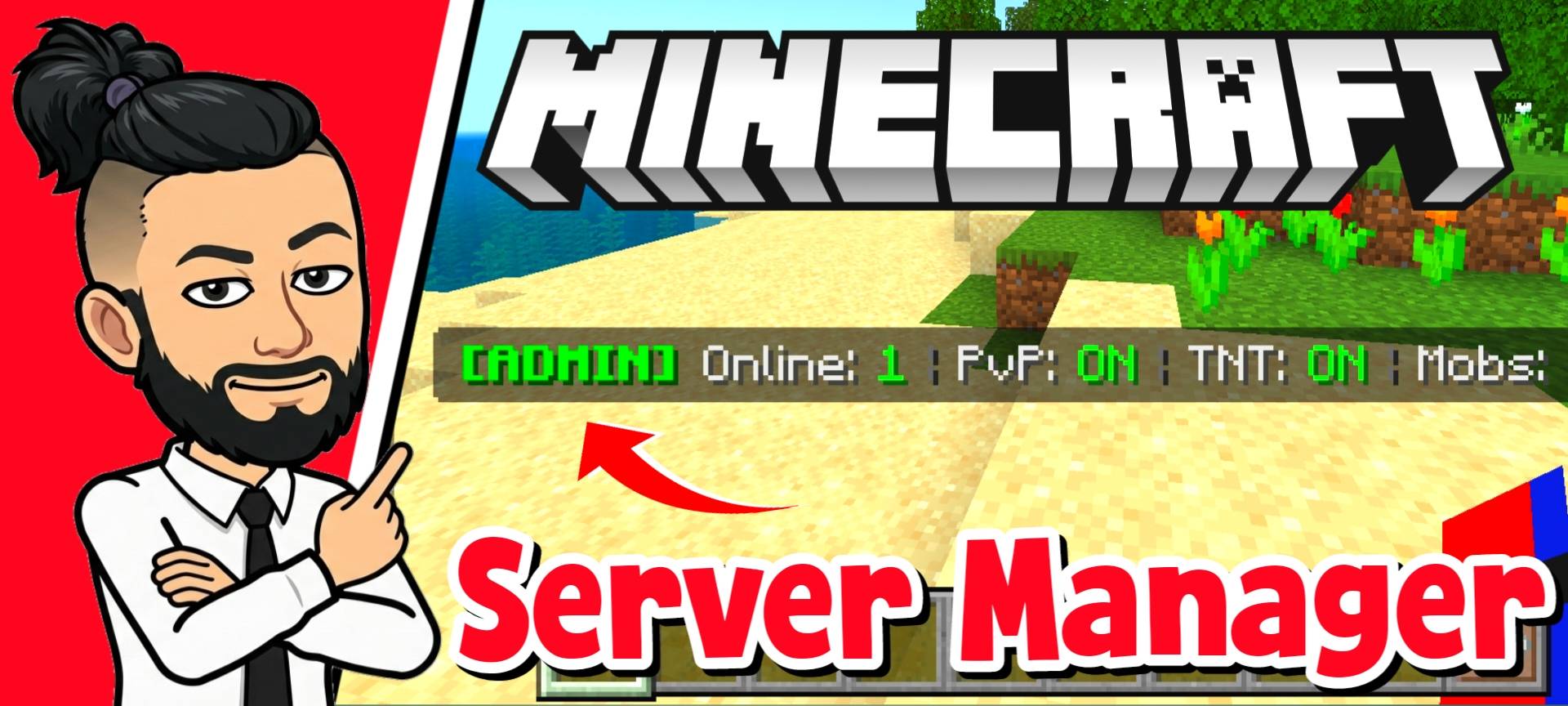
Take full control of your Minecraft server or Realm! This essential addon provides powerful admin tools to manage players, moderate gameplay, and maintain complete order in your multiplayer world.
Server_Manager_add-on (1).jpg
Server_Manager_add-on (5).jpg
Server_Manager_add-on (7).jpg
Server_Manager_add-on (9).jpg
Description
I am releasing something that I think every single server owner, realm host, or SMP admin desperately needs. If you have ever tried to manage a multiplayer Minecraft world, you know how incredibly annoying it is to type out long commands just to change a player's game mode, clear the weather, or stop someone from griefing. It takes way too much time. I got completely tired of doing things the slow way, so I spent the last couple of weeks coding a complete all in one Server Manager behavior pack. This add-on gives you a fully functional admin menu right on your screen, allowing you to control every single aspect of your server without ever typing a single command.
Getting Started and Auto Admin
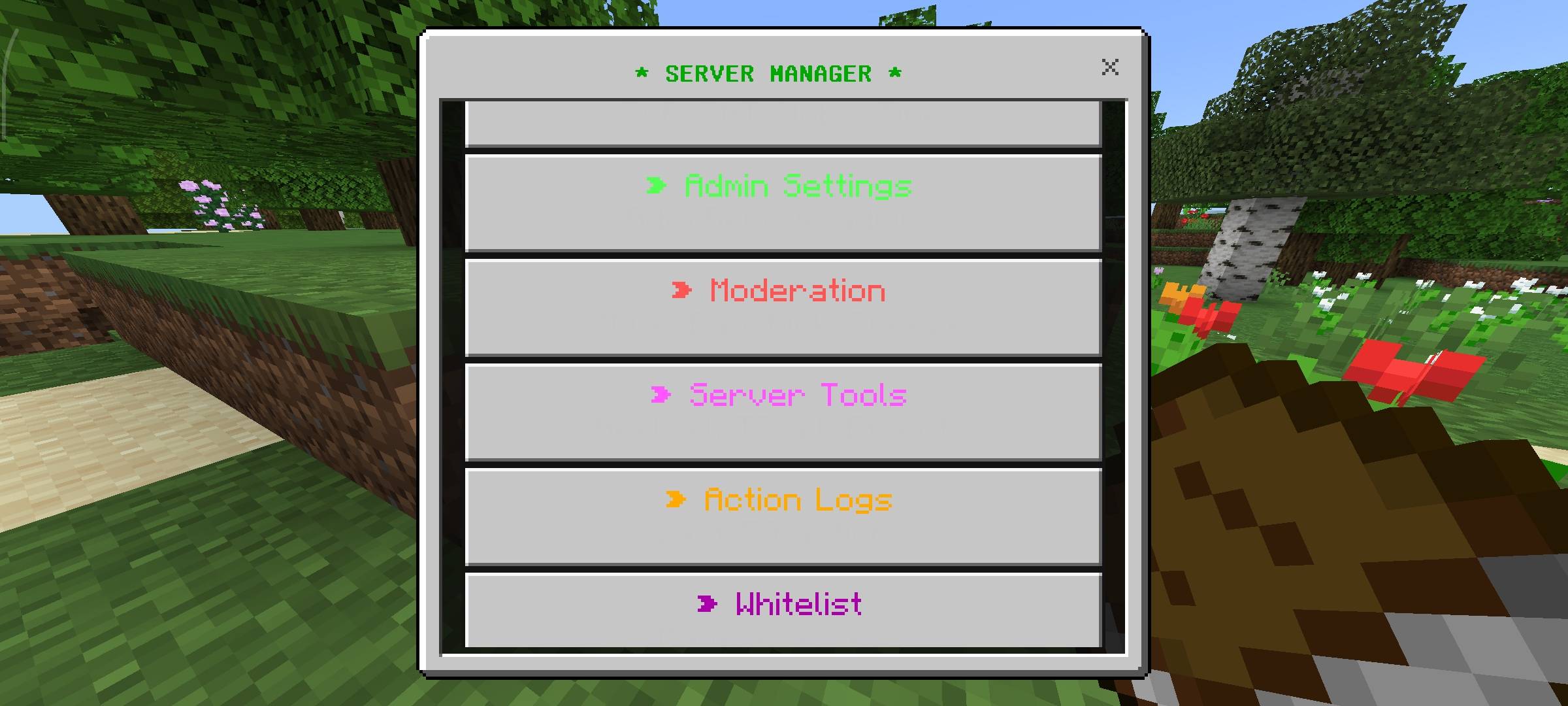
this pack to be as easy to set up as possible. If you are applying this pack to a brand new world, the very first player who joins the game will automatically be granted the Owner and Admin status. You do not have to mess around with tags or command blocks to give yourself permissions. Once you have your admin status, opening the manager is super simple. All you have to do is hold a standard Book in your hand and sneak. That is it. The main UI panel will instantly pop up on your screen.
Player Control and Moderation
When you open the player manager tab, you get a list of everyone online along with their health and current game mode. If you click on a player, you get a massive list of actions. You can instantly change their game mode, heal them, teleport them to you, or give them pre-made kits like a full diamond set, netherite gear, or OP items.
But the real power is in the moderation tools. If someone is breaking the rules on your server, you can mute them so they cannot chat. You can also use the freeze button. When you freeze a player, my custom script applies heavy blindness, mining fatigue, and slowness, and constantly forces them to stay in their exact coordinates so they are completely trapped. If they keep causing trouble, you have direct buttons to kick them with a custom reason or permanently ban them from the world.
World and Server Settings
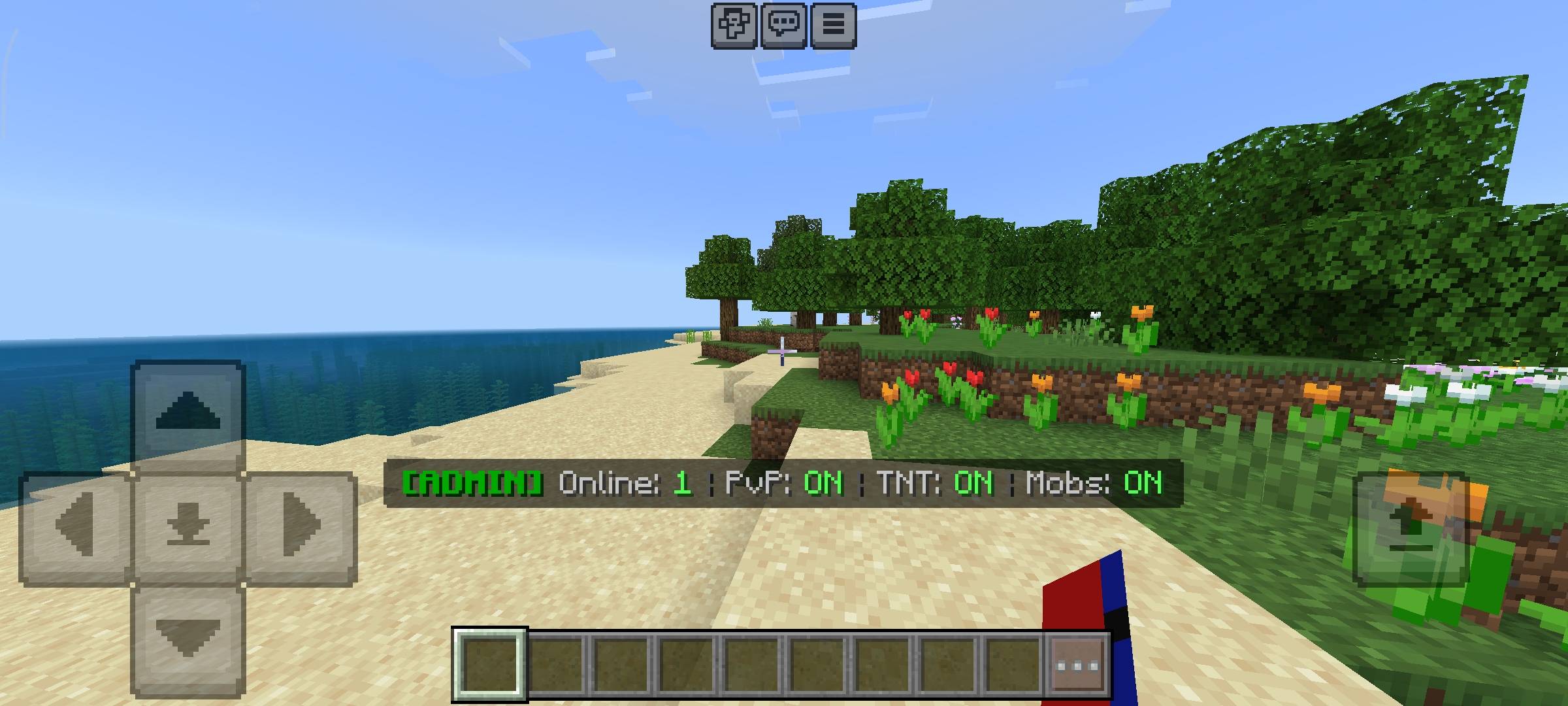
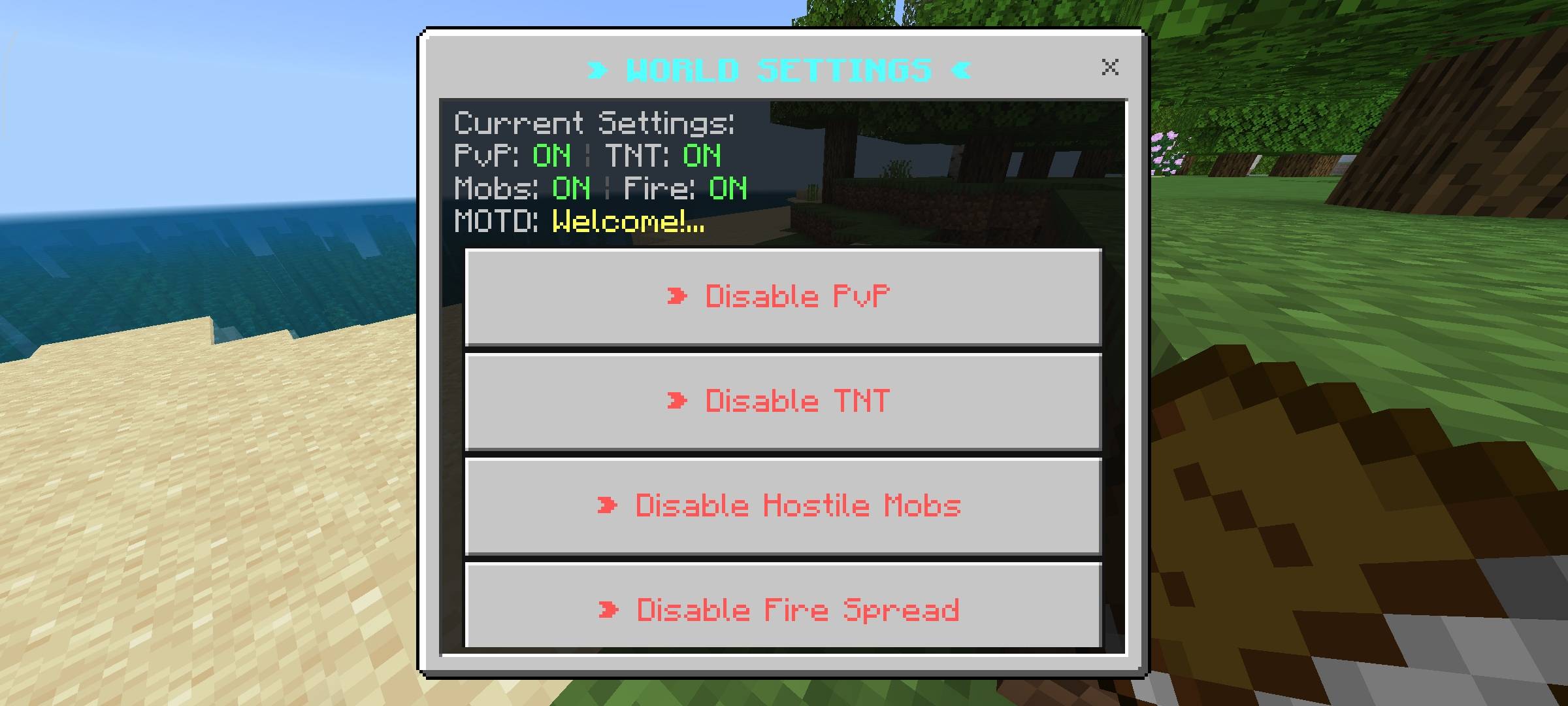
The world settings tab lets you control the global environment instantly. You can toggle PvP, TNT explosions, hostile mob spawning, and fire spread with just one click. If you turn off TNT, I wrote a background loop that instantly deletes any primed TNT before it can even explode. I also added a custom anti-PvP system, so if PvP is turned off, players who try to attack others will just hear a fail sound and deal zero damage. You can also change the time of day, set the weather, change the server Message of the Day, or clear all dropped items to reduce lag.
Server Tools and Action Logs
If you are hosting an event, I included a Server Tools section. From here, you can heal the entire server at once, feed everyone, give everyone specific potion effects like Speed or Resistance, or teleport every single player to the world spawn. I also added a full Whitelist system that you can toggle on or off, ensuring that only players you manually approve can join the world. And just to make sure your other admins are not abusing their power, there is an Action Log tab. This menu silently records the last 50 actions taken by any admin, so you can always check who spawned in items or who banned a player.
Beta APIs Requirement
This pack is heavy on custom scripting. The UI menus, the moderation tools, and the background loops require the new scripting engine to function. You absolutely must go into your world settings and turn on the Beta APIs experiment before you load the game. If you do not enable this toggle, the book will not open the menu and none of the admin features will work.
Image Disclaimer
about the visual presentation of this page. The main cover thumbnail and the gallery screenshots you see above were enhanced using AI image generators.
Server Manager Team

Owner