1000012536.png
1000012557.png
1000012612.png
1000012592.png
Description
Add-on Overview
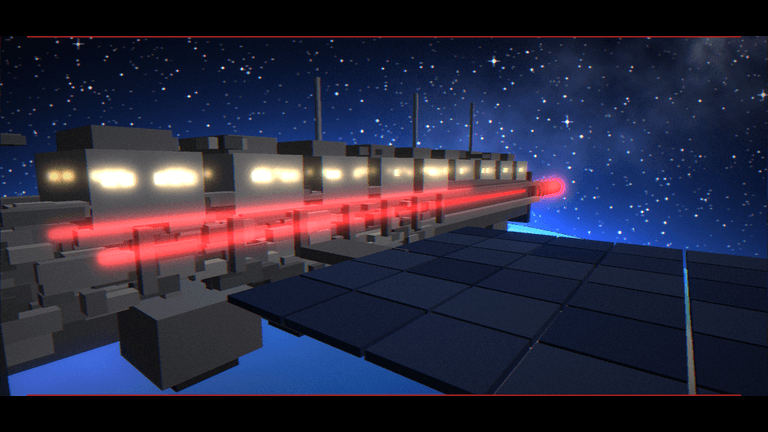
1. Strike Remote (SS-01 "The Shooting Star")
An orbital strike weapon that fires an energy beam down at the target.
Result: Creates a spherical crater with a vertical shaft plunging down to the Void, complete with scorched edges.
Default Settings: 22-block radius (adjustable from 8–40 blocks).
Instant Kill: Everything within the zone dies upon impact (can be toggled off).
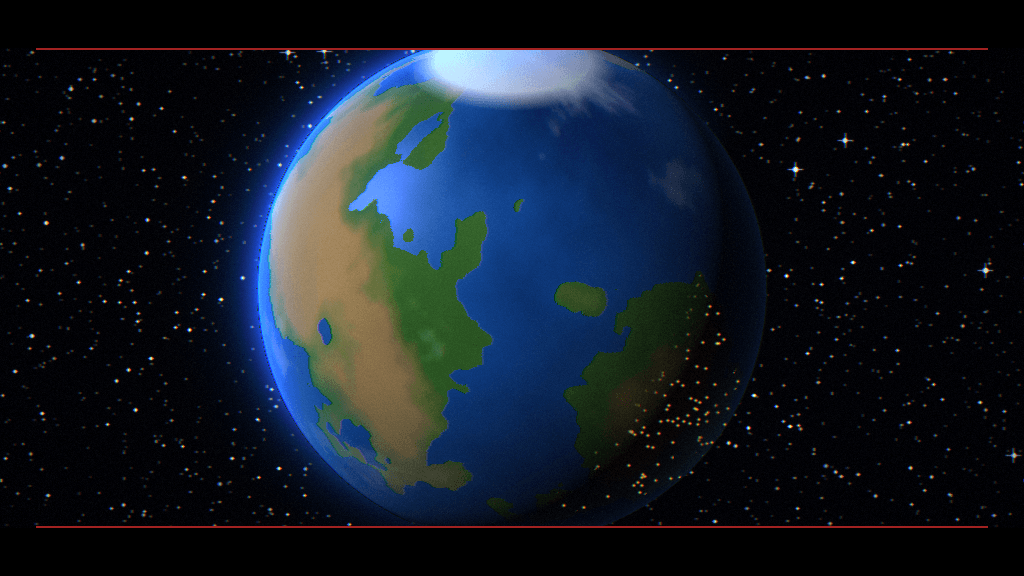
2. Stellar Remote (SS-03 "Gungnir")
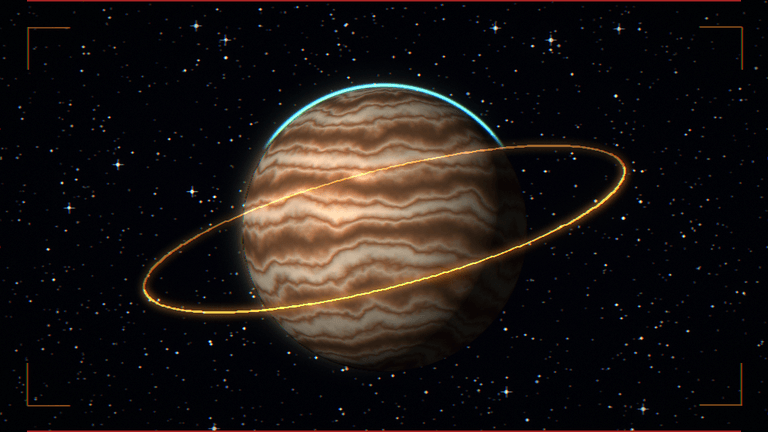
A massive kinetic metal rod accelerated around Jupiter, crashing down silently without a sound barrier warning.
Result: The shockwave flattens the area into a lava pit, leaving a giant black "pillar" stretching from the bottom of the world to the build height limit.
Default Settings: 48-block radius (adjustable from 16–60 blocks).
Delayed Sound: The explosion sound plays after the shockwave passes.
User Safety: The remote holder survives, and the blocks directly beneath their feet are protected from destruction (can be toggled off).
🎮 How to Use
Hold the remote and aim at the ground (max range: 128 blocks).
Use/Right-click the item to initiate the strike.
Players within range (Strike: 220 blocks / Gungnir: 200 blocks) will receive an evacuation warning, complete with on-screen text, a boundary ring indicator, and a 16-second countdown.
When the timer hits zero, a cutscene triggers. Players within range will be temporarily immobilized (players receive the Resistance effect during the Strike Remote).
Right-click the remote again during the cutscene to skip straight to the impact.
Once the cutscene ends, normal controls are restored.
Limit one active strike at a time. Trying to trigger another while one is running will display a notification message.
Strike Remote: Sneak + Use to open the settings menu directly.
Stellar Remote: Sneak + Use to open the info screen, then click the "Settings" button.
Note: Only Server Operators (OP) can modify settings, and changes are saved gInstallation Guide
Open the Sequence_Shoots.mcaddon file with Minecraft to automatically import both Behavior and Resource packs.
Create a new world or edit an existing one, then enable both packs (Sequence Shoots BP and RP).
Enter the game, craft the items, or use the /give command to obtain the remotes.
⚠️ Good to Know
Requires Minecraft Bedrock 1.21.100 or higher (as specified in the manifest).
These attacks cause permanent terrain destruction and kill all entities in the zone. Always back up your world before playing!
If playing multiplayer, make sure to warn other players to evacuate the impact zone beforehand.
Gungnir's maximum radius is capped at 60 blocks due to game chunk loading limitations around the target area.
lobally in the world.
Sequence shoots .demo Team