


screenshot1.jpeg
MCPEDL.png
screenshot3.jpeg
screenshot2.jpeg
Description
The Foundation has collapsed. join the Foundation and help reorganize it, join the Chaos Insurancy and rule the world, or join another group that may intrigue you. But until then, build and play with our creations.
SCP: Collapse is an Add-On for Minecraft Bedrock Edition that added elements from the SCP: Foundation universe. This Add-On is heavily incompatible with Add-Ons that edit player.json or any other vanilla code.
In this current version of the Add-On we have many building blocks, five SCPs, and some tools.
SCPs
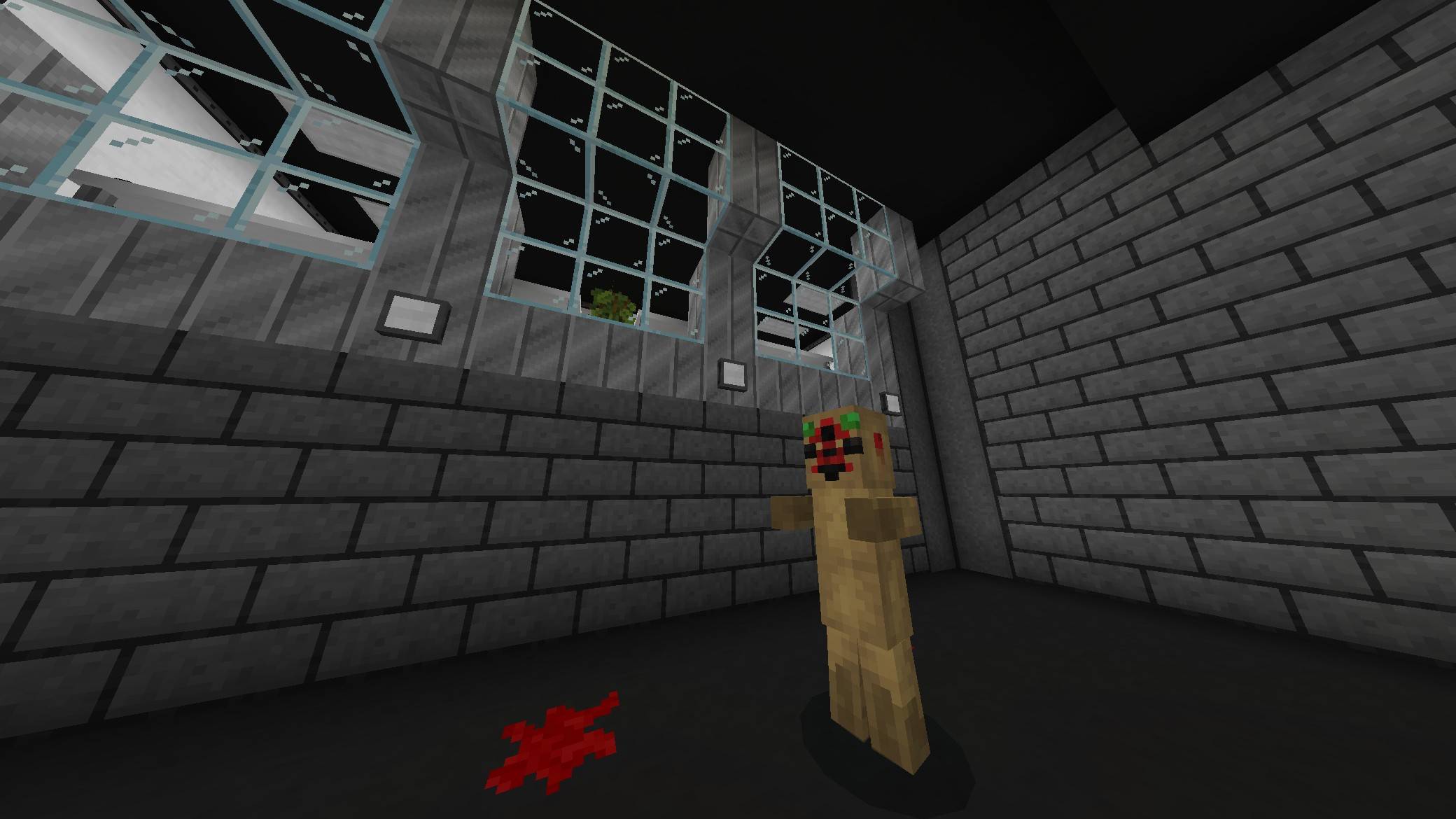
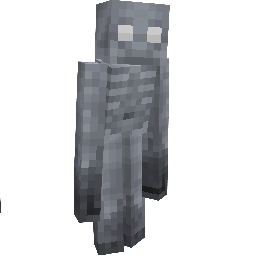
SCP-096:
Object Class: Euclid
Health: 10000 (rapidly heals)
Speed: 0.2 (1 when angry)
Abilities: SCP-096 is calm and friendly till its face is viewed. Once viewed he takes a couple seconds of babbling and screaming till he starts to chase. When chasing he can break many blocks and kill whatever sees his face. (His path finding ai isn’t great and will be improved upon). He can be safe to be around by putting a paper bag (2 minutes) or carved pumpkin (5 minutes) on his head, they’ll last for a certain amount of time before he rips them off.
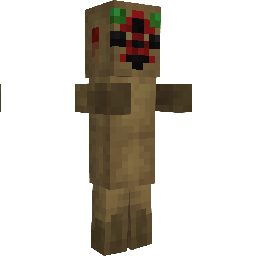
SCP-173:
Object Class: Euclid
Health: 1200
Speed: 1
Abilities: SCP-173 moves at high speeds when not viewed by a player, villager, or human. When a player is within 30 blocks of SCP-173 they will get a blink meter and blink every ten seconds. (Blinks can be lengthened by eyedrops) (Skin can be changed using SCP-184)
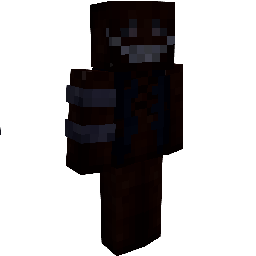
SCP-106
Object Class: Keter
Health: 900
Speed: 0.2 (0.3 when chasing)
Abilities: SCP-106 will teleport when the target is too far away or behind a wall. SCP-106 will occasionally place traps or waypoints to teleport to. SCP-106 can also hide in the ground to surprise potential victims.
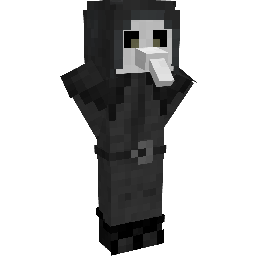
SCP-049:
Object Class: Euclid
Health: 80
Speed: 0.2 (0.3 when chasing)
Abilities: Instant kill any target on touch but can be evaded with SCP-714 but SCP-049 will resort to punching. Once dead SCP-049 will perform surgery on the corpse bringing it back as a zombie.
Conditions: SCP-049 is usually docile, but can get angry based on certain conditions.
SCP-714
Object Class: Safe
Use: When in off hand in survival mode it’ll grant the wearer resistance to many chemical effects but will drain their hunger.

SCP-184:
Object Class: Euclid
Use: When placed SCP-184 will change blocks around it into variants of that block (isn’t compatible with many blocks right now). SCP-184 can be used to change skins on mobs and blocks.
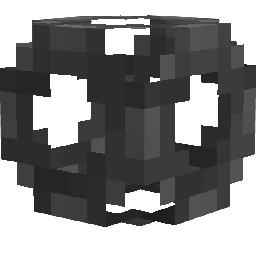
SCP-063:
Object Class: Safe
Use: When SCP-063 is used in a block that block gets erased. When SCP-063 is used to hit a mob that mob will get erased (kinda a useful tool).

SCP-207:
Object Class: Safe
Use: Once SCP-207 is consumed the consumer will be granted high energy but after about ten minutes they will die of organ failure.

SCP-005
Object Class: Safe
Use: SCP-005 can open any type lock. (Except for a couple)

SCP-1025
Object Class: Safe
Use: When SCP-1025 is opened and read the reader will obtain the negative potion effect they’re reading about.

Linking
As of right now there are two types of links: Fuse Boxes to Lights and Doors to Buttons.
To link blocks it requires the Wrench tool. Select the block you want to link (you can unselect and select multiple lights and buttons) by using the wrench on the block then use the wrench on the block you want to link it to.
Block Settings
Various blocks have settings that can change the way a block behaves or appears. They can be accessed with the screwdriver.
Blocks
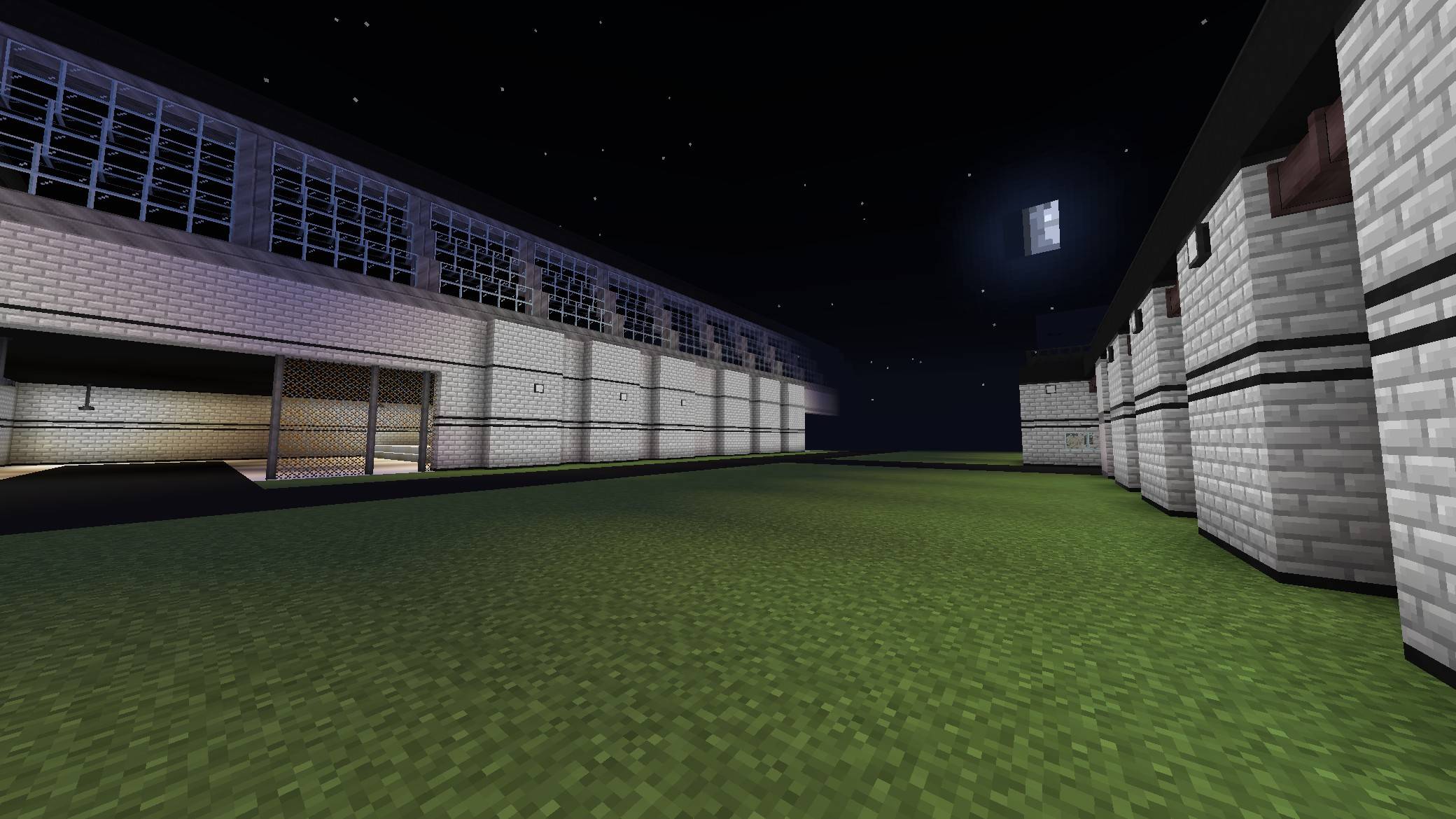
There are many construction blocks such as tiles with multiple colors, white walls with an industrial variant, and stronger heavy blocks. Man decore blocks like chairs, tables, plants, etc.
NPCs
There are various NPCs that’ll serve a purpose in the story and/or survival mechanics of the addon. Currently (V2) there are two NPCs Class-D and Guards.
Setup
Activate the Resource Pack and Behavior Pack on your world then go to the experimental settings and turn on Beta APIs.
The SCP: Collapse (V2) Team

![SCP: Lockdown Retake version 0.4 [DISCONTINUED] project image](https://media.forgecdn.net/avatars/thumbnails/1412/105/256/256/638915063307254147.png)
![Expert V1.1.1 [BLOODMOON] [COPPER AGE HOTFIX project image](https://media.forgecdn.net/avatars/thumbnails/1324/5/256/256/638860724976373258.jpeg)