
SCARE Your friends Add-on
- By
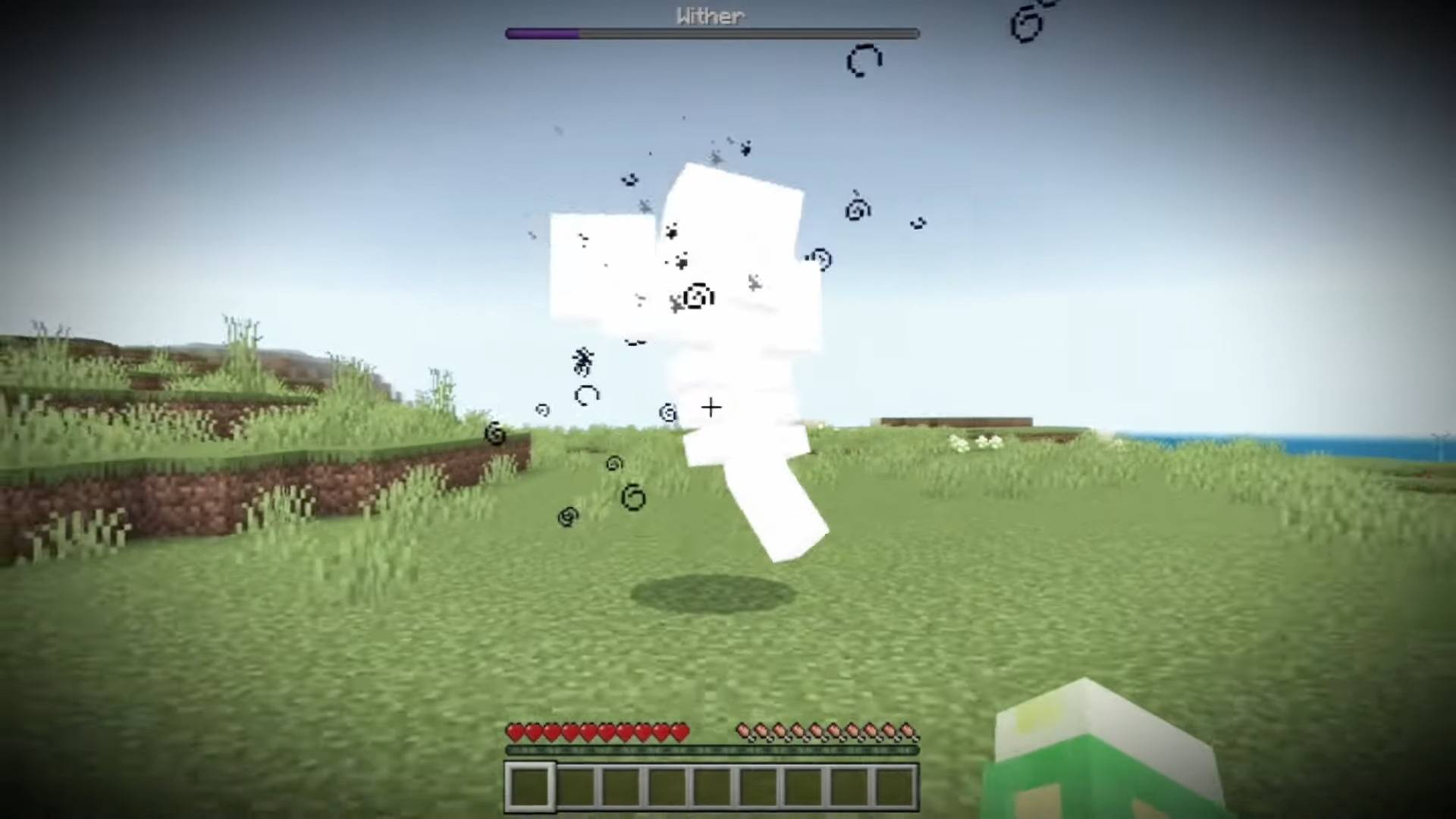
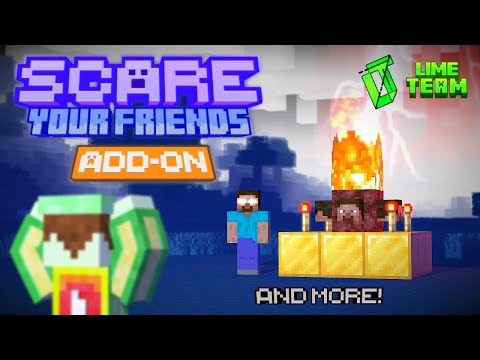
Image shows an example of how can this add-on can be used
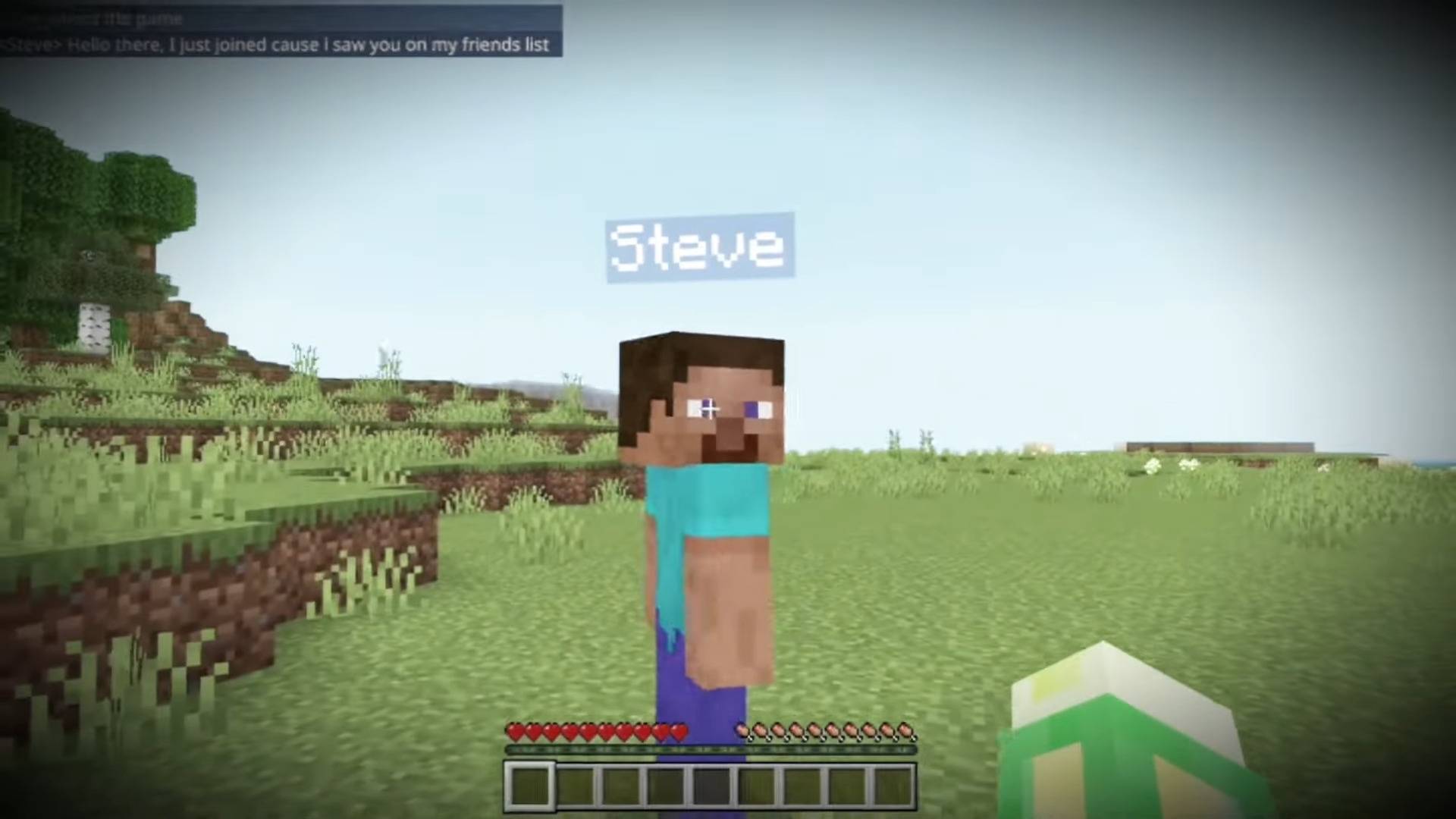
Image shows an example of how can this add-on can be used
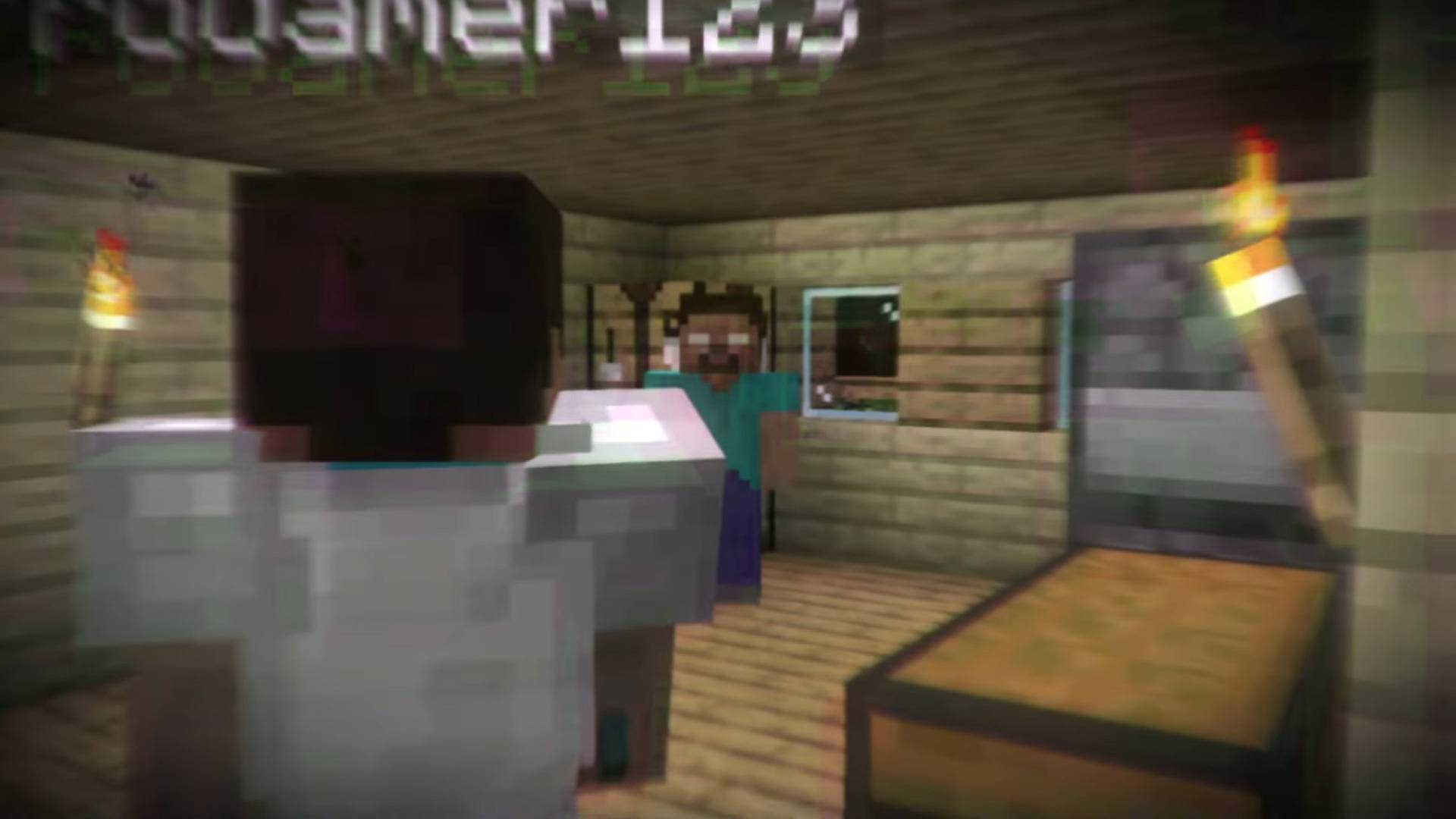
Image shows an example of how can this add-on can be used
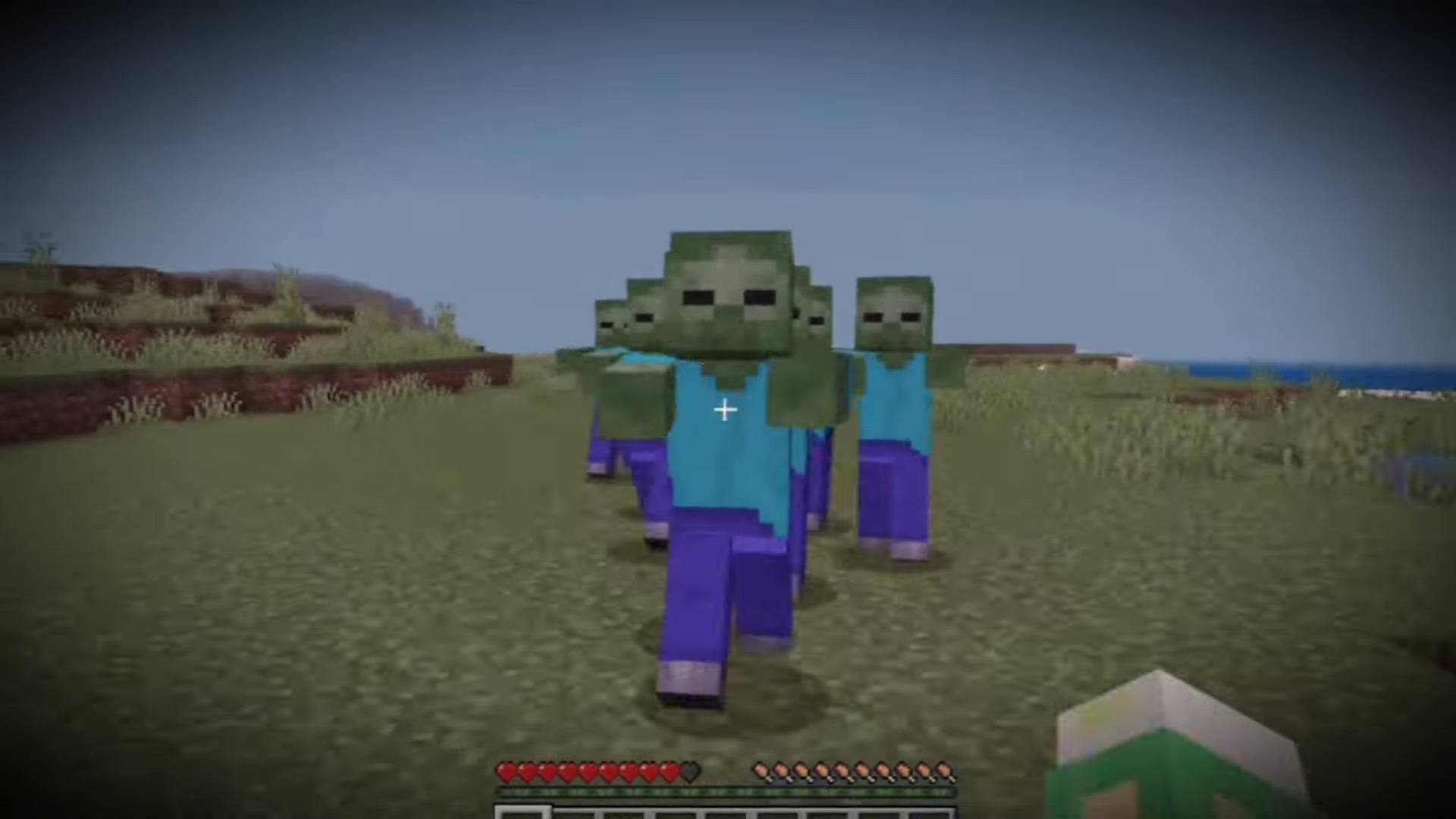
Image shows an example of how can this add-on can be used
Description
ADD-ON INTRODUCTION:
This Add-on is the best choice to scare your friends with creepy jumpscares or just confuse them while playing! The cool thing is that you can do it to an specific player around the world by just giving him or her a tag named "victim". In case you don't know, a tag command enables you to mark a player with an specific function from the rest of the players. To give the required tag, write the following command on chat:
/tag PLAYER NAME HERE add victim
Currently there are only 15 function variations that can be used. We will add more functions on the future. You are welcome to join our Discord Community. We will gladly review them for a possible addition. You can suggest new fuctions that could be implemented in the future updates by joining our Discord Community!
WATCH THE OFFICIAL TRAILER HERE:
<figure class="media" style="text-align: center;">CORRECT USE OF FUNCTIONS:
Before running any function, be careful when writing in chat "/function". A list of functions with the start of the word "DO_NOT_RUN/" will appear. Please ignore them and DO NOT run any of the functions inside that folder, they may break the Add-on if used!
Now that you know what this Add-on does, we can start describing every single function and how to use them correctly in order to make the pranks more realistic.
You can skip this part if you want but we highly recommend you to read them. It will help you make it more real:
Click on the spoiler menu down below:
(It's recommended for a good understand of all of the functions to read them)
Total functions: 14
/function herobrine_appear:
Herobrine will appear a few blocks in front of the victim player, then he will run fast just to get very close to the player. Some seconds later, he will disappear making rumors and giving an effect to the player.
IMPORTANT: To make the prank more realistic it is recommended to run the function when the victim player is in a zone where there aren't any obstacles, for example blocks near him on a radius of 6 blocks minimum. If you don't do this, Herobrine won't be seen because he will be trapped inside those blocks. In order to accomplished the function, the player has to stand absolutely on solid ground all around him otherwise Herobrine will just float in the air and will not reach the victim player.
This is how this function should be done correctly and how it will look:
<figure class="media">/function herobrine_totem:
Herobrine totem will appear to the player, approximately 5 blocks in front of him. The totem will not have fire on its top. After a few seconds, a lightning bolt will strike it and create some fire on the netherrack block. If it’s daytime at that time, the game time will change into nighttime... the game will get scarier. All of these means that the totem has been activated. If the victim player is near the totem during the lighting moment, he will feel a tiny shaking effect.
IMPORTANT: To make the prank more realistic it is recommended to run the function when the victim player is in a zone where there aren't any obstacles, for example blocks near him on a radius of 6 blocks minimum. If you don't do this, Herobrine totem will appear in the air which is not credible. A totem should always be placed on the ground.
This is how this function should be done correctly and how it will look:
<figure class="media">/function herobrine_jumpscare:
The victim player will not be able to move, he will just move his camera. At the same moment, a darkness effect will appear with a very scary sound too. A few seconds later, another effect will appear giving the victim player a deeper darkness with deepest rumors. This is when the actual jumpscare will appear! Seconds later, the victim player won't be able to move at all and Herobrine’s face will instantly appear in front of the player’s face and a big noise will be listened.
IMPORTANT: It is fully recommended that the victim player has his “field of view” on 90°, if less, Herobrine’s face will not be shown on the player’s entire screen. You don't have to worry if there are some mobs or players around a radius of 3 blocks near the victim player. When the jumpscare will appear, they will become invisible until the jumpscare ends and the function ends. If your friend doesn't like jumpscares or loud sounds, we suggest not to run this function on him.
This is how this function should be done correctly and how it will look:
<figure class="media">/function jumpscare:
When you run this function, a creepy smiling face will appear in front of the victim player and making loud sounds too. He won't be able to move himself, his camera and his view of perspective. The hud will disappear as well.
IMPORTANT: It is fully recommended that the victim player has his “field of view” on 90°, if less, the creepy smiling face will not be shown on the player’s entire screen. You don't have to worry if there are some mobs or players around a radius of 3 blocks near the victim player. When the jumpscare will appear, they will become invisible until the jumpscare ends and the function ends. If your friend doesn't like jumpscares or loud sounds, we suggest not to run this function on him.
This is how this function should be done correctly and how it will look:
<figure class="media">/function fake_steve:
A “fake Steve” with a Steve tag (as a default player) will float in front-left of the player for about one block from the ground for a few seconds. Seconds later, he will land and a message on chat will appear: "Steve has joined the game" faking a normal player. He will start sending messages on chat by asking who wants to play, he will complain and finally threaten to grief the world. In the end, he will get kicked from the world. The function will end.
IMPORTANT: Please make sure that the victim player has a solid ground in front him because the fake Steve will fall down in case of air.
This is how this function should be done correctly and how it will look:
<figure class="media">/function fake_notch:
A “fake Notch” with a Notch tag (as a default player) will float in front-left of the player for about one block from the ground for a few seconds. Seconds later, he will land and a message on chat will appear: "Notch has joined the game" faking a normal player. He will start sending messages on chat saying that he is planning to buy Minecraft Game, that he is joining a random world to test a function with the multiplayer support. In the end, he will say that he needs to leave. The function will end.
IMPORTANT: Please make sure that the victim player has a solid ground in front him because the fake Notch will fall down in case of air.
This is how this function should be done correctly and how it will look:
<figure class="media">/function fake_dream:
A “fake Dream” with a Dream tag (as a default player) will float in front-left of the player for about one block from the ground for a few seconds. Seconds later, he will land and a message on chat will appear: "Dream has joined the game" faking a normal player. He will start sending messages on chat by asking who wants to teach him how to play Minecraft and that he will invite him to his SMP, he will complain about the low connection and being disconnected. The function will end.
IMPORTANT: Please make sure that the victim player has a solid ground in front him because the fake Steve will fall down in case of air.
This is how this function should be done correctly and how it will look:
<figure class="media">/function fake_mrbeast:
A “fake MrBeast” with a MrBeast tag (as a default player) will float in front-left of the player for about one block from the ground for a few seconds. Seconds later, he will land and a message on chat will appear: "MrBeast has joined the game" faking a normal player. He will start sending messages on chat by saying he joined the world on his free time and that he is looking for players to volunteer on a challenge on Minecraft bedrock, then he leaves. The function will end.
IMPORTANT: Please make sure that the victim player has a solid ground in front him because the fake Steve will fall down in case of air.
This is how this function should be done correctly and how it will look:
<figure class="media">/function i_see_you:
When you run this function, a sound saying "I see you..." will be played behind the victim player.
IMPORTANT: We recommend to run this function when the victim player is inside a cave. We think it would be much creepier if it were listened to in that atmosphere.
This is how this function should be done correctly and how it will look:
<figure class="media">/function fake_steps:
When you run this function, the sound of someone walking will be heard behind the player. We highly recommend that you victim player uses headphones! He will hear the sound of the steps starting from the left channel going through the right channel. The effect is very realistic, seems like if a real player is running behind the victim player.
IMPORTANT: We recommend to run this function when the player is inside a cave. We think it would be much creepier if it were listened to in that atmosphere.
This is how this function should be done correctly and how it will look:
<figure class="media" style="text-align: center;">/function lava:
When you run this function, a block of lava will appear on the top of the player. If the victim player is really fast, he can run away from lava without getting burned. Keep in mind that this would be impossible if the function runs in the Nether dimension.
IMPORTANT: Please be aware that running this function is highly dangerous if the victim player is inside a wooden house or a place where there is lots of wood. Be careful, the fire will spread rapidly (the fire is set on “true”). It means you can burn your friend’s house of wood.
This is how this function should be done correctly and how it will look:
<figure class="media" style="text-align: center;">/function falling_anvils:
When you run this function, a 5x5 block of anvils will appear exactly 20 blocks on top of him. If the victim player doesn't move away from the anvils before they will fall down, he will be crushed by the falling anvils.
IMPORTANT: In order to make this function work, the victim player needs to be in an area where there is no sort of blocks on top of him, for about 22 blocks around.
This is how this function should be done correctly and how it will look:
<figure class="media" style="text-align: center;">/function zombie_horde:
When you run this function, a group of 10 zombies will spawn behind the victim player.
IMPORTANT: You don't have to worry that the victim player is on daytime. When this function will start, the game time will be automatically set to night time so the zombies won't burn because of the sunlight.
This is how this function should be done correctly and how it will look:
<figure class="media" style="text-align: center;">/function spawn_wither:
When you run this function, a Wither will spawn in front of the victim player.
IMPORTANT: For your information, Withers are really powerful so be careful when you run this function!
This is how this function should be done correctly and how it will look:
<figure class="media" style="text-align: center;">
THAT'S IT!
Now that you know how to run all the functions of the addon, you are ready to prank you friends!
IT'S EXTREMELY DANGEROUS TO RUN FUNCTIONS WHILE ALREADY PLAYING THE GAME!
This can cause an unwanted experience of the add-on and may lag the world or break it.
It is not recommended to run functions on repeating command blocks with delay.
WHAT HAPPENS IF THE ADD-ON BREAKS?
If you are experiencing some issues when running the functions, there is a function made specifically for this problem:
/function RESET
This function will reset everything even the players who had the "victim" tag given to them. To give them back it, just do the command said in the introduction block
WARNING:
Before playing with this Add-on, be aware that some functions may contain Loud Sounds, Jumpscares and Flashing Lights.
YOU HAVE BEEN WARNED
FOR YOUTUBE VIDEOS:
If you plan to post a video in the YouTube, please write on your description OUR CREDITS BY LINKING THIS PAGE. For more information, please check Terms of Service.
Have fun scaring your friends! 😈
The SCARE Your friends Add-on Team
