RSR Floating Texts
- By
Create, customize, move, teleport to, and manage floating texts in your world using a compass menu—with color, scale, multi-line support, and automatic saving.
Screenshot_2026_1123_200549.jpg
Screenshot_2026_1123_200616.jpg
Screenshot_2026_1123_200723.jpg
Screenshot_2026_1123_200820.png
Description
🪧 RSR Floating Texts Addon
Create, customize, and manage floating 3D text displays directly inside your Minecraft world! With RSR Floating Texts, you can place welcome signs, labels, guides, or server info anywhere in your world using an intuitive menu—no command blocks required.
🛠️ How to Use
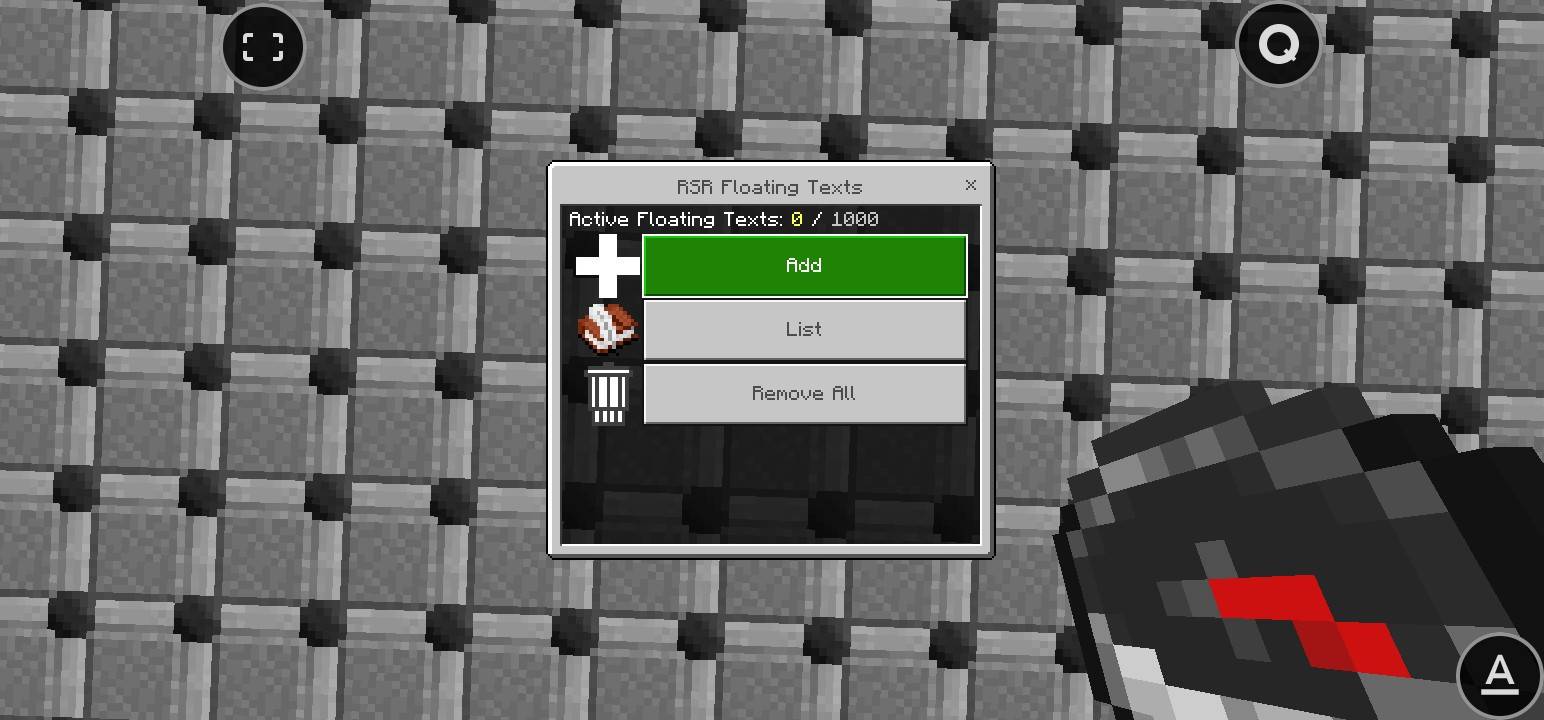
Hold and use a Compass (minecraft:compass) in your hand to open the RSR Floating Texts menu interface.
✨ Key Features
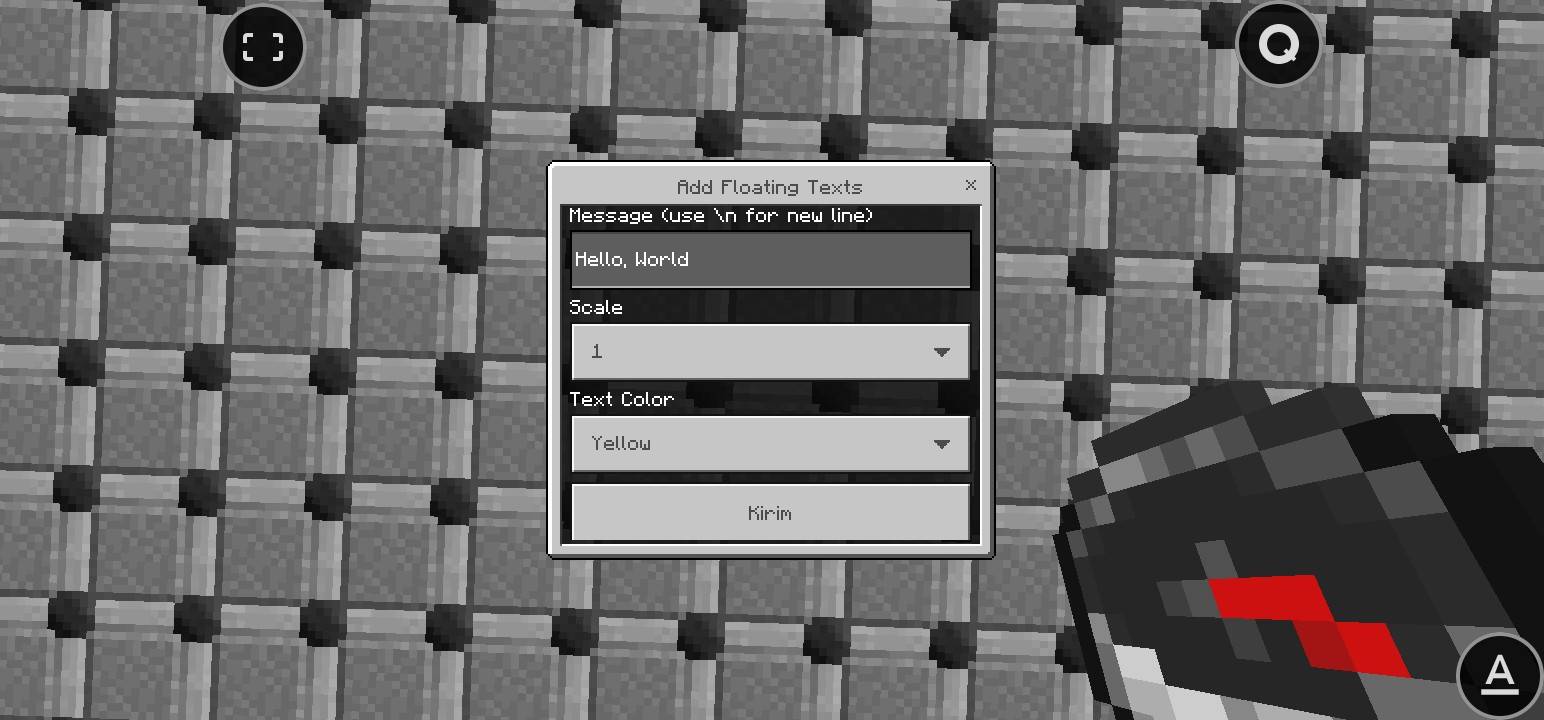
- Easy Floating Text Creation: Add floating text above your position with custom messages, multi-line support (
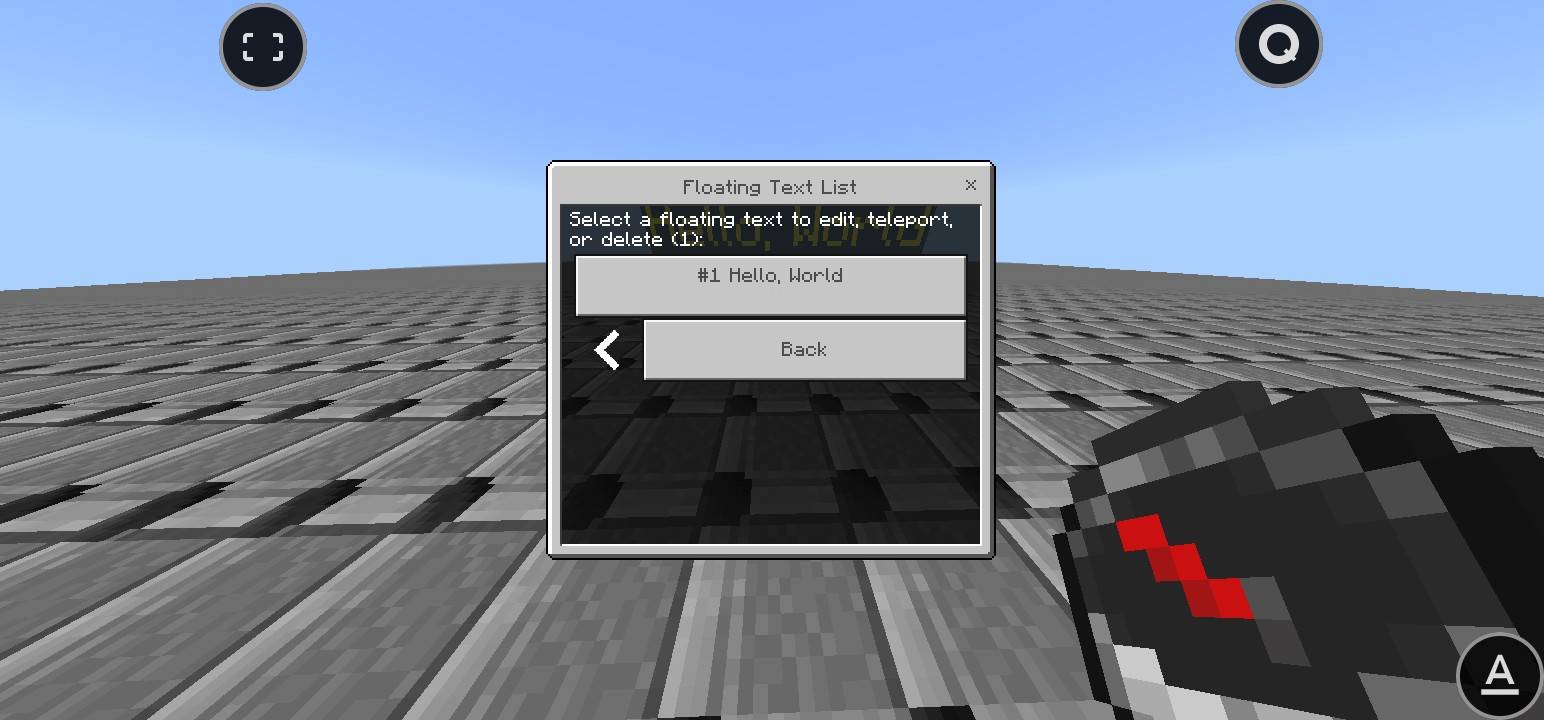
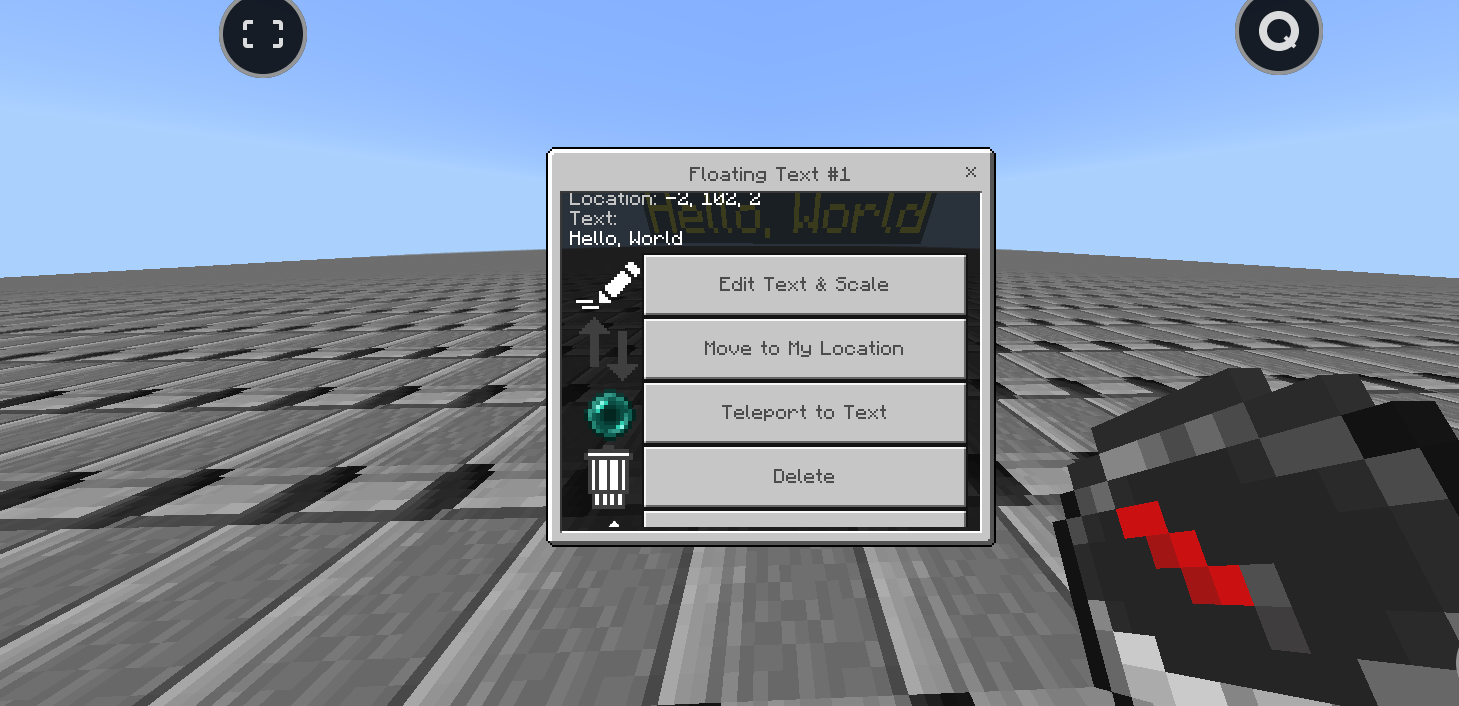
\n), adjustable scale (1to2), and color options. - Full Management Menu: View all active floating texts in a list, edit existing text or scale, move text to your current location, teleport to a text's position, or delete individual entries.
- Remove All Option: Quickly clear all active floating texts in the world with a confirmation menu.
- Script Event Support: Also supports
/scripteventtriggers (floating_text:addandfloating_text:clear_all) for quick automation. - World Persistence: Automatically saves and restores your placed floating texts across world reloads.
👨💻 Credits & Links
- Developer:
@Randi_Saputra_R(Made in Indonesia) - CurseForge: Randi_Saputra_R
- MCPEDL: Randi_Saputra_R
- TikTok: @randi_saputra_r
Follow for future updates!
RSR Floating Texts Team