RR Weapon Forge - Socket & Gem System
- By
Upgrade your weapons with custom sockets! Insert vanilla items like Amethyst or Fire Charges as magical gems to unleash powerful elemental attacks like frost, fire, or lightning strikes.
RR Weapon Forge - Socket & Gem System (10).jpg
RR Weapon Forge - Socket & Gem System (11).jpg
RR Weapon Forge - Socket & Gem System (4).jpg
RR Weapon Forge - Socket & Gem System (9).jpg
RR Weapon Forge - Socket & Gem System (7).jpg
RR Weapon Forge - Socket & Gem System (3).jpg
RR Weapon Forge - Socket & Gem System (5).jpg
RR Weapon Forge - Socket & Gem System (6).jpg
RR Weapon Forge - Socket & Gem System (8).jpg

RR Weapon Forge - Socket & Gem System (2).jpg
Description

Whats up guys racing raftaar here. So today i am bringing you one of my favorite projects that i have been working on. If you guys play a lot of rpg games you know that almost every good game has a socket and gem system for weapons. You find a cool sword and then you put magic gems in it to make it overpowered. Minecraft enchanting is cool but it is getting very old and boring. You just throw books on an anvil. I wanted to bring that true rpg feeling into the game so i created the RR Weapon Forge addon. This addon lets you physically add empty sockets to your regular swords and axes and then insert magical gems into them to get crazy powers.

How The Socket System Works
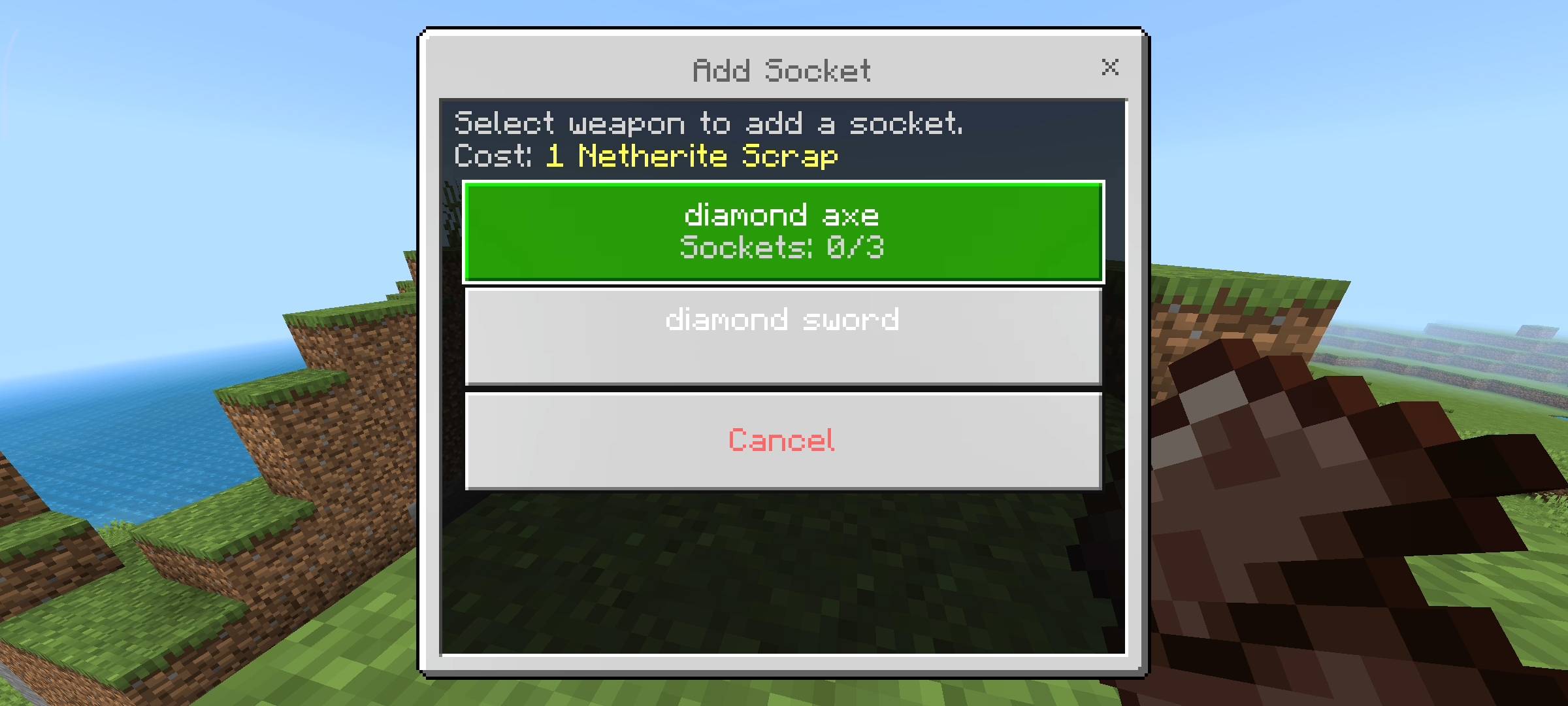
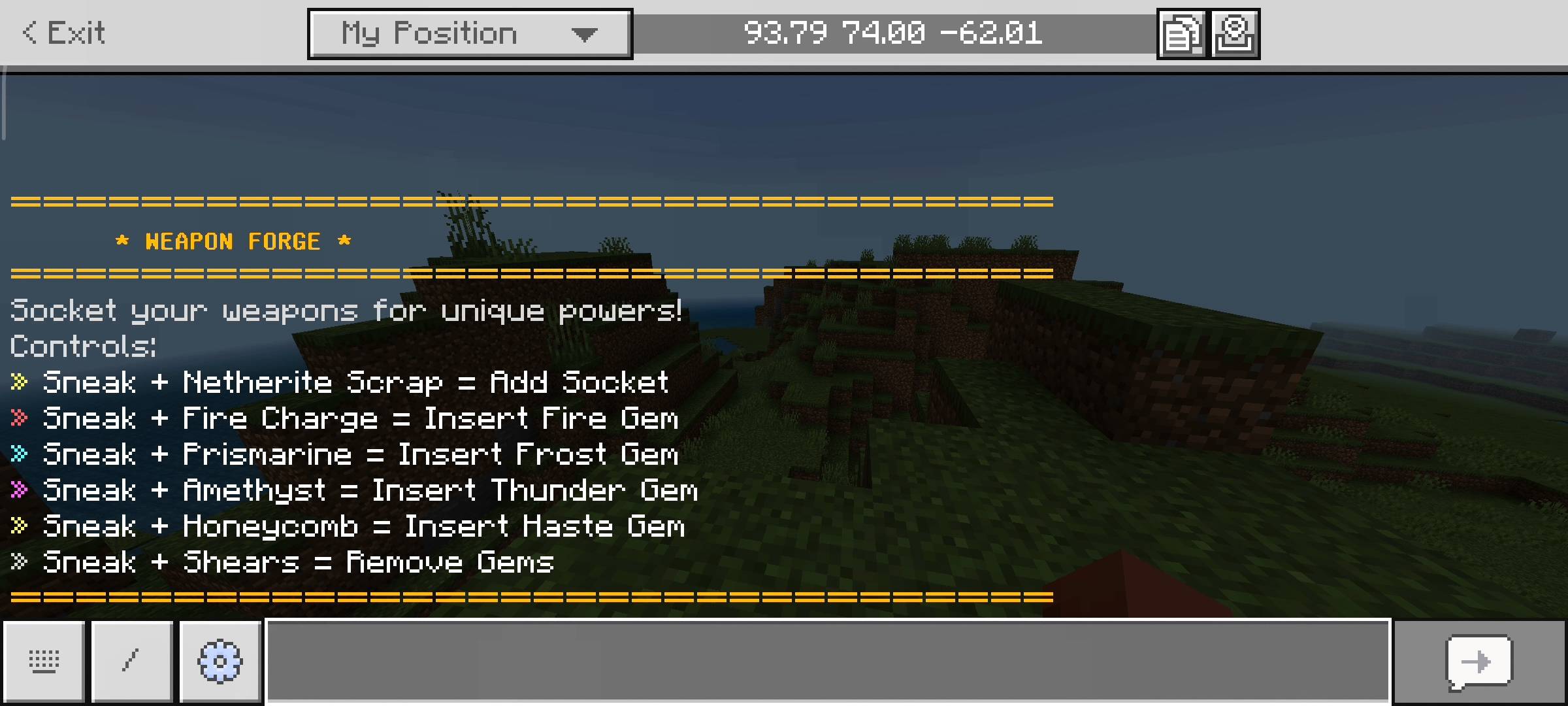
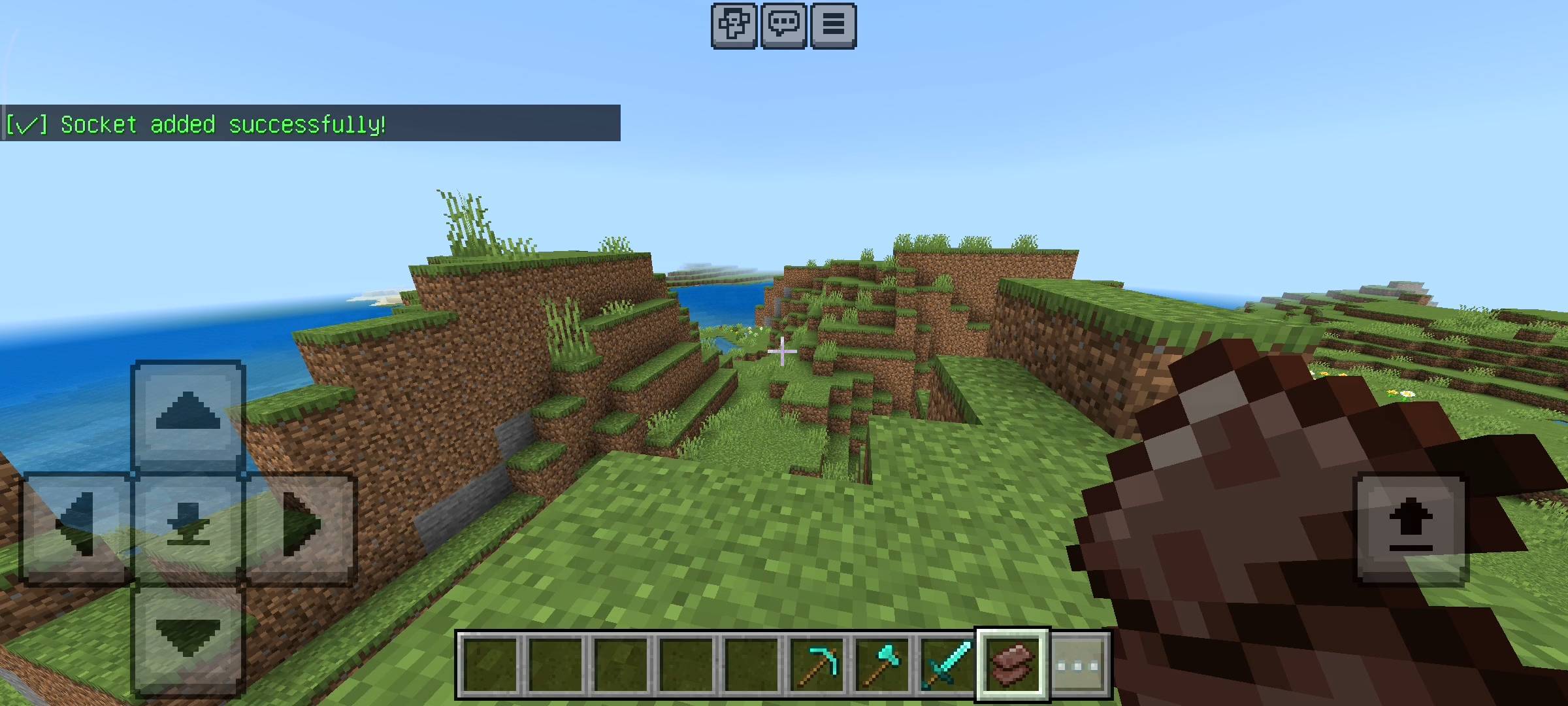
I really wanted to make this addon very easy to use without needing any weird custom crafting tables or complicated blocks. So everything works through an interactive UI menu on your screen. When you craft a normal weapon like a diamond sword it has no sockets. To add a socket you just need to hold a Netherite Scrap in your hand and sneak. This opens the Add Socket menu. It costs exactly 1 netherite scrap to forge an empty socket into your weapon. You can add up to 3 empty sockets on a single weapon. When you do this the lore of the item actually updates and shows you exactly how many empty slots you have which looks super professional.
Gem Types And Abilities
So i made a big decision while making this addon. I did not want to add custom items that require a heavy resource pack because sometimes that causes lag on multiplayer realms. Instead i used specific vanilla items to act as the magic gems.
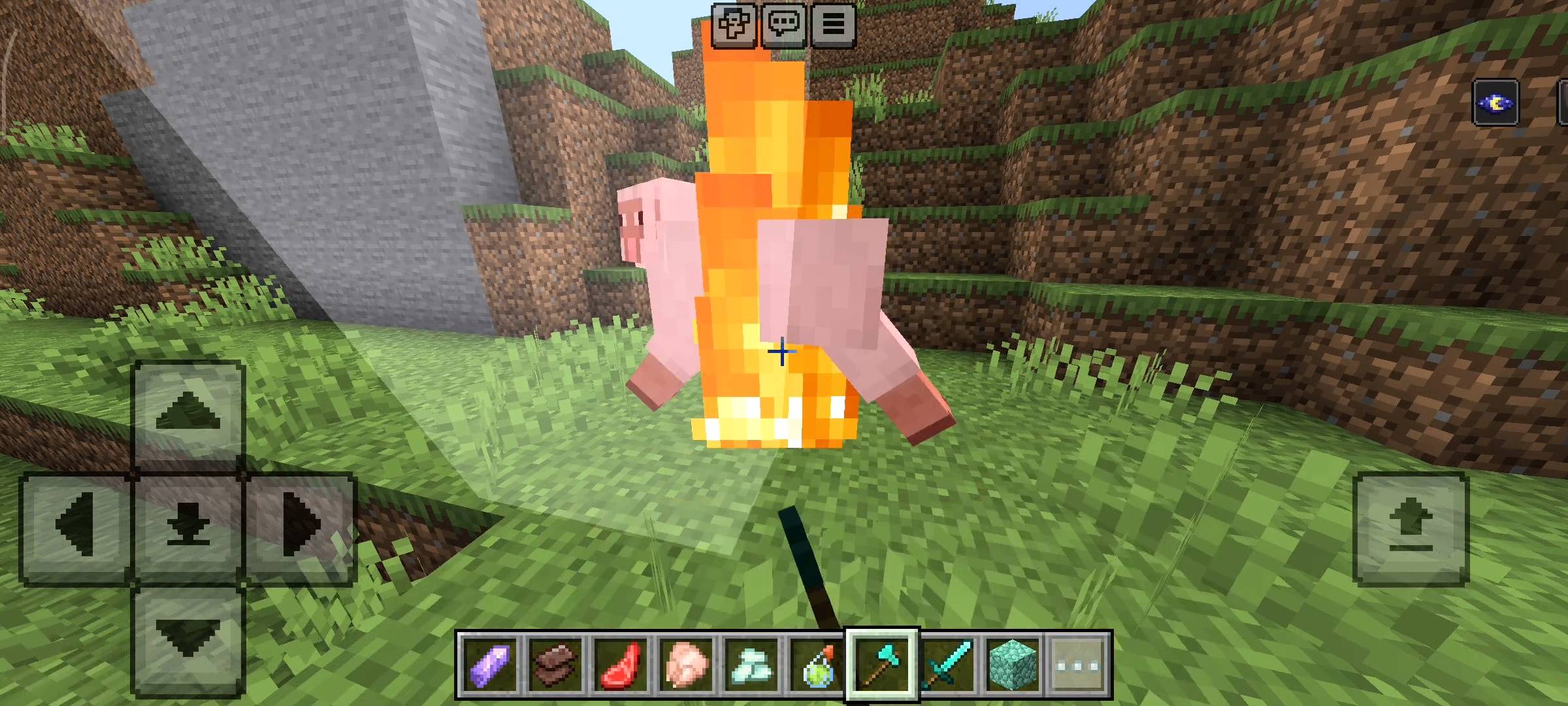
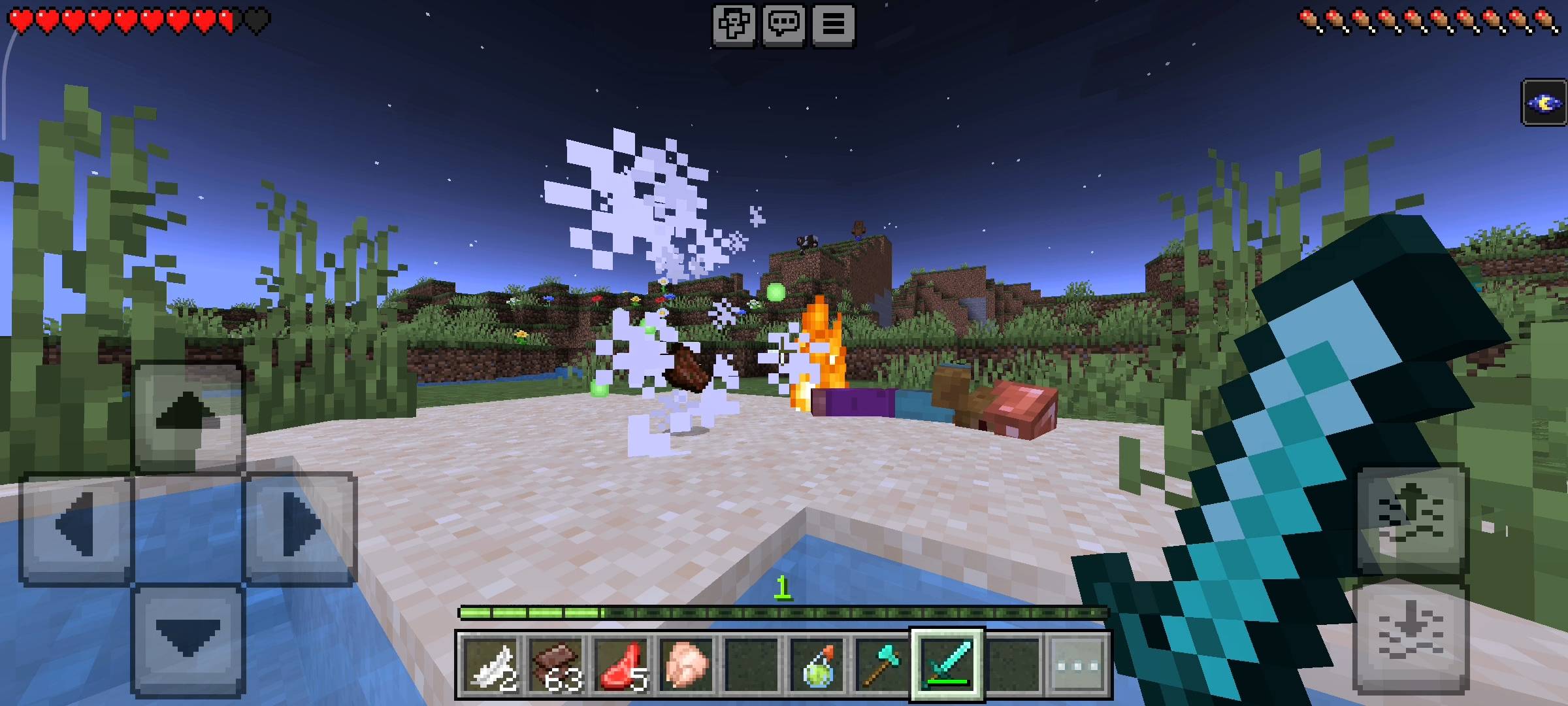
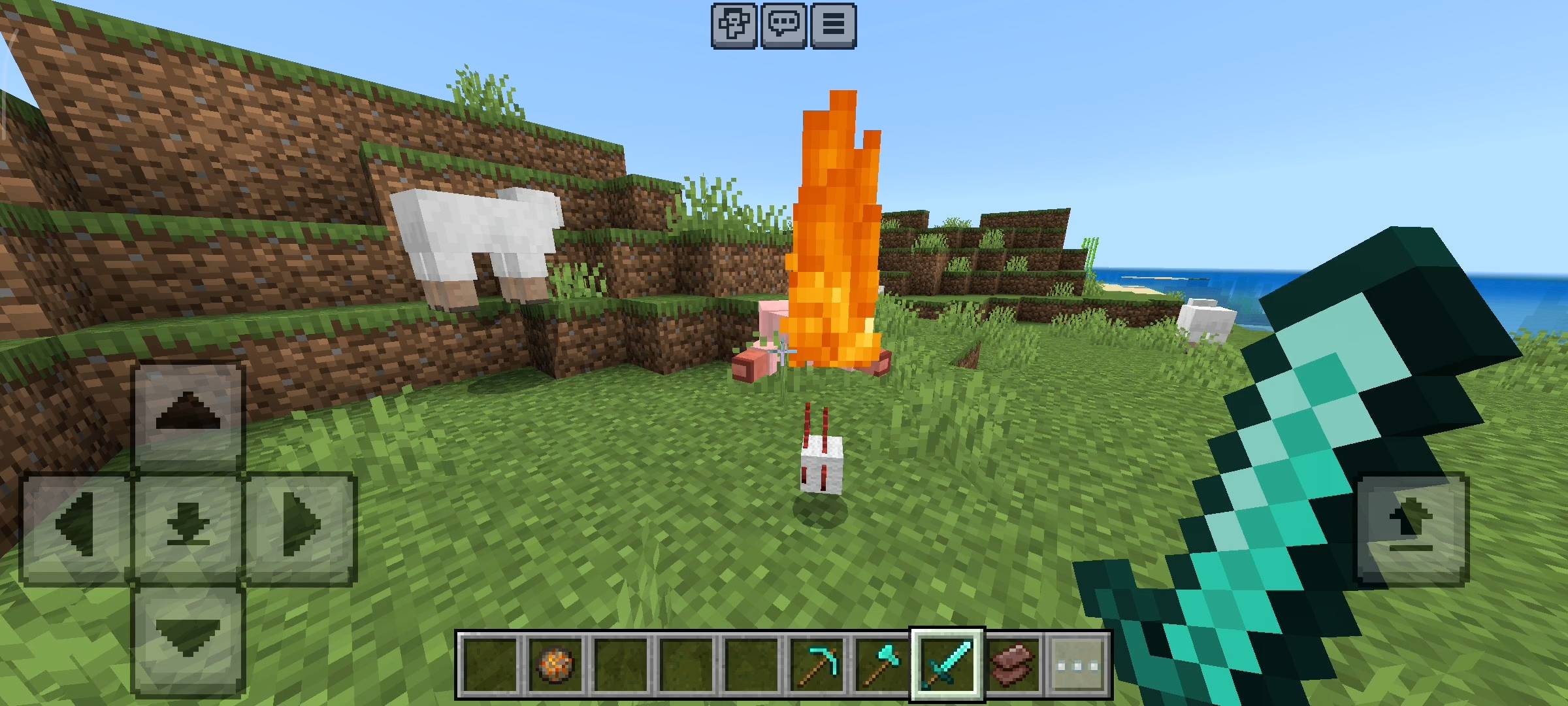
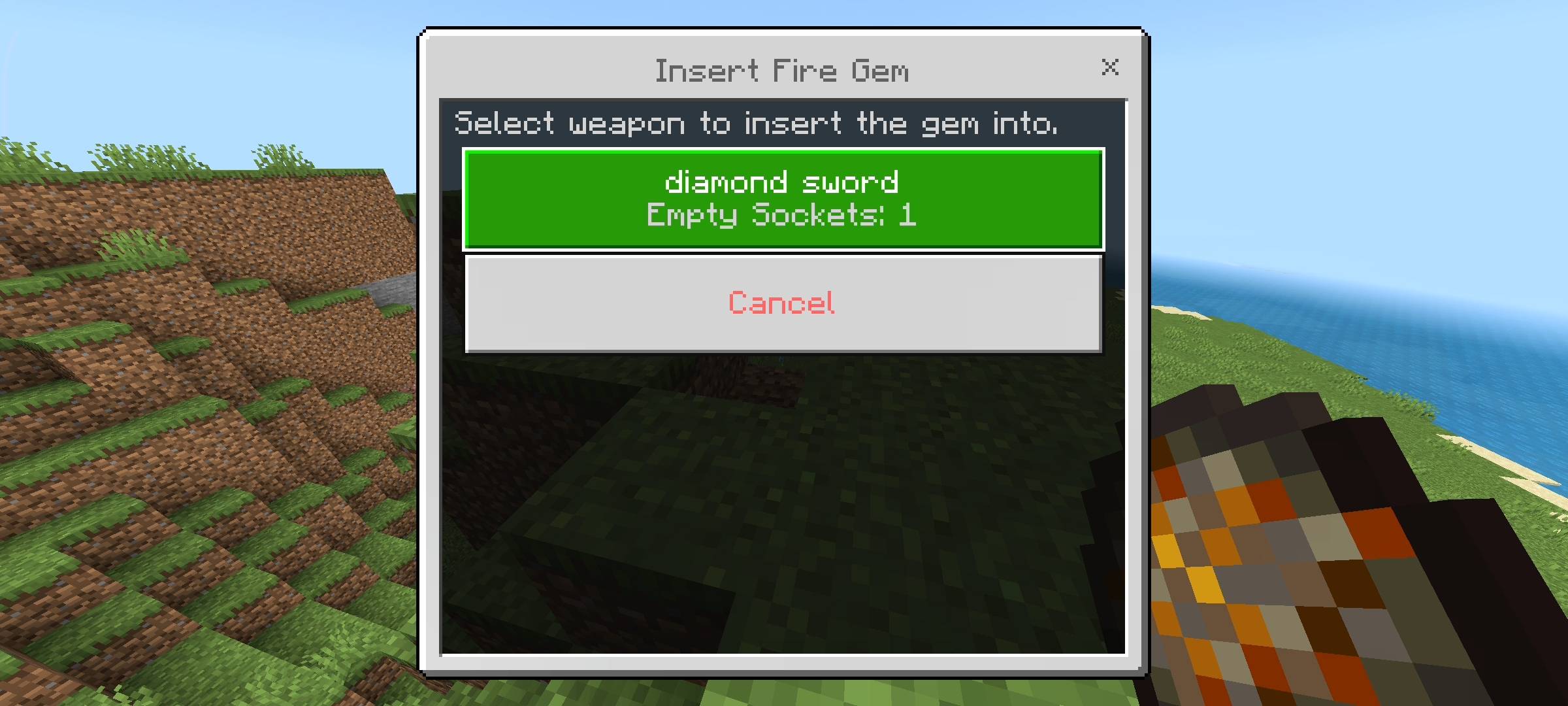
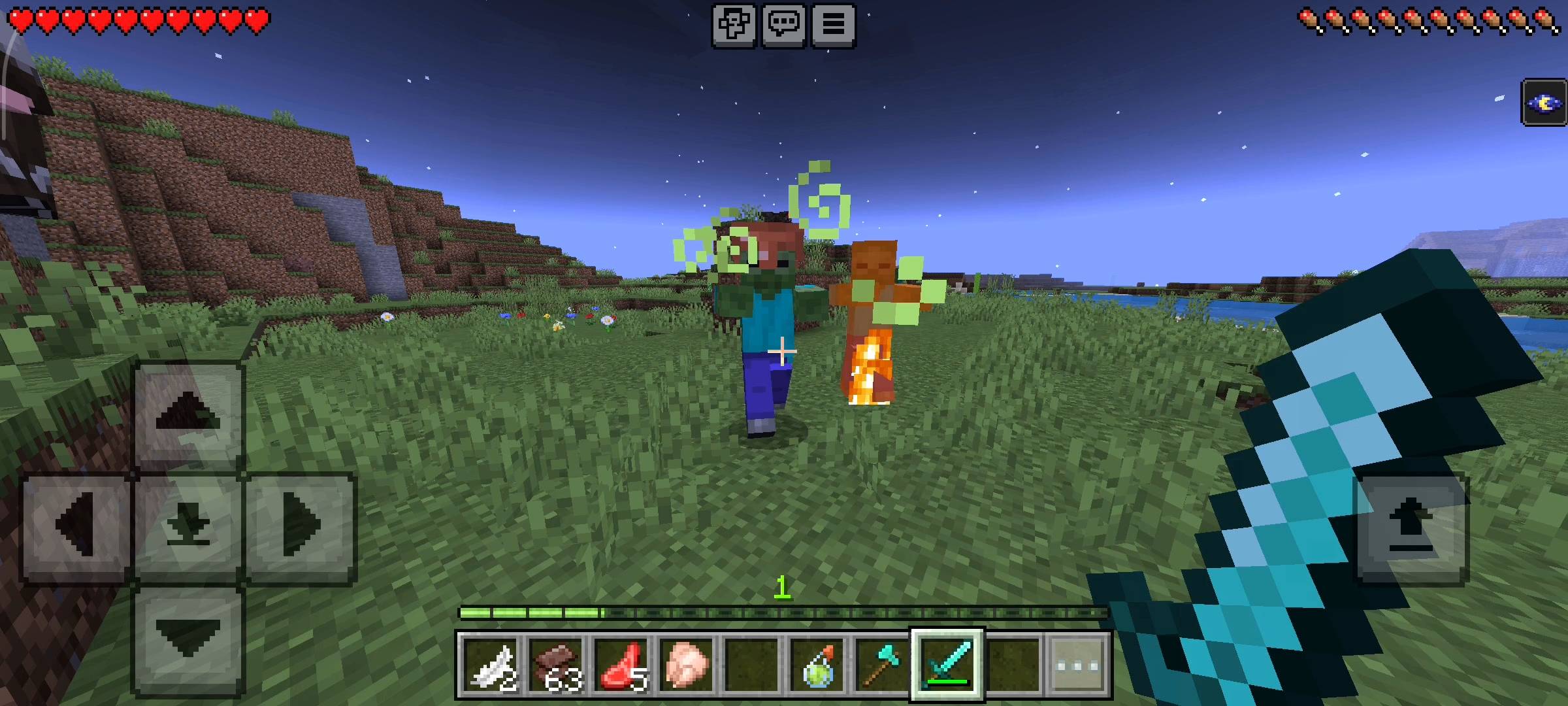
First we have the Fire Gem which is just a normal Fire Charge. If you hold a fire charge and sneak it opens the insert menu. Put it in your sword and now every time you hit an enemy they get set on fire instantly.
Next is the Frost Gem which uses Prismarine Crystals. If you insert this into your weapon it gives your enemies a slowness effect when you hit them. It is so good for fighting fast mobs like baby zombies or other players in pvp.

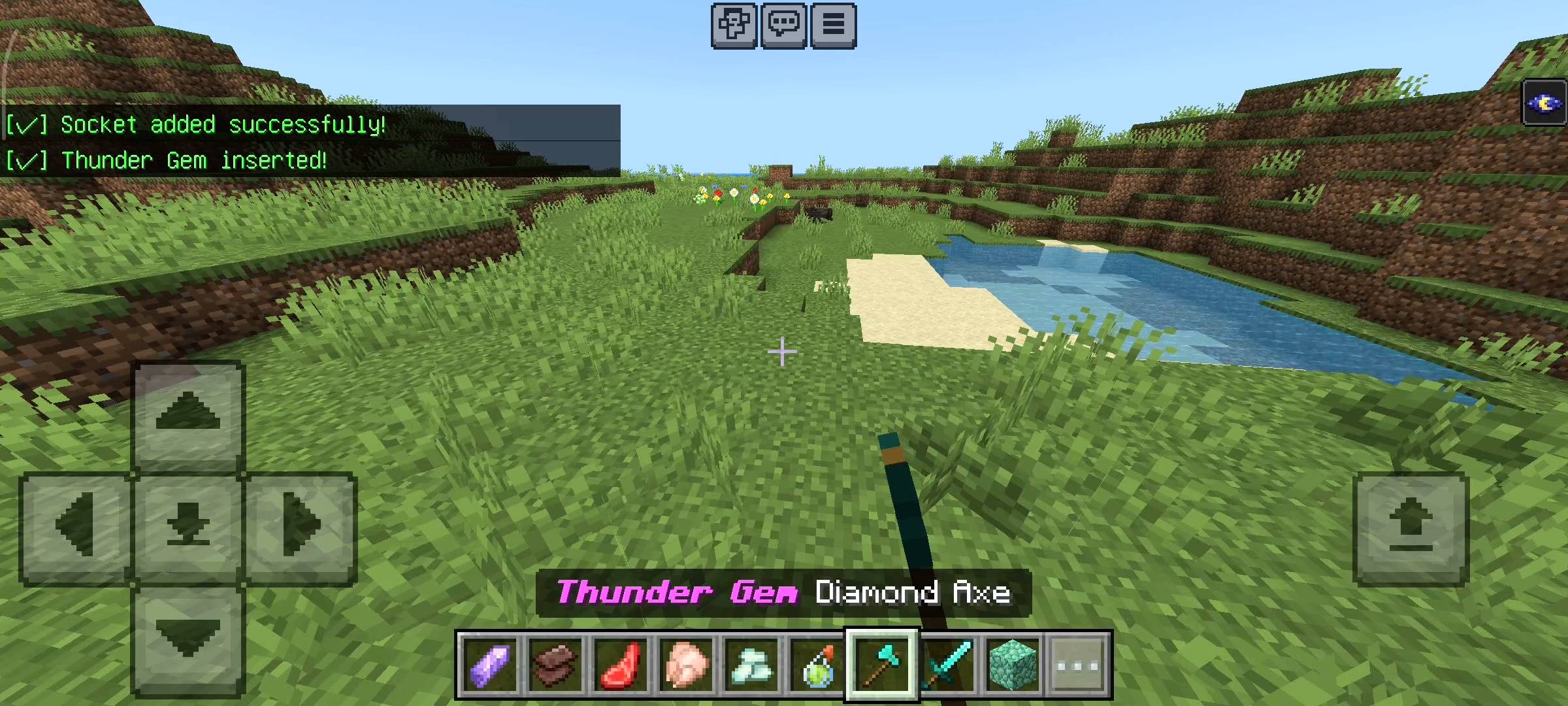
Then we have the Thunder Gem which uses Amethyst Shards. This one is completely crazy. When you hit a mob with a thunder gem weapon it literally summons a real lightning bolt from the sky to strike them. I even made it so you get brief fire resistance so you dont accidentally burn yourself from your own lightning.
Finally there is the Haste Gem which uses a Honeycomb. This is a passive gem. You dont even have to hit anyone. Just holding a weapon with this gem gives you Haste 2 constantly so you can swing your sword super fast.
Managing Your Gems
What happens if you find a better weapon and you want your gems back? Dont worry i thought about that too. I made a safe removal system. If you hold Shears in your hand and sneak it opens the Remove Gem menu. It shows you all the gems currently in your weapon. You just click the one you want to take out and the addon safely removes it from the socket and gives the item back into your inventory. Also the addon dynamically changes the name of your weapon. If you put a fire gem in an iron sword it renames it to Fire Gem Iron Sword with cool colors. If you fill all 3 slots it becomes a Multi-Forged weapon.
How To Apply In Minecraft
Installing this addon is very simple. Once you download the file you just have to tap on it or open it with minecraft and it will automatically import into your game. Then you go to your world settings and scroll down to the behavior packs section. Just click on RR Weapon Forge and activate it. You dont need any resource pack for this because it uses all vanilla items which keeps your game running very smooth.
Beta APIs Setup
Like all my other advanced addons this one relies heavily on background scripts to track the exact item you are holding and update the lore and names of your weapons dynamically. It also uses the scripts to open the UI menus when you sneak. So you absolutely must turn on the Beta APIs experiment in your world settings before you play. If you dont turn it on the sneak controls will do nothing and you wont be able to add any sockets.

AI Disclaimer
The main cover picture and the gallery screenshots were enhanced using ai image generators.
The RR Weapon Forge - Socket & Gem System Team


Owner