RR Titan Shield (Super Knockback & Aura)
- By
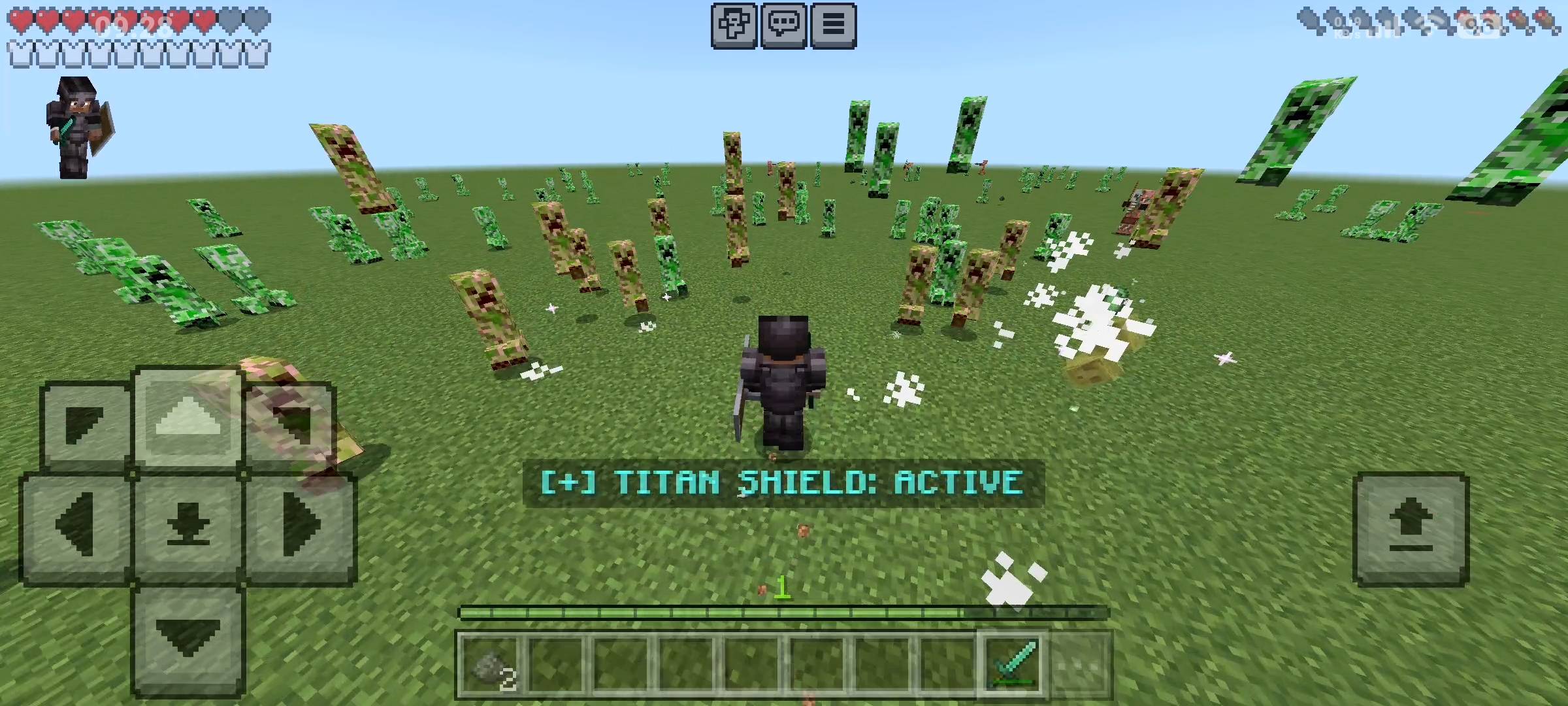
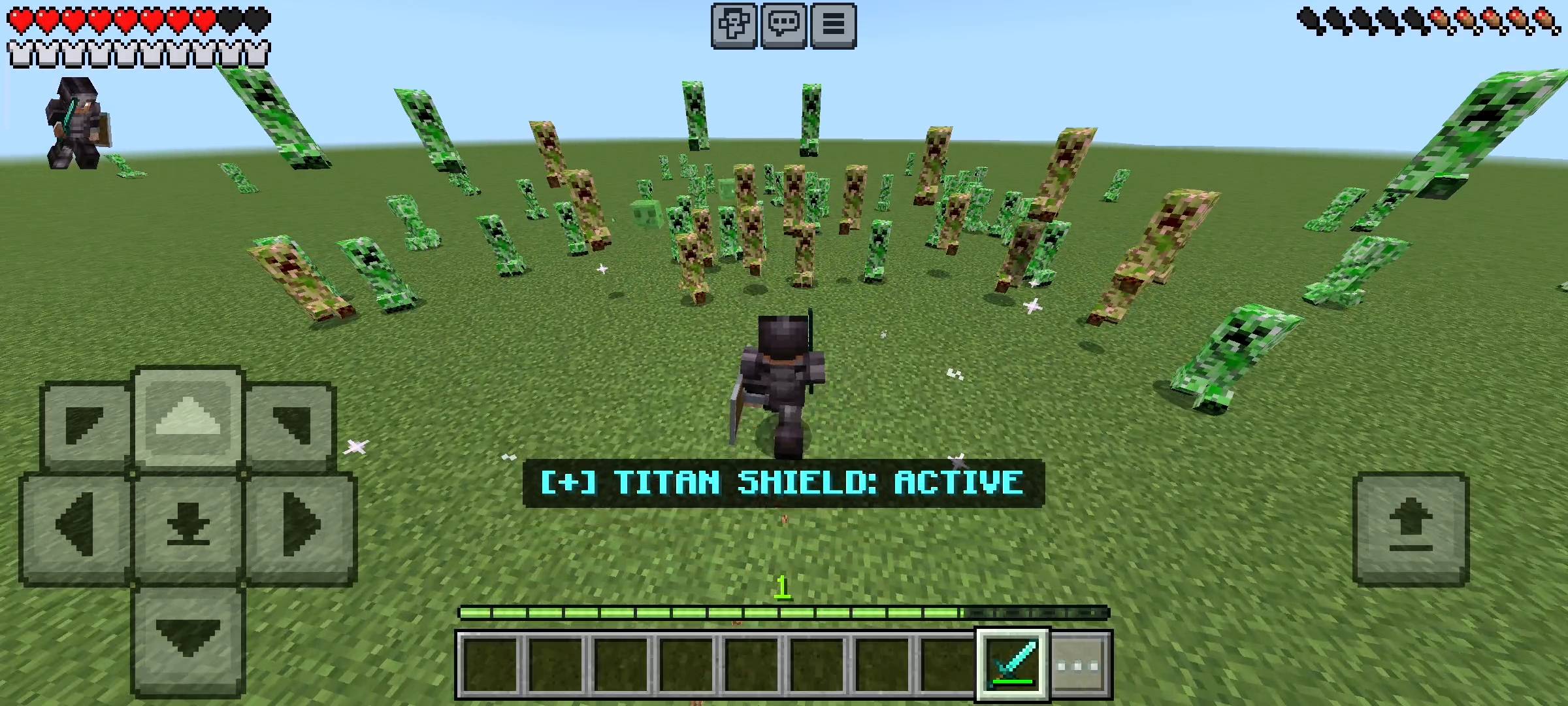
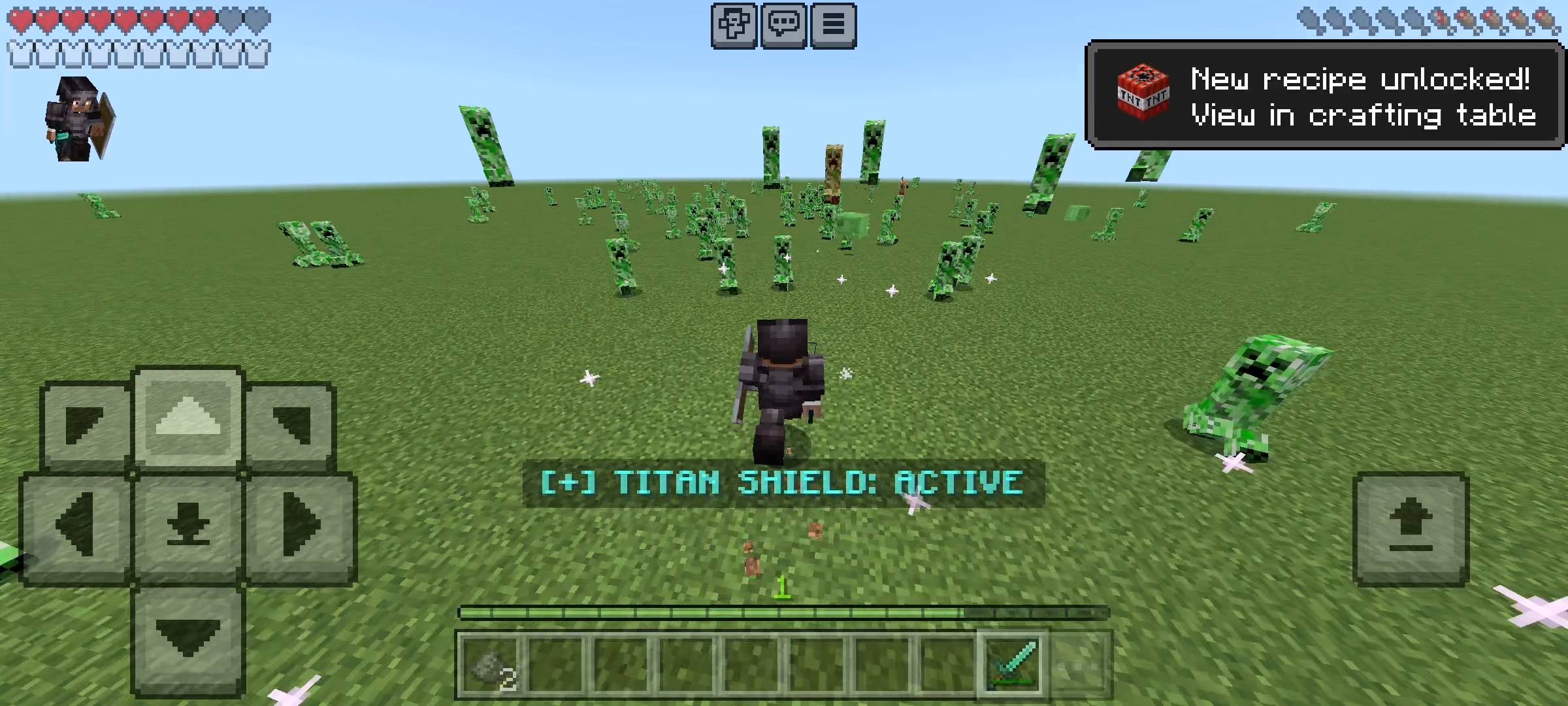
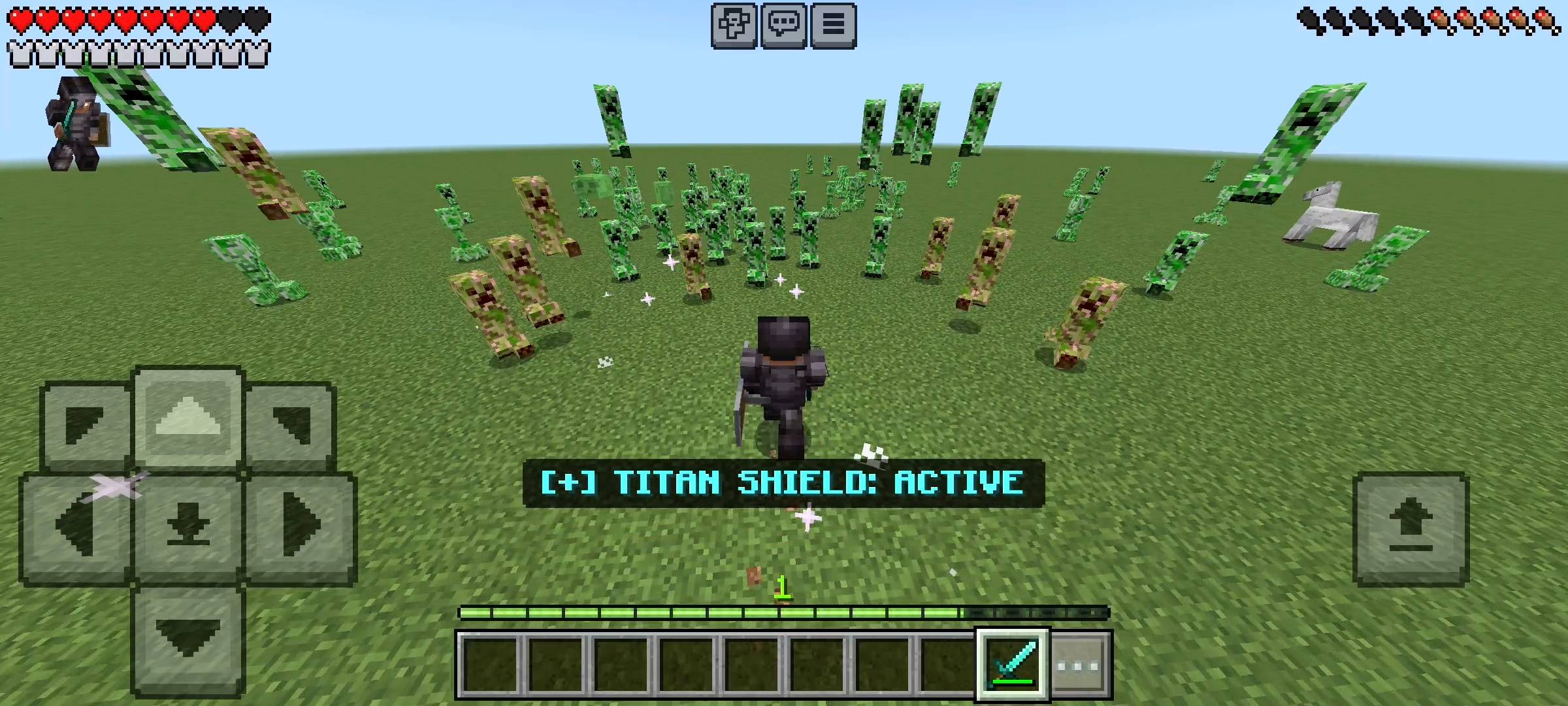
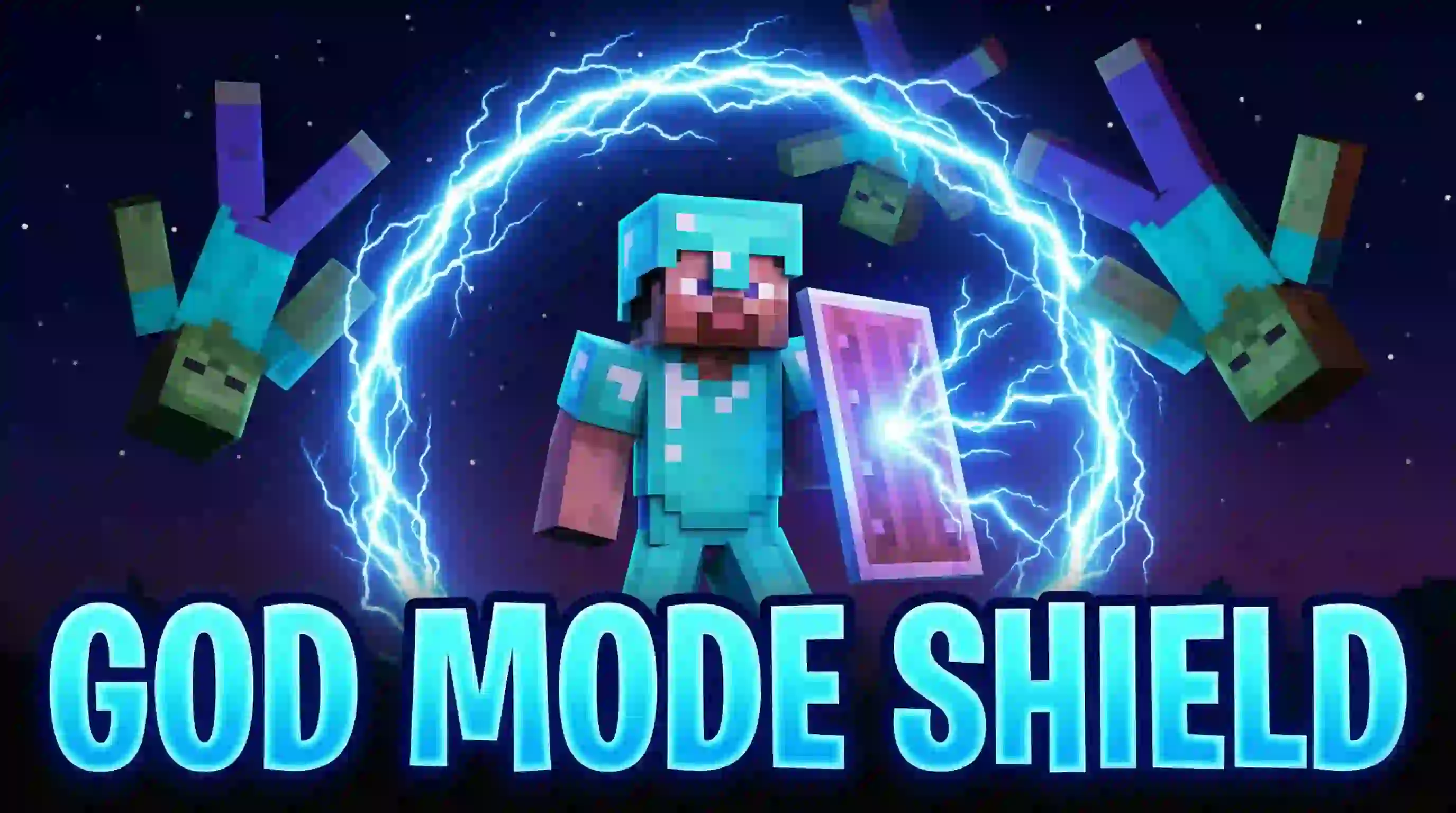
Turn your normal shield into a High-Tech Force Field! 🛡️ Blasts enemies away with Lightning and Super Knockback. Features a unique 'Hacker Lock' system. Become untouchable in Survival!
Screenshot_2026-01-03-09-28-33-394_com.mxtech.videoplayer.pro.jpg
Screenshot_2026-01-03-09-28-08-127_com.mxtech.videoplayer.pro.jpg
Screenshot_2026-01-03-09-28-24-983_com.mxtech.videoplayer.pro.jpg
Screenshot_2026-01-03-09-27-56-917_com.mxtech.videoplayer.pro.jpg
20260103_094205.webp
Description
RR Titan Shield v2.0.0 - Ultimate Force Field Addon
Hey everyone! If you have played Minecraft survival for a long time, you already know how frustrating the combat can get when you are overwhelmed by enemies. Are you tired of exploring a deep cave, finally finding some diamonds, and suddenly hearing that terrifying hissing sound right behind you? Creepers blowing up your hard work, zombies cornering you in tight spaces, and skeletons shooting you into lava pools are some of the worst feelings in the game.
I always felt that the vanilla shield in Minecraft Bedrock is just too basic and boring. You have to crouch, it slows down your movement speed completely, it blocks half of your screen vision, and it only protects you from the front. If a mob attacks you from behind, you are still going to take damage. I wanted to create something that makes you feel incredibly powerful, something that gives you absolute control over your surroundings.
That is why I created the RR Titan Shield. I have completely rewritten the code for Version 2.0.0, and I am super excited to share this Full Access Edition with you all. Every single premium feature is now completely unlocked for everyone right out of the box.
The Force Field Technology
This is not just a shield that blocks attacks; it is a highly advanced defensive weapon powered by custom scripts. When you equip the Titan Shield, it generates an invisible, 360-degree force field around your character. You do not even need to press any attack buttons or crouch to activate it. You just hold the shield, walk forward, and watch the magic happen.
Whenever any hostile mob tries to enter your personal space, the force field detects them instantly. Instead of just blocking their hit, the shield physically launches the enemies away from you. It is a completely passive defense system. You can literally walk right through a massive horde of zombies in the middle of the night, and they will all be thrown out of your way like ragdolls. You can finally walk through your survival world like an absolute boss.
Advanced Knockback and Damage Control
I know that every player has a different playstyle. Sometimes you just want to push enemies slightly away so you can hit them with your sword, and sometimes you want to launch a Creeper over a mountain so it never bothers you again. That is why I built a highly customizable Knockback Control System into this update.
- Adjustable Range (2 to 8 Blocks): You decide how big your force field is. If you set it to 2 blocks, enemies have to get very close before they are pushed. If you set it to the maximum 8 blocks, mobs will not even be able to get near your character before they are blasted away. This is perfect for avoiding skeleton arrows.
- Knockback Power (Levels 1 to 3): Control the horizontal pushing force. Level 1 gives a gentle push to keep mobs at a safe distance. Level 3 applies a massive amount of force, throwing enemies far across the map.
- Knockback Height (Levels 0 to 2): Want to send mobs flying into the sky? You can adjust the vertical lift of the force field. Level 0 pushes them flat across the ground, while Level 2 launches them high up into the air, allowing them to take massive fall damage when they land.
- Auto Damage System: The shield is not just for pushing; it can also deal damage. You can adjust the force field to deal between 0 to 3 points of damage every single time it hits an enemy. This means weaker mobs might just die from trying to touch you.
Smart Targeting & Dual Wielding
One of the biggest problems with area-of-effect weapons is that you end up hurting your own pets. I made sure to program a Smart Targeting system into the Titan Shield. The force field is highly intelligent and will only target hostile monsters. Your tamed wolves, cats, horses, and village residents are completely safe. You can walk through your trading hall without worrying about launching your favorite librarian into the sky.
Furthermore, the shield works perfectly in your off-hand. This means you can hold your diamond pickaxe in your main hand to mine ores, while your off-hand holds the Titan Shield to automatically defend your back from cave spiders and creepers. It is the ultimate mining setup.
The New Interactive Menu System
I absolutely hate addons that require you to type long, complicated commands in the chat just to change a simple setting. To fix this, I have built a custom Graphic User Interface (GUI) right into the game using a standard book.
To access the menu, all you have to do is hold a regular Book in your hand, Sneak (crouch), and click or tap the screen. This will open a beautiful, easy-to-read menu with four distinct sections:
- The Settings Section: This is your control room. From here, you can use simple sliders and buttons to change your Range, Power, Height, and Auto Damage on the fly. You can also toggle the custom sound effects ON or OFF depending on your preference.
- The Features Section: This acts as an in-game manual. If you ever forget what a specific setting does, you can open this section to read a quick summary of all the active features.
- The Leaderboard Section: If you are playing on a multiplayer Realm or a server with your friends, this is going to be your favorite feature. The addon tracks how many times your shield has successfully defended you against enemies. The Leaderboard shows the top 5 defenders on the server, adding a really fun competitive element to your survival world.
- The Info Section: A simple guide on how to get started and properly equip the shield if you are a new player.
Zero Lag Performance & Bug Fixes
When you are pushing away multiple enemies at once, older addons used to cause massive frame drops and server lag. For version 2.0.0, I spent days optimizing the core code. The script runs incredibly smooth now. I have removed all the annoying particle errors, and the memory management is top-notch. Even if you are playing on a low-end mobile device, the shield will work flawlessly without stuttering.
How to Setup the Titan Shield
Getting started is incredibly simple and completely survival-friendly. You do not need creative mode to use this.
- Step 1: Craft a standard vanilla shield using wood and iron.
- Step 2: Equip the shield in your main hand or your off-hand slot.
- Step 3: The force field will automatically activate around you.
- Step 4: To change how the shield behaves, grab a normal Book, Sneak, and Use the item to open your custom settings menu. Adjust your sliders and start launching mobs!
[ AI DISCLAIMER ]
Please note that some graphical assets in this project, including promotional thumbnails and gallery screenshots, have been created or enhanced using AI tools to provide better visual quality.
Please note that some graphical assets in this project, including promotional thumbnails and gallery screenshots, have been created or enhanced using AI tools to provide better visual quality.
[ IMPORTANT REQUIREMENT ]
This addon relies on advanced custom scripts to track entities, calculate knockback physics, and generate the in-game UI menus. You MUST go to your World Settings > Experiments tab, and turn on Beta APIs before loading your world. If you do not enable this setting, the force field and the menus will not function at all!
This addon relies on advanced custom scripts to track entities, calculate knockback physics, and generate the in-game UI menus. You MUST go to your World Settings > Experiments tab, and turn on Beta APIs before loading your world. If you do not enable this setting, the force field and the menus will not function at all!
Developer: Racing Raftaar
Version: 2.0.0 Full Access Edition
Supported Minecraft Versions: 1.21.0 and above
RR Titan Shield (Super Knockback & Aura) Team

Owner