RR Ping & Mail - Offline Messaging
- By
Improve multiplayer communication! Use "@" in chat to ping online players with sound alerts, or send offline mail to friends using custom UI menus. Stay connected effortlessly!
RR Ping & Mail - Offline Messaging (11).jpg
RR Ping & Mail - Offline Messaging (10).jpg
RR Ping & Mail - Offline Messaging (3).jpg
RR Ping & Mail - Offline Messaging (4).jpg
RR Ping & Mail - Offline Messaging (6).jpg
RR Ping & Mail - Offline Messaging (5).jpg
RR Ping & Mail - Offline Messaging (7).jpg
RR Ping & Mail - Offline Messaging (8).jpg

RR Ping & Mail - Offline Messaging (2).jpg
RR Ping & Mail - Offline Messaging (9).jpg
Description

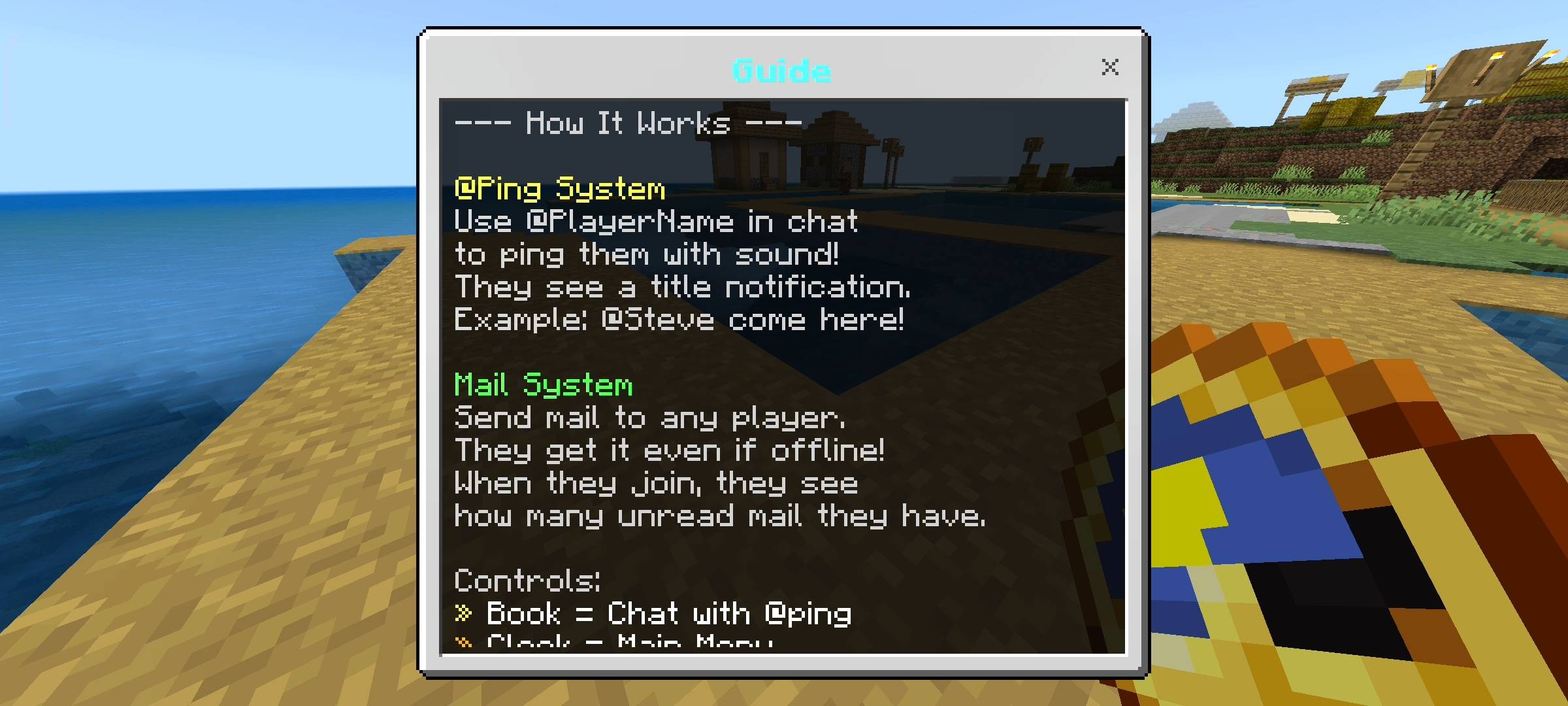
Whats up guys racing raftaar here back with another behavior pack. Today i am bringing you something that is incredibly useful if you play on multiplayer servers or realms with your friends. Communication in vanilla minecraft bedrock is honestly very basic and sometimes really annoying. If your friend is busy mining deep underground or fighting a huge horde of zombies they probably will not even look at the chat box in the corner of their screen. You can type their name ten times and they just ignore you. Also what happens if your friend is completely offline and you want to leave them a message for when they log back in tomorrow? You cant do that in vanilla. So i completely fixed these problems by creating the RR Ping and Mail addon. This pack adds a modern pinging system and a fully working offline mail inbox directly into your survival world without needing any commands.

The Advanced Ping System
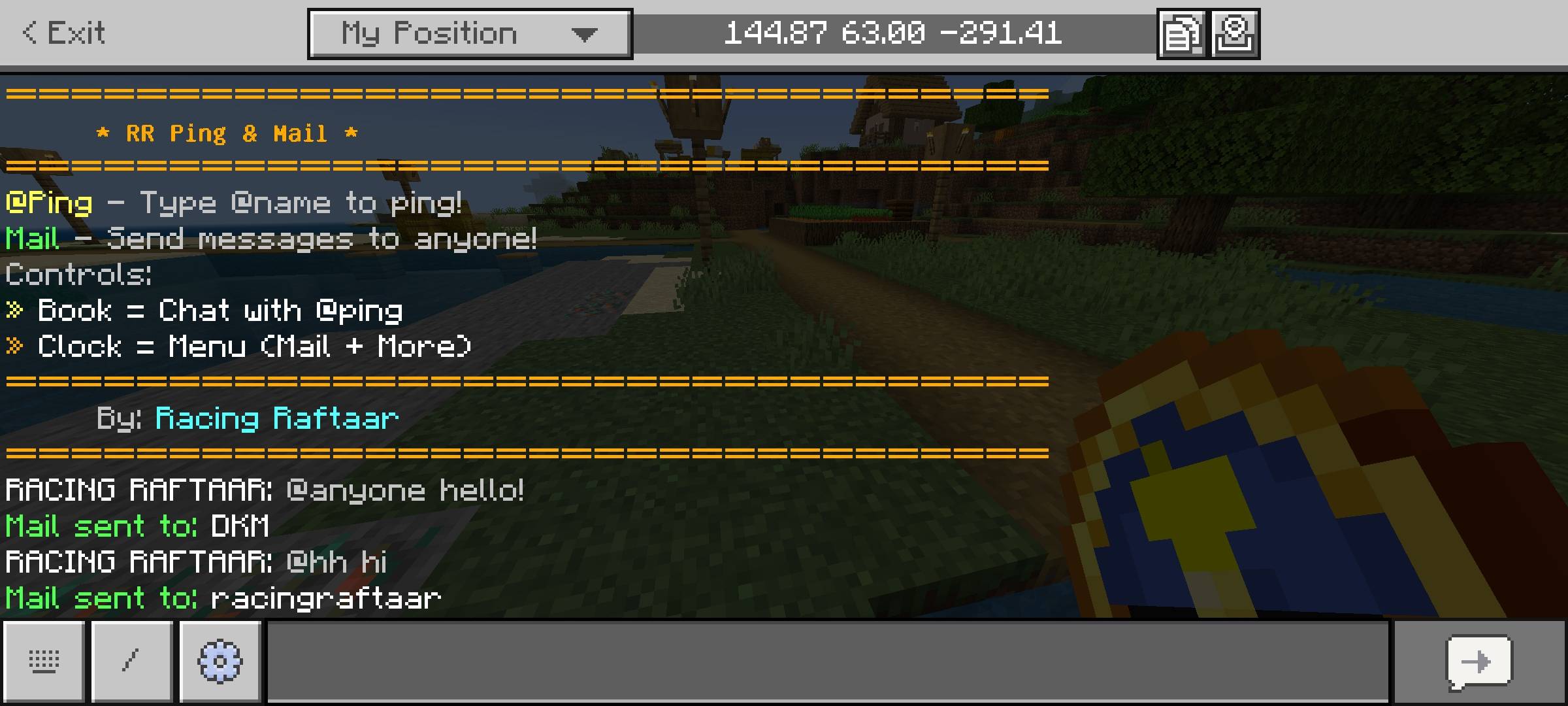
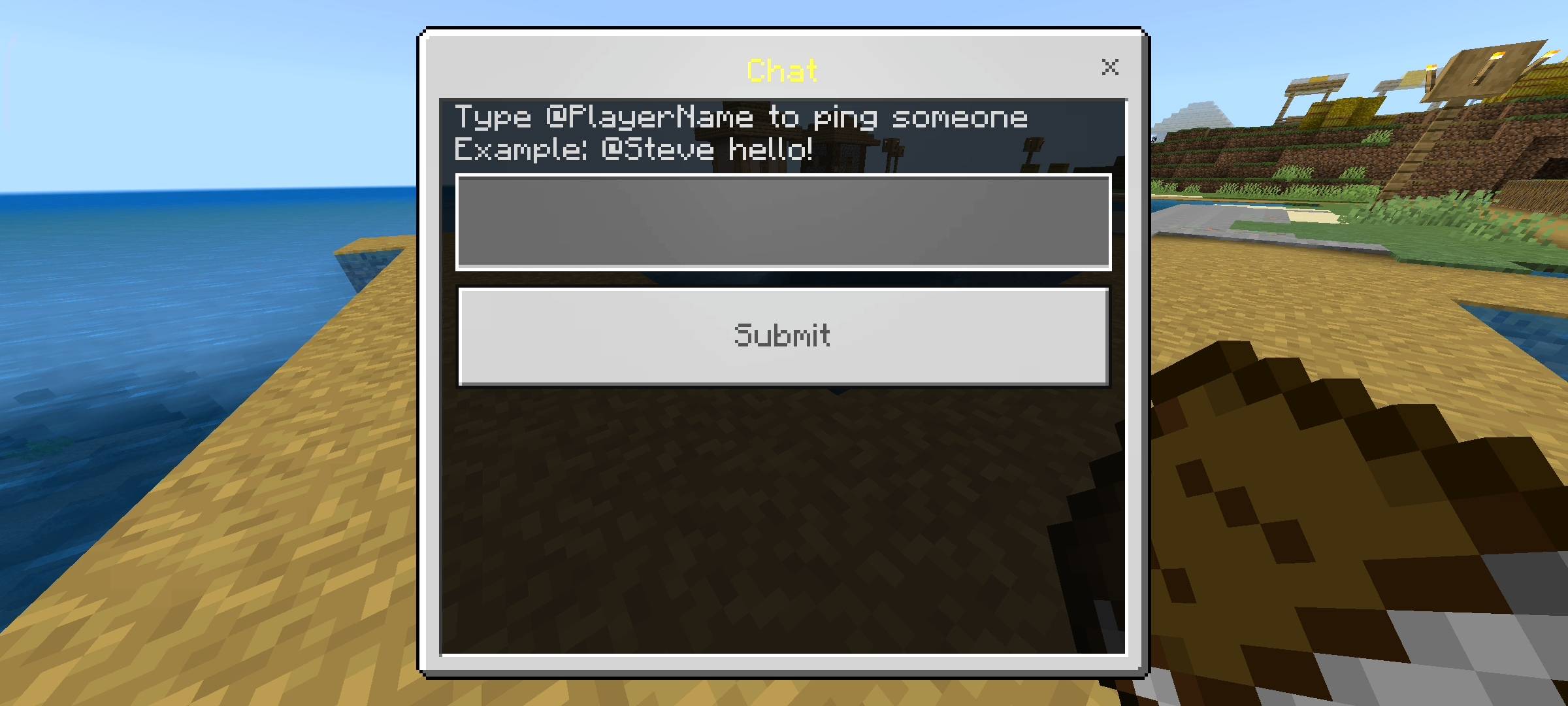
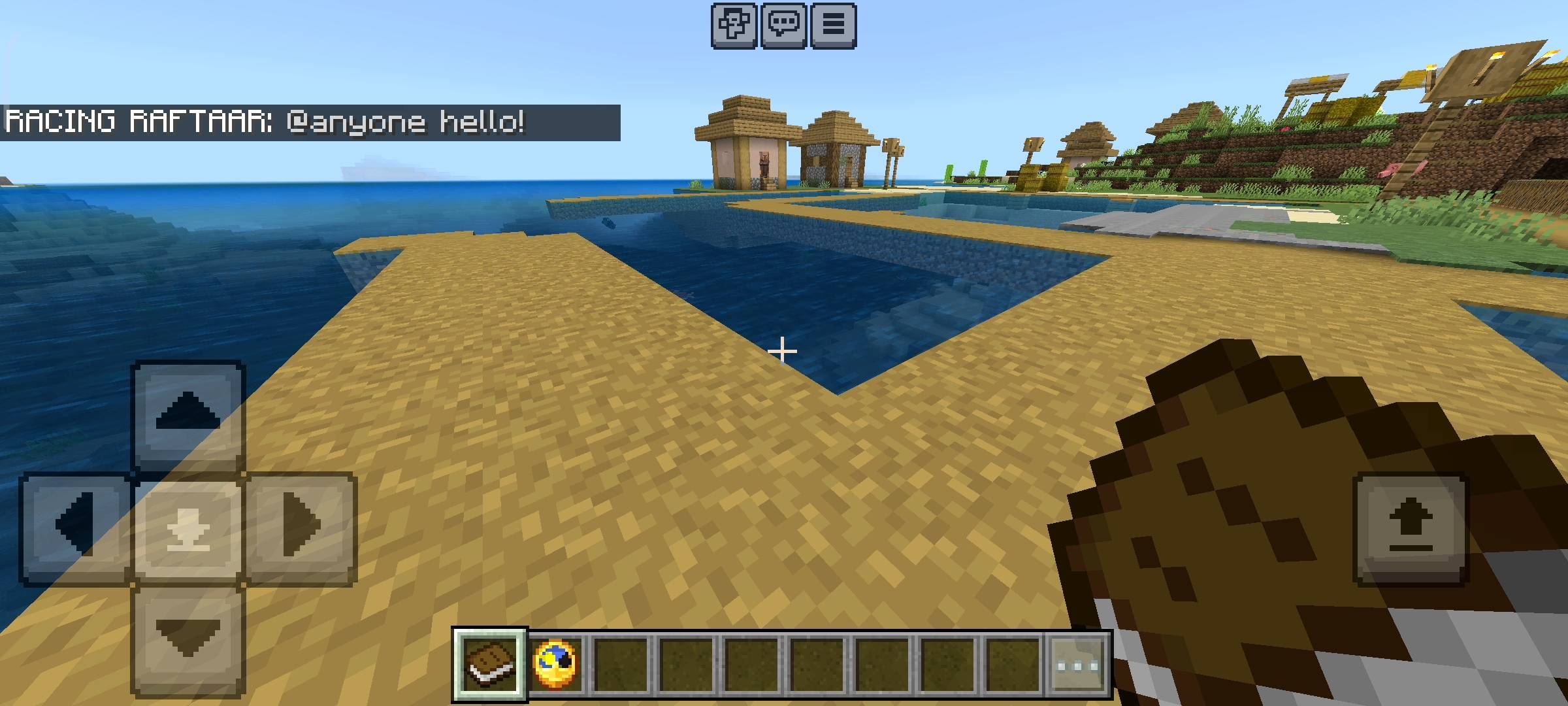
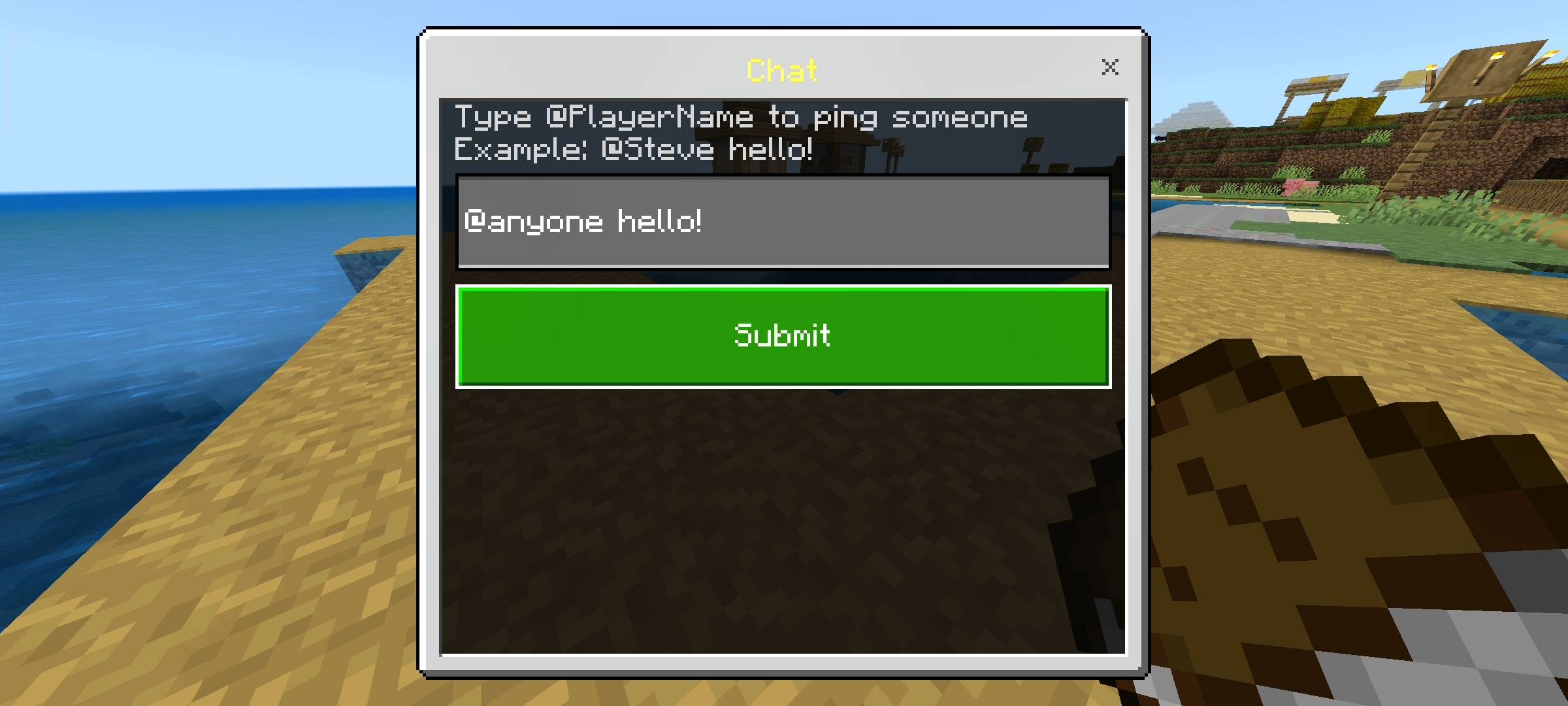
So let me explain the ping feature first. When you join the world you automatically get a special Book in your inventory. If you hold this book and sneak it opens a custom chat composer menu on your screen. In this menu if you type the @ symbol followed by your friends name like @Steve and send the message, the game actually detects it. It highlights their name in yellow in the chat so it stands out. But the best part is that it forces a loud sound to play directly to that specific player and a huge title pops up right in the middle of their screen saying that you pinged them. So even if they are distracted by building a house or fighting a boss they will immediately know that you are trying to talk to them. It is super useful for when you need everyone to sleep in a bed to skip the night.
The Offline Mail System
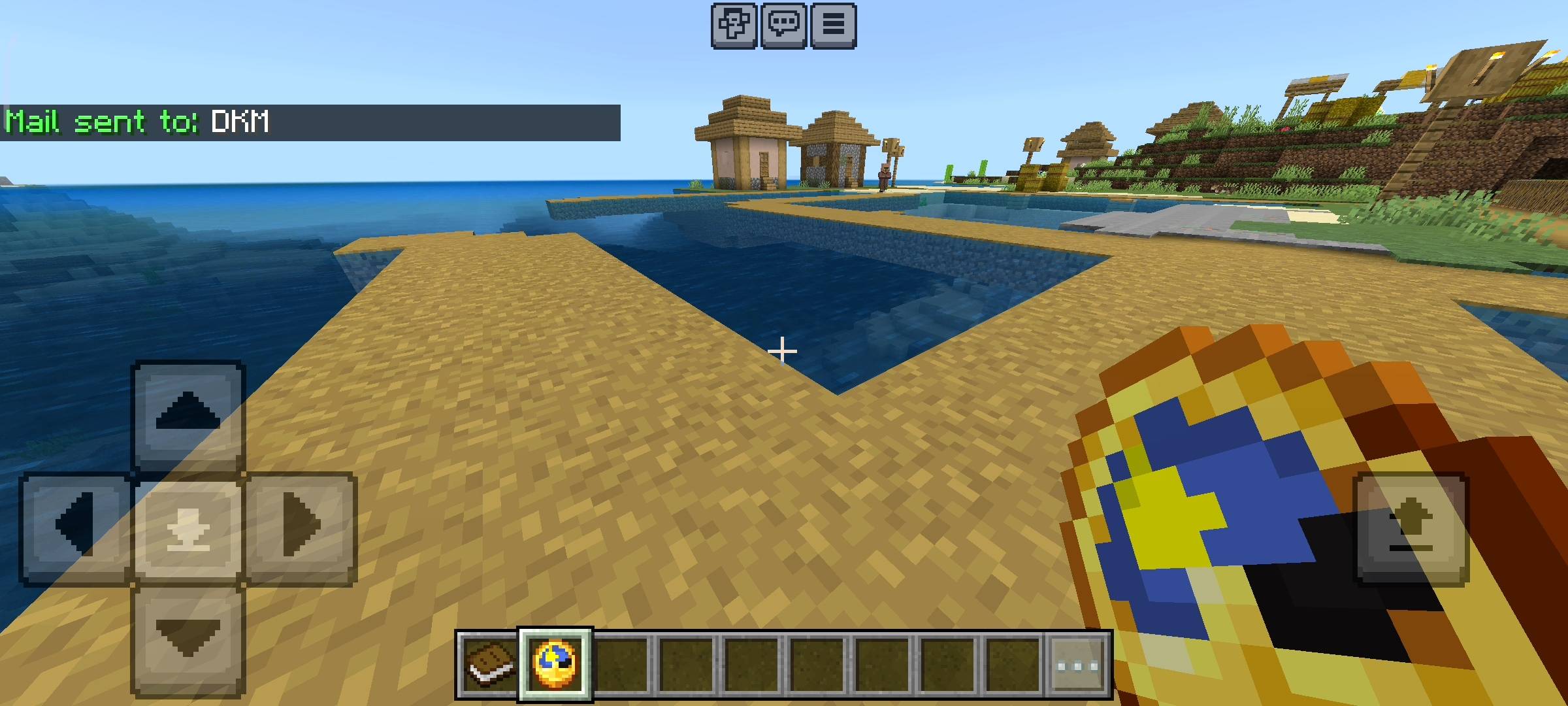
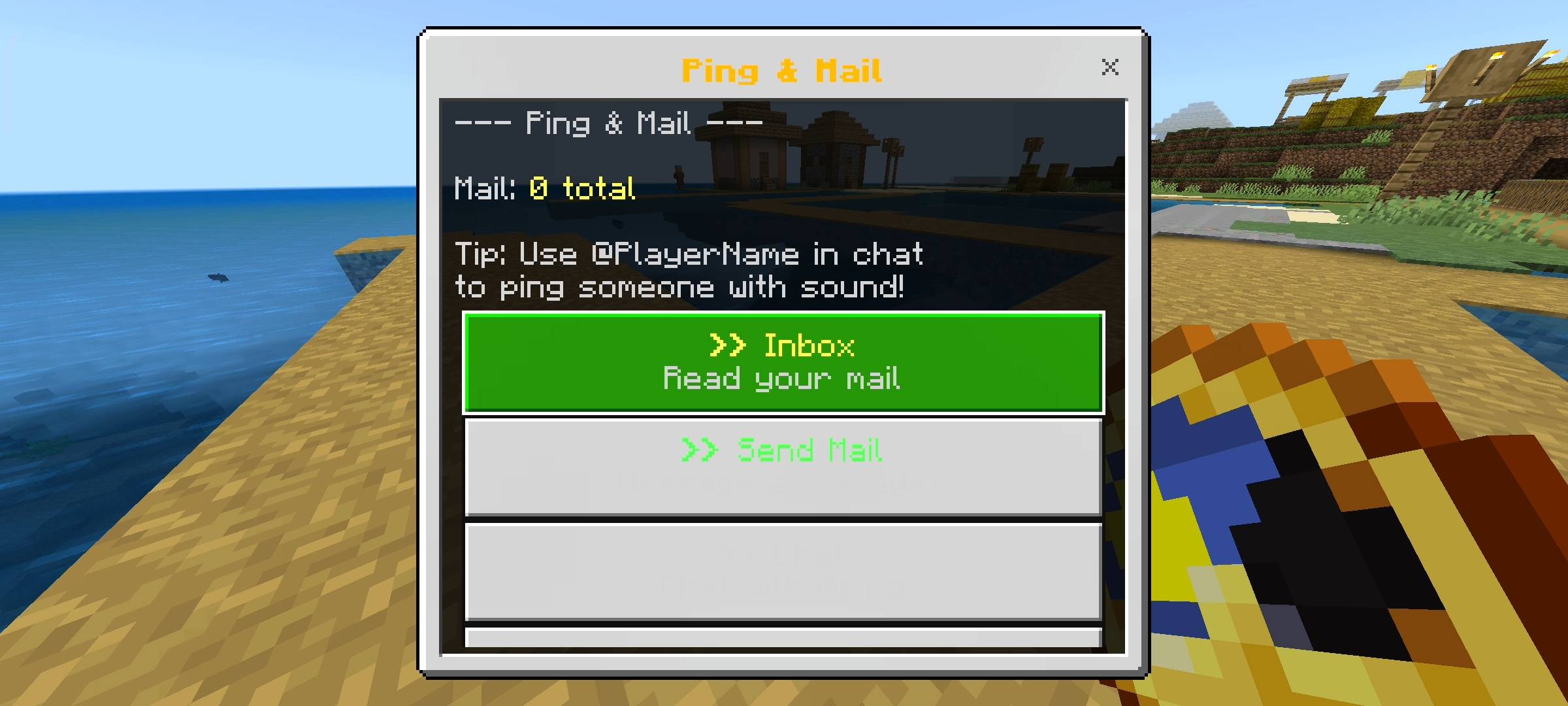
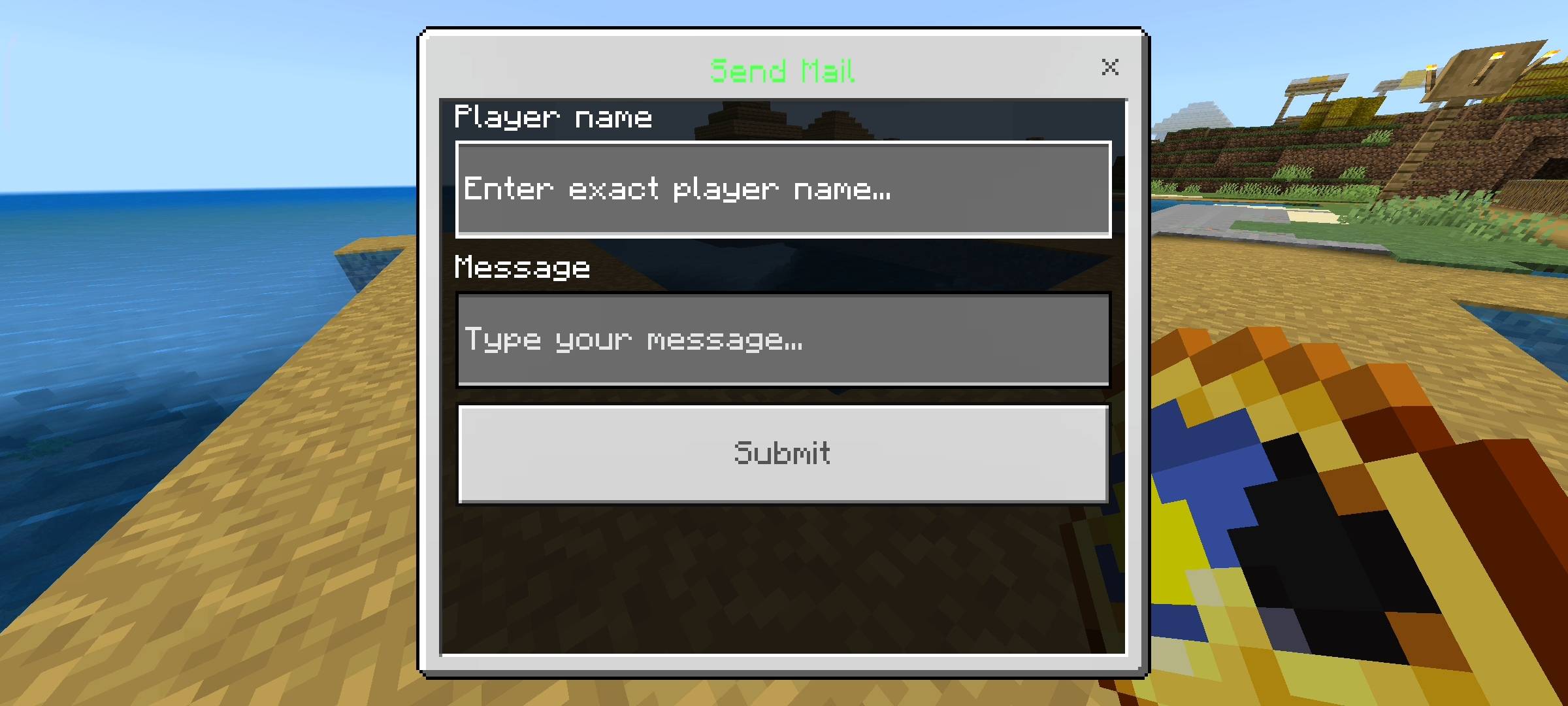
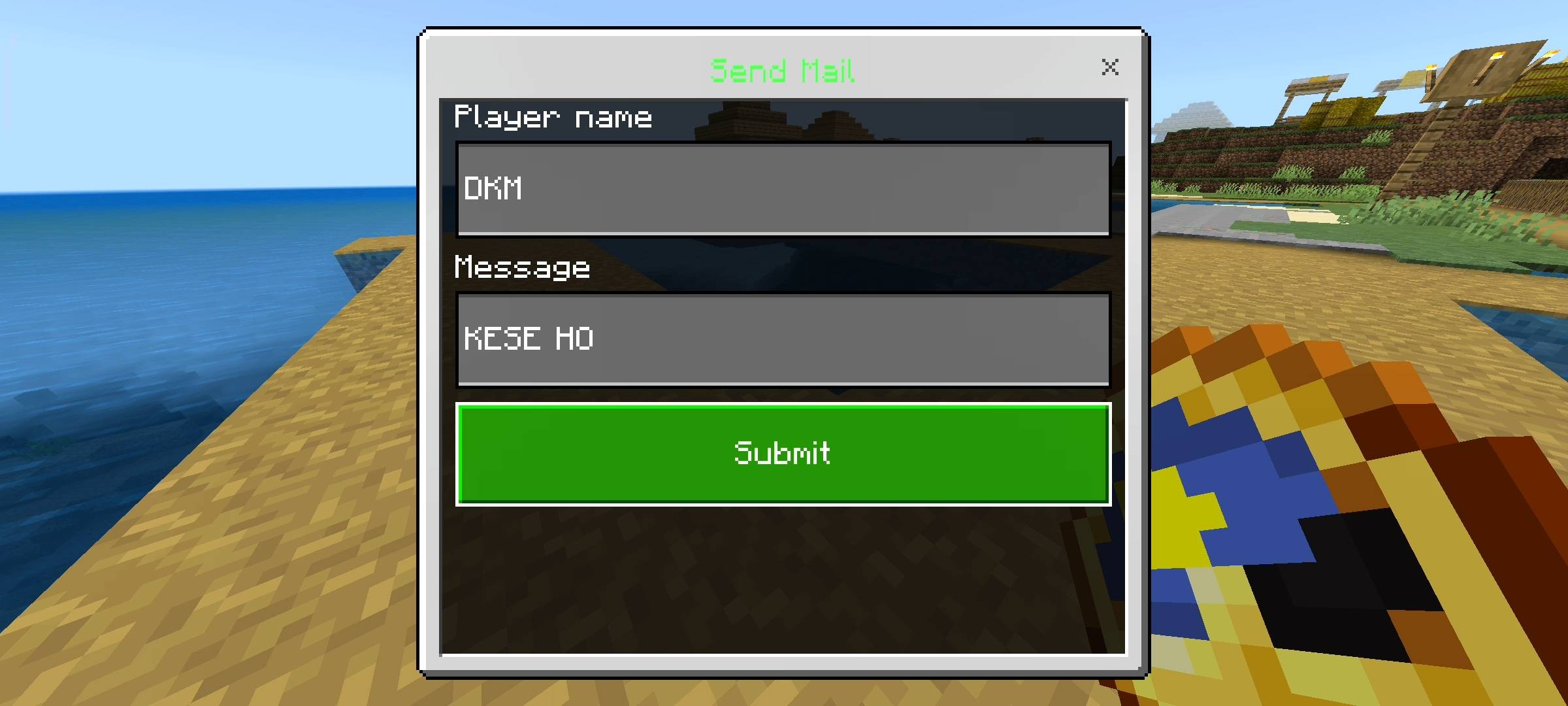
This is probably my favorite feature in the whole pack. If your friend is offline but you want to tell them something important like where you hid your secret base or that you borrowed some diamonds from their chest, you can just send them a mail. You also get a Clock item when you spawn. If you sneak with this clock it opens the main Mail menu. You click on send mail and type their exact username and your message. The game safely stores this message in the world data. The next day when your friend finally logs into the server, the moment they spawn in they will hear a notification sound and the chat will tell them they have unread mail waiting for them. It is literally like a real life email inbox inside minecraft.
User Interface and Managing Inbox
I made sure the menus are super clean and easy to read. When you open your inbox using the clock it shows you a list of all your messages. If a message is new it has a little red star next to it so you know it is unread. It even tells you exactly how long ago the message was sent like 5m ago or 2d ago. The inbox can hold up to 20 mails at a time per player. Once you read your mail you can click the mark all as read button to clear the red stars or just hit the delete all button if your inbox is getting too full. I put all of this into UI menus instead of chat commands because typing slash commands on a mobile phone or a console controller is extremely slow and annoying for players.

Perfect For SMPs And Realms
If you run a realm this pack is going to change how your community interacts. You dont need to set up confusing discord servers just to leave messages for people in different time zones. The entire communication system stays inside the game itself. And because it gives you the items automatically on your first join nobody has to learn any complicated setups. You just sneak and click and you are talking to your friends.
Beta APIs Setup
You already know the rules for my advanced packs. Because this addon uses dynamic properties to permanently and securely save all the offline mails for every single player and uses the custom UI menus for the inbox, you absolutely must turn on the Beta APIs experiment in your world settings.
If you dont toggle it on before you load the world the clock and book menus will not open and the mail will not save at all so please remember to do that.
AI Disclaimer
main cover picture and the screenshots in the gallery were enhanced using ai image generators. I use ai to make the curseforge page look very cinematic and nice.
RR Ping & Mail - Offline Messaging Team

Owner